


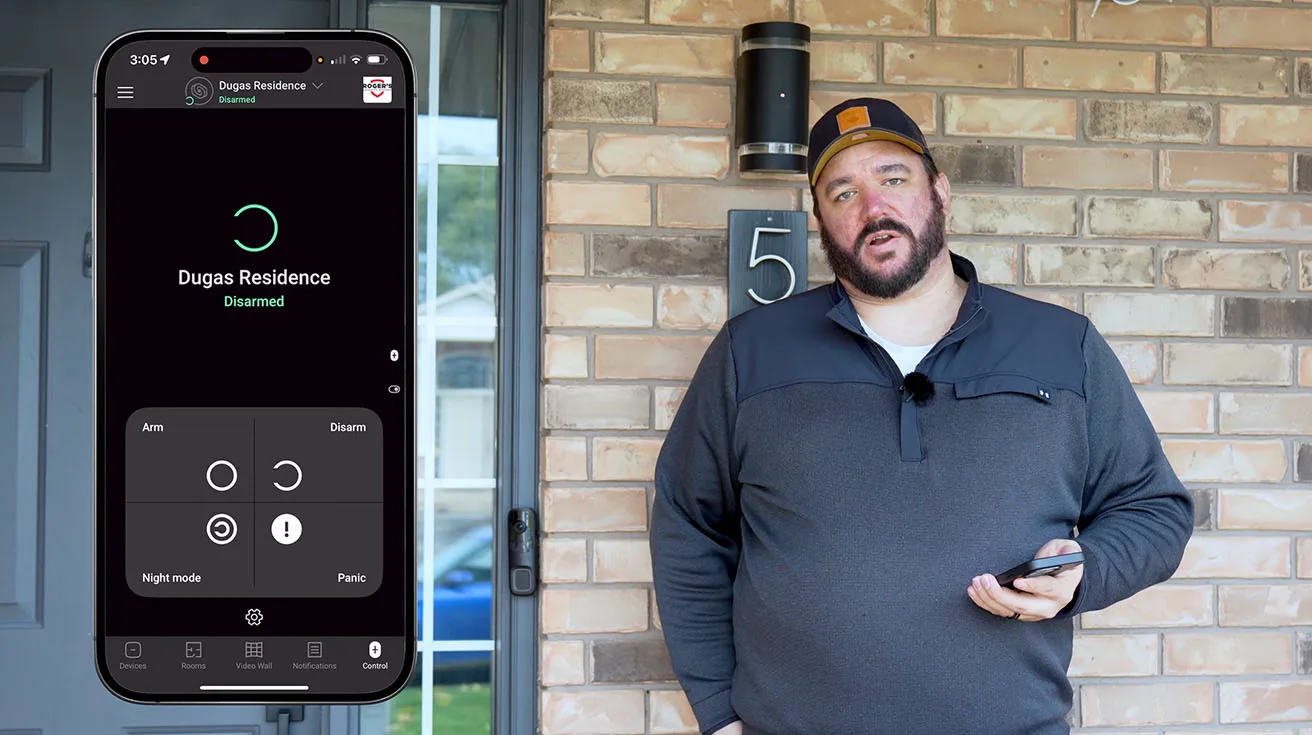
I'm Jack Dugas, a systems integrator with Roger’s Security Systems based in Toronto. Over the years, I've deployed hundreds of security solutions across residential and commercial properties, and I've worked extensively with Ajax Systems products – a platform I genuinely respect for its reliability, ease of installation, and intelligent design.
In this article, I'll walk you through a real Ajax AI Video DoorBell installation that we completed on a new residential project. This isn't a studio demonstration or a controlled lab environment – this is actual fieldwork, filmed over two days on site, showing every meaningful step from unboxing to final configuration.
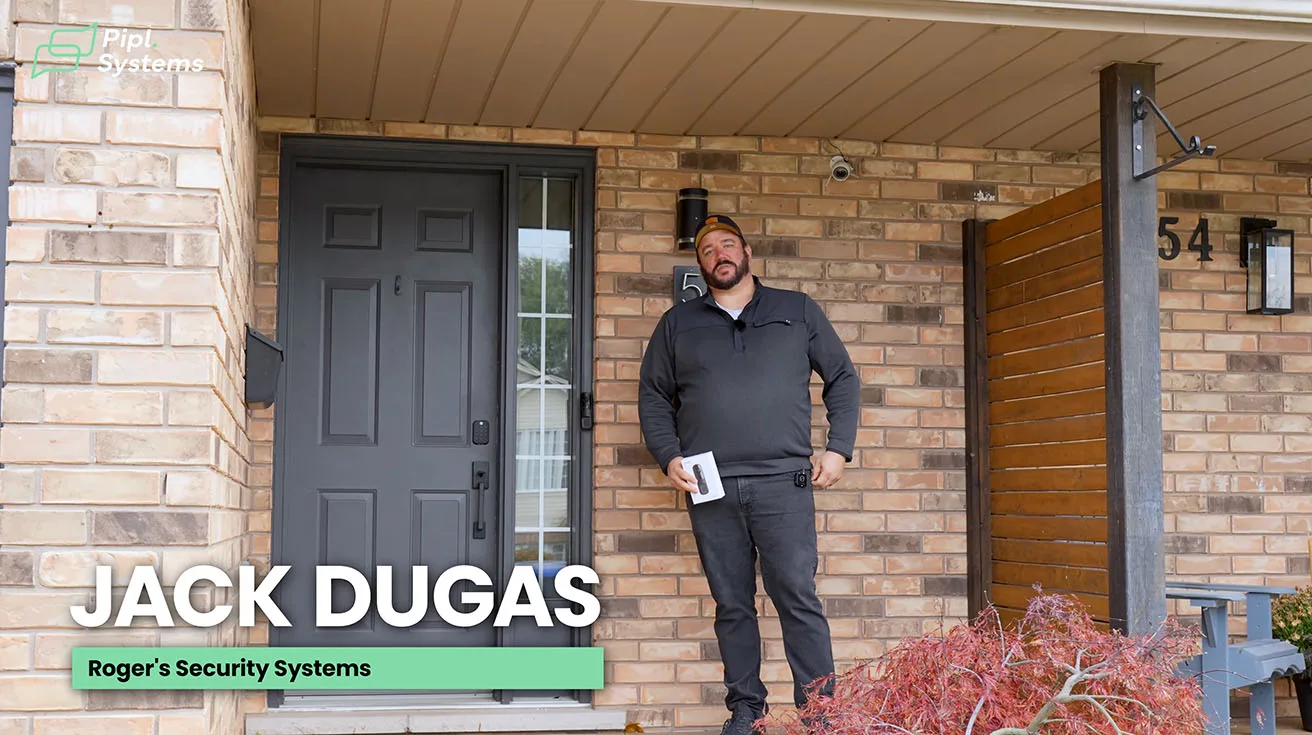
Whether you're a fellow integrator evaluating Ajax for your next project, a security director responsible for residential or multi-site deployments, or a homeowner researching smart security options, this walkthrough will give you a clear, honest view of what the Ajax AI Video DoorBell can do – and how it performs in real-world conditions.
Project Context and Residential Site Overview
This deployment is part of a comprehensive Ajax security system we installed at a residential property in Toronto. The system includes:
- Ajax Hub 2 Plus (the central control panel)
- Ajax NVR
- Ajax MotionProtect motion detectors
- Ajax DoorProtect door/window sensors
- Ajax AI Video DoorBell (the focus of this review)
The property owner wanted a modern, integrated security solution that could be monitored and controlled remotely via mobile app, with intelligent video verification and two-way communication at the front door. Ajax was a natural choice given its wireless architecture, ease of expansion, and professional-grade reliability.
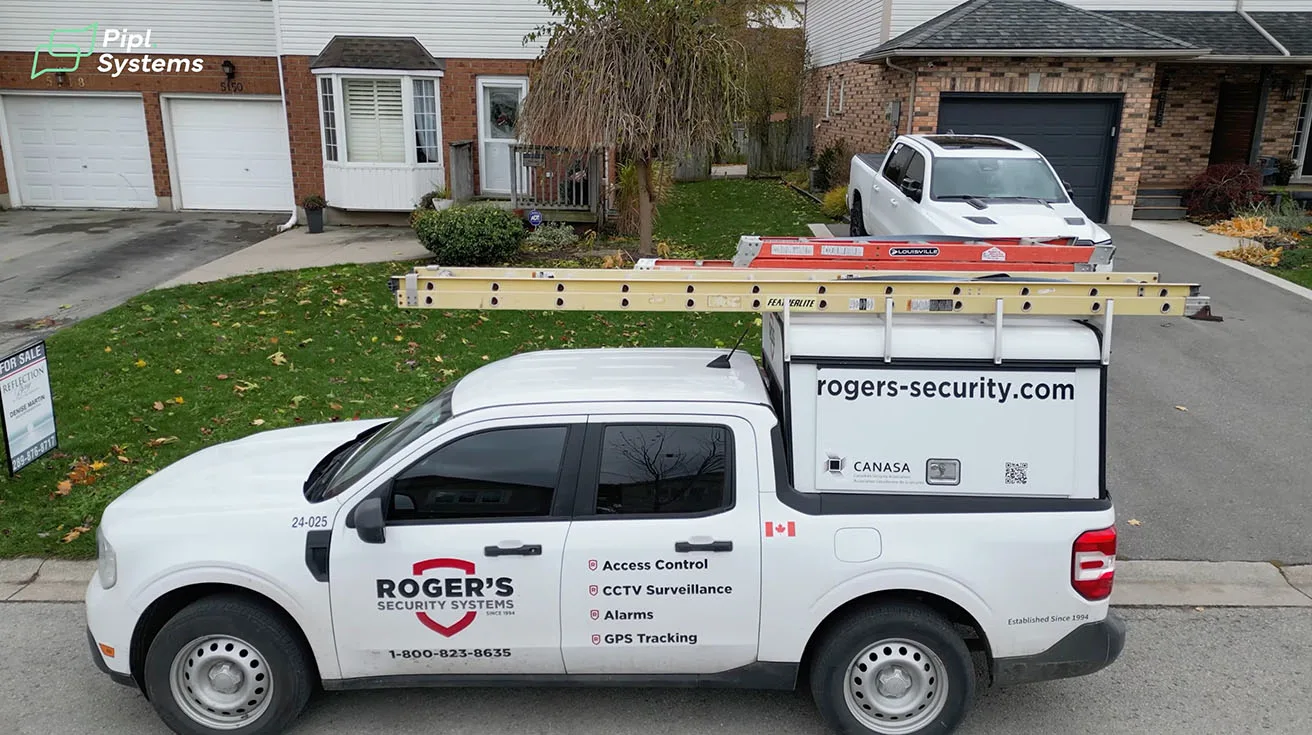
For context on how Ajax scales from residential to large commercial environments, you might find it helpful to review our warehouse alarm installation case study in Toronto, which demonstrates Ajax's versatility across very different deployment scenarios.
Collaboration Behind This Installation: A Word from Pipl Systems
This installation and the video walkthrough you've seen are the result of a collaboration between Roger's Security Systems and Pipl Systems, a media platform dedicated to sharing real-world security expertise with the industry.
Oleg Bordiian, founder of Pipl Systems, spent two days on site with our team, filming every step of this installation. In a LinkedIn post reflecting on the project, Oleg shared:
"Over the past two days, I filmed Jack Dugas and the Rogers Security Systems team as they installed an Ajax Systems security setup on a new residential project. The camera barely left my hands because we wanted to capture every meaningful detail. By the end of the second day, we had recorded more than one hundred gigabytes of footage showing each installation step, every device, and every practical insight that can be valuable to security professionals as well as homeowners and business owners considering their own security system.
To be honest, these are the projects I enjoy the most. This video is not filmed in an office or a controlled studio environment. It is filmed with people who work every day on real installations. Jack is exactly the kind of professional you can confidently call a real engineer. He has completed many installations across residential and commercial environments, and he understands what truly matters on site, what is practical for installers, and what clients appreciate."
I appreciate Oleg's commitment to documenting real installations rather than staged demonstrations. The security industry benefits when practitioners share honest, detailed insights – not just polished marketing content.
This collaboration also gave me the opportunity to showcase the practical side of Ajax's technology and to demonstrate how a well-designed system performs in the hands of an experienced integrator.
Existing Ajax Security Ecosystem on Site
By the time we focus on the front door, a substantial part of the Ajax system is already running. The property uses Ajax Hub 2 Plus as the central panel. This hub coordinates more than thirty devices across the site, including motion detectors, door contacts, indoor and outdoor sirens, and several cameras connected through an Ajax 8-channel NVR.


1 / 5
The Ajax NVR gives the owner local video recording without relying only on cloud storage. It also allows you to bring camera feeds and the new doorbell into a single video timeline, which is important if you ever need to review an incident.
In this context, the Ajax AI Video Doorbell is not a standalone gadget. It becomes another addressable device inside the Ajax ecosystem, with the same logic for arming, events, users, and scenarios that installers already use for intrusion detectors.
Why Upgrade the Doorbell on This Property
At the entrance, the house already has a Ring video doorbell that has been doing the basic job for some time. From a functional point of view, replacing it with an Ajax video doorbell serves three clear goals:
- Bring the front door into the same app and event log as the rest of the Ajax security system, instead of using a separate vendor app.
- Use AI-based detection that can distinguish between a person, a vehicle, a pet, and general motion, then tie that logic to the alarm modes of the property.
- Integrate the doorbell with other Ajax devices, such as sirens and the mechanical door chime, so the entire entrance behaves as one system.
From the owner’s perspective, the priorities are straightforward: reliable notifications when someone actually approaches the entrance, fewer false alerts from people on the sidewalk, and the ability to manage both viewing and access from a single interface.

For me, the doorbell has to respect existing wiring, work within North American low-voltage standards, and enroll into Ajax Hub 2 Plus with no friction. If any of these parts fail, the product may look promising on paper, but will not make it into regular use.
Working through this installation, it becomes clear that Ajax AI Video Doorbell is most effective when you treat it as a node in the Ajax security ecosystem, not as a separate consumer gadget. The rest of this walkthrough tests how well it holds that position on a real site.
Unboxing the Ajax Security Stack and Doorbell Hardware
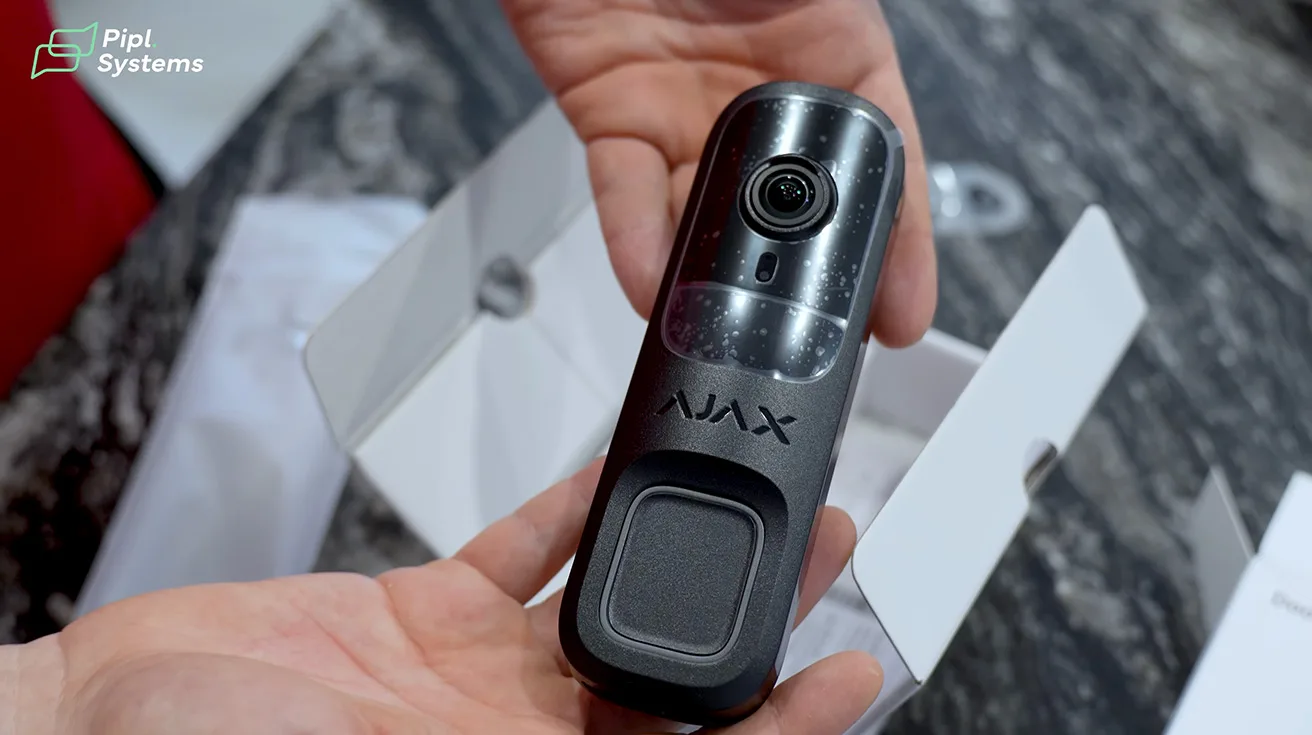
Before heading to the site, we prepared all the equipment at our shop. The Ajax AI Video DoorBell arrives in a compact, well-protected package that includes:
- The DoorBell unit itself (IP54-rated, designed for outdoor use)
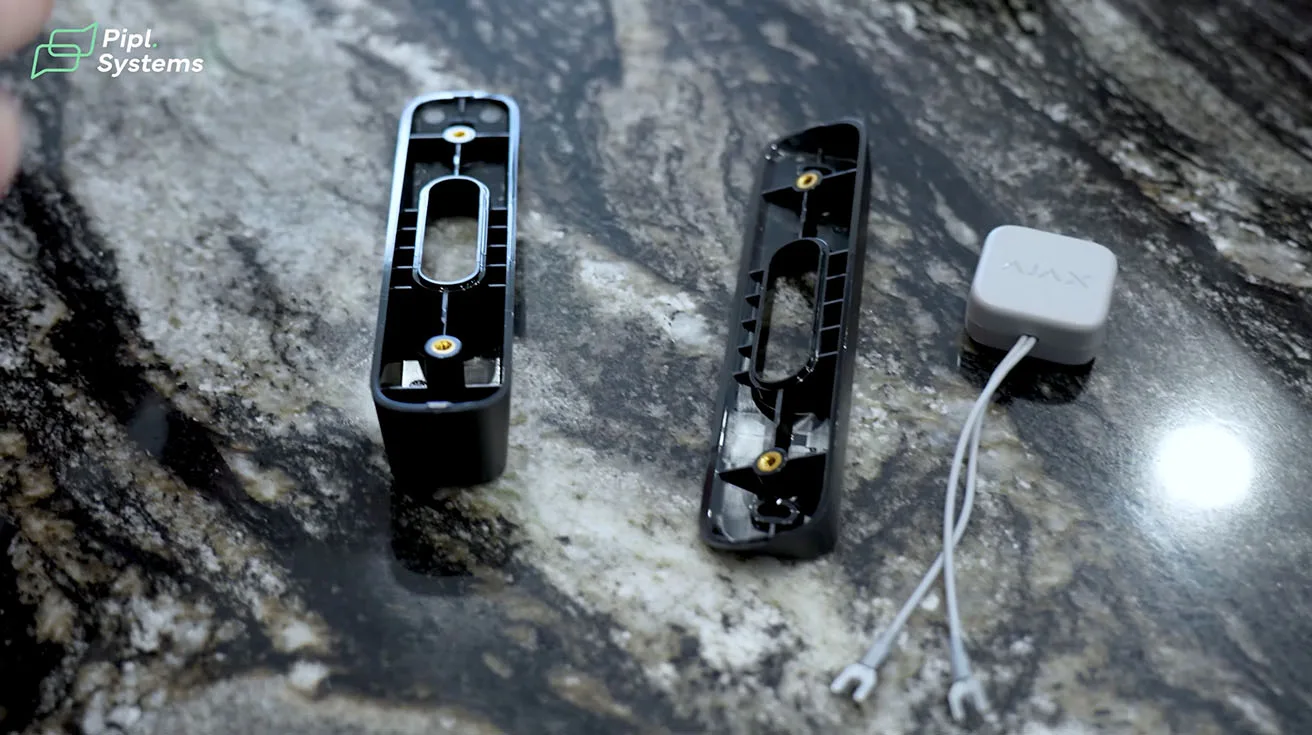
- Mounting bracket and screws
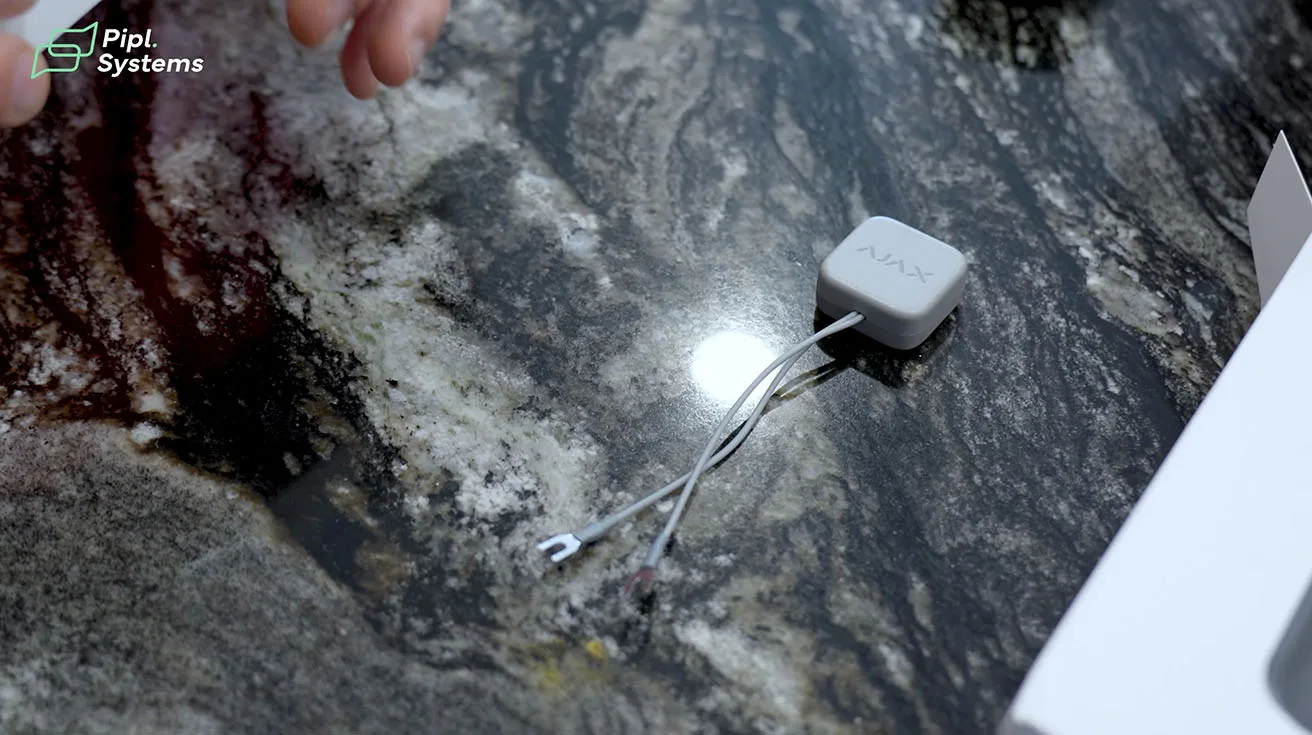
- Chime module (connects to indoor power outlet)
- Quick start guide and QR code for app pairing
- Wiring accessories
One of the things I appreciate about Ajax packaging is that everything you need for a standard installation is included. There's no hunting for compatible chimes or proprietary mounting hardware – it's all there, clearly labeled.


1 / 4
The DoorBell unit feels solid. It's not a lightweight plastic consumer gadget; it has the build quality you'd expect from a professional security device. The camera lens is protected, the button has a satisfying tactile response, and the tamper protection is integrated into the mounting design.
We also unpacked the Ajax Hub 2 Plus and the additional sensors for this project. If you're new to Ajax or considering your first Hub deployment, I recommend checking out this tutorial on changing the backup battery in the Ajax Hub 2 Plus – it's a simple maintenance task, but understanding the Hub's internal design helps you troubleshoot more confidently in the field.
Removing the Legacy Doorbell and Mounting the Ajax Unit
The property had an existing wired doorbell – a standard mechanical chime setup that had been in place for years. Our first task was to safely remove the old unit and prepare the mounting surface for the Ajax DoorBell.
Step 1: Power Down and Remove the Existing Doorbell
I always start by cutting power to the doorbell circuit at the breaker panel. Even though doorbell transformers are typically low voltage (16–24V AC), it's good practice to work safely and avoid any risk of shorts or accidental triggers during removal.
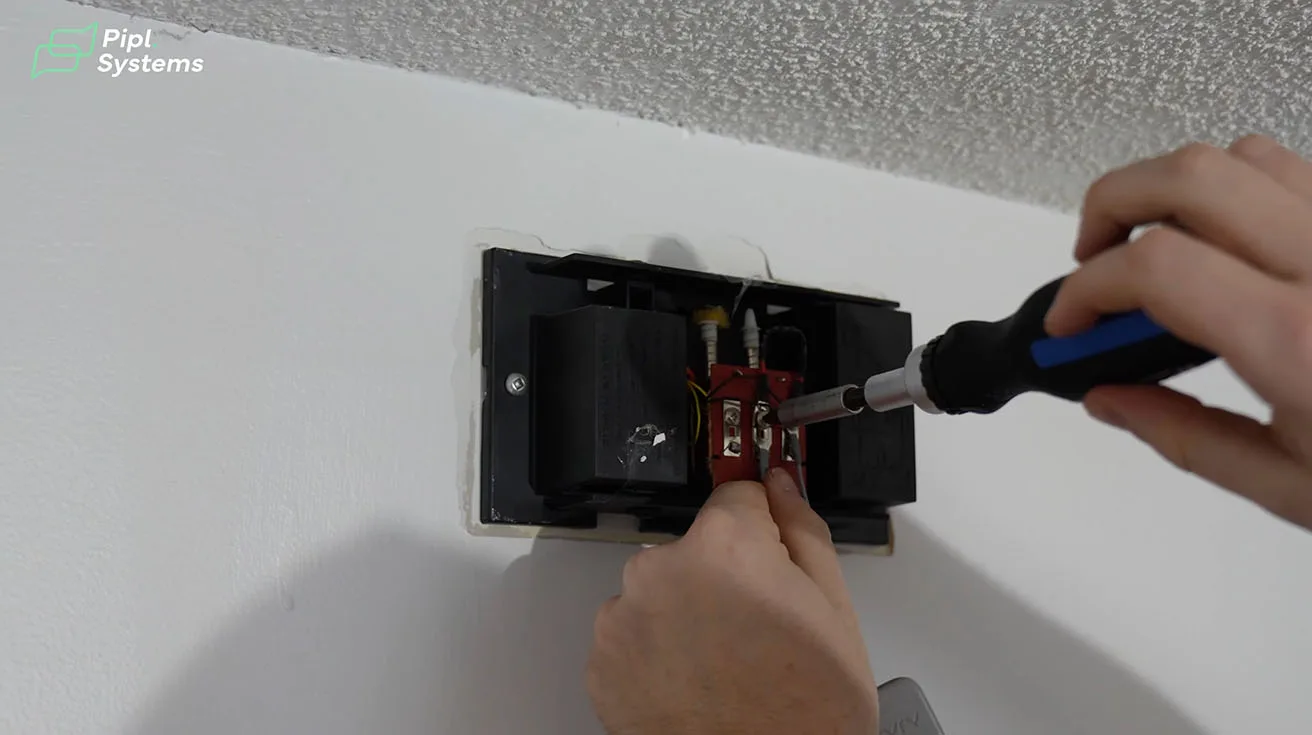
Once powered down, I carefully removed the old doorbell button from the exterior wall. In this case, it was mounted with two screws into the wood trim. The wiring behind it was straightforward – two wires connected to the doorbell terminals.
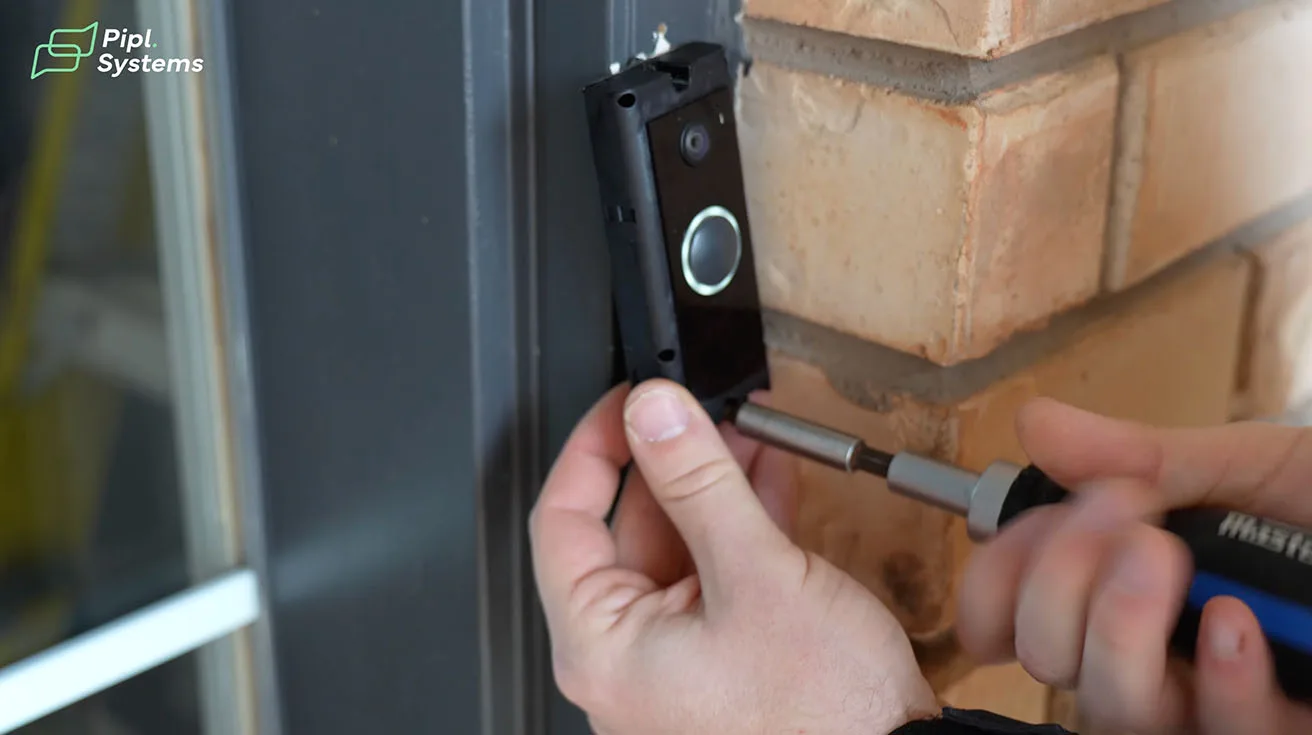
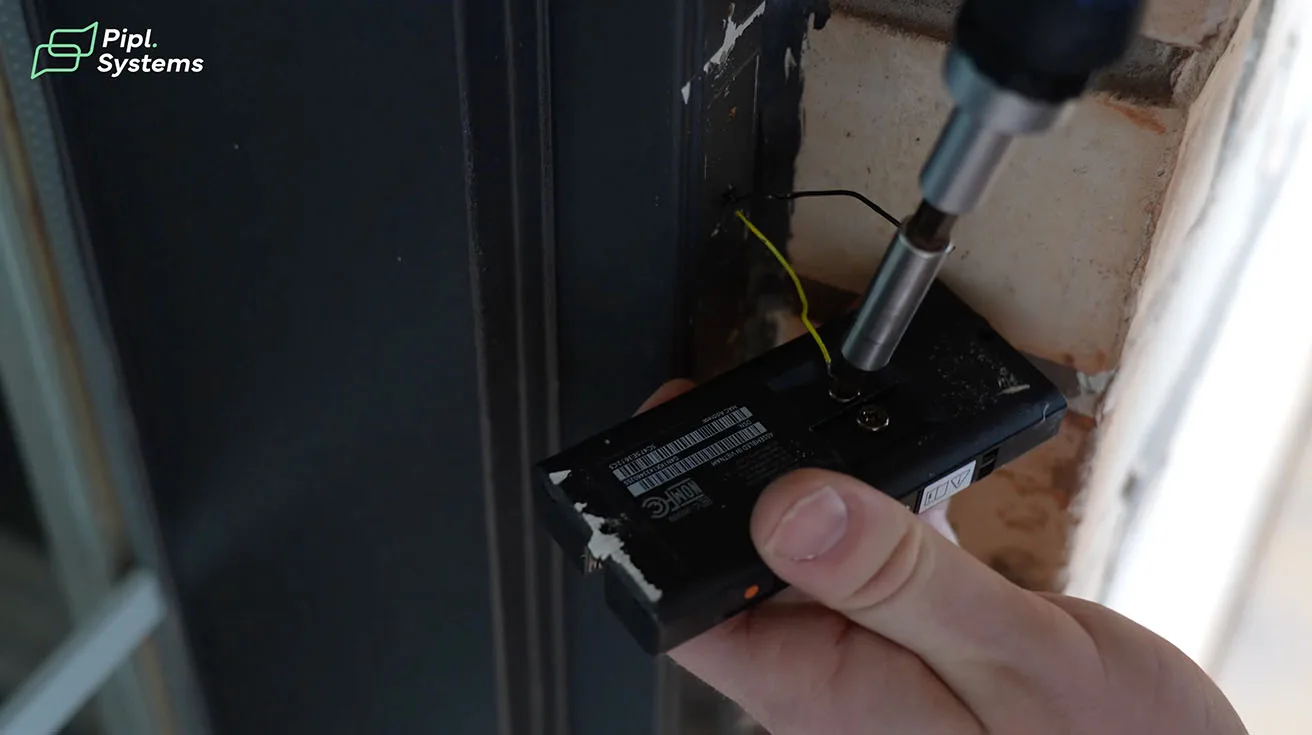

1 / 3
Step 2: Assess the Wiring and Mounting Surface
The Ajax AI Video DoorBell can work with existing doorbell wiring (16–24V AC transformer) or operate on its internal battery if no wiring is available. In this installation, we had usable wiring, so we opted to connect it to provide continuous power and eliminate the need for periodic battery charging.
I checked the wire gauge and condition – both were fine. The mounting surface was clean wood trim, which is ideal. If you're installing on brick, stucco, or metal surfaces, you may need different anchors or mounting solutions, but Ajax's bracket design is flexible enough to accommodate most scenarios.
Step 3: Install the Mounting Bracket
The Ajax DoorBell uses a two-piece mounting system: a bracket that attaches to the wall, and the DoorBell unit that locks onto the bracket with a security screw. This design offers two benefits:
- Easier alignment and leveling during installation
- Tamper resistance – the unit can't be pulled off without removing the security screw
I attached the bracket to the wall, ensuring it was level using a small bubble level. Proper alignment matters here, because the camera's field of view is designed with a specific vertical and horizontal angle in mind. If the DoorBell is tilted, you may end up with awkward framing – either too much ground or too much sky in the image.


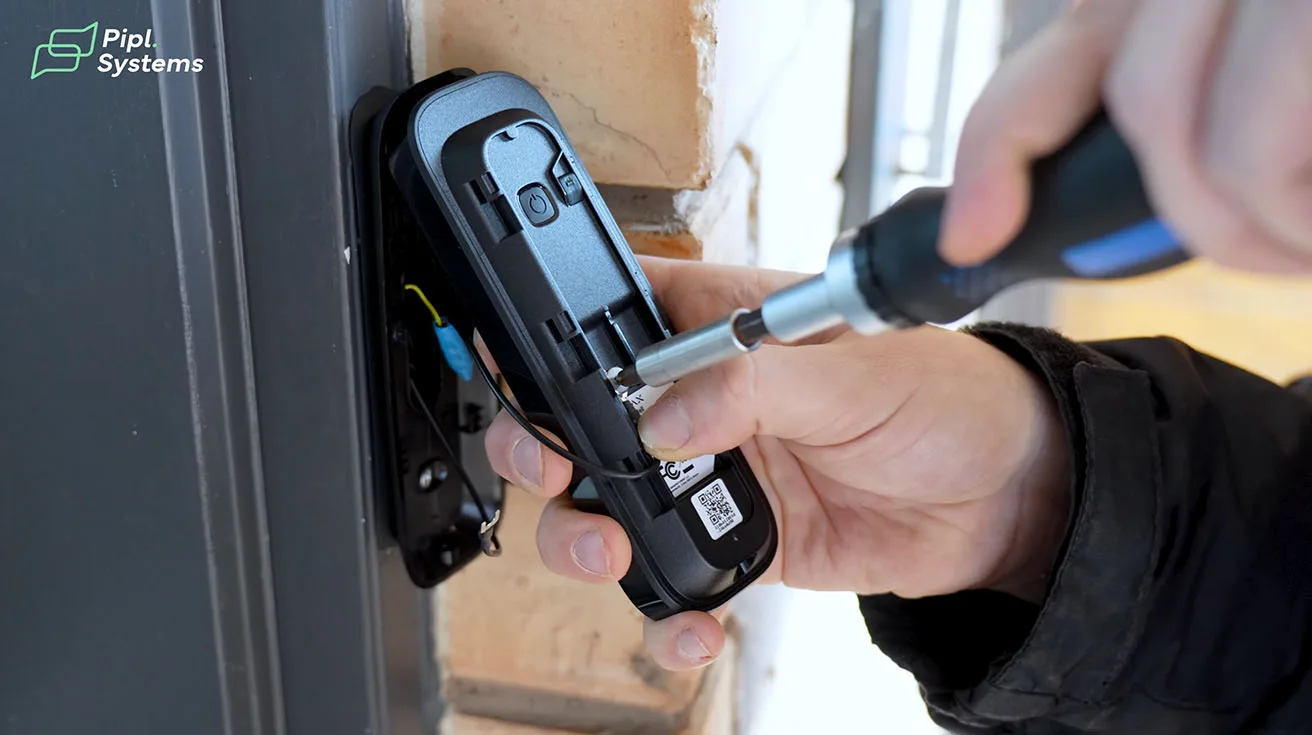


1 / 5
Step 4: Connect the Wiring and Mount the DoorBell Unit
I connected the two wires from the existing doorbell circuit to the Ajax DoorBell's terminals. Polarity doesn't matter for AC doorbell wiring, which simplifies the process. After securing the connections, I carefully positioned the DoorBell unit onto the mounting bracket and fastened it with the provided security screw.
At this point, the physical installation was complete. Now it was time to bring the DoorBell online and integrate it into the Ajax system.
Enrolling the Ajax AI Video Doorbell into Hub 2 Plus
One of Ajax's standout features is how easy it is to add new devices to the system. Everything is managed through the Ajax mobile app (available for iOS and Android), and the pairing process is fast and intuitive.
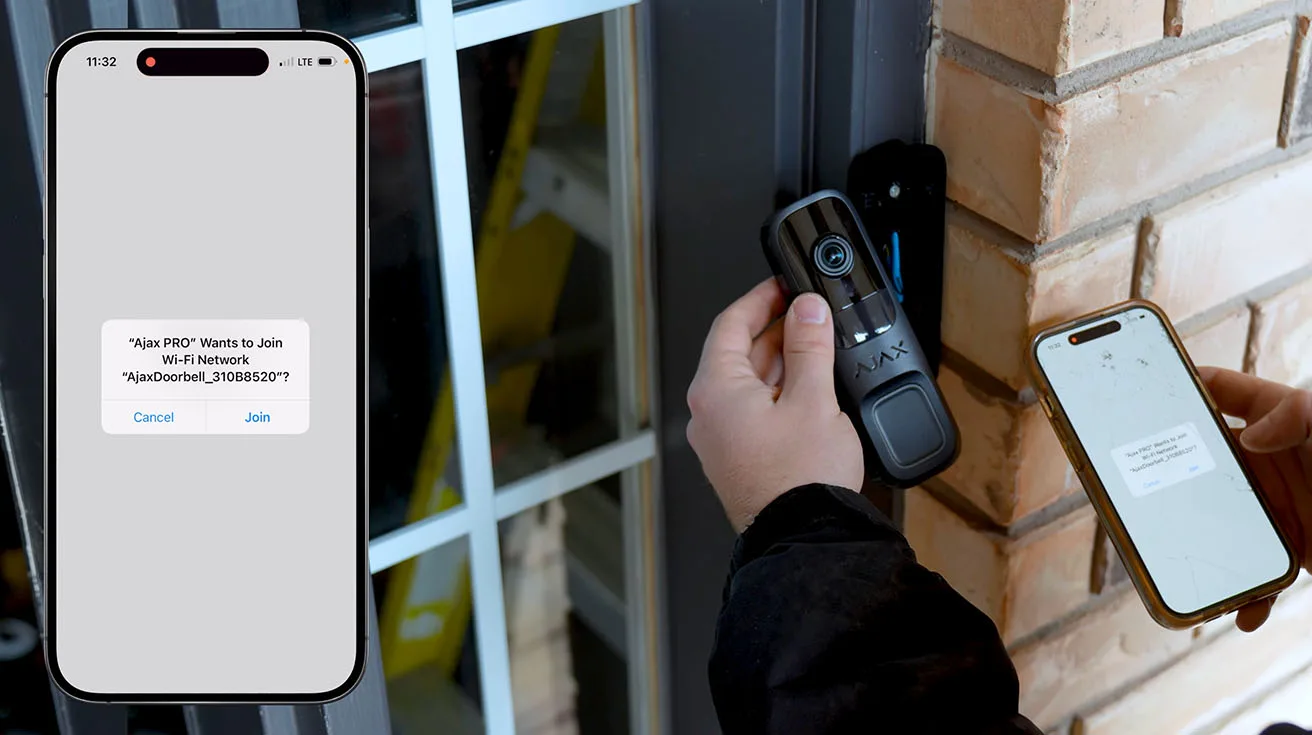
Step 1: Open the Ajax Pro App
I use the Ajax Pro app for professional installations. It offers additional configuration options and system diagnostics that aren't available in the standard user app. If you're an integrator or technician, I highly recommend getting familiar with the Pro app – it saves time and gives you better visibility into system health.
For those interested in expanding their Ajax ecosystem with complementary devices, our guide on integrating Yale smart locks with Ajax systems walks through how to unify access control and alarm functionality under a single platform – a common request from residential clients who want seamless smart home integration.
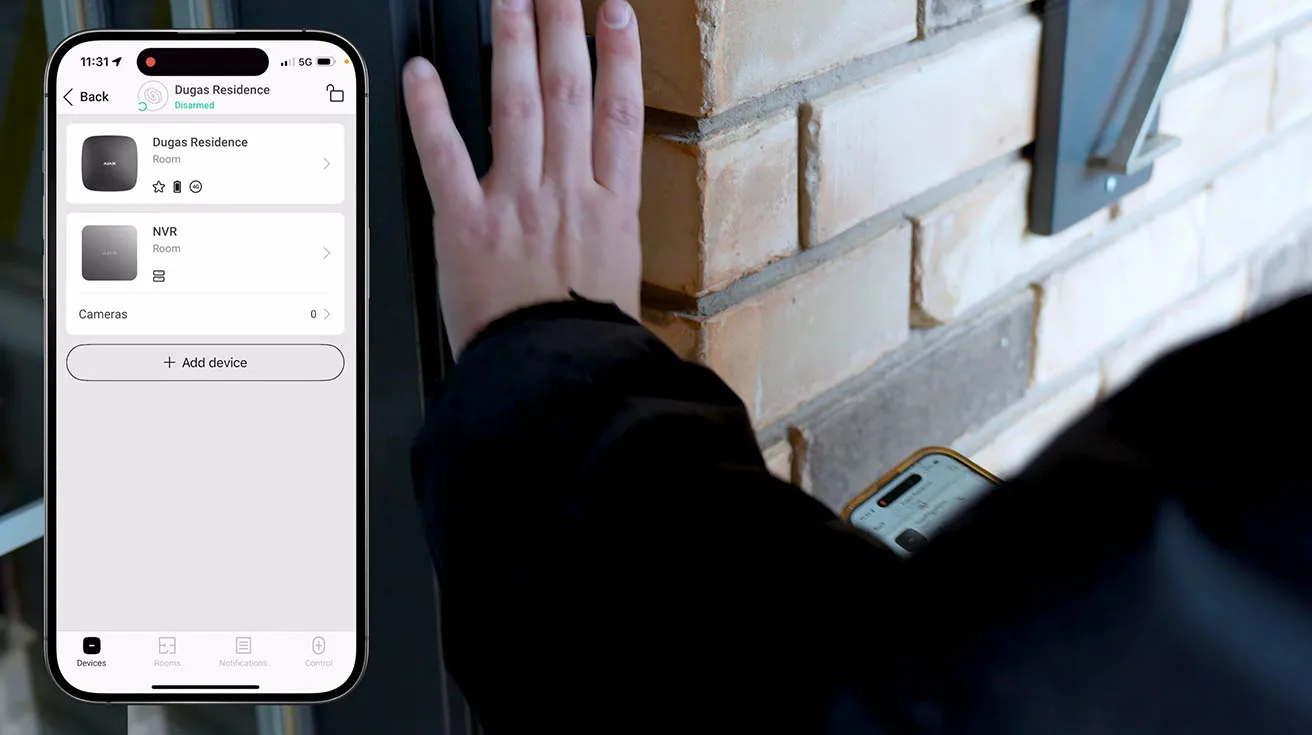


1 / 8
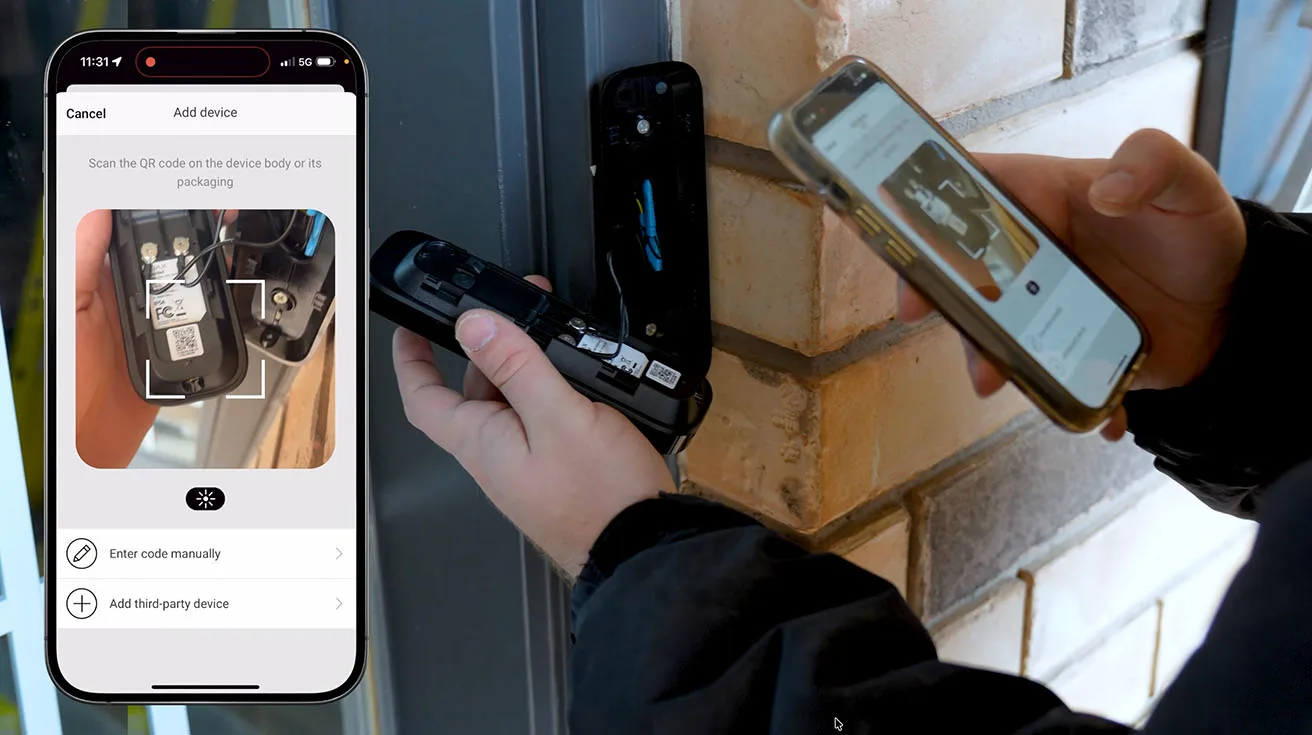
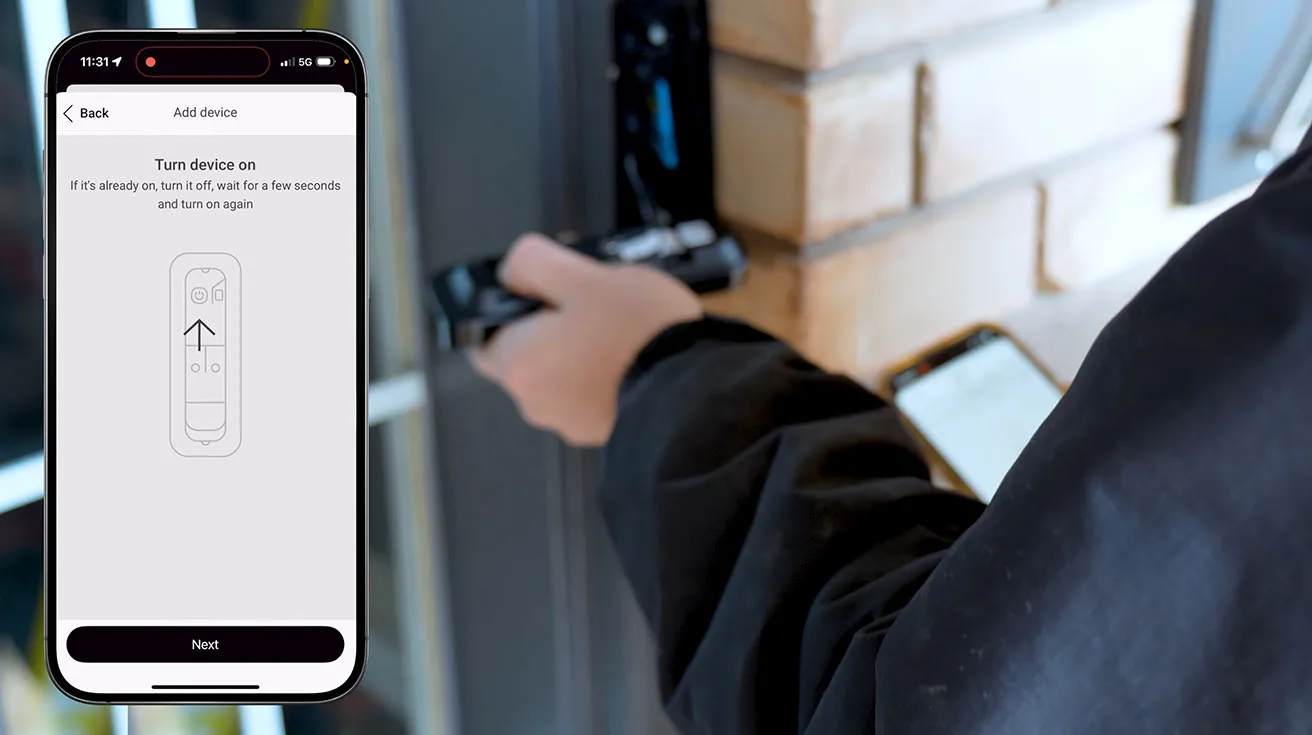
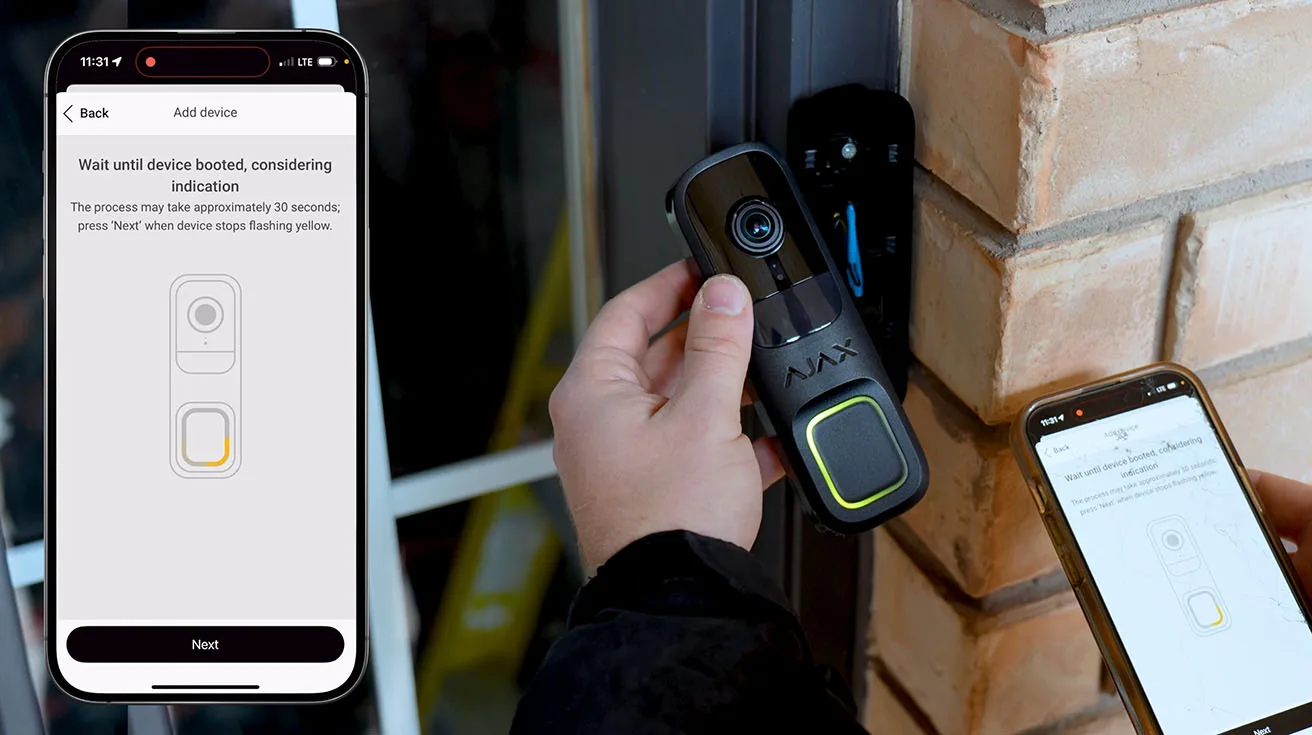
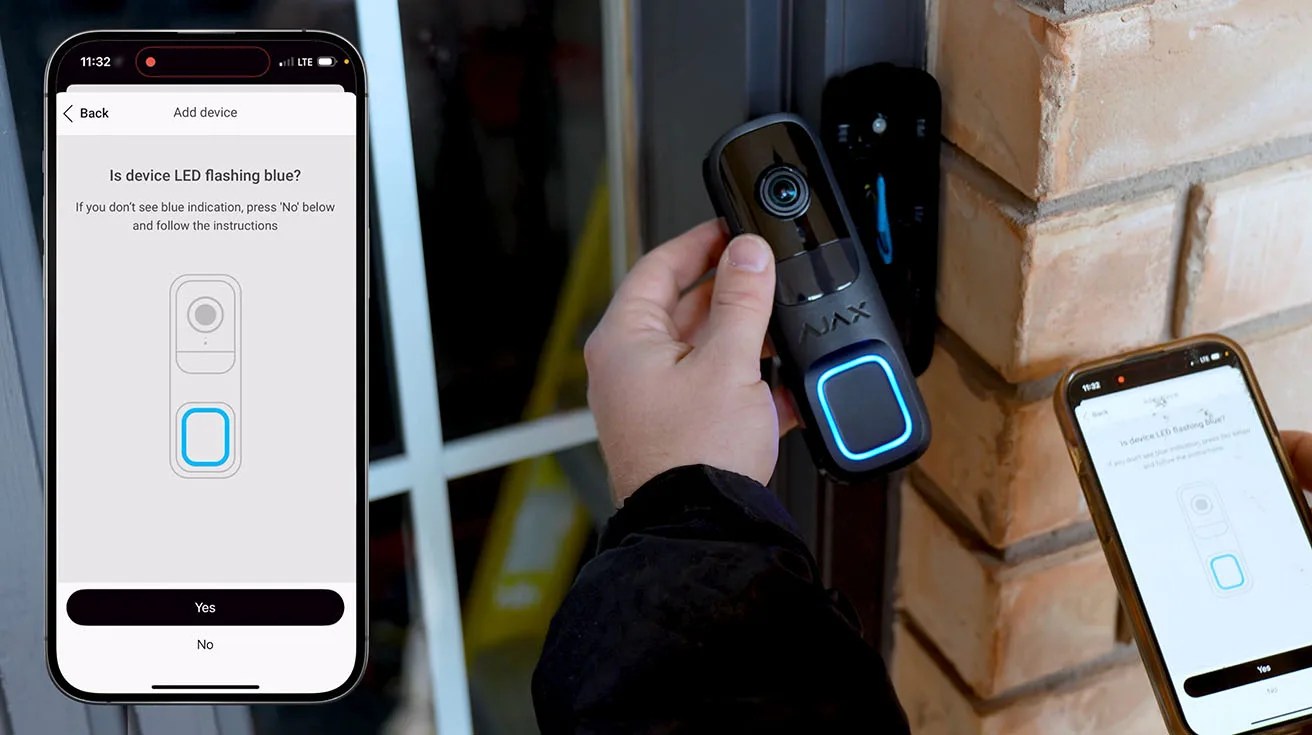
Step 2: Add a New Device
In the app, I navigated to the Devices tab and selected Add Device. The app prompted me to scan the QR code on the DoorBell unit (it's printed on a label inside the mounting area). Within seconds, the app recognized the device and began the pairing process.
Step 3: Assign the Device to a Room and Configure Basic Settings
During setup, the app asked me to:
- Name the device (I labeled it "Front Door")
- Assign it to a room (in this case, "Exterior")
- Set the installation location (this helps with system diagnostics and signal strength monitoring)
The app also ran a quick connectivity test to confirm the DoorBell had a strong connection to the Hub. Signal strength is critical for video doorbells, since they transmit relatively large amounts of data compared to standard sensors. In this installation, the Hub was located centrally in the home, about 30 feet from the front door, and we had excellent signal – full bars, no issues.
Step 4: Pair the Chime Module
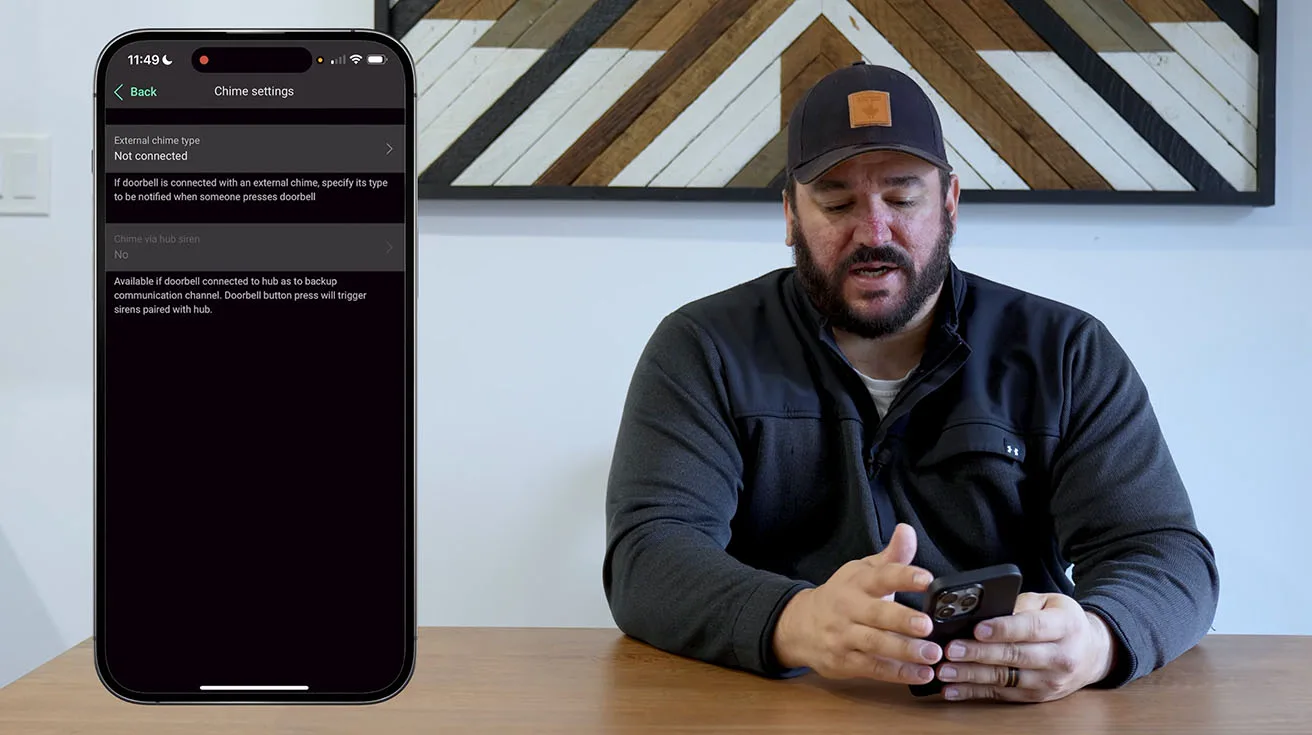
The Ajax DoorBell comes with a plug-in chime module that you install inside the home. This module connects to the Ajax system via radio and produces a chime sound whenever someone presses the doorbell button.
I plugged the chime into a standard outlet near the entryway and added it to the system using the same QR code scanning process. The app automatically linked the chime to the DoorBell, and I was able to select from several chime tones and adjust the volume directly in the app.
This is a nice touch – many traditional doorbell systems require physical adjustments or replacement modules to change the chime sound. With Ajax, it's all software-controlled.
Configuring Ajax AI Video Doorbell in the Ajax App
Configuration is where most of the real work happens. Good configuration is the difference between a system people love and one they disable after a week.
I break the configuration process into several logical blocks.
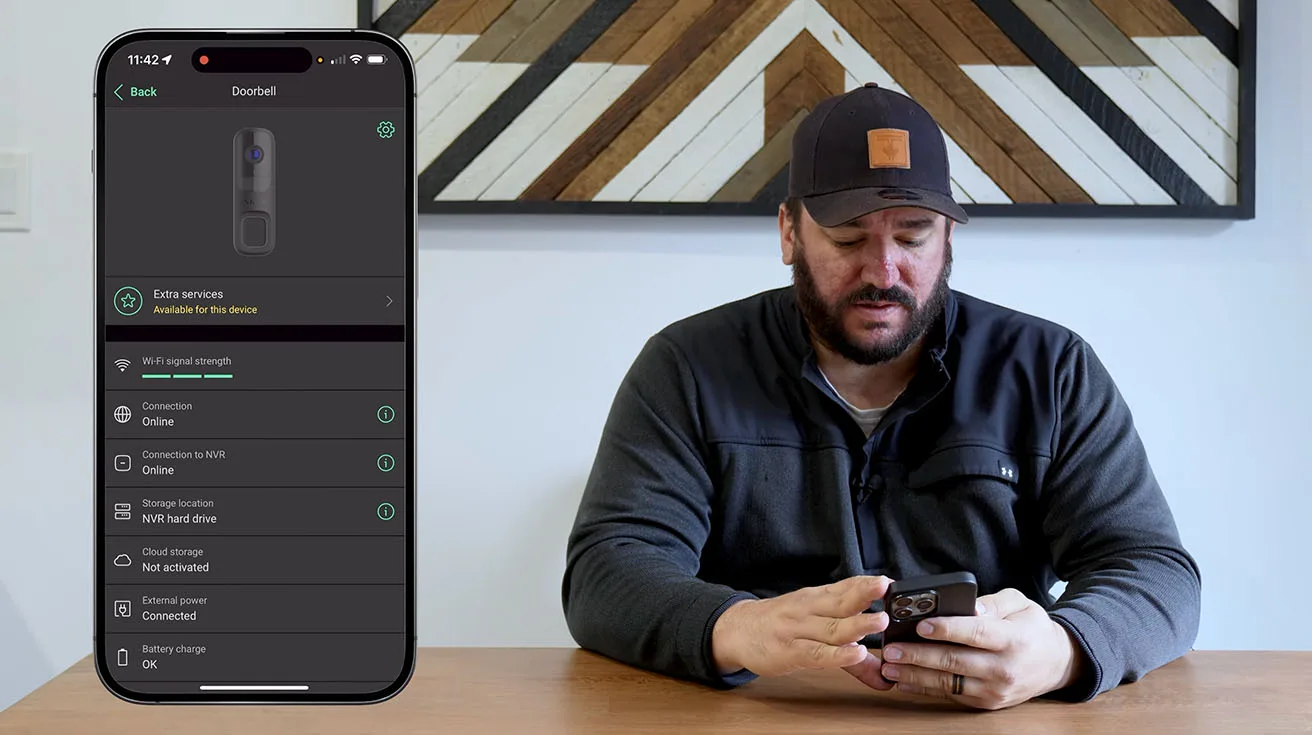
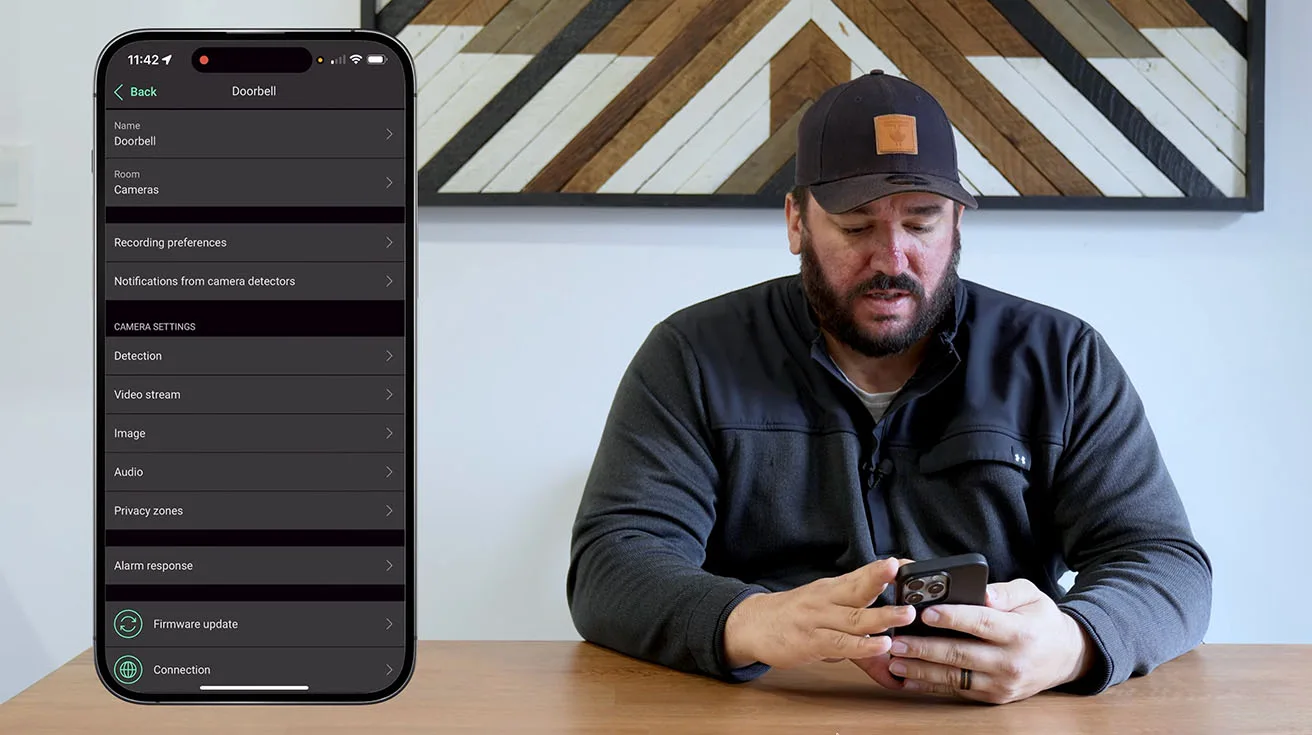
Basic Identification and Location
In the DoorBell settings, we start with basic parameters:
- Use clear naming like “Front Door”, “Back Door”, “Main Entrance”.
- For example: “Entryway”, “Porch”, “Main Entrance”.
- So the DoorBell is easy to use later in automation (like turning on lights when someone rings).
1 / 3
Clean naming is not just cosmetic. It saves time for future technicians and support, especially a few years down the road when no one remembers who installed what.
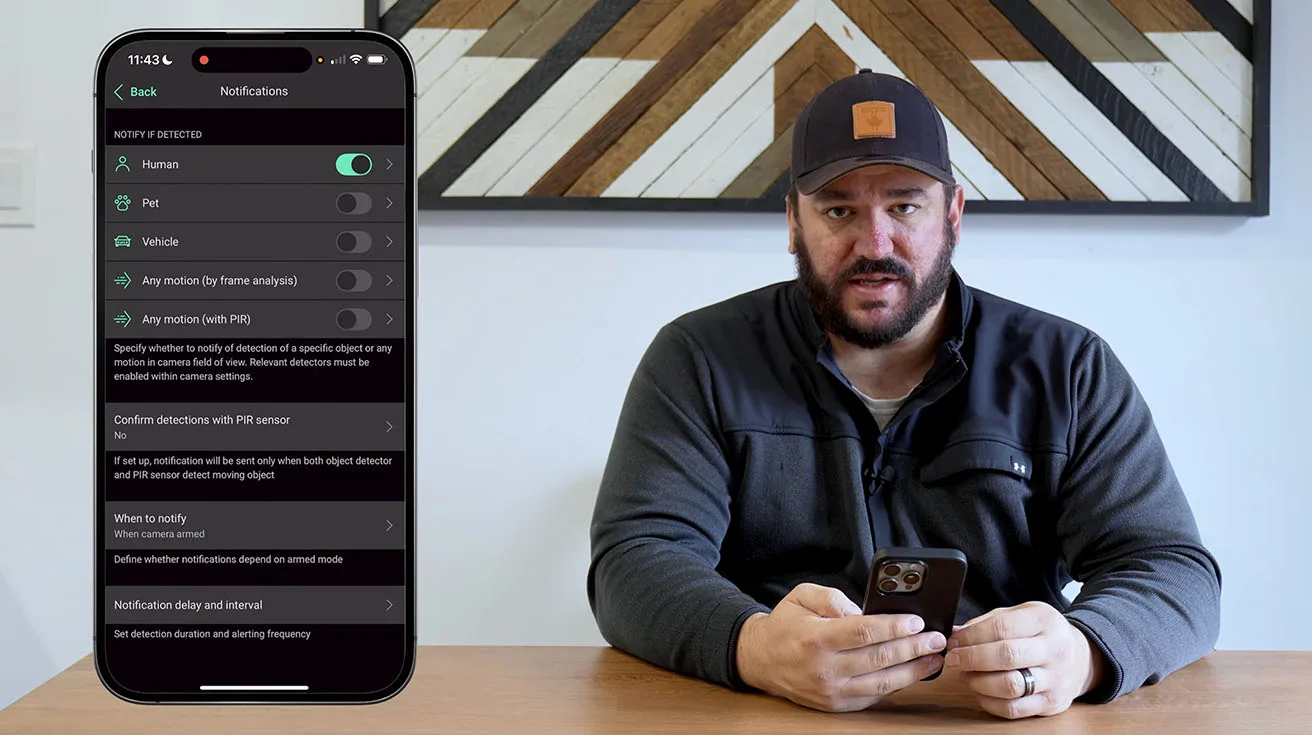
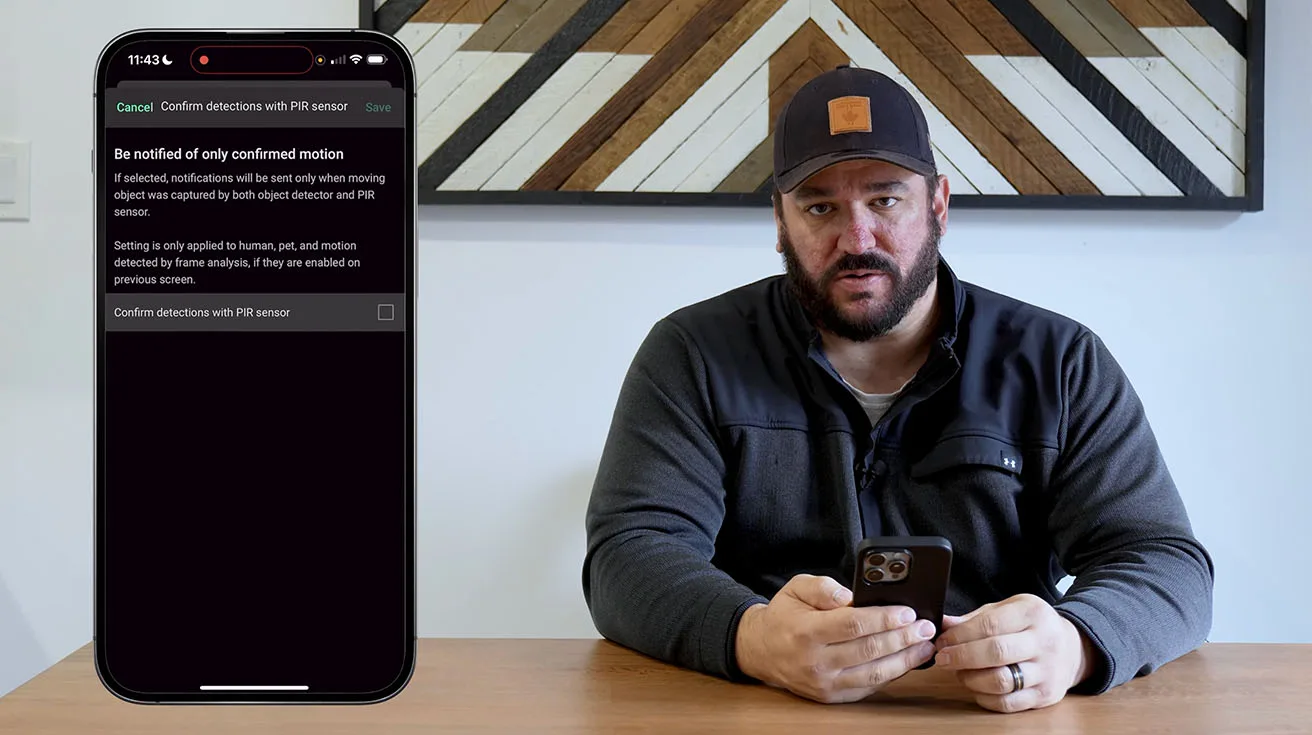
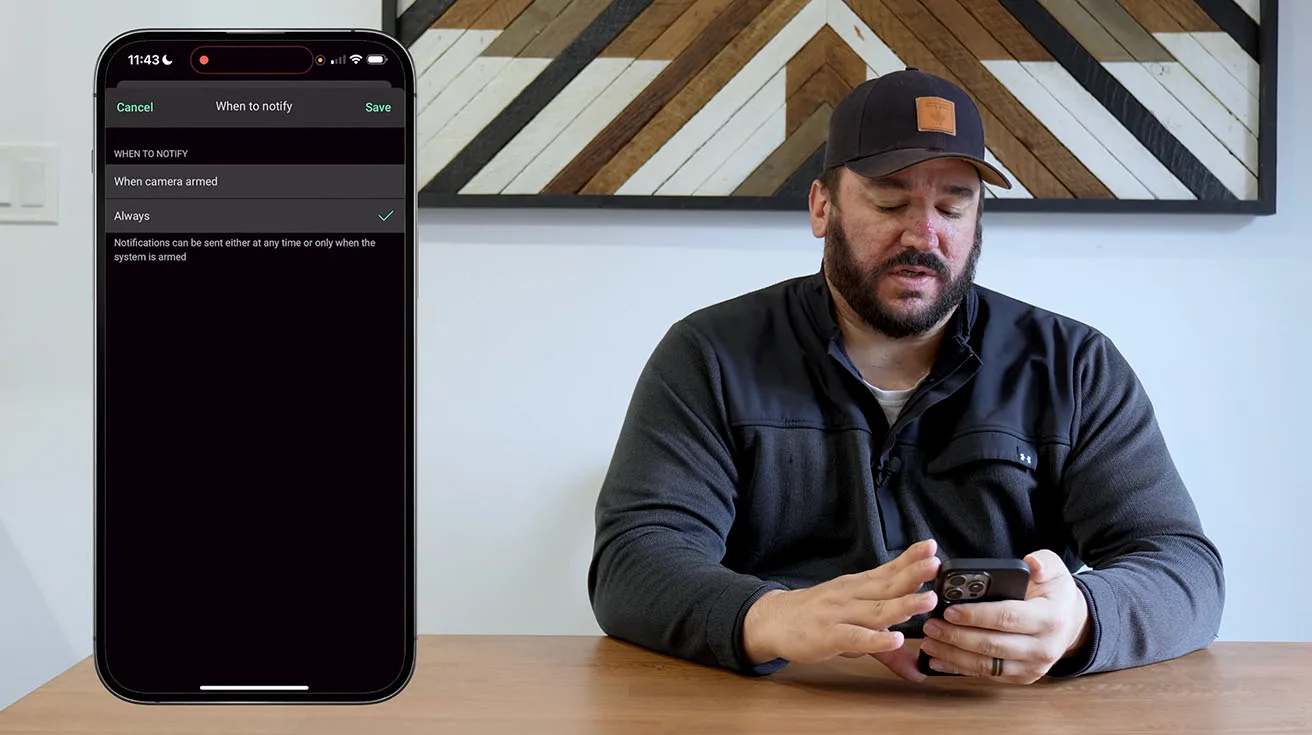
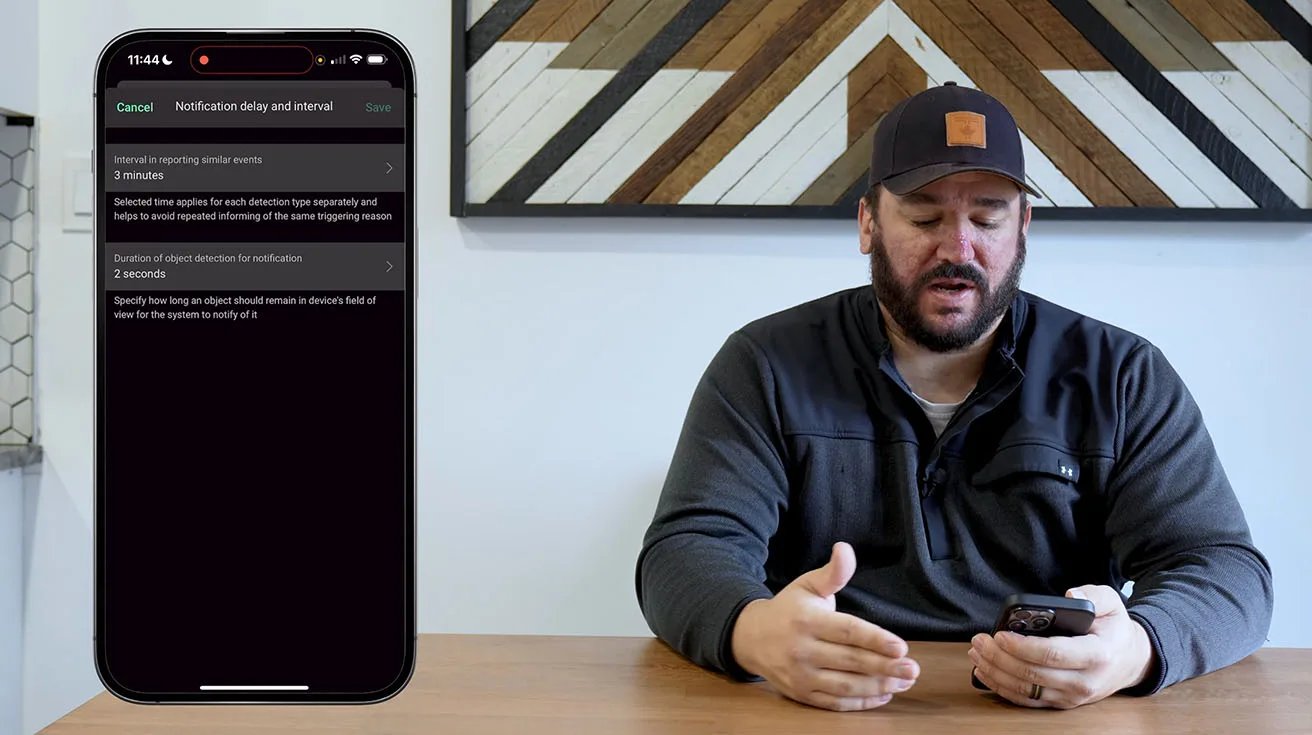
Notification Logic and AI Event Types
I configured push notifications to ensure the homeowner is alerted in real time when someone approaches or presses the doorbell. The Ajax app allows you to customize:
- Who receives notifications (you can set up multiple users with different permission levels)
- Notification sound and priority (important for ensuring alerts aren't missed)
- Quiet hours (you can disable or reduce notifications during specific times, like late at night)

1 / 5
For integrators managing multiple sites or monitoring centers handling professional alarm systems, the ability to route alerts to specific users or teams is critical. Ajax's user management and notification routing is flexible enough to support both residential and commercial workflows.
Motion and Object Detection Tuning
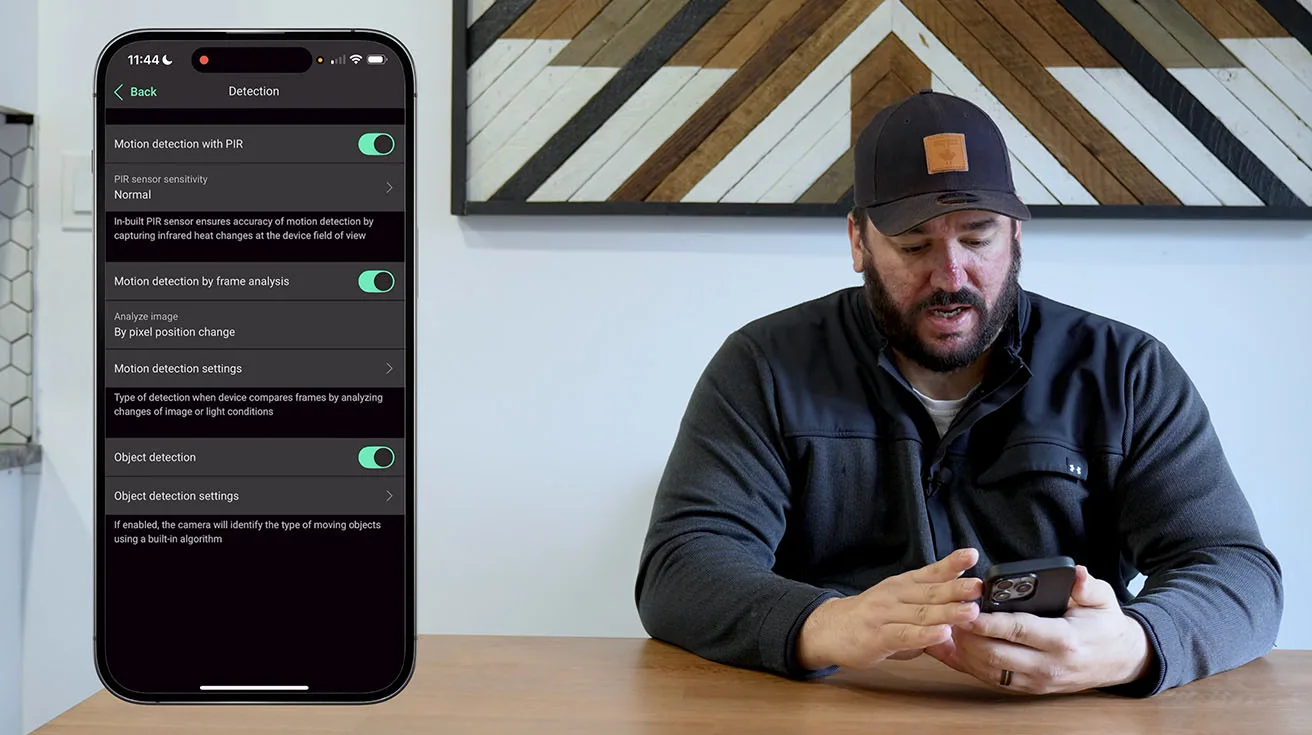
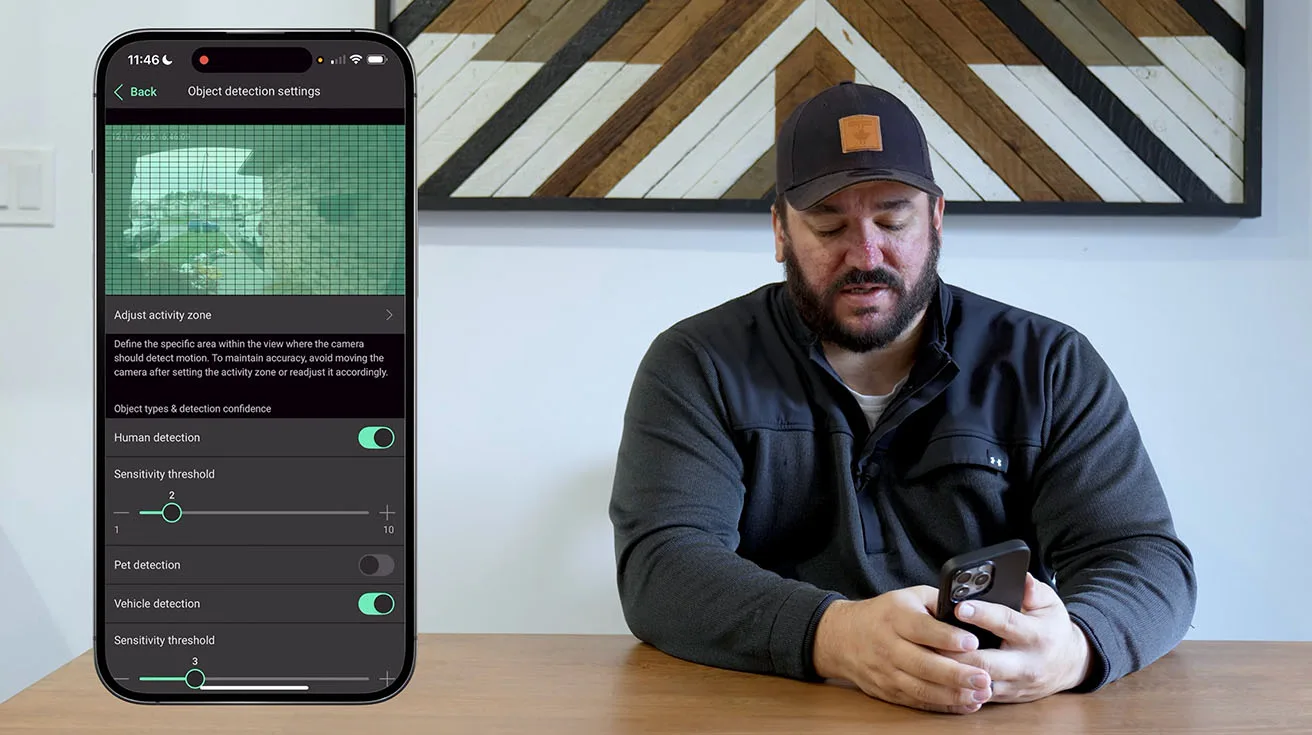
The Ajax AI Video DoorBell uses advanced AI-based motion detection to distinguish between people, animals, and vehicles. This is a significant upgrade over basic motion sensors that trigger on any movement – tree branches, shadows, passing cars – which can quickly lead to alert fatigue.
In the app, I configured:
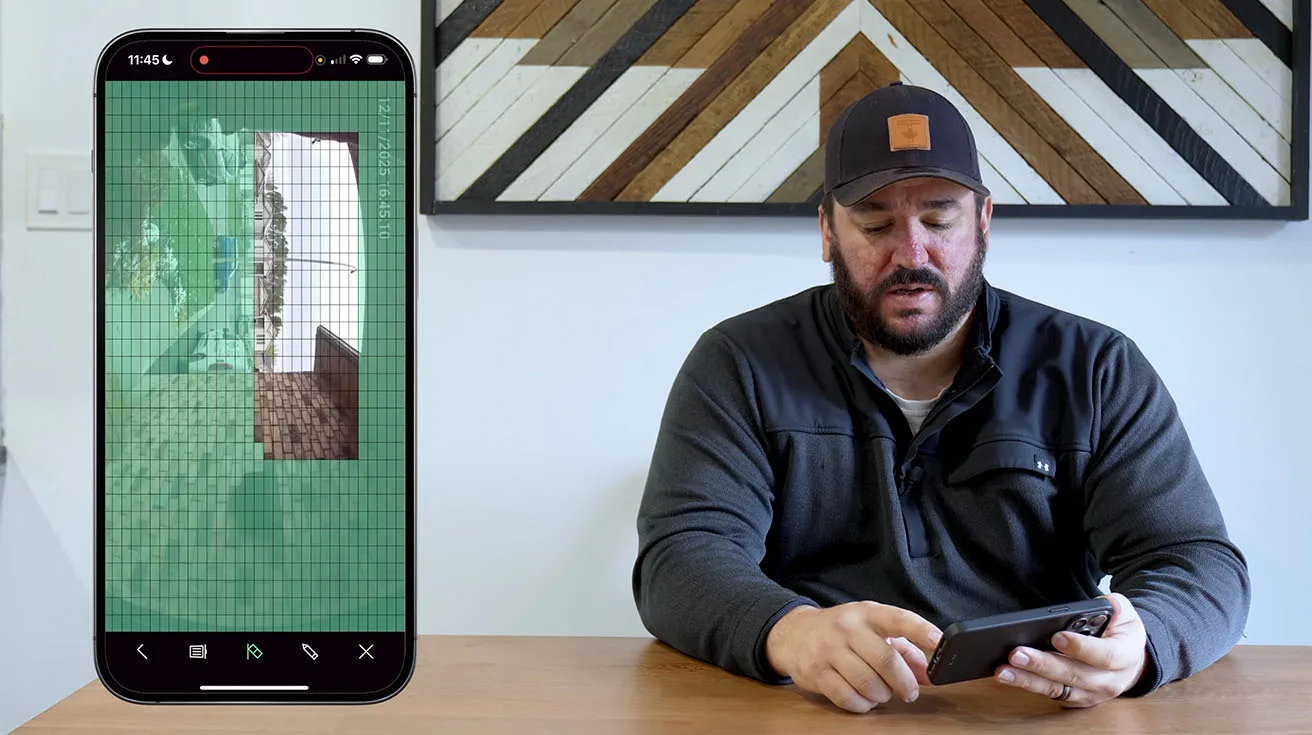
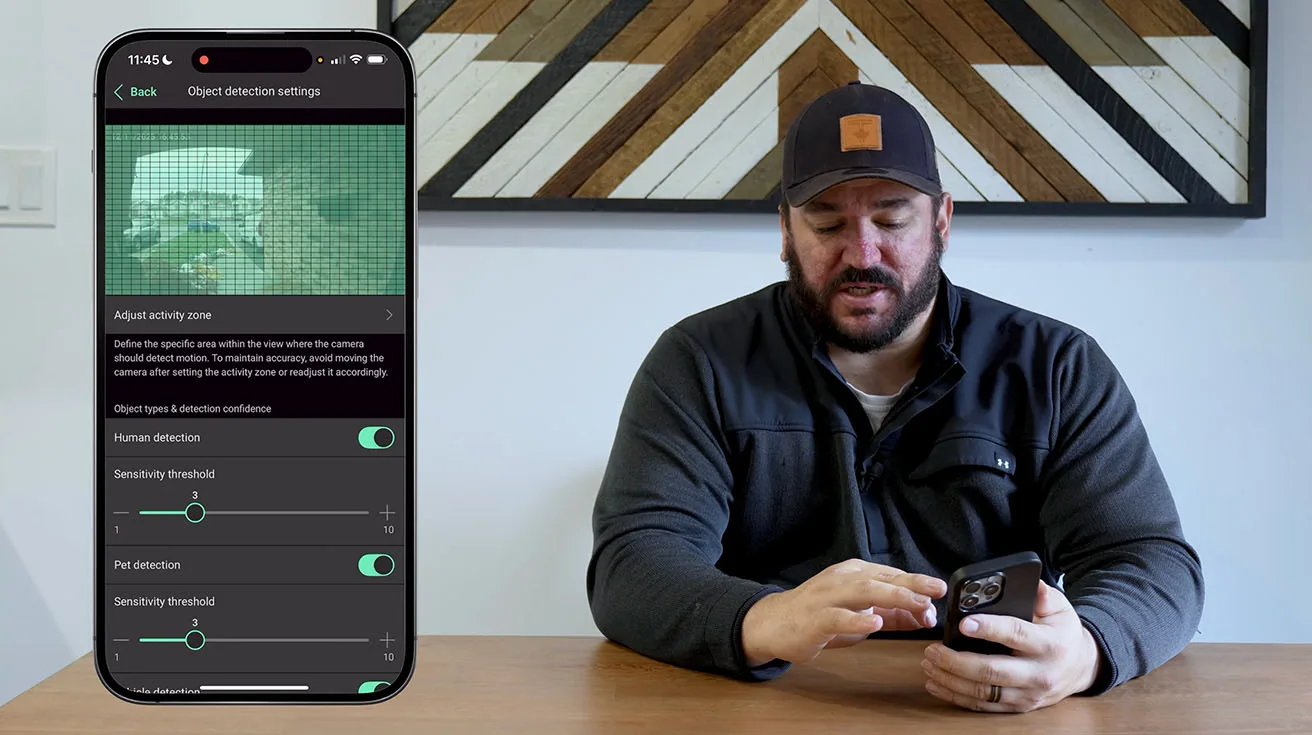
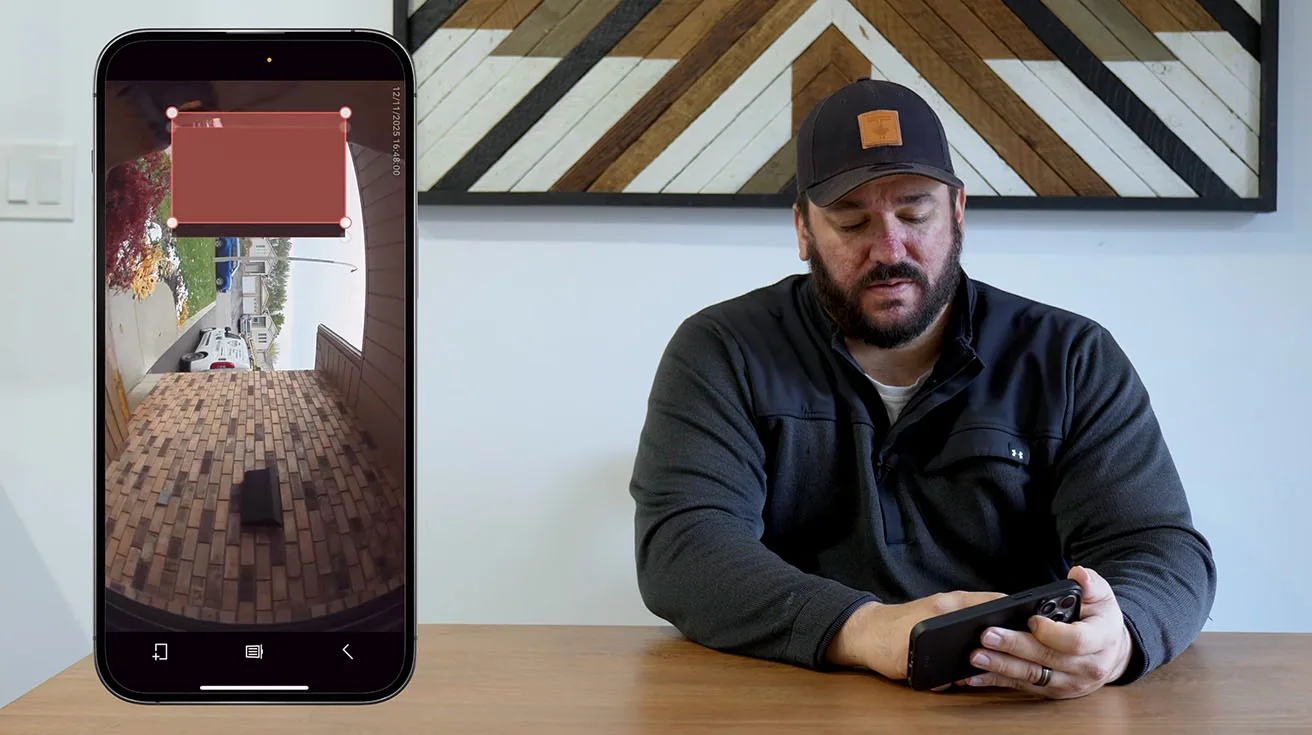
- Detection zones: I drew a custom detection zone on the live camera view to focus on the walkway and front door area, excluding the street and neighboring properties. This reduces false alerts from passing traffic.
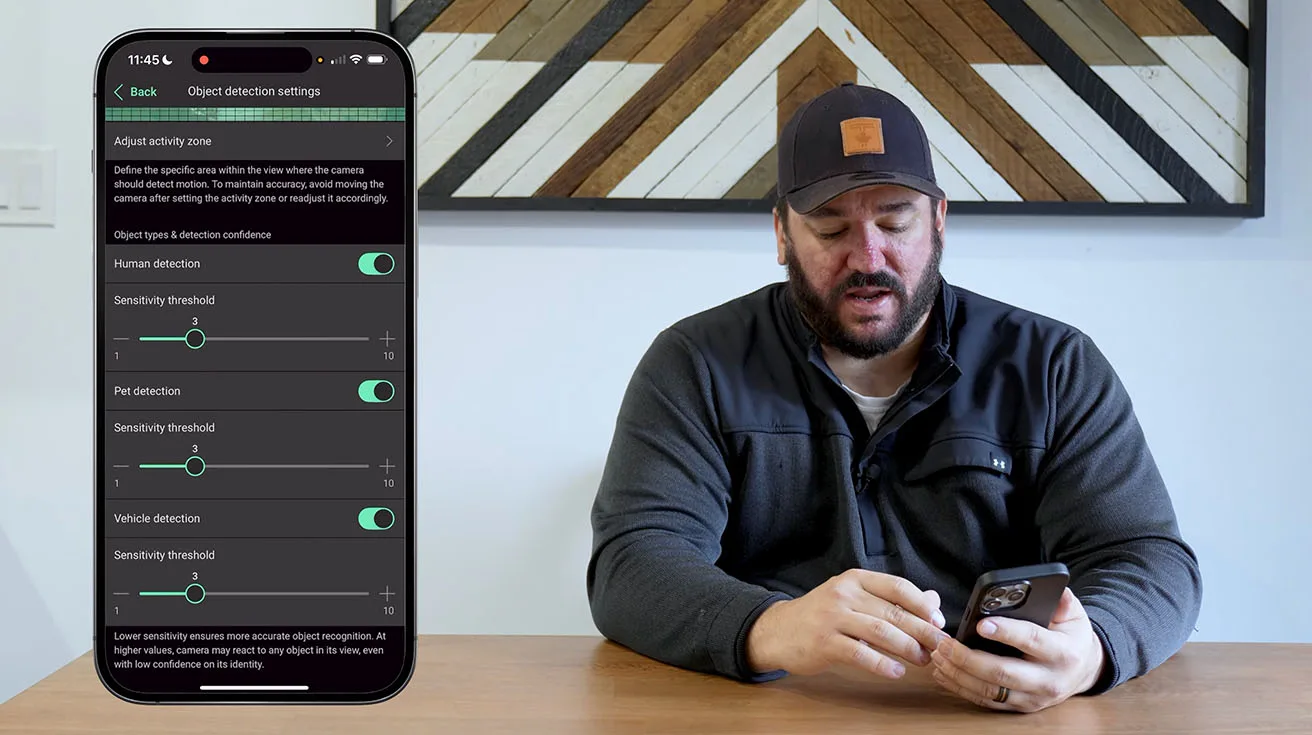
- Object types: I enabled alerts for people and disabled them for animals and vehicles. This setup makes sense for a residential front door – we want to know when a person approaches, but we don't need an alert every time a cat walks by or a car parks in the driveway.
- Sensitivity level: Ajax offers a sensitivity slider that lets you fine-tune how aggressively the AI flags motion events. I set it to medium initially, with the understanding that we can adjust it based on the homeowner's feedback over the first few weeks.



1 / 8
Video, Image, and Audio Parameters
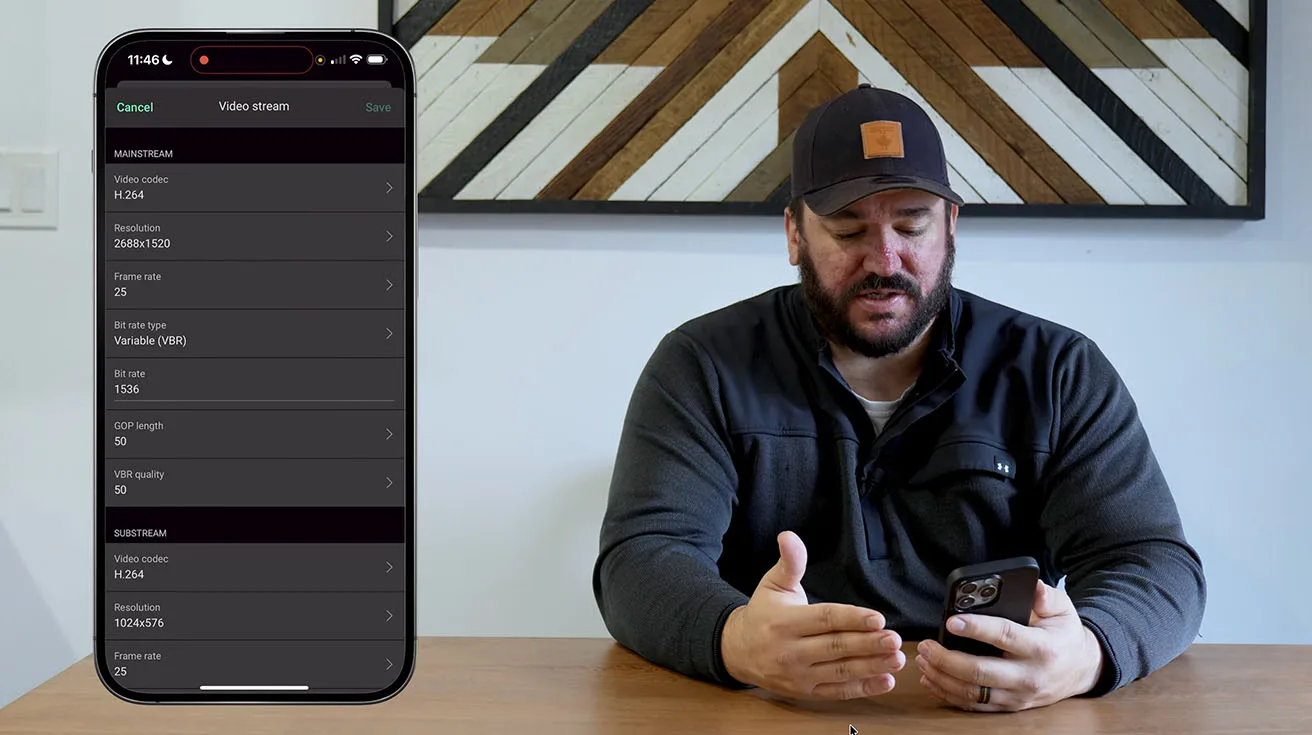
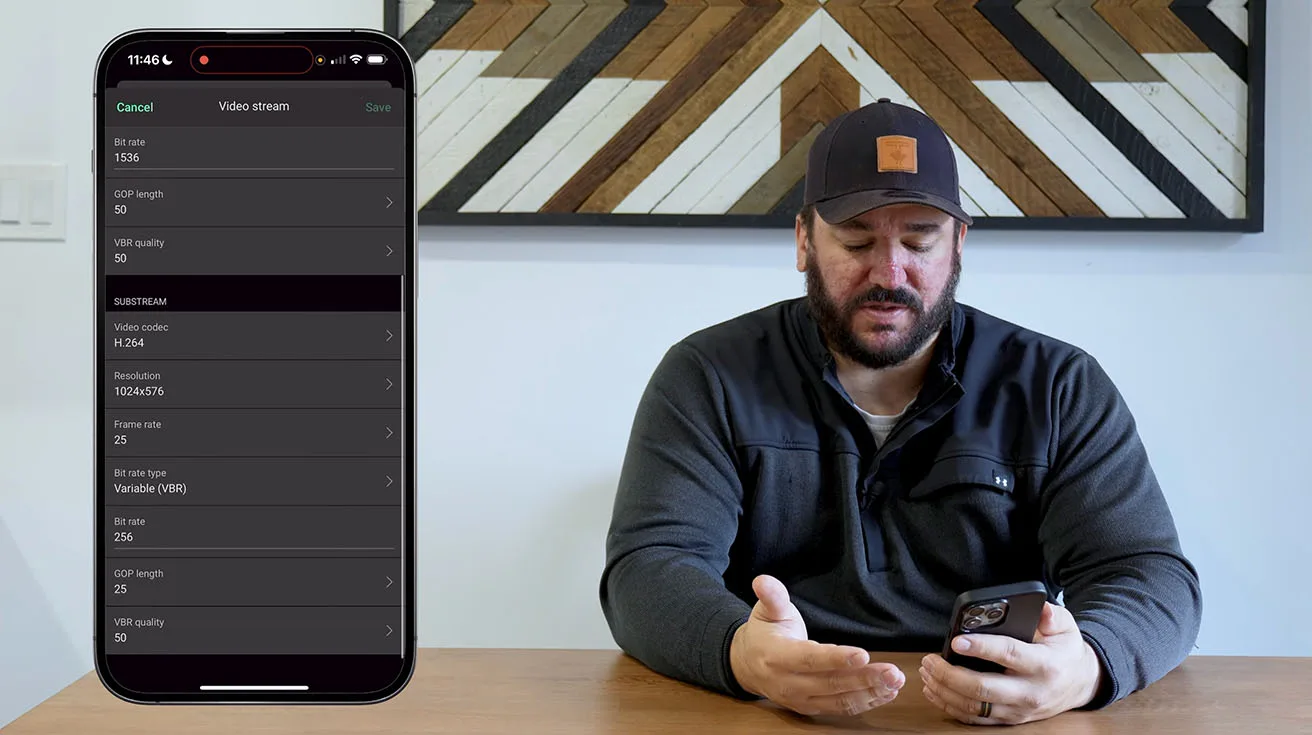
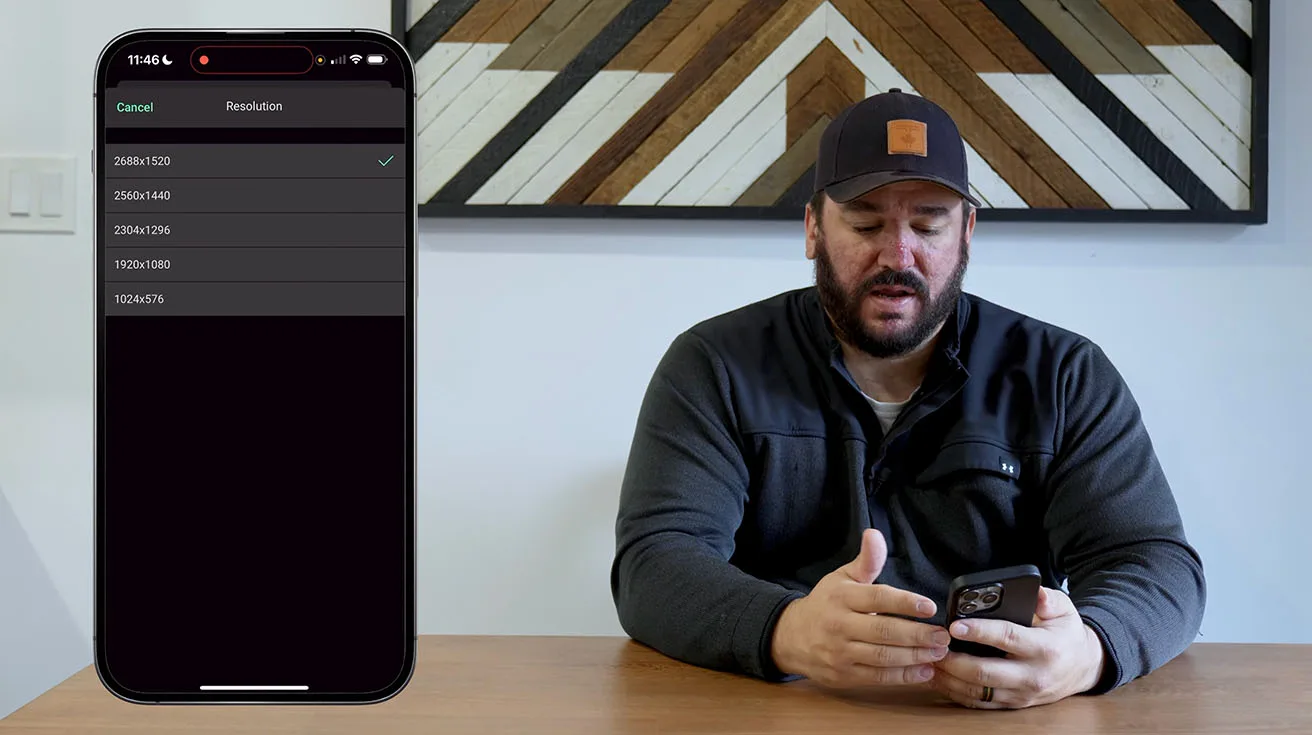
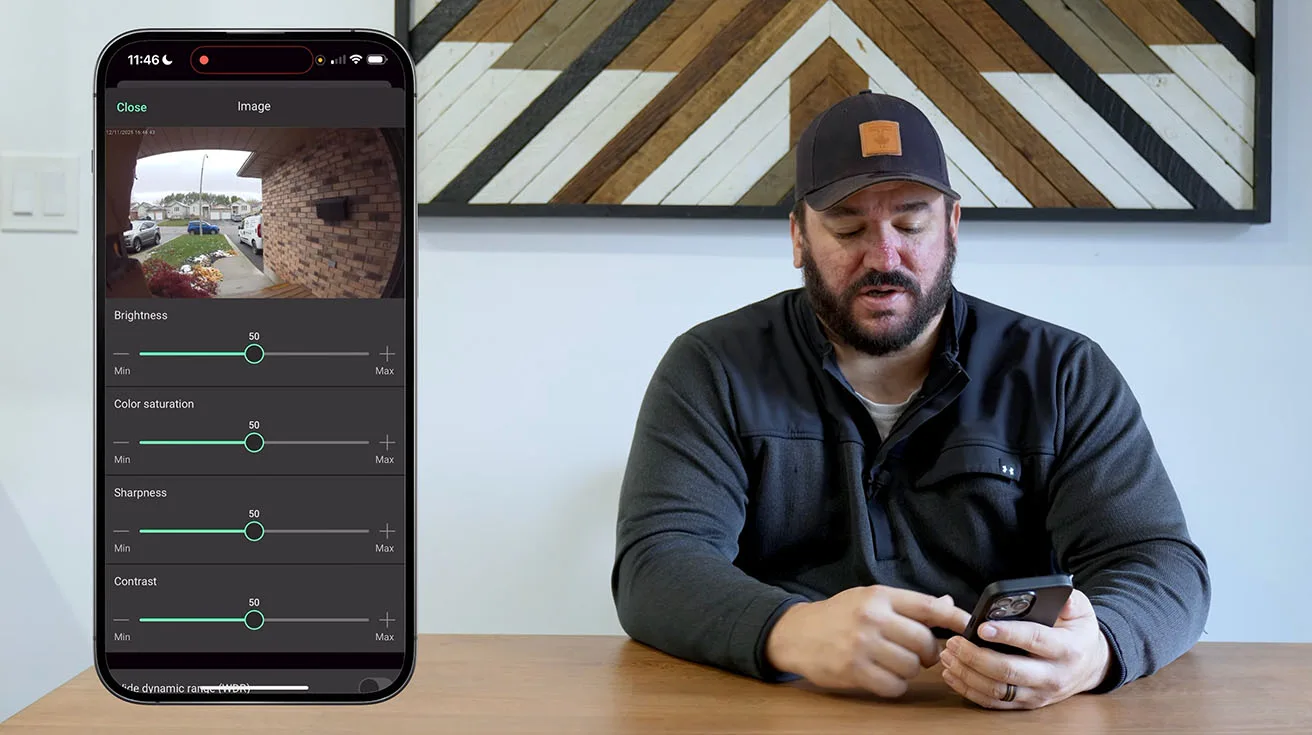
The Ajax AI Video DoorBell records in 2K resolution (2304 x 1296), which provides excellent image clarity for identifying faces, reading license plates (at close range), and capturing fine details.
In the app, I configured:
- HDR (High Dynamic Range): Enabled. This helps balance exposure in challenging lighting conditions – for example, when the sun is directly behind a visitor. HDR is especially useful for front doors that face east or west.
- Night vision mode: Set to automatic. The DoorBell uses infrared LEDs for night vision, and the transition between day and night modes is smooth and automatic based on ambient light levels.
- Video quality vs. bandwidth: Ajax offers a quality slider that lets you balance image sharpness against data usage. For installations with strong Wi-Fi or wired connections, I set it to maximum quality. For sites with limited bandwidth, you can dial it back without losing critical details.


1 / 9
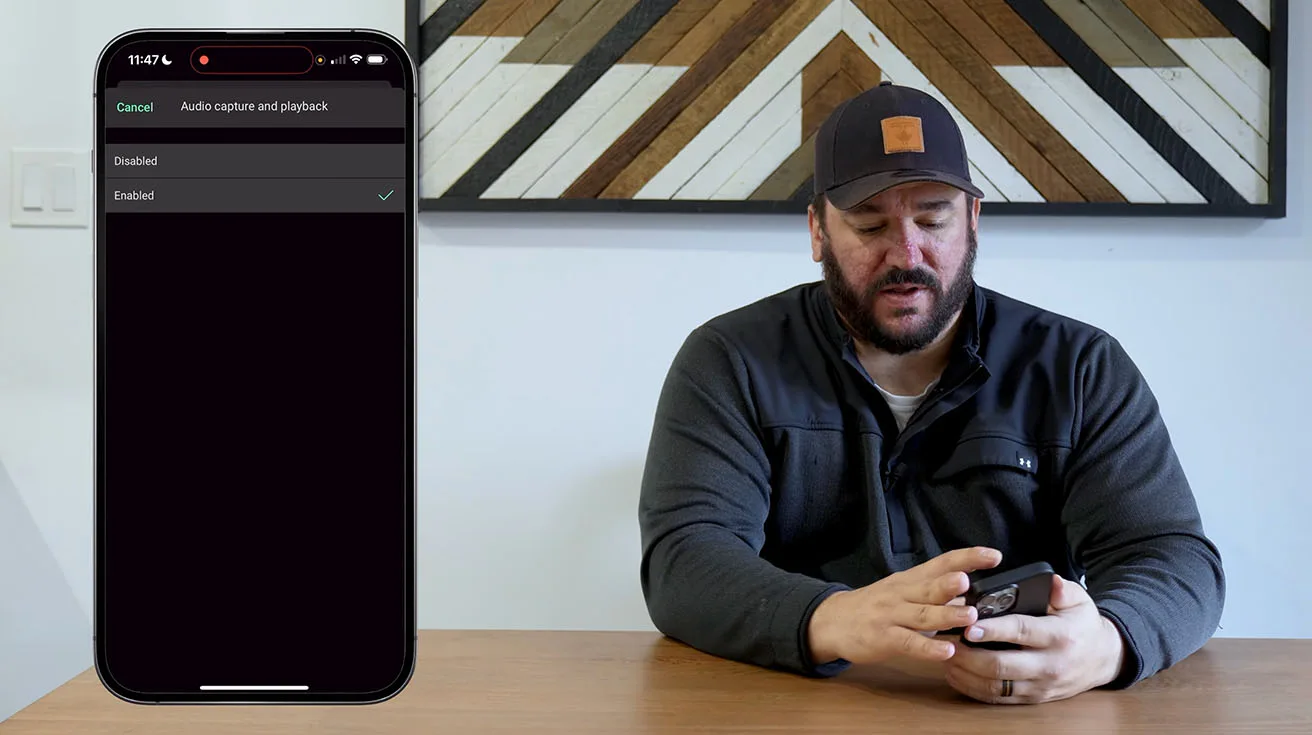
The Ajax AI Video DoorBell includes a built-in speaker and microphone, enabling two-way communication. This is useful for:
- Greeting visitors remotely
- Giving delivery instructions
- Deterring unwanted solicitors
- Verifying the identity of service personnel before opening the door
I tested the audio quality on site, and it was clear in both directions. The speaker is loud enough to be heard from a reasonable distance, and the microphone picked up voices clearly even with some background noise (traffic, wind).
In the app, I adjusted:
Echo cancellation (enabled by default, works well)
Microphone sensitivity
Speaker volume
Privacy Zones and Regulatory Considerations
For properties where the camera's field of view might capture neighboring windows, sidewalks, or other areas where privacy is a concern, Ajax allows you to define privacy zones – areas of the image that are permanently blacked out in recordings and live view.
In this installation, the camera's angle was well-contained to the property's front entrance, so privacy zones weren't necessary. But it's a valuable feature for urban or densely populated settings where camera placement is constrained.


1 / 3
Alarm Response
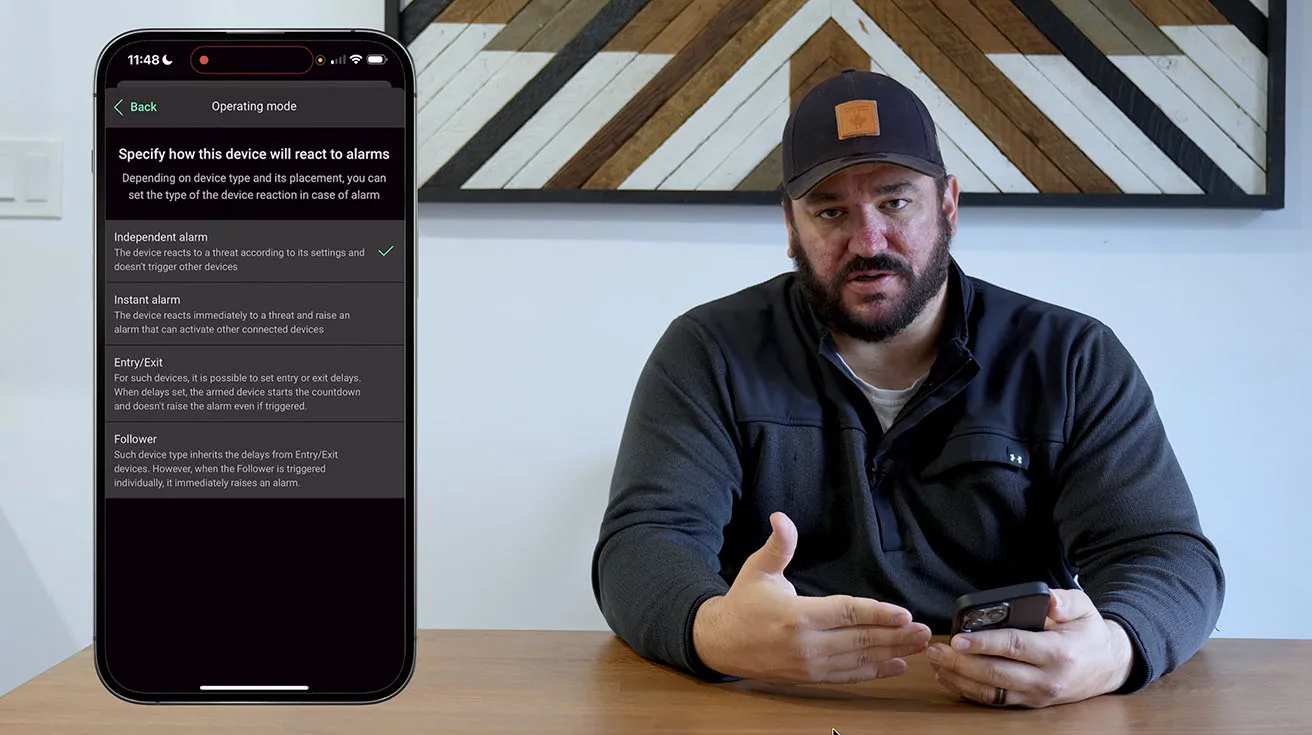
One of the most powerful aspects of the Ajax ecosystem is how tightly the DoorBell integrates with the rest of the security system. I configured several automation rules:
- Doorbell press during armed mode: If the system is armed (either home or away mode) and someone presses the doorbell, the homeowner receives a high-priority alert. This is different from a standard doorbell notification – it's flagged as a potential security event.
- Motion detection at night: If the DoorBell detects a person approaching the front door between 11 PM and 6 AM, the system triggers an alert and turns on the exterior lights (via Ajax's relay module). This kind of automation adds a visible deterrent and improves the quality of recorded video.
- Tamper alert: If someone attempts to remove or cover the DoorBell, the system sends an immediate tamper alert to the homeowner and, if configured, to a monitoring center.


1 / 4
These integrations transform the DoorBell from a standalone device into a cohesive part of a layered security strategy.
Storage Strategy: Cloud vs Ajax NVR
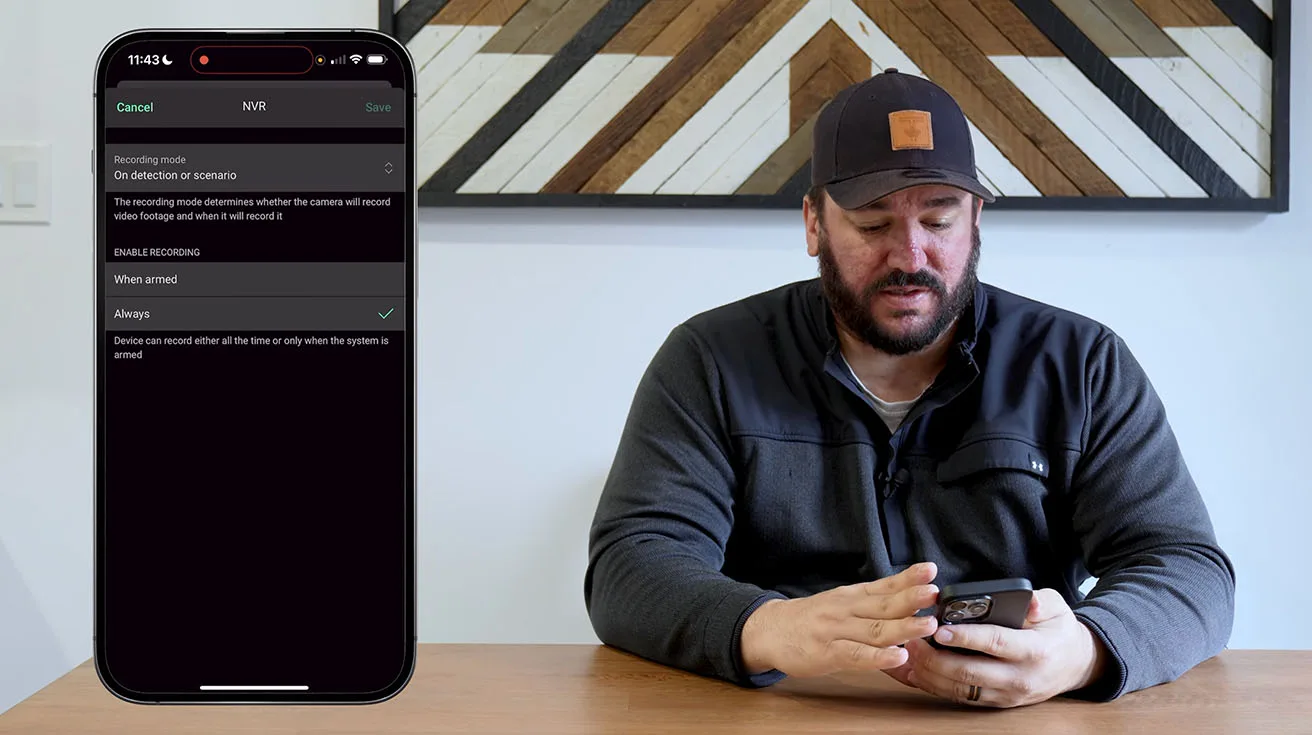
The Ajax DoorBell supports multiple recording modes:
- Continuous recording (if you have an Ajax Hub with local storage or a cloud subscription)
- Event-based recording (records only when motion is detected or the doorbell button is pressed)
- Manual recording (triggered by the user through the app)
For this installation, we configured event-based recording with a 10-second pre-buffer and a 30-second post-buffer. This means that when motion is detected or the button is pressed, the system saves 10 seconds of video before the event (using a rolling buffer) and 30 seconds after. This context is incredibly valuable – you can see not just who rang the doorbell, but how they approached and what they did afterward.

Video is stored locally on the Hub's microSD card (up to 256GB supported) and can also be backed up to Ajax's cloud service if the client subscribes. For privacy-conscious clients, the local-only storage option is a strong selling point.
Accessing User Guides and Advanced Customization
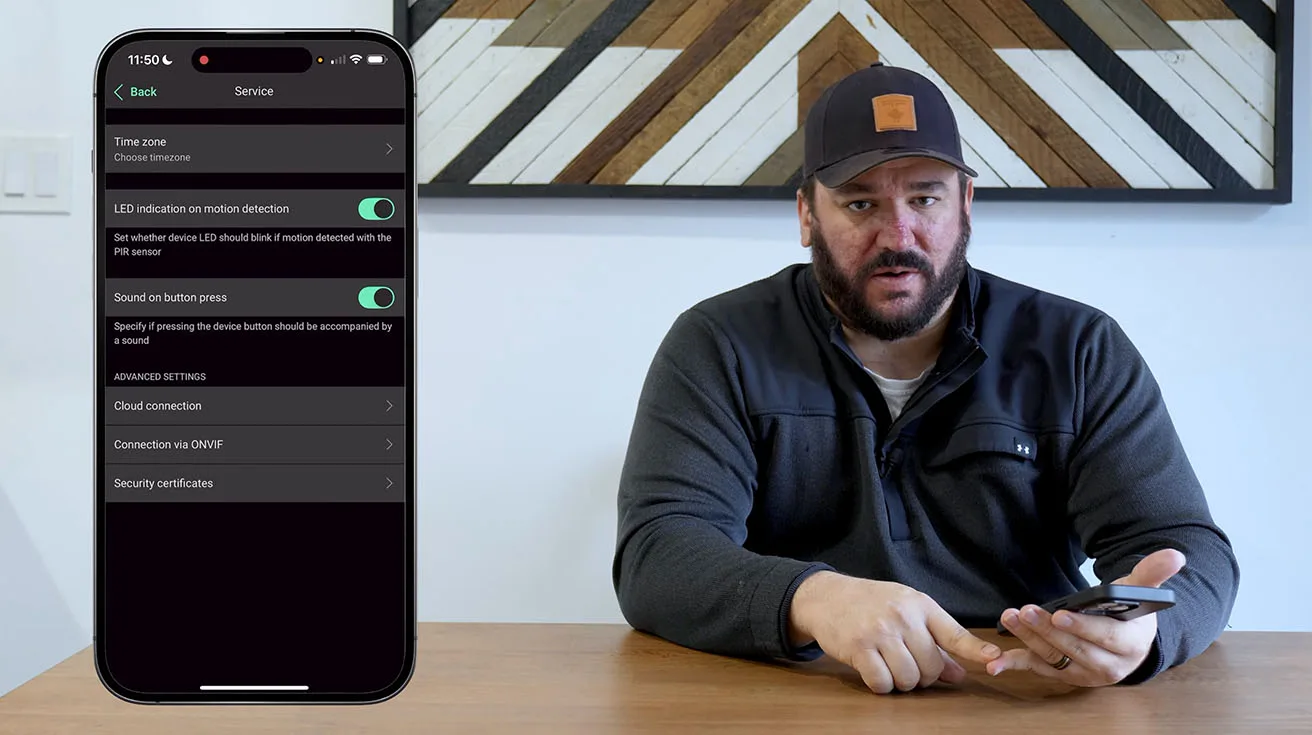
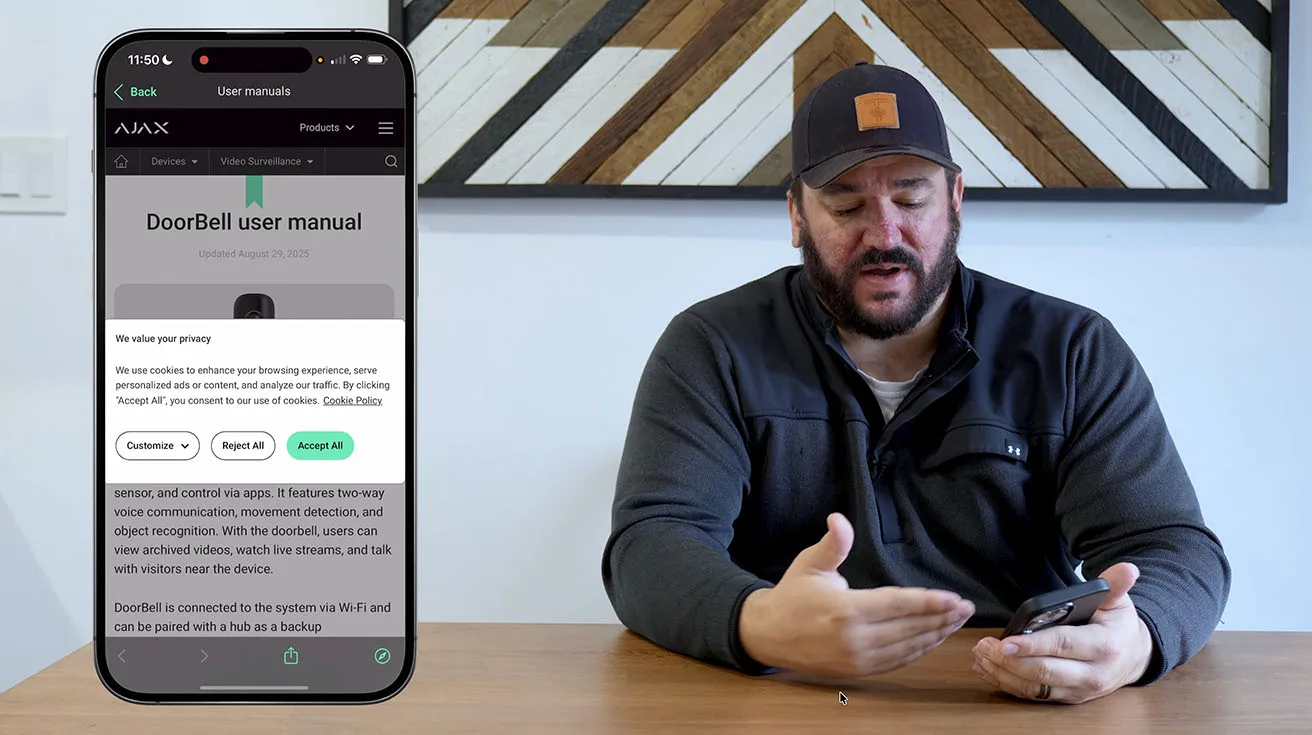
From the service menu in the Ajax app you can reach a detailed user manual that covers every feature of the Ajax AI Video Doorbell in plain terms. This is the same material available to professionals, which means nothing is hidden or restricted to experts.
1 / 3
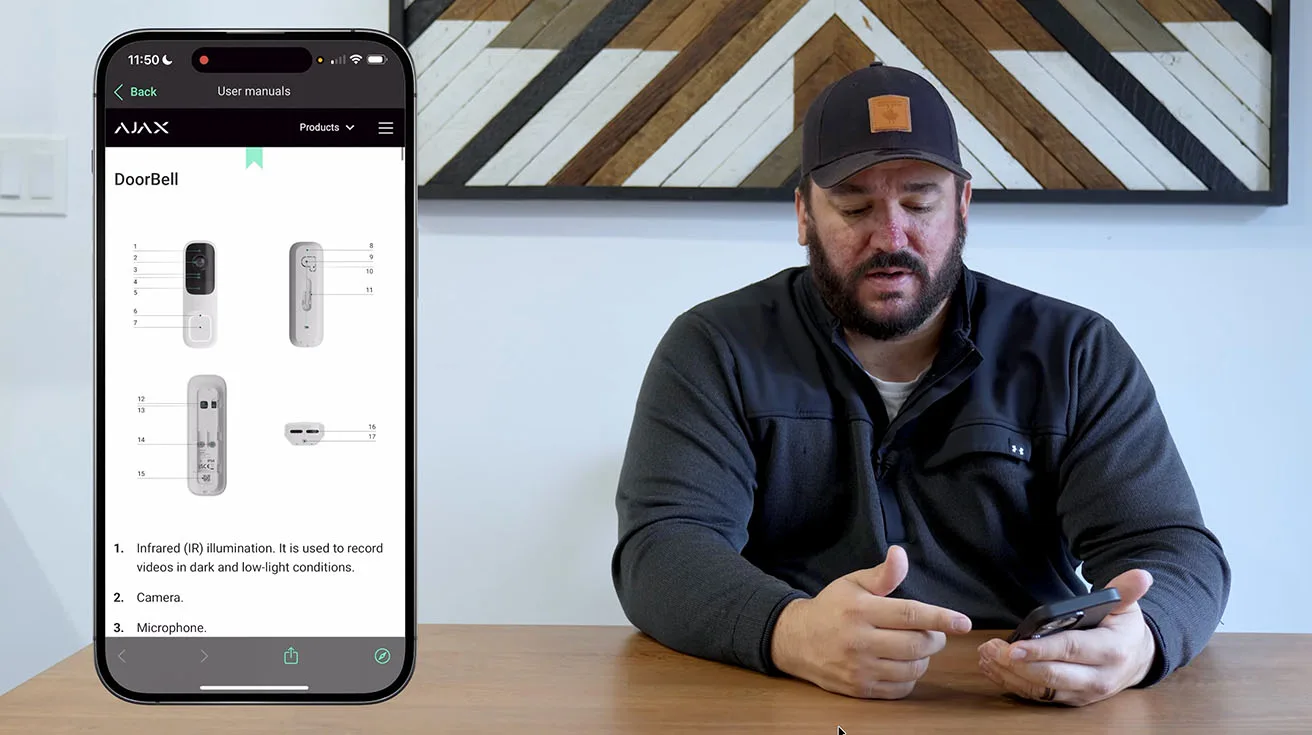
The manual explains options like scenarios for alarm and non-alarm states, plus tips for fine tuning notifications and detections to make the device work exactly as you need. You reach it with a single tap in the settings, and it includes diagrams of the hardware, such as the infrared illumination and microphone layout, which help when troubleshooting or planning your setup.
Live Performance Demo: Latency, Audio, and User Interaction
After completing the configuration, I spent time testing the DoorBell's real-world functionality to ensure everything was working as expected – and to show the homeowner how to use it effectively.
Testing the Doorbell Button
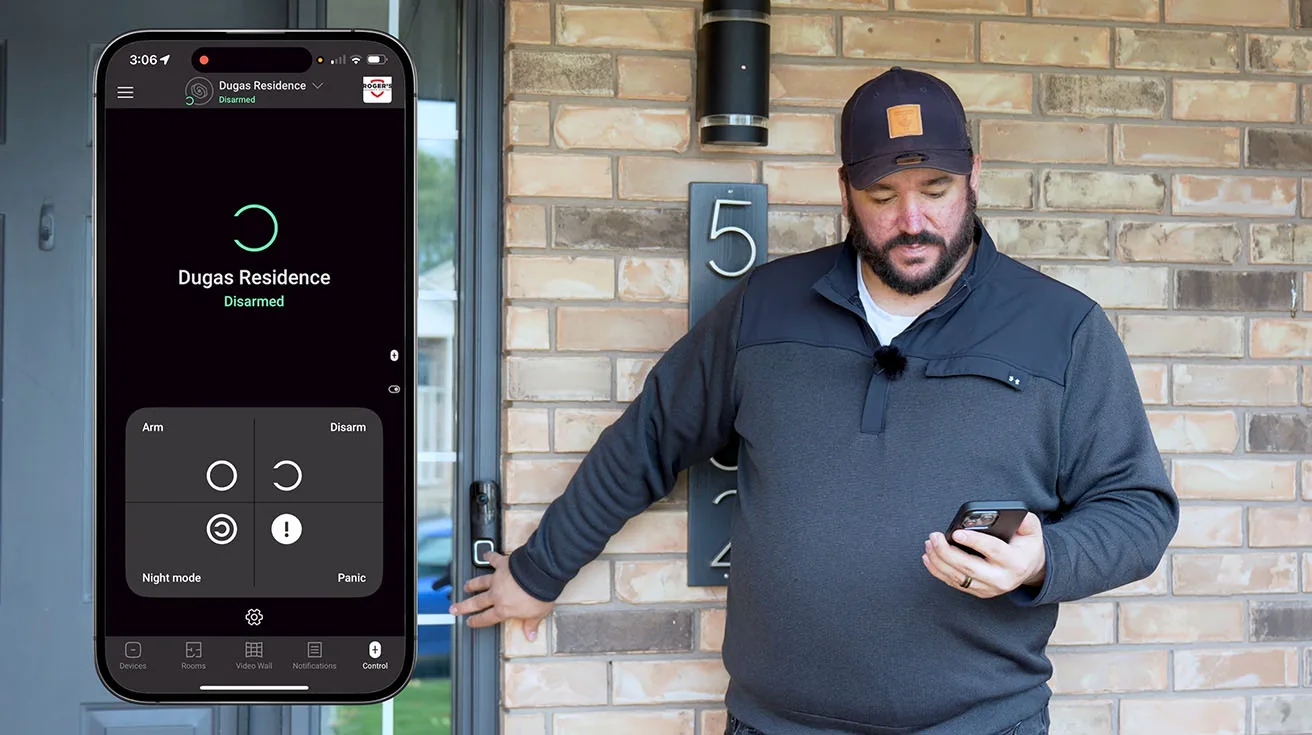
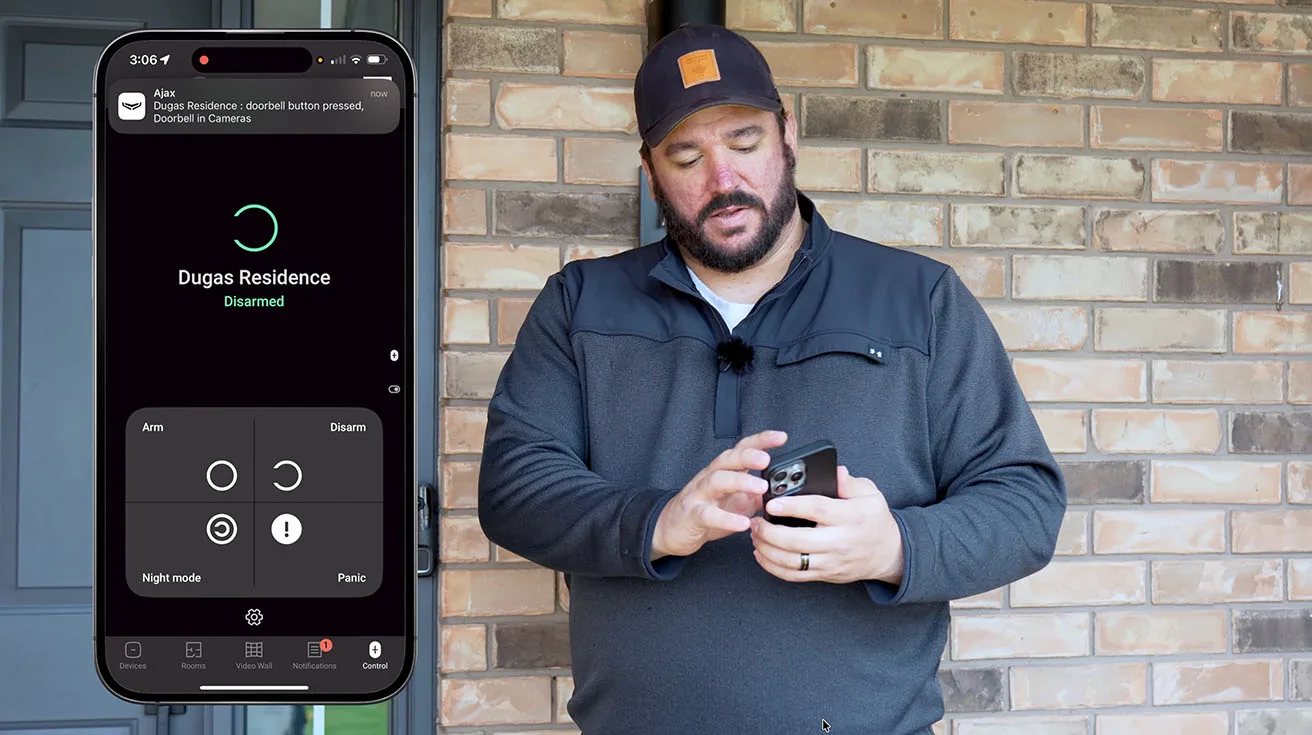
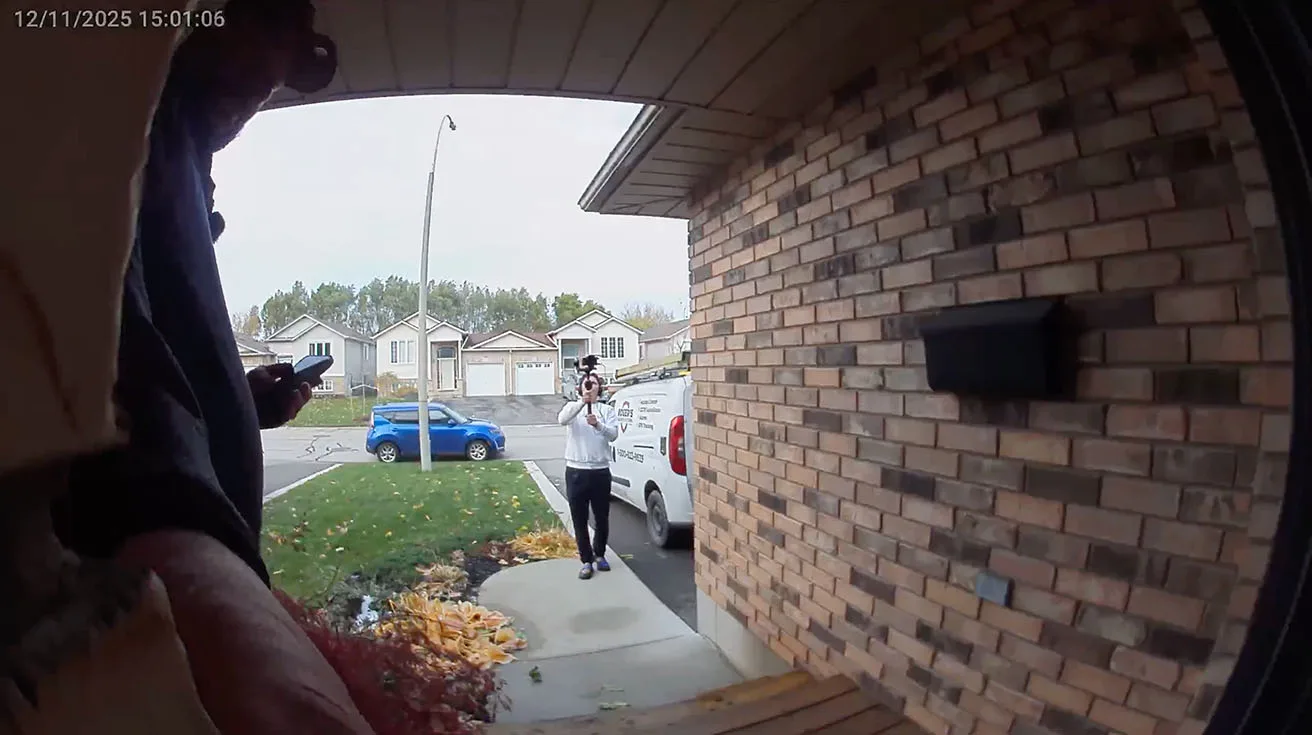
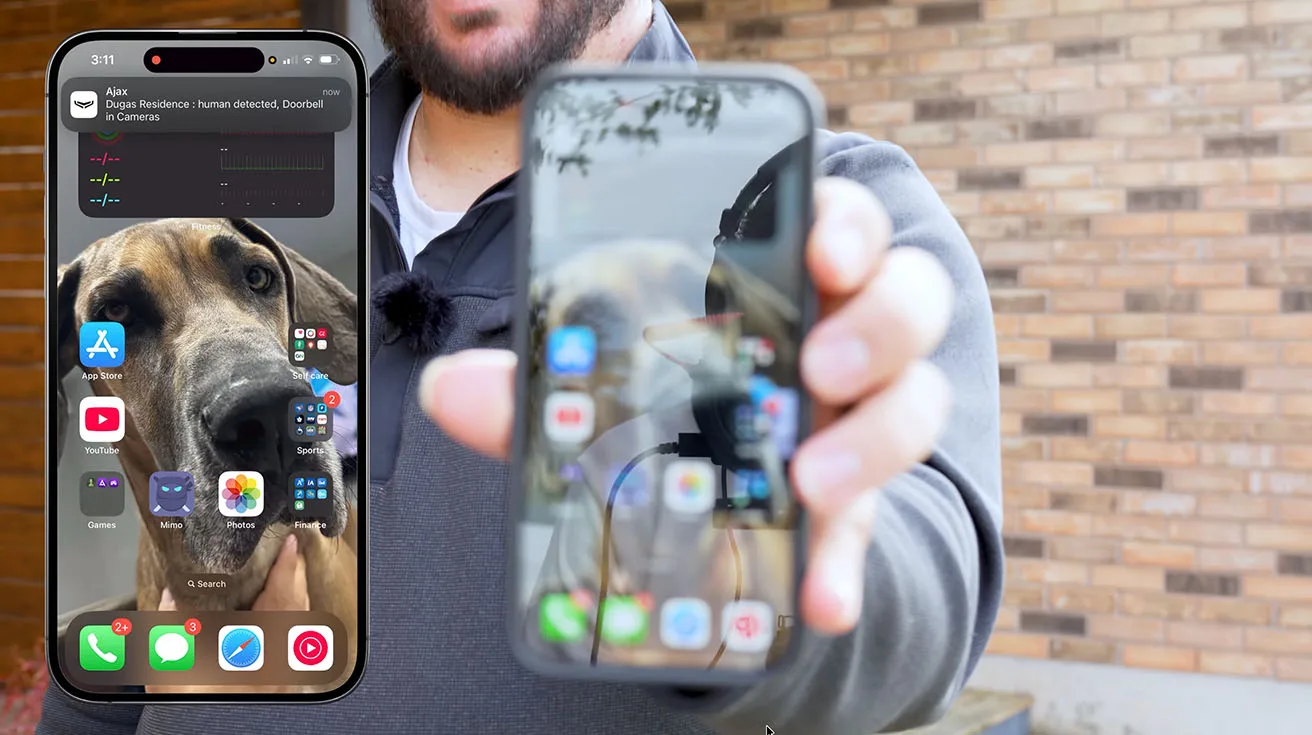
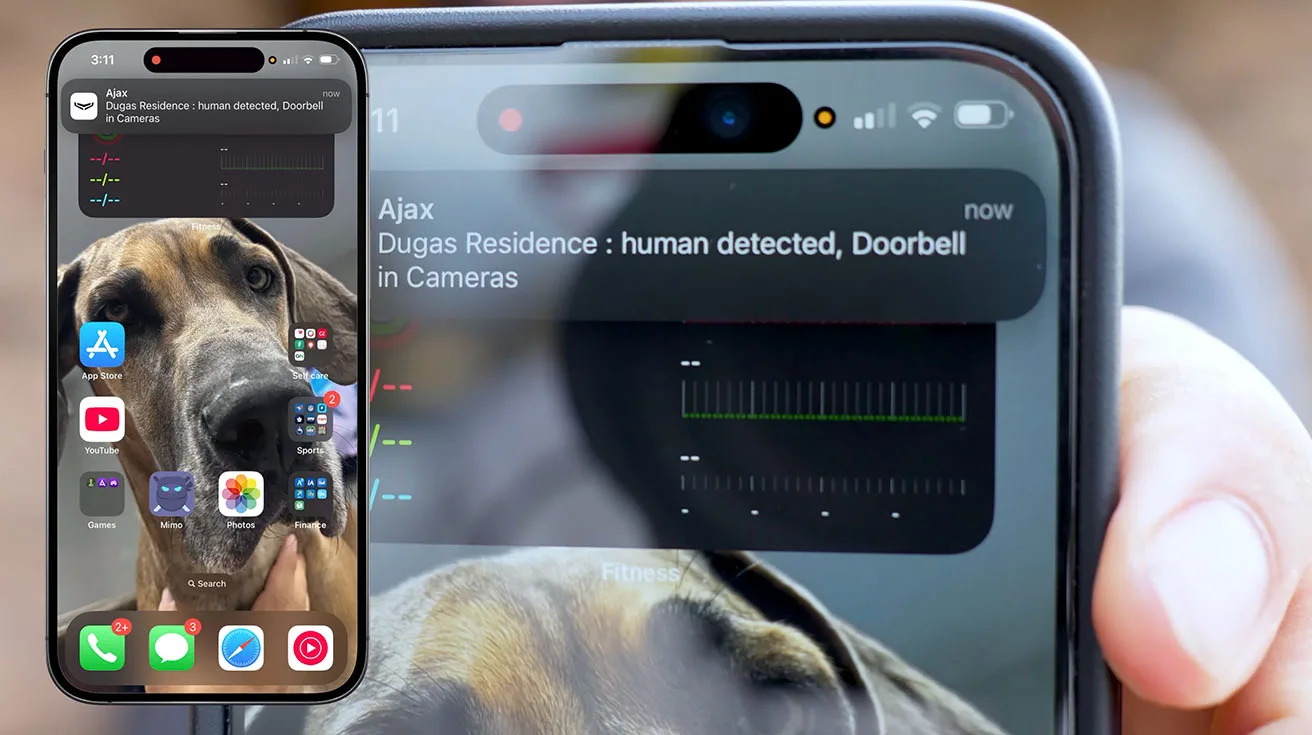
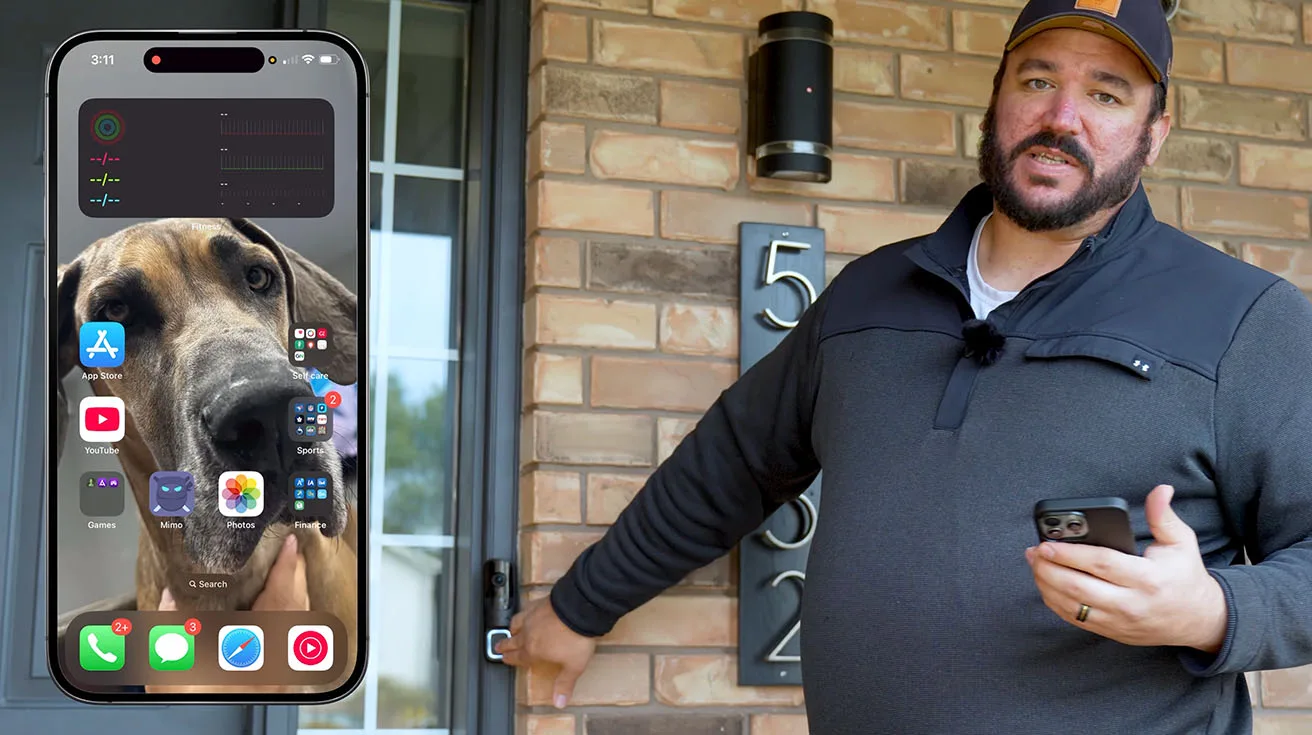
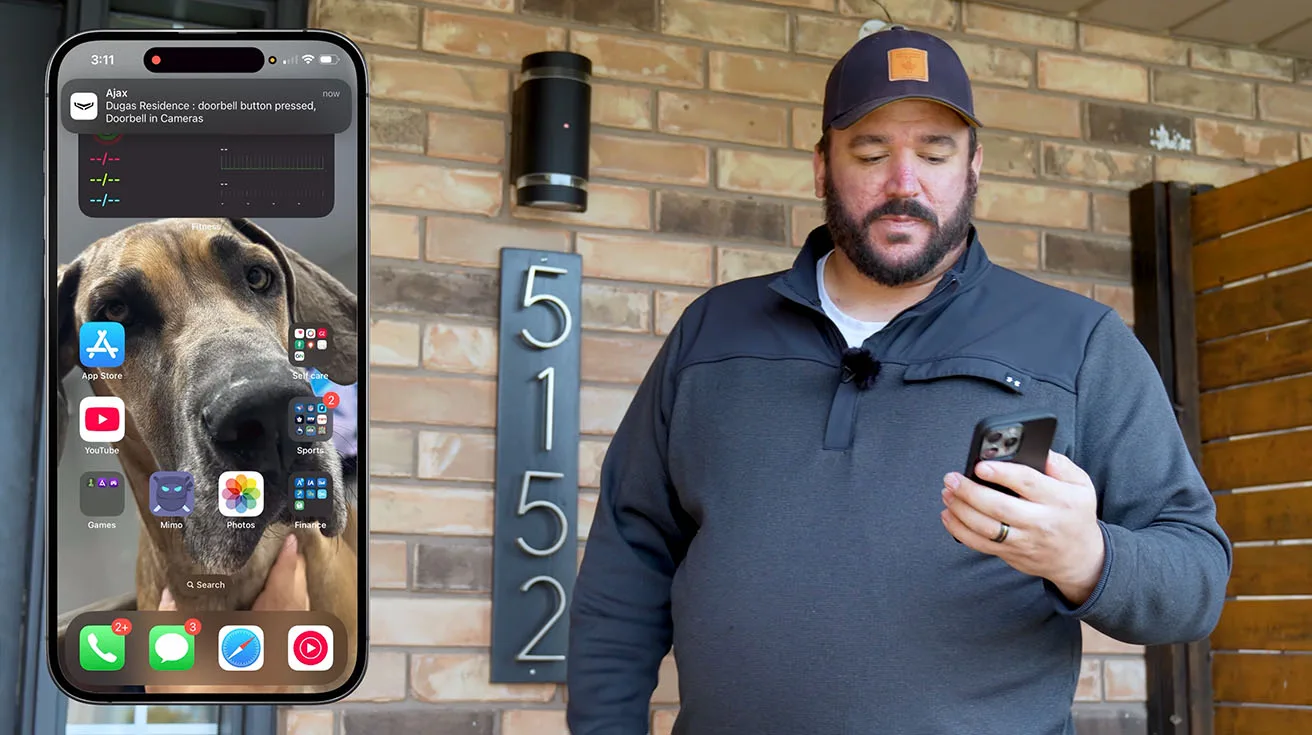
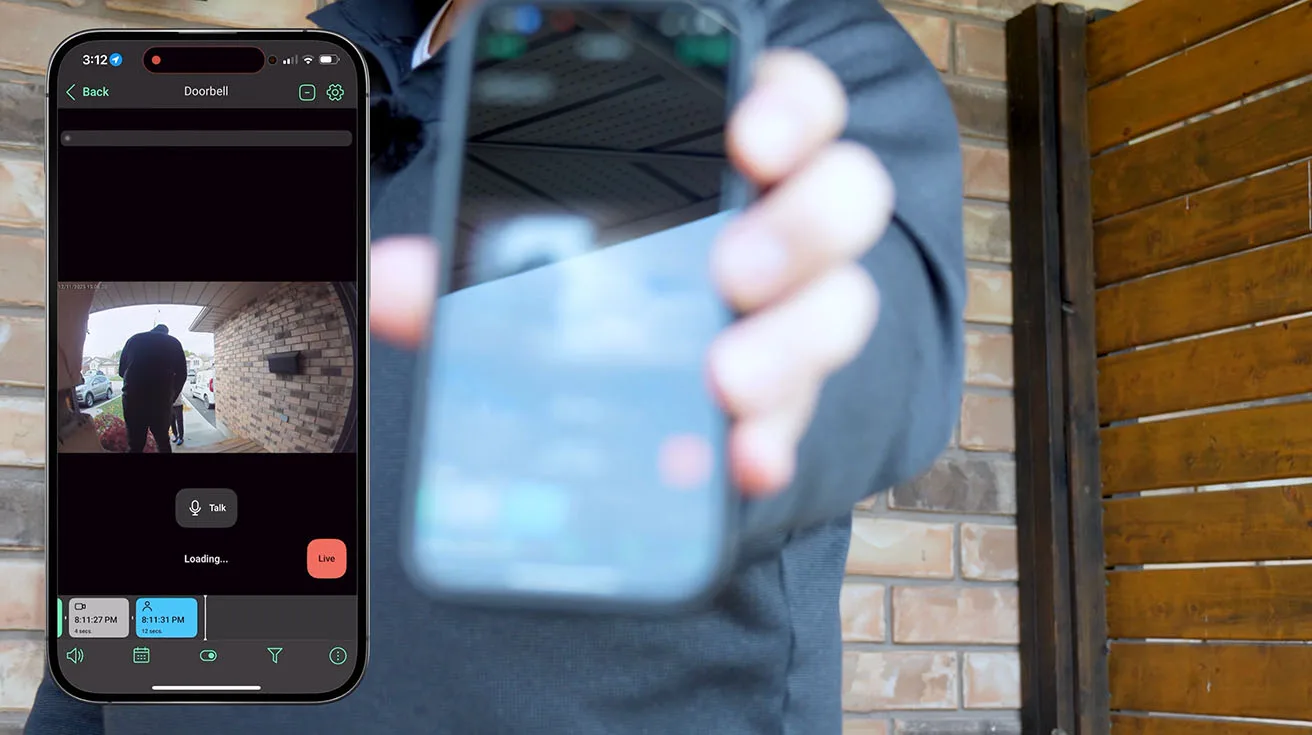
I pressed the doorbell button, and within a second, the chime module inside the home sounded. Simultaneously, the homeowner's phone (and mine, as the installer) received a push notification with a live video feed of the front door.
The response time was excellent – no noticeable lag between button press and notification. This responsiveness is critical for a good user experience. If there's a multi-second delay, people start to question the system's reliability.

1 / 8
Live Video Feed and App Interface
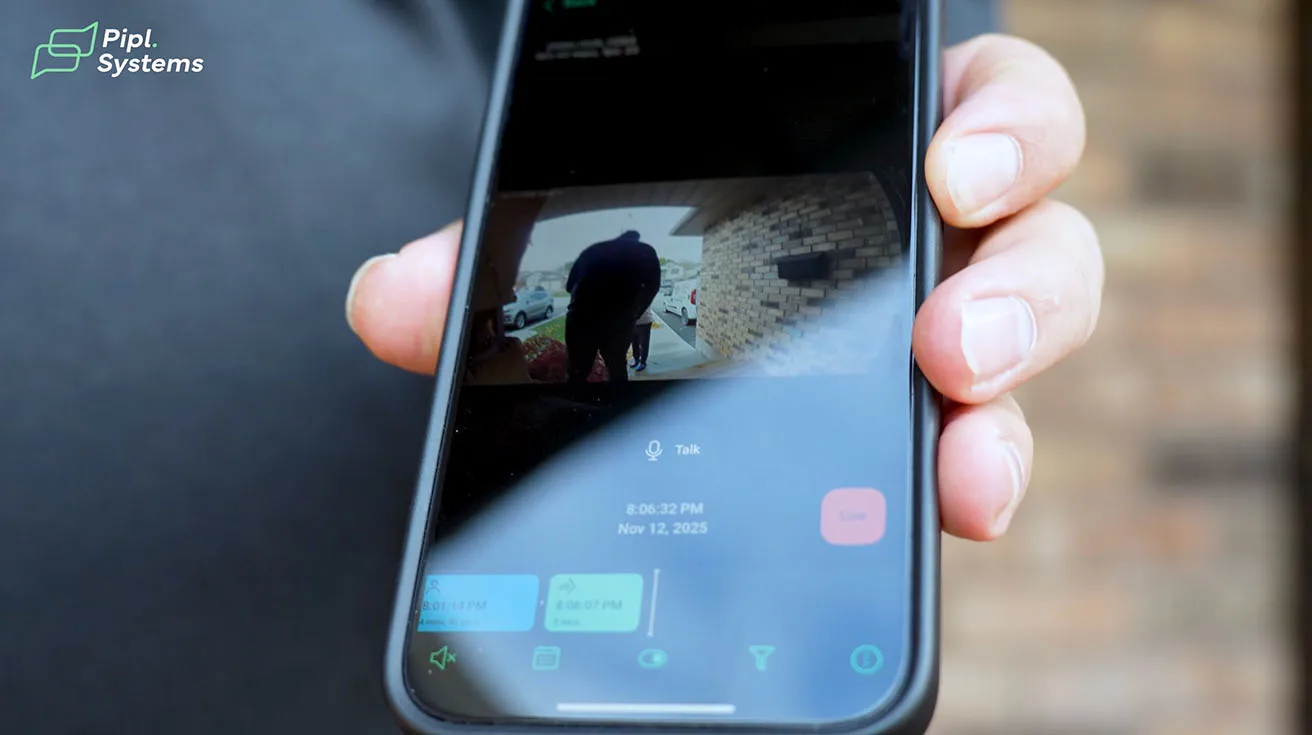
The live video feed in the Ajax app is clean and intuitive. You can:
- View the camera in full-screen mode
- Activate two-way audio with a single tap
- Take a snapshot or start manual recording
- Trigger connected devices (like door locks or lights)
The video quality was sharp, even in moderate outdoor lighting. Colors were accurate, and facial features were easily recognizable from 10–15 feet away.
Two-Way Audio Test
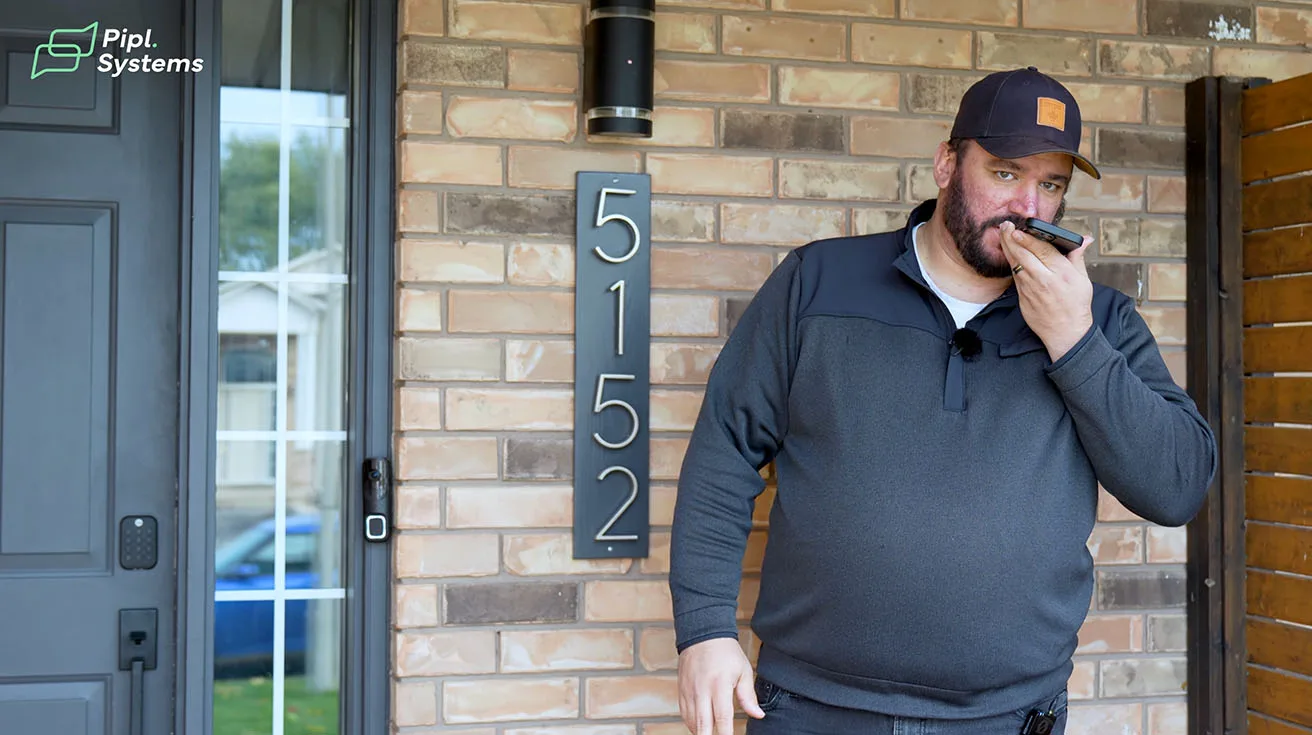
I used the two-way audio feature to communicate with someone standing at the door. The audio was clear and natural, with minimal latency. The homeowner will be able to answer the door remotely from anywhere – whether they're upstairs, in the backyard, or away from home entirely.
This feature is particularly valuable for package deliveries. Instead of missing a delivery or having a package left unattended, the homeowner can instruct the courier to leave it in a specific location or arrange for a neighbor to accept it.



1 / 8
Motion Detection and AI Performance
I walked through the detection zone multiple times to test the AI motion detection. The system correctly identified me as a person and triggered an alert each time. I also asked a colleague to drive past the property – the system detected the vehicle but did not trigger an alert, exactly as configured.
The AI's ability to differentiate between object types is one of the most compelling features of this DoorBell. False alerts are a major source of frustration in security systems, and Ajax has clearly invested in making their AI reliable.
Event Filtering, Timeline Navigation, and Evidence Handling
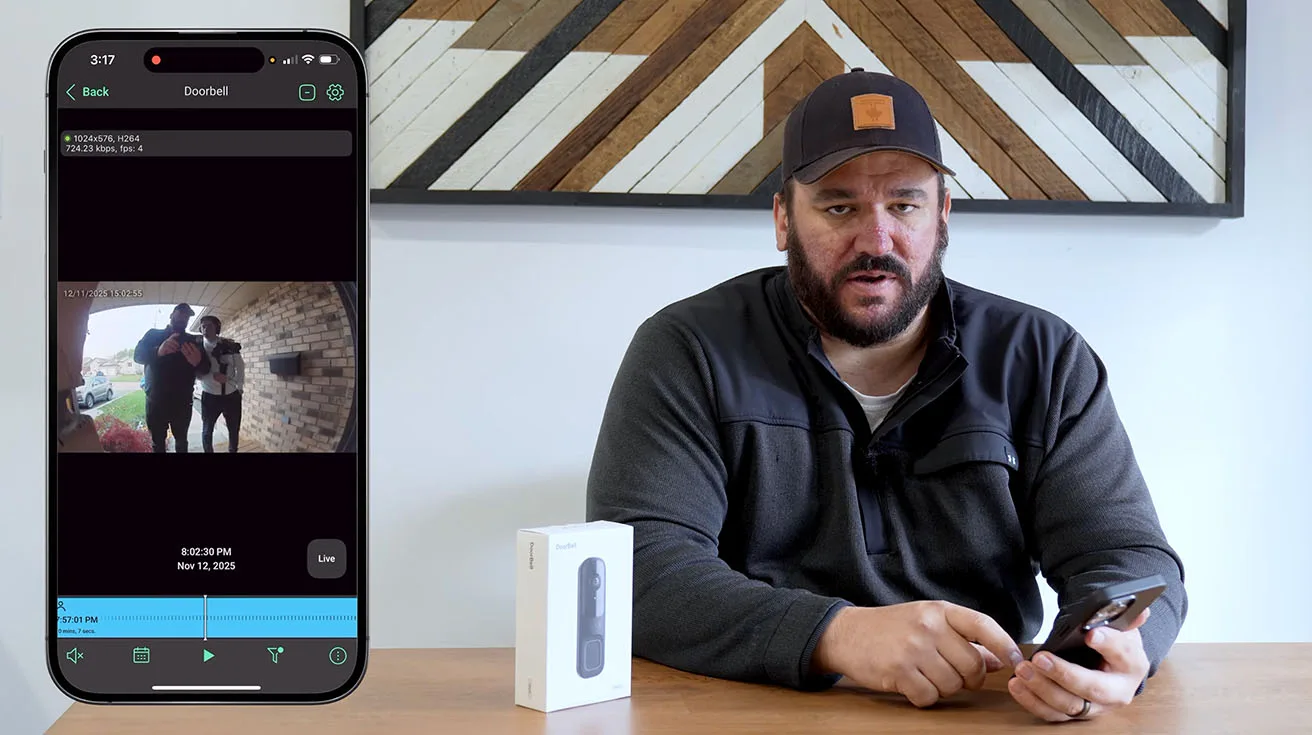
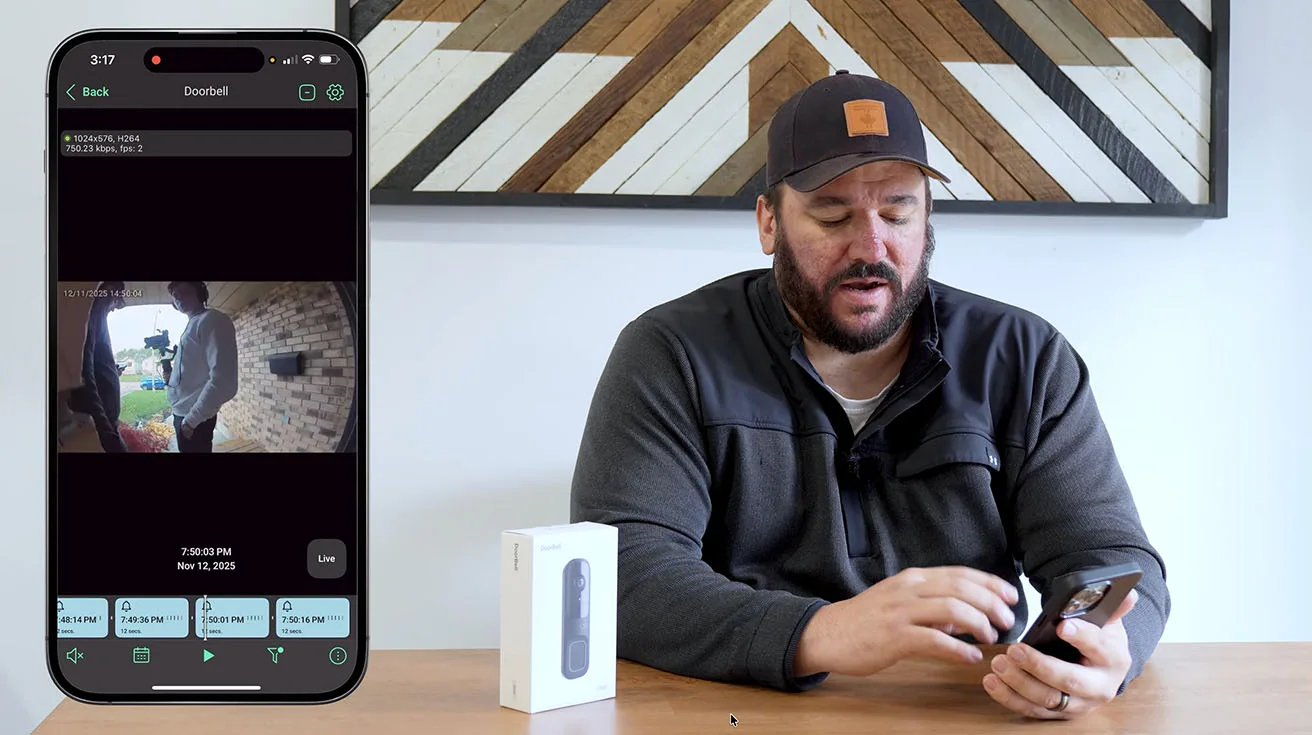
Over the course of the installation, the system recorded several video events – button presses, motion detection tests, and manual recordings. Managing and reviewing this footage is straightforward in the Ajax app.
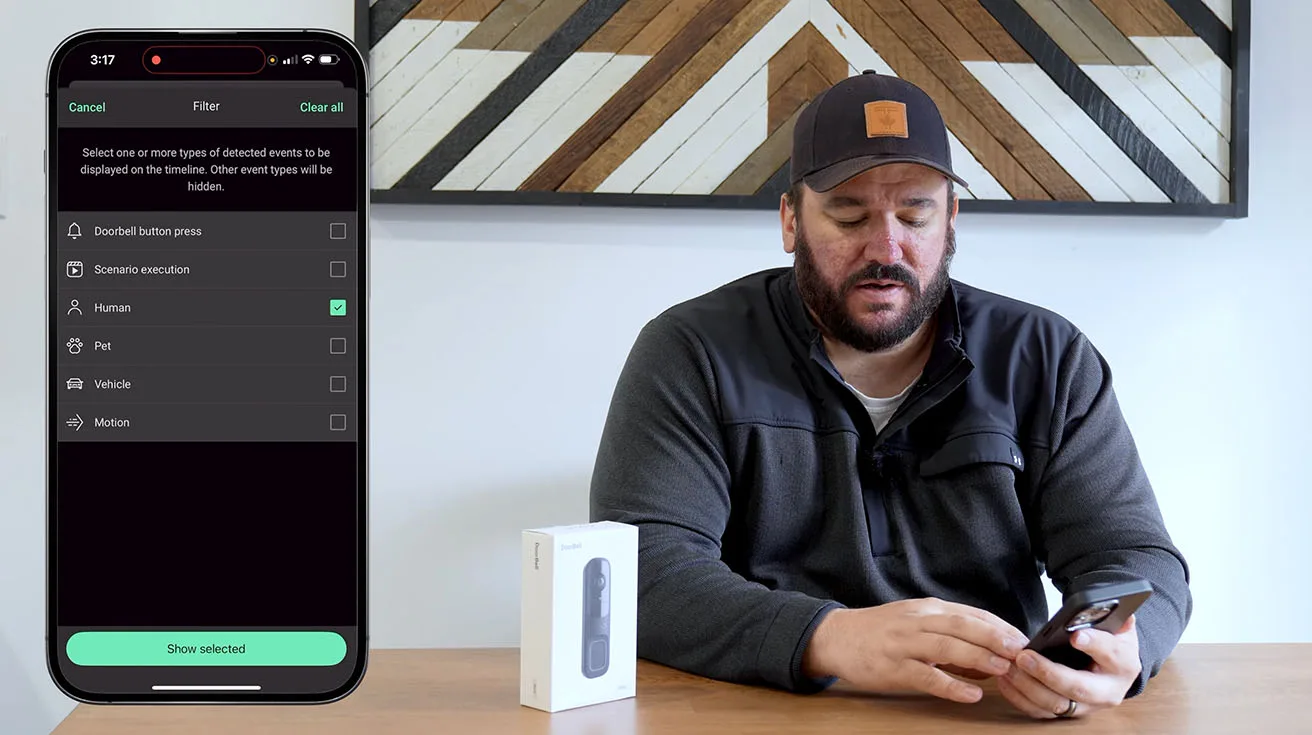
Event Timeline and Filtering
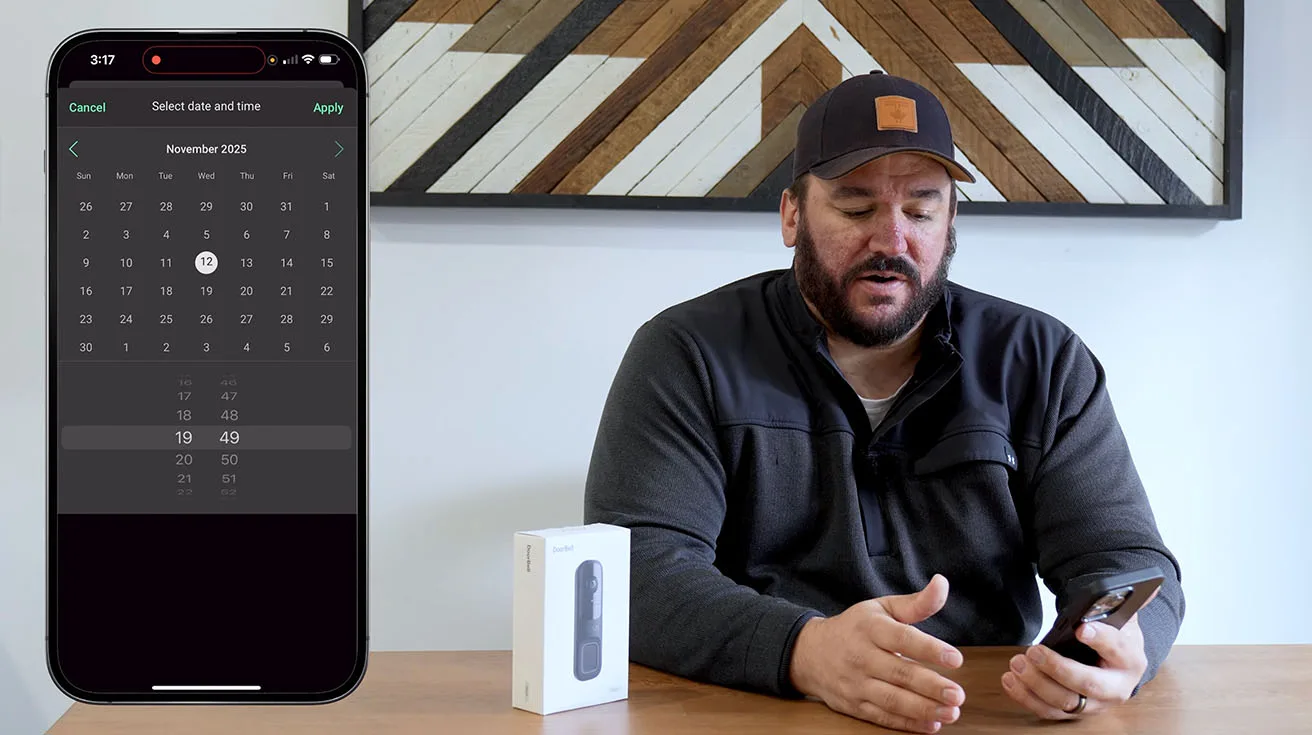
The app presents recorded events in a chronological timeline. You can filter by:
Date and time range
Event type (doorbell press, motion detection, manual recording)
Object type (person, animal, vehicle)


1 / 5
This filtering capability is essential when you need to review footage quickly. For example, if a homeowner wants to see "everyone who approached the front door yesterday afternoon," they can filter for motion events involving people within that time window and skip irrelevant recordings.
Downloading and Sharing Video Clips
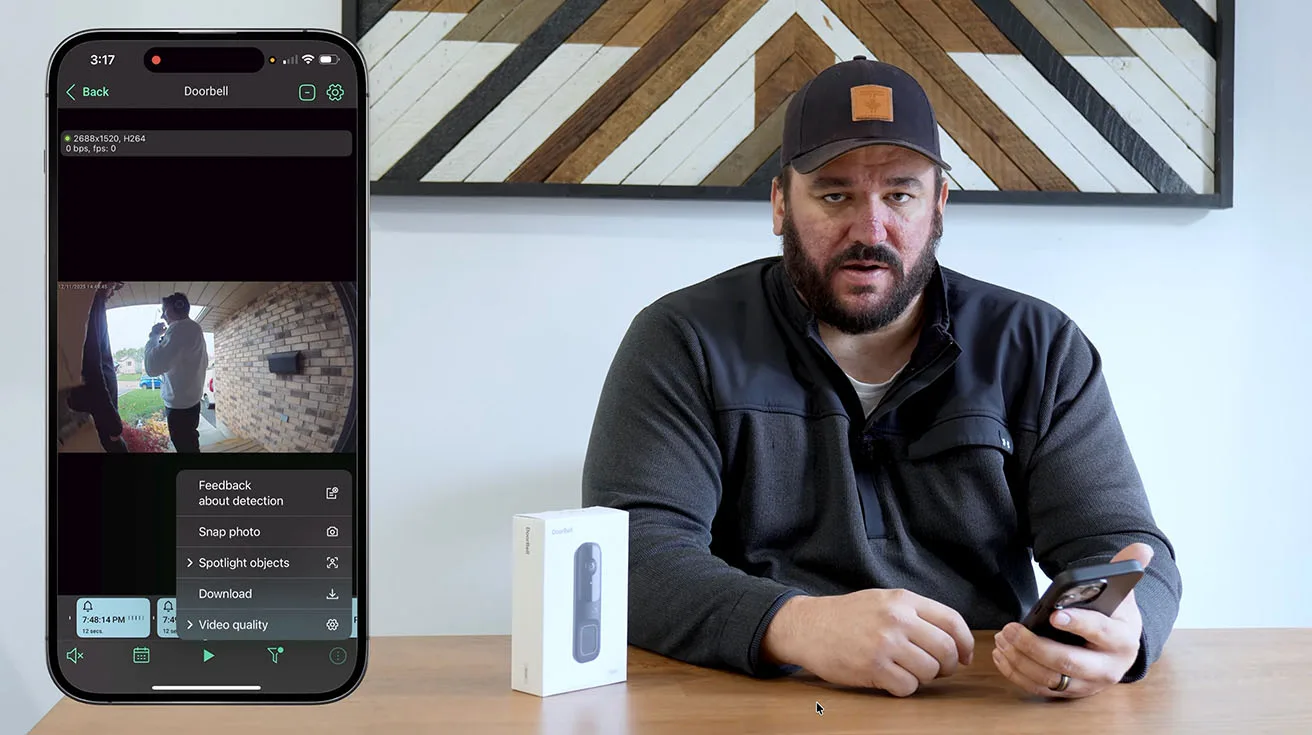
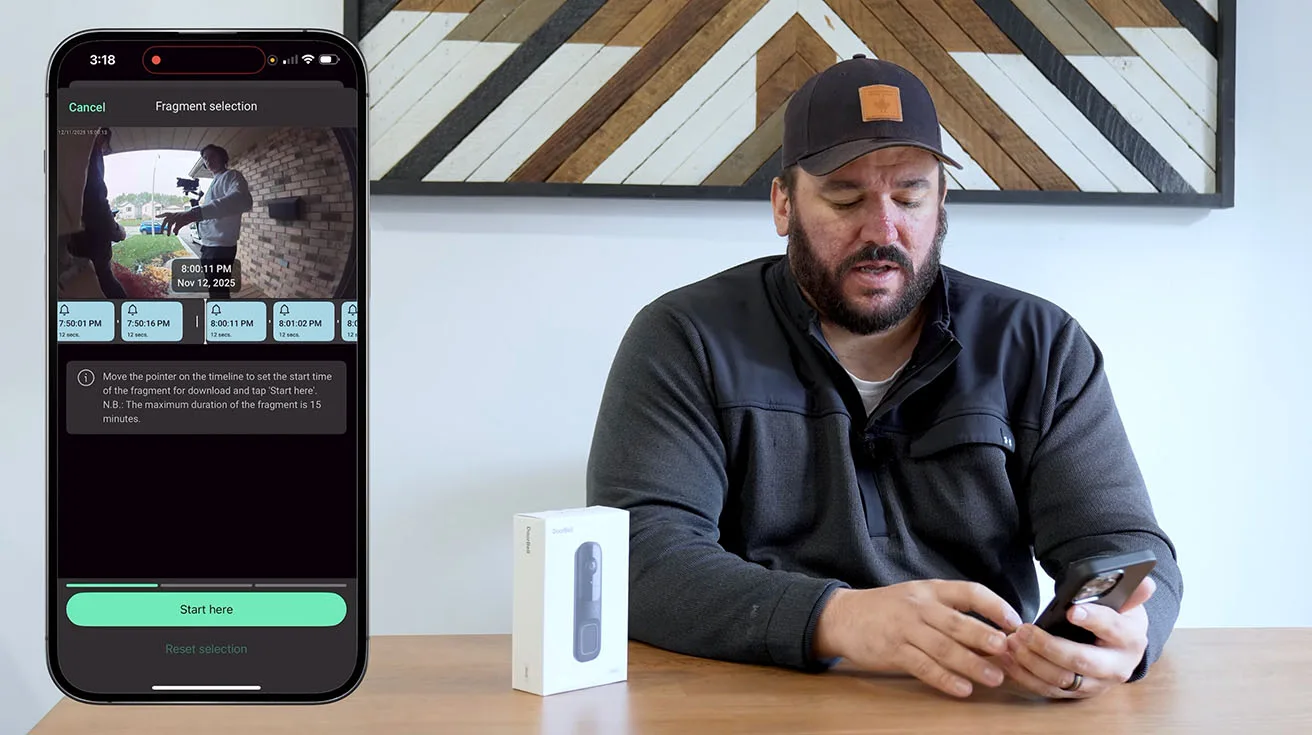
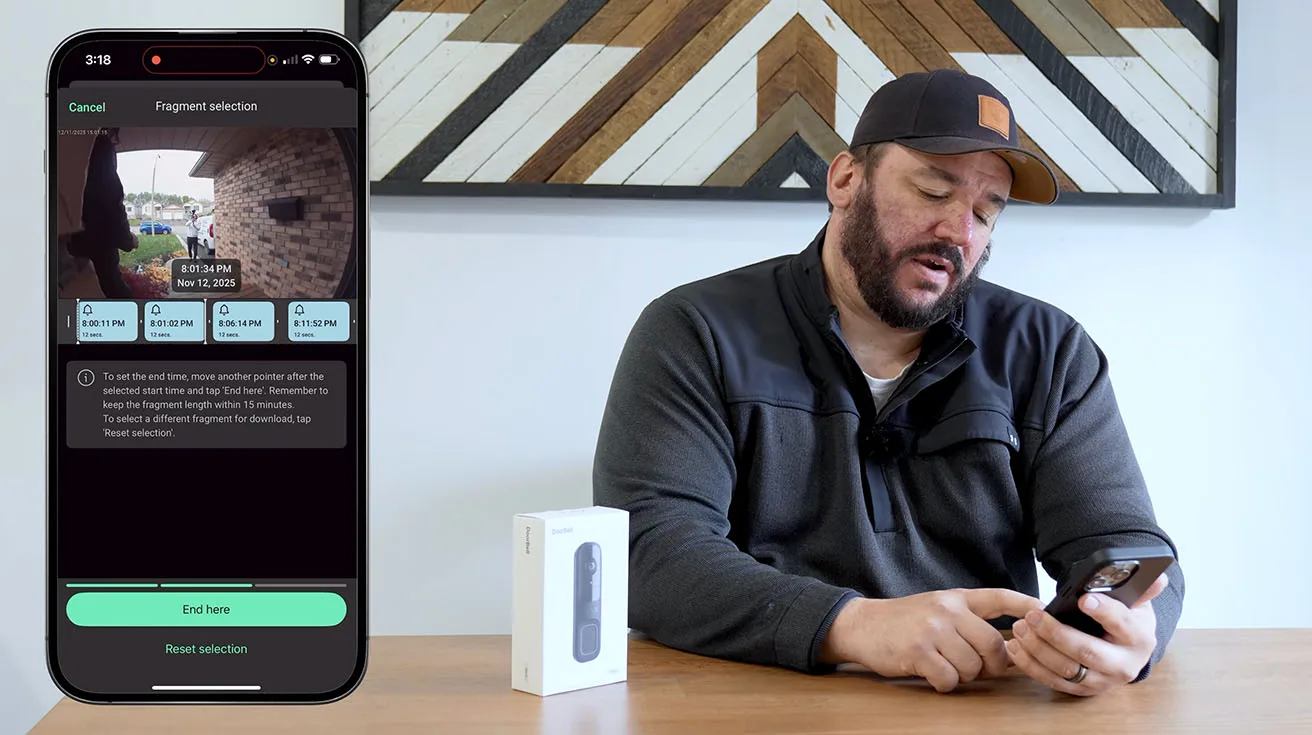
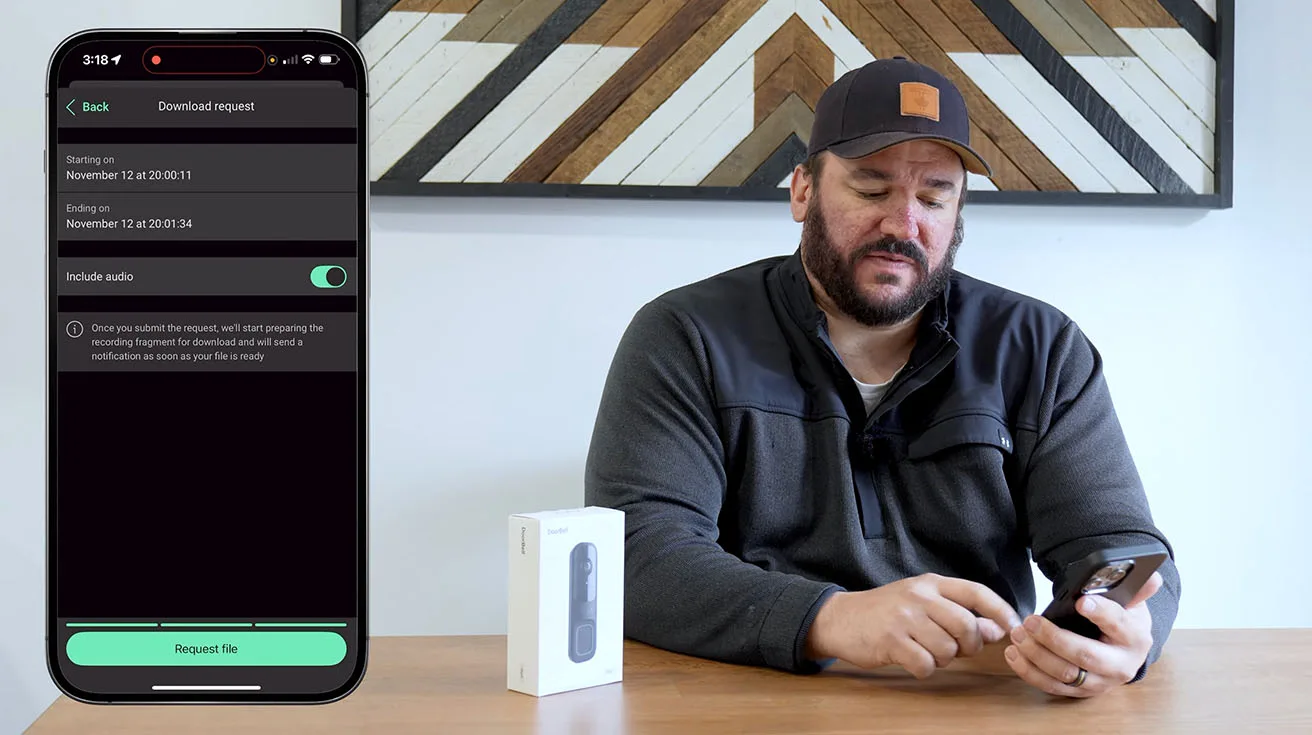
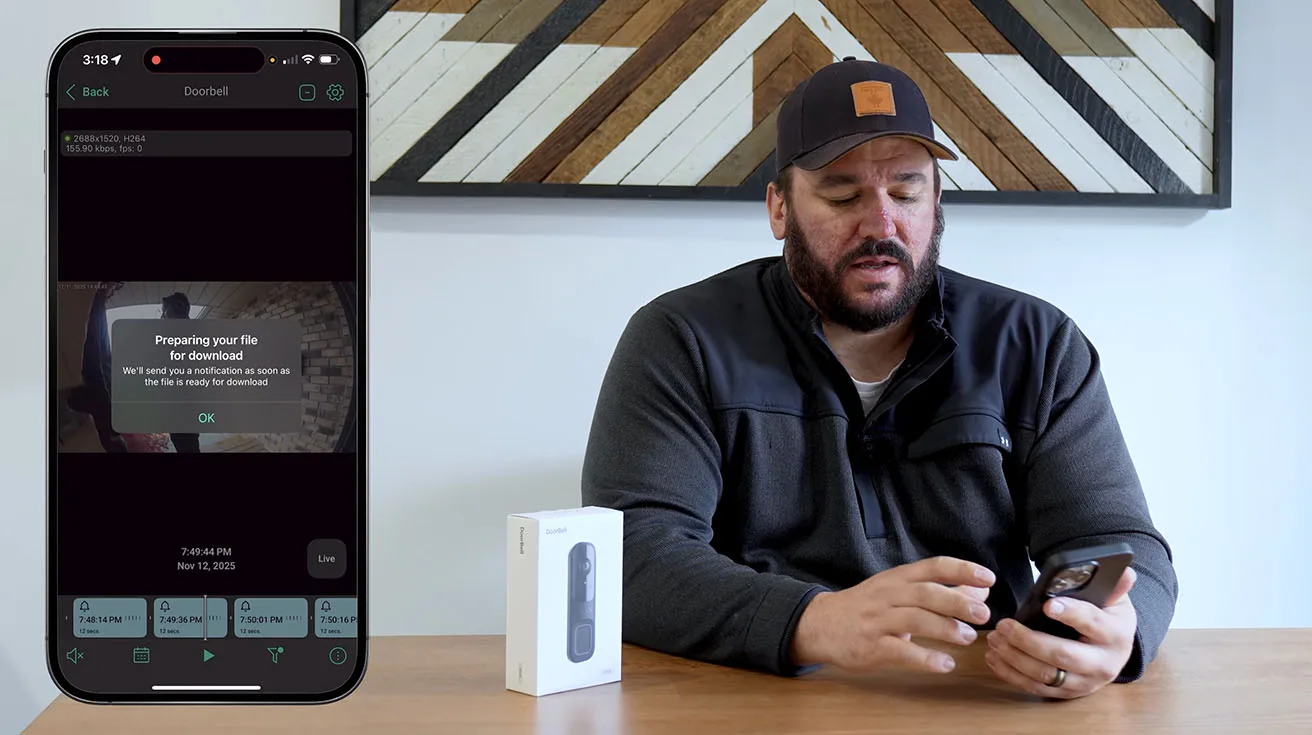
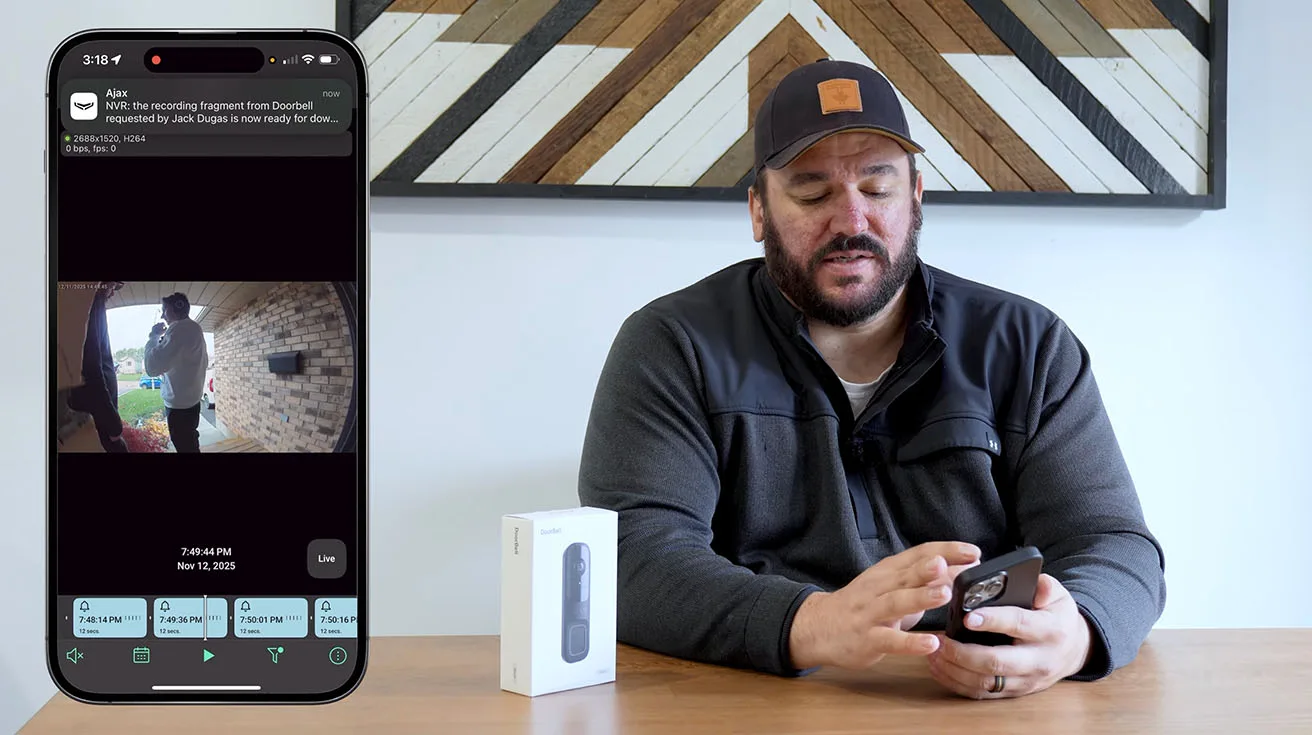
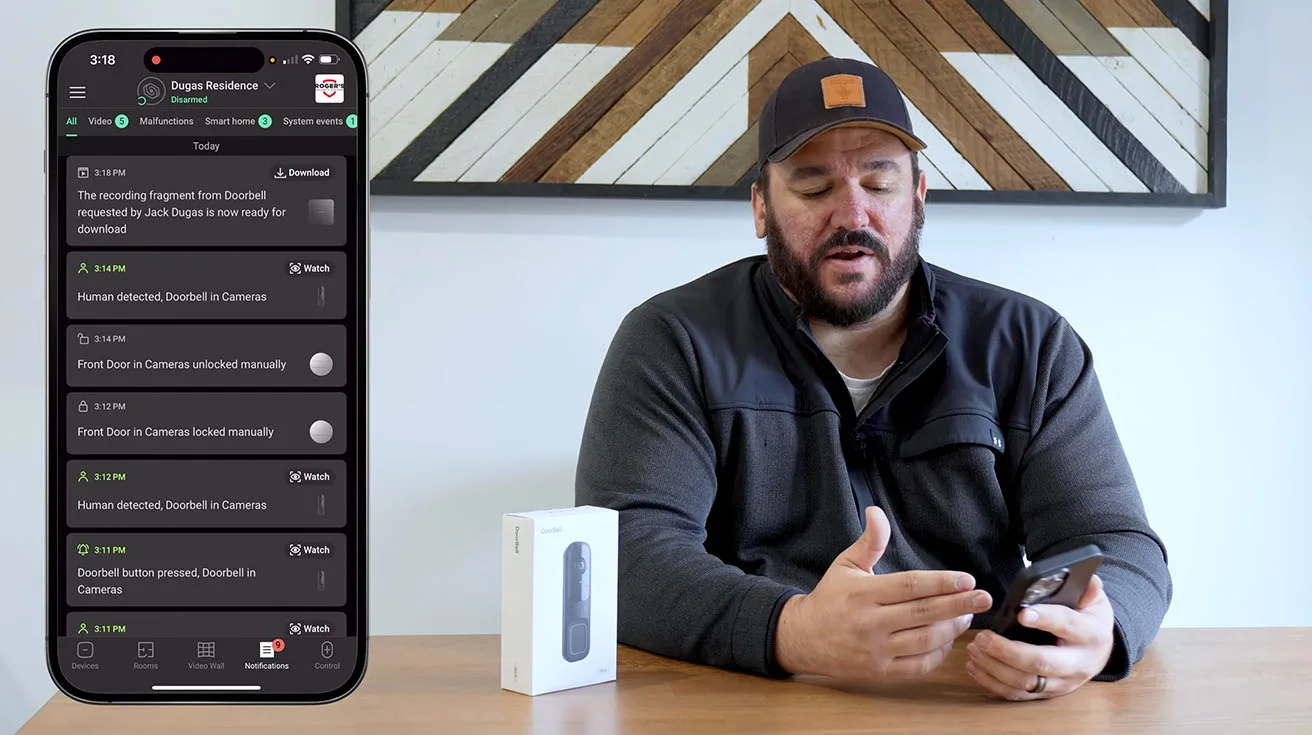
Each recorded event can be:
- Downloaded to the phone's local storage
- Shared via messaging apps, email, or social media (useful for sharing video with law enforcement if needed)
- Deleted individually or in bulk to free up storage space
The app also displays storage usage and warns you when the Hub's microSD card is approaching capacity. Ajax handles storage management intelligently – older recordings are automatically overwritten when the card is full, ensuring the system always captures new events.

1 / 8
Cloud Backup and Extended Storage
For clients who want long-term storage or off-site backup, Ajax offers a cloud storage subscription. This is particularly valuable for commercial clients or anyone who wants to ensure critical footage is preserved even if the Hub is damaged or stolen.
In this installation, the homeowner opted for local storage only, which is perfectly adequate for residential use. If they decide to add cloud backup later, it's a simple subscription upgrade – no hardware changes required.
Live View and Access Control: Using the Doorbell as a Front-End for Automation
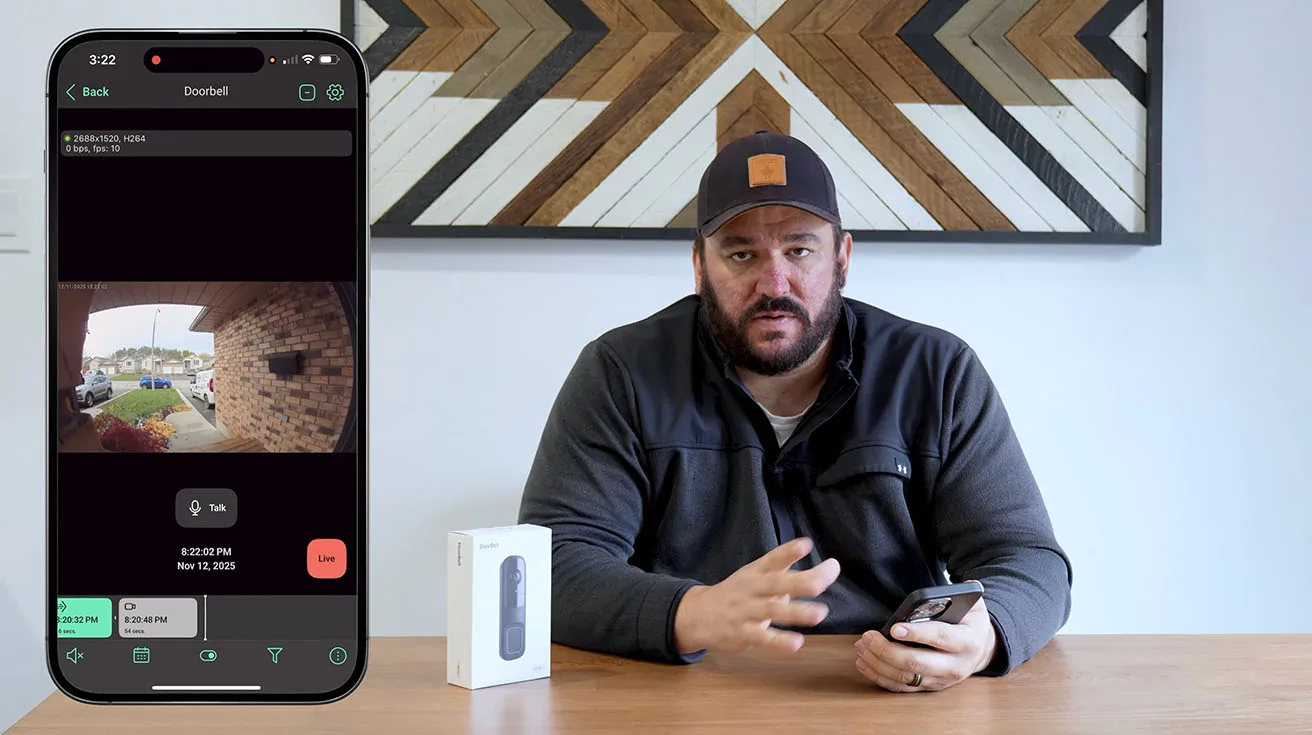
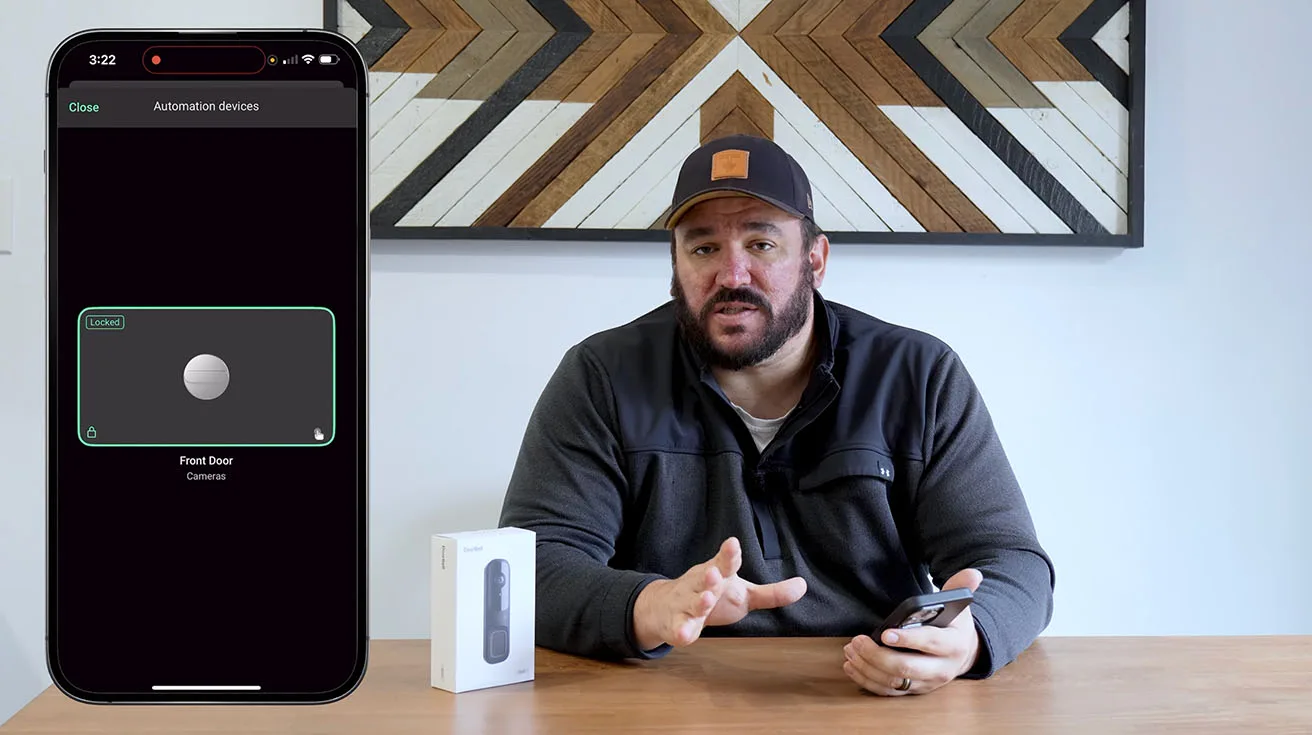
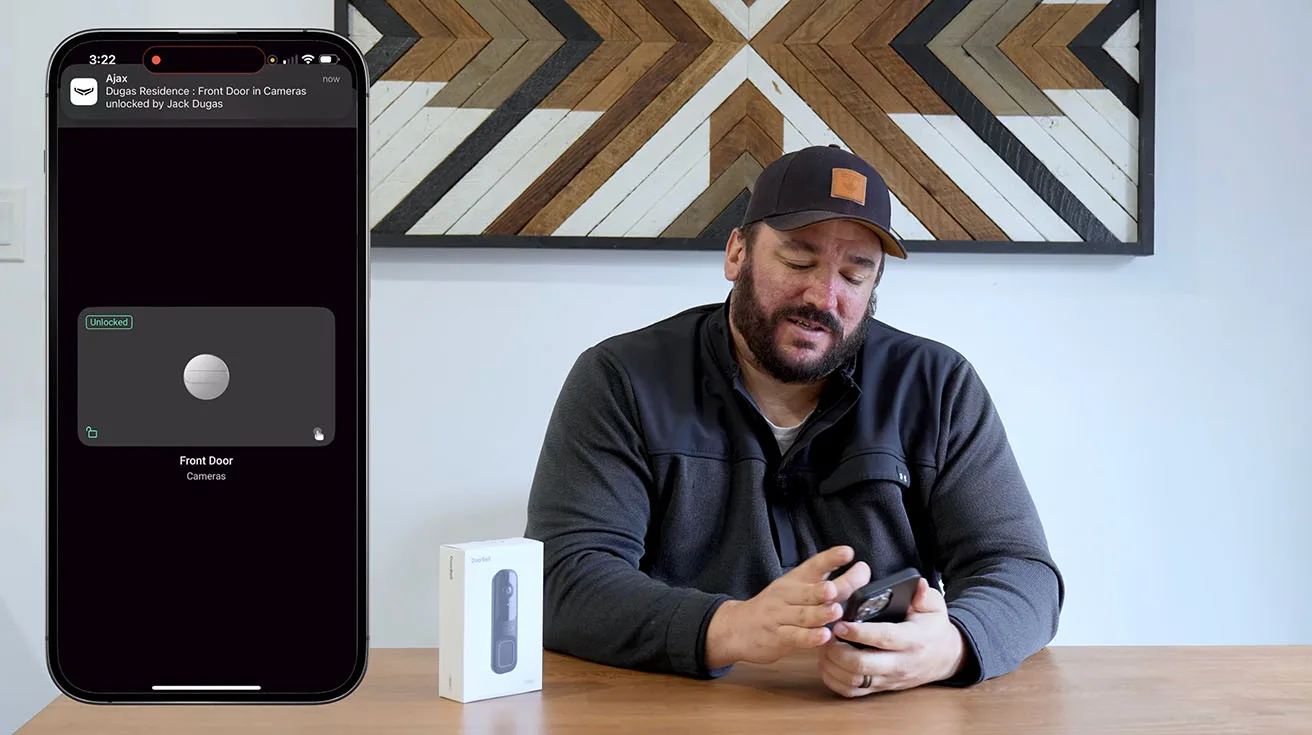
One of the features that consistently impresses clients is the ability to control connected devices – like door locks – directly from the Ajax app, in real time, while viewing the live camera feed.
Integrating the Ajax DoorBell with Smart Locks
For this project, we didn't install a smart lock on the front door, but I want to highlight how this integration works because it's a common request.
Ajax integrates with Yale smart locks and other compatible access control devices. When configured, you can:
- Unlock the door remotely while watching the live video feed
- Receive alerts when the door is locked or unlocked
- Grant temporary access codes to guests, contractors, or service personnel
This integration is seamless and secure. If you're an integrator or homeowner considering this setup, I recommend reviewing our detailed guide on how to integrate Yale smart locks with Ajax systems – it walks through the technical steps and shows real-world use cases where this combination adds significant value.
1 / 3
Live View Anytime, Anywhere
Even when no event is triggered, the homeowner can open the Ajax app and access a live video feed from the DoorBell at any time. This is useful for:
- Checking if a package has been delivered
- Monitoring children arriving home from school
- Verifying that a contractor or service person has arrived
The live view loads quickly, typically within 2–3 seconds, and the video quality is consistent with recorded footage.
Remote Monitoring During Travel or Away from Home
For clients who travel frequently or own multiple properties, the ability to monitor and control their security system remotely is invaluable. The Ajax app works over cellular data or any Wi-Fi connection, so you can check in on your property from anywhere in the world.
I've had clients who manage vacation rentals, and they use Ajax systems – including video doorbells – to remotely verify guest arrivals, monitor property access, and respond to any security alerts in real time.
Closing Remarks: Why the Ajax AI Video DoorBell Stands Out
After years of working with various video doorbell platforms – from consumer-grade brands to professional security systems – I can confidently say that the Ajax AI Video DoorBell is one of the most well-rounded options available today.
Here's what sets it apart:
1. Seamless Integration with a Professional Alarm Ecosystem
Unlike standalone smart doorbells, the Ajax DoorBell is part of a complete security system. It communicates with motion detectors, door sensors, keypads, sirens, and smart locks – all managed through a single app. This integration enables automation and layered security strategies that simply aren't possible with isolated devices.
2. Reliable AI-Based Motion Detection
The AI's ability to distinguish between people, animals, and vehicles dramatically reduces false alerts. This isn't just a convenience – it's a critical feature for maintaining client trust and ensuring that security alerts are taken seriously.
3. Professional-Grade Build Quality and Design
The DoorBell feels solid and durable. It's rated IP54 for outdoor use, and the mounting system is designed to resist tampering. This is a device I'm confident installing on a client's property, knowing it will perform reliably for years.

4. Flexible Power and Storage Options
The ability to run on battery, wired power, or both gives installers flexibility in virtually any scenario. Combined with local and cloud storage options, clients can tailor the system to their privacy preferences and operational needs.
5. Intuitive App and User Experience
The Ajax app is one of the most intuitive security system interfaces I've used. Clients – even those who aren't tech-savvy – can navigate the app, view recordings, and control devices without needing extensive training.
6. Scalability for Future Expansion
Many of our residential clients start with a basic system – a few sensors and a video doorbell – and expand over time. Ajax makes this easy. You can add cameras, outdoor sirens, smoke detectors, flood sensors, and more, all without replacing the Hub or reconfiguring the entire system.
Field Experience from an Authorized Ajax Partner
As a representative of Roger’s Security Systems and the lead on this project, I was pleased to partner with Pipl Systems for the field testing and demonstration of the Ajax AI Video Doorbell. Collaborating on a live installation in Southern Ontario lets us show how the product behaves in real homes and businesses, not just in controlled lab conditions. Together with the Pipl Systems team, the goal was to create a review that reflects what professional installers actually see and deal with on site, rather than a purely marketing-driven overview.

Roger’s Security Systems has been part of the security industry for more than 32 years as a family-owned business focused on long-term relationships and a strong local reputation. Over the decades, our team has worked extensively with a wide range of platforms, including Honeywell and DSC, in addition to Ajax. That multi-vendor experience gives us a clear sense of where each system is strong, where it has limits, and how it fits into different project types. In this collaboration with Pipl Systems, the idea was not just to “show a new product,” but to explain where the Ajax AI Video Doorbell genuinely makes sense for real customers.
This broader background is especially important for homeowners and businesses that rely on our recommendations. Every project starts with the client’s needs, risk profile, and budget, not with a commitment to a single brand. When an installer who understands several ecosystems chooses to deploy a specific device like the Ajax AI Video Doorbell, that decision reflects its practical performance, serviceability, and reliability in the field, not just the spec sheet.

1 / 4
At Roger’s Security Systems, our work covers the full range of modern security: intrusion alarm systems, full video surveillance solutions, and card access control for both residential and commercial properties. In the video, I emphasize that our team supports the entire lifecycle of a project – from the first conversation and system design through professional installation and ongoing service. For viewers, this review is a chance to see how the Ajax AI Video Doorbell fits into that broader approach and why it has earned a place in our toolkit as a professional security integrator. To learn more about our services, visit our website at rogers-security.com.
Who Should Consider the Ajax AI Video DoorBell?
Based on this installation and my broader experience with Ajax, I recommend the Ajax AI Video DoorBell for:
Residential Clients
- Homeowners who want a reliable, integrated security system with remote monitoring
- Families with children, elderly parents, or frequent visitors
- Anyone concerned about package theft, solicitors, or unauthorized access
Multi-Unit Residential Properties
- Condominiums and apartment buildings looking for a unified access control and security solution
- Property managers who need remote visibility into entry points
Small Commercial Sites
- Offices, clinics, retail shops, and other small businesses that want professional security without enterprise-level complexity
- Sites where two-way communication and remote door control add operational value
Integrators and Security Professionals
- Systems integrators looking for a reliable, easy-to-install video doorbell that integrates with a professional alarm platform
- Technicians who value strong manufacturer support, clear documentation, and a robust mobile app for configuration and diagnostics
Final Thoughts: Real-World Installation, Real-World Results
This Ajax AI Video DoorBell installation is a perfect example of what I value most in security technology: reliability, intelligence, and ease of use. It's a system that works as expected, provides meaningful value to the client, and integrates seamlessly into a broader security strategy.
If you're an integrator, I encourage you to explore Ajax's product line and consider how their ecosystem can solve real problems for your clients. If you're a property owner or security decision-maker, I hope this walkthrough has given you a clear sense of what modern video doorbell technology can do – and how it fits into a professional-grade security system.
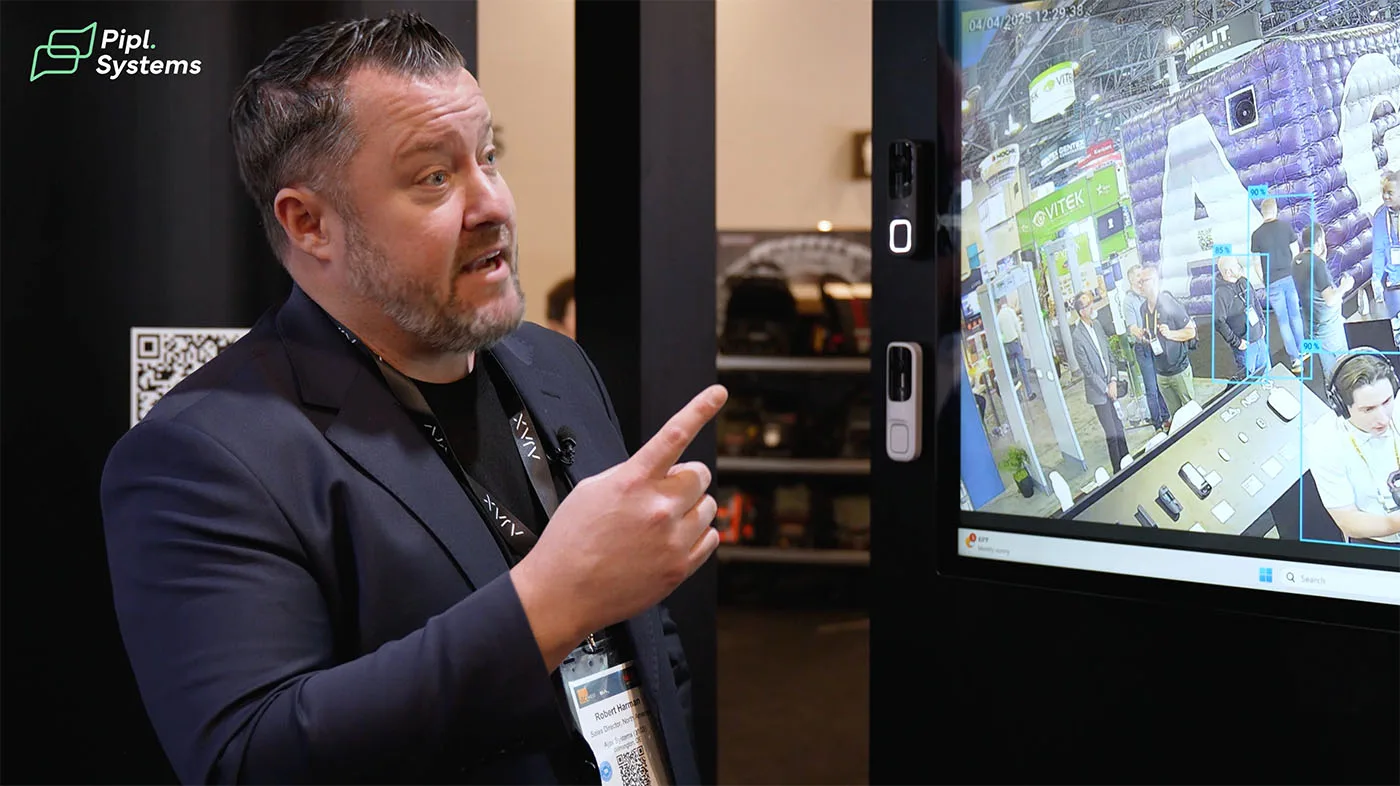
For those attending industry events, you can also see Ajax systems demonstrated live at trade shows – here’s an overview of Ajax’s presence at ISC West, one of the largest security industry conferences in North America.
Thank you for reading, and feel free to reach out if you have questions about this installation or Ajax systems in general. I'm always happy to connect with fellow professionals and share what I've learned in the field.
- Jack DugasSystems Integrator, Roger's Security SystemsToronto, Canada
Watch the full installation video:

FAQ: Ajax AI Video Doorbell for Homeowners and Installers
Can the Ajax AI Video DoorBell work without an existing doorbell transformer?
Yes. The DoorBell has an internal rechargeable battery that can power the unit independently. However, if you have existing doorbell wiring (16–24V AC), connecting it will provide continuous power and eliminate the need to recharge the battery.
How long does the battery last if I'm not using wired power?
Battery life depends on usage – specifically, how often the DoorBell records video and how many live view sessions are initiated. In typical residential use, the battery can last several months. The Ajax app monitors battery level and sends low-battery alerts well in advance.
Does the Ajax DoorBell work with existing mechanical or electronic chimes?
The Ajax system includes its own plug-in chime module, which is the recommended solution. While the DoorBell may be compatible with some existing chimes (if you connect it to the doorbell wiring), Ajax's chime offers more flexibility – adjustable volume, multiple tones, and integration with the Ajax app.
Can I view the DoorBell's live feed on a computer or tablet, or only on a smartphone?
The Ajax app is available for iOS and Android smartphones and tablets. There is also a web-based interface (Ajax PRO Desktop) for professional installers and monitoring centers, which allows you to view live feeds and manage systems from a computer.
How does the Ajax DoorBell handle privacy and data security?
Ajax uses end-to-end encryption for video and data transmission. Recordings stored locally on the Hub's microSD card are accessible only through authenticated Ajax accounts. If you use Ajax's cloud storage, data is encrypted both in transit and at rest. Ajax is GDPR-compliant and takes data privacy seriously.
What happens if my internet goes down? Will the DoorBell still record?
Yes. The DoorBell will continue to record events locally to the Hub's microSD card even if the internet connection is lost. You won't receive real-time push notifications during the outage, but all footage will be available for review once connectivity is restored.
Can I integrate the Ajax DoorBell with third-party smart home platforms like Google Home or Amazon Alexa?
Currently, Ajax offers limited integration with third-party platforms. However, Ajax's ecosystem is robust enough that most clients find they don't need additional integrations. Ajax regularly updates its platform, so expanded third-party compatibility may be added in the future.
Is professional installation required, or can a homeowner install this themselves?
The Ajax AI Video DoorBell is designed to be user-friendly, and a tech-savvy homeowner with basic tools can install it, especially if they're comfortable working with low-voltage wiring. That said, professional installation ensures proper placement, optimal camera angles, secure mounting, and full integration with the alarm system. For commercial sites or complex residential setups, I always recommend professional installation.
This article was created in collaboration with Pipl Systems, a media platform dedicated to sharing real-world security expertise. All content reflects the author's genuine experience and professional opinion. Pipl Systems' editorial methodology ensures transparency, accuracy, and practical value for the security industry.