

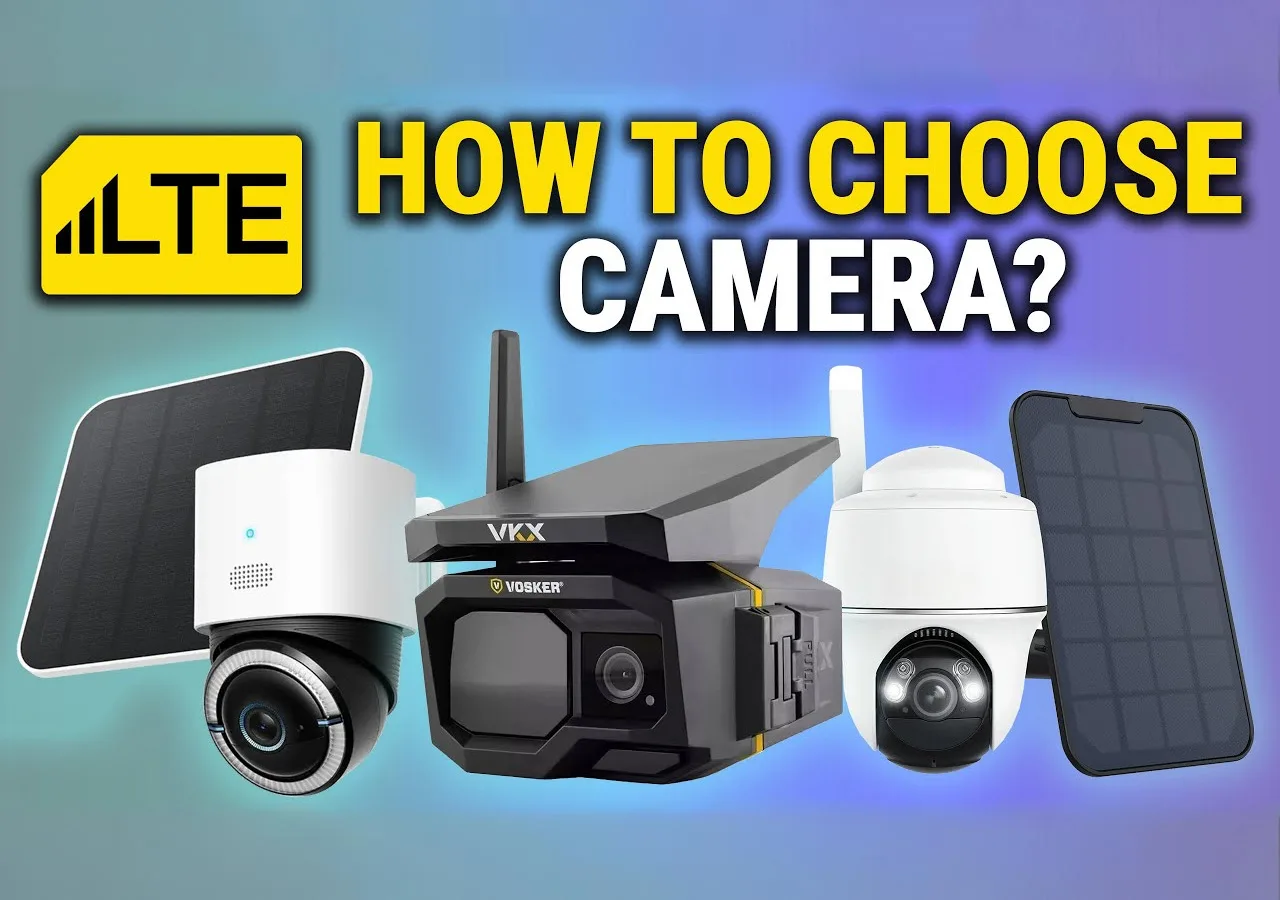
An LTE cellular security camera exists for places your router will never reach. Remote farms, construction sites, storage yards, trailheads, and seasonal cottages often sit beyond reliable broadband. With LTE backhaul, the camera sends motion clips, alerts, and health pings over the same cellular networks your phone uses. That means real coverage without trenching Ethernet or installing point-to-point radios.
How they differ from typical Wi-Fi kits
Most Wi-Fi cameras expect constant power, a stable LAN, and plentiful upstream bandwidth. Cellular models prioritize efficiency. They buffer short event clips, compress aggressively, and avoid continuous streaming to conserve data. They often pair with solar panels and high-capacity batteries, so you can mount them once and visit the site far less. Good models also include on-device analytics to reduce false alerts that waste data.
Quick comparison for planning
| Requirement | LTE cellular security cameras | Wi-Fi security cameras |
|---|---|---|
| Network reach | Works anywhere with carrier coverage | Limited to Wi-Fi access point range |
| Power model | Battery powered, often with a solar option | PoE or 12 V adapter, continuous AC |
| Data usage pattern | Event-based clips, efficient on data | Continuous or frequent streaming |
| Ideal use cases | Farms, construction sites, gates, cabins | Homes, small businesses, backyards |
| Install effort | No cabling, fast setup anywhere | Requires cabling and AP placement |
| Maintenance | Low with solar and spare batteries | Higher, tied to power and Wi-Fi |
Who benefits in North America
Owners who need evidence and presence with minimal infrastructure. General contractors tracking equipment, ranchers monitoring gates and tanks, marina operators watching slips in the off-season, and short-term events like pop-up yards or outdoor staging areas all see immediate value. The right kit cuts truck rolls, keeps teams informed, and provides defensible video when incidents occur.


1 / 5
Understanding LTE Security Cameras
How the link works
An LTE security camera contains a cellular modem with a carrier SIM. It registers on local LTE bands, obtains an IP path through the provider, then signals a cloud service that brokers notifications and video retrieval. Because cellular security cameras ride metered links, reputable vendors design firmware around motion-triggered capture, adaptive bitrates, and short-lived views on demand.
Autonomy and flexibility in the field
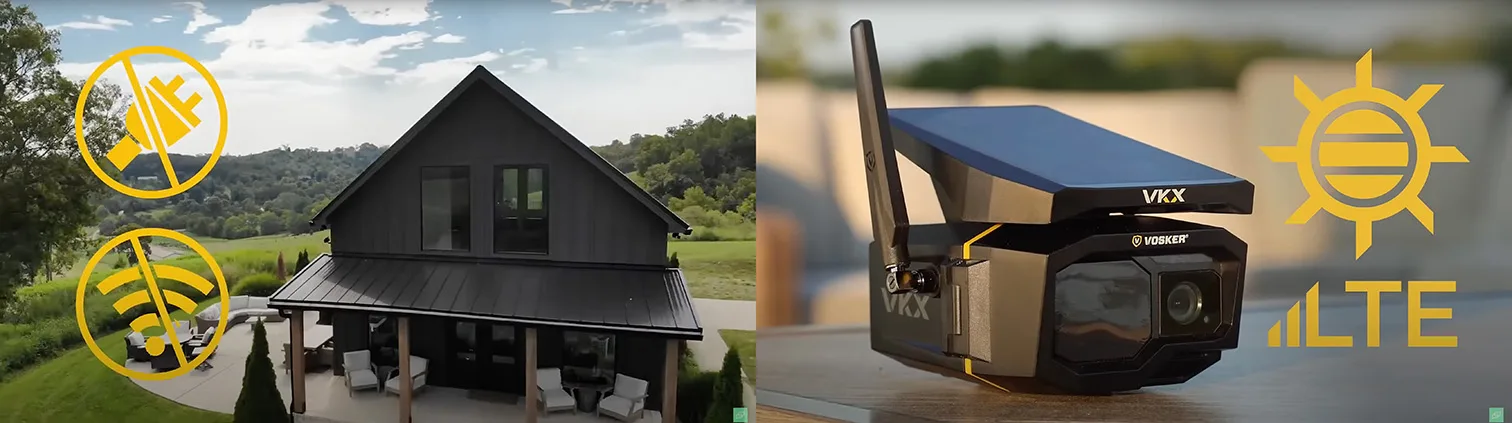
Many units are battery-powered with optional solar trickle charging. A smart power profile wakes sensors instantly for alarms, then returns to low-draw idle. External high-gain antennas can improve the marginal signal at tree lines or behind job-site trailers. Mounting is flexible: poles, fence posts, roof edges, or temporary stands. Devices tolerate weather swings common to the US and Canada, with housings rated for dust and precipitation.
What to expect day to day
A modern LTE security camera app should deliver three things reliably. First, timely push alerts filtered by on-device AI so you review people and vehicles, not waving grass. Second, fast thumbnails and short clips that open without long buffering on cellular. Third, simple controls for arming schedules, privacy windows, and data plan awareness so you stay within monthly limits. When cellular coverage is weak, look for models that support external antennas, store to local SD, and re-sync clips when signal returns.
When to choose LTE over Wi-Fi
Pick LTE for sites with no broadband, when you need rapid deployment, or where moving the camera between projects is part of the workflow. Stick with Wi-Fi or wired NVRs for dense multi-camera systems on a single property, continuous recording needs, or when you already have a robust LAN and power.
Network Coverage: The Foundation of Reliability
Check the carrier signal where you will install
An LTE cellular security camera only works if a carrier serves the site. Verify the signal on a phone using the same carrier you plan to use, then confirm outdoors and indoors at the exact mounting height. If you need more margin, consider a high-gain external antenna and place the camera or antenna as high and as clear of obstructions as possible.
Use vendor coverage tools and bundled SIMs
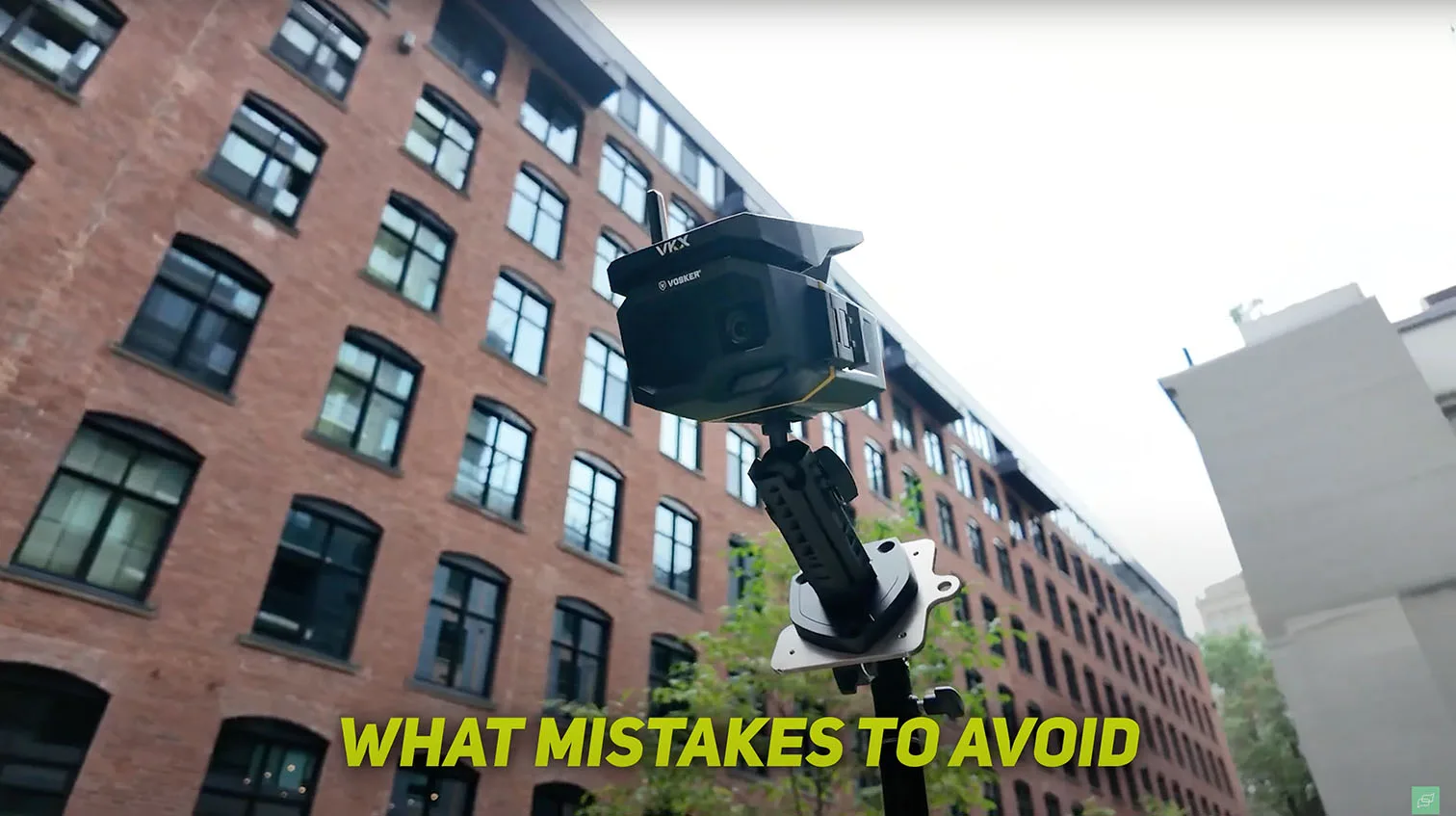
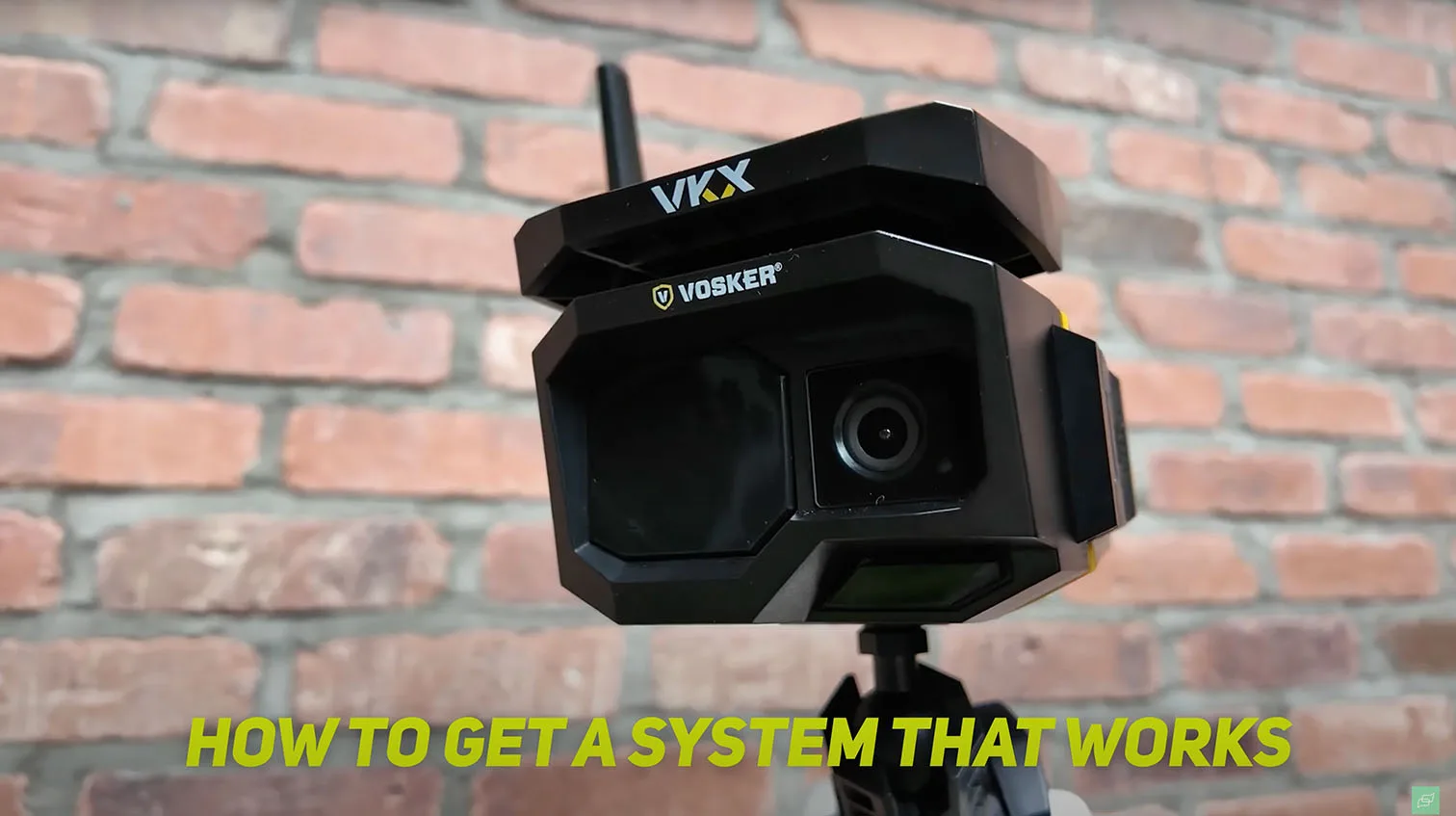
Some manufacturers bundle a SIM and provide coverage maps so you do not have to negotiate with carriers yourself. For example, the VKX from Vosker includes an embedded SIM and publishes coverage guidance. This can speed up deployments on farms, job sites, gates, and cabins where traditional internet is not feasible.


1 / 2
Rural and remote planning tips
Mount with sky exposure, away from metal siding and dense trees. If buildings block signal, mount the antenna on the exterior and run a short pigtail lead into the enclosure. In valleys and heavy-forest regions, test multiple carriers and lock the camera to whichever delivers the best RSSI and SINR. For multi-camera sites, stagger carriers to diversify risk during localized outages.
Data Plan Costs and Usage
When cameras consume data
Cameras draw data only when they send or receive something. Live view uses a steady stream. Event clips, thumbnails, and cloud sync are bursty. Firmware updates and time sync are occasional but should be scheduled during off-hours if your plan is tight. Understanding this pattern is the fastest way to control your LTE security camera data plan cost.
Modes that keep bills in check
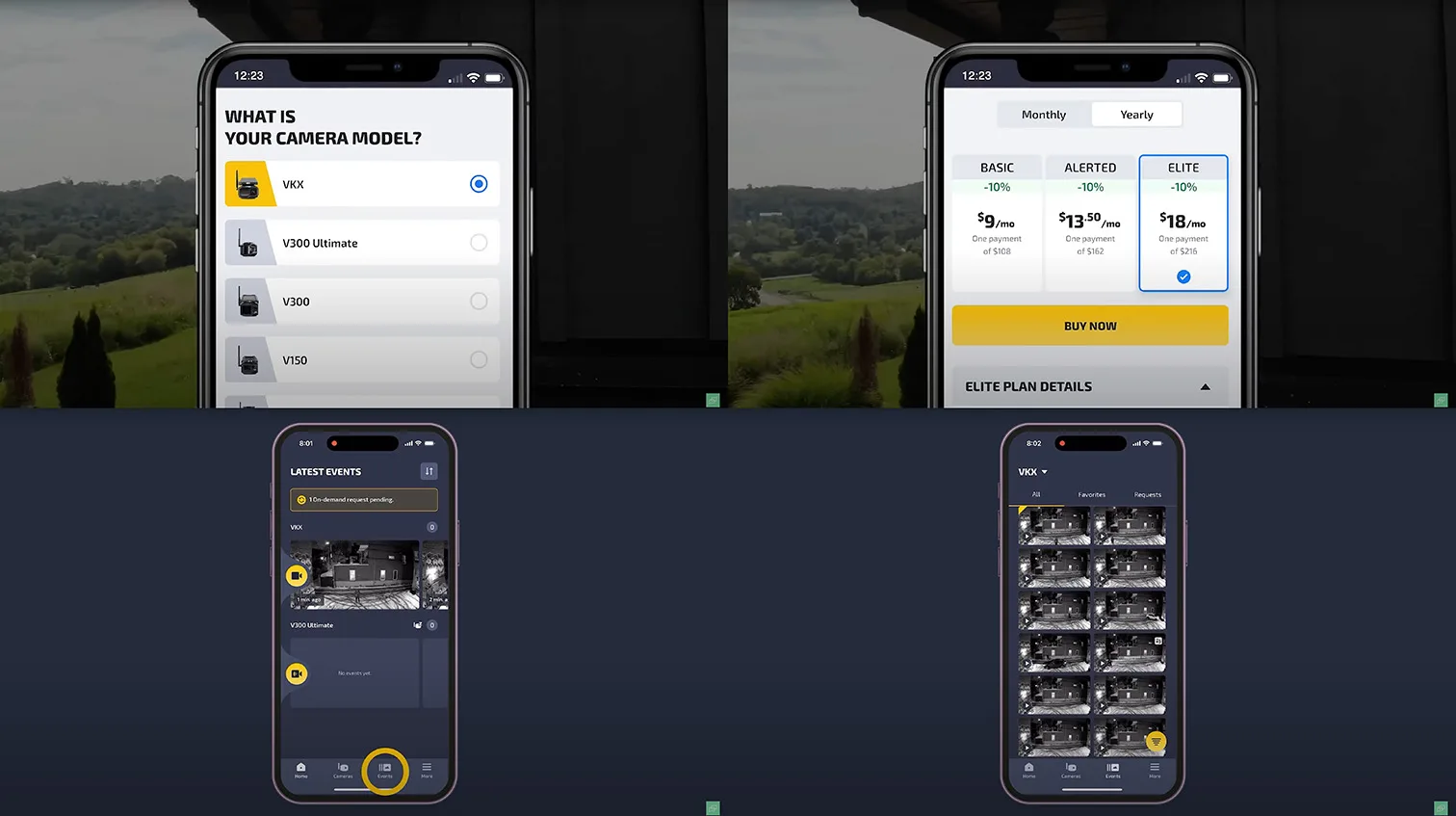
Use event-driven recording with short clips, capped bitrates, and smart cooldowns between events. Prefer push notifications with thumbnails first, and open live view only when needed. Many cellular models offer on-demand capture for quick spot checks without staying connected. For example, on some devices you can tap the app to request a still or short clip on the fly, which avoids continuous streaming.
Quick estimator to plan your monthly usage
You can approximate data needs from bitrate and time. Data (MB) ≈ bitrate (kbps) × duration (seconds) ÷ 8 ÷ 1024.
| Action | Typical settings | Rough data impact per use |
|---|---|---|
| Push notification with thumbnail | 50 to 150 kB | 0.05 to 0.15 MB |
| 10 s event clip at 480p 400 kbps | 400 kbps × 10 s | ~0.49 MB |
| 10 s event clip at 720p 800 kbps | 800 kbps × 10 s | ~0.98 MB |
| 1 min live view at 720p 800 kbps | 800 kbps × 60 s | ~5.9 MB |
| 1 min live view at 1080p 1.5 Mbps | 1500 kbps × 60 s | ~11.0 MB |
These are ballpark values. Actual usage varies by scene complexity and codec efficiency. Plan for headroom, then refine after your first week of logs.
Field-proven ways to reduce data without missing events
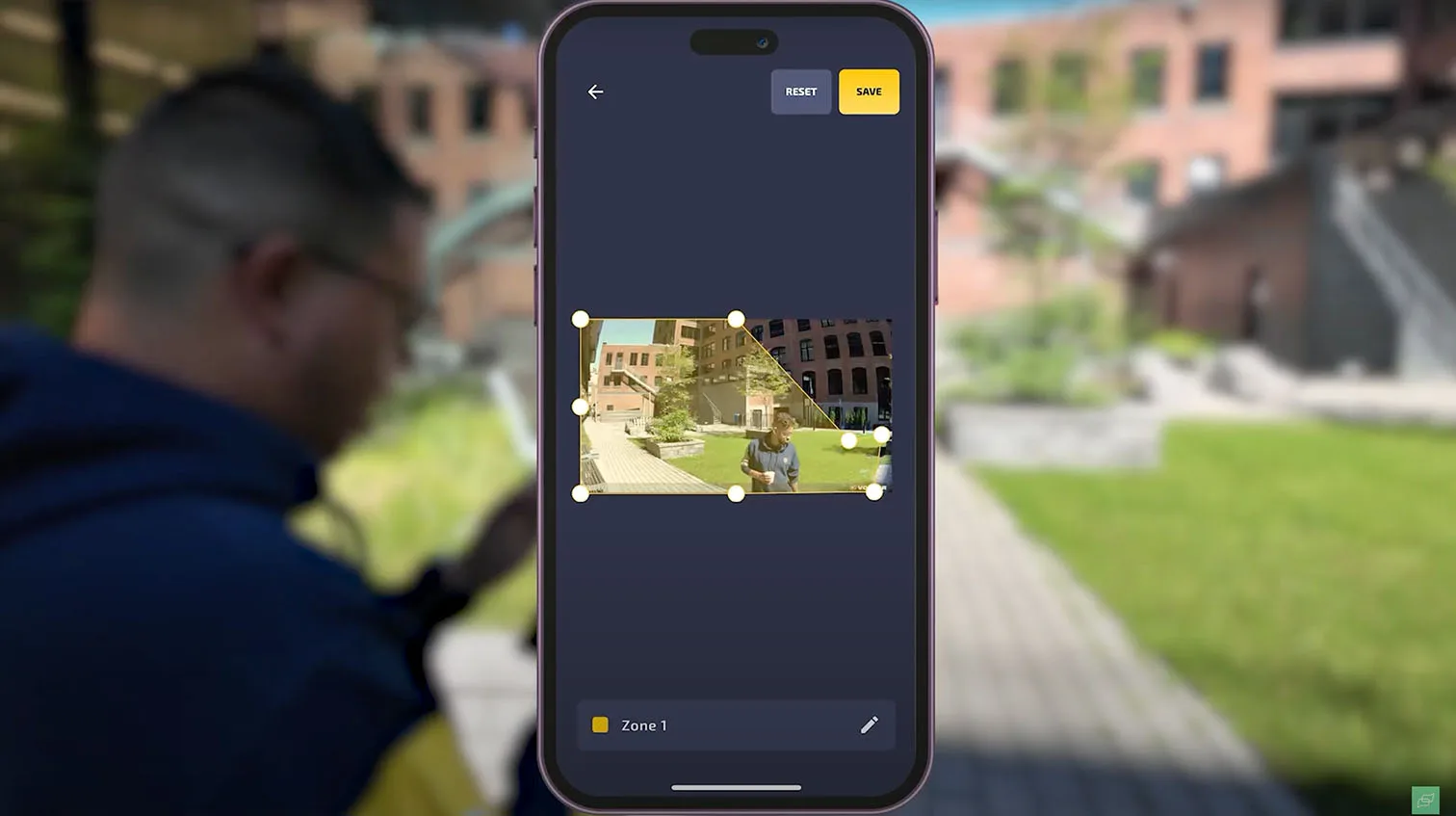
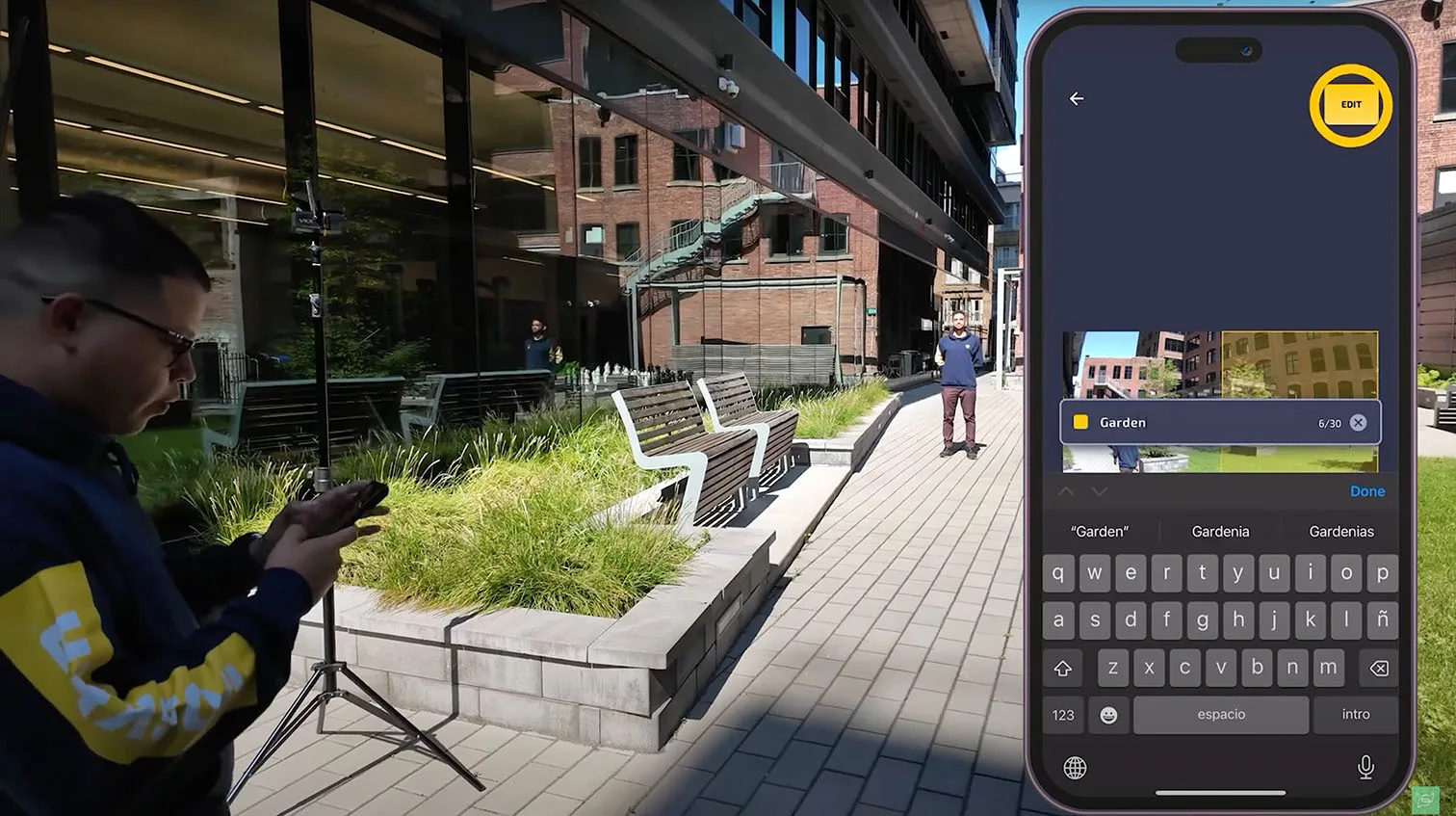
Set detection zones and ignore roads or tree lines. Enable person and vehicle AI so animals and wind do not trigger uploads. Keep clips short and rely on consecutive events if motion continues. Schedule high-sensitivity windows only when activity is likely. Record to SD for local continuity and upload only snapshots plus the first seconds of motion.
Power and Autonomy: Battery and Solar Options
How long will it run in the real world?
A battery-powered LTE security camera is designed to sleep most of the time and wake instantly on events, which is why many models hit multi-month runtimes. Expect a few weeks to 12 months, depending on clip length, wake frequency, temperature, and how often you open live view.
Solar powered LTE camera choices
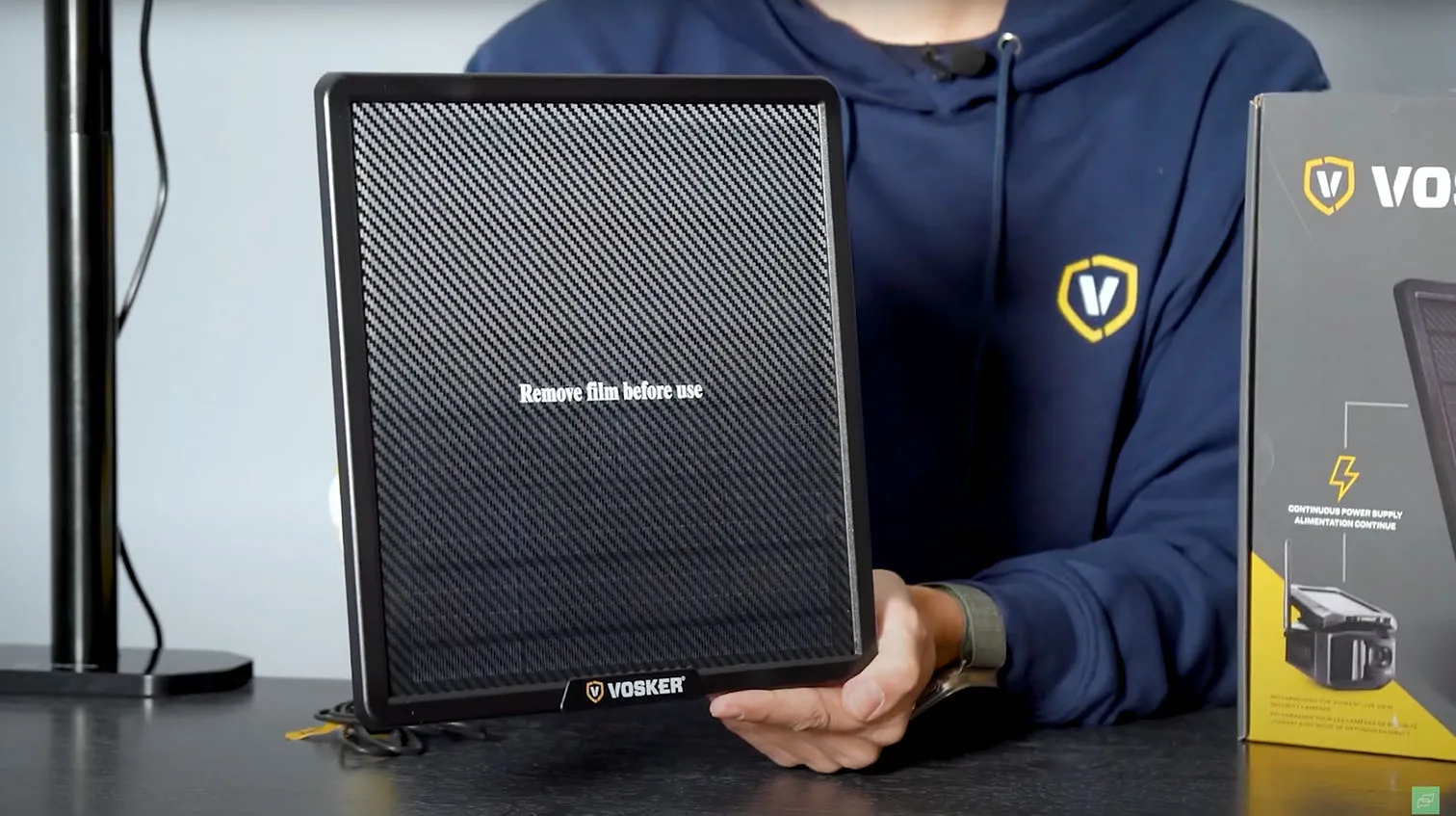
You can keep the runtime effectively unlimited with solar. Some cameras ship with embedded panels, others accept an external 5 to 20 W panel on a short lead. External panels are easier to aim at the sun and stay cooler, which helps battery longevity. For a quick primer on power planning and site prep, see our Cellular Security Camera Guide.


1 / 3
Field tips that cut maintenance to near zero
- Carry a precharged spare battery and swap onsite instead of waiting for a recharge.
- Mount panels with a winter tilt if you operate in northern states or Canada to maximize low-angle sun.
- Use short, weather-rated panel leads to minimize voltage drop.
- Keep the camera’s PIR or AI zones tight so you are not waking the radio for wind or wildlife.
Sizing a small solar pack
Use this as a starting point, then derate by 30 to 40 percent for clouds, dust, and winter.
| Solar panel | Peak sun hours per day | Energy harvested per day | Supports typical average draw |
|---|---|---|---|
| 5 W panel | 4 h | ~20 Wh | ~0.3 to 0.6 W camera load |
| 10 W panel | 4 h | ~40 Wh | ~0.7 to 1.2 W camera load |
| 20 W panel | 4 h | ~80 Wh | ~1.5 to 2.5 W camera load |
Most LTE cameras average well under 1 W thanks to aggressive sleep. If you also power an accessory floodlight or run frequent live view, step up one panel size.
Mobile App Quality and AI Analytics
Why the app matters every single day
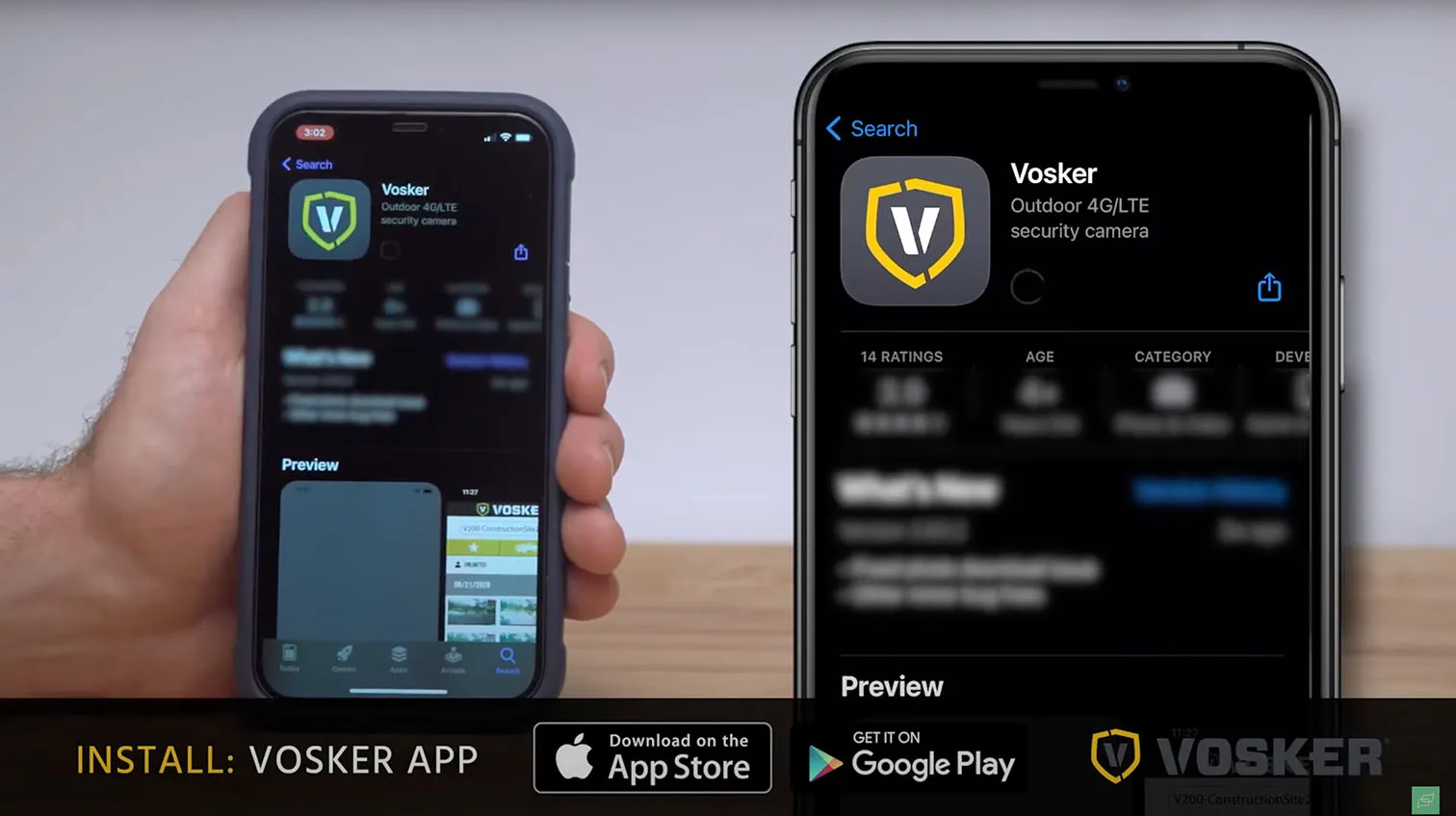
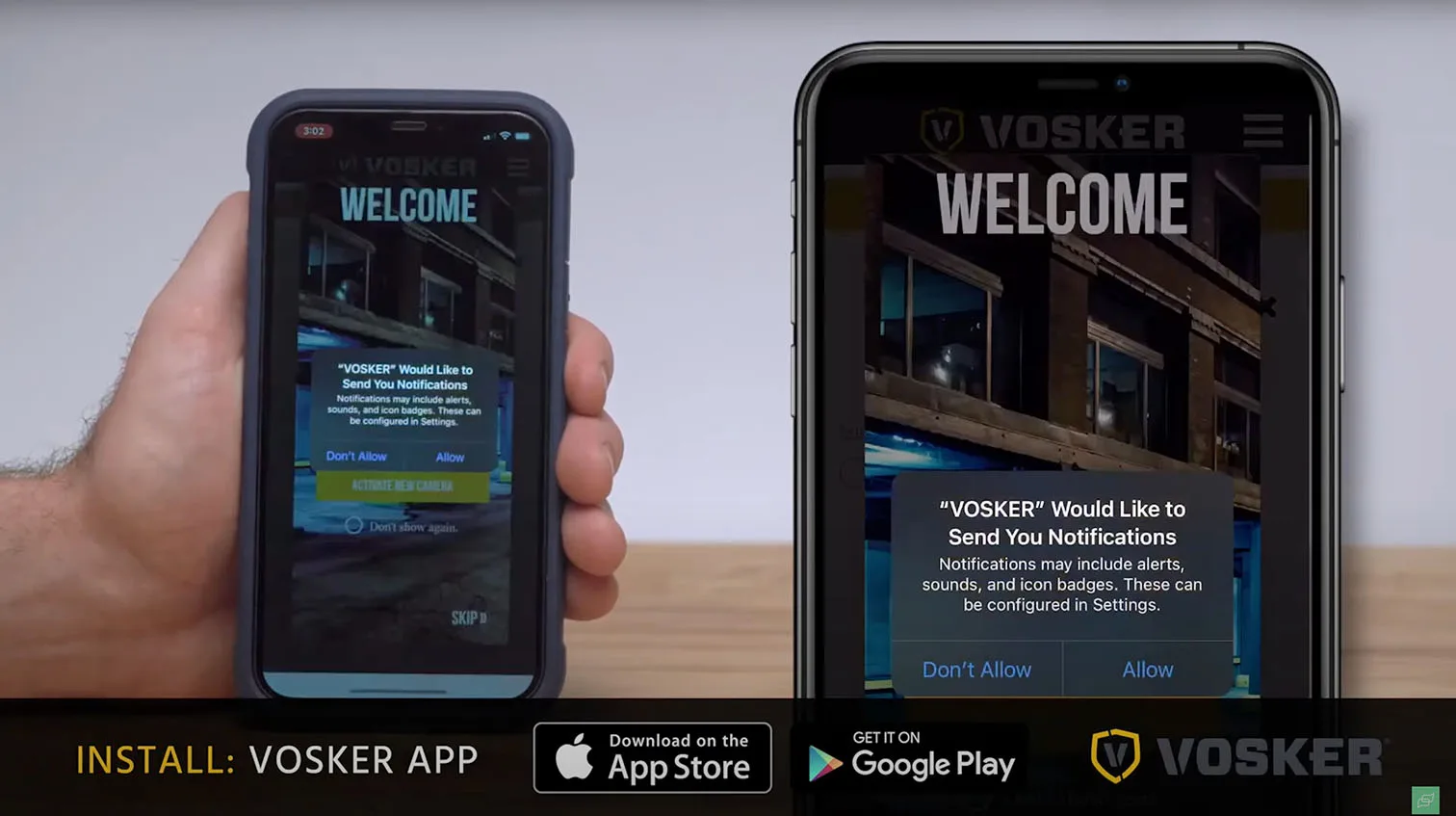
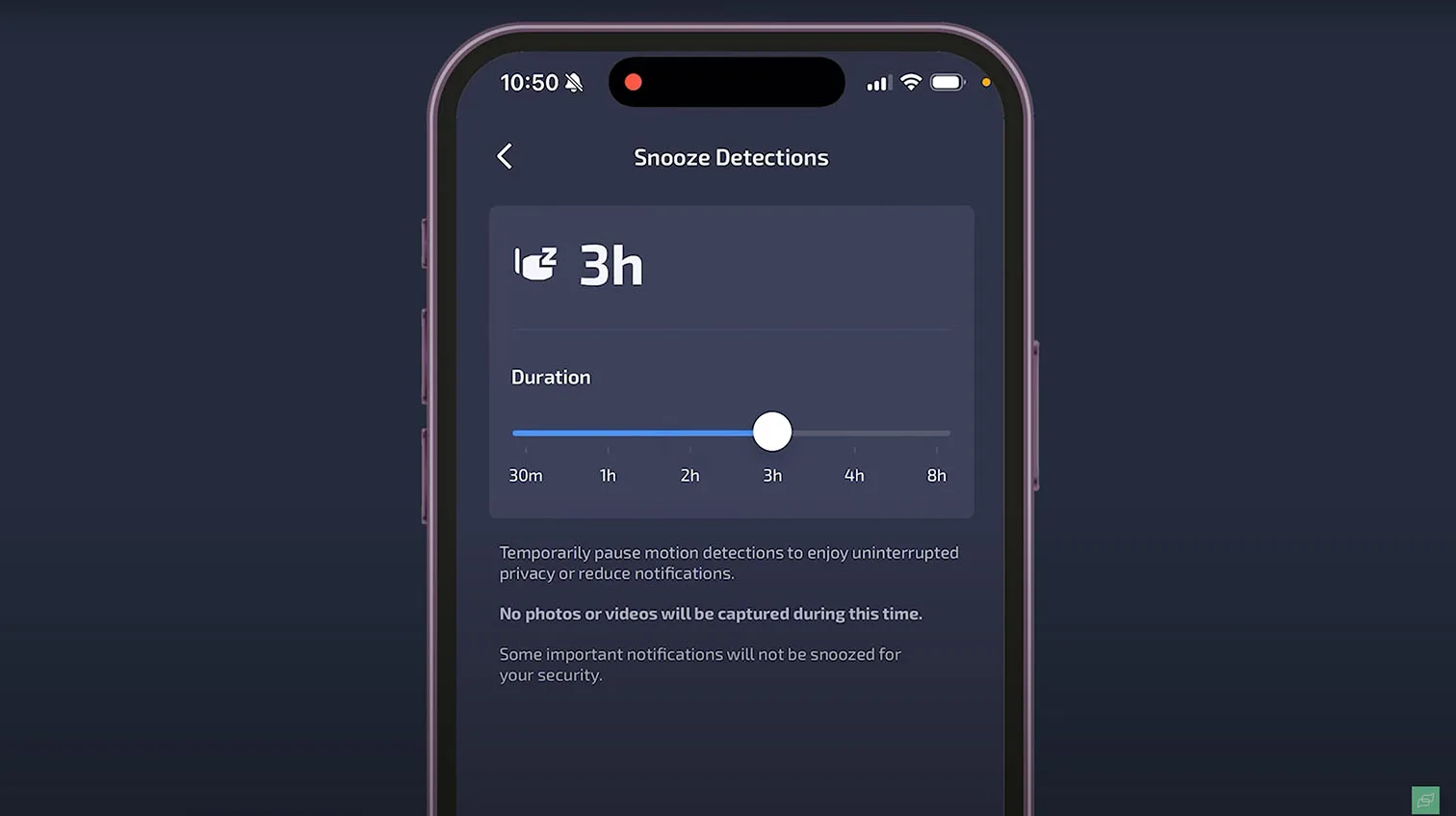
The mobile app for LTE security cameras is your control room. You will arm zones, view clips, talk through two-way audio, and pull stills for incident reports. If the app is slow or cluttered, you will burn data and time. Look for fast thumbnails, reliable push alerts, and one-tap access to the latest event.
Event triage that saves data and time
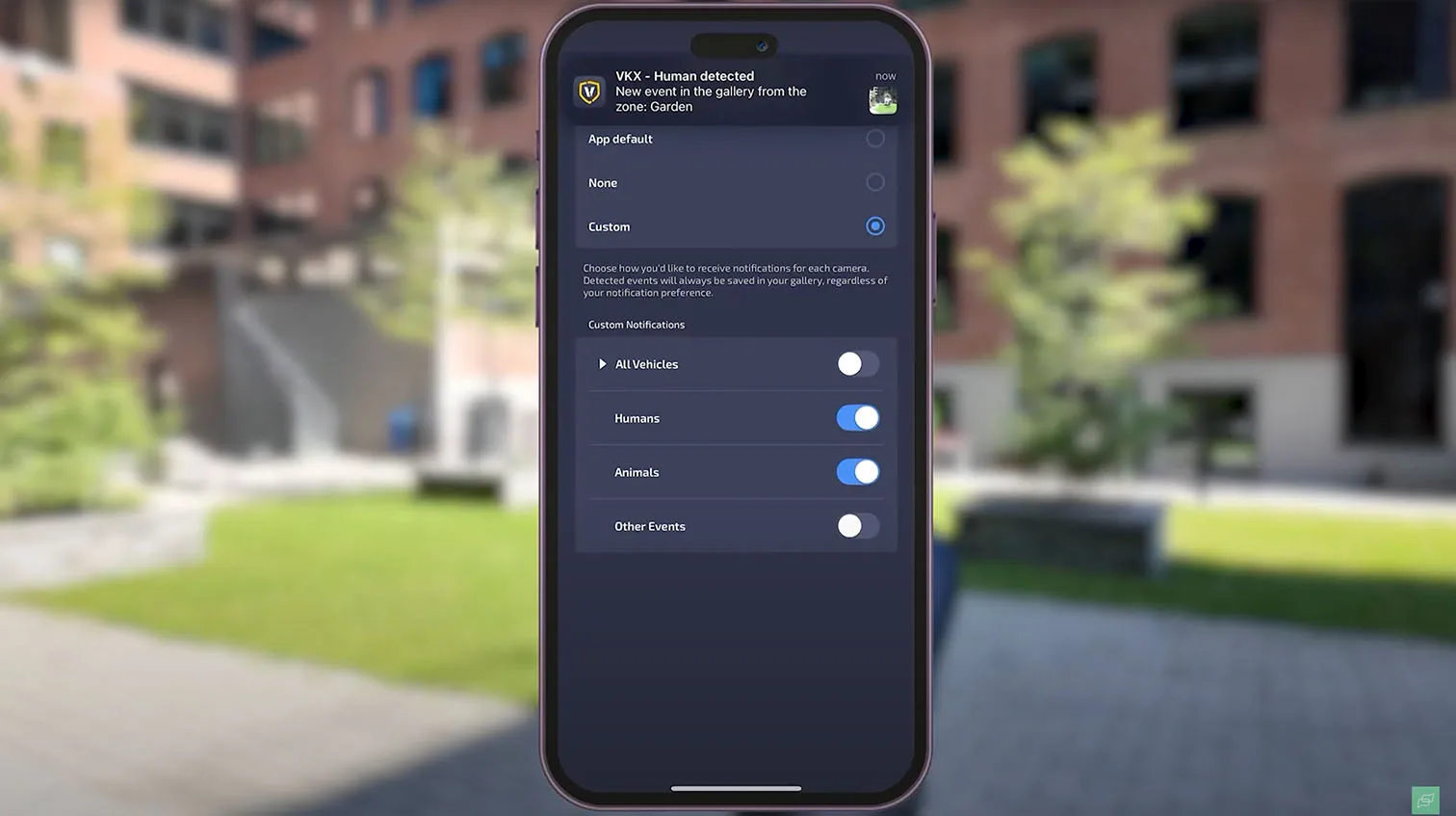
Efficient apps send a preview first and open live view only on demand. Good systems also let you set clip caps, cool-downs, and schedules so you do not stream every raccoon at 2 a.m. These controls are the simplest way to keep your LTE security camera data plan cost in check without missing what matters.



1 / 9
What good analytics look like
An LTE camera with AI analytics should reliably separate people, vehicles, and animals and let you draw motion zones. On construction sites, add filters for machinery. On farms, exclude fence lines and tree crowns. Expect searchable timelines by object type and color so you can pull evidence without scrubbing hours of footage. For a brand example with mature cellular tooling and clear app workflows, review our overview of Vosker LTE options.
Pre-buy checklist for usability
- Live view opens in under 2 seconds on LTE with adaptive bitrate.
- Push alerts include a sharp thumbnail and object label.
- Two-way talk is echo-free and audible at 10 to 15 feet.
- Clip downloads share cleanly to Messages, Mail, and cloud drives.
- Admins can manage multiple sites and users with role-based access.
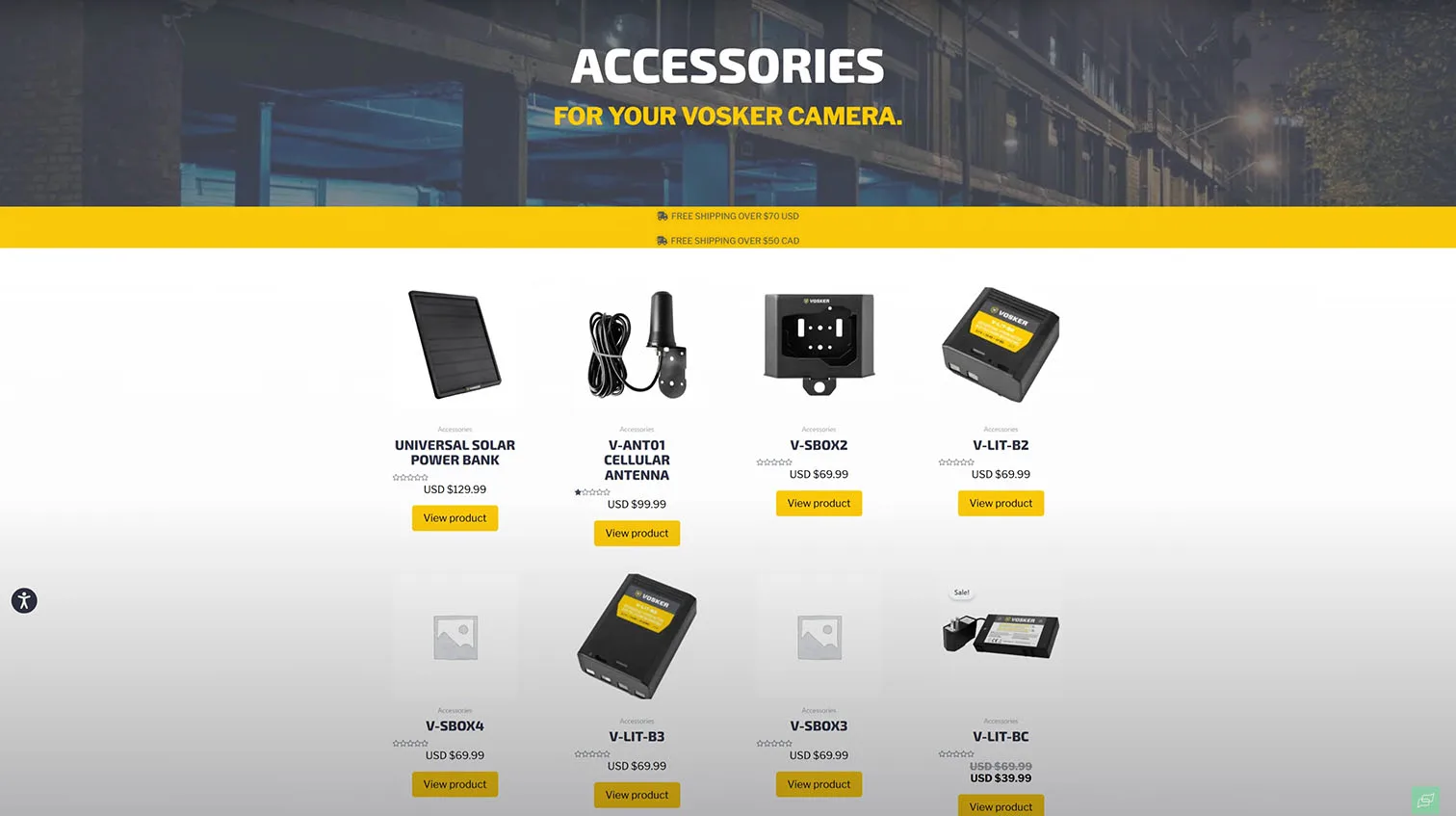
Accessories That Enhance Reliability
Power redundancy that keeps cameras online
Spare batteries are the cheapest insurance for remote sites. Pack a precharged module for each camera and swap onsite in under two minutes. If you run solar, choose 5 to 20 W panels with weather-rated leads and a charge controller matched to the camera’s battery chemistry.
Signal assurance with the right antenna
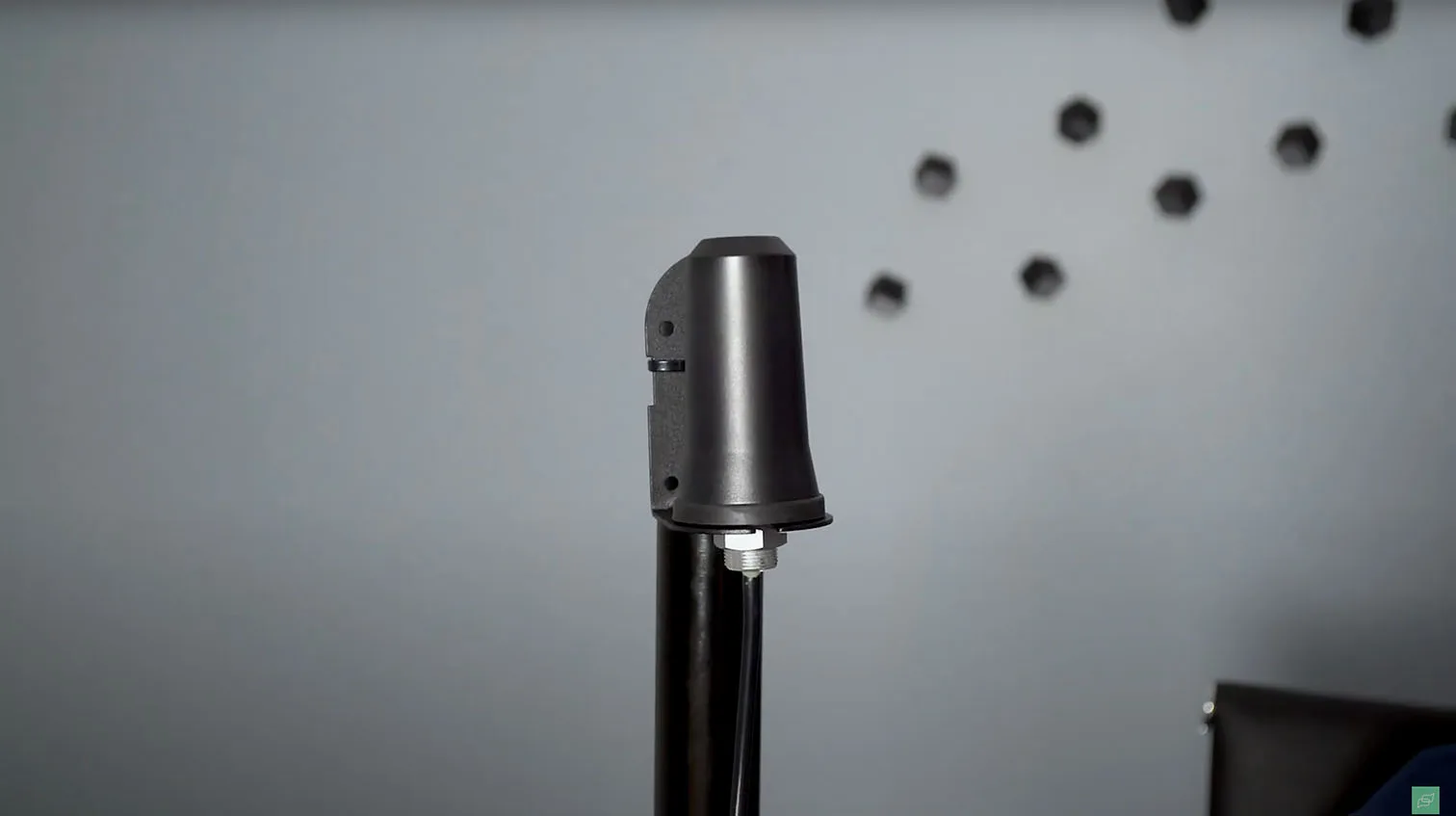
Weak bars equal missed clips. Directional antennas help when the tower sits far or behind terrain. Look for:
- Band support that matches your carrier’s LTE bands
- Connector type that matches the camera pigtail without adapters
- Low-loss cable under 10 to 15 ft to avoid attenuationOmni antennas fit moving assets or sites without a clear tower line. Mount above metal siding and away from energized cabling to reduce noise.




1 / 8
Physical protection on tough sites
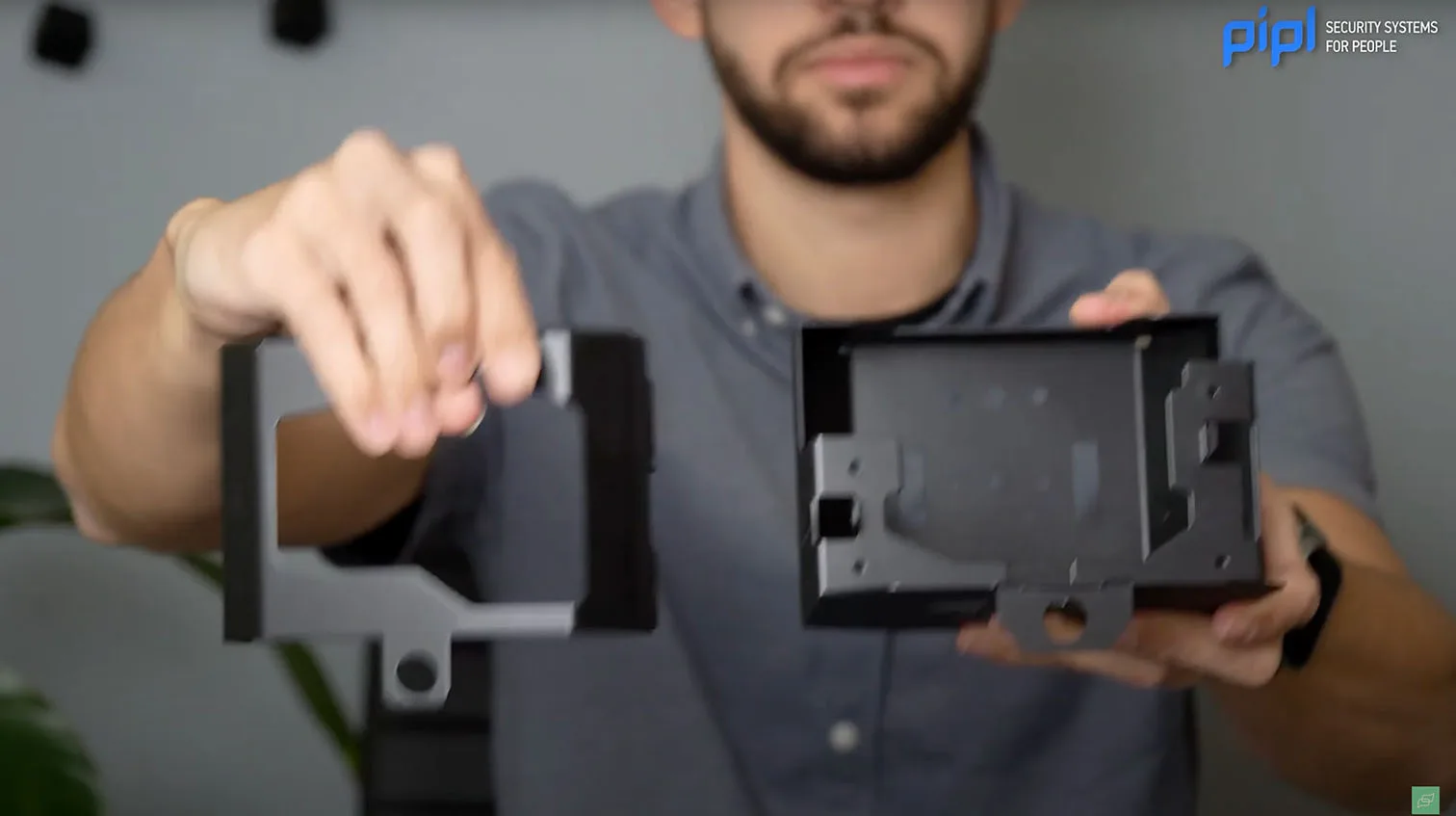
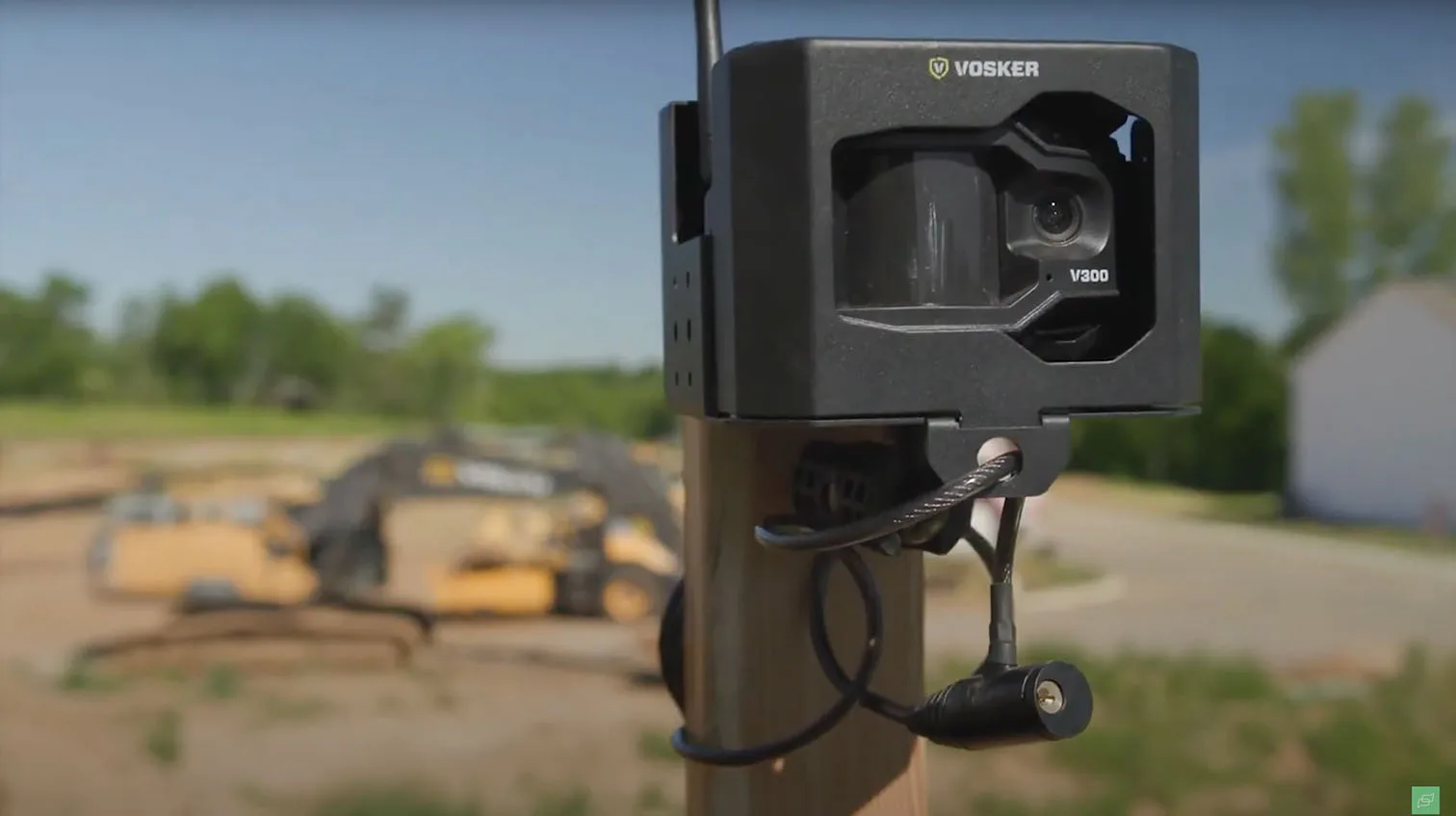
Protective cases deter theft and survive forklift bumps. Pick powder-coated steel or aluminum with weather gasketing, tamper screws, and padlock points. Add an internal cable clamp so a tug on the cable does not rip the port. On vandal-prone projects, mount 10 to 12 ft high with a standoff bracket to limit reach.
Quick selector for LTE camera accessories
Use this table when choosing LTE camera accessories (antennas, batteries, protective cases).
| Accessory | When to add | What to check |
|---|---|---|
| High-capacity spare battery | Cold weather, frequent live view | Watt-hours, charge temp range, tool-less swap |
| 10 to 20 W solar panel | No AC, long dwell time | Vmp near charge spec, UV-stable leads, sturdy tilt mount |
| Directional antenna | One distant tower, rural valleys | Supported LTE bands, cable loss, mast stability |
| Omni antenna | Mobile assets, uncertain tower azimuth | Gain rating, roof penetration method, ground plane |
| Protective case | Public sites, construction zones | IP rating, lock points, airflow for thermal control |
Why Specialization in LTE Cameras Matters
Hardware built for cellular first
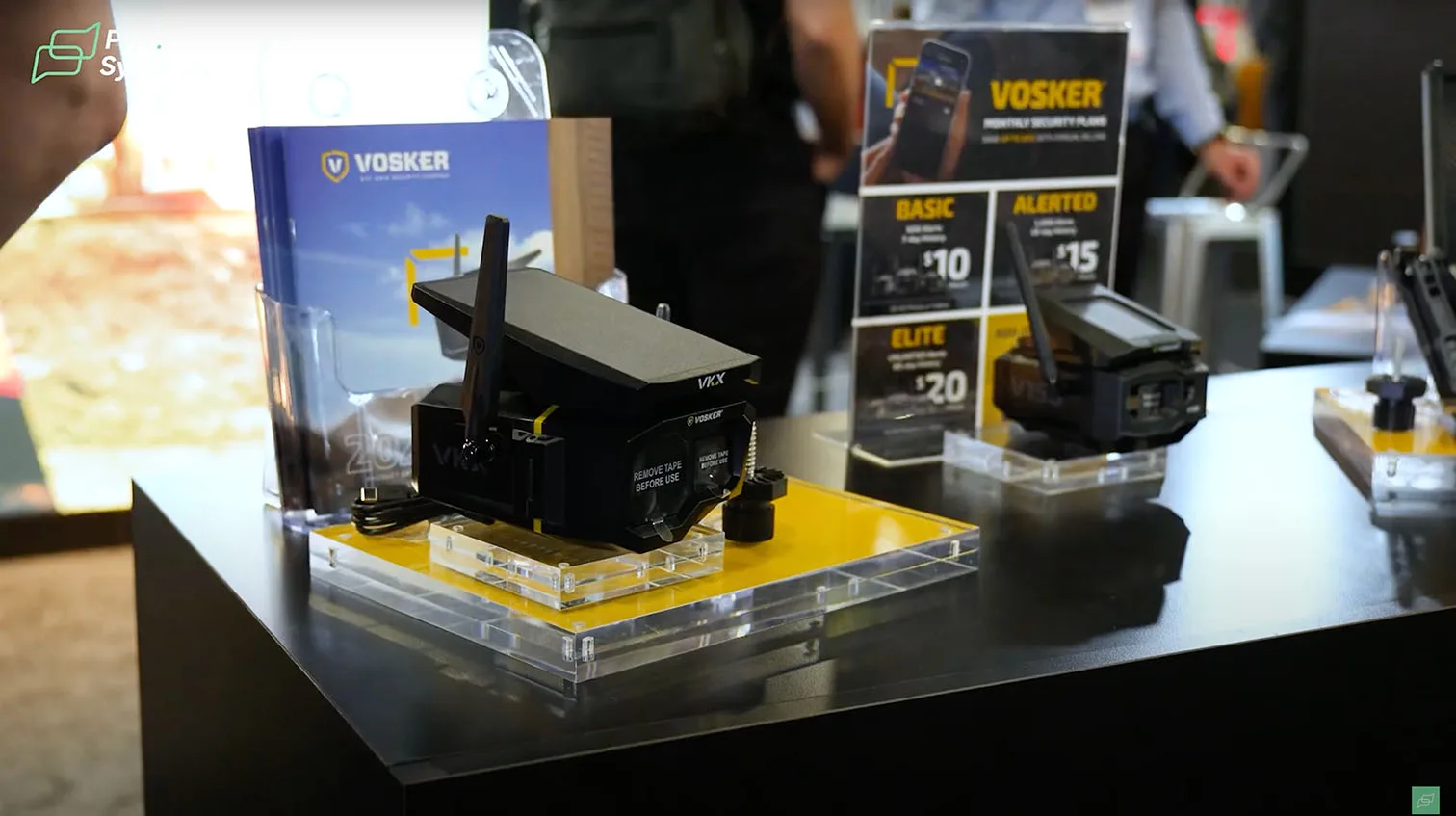
Specialist vendors engineer radios, antennas, and power systems as a single package. You get efficient modems, deep sleep current in the microamp range, and a thermal design that protects batteries in high sun. Brands with a cellular focus, such as Vosker LTE cameras, also validate carriers and roaming profiles so activation is predictable across states and provinces.
Software tuned for low bandwidth
Cellular-first platforms compress clips intelligently, send sharp thumbnails before video, and queue uploads when signal dips. They expose controls for clip caps, cooldowns, and on-demand pings so you do not burn data on nuisance motion. The result is reliable evidence, lower bills, and fewer truck rolls.


1 / 3
Ecosystem and support that fit the field
A mature LTE lineup ships with matched accessories, carrier tools, and clear install playbooks. You will find preterminated antenna kits, weathered solar options, and battery SKUs you can stock. That ecosystem shortens deployment time and simplifies spares management.
Where specialization pays off
If you are evaluating the best LTE security cameras for farms and construction sites, prioritize vendors that publish tested carrier bands, realistic battery life, and solar guidance for your latitude. Cross-check their recommendations against site realities like tree lines, steel buildings, and winter temps. For power planning that scales across multiple sites, our practical overview at Best Wireless Solar Security Camera Systems helps you size panels and mounts before you roll a lift.
Closing Insights: Choosing the Right LTE Camera
The quick checklist
An LTE cellular security camera makes sense when your site lacks stable Wi-Fi or power. Before you buy, verify carrier coverage at the exact location, estimate the data plan you will need, confirm your power strategy, evaluate the mobile app, and map any accessories required for the environment. Treat the purchase as an investment in reliable remote monitoring, not a one-off gadget.
When LTE beats Wi-Fi
If the property is beyond access-point range or you cannot trench cable, LTE wins on speed to deploy and placement flexibility. Wi-Fi remains efficient for homes and SMB interiors with existing networks, but rural gates, job sites, farmland perimeters, and off-grid cabins benefit from cellular reach. For a high-level LTE vs Wi-Fi security cameras comparison, weigh network reach, power autonomy, and data usage patterns rather than image resolution alone.

Data and power planning that avoids surprises
Event-based workflows keep data bills predictable. Expect most sites with short clips and limited live view to stay modest, while 24/7 check-ins and long clips require larger plans. For power, pair a right-sized battery with a weather-rated solar panel and plan seasonal tilt and shading. Carry a charged spare battery for fast swaps during service visits.
App, analytics, and evidence
You will live in the app. Look for responsive live view, fast notifications, and clean clip export. AI that recognizes people, vehicles, and animals trims false alerts and protects your data budget by sending only meaningful events. Strong apps also expose configurable cool-downs, on-demand pings, and remote health checks.
Brand and ecosystem considerations
Vendors that specialize in cellular build radios, power modules, and accessories as a system. That specialization shows up in better activation, smarter data controls, and field-ready mounts. Favor clear documentation, published carrier band support, and a predictable accessory catalog so you can standardize across multiple sites.
FAQ – LTE Cellular Security Cameras
How do LTE security cameras work without Wi-Fi?
They embed a cellular modem and SIM, authenticate to a carrier network, and send thumbnails or video clips over LTE. Most models operate in event mode to conserve data and wake instantly on motion, schedule, or a user request.
What is the average LTE security camera data plan cost?
Plans vary by vendor and carrier. Light, event-driven use is often comparable to an IoT phone add-on. Costs rise with frequent live viewing and long clips. To control spend, cap clip length, enable cool-downs, and prefer thumbnails first with optional full-clip retrieval.
Can a solar-powered LTE camera run all year?
Yes, with correct sizing and placement. Use a panel in the 5 to 20 W range per camera, depending on latitude and activity, a battery sized for several cloudy days, and a charge controller matched to the battery chemistry. Mount panels with winter sun in mind and keep cables UV-stable and strain-relieved.

What are the best LTE security cameras for farms and construction sites?
Prioritize cellular-first designs with proven carrier support, weatherproof housings, high-efficiency modems, and accessories like directional antennas and protective housings. Look for management features that scale across many units and sites, plus AI tuned for people and vehicles.
Which mobile app features matter most for LTE cameras?
Reliable push alerts, quick live view, two-way audio if supported, simple clip sharing, health monitoring, and controls for data usage such as clip length, motion zones, and on-demand snapshots. A clean timeline with filters speeds incident review on a phone.
What accessories improve a remote location security camera setup?
Spare batteries for hot swaps, directional antennas for weak-signal areas, omni antennas for mobile assets, solar kits with weather-rated leads, and lockable protective cases for vandal-prone sites. Mount cameras 10 to 12 feet high with solid brackets and manage cable strain to protect ports.