

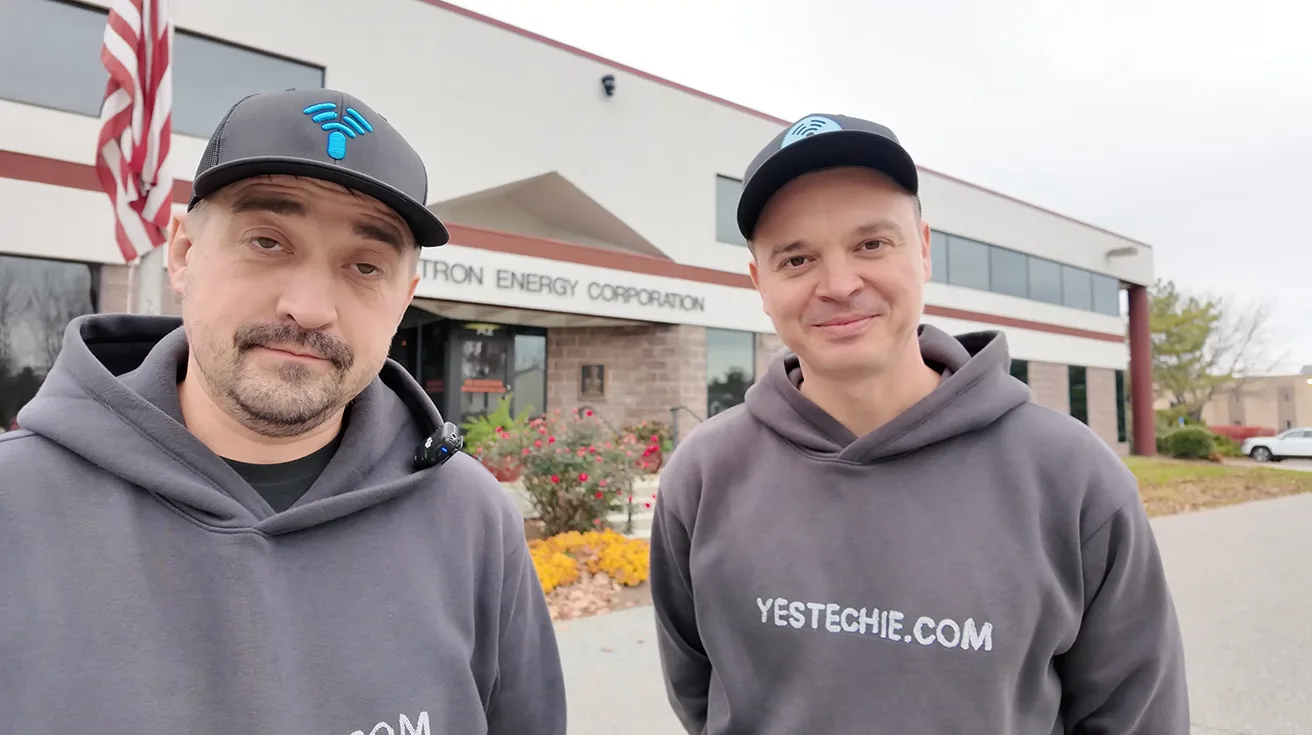
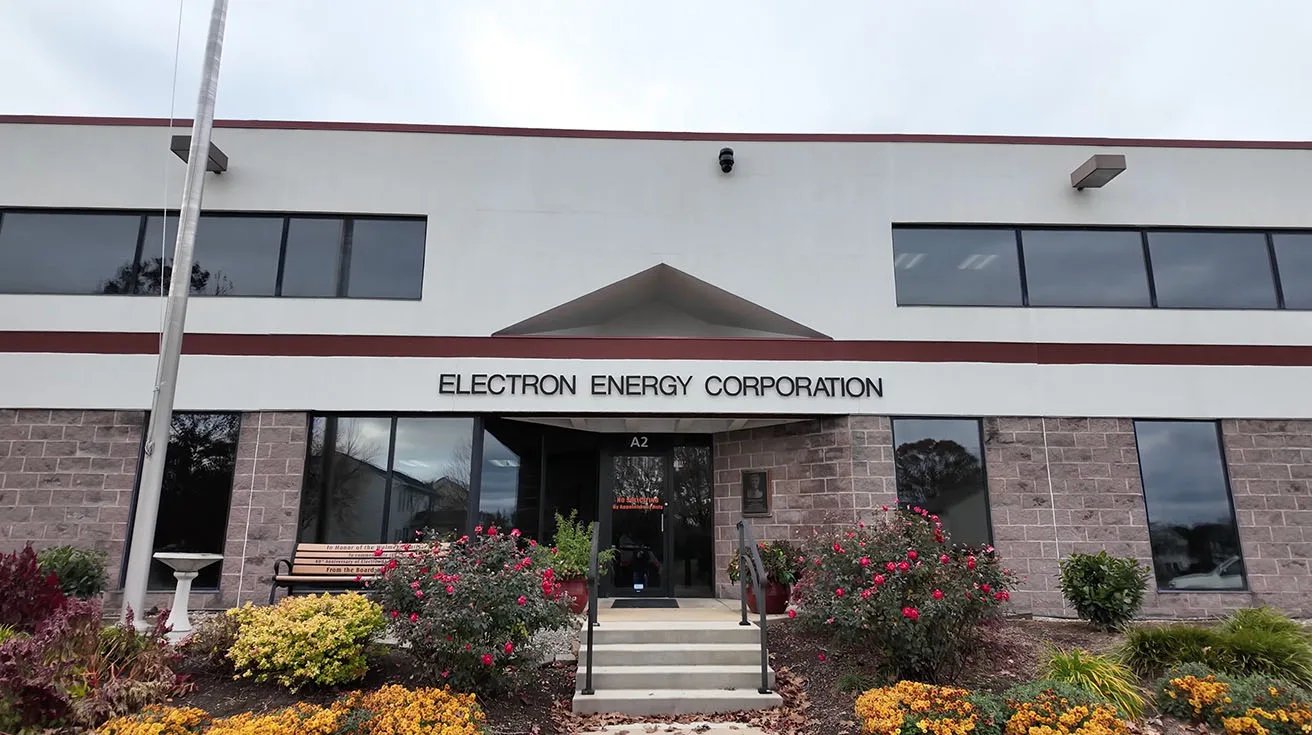
We filmed this project in Pennsylvania during a larger enterprise UniFi rollout, where we had already migrated the client’s network to UniFi earlier in the year. This phase was about expanding from “network foundation” into a full unified stack: video (Protect), door access (Access), and alarm/sensor expansion – all managed in one ecosystem.
What we deployed (high level)
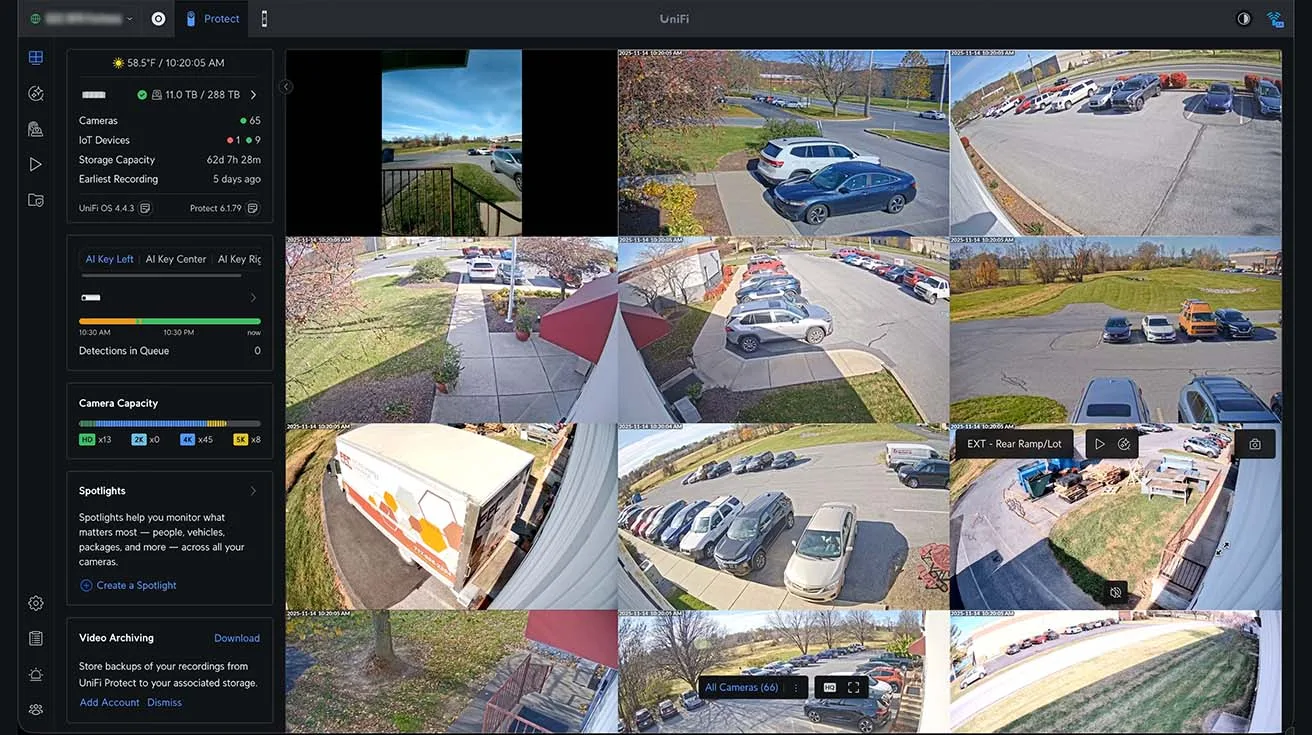
- Each site runs ~50–60 cameras
- Enterprise NVR at each site for recording
- AI Key units: three per location
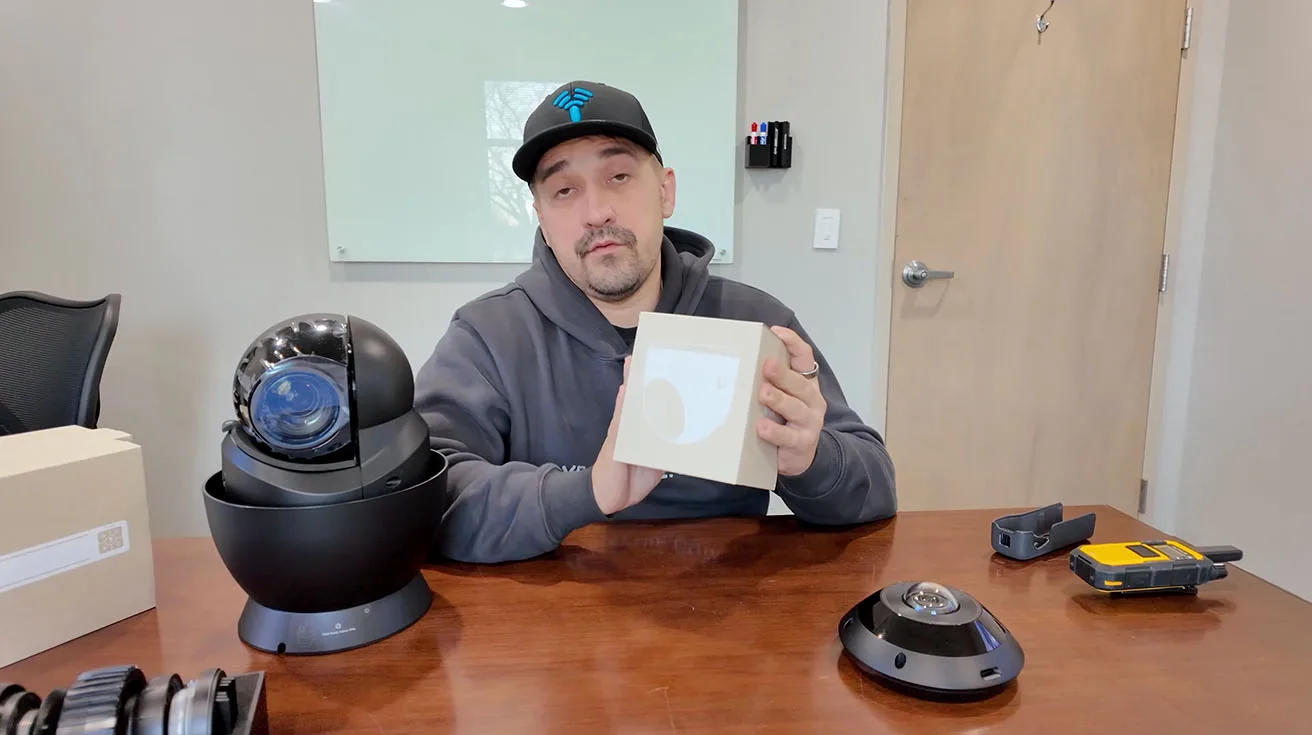
- Perimeter + interior coverage: fixed cameras + industrial PTZ for perimeter tracking + 360 coverage for large rooms
- Alerting and sensors: AI horns plus UniFi sensor connectivity (via Superlink)
If you want a technical explainer on the Superlink side – how UniFi ties together PoE connectivity, sirens, and environmental / contact sensors – this article is a useful companion.
MDF & Rack Modernization: Core Rack Cleanup and Network Migration Context
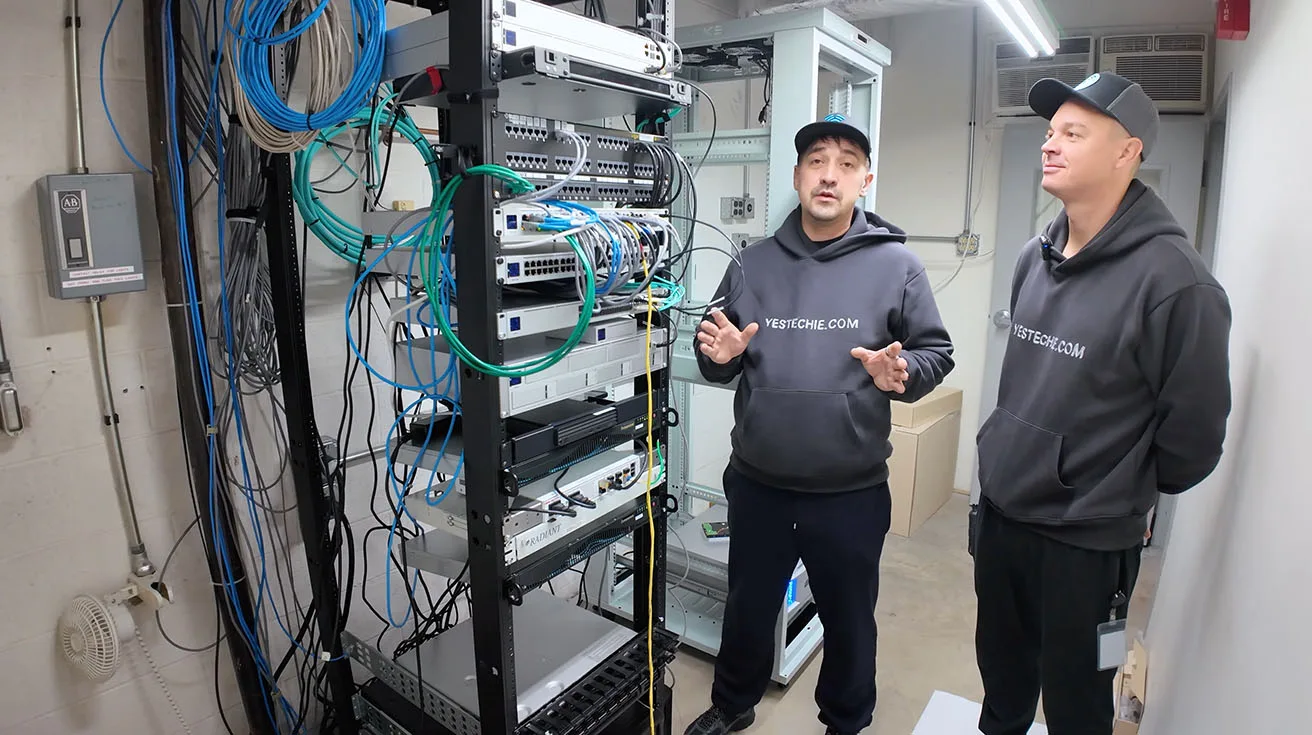
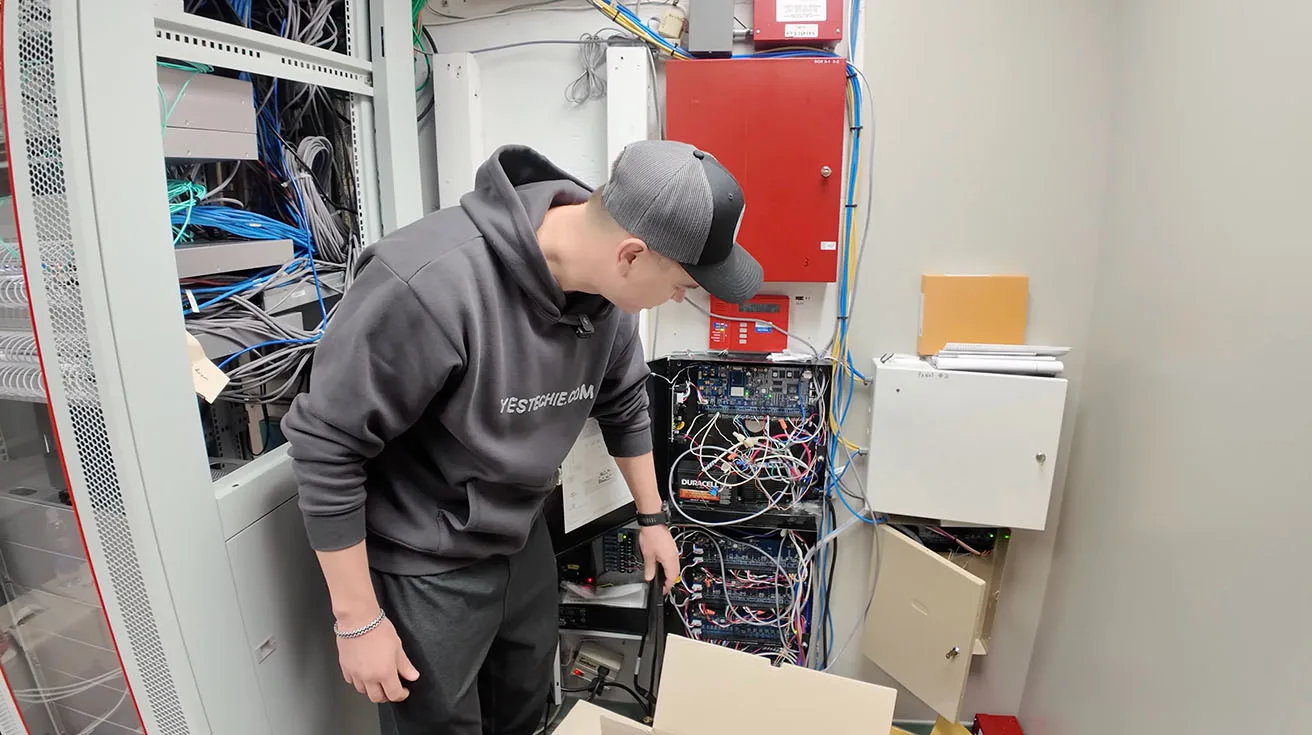
At the start of the deployment, we’re in the MDF – the main rack area that becomes the “heart” of everything else: switching, routing, uplinks, NVRs, and the backbone that carries video and access traffic reliably.
What we walked into
- A legacy rack with dense cabling and a layout that needed rework before expanding.
- Provider fiber coming in
- Internal fiber runs that needed to be understood and re-terminated/managed cleanly (where applicable)
What we built toward
- scale Protect and Access without creating a maintenance nightmare
- keep documentation and labeling consistent
- reduce risk during troubleshooting (especially in a facility where downtime is expensive)
Gateway architecture (as shown in the walkthrough)
We had two EFGs (Enterprise Gateways) present. At the time of filming, one was active. The important point here isn’t “which box,” it’s the intent: enterprise environments need gateway capacity and design flexibility that can support growth and operational reliability.


1 / 2
Migration context: Fortinet → UniFi Network (completed earlier)
The client shared that the broader network migration happened prior to this Protect/Access phase. We had already moved the network to UniFi and installed access points; now we were layering in security and access control.
Video Surveillance Design: Camera Layout and Perimeter Coverage Strategy (≈100 Cameras)
This deployment wasn’t about throwing cameras everywhere – it was about selecting camera classes that match the operational reality of each zone: parking and perimeter, production floors, labs, storage areas, and general interior spaces.
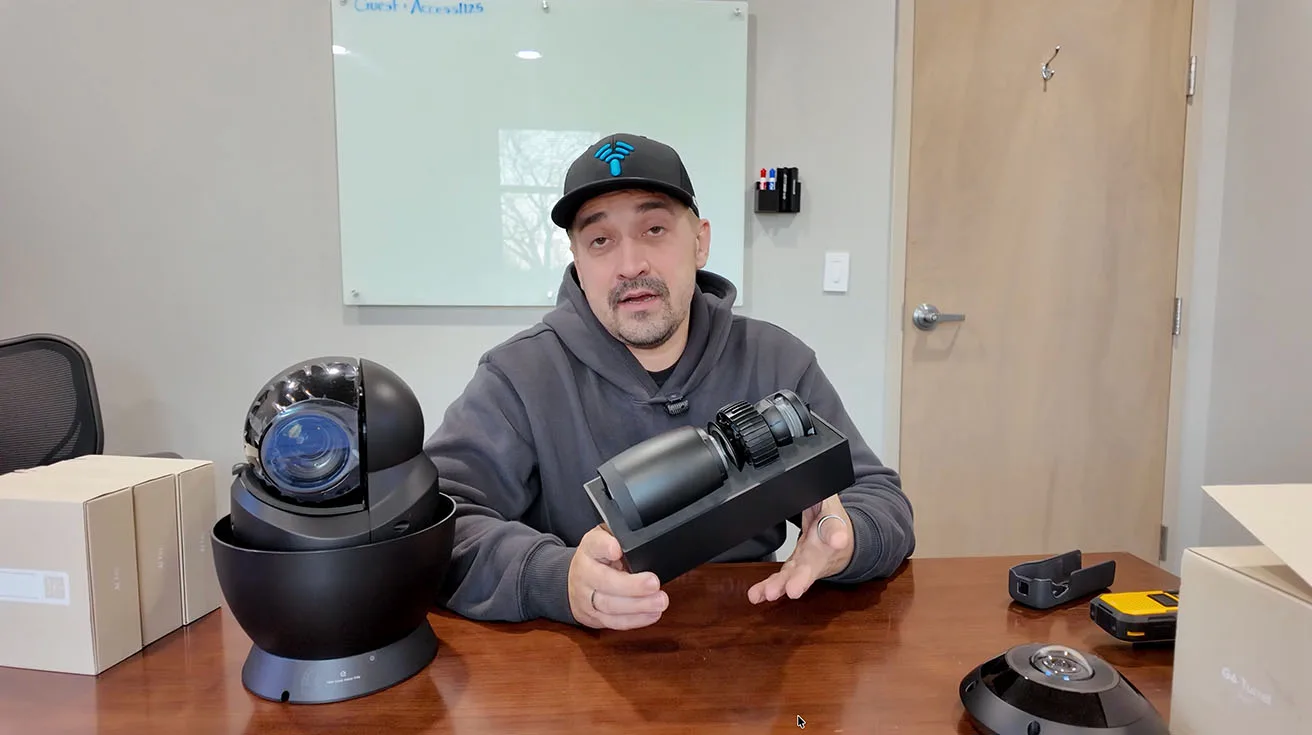
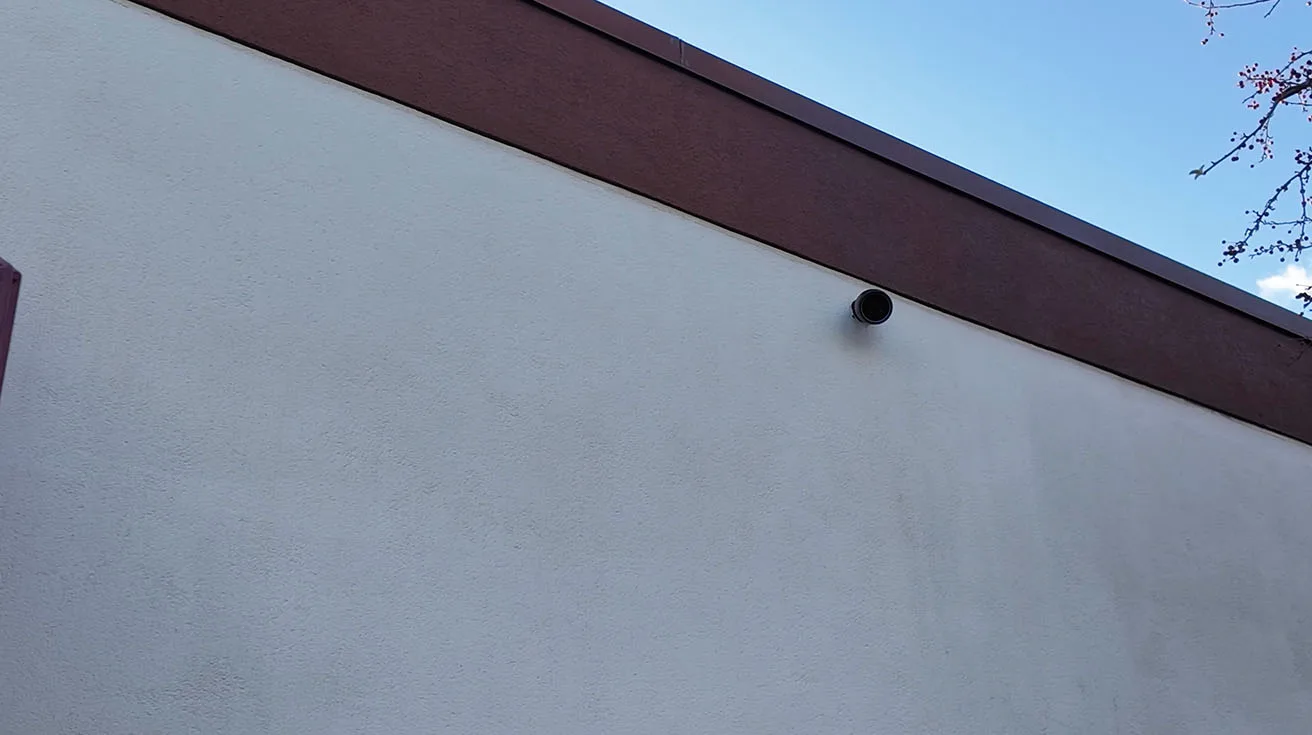
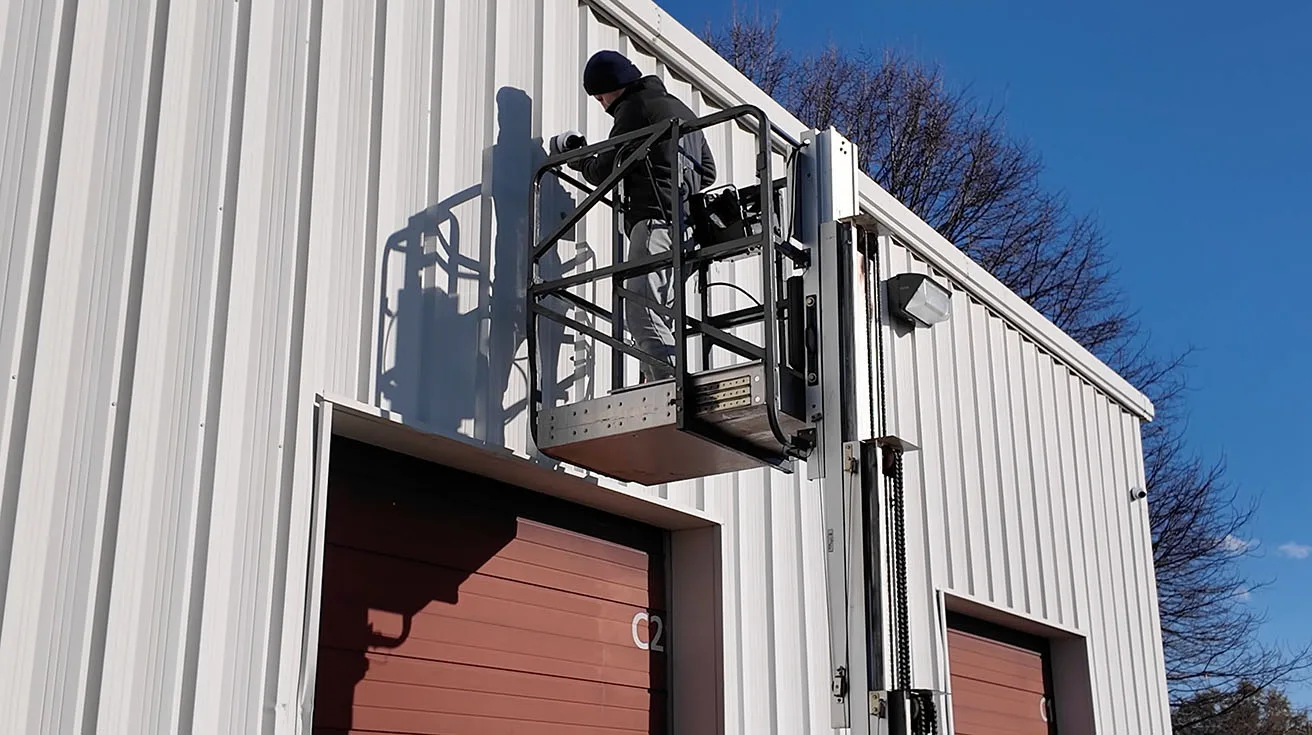
Outdoor coverage: AI Pro Bullet for identification at a distance
For exteriors, we used AI Pro Bullet cameras because when a camera is mounted high (wall/pole), you often only get identification value through optical performance + usable zoom. That’s what helps you see:
- who is driving into a parking lot,
- what vehicle entered,
- and whether you can capture plate-level detail given real-world angles and distance.


1 / 4
If you’re evaluating UniFi bullet cameras in general (FoV, detail, mounting tradeoffs), this hands-on review is a strong reference point.
Perimeter reinforcement: AI PTZ Industrial with auto-tracking
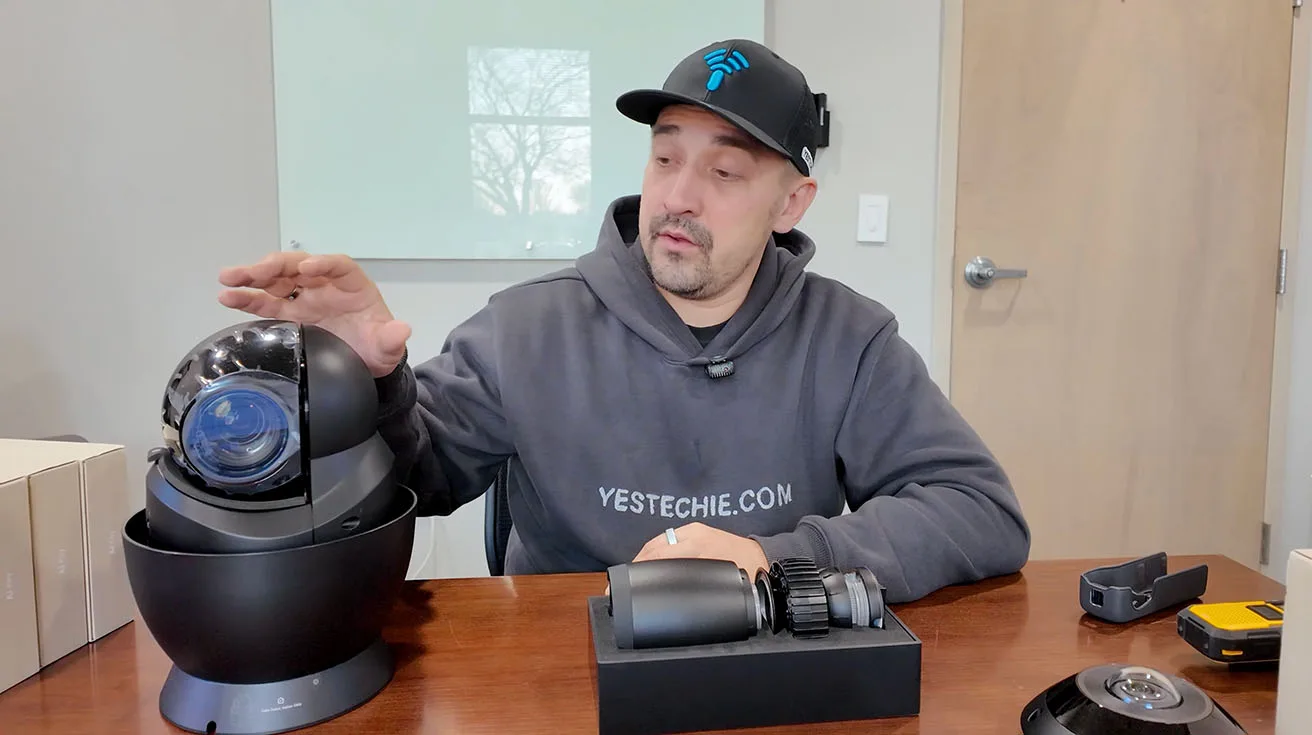
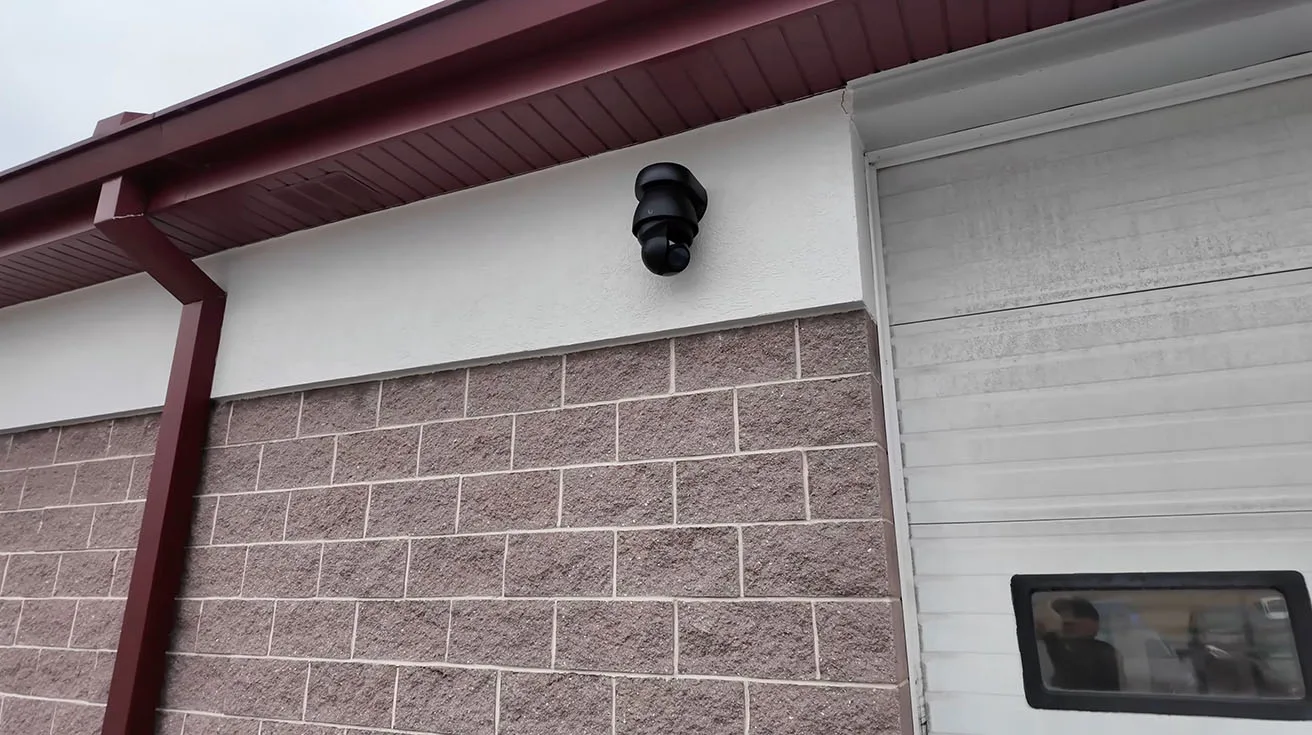
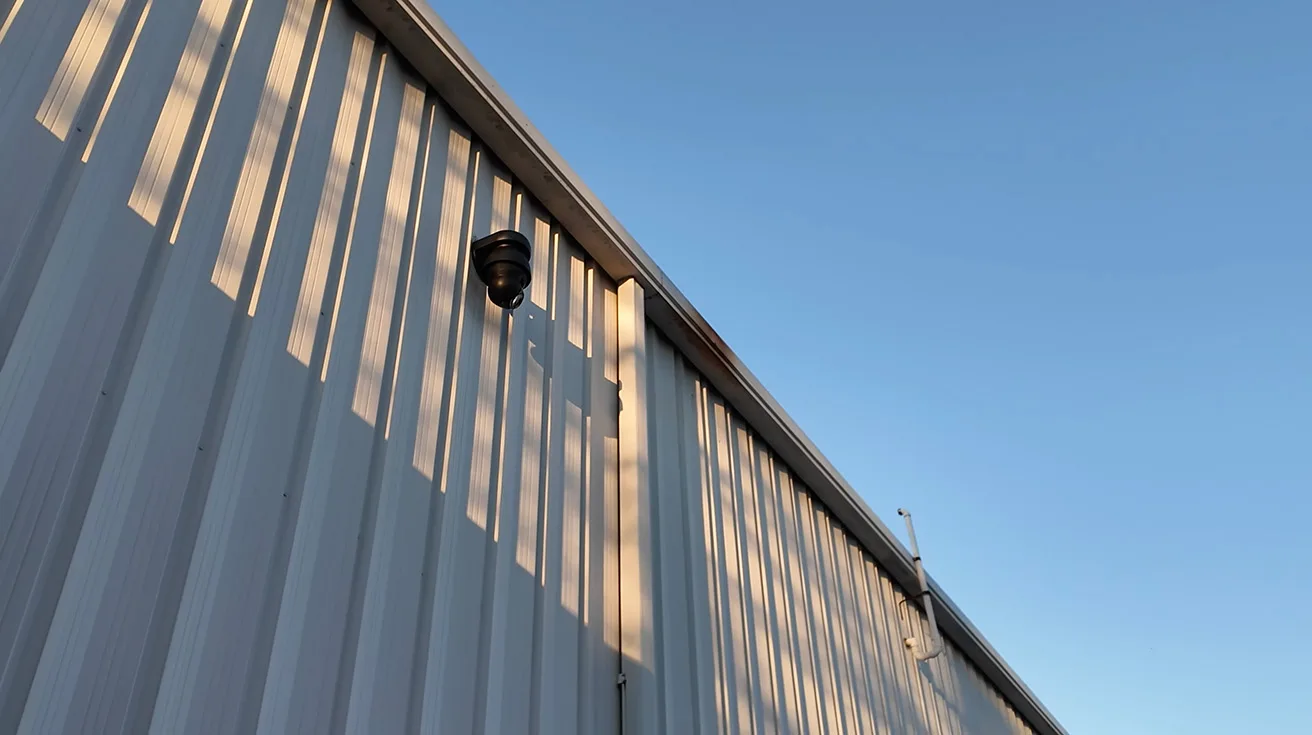
For perimeter protection, we installed one AI PTZ Industrial per side of the building. The key value here is the combination of:
- strong zoom
- auto-tracking
- cooperation with fixed cameras via Alarm Manager
In practice, the workflow we referenced is:
- A fixed camera detects a person in a restricted zone
- The system triggers an alarm event
- The PTZ locks onto the target and tracks movement through the scene

1 / 5
That’s how you turn perimeter video from “recording what happened” into “actively following what’s happening.”
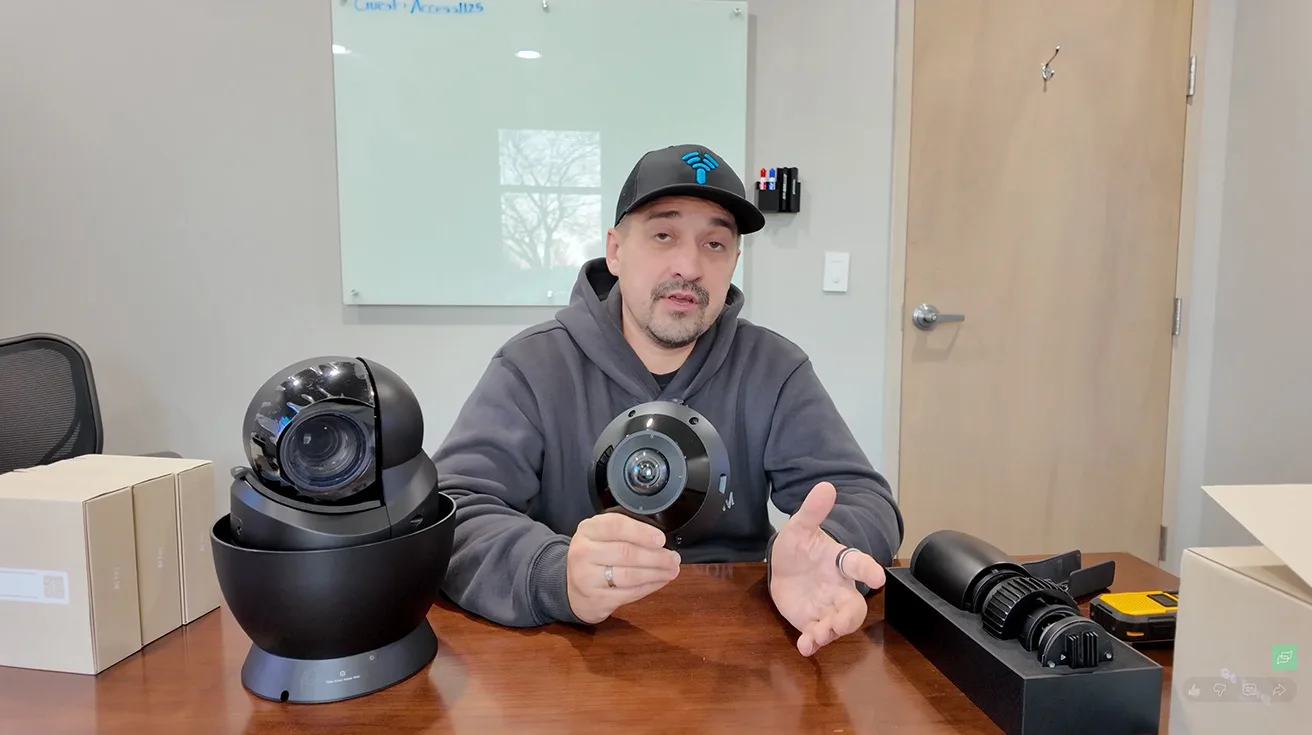
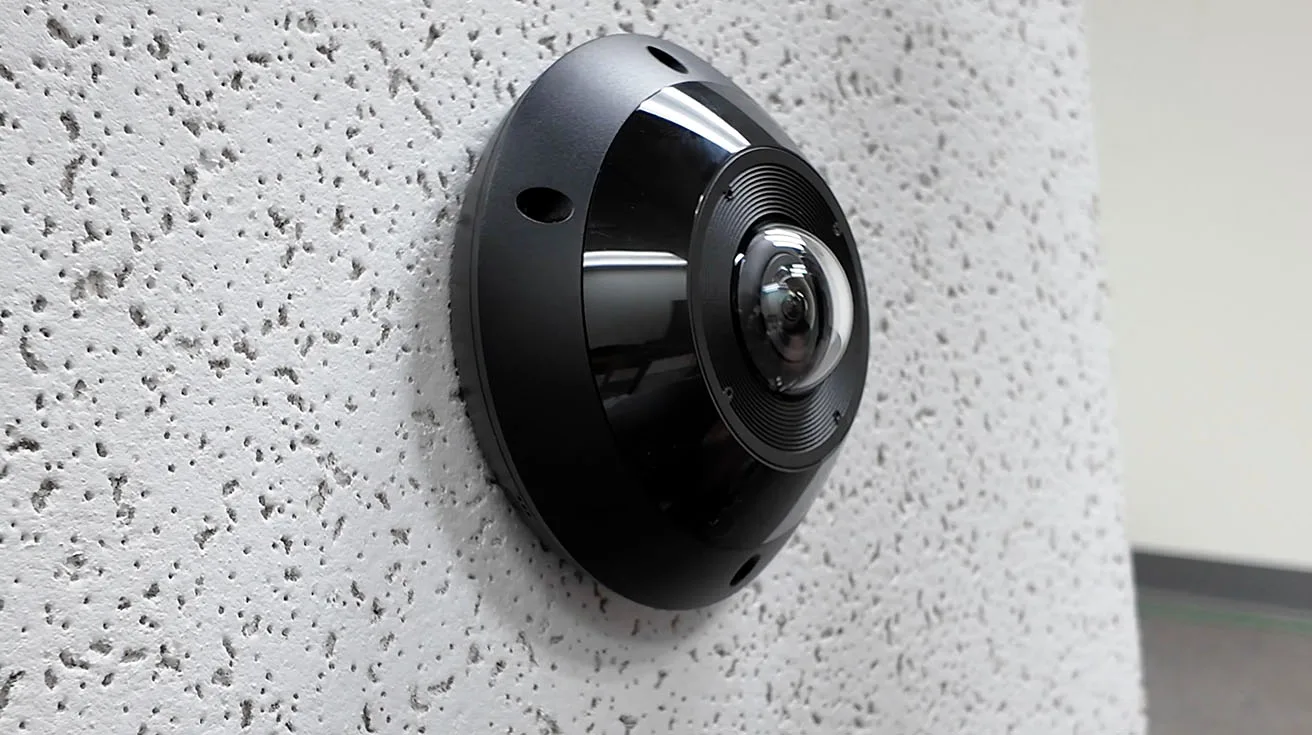
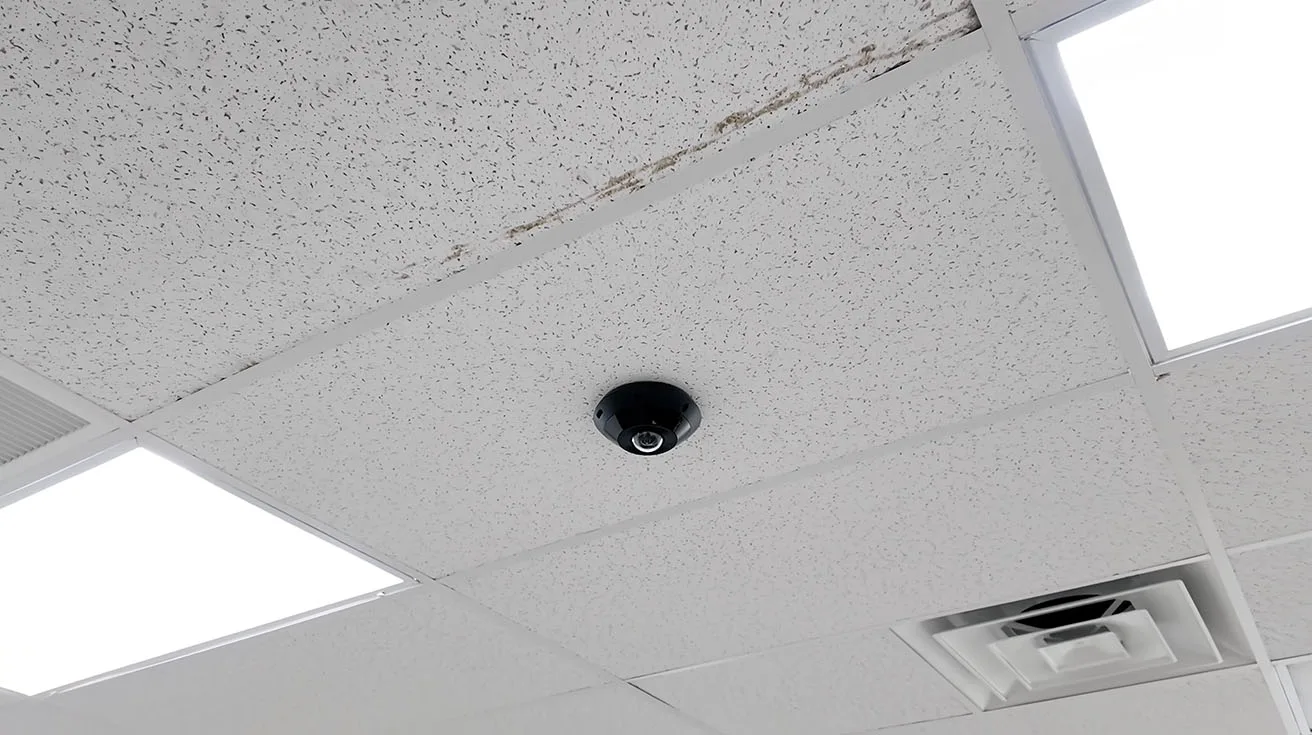
Complex interiors: G6 Pro 360 for full-room coverage
For offices, labs, storage, and production-adjacent areas where blind spots are unacceptable, we used G6 Pro 360 cameras. The goal: one camera that covers the whole room where multiple narrow-angle cameras would create gaps – or add complexity without adding certainty.


1 / 5
General interior coverage: G6 Turret as the versatile workhorse
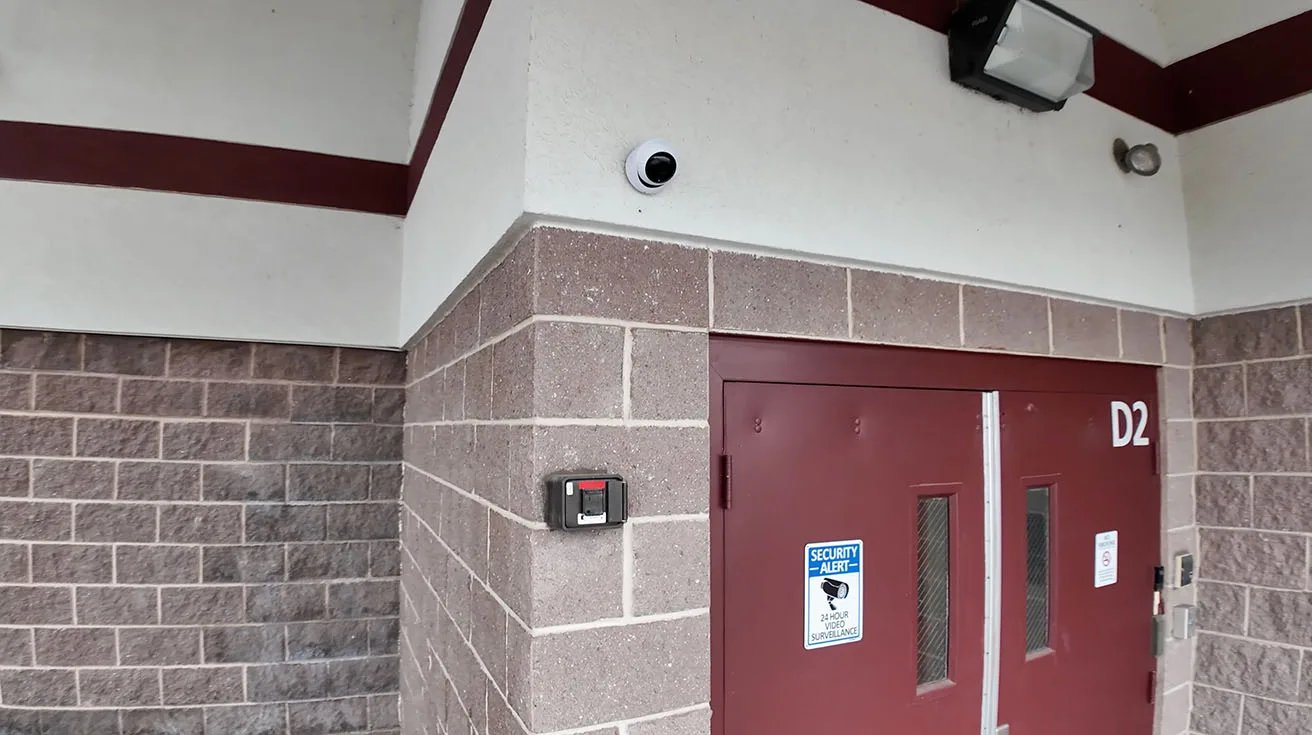
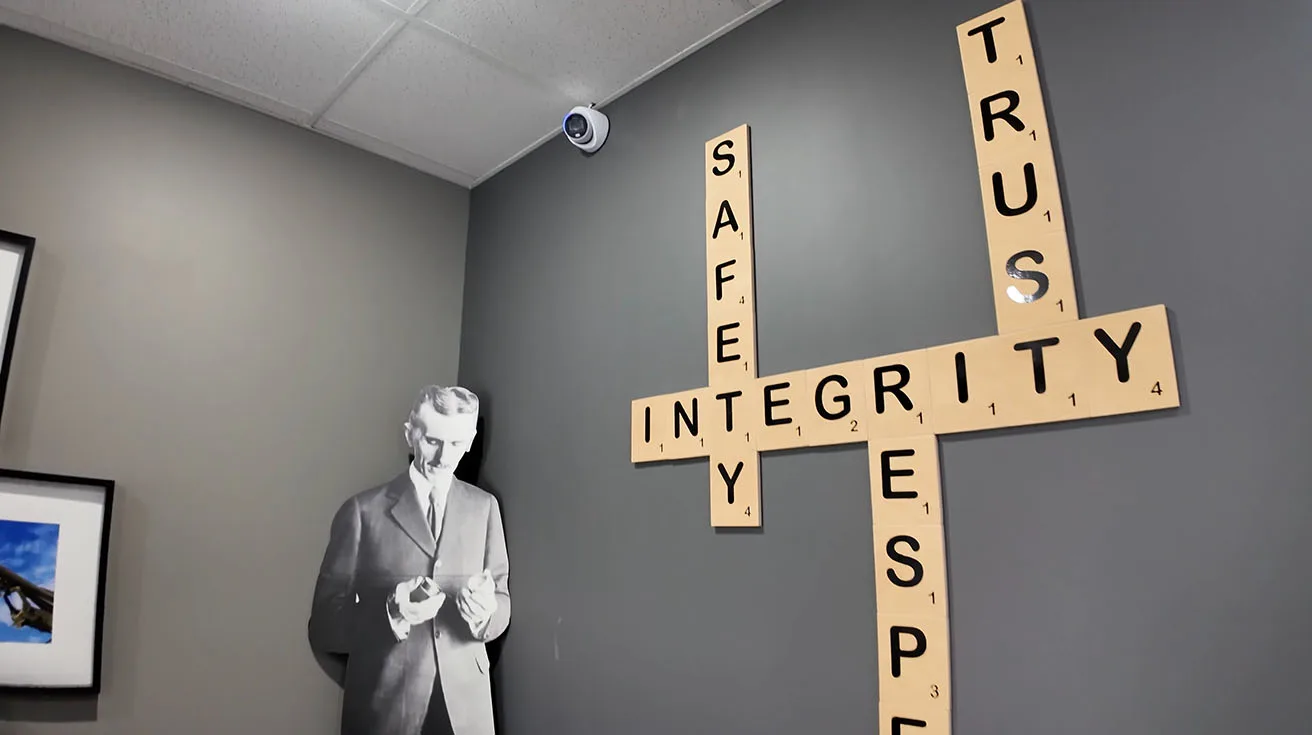
For most indoor areas, we used the G6 Turret because it’s flexible:
- wide-angle coverage,
- consistent mounting options,
- strong “default choice” for typical corridors and rooms.


1 / 6
Recording architecture (enterprise NVR per site)
Each location operates with its own enterprise NVR for local recording, aligned to the site’s camera count. If you’re deciding between UniFi NVR options – especially for smaller distributed sites – the UNVR Instant overview helps clarify where each recorder fits.
Access Control Modernization: Replacing Legacy Panels with UniFi Access (≈24 Doors)
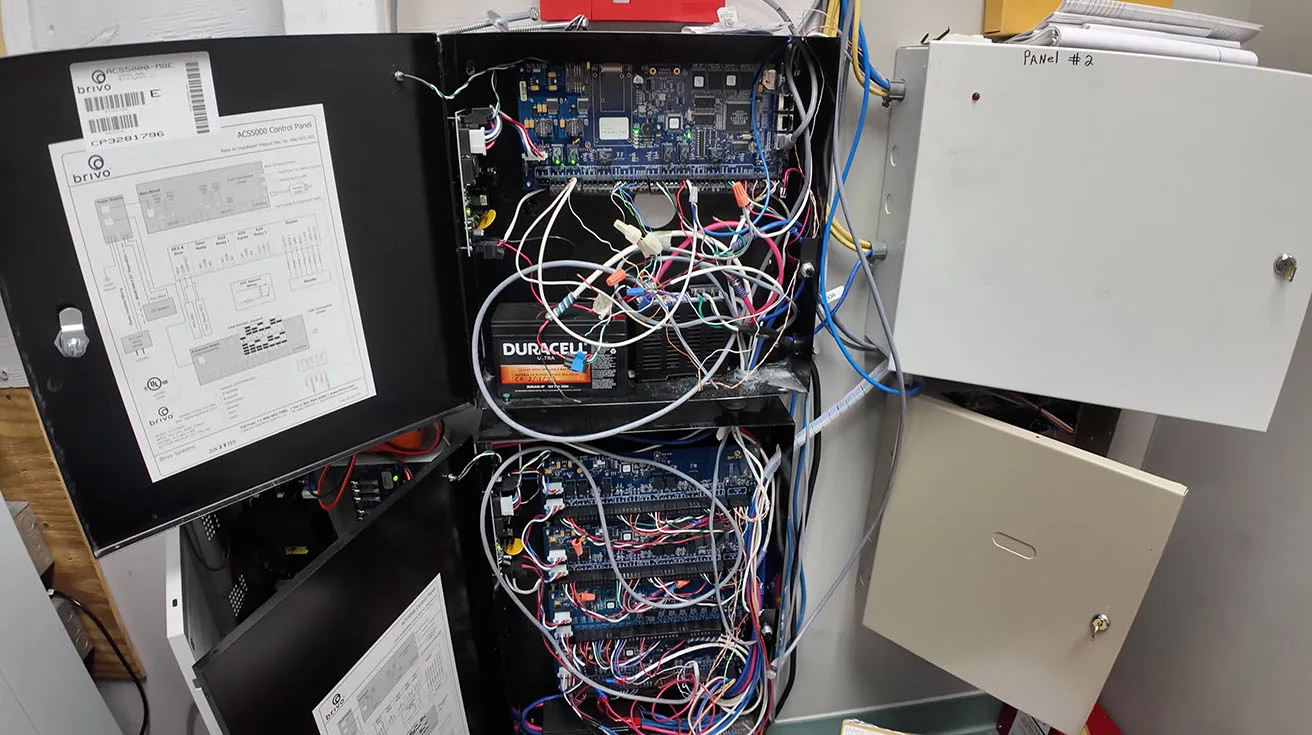
On the access side, the project scope was roughly 24 doors across the two locations, with a mix of real-world locking hardware you typically see in manufacturing and enterprise buildings.
What we replaced
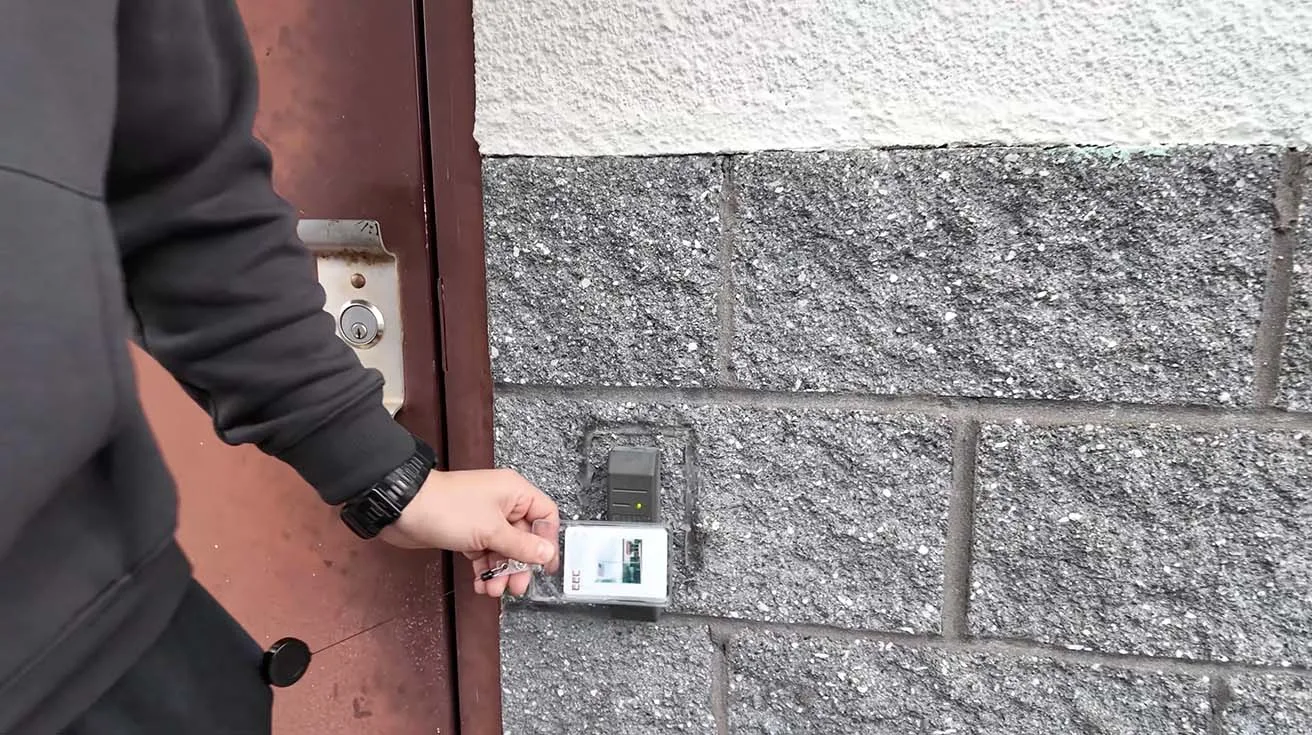
The site had existing access control panels (referred to in the walkthrough as “Brivo”) and a mixture of:
- fail-secure push bar mechanisms and strikes
- 24V magnetic locks
1 / 3
What we installed
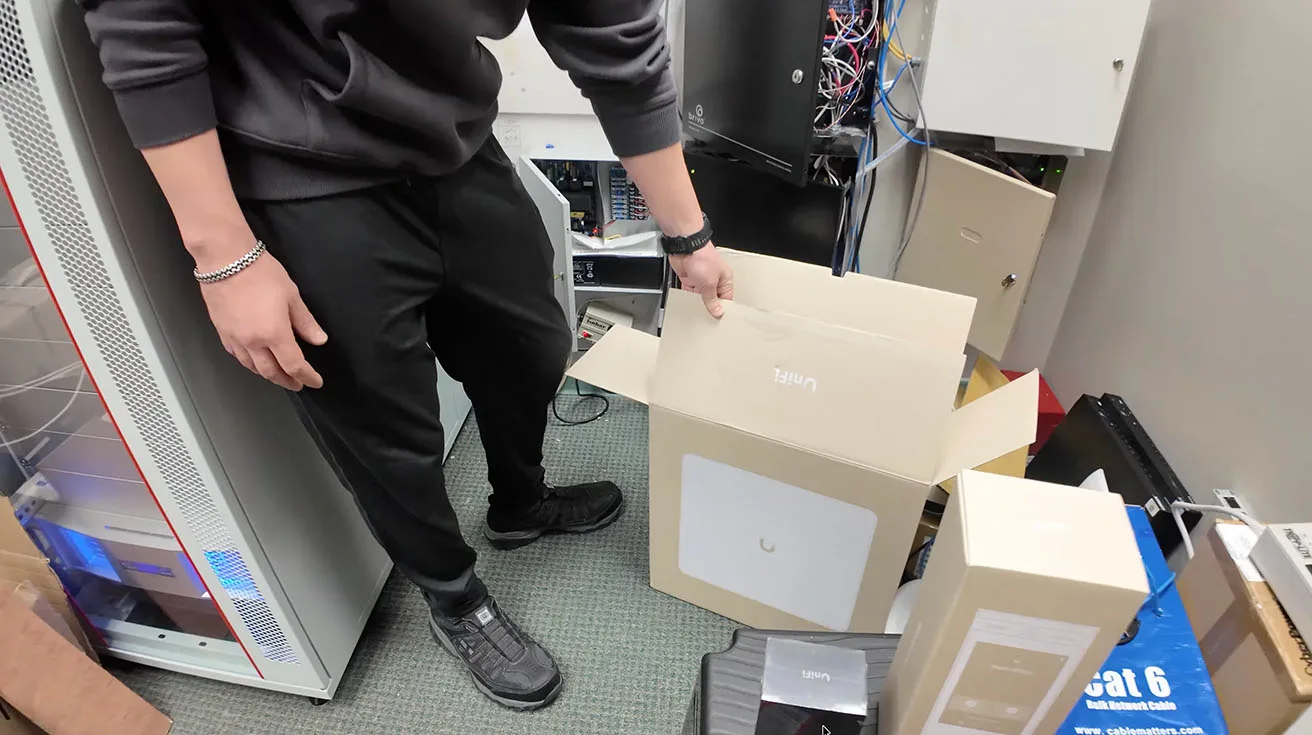
We replaced the legacy panels with a UniFi enterprise door access hub architecture, and standardized the user experience on:
- Enterprise Access Hub
- G3 Intercom for exterior doors
- G3 Reader Pro for interior doors
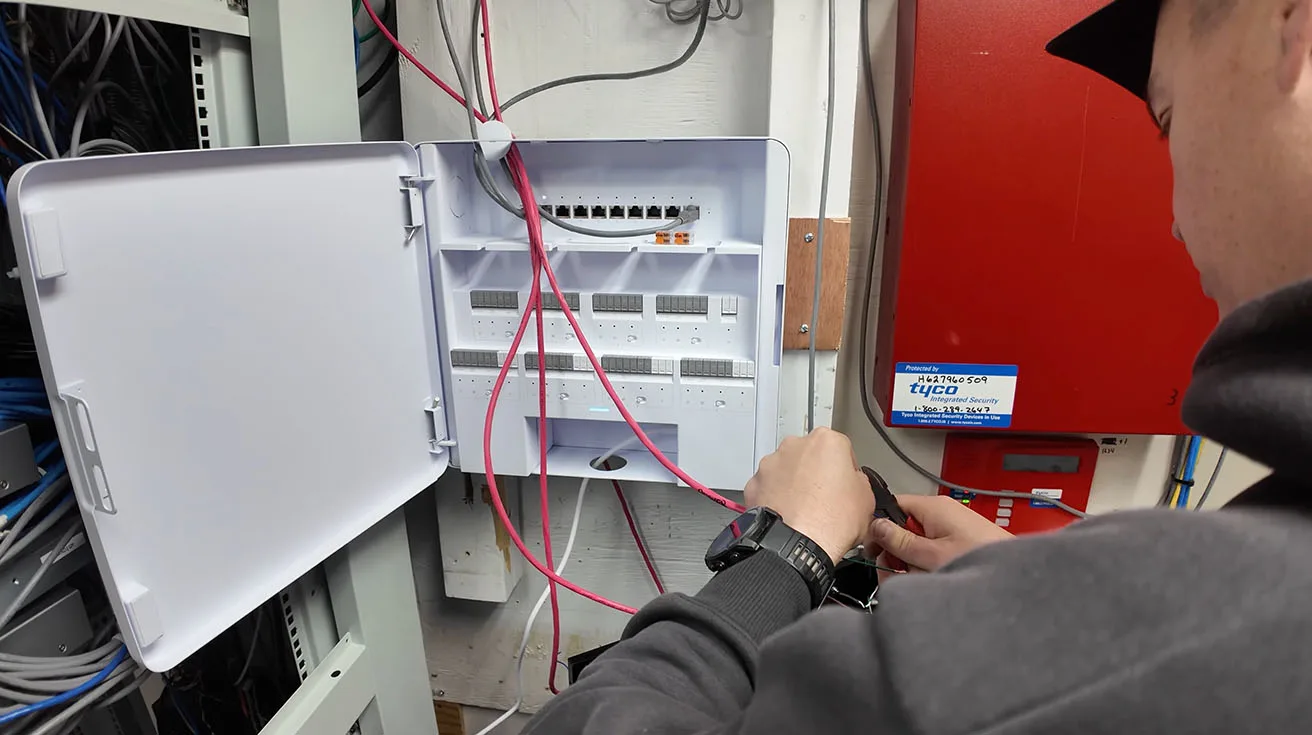
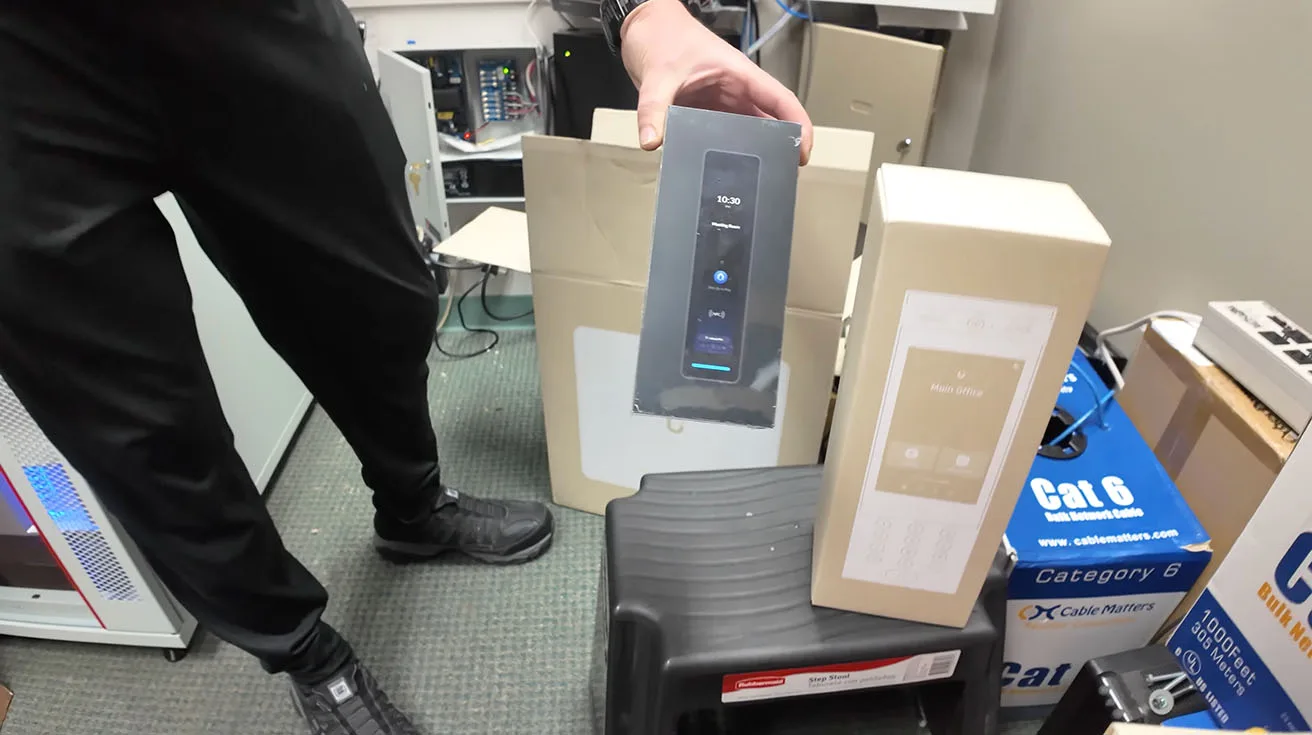
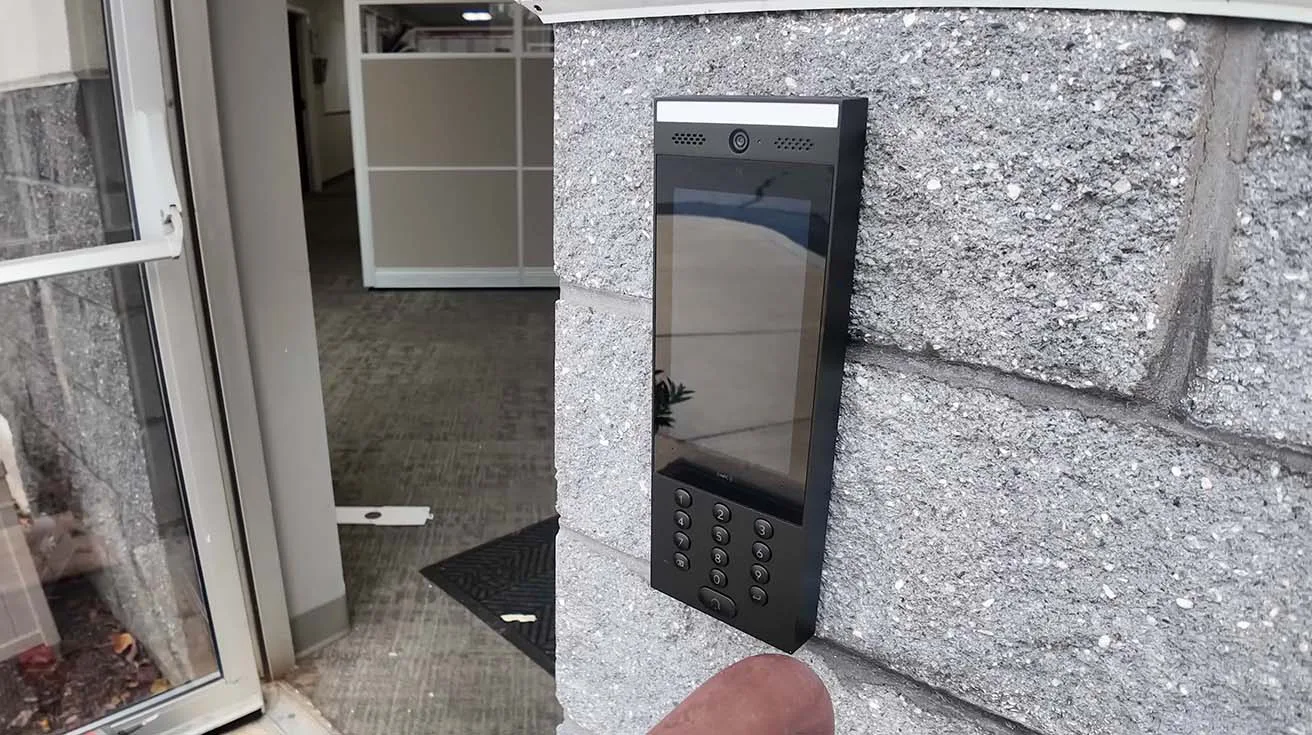
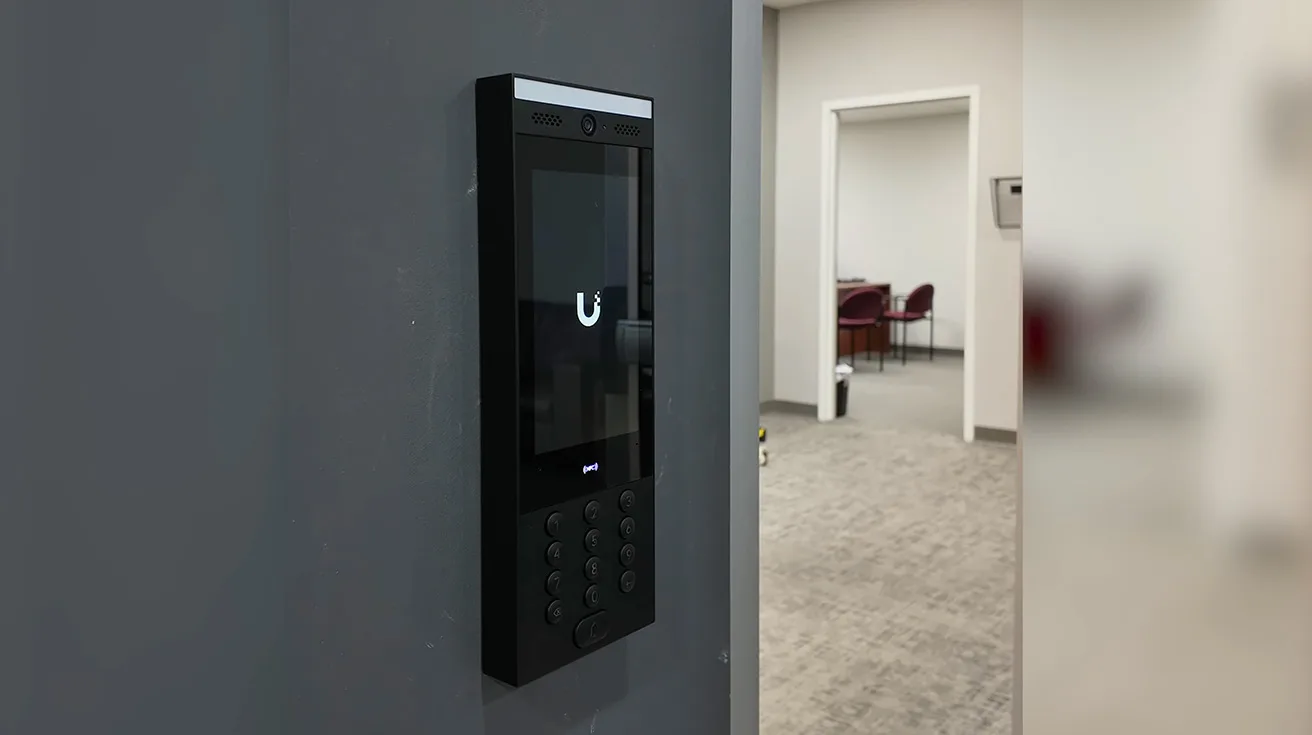
1 / 5
Face recognition was described as an option, but the expected day-to-day method is still badge-based access – which is typical for enterprise operations where consistency and policy matter.
Why this matters in enterprise environments
When you upgrade access at this scale, you’re not just swapping readers. You’re coordinating:
- lock type and power requirements,
- door hardware realities,
- wiring pathways,
- and commissioning/testing so the business can operate normally.
Interview Transcript: Permag’s UniFi Strategy, ROI, and Operational Results (Near-Verbatim)
Below is a transcript-style edit of our interview with Aaron Solorzano, IT Director at Permag. I kept the wording as close to the video as possible, with only light cleanup for readability.
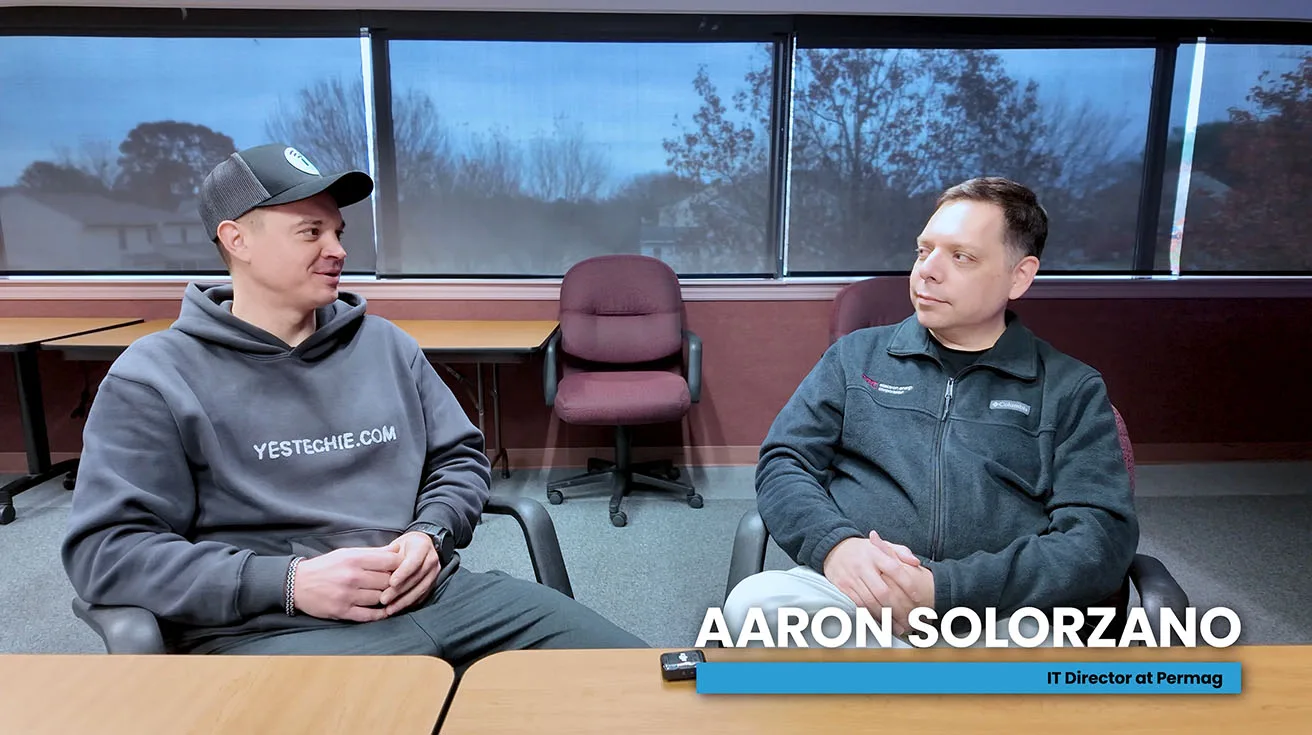
Anton (YesTechie): Hello, Aaron. Thank you for taking time to speak with us. Could you please introduce yourself and tell us a bit about Permag and what your company does?
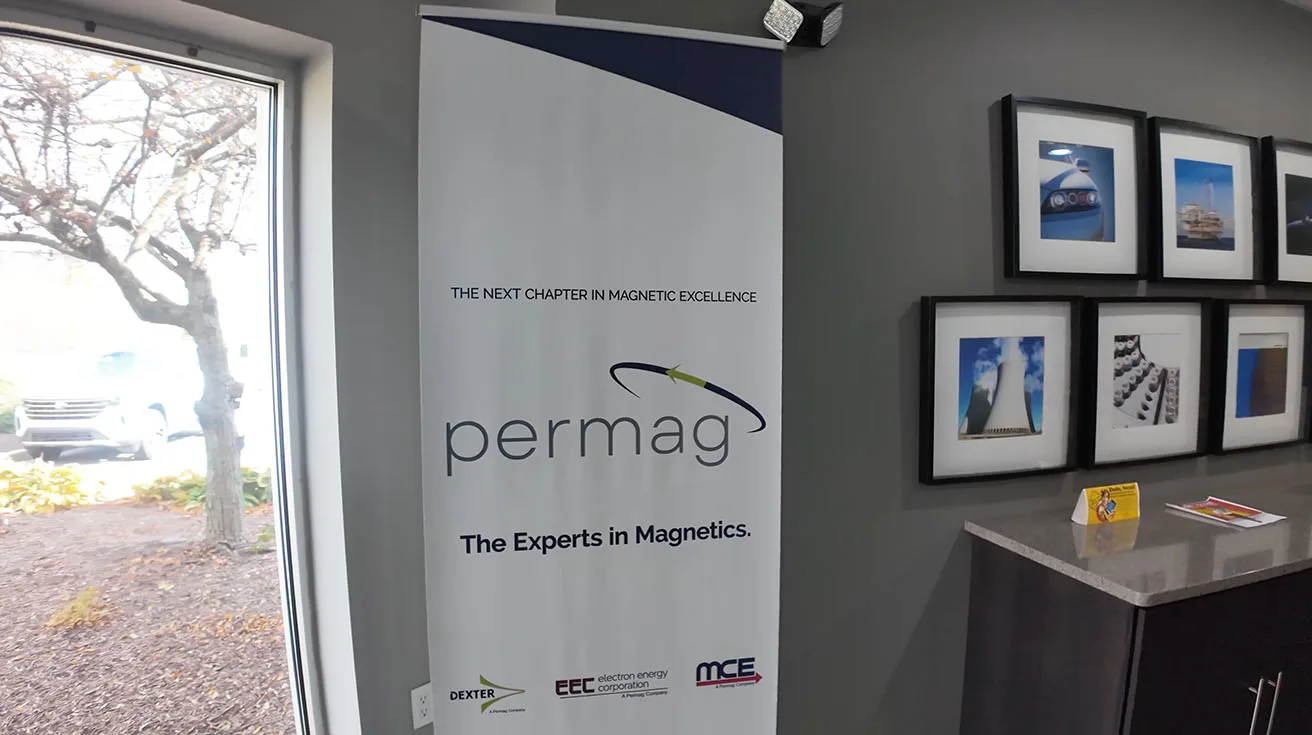
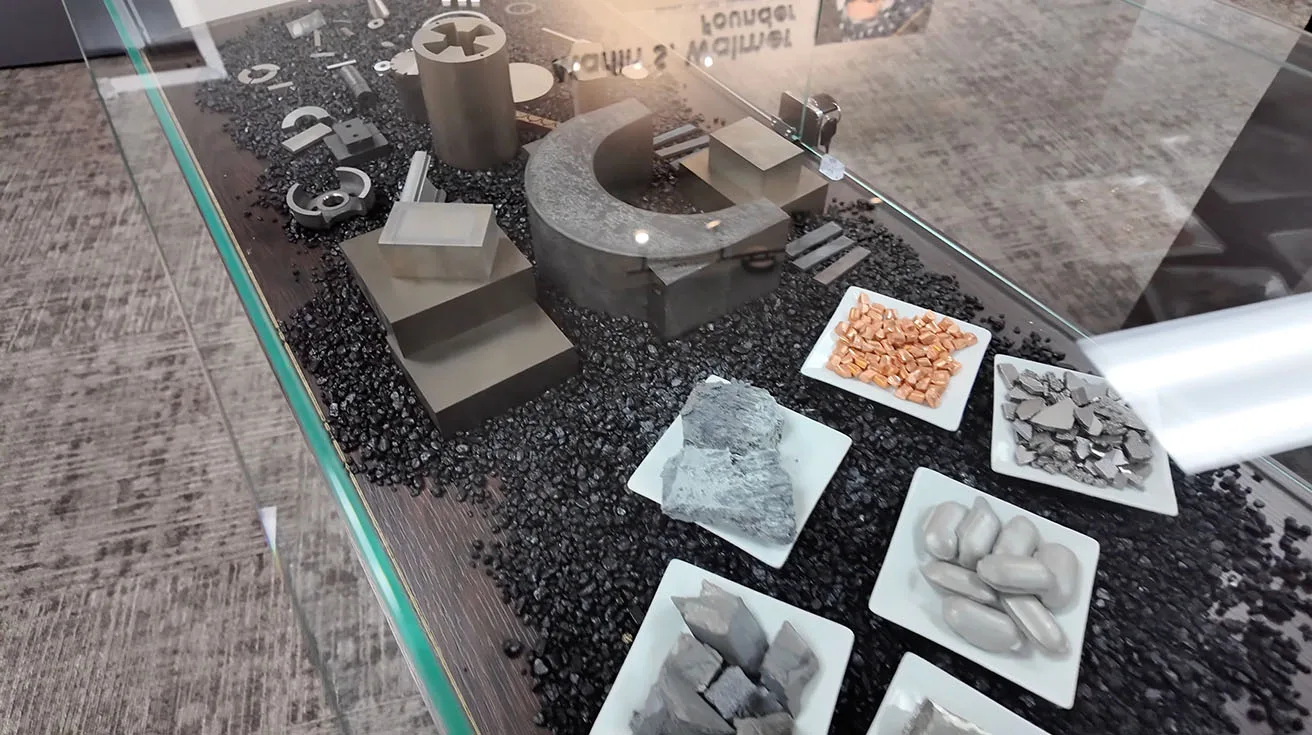
Aaron (Permag): Sure, I’d be happy to. My name is Aaron Solorzano. I’m the IT Director for Permag. Permag has four different locations – three in the United States, one in Europe. We’re the biggest manufacturer of samarium cobalt and neodymium magnets within the United States. We have four target markets: semiconductor, defense, aerospace, and medical.
Anton: So as I understand it, infrastructure is very critical.
Aaron: Absolutely. From end to end, there’s not an employee in the company that doesn’t use technology in some way or fashion.
Anton: What motivated your choice to select UniFi for the network, security, and access? Any advantages in terms of cost savings or management efficiency?
Aaron: Yeah, I started looking at Ubiquiti several years ago. We were a complete Fortinet shop, and at the time the cost of the hardware was very expensive – and so was the license fees. I like Ubiquiti because of the license-free model, obviously, but the ease of use in particular. I like the idea of having a one pane of glass that shows my network, my security. Ideally, because we are a global company, using tools such as Site Magic made everything ease of use – from connecting all of our networks together.
Anton: Ubiquiti is expanding Protect. What is your overall experience with Protect? So we deployed Protect to the MCE in Los Angeles. Now we’re doing it in Pennsylvania. How it's performing because we have a lot of questions on the internet network, is it already there, like Ubiquiti is very famous for its network products, security, so they are expanding, Protect and Access. What is your overall experience with UniFi Protect and Access?
Aaron: Yeah, so between the sites we have – I don’t know – close to 160-ish cameras, I believe, and multiple door access technologies. So I like the use of Alarm Manager – how you can trigger different types of alarms, whether it be a sound or just as simple as ringing to your phone. In comparison to what we had, which was Verkada – obviously, Verkada runs on the license model, and again, Ubiquiti is license-free. The cost of the annual license paid for itself in just the hardware for Ubiquiti. So it really was a no-brainer to switch.
Anton: That makes sense on ROI. What are some advantages in management and flexibility?
Aaron: Sure. Ubiquiti makes it really easy because they provide one portal for not just Wi-Fi, but for VPN and for access. So we utilize Enterprise Identity for all of our employees. It makes it easy to group the employees because we’re a multi-location facility. I could put the employees into one group, which gives them access to all three companies if need be. I also utilize that for the VPN. Our VPN ties into Microsoft 365 for authentication. So whenever they launch our VPN, they authenticate with their 365 account and they’re right in. Makes it very seamless.
Anton: And you can manage users and their access basically from one single interface, right?
Aaron: Yes. It’s just one pane of glass – not again for my networking, but for my cameras, and also my access control.
Anton: Looking ahead, what’s your expectation for Ubiquiti's future updates and releases? Are there specific features or enhancements you’re hoping to see that could support Permag’s IT modernization?
Aaron: Yeah, I think Ubiquiti has done a good job releasing their enterprise UniFi series – we utilize that today across our organization. I really would like to see Ubiquiti continue with the enhancements for enterprise, maybe even release a government line of products right now, because we are a government defense contractor. We’re tied to a lot of regulations, such as ISO 9001, NIST 800-171, and CMMC. It would be nice if Ubiquiti were to release a line that meets the FIPS compliance needed for both their firewalls and their access points.
A Note on the Collaboration (Quote from Oleg Bordiian)
Pipl Systems founder Oleg Bordiian summed up why projects like this matter – integrators can show real work and real outcomes instead of polished claims. In his LinkedIn post about this case study, he wrote:
“Here is another great example of how an integrator can show their work and share real experience with the industry. Today we are sharing a new case from the YesTechie team, a Ubiquiti Inc. UniFi Certified Integrator. They told Pipl Systems the story of how they installed an enterprise security and network system for Permag, a major magnet manufacturer that works with the defense and aerospace sectors.In the video interview with Permag’s IT Director, Aaron Solorzano, the YesTechie team talks about replacing old systems and building a modern UniFi ecosystem. What makes this story special is the feedback from the client. This is not their first project together, they already completed several installations before, and this new one shows how trust grows over time when the work is done well.In the video, you can hear about the main benefits they received, like centralized management, better reliability, easy user access control, license free hardware and smooth integration for multiple locations.We are happy to share real projects like this. They show how our industry grows through real experience and real results from integrators.”
The video is now published. Watch it here:
Key Takeaways (What This Deployment Shows at the Enterprise Level)
Phased modernization works: network first, then Protect + Access. It lowers risk and helps IT teams validate each layer.
License-free economics matter: Aaron’s point about Verkada licensing vs. UniFi hardware cost is exactly the ROI conversation enterprise IT leaders care about.
“One pane of glass” isn’t a slogan here: the value shows up in daily operations – identity, VPN, cameras, and access under a unified portal.
Perimeter strategy is about behavior, not just coverage: PTZ auto-tracking tied to fixed-camera events is how you move from passive review to active response.
Rack and fiber discipline is non-negotiable: if the MDF is messy, everything downstream becomes harder – especially at 100-camera scale.
About YesTechie (From My Perspective)
I’m Anton Kuznetsov, and together with my co-founder, Vladimir Chasovskikh, I lead enterprise IT, security, and automation projects at YesTechie Corp. Based in the Los Angeles metropolitan area, we built YesTechie to solve exactly the kind of high-stakes, high-complexity deployments highlighted in this case – enterprise networks, AI video surveillance, access control, and automation that must perform reliably in real-world environments.
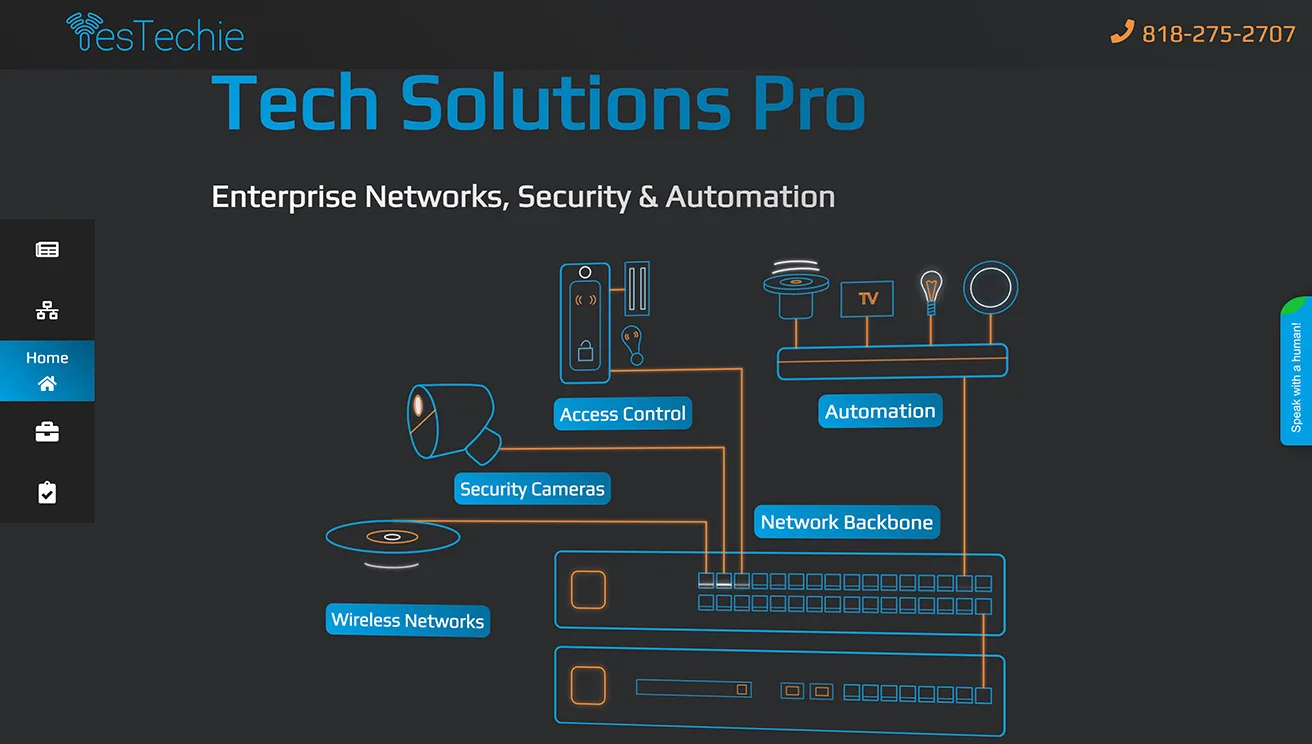
Our team brings 20+ years of experience designing and deploying infrastructure for industries where the requirements are simply higher – defense, aerospace, manufacturing, media, food production, and more. We’re a UniFi Certified Integrator, and we focus on building systems that are scalable, serviceable, and ready for what the client’s operation will look like next year – not just today.
Even though we were founded in Los Angeles (2022), we support multi-site organizations across the U.S., including projects in states like Texas, Florida, Illinois, Pennsylvania, and Indiana. That nationwide reach matters when a client wants consistent standards and a single integration partner across locations.
If you want to learn more about how we work or talk about a project, you can reach us here:YesTechie Corp - 14701 Arminta St, Unit A, Panorama City, CA 91402, USAPhone: +1 818-275-2707Email: support@yestechie.comWebsite: https://yestechie.com/Contractor license: C-7 Low Voltage Systems Contractor (CSLB) - License 1125084LinkedIn: https://www.linkedin.com/company/ytechie/about/
FAQ (Enterprise Readers Ask These a Lot)
Is this a complete blueprint of Permag’s security design?
No. By design, we do not publish full layouts, internal topology, or anything that could increase site risk.
How many cameras and doors were included in this phase?
Approximately 100 cameras across two locations and around 24 doors for the access upgrade.
Why use a mix of fixed cameras, 360s, and industrial PTZ?
Different environments require different coverage: fixed cameras for consistent views, 360s for large rooms, and PTZ for perimeter tracking and long-range identification.
What drove the move to UniFi, according to the IT Director?
A license-free model, ease of management, global/multi-site connectivity (Site Magic), and centralized operations across network, cameras, and access.
Does this case study provide compliance guidance (ISO/NIST/CMMC/FIPS)?
No. We reference what the client mentioned, but this is not compliance or regulatory advice.
Disclaimer (Case Study Use)
This case study reflects one real deployment under specific site conditions. It is provided for informational and educational purposes only and does not constitute engineering design documentation, legal advice, or a complete security audit. Viewers and readers are responsible for their own implementations and risk decisions.