
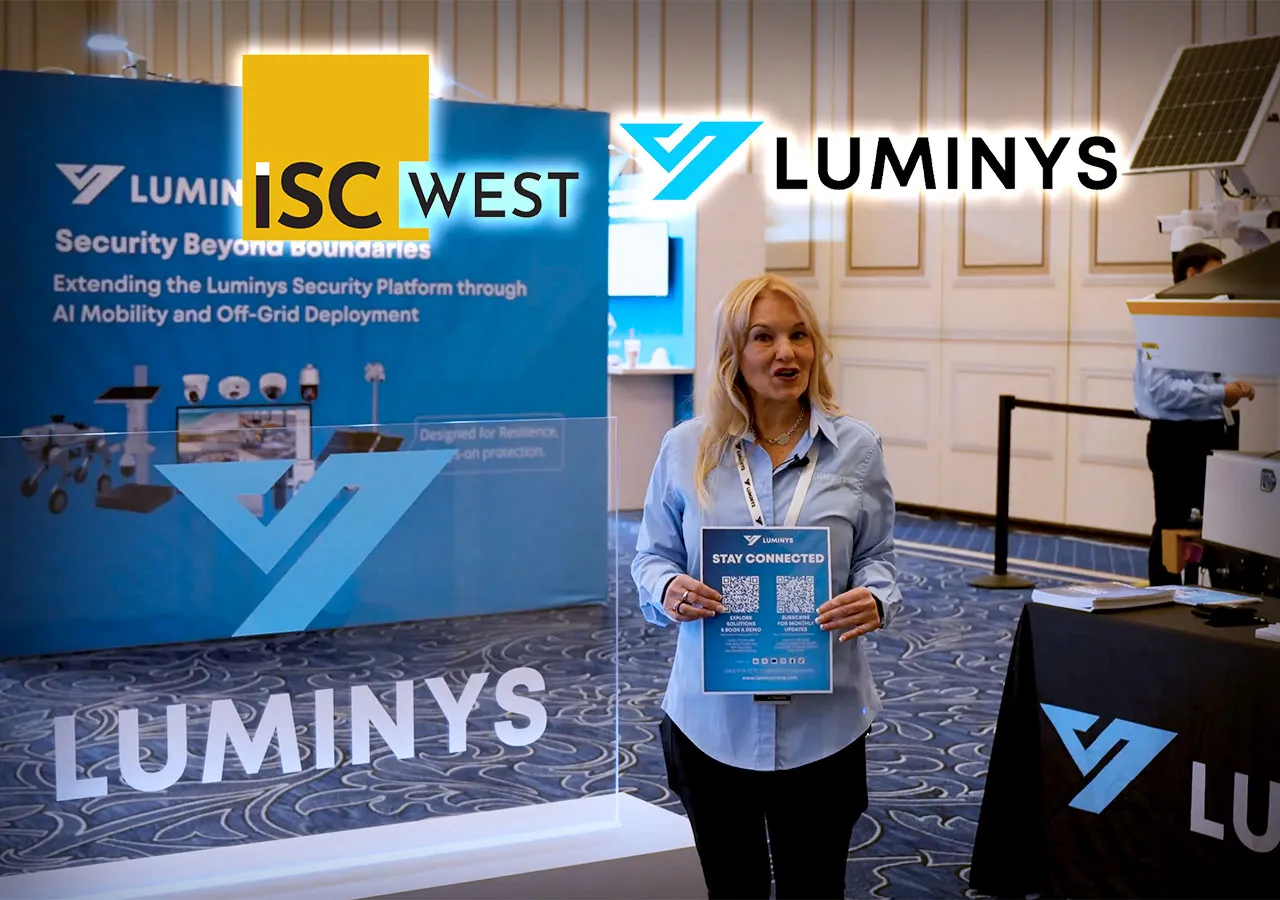
I’m Jennifer Hackenburg, Product Marketing Director at Luminys Systems Corporation, and at ISC West 2026, we focused on one theme that matters to every security integrator: real security in places where power and infrastructure are a problem. Luminys builds AI‑powered, NDAA‑compliant security solutions that cover video, VSaaS and VMS, off‑grid trailers, access control, and smart networking, so you can design full systems instead of stitching together point products.
In this walkthrough, Greg Stone, JP Wenger, and I show how our solar trailers, LumiCloud VSaaS, low‑light cameras, deterrent lighting, and AI search fit together as practical tools for construction sites, retail parking lots, schools, and temporary events. Everything you see here ships under the Luminys brand and ties back into the same cloud and VMS platforms. If you want to explore the full lineup and specs, you can always start from the main Luminys Systems Corp site.
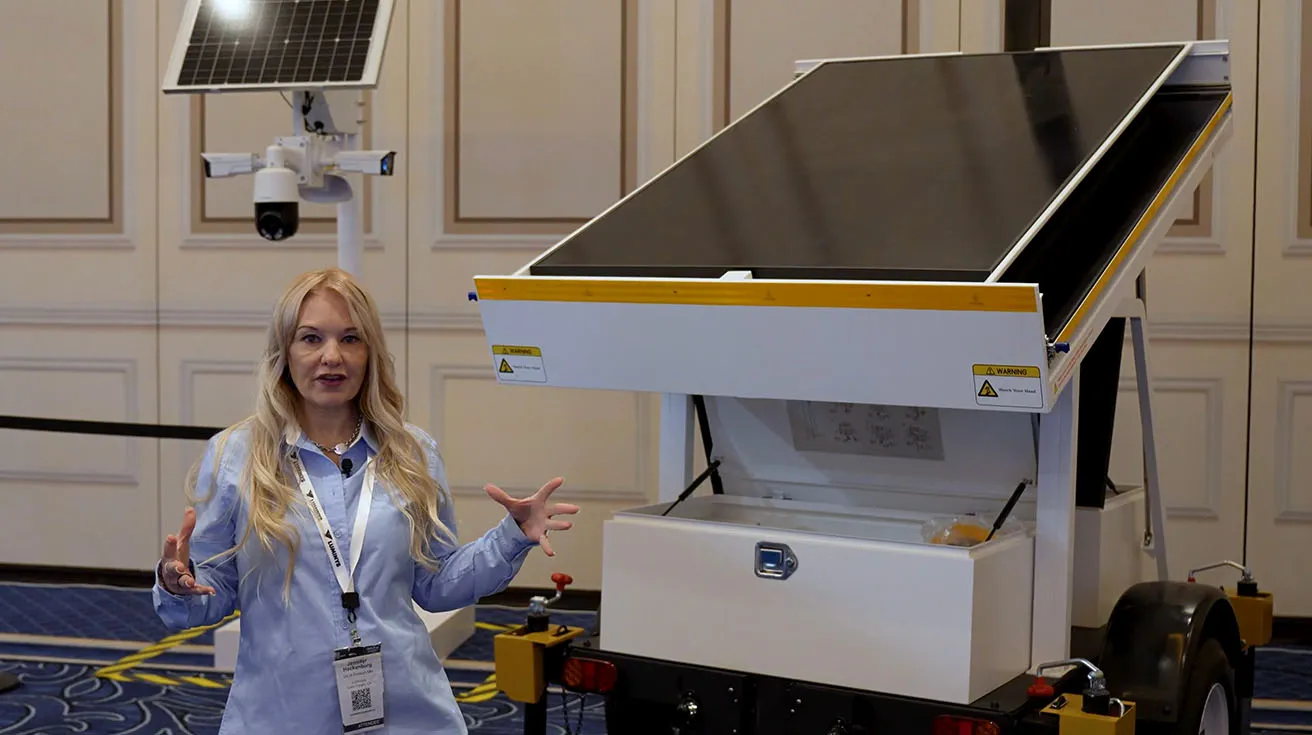
LumiGuardian Mobile Solar Trailer for Off‑Grid Surveillance
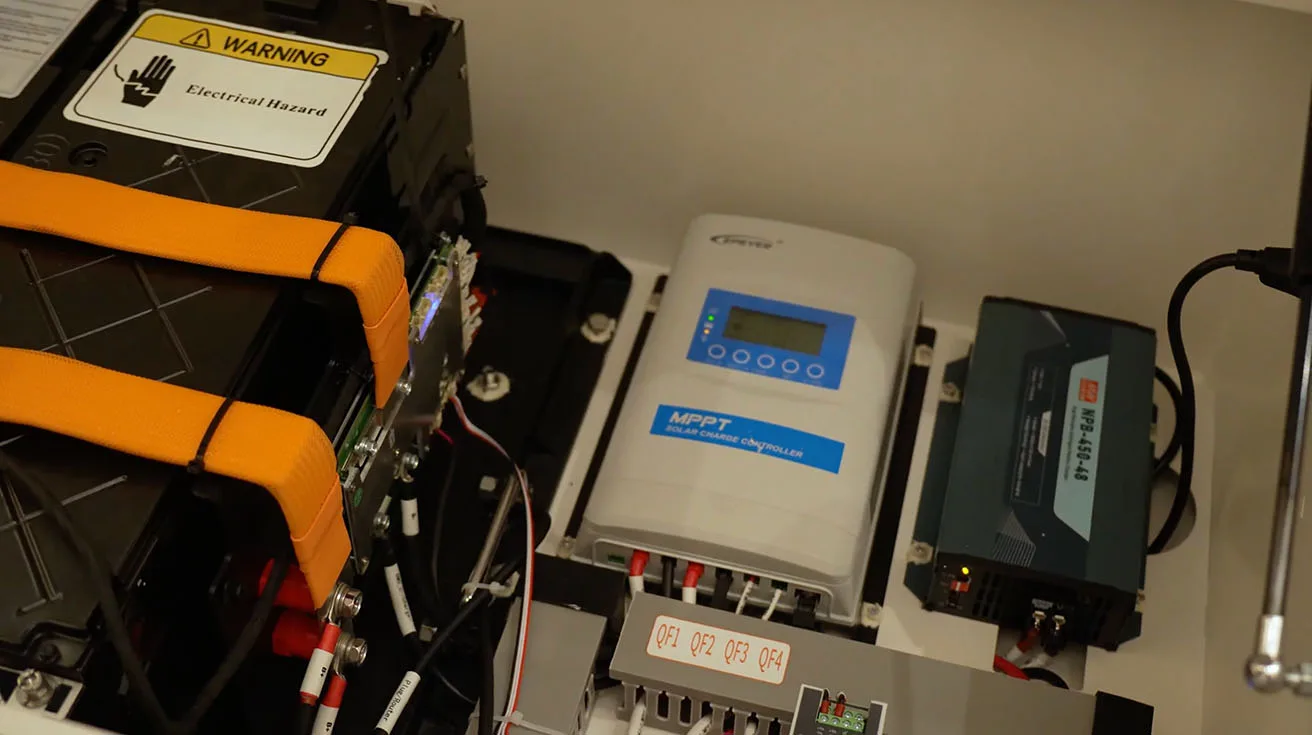
We start outside the booth with our LumiGuardian Mobile Solar Trailer, an all‑in‑one off‑grid security platform designed for temporary events, construction sites, and retail parking lots where you need visible deterrence and no one wants to trench power. The trailer sets up in about fifteen minutes and only needs one person, which makes it realistic for integrators who roll trucks with limited staff.
1 / 2
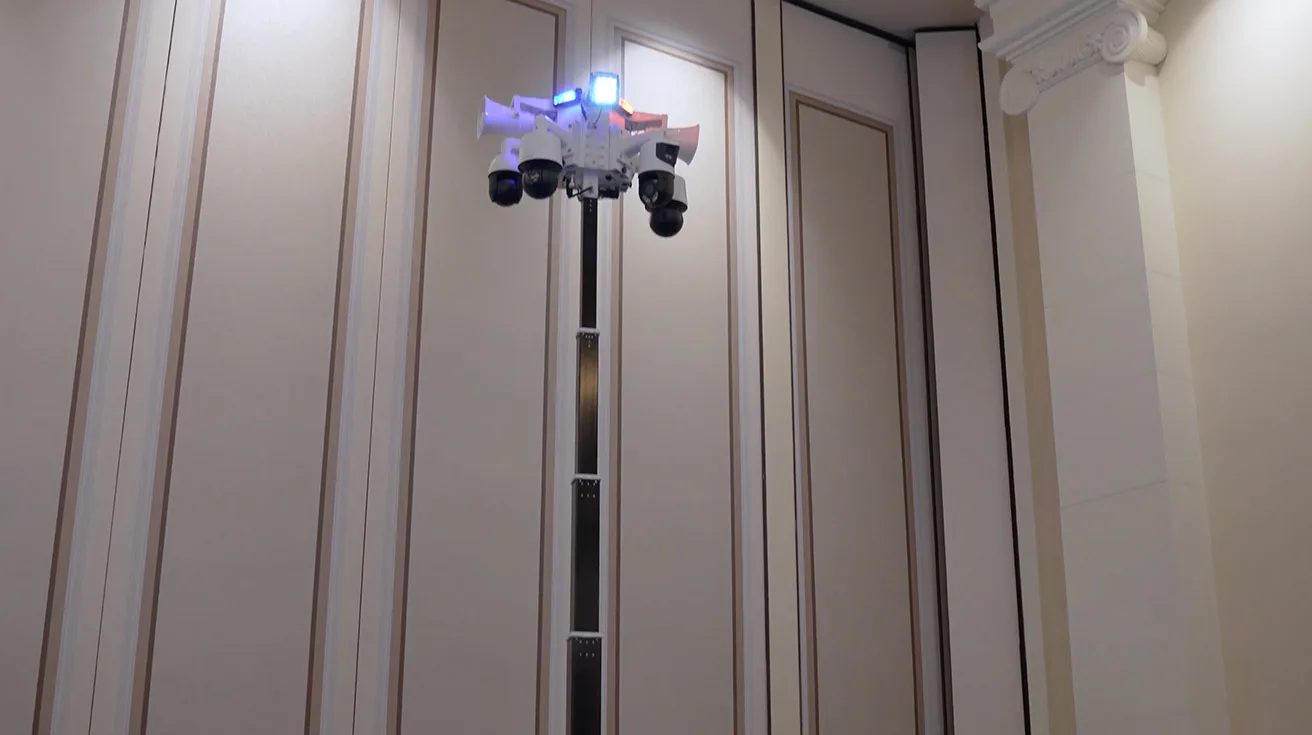
On the mast, you can mount up to four cameras, with exact counts depending on your climate and overall power draw, and you still have integrated red and blue flashing lights, flood lights, a loudspeaker, a 4G modem, and a backup battery on board. That gives you one deployable unit that handles lighting, connectivity, and video in a single footprint instead of juggling separate trailers, generators, and poles. For more context on how Luminys ties solar trailers into a broader cloud ecosystem, see the Luminys Cloud Solution overview.
LumiWatch Pole‑Mounted Solar Unit
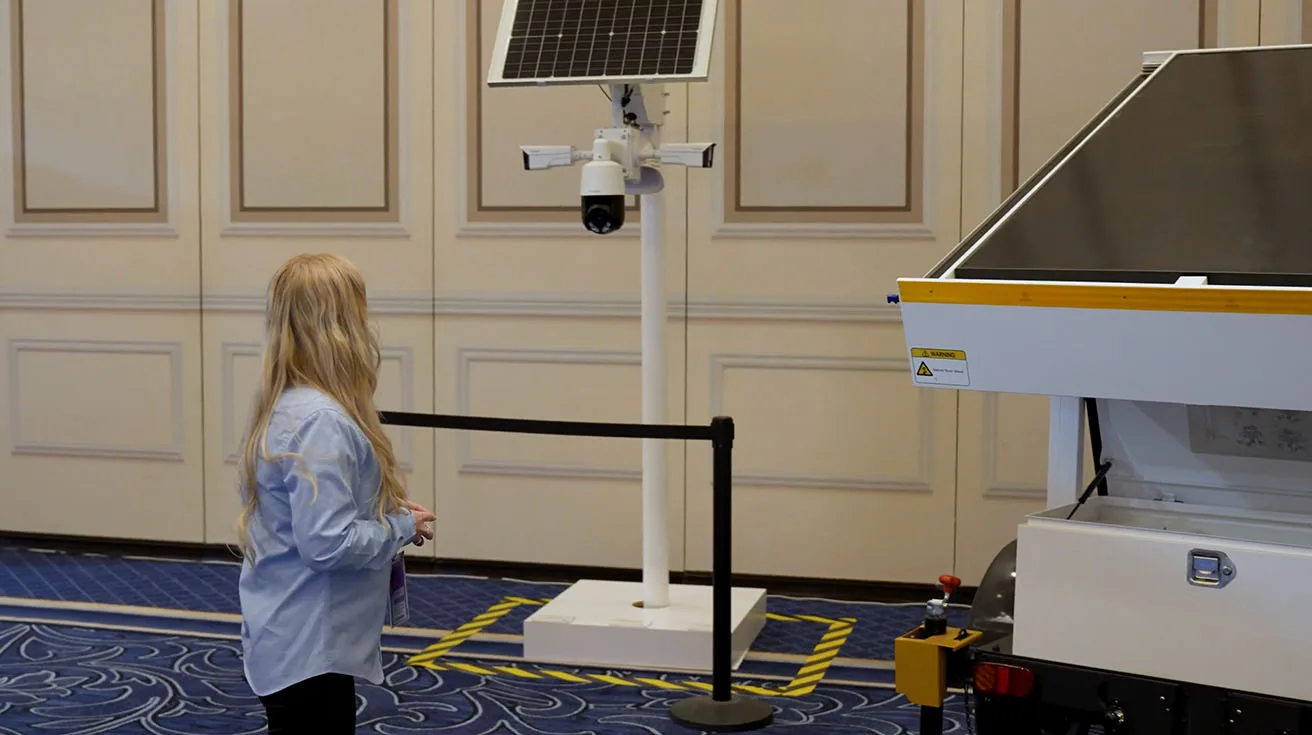
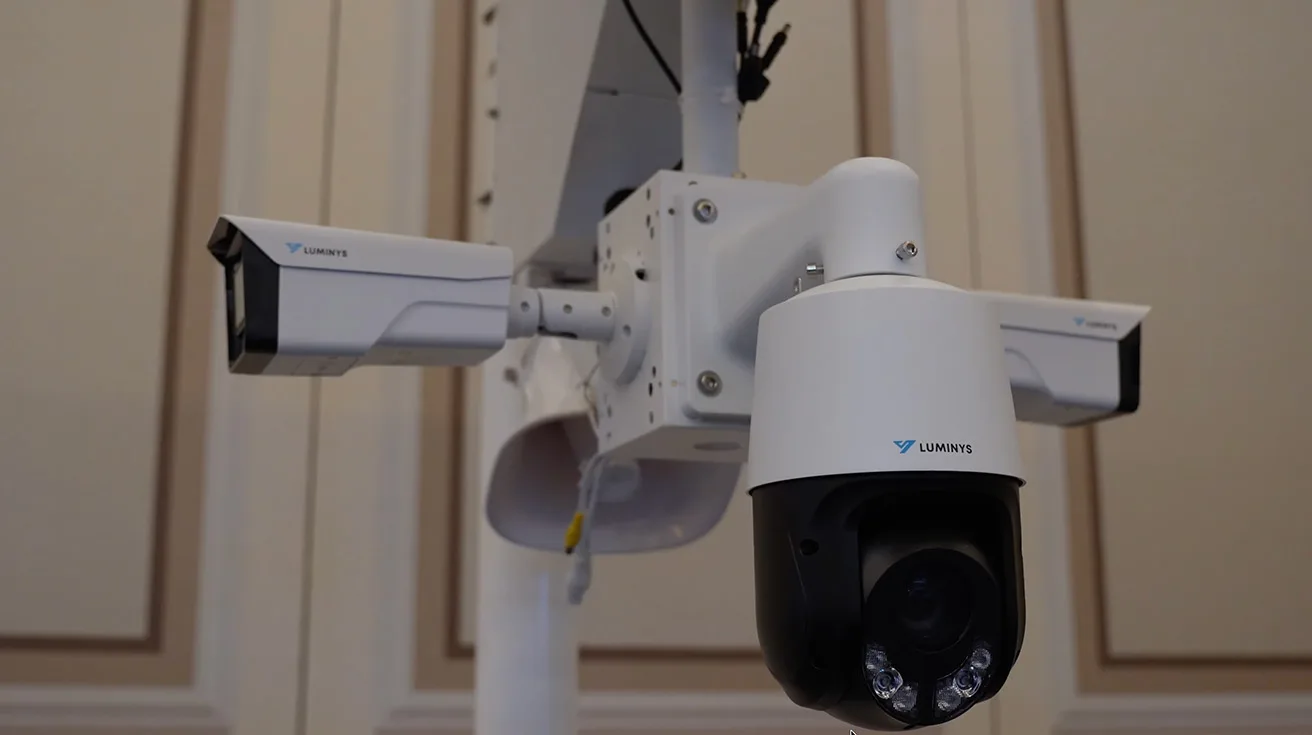
Right next to the trailer, we debut LumiWatch, our pole‑mounted off‑grid unit that brings the same idea down to a more compact form factor. Think of LumiWatch as the answer for sites where a full trailer is overkill, but you still need solar power and local intelligence at a pole, fence line, or perimeter corner.
1 / 2
Both LumiGuardian and LumiWatch are built for Luminys security cameras and are sized for multiple channels: up to three cameras on LumiWatch and up to four on the solar trailer, again with the real number driven by temperature and total power budget on each project. For integrators, that means you can design consistent off‑grid packages around the same family of Luminys security solutions instead of mixing unrelated solar hardware with generic cameras.
LumiCloud VSaaS Integration for Solar Deployments
What makes these off‑grid units more than just metal and panels is that both LumiGuardian and LumiWatch are tightly integrated with LumiCloud, our VSaaS platform. Once the trailer or pole unit is online, LumiCloud gives you real‑time alerts, remote status, and secure browser and app access without setting up a separate VMS server on site.
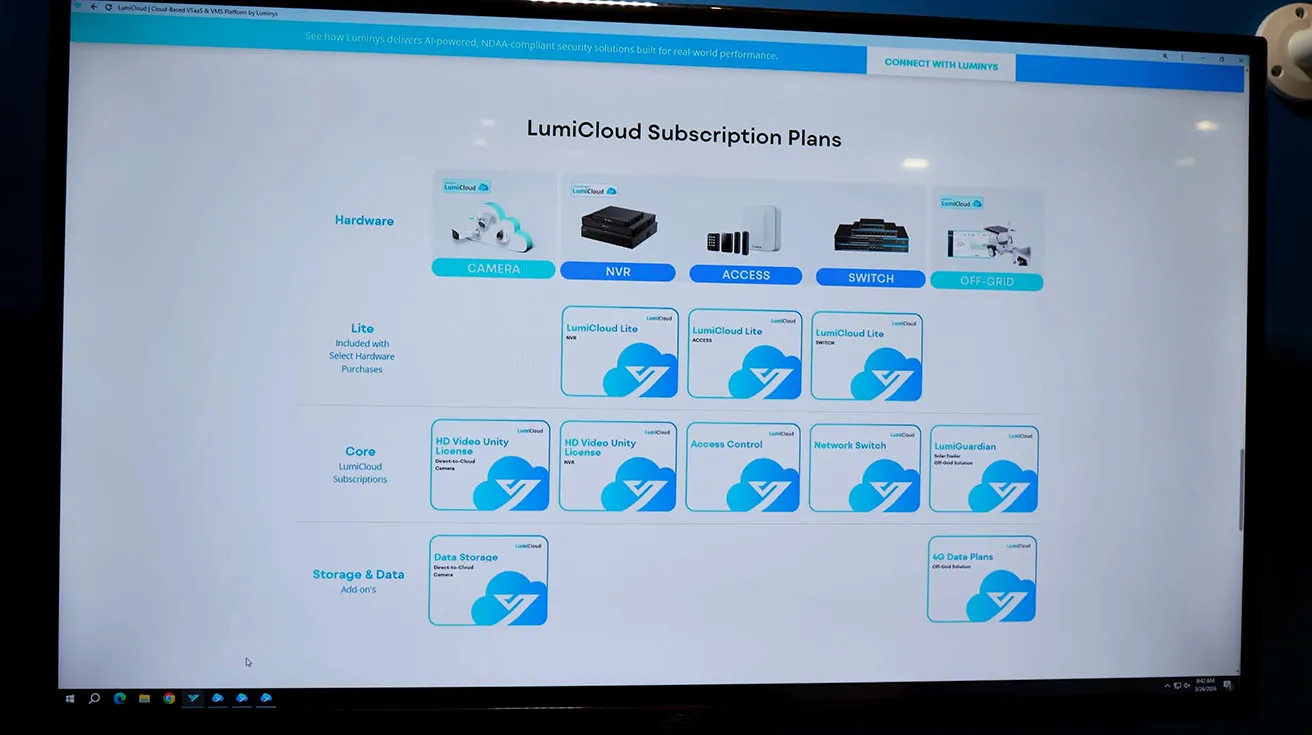
For security integrators and dealers, that VSaaS layer is where recurring revenue and remote maintenance come from. You can drop a solar trailer on a construction site, enroll it into LumiCloud, and then manage cameras, events, and health from your office instead of rolling a truck every time something changes.
Smart Entry for Small Sites: Video Doorbell Kit
Inside the booth, at our “More Possibilities” kiosk, we introduce a video doorbell kit aimed at customers who want professional‑grade visibility at the door without a full access control buildout. The kit includes a 4 MP video doorbell with two‑way audio and a matched chime, which keeps installation predictable and removes guesswork about compatibility.
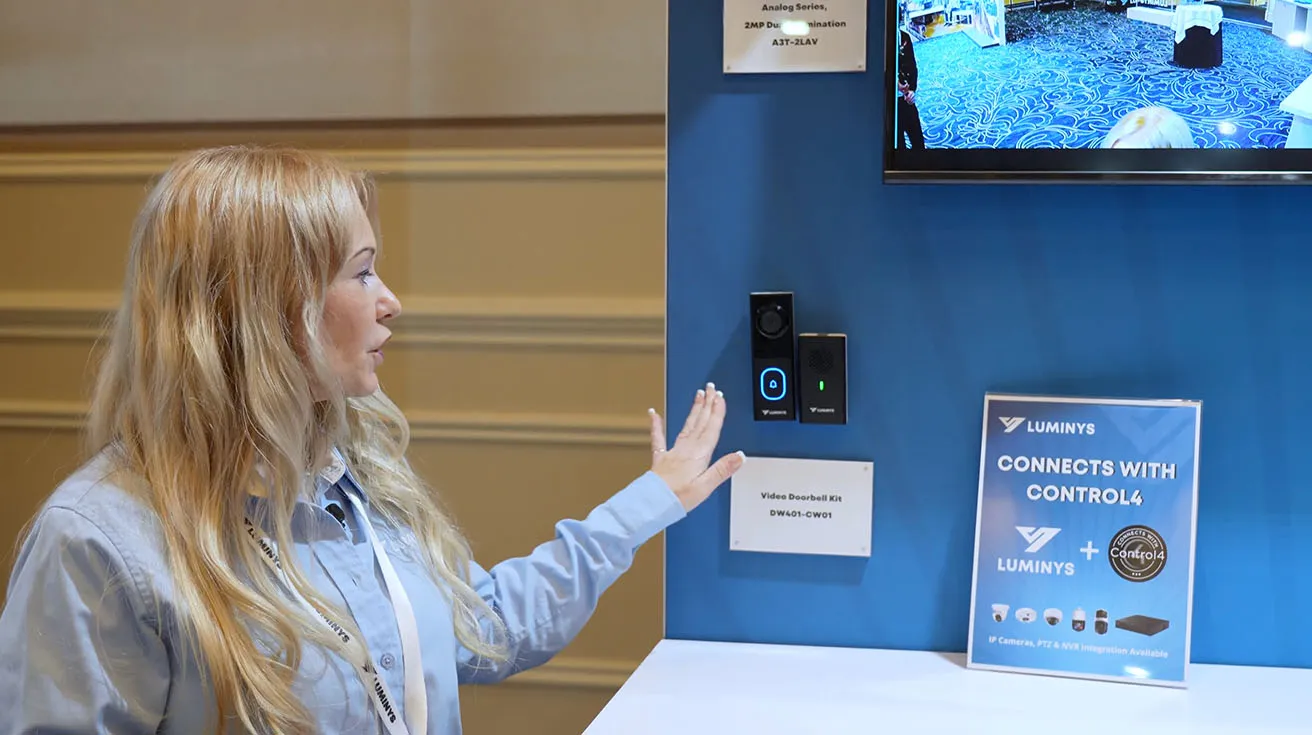
This kind of package helps integrators standardize on a small‑site entry solution that still sits under the Luminys video surveillance umbrella and can be presented as part of a broader Luminys security solutions roadmap for growing clients. If you want a broader view of how Luminys presents its portfolio at major shows, including earlier ISC West demos of network cameras, LumiCloud, and LumiCenter VMS, you can read about Luminys at ISC West.
Bringing Analog and IP Together: Turret Cameras and Penta-brid DVR
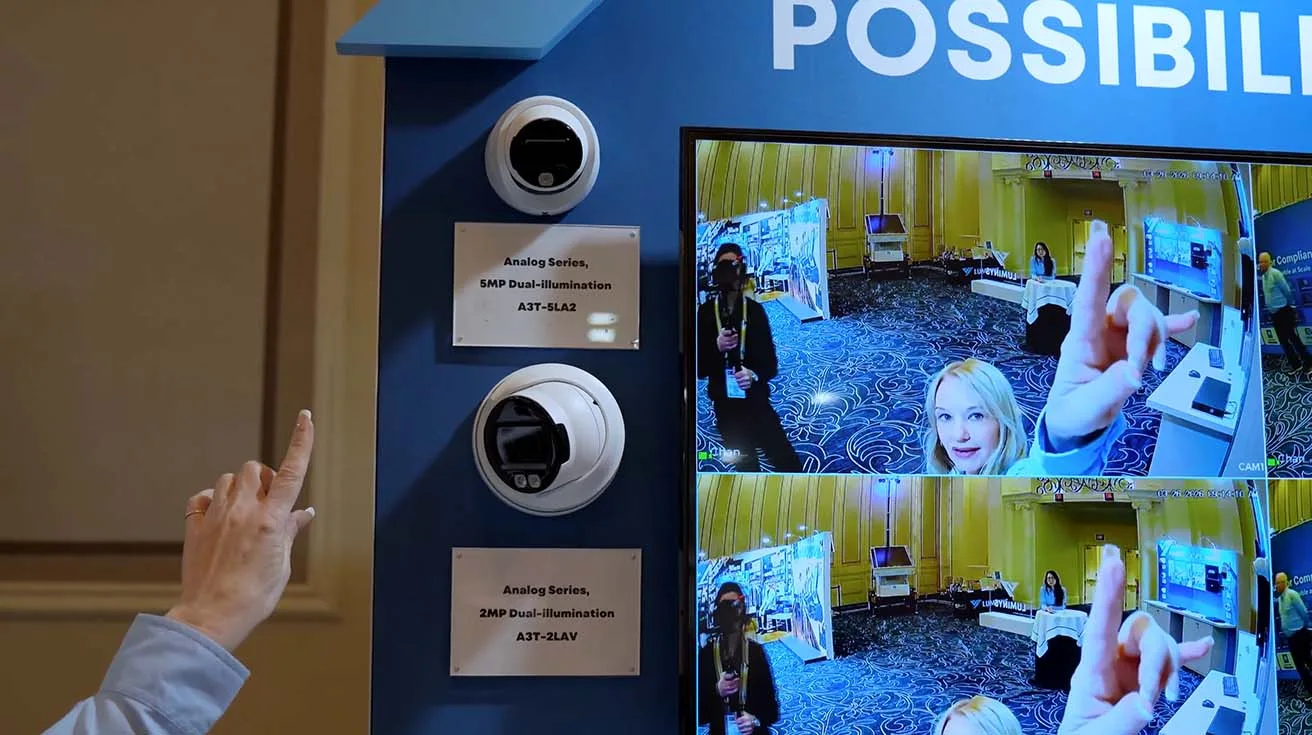
We also respond directly to integrator feedback by adding an analog camera lineup to the portfolio. At this kiosk we debut 2 MP and 5 MP analog turret cameras with fixed lenses, designed to slot into existing coax infrastructure where full IP replacement is not practical yet.
1 / 2
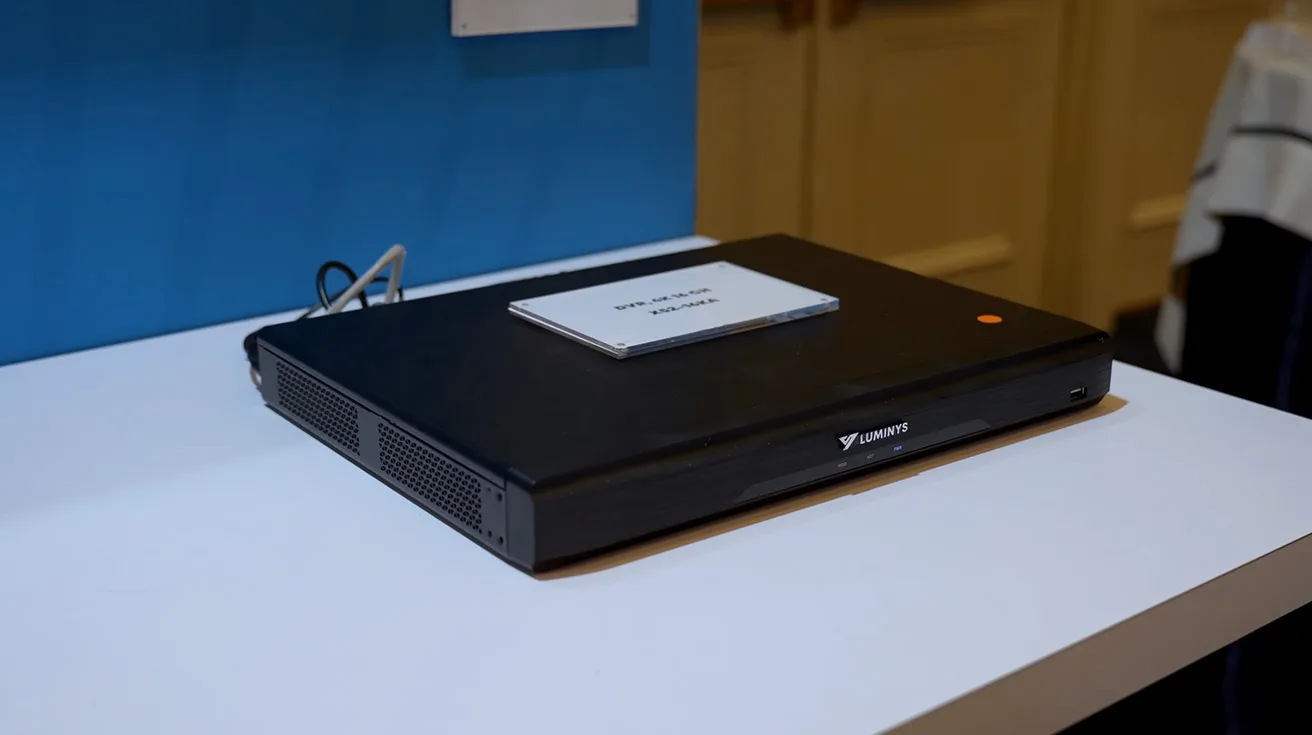
To anchor those cameras, we show a 16‑channel Penta-brid DVR that supports the four leading analog video standards and allows you to mix and match third‑party cameras with Luminys units on the same box. This is aimed squarely at projects where you need a bridge between legacy analog CCTV and newer NDAA‑compliant hardware, letting you introduce Luminys systems without forcing a full rip‑and‑replace.
Network Building Blocks: Access Point, Wireless Bridges, and Ethernet over Coax
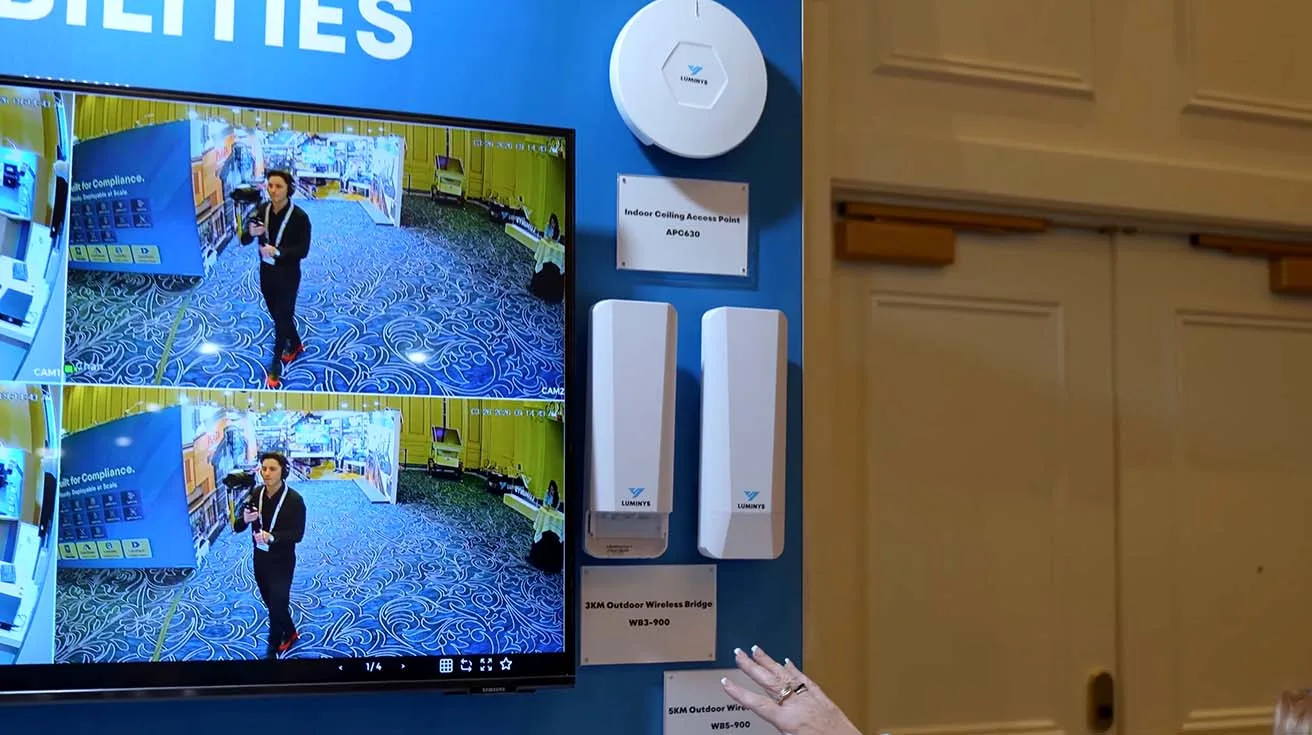
From there, we move into the network building blocks that keep these systems connected. At the booth, we debut a new indoor ceiling access point and a pair of wireless bridges that help you reach out to remote buildings, lots, and hard‑to‑cable corners of a site. For many deployments, this is what lets you bring Luminys security cameras and trailers online without running new fiber or trenching long copper runs.
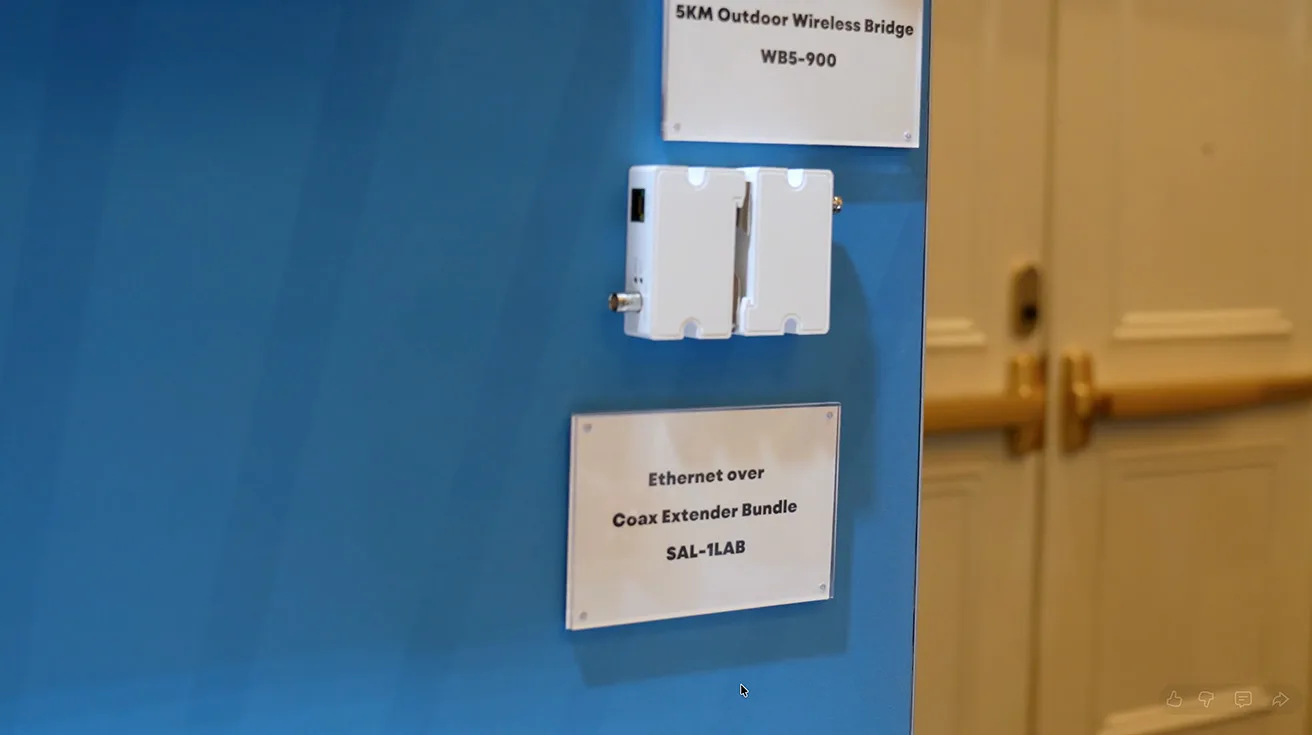
1 / 2
Right next to them, we show an Ethernet over coax extender bundle that turns existing analog coax into an IP backbone, extending transmission distances up to 3,000 feet and avoiding expensive infrastructure demolition. If you are one of the many security integrators planning a phased migration from analog to IP, and you want to see who else operates in your region, you can browse vetted security integrators.
LumiLuxSmart: Low‑Light Color Imaging for Real Sites
At our “Powered for Intelligence” kiosk we highlight LumiLuxSmart, the low‑light technology built into most of our fixed cameras. In practice, LumiLuxSmart gives you usable color video at night in challenging applications by letting you choose one of three operating modes.
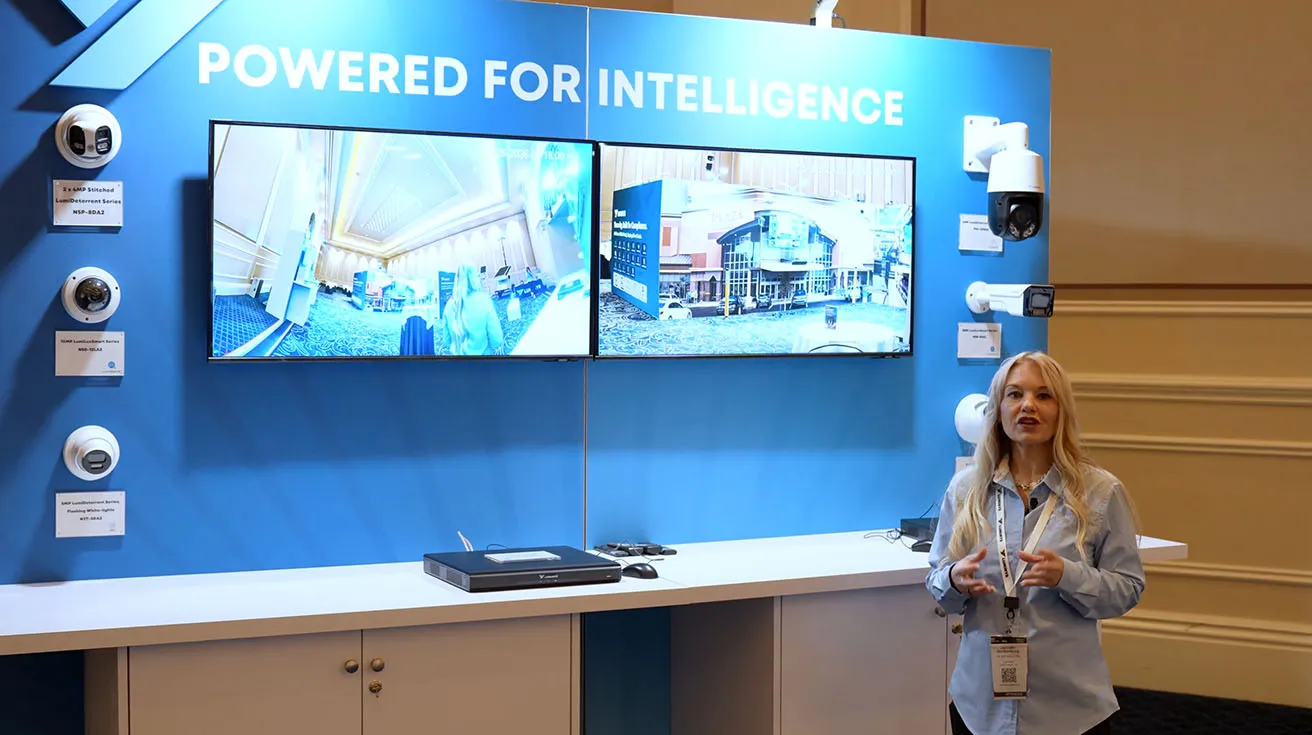
You can run pure IR for discreet monitoring, keep white‑light LEDs on from dusk to dawn for constant deterrence, or use dual‑illumination mode where IR handles quiet times and white‑light LEDs only activate on motion for proactive response with less light pollution. For a deeper technical dive into how Luminys handles color night vision across its portfolio, including the LumiNightKing series, you can read Inside Luminys LumiNightKing.
LumiDeterrent Cameras with Active Lighting
Next, we move to the LumiDeterrent series, which takes that imaging foundation and adds active visual deterrence. LumiDeterrent is available as both PTZ and fixed camera options, each combining LumiLuxSmart low‑light capabilities with integrated red and blue flashing lights for high‑visibility response.
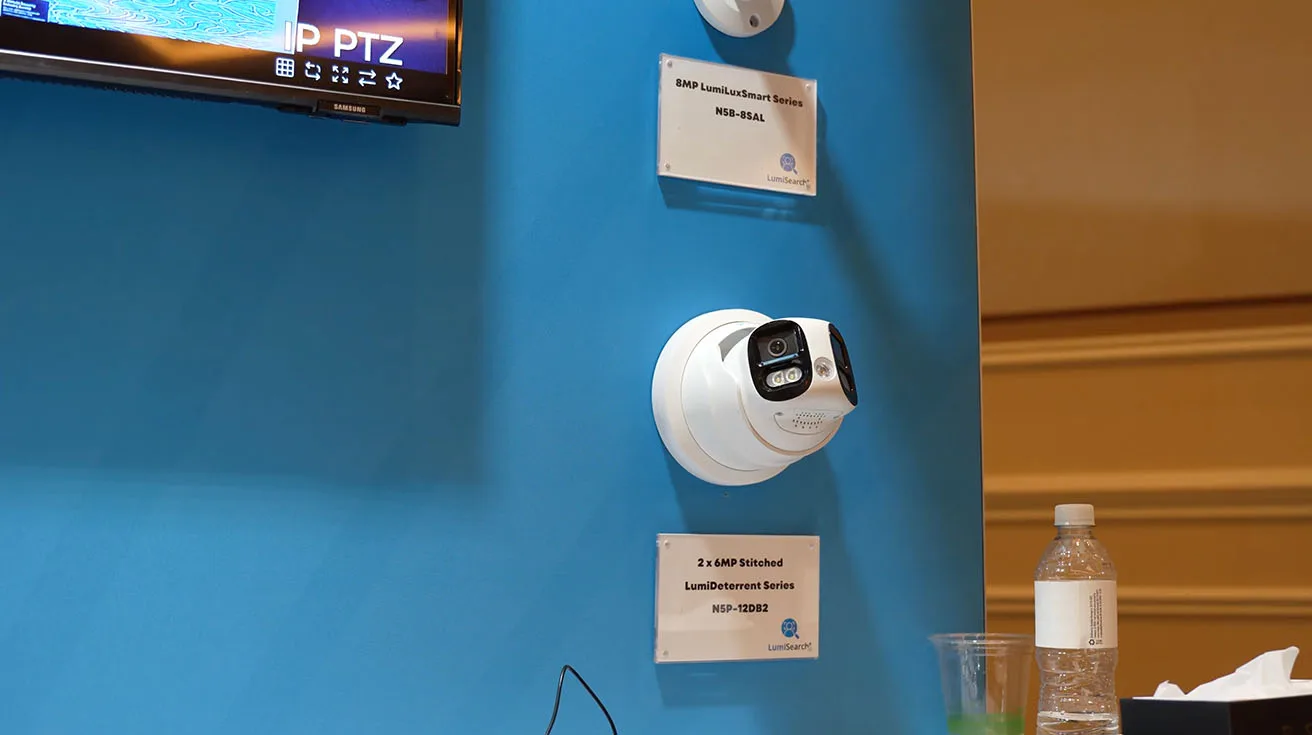
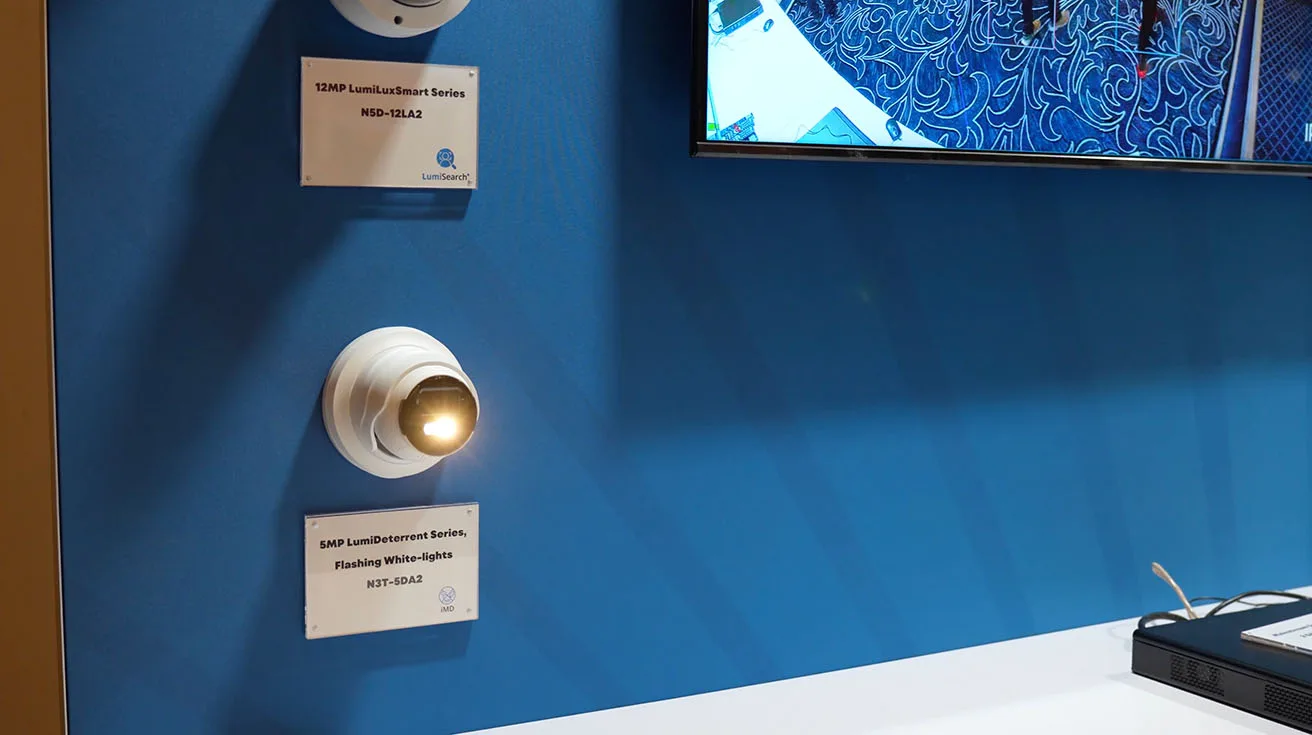
1 / 2
For sites where red and blue lights are too aggressive or too close to emergency signaling rules, we also debut a LumiDeterrent variant that uses flashing white lights only, aimed at customers who want a more subtle, commercial‑friendly presence in parking lots and exterior entries. Together, these variants give integrators a clear way to specify Luminys security cameras that do more than record, helping prevent incidents in retail parking lots, perimeters, and high‑traffic outdoor areas.
LumiSearch: AI‑Powered Person and Vehicle Matching
One of the biggest pain points in modern video is still the same: finding the right person or vehicle fast across hours of footage and dozens of cameras. To address that, we built LumiSearch, an AI‑powered search technology that lets you start from a simple reference image and instantly locate matching people or vehicles across multiple cameras on the same network.
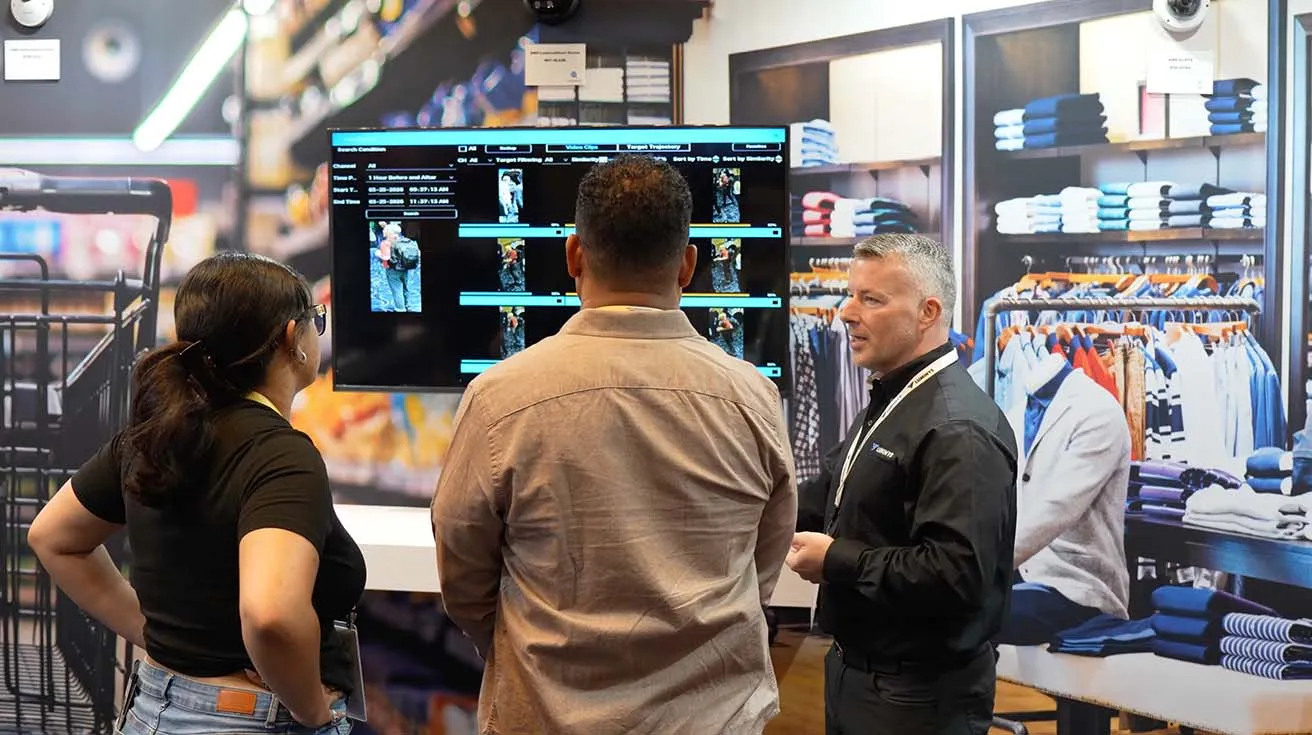
LumiSearch does not require pre‑registered faces or personally identifiable data; it works from attributes like clothing color and general body type, which keeps privacy in mind while still giving operators a powerful way to collapse long investigations into minutes instead of hours. For security integrators, the combination of LumiSearch analytics with LumiCloud VSaaS and on‑prem recorders is one of the clearest ways to show clients why an AI‑enabled Luminys video surveillance stack is different from a basic timeline scrub workflow.
Mainstream R5 NVR, LumiCenter VMS, and LumiCloud
To tie the hardware story together, we also show our R5 mainstream NVR alongside LumiCenter VMS and LumiCloud. R5 gives you on‑premise recording for sites that want a local box, but still need modern analytics and tight integration with Luminys security cameras.
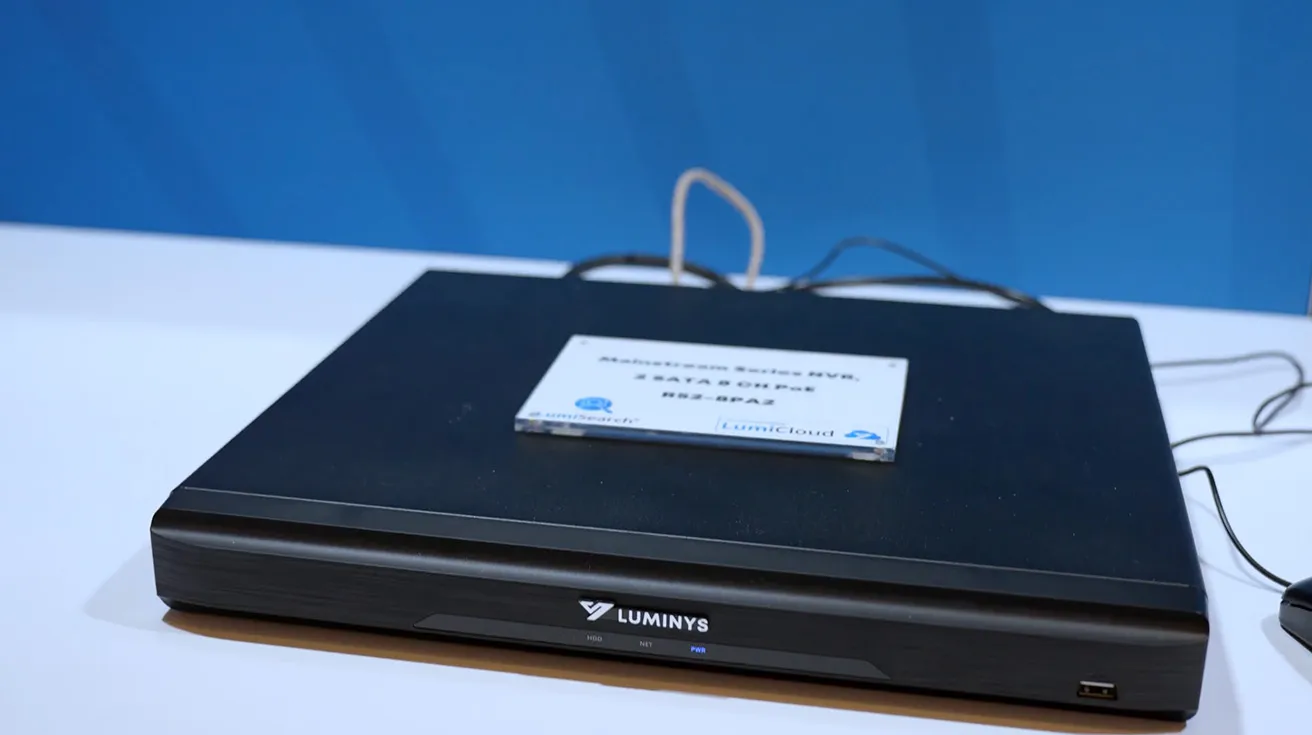
For larger or more centralized deployments, LumiCenter VMS becomes the main video platform, while LumiCloud stays the cloud bridge that lets you access, manage, and receive real‑time alerts from anywhere. Together, R5, LumiCenter, and LumiCloud give security integrators flexible options for on‑prem, cloud, or hybrid video surveillance architectures built around the same Luminys security solutions stack.
Luminys Experience Center: Retail Application LumiSearch Demo
Inside the Luminys Experience Center, we start with a retail application to show how LumiSearch plays out in a real workflow. The demo features a reference person appearing on camera, followed by the use of LumiSearch to draw a bounding box around them. This instantly identifies and displays every camera feed in the booth where that individual is detected.
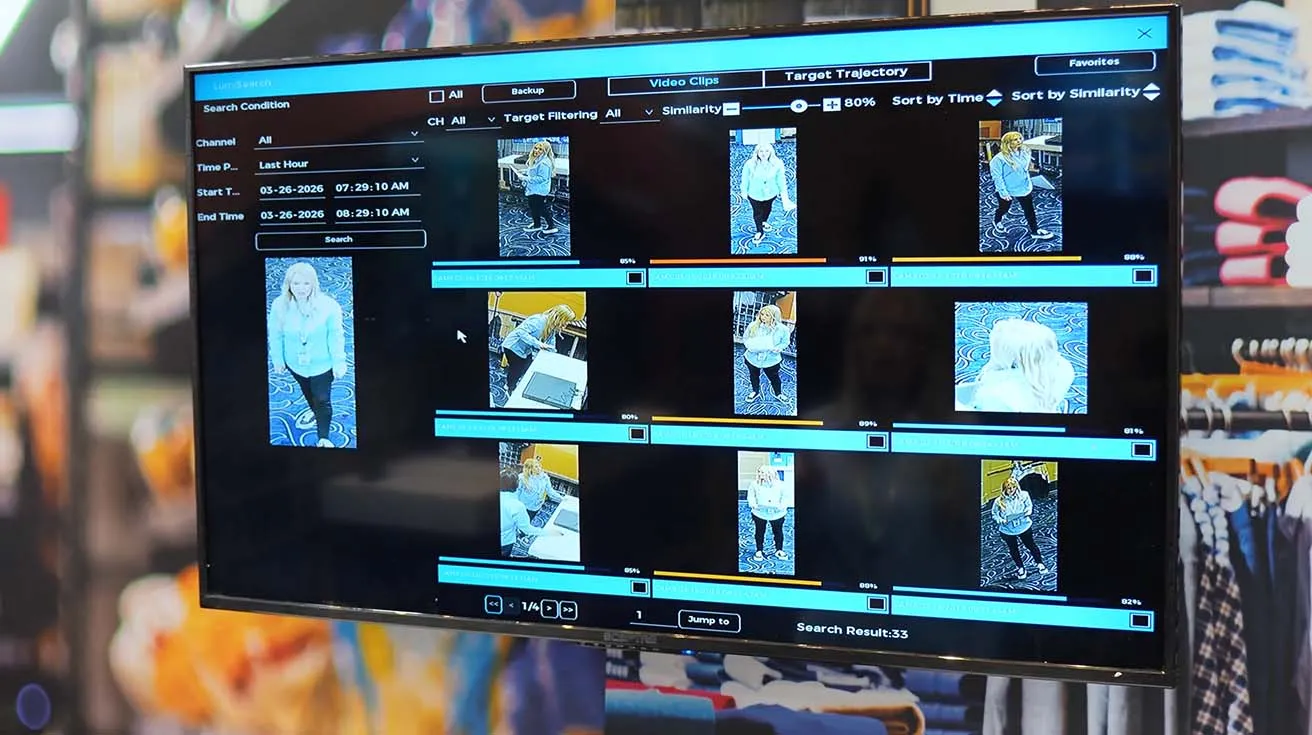
From there, an operator can click into any instance, view that clip in detail, and quickly understand where the person moved over time without scrubbing through hours of footage. For retail loss prevention teams, that means they can track a missing child, a person of interest, or a suspected thief across entrances, aisles, and exits in a fraction of the time a traditional search would take.
Education Solutions: Loitering Detection
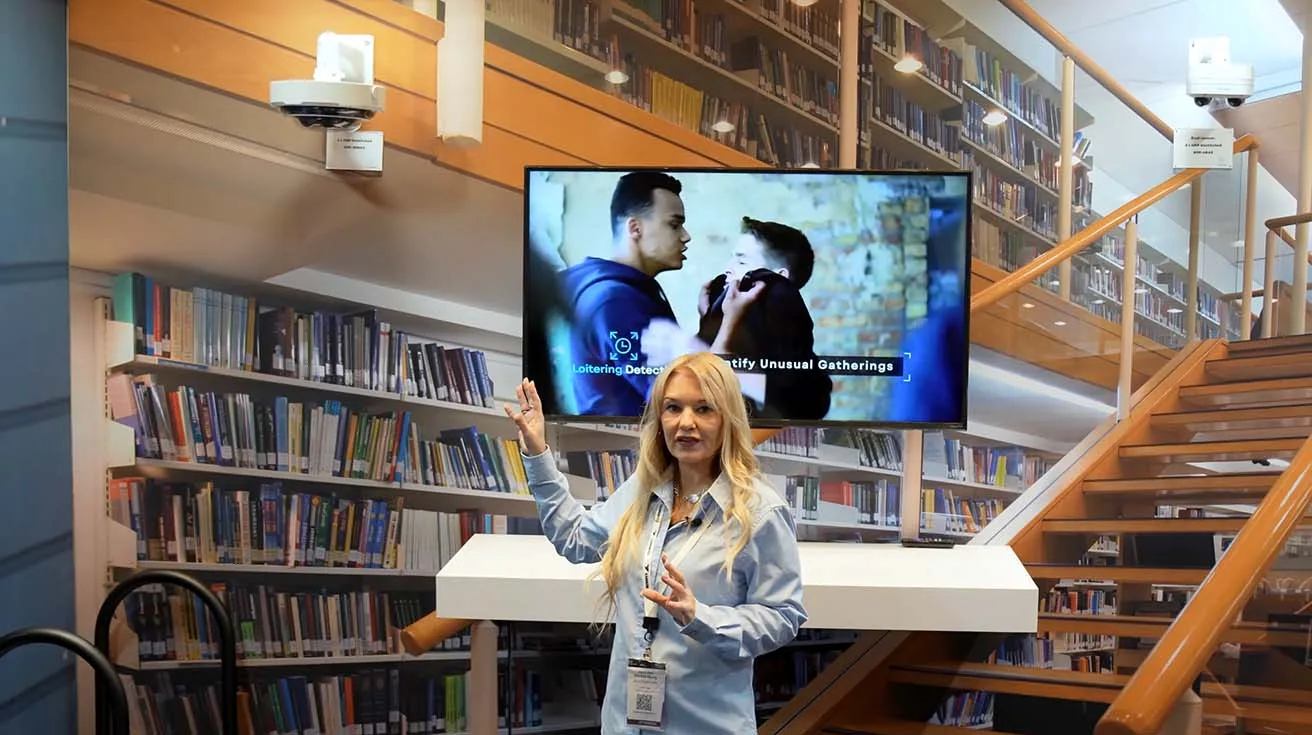
Next we shift to education, where we focus on loitering detection as one of the most widely used analytics in that vertical. In this scenario, cameras watch stairwells, hidden corners, and areas where students should not be spending extended time, and the system flags when someone lingers past a configured threshold.
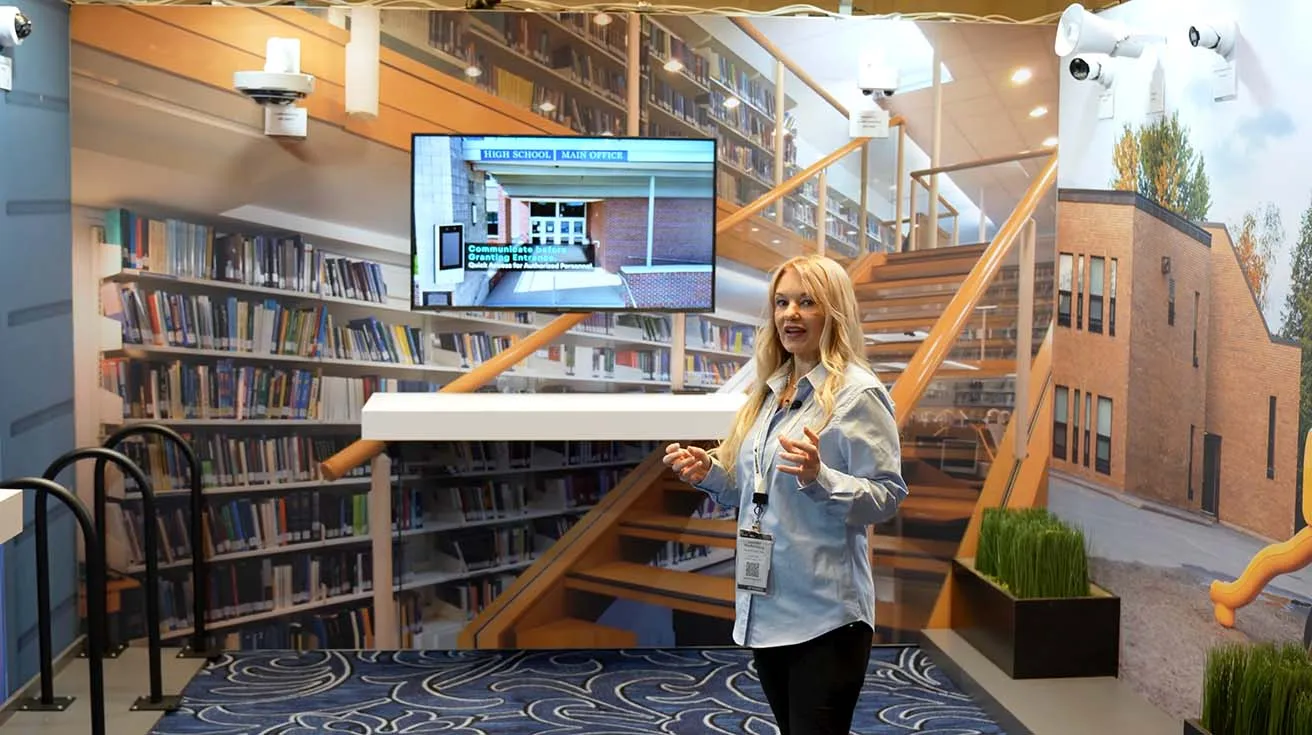
When that happens, principals or school staff receive alerts that a group may be gathering where they should not be, or that someone is staying too long in a restricted zone. For school security integrators, this is a concrete way to use Luminys AI security to support campus policies and supervision, not just record video for later.
Education Multi‑Sensor Cameras
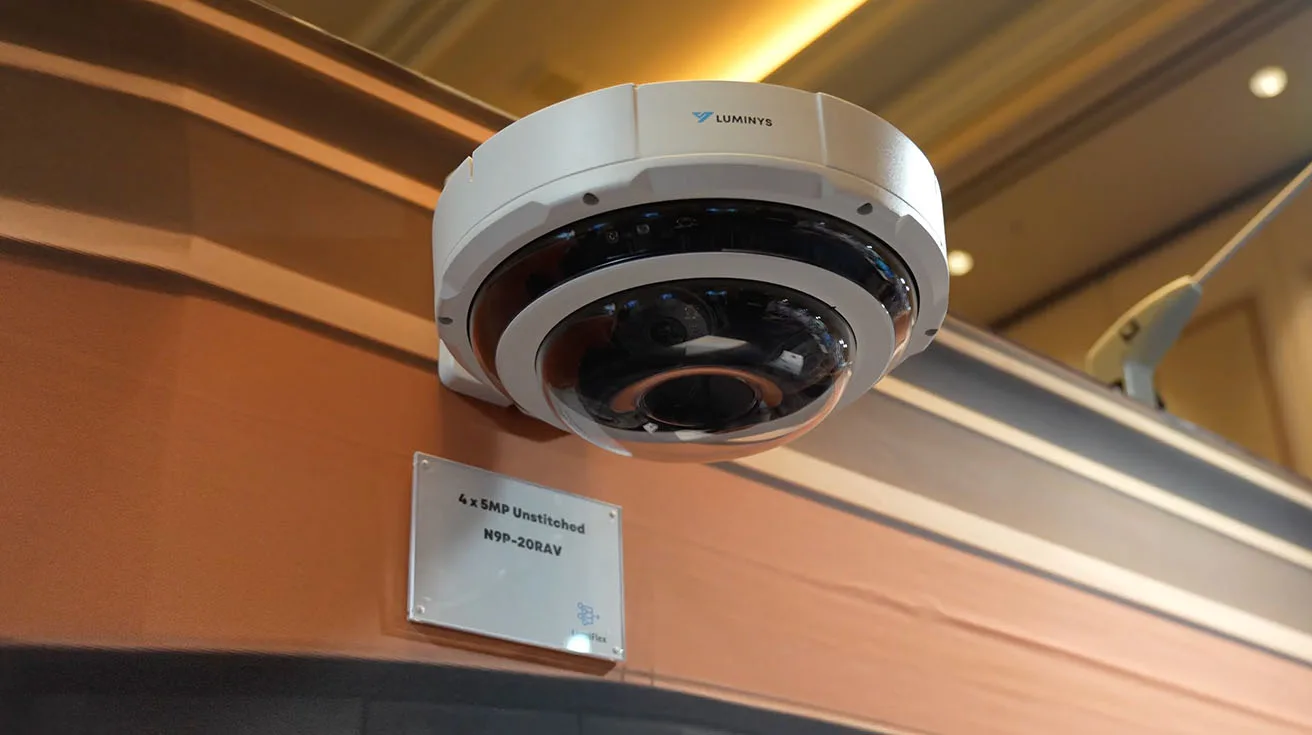
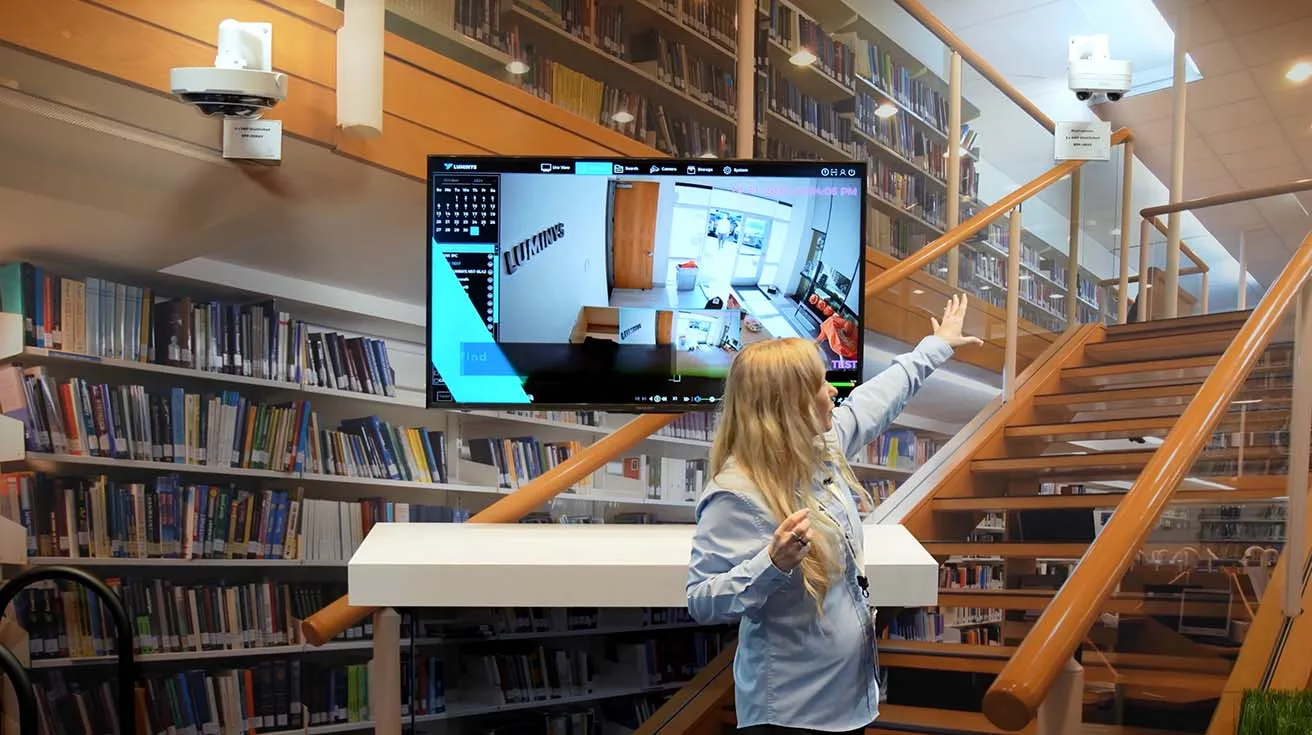
For education projects, we also highlight our unstitched multi‑sensor cameras. One model shown is a 4×5 MP unit designed to cover intersecting hallways, so you can see multiple corridors from a single mounting point without blind spots.
1 / 3
A second model is a 2×4 MP camera that captures two directions at once, making it a good fit for stairways or single‑corridor areas where you still want dual‑angle coverage. Multi‑sensor options like these help integrators reduce camera counts, cabling, and licenses while still delivering strong hallway and stairwell coverage for education and campus safety projects.
LumiCloud Overview, Plans, and Direct‑to‑Cloud Cameras
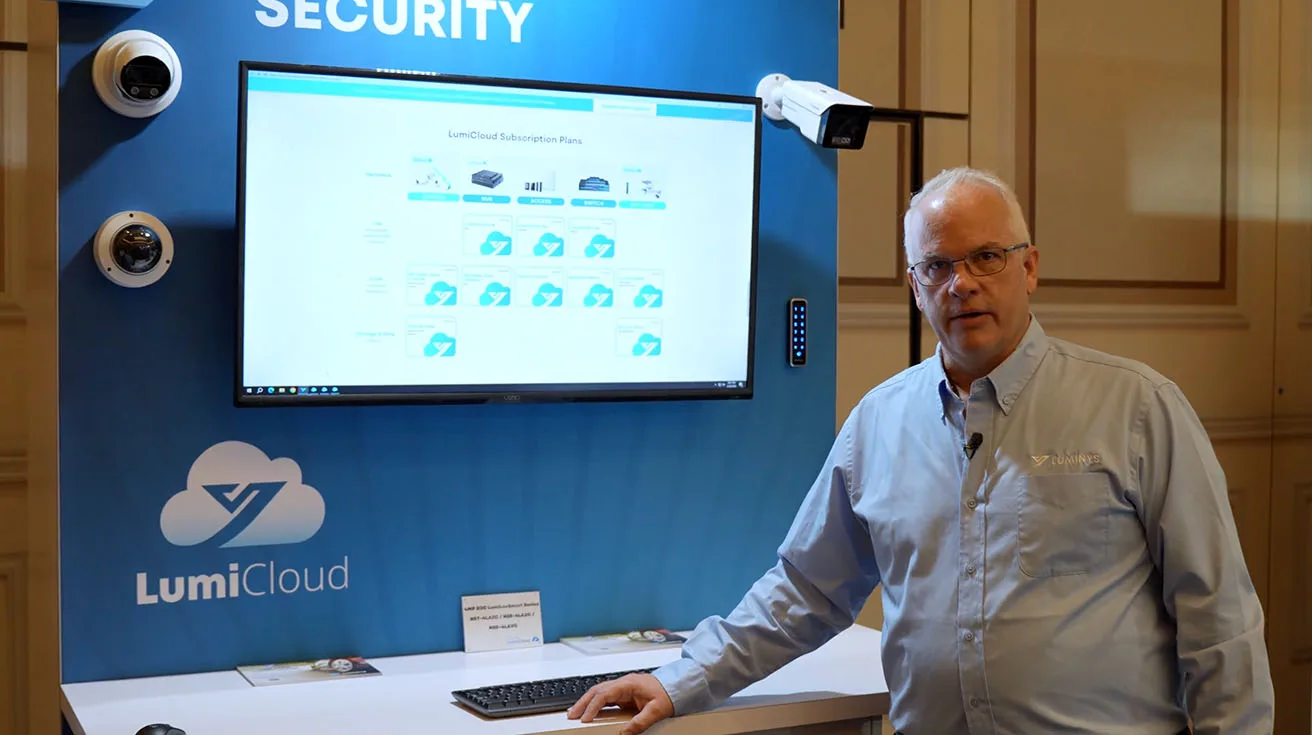
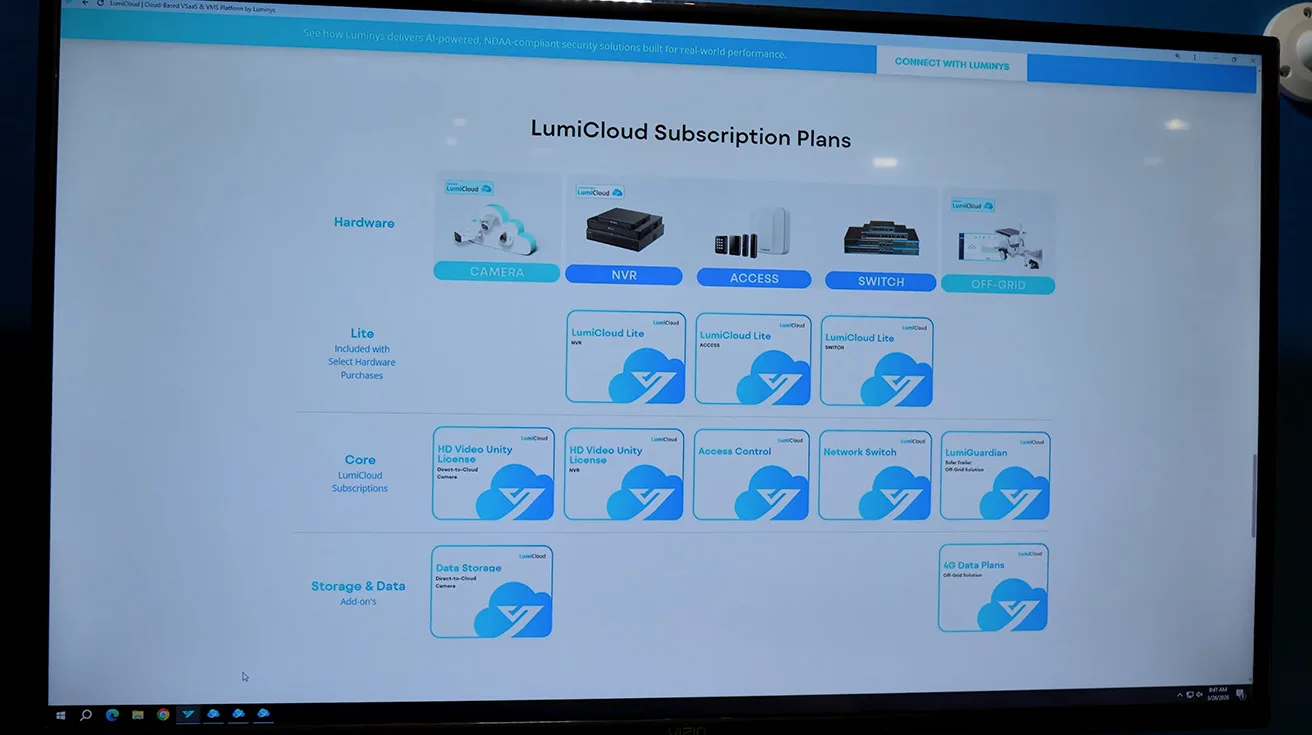
At this point Greg Stone takes over to walk through LumiCloud in more detail. On screen you can see LumiCloud subscription plans and the central idea: LumiCloud is the bridge in the sky that connects security devices, locations, and users with one VSaaS environment accessible via web browsers and smartphone apps.
LumiCloud provides real‑time access, advanced analytics, customizable alerts, and bandwidth management so dealers can scale subscriptions up or down as clients grow. Greg also introduces LumiCloud Lite, which comes free with supported NVRs, access controllers, and switches, and gives both dealers and end users a way to explore the LumiCloud environment before upgrading to full plans.
1 / 3
We also show LumiCloud direct‑to‑cloud cameras. These cameras are designed to plug into the network, be enrolled into a LumiCloud account, and go live without an intermediate recorder, helping security integrators stand up smaller or distributed sites with fewer moving parts.
LumiCloud Demo: LumiGuardian Dashboard, Events, Sharing, Switches, LumiAgent
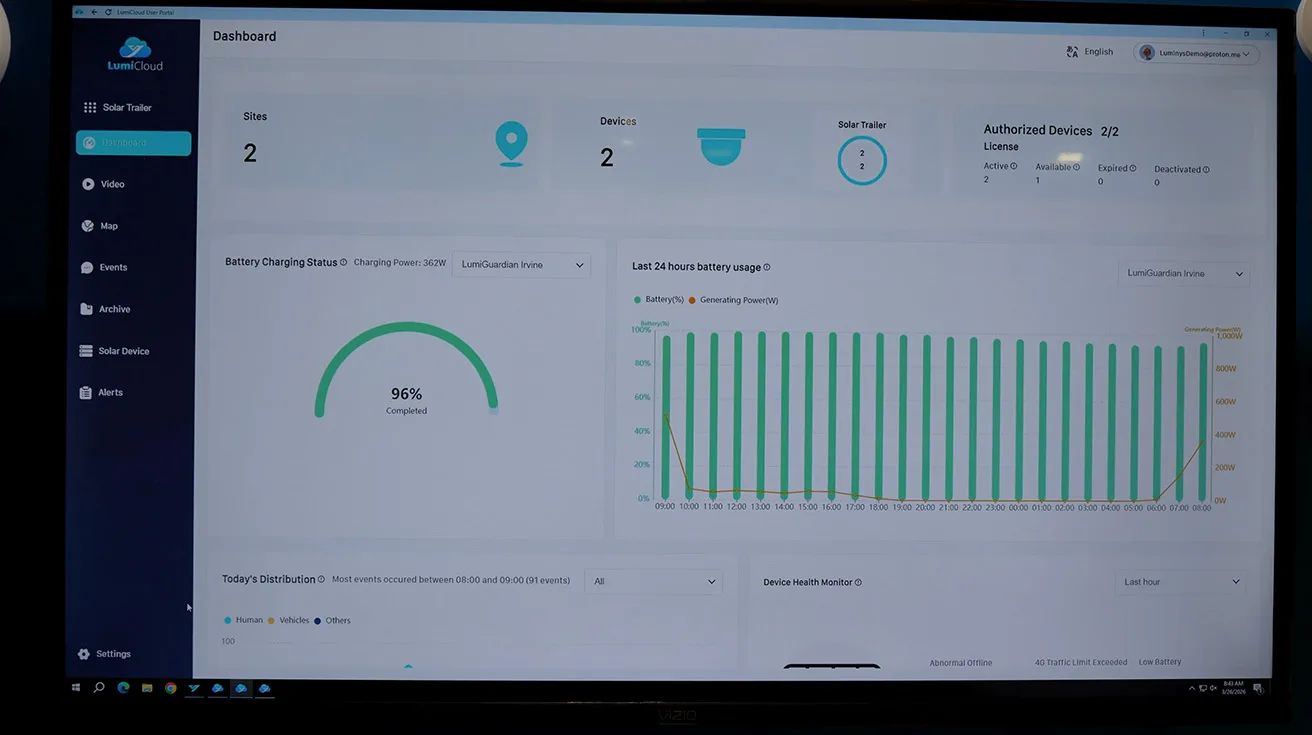
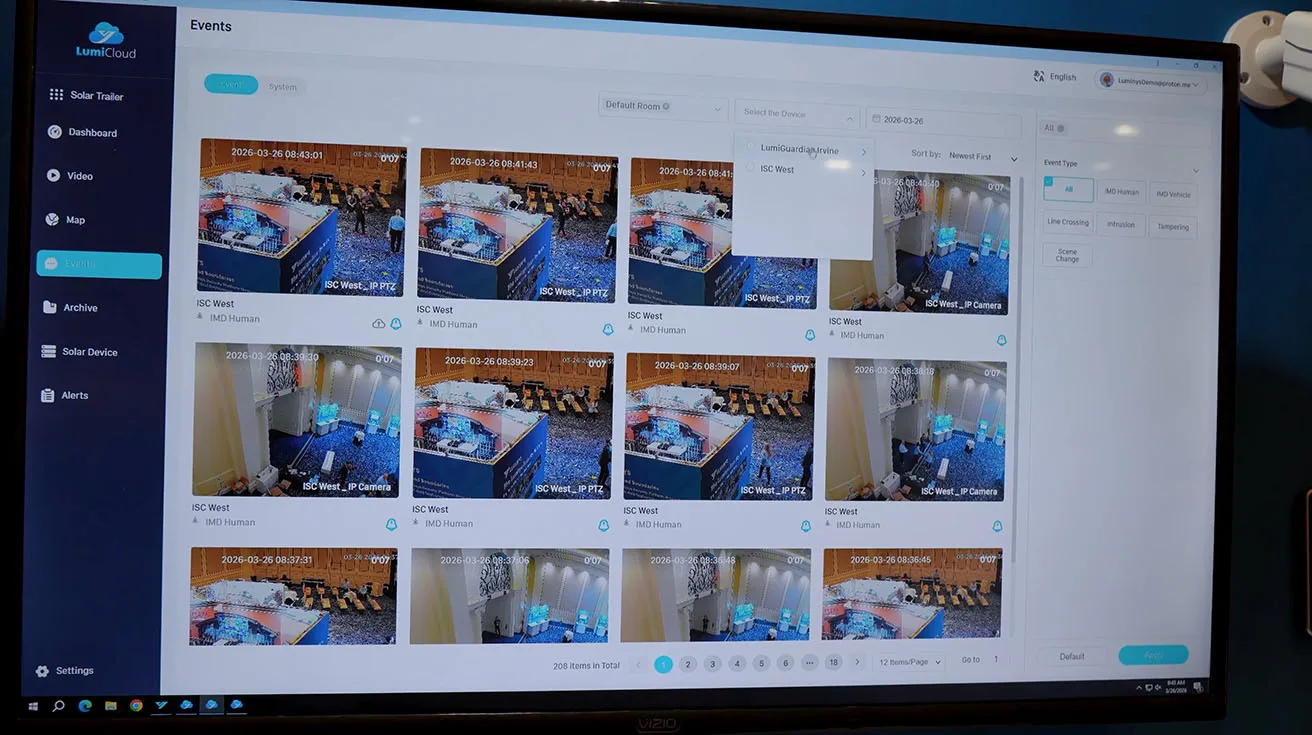
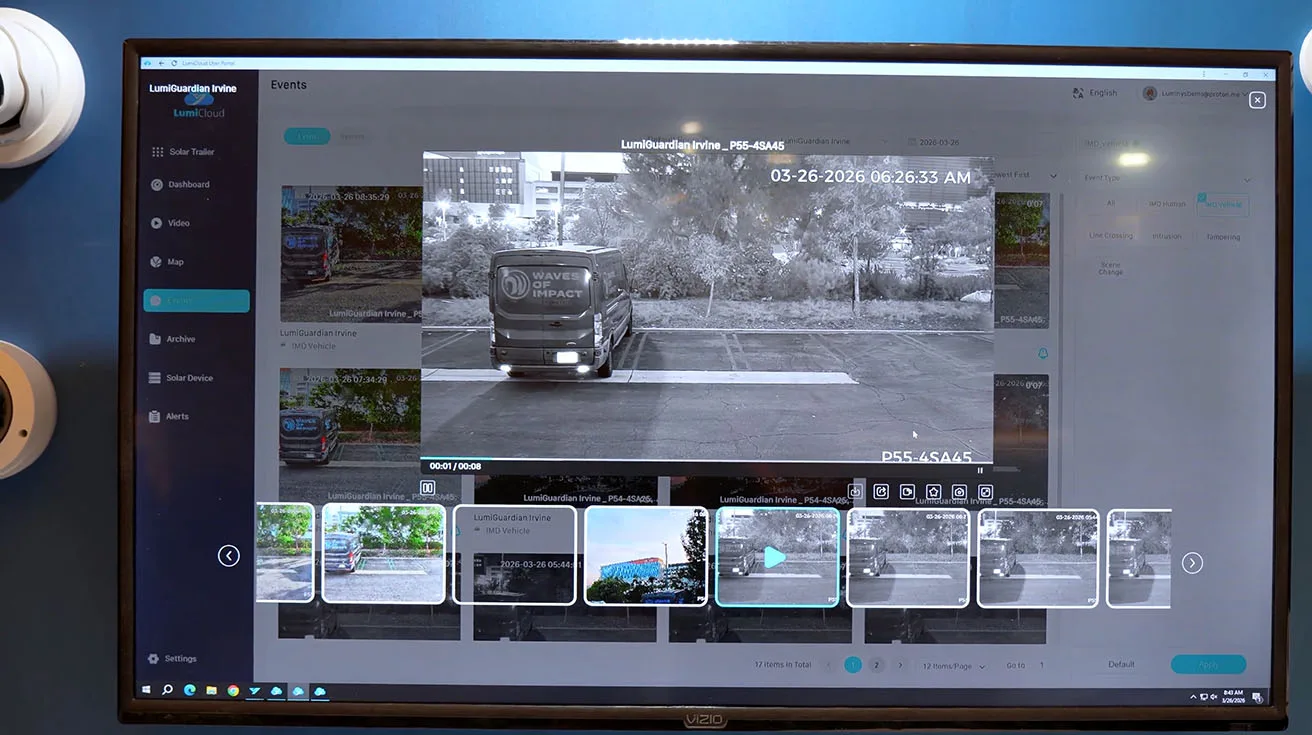
In the live LumiCloud demo, Greg pulls up a dashboard view for a LumiGuardian trailer, showing battery status, power generation, and connected cameras in one place. On the same page you see counts of detected humans and vehicles, and you can dive into specific video events filtered by attributes such as human, vehicle, and line crossing.
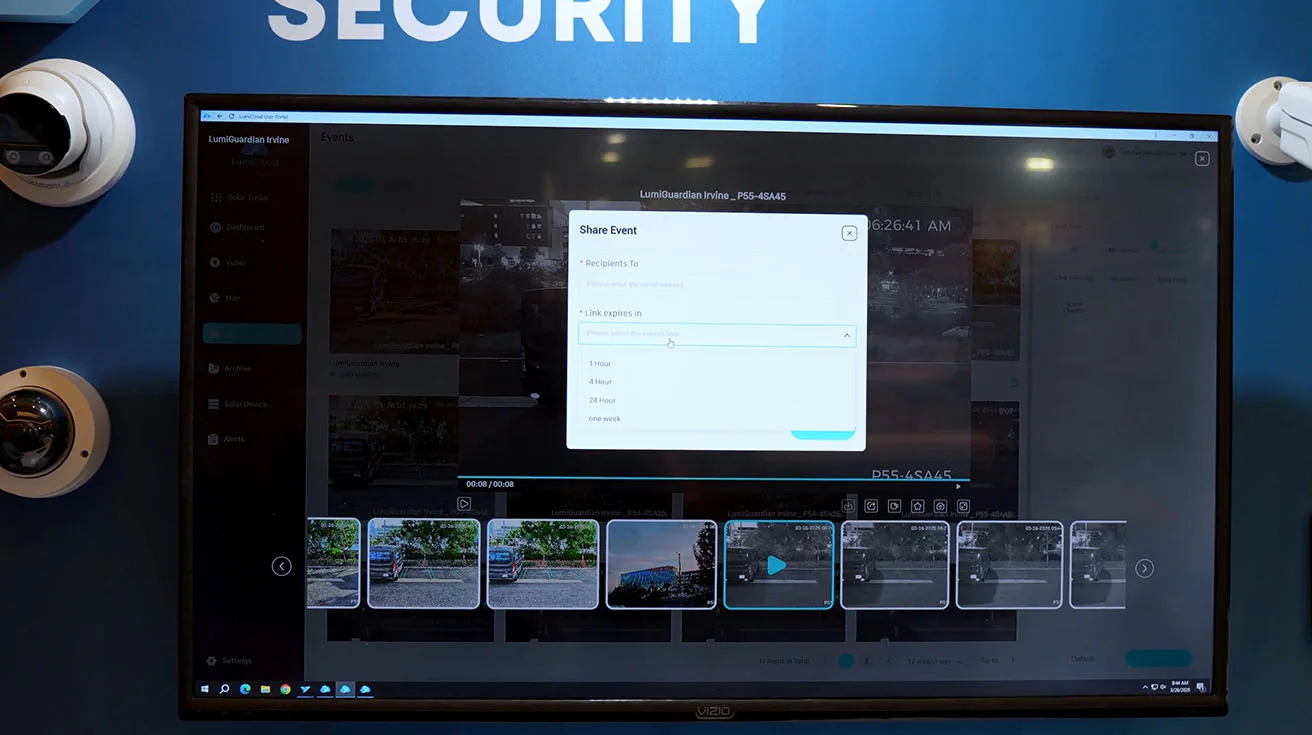
Once you find the event you need, LumiCloud lets you open the clip, go full screen, or share it with others via email by choosing how long the link stays valid and adding a short message. This share feature has become one of the most popular LumiCloud capabilities, because recipients do not need to be enrolled in the system to view critical video.
1 / 5
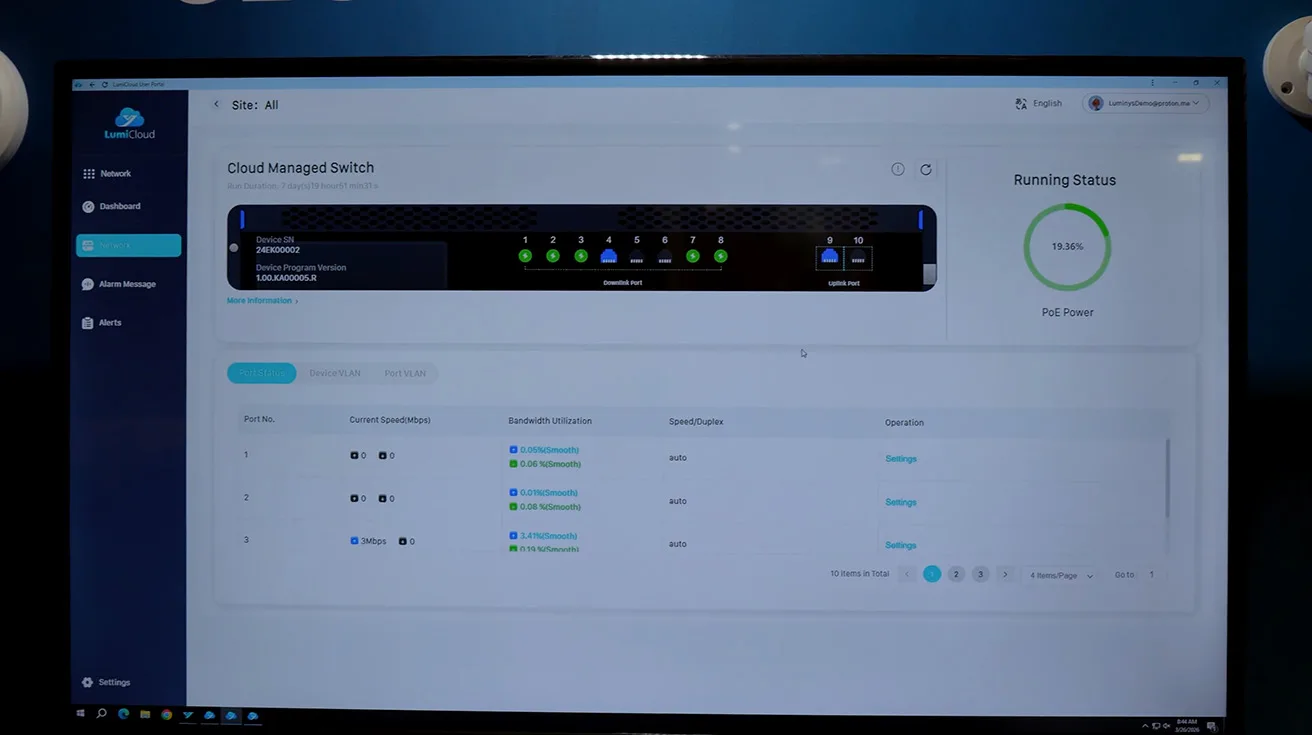
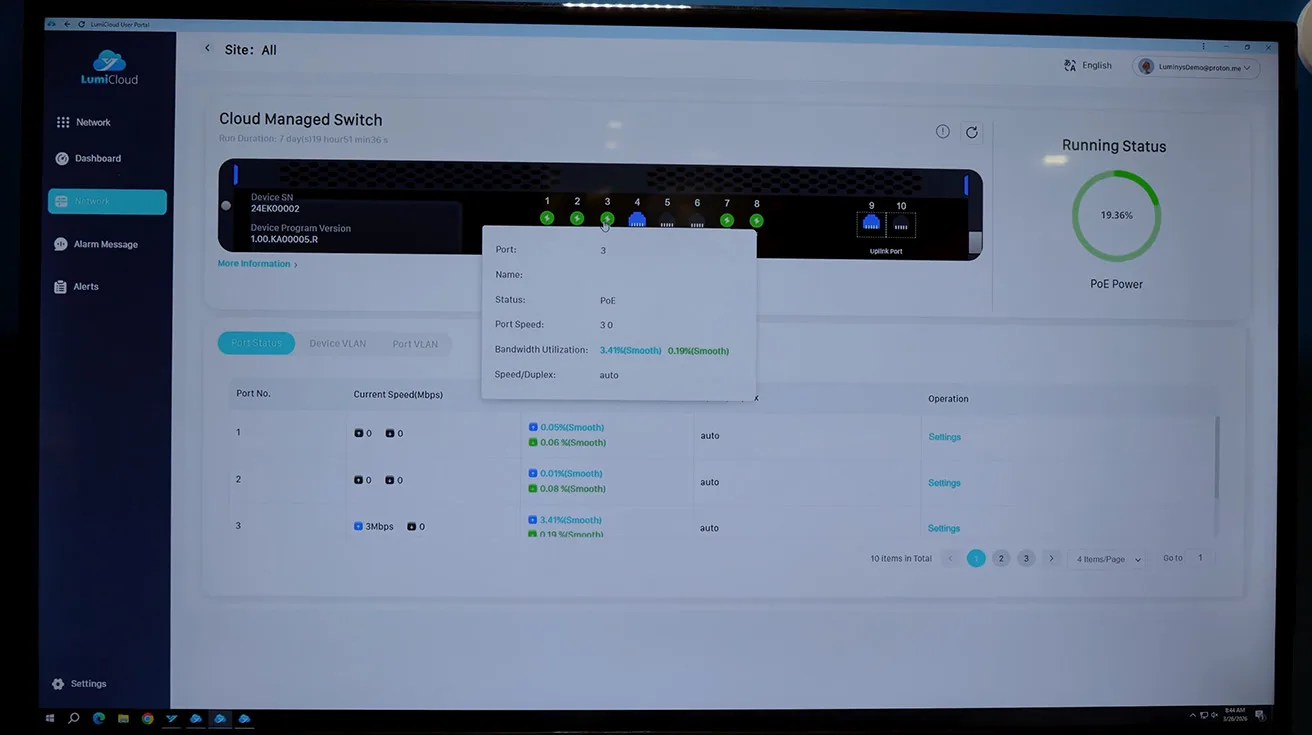
Greg then shows cloud‑managed network switches inside LumiCloud. From the platform, you can see a representation of each switch, check per‑port bandwidth and PoE status, and remotely turn ports on or off during maintenance. For security integrators managing multi‑site deployments, this is a practical way to support cloud-managed PoE switches for CCTV without separate tooling.
1 / 3
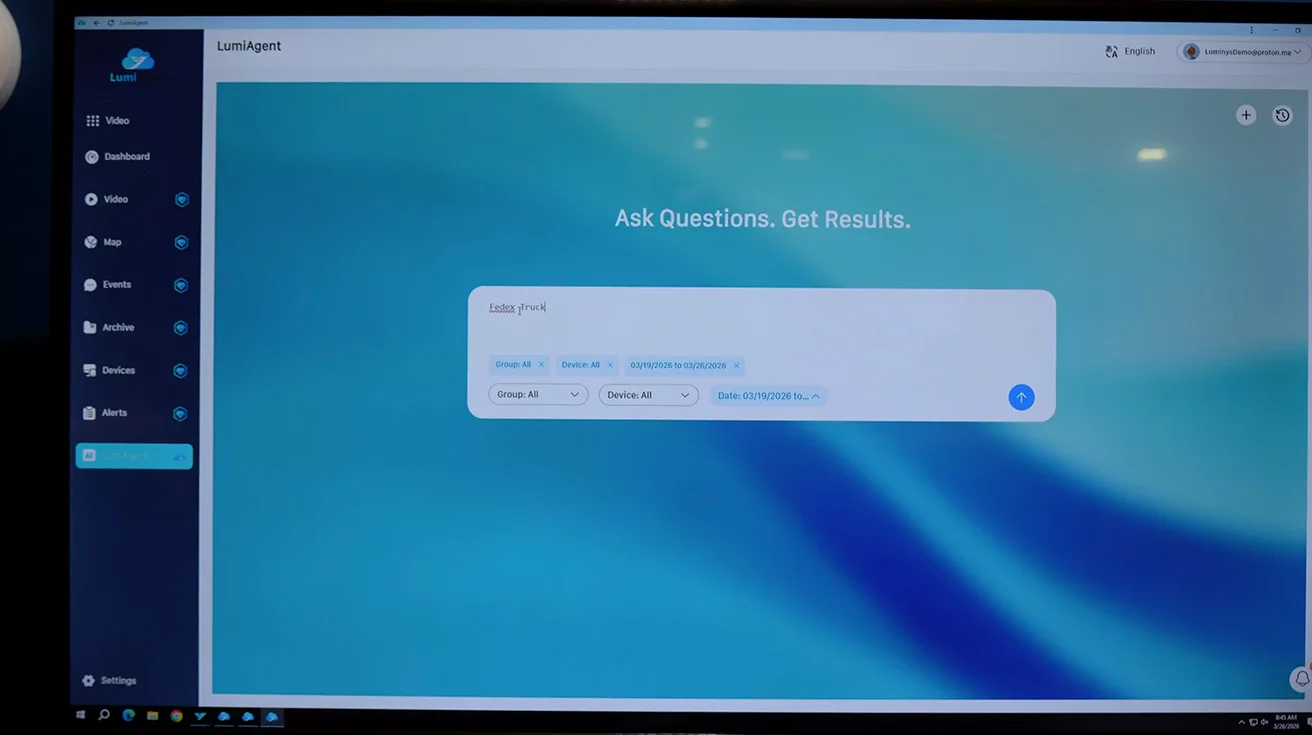
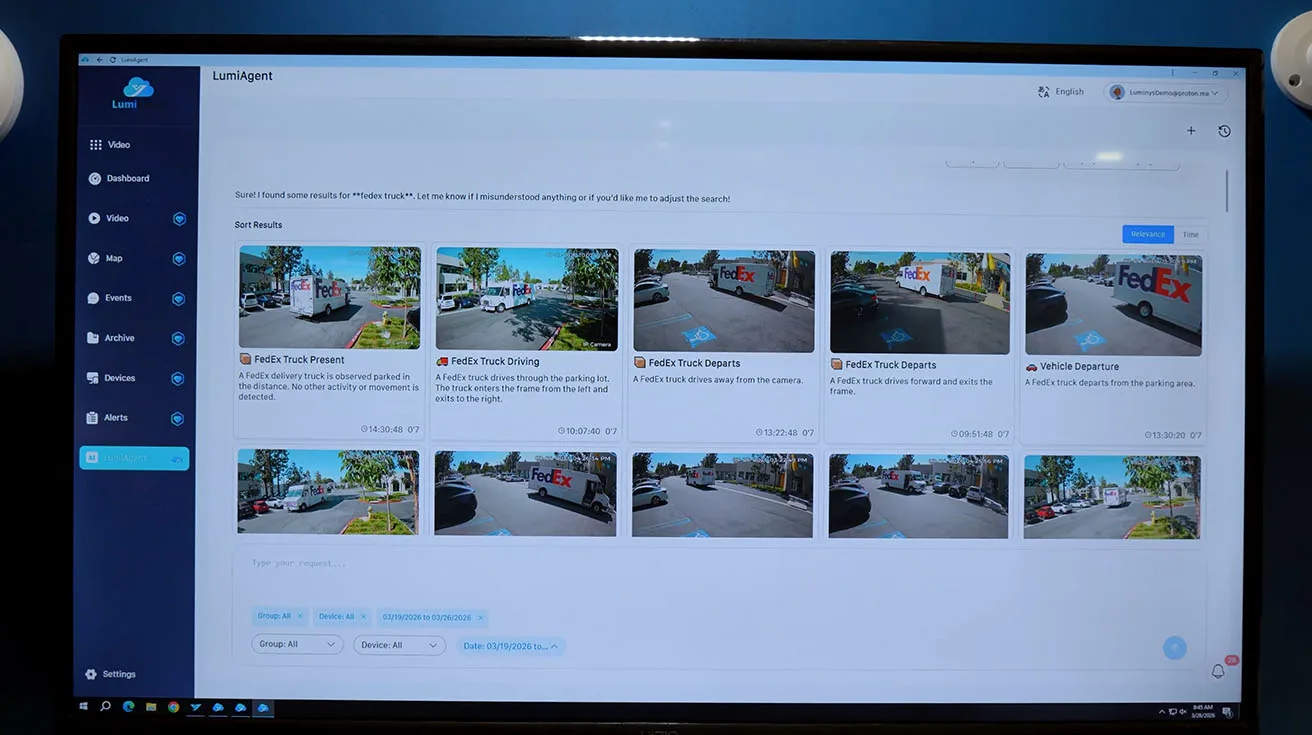
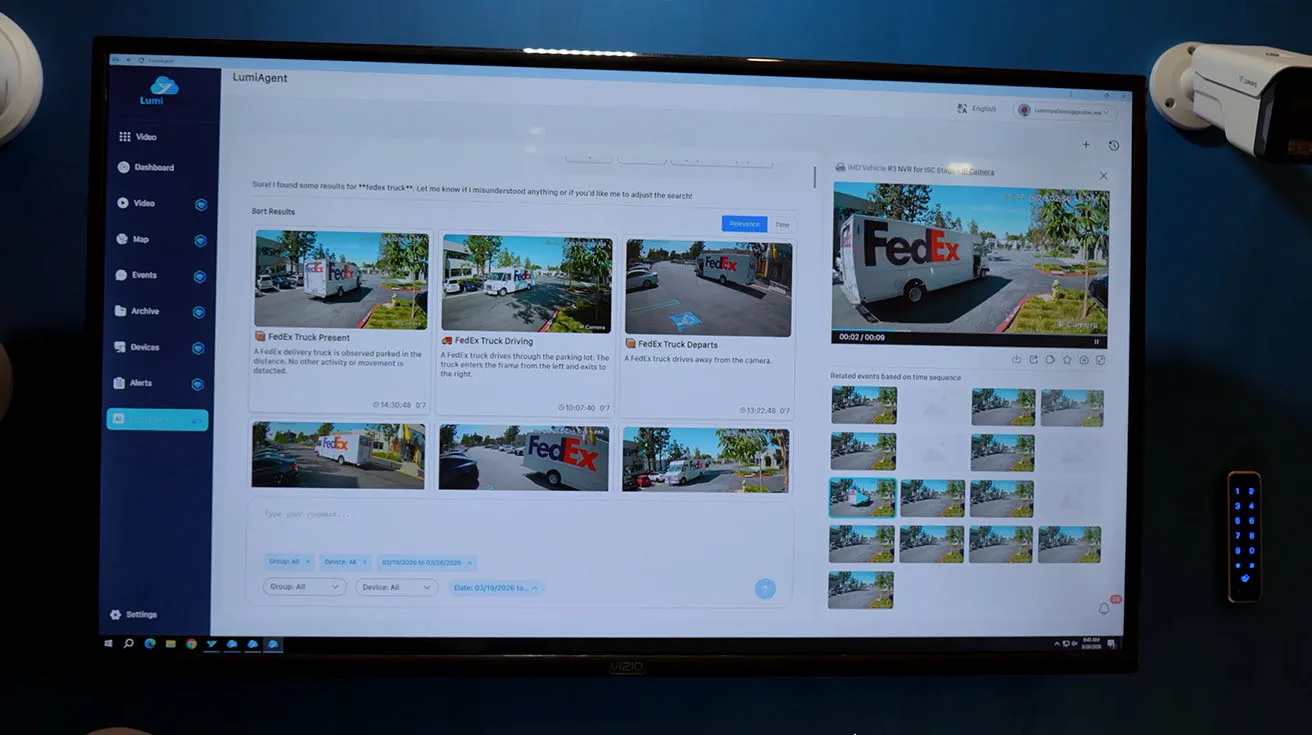
Finally we introduce LumiAgent, our new AI assistant for video search inside LumiCloud. When you type in “FedEx truck” LumiAgent returns a list of relevant video events with short AI‑generated summaries, all found by interpreting the natural language query and matching it to recorded footage. From there, you can play clips, go full screen, or share them, just like any other LumiCloud event.
LumiCenter VMS Analytics, ARS, LumiAgent, and Access Control
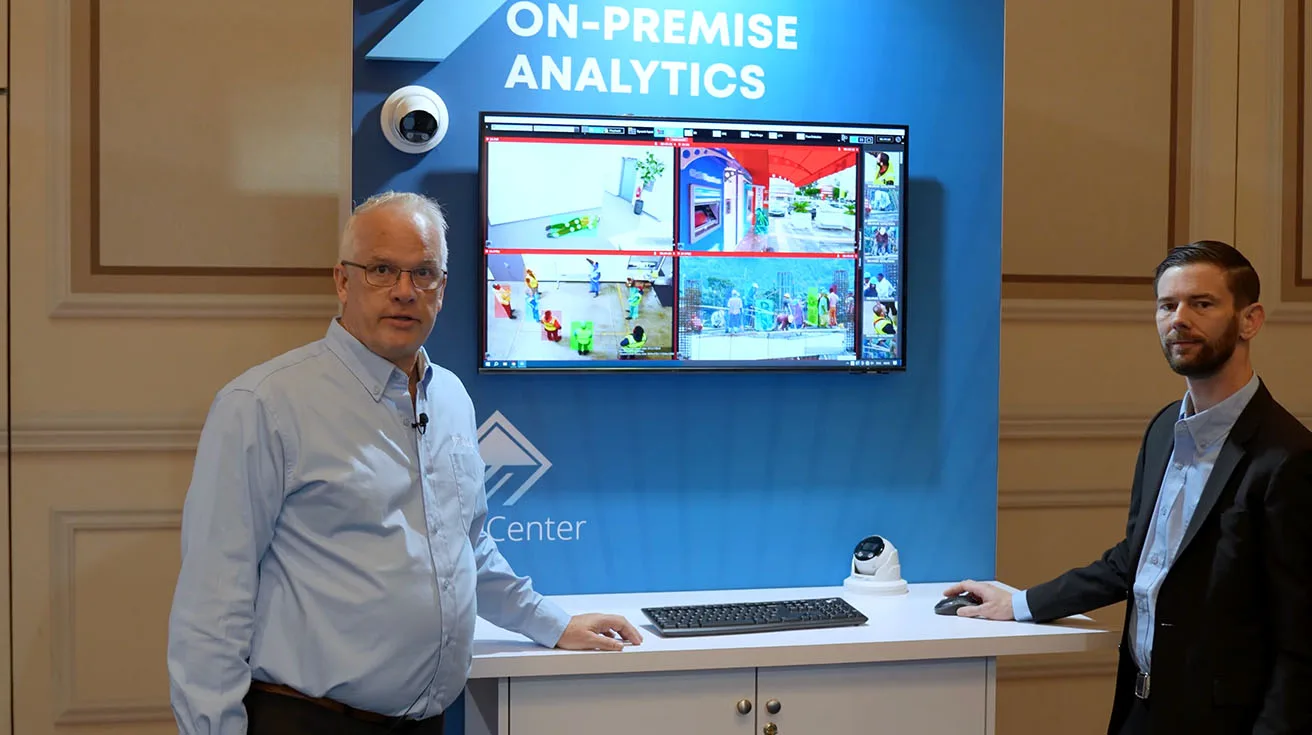
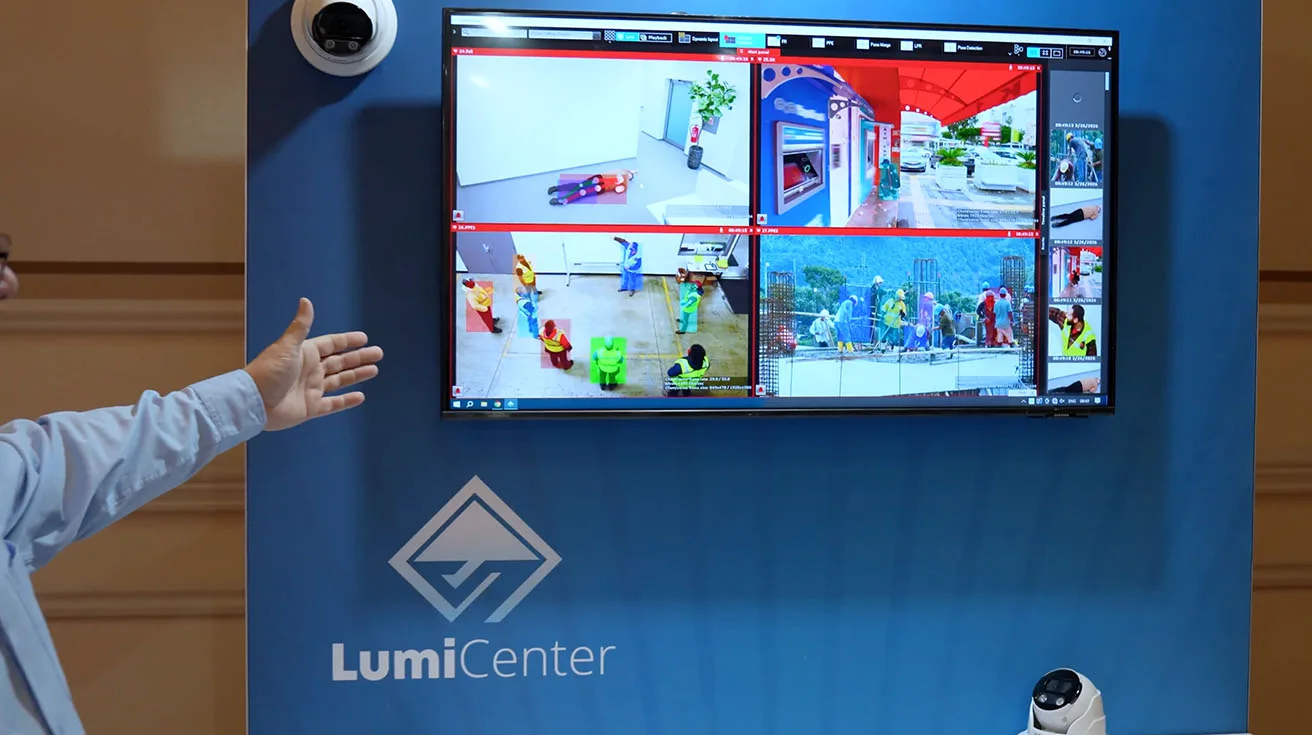
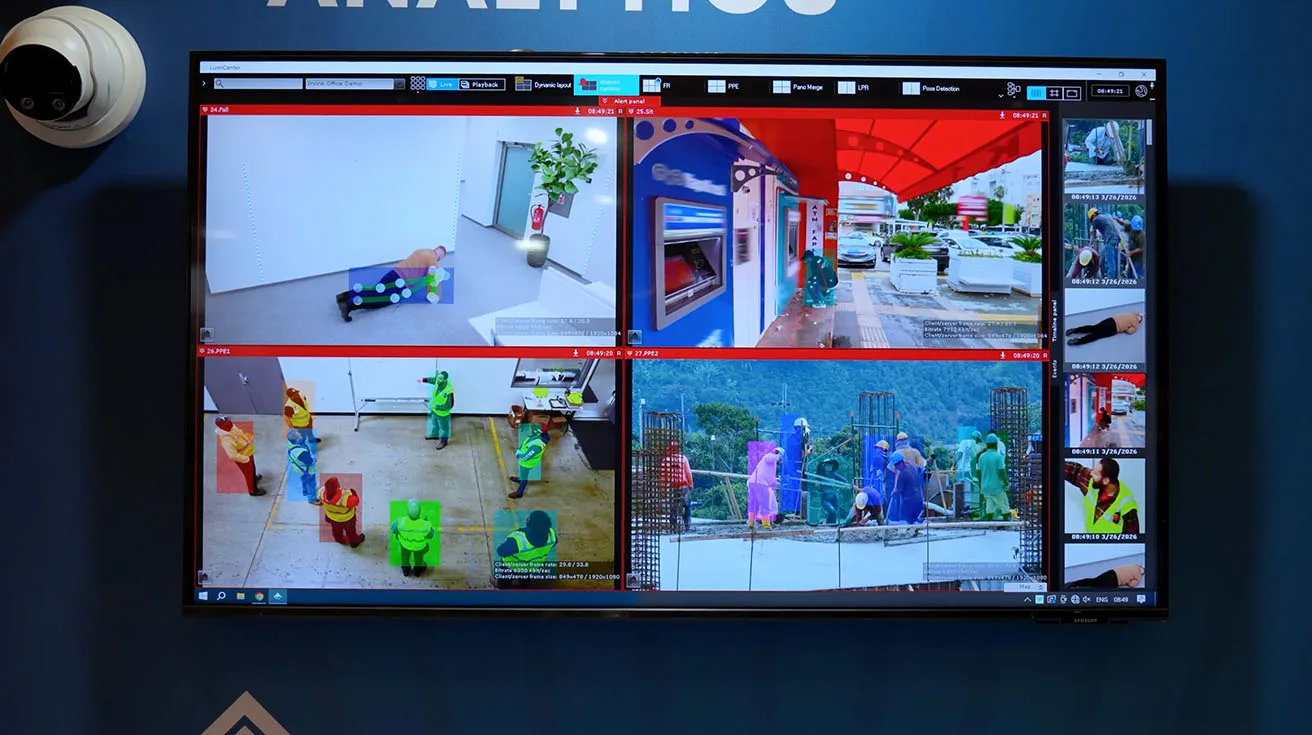
Back at the LumiCenter VMS station, we show how these ideas extend to on‑prem environments. On screen, we demonstrate fall detection, PPE detection for safety vests and hard hats, and behavior analytics flagging suspicious ATM activity, all running as LumiCenter analytics.
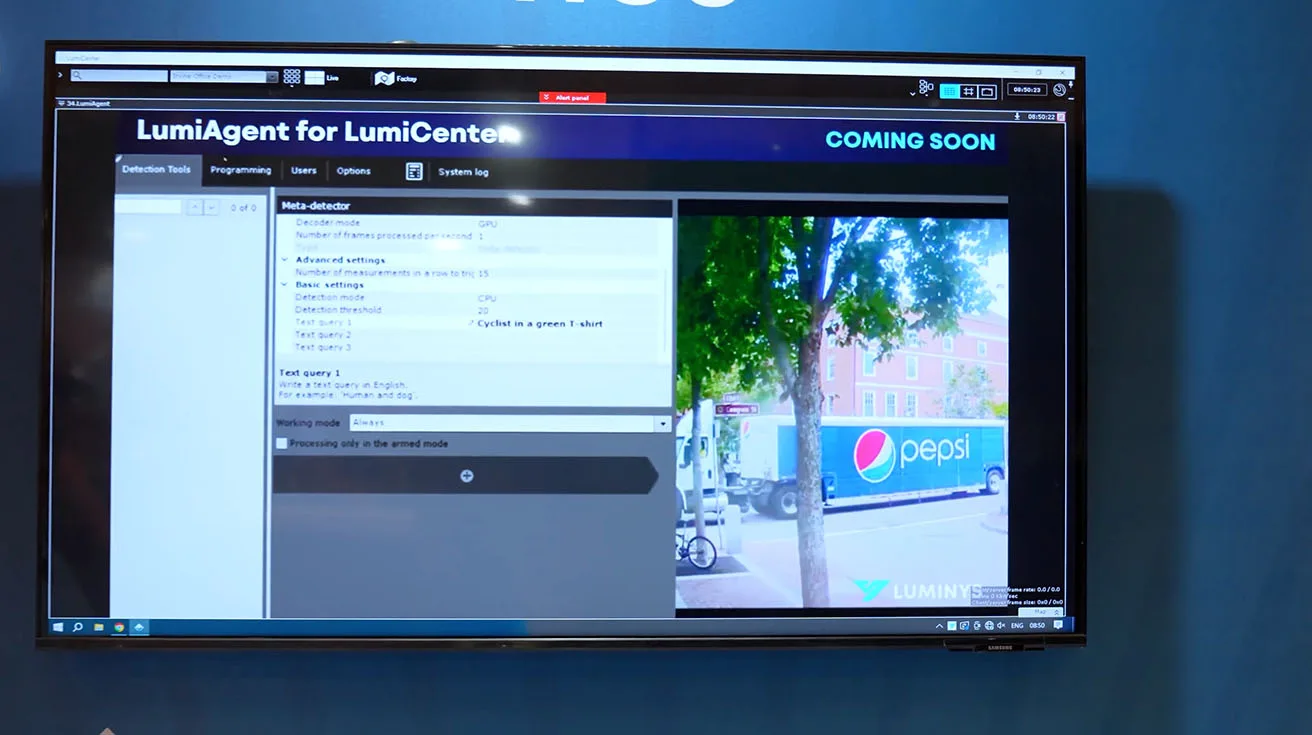
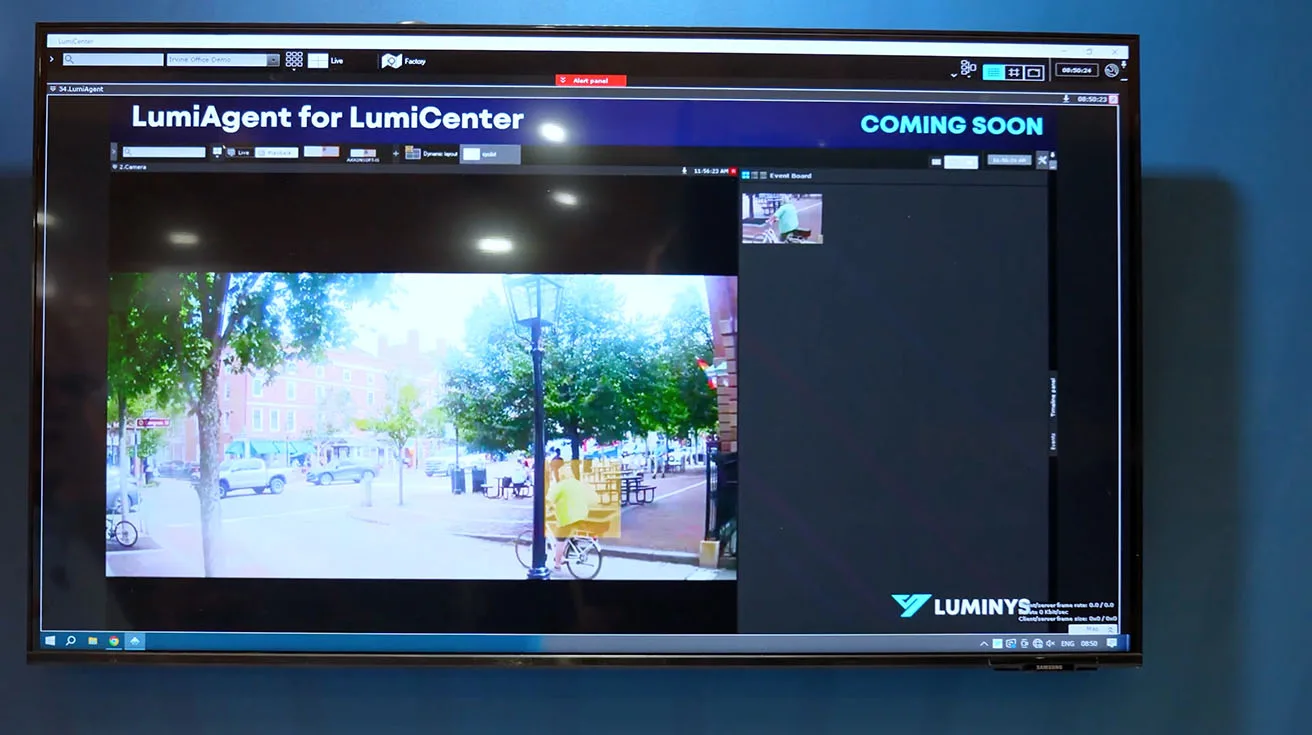
We also announce ARS (Automatic Registration Service), which simplifies adding cameras and devices into LumiCenter by handling discovery and onboarding steps for you. LumiAgent is coming to LumiCenter as well, bringing the same natural language video search you saw in LumiCloud to on‑prem VMS deployments, so operators can search “cyclist in a green t‑shirt” and quickly locate matching events.
1 / 5
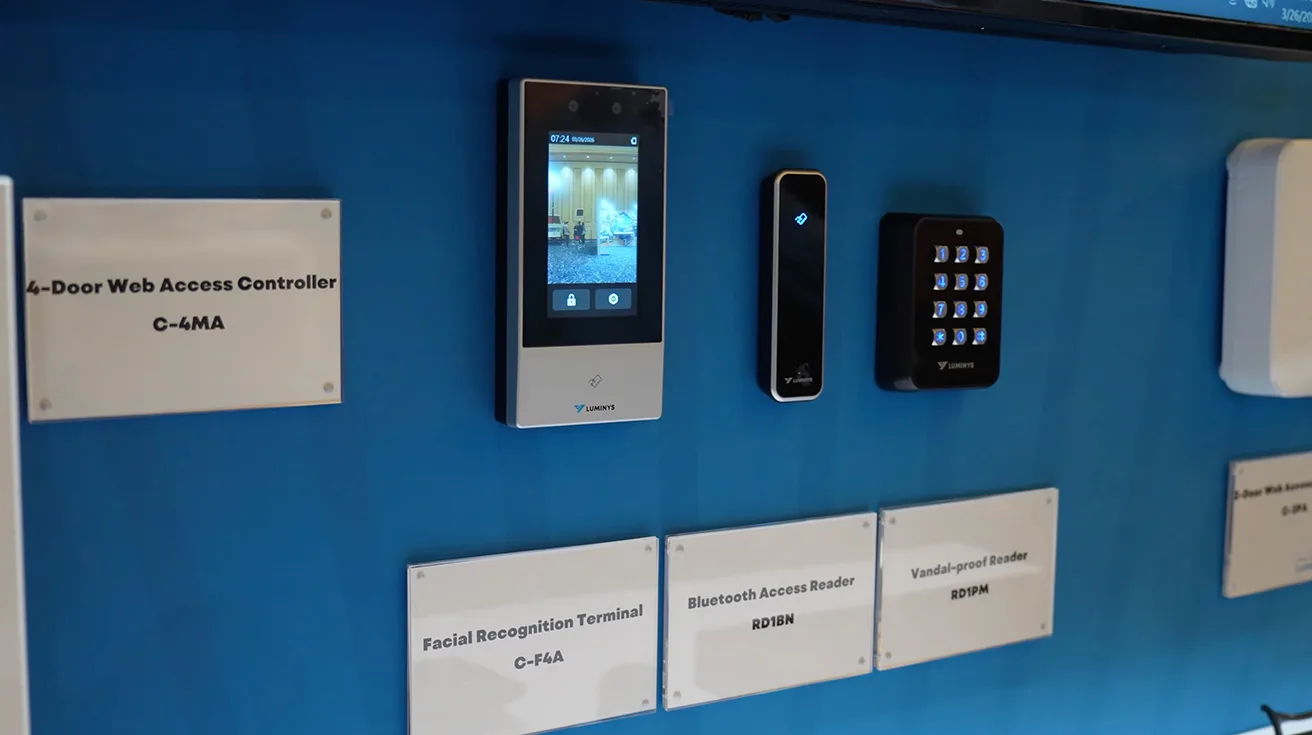
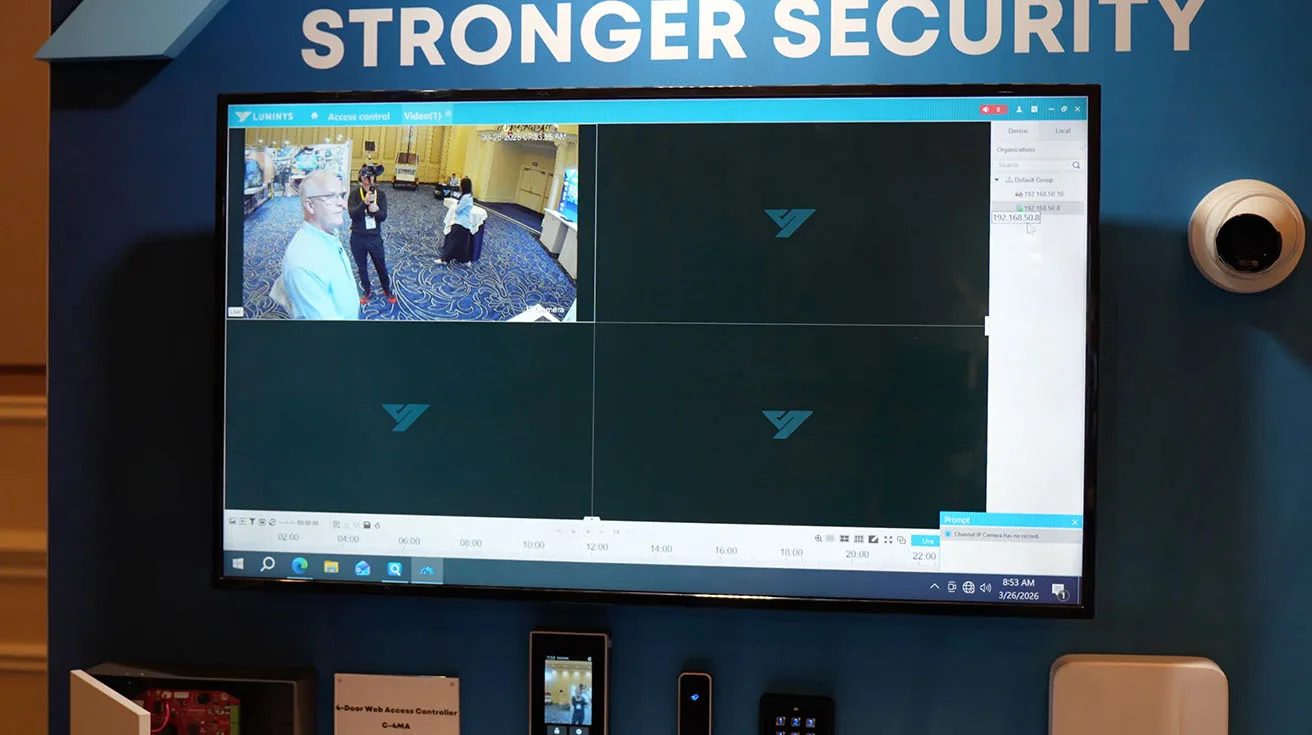
Right next to the VMS station we present our access control kiosk. It features two‑door and new four‑door access controllers managed via LumiViewer software, plus a face recognition terminal with a 4‑inch LCD touchscreen and dual‑lens 2 MP camera for anti‑spoofing. The idea is simple: only enrolled faces get matched and allowed in, so you know who is entering the facility, not just which physical card is being used.
1 / 2
The Bluetooth access controller includes 1000 free Bluetooth credentials, giving both dealers and end users an easy way to move from plastic cards to phone‑based credentials without extra license friction.
Adventure Robot Dog and Closing Call to Action
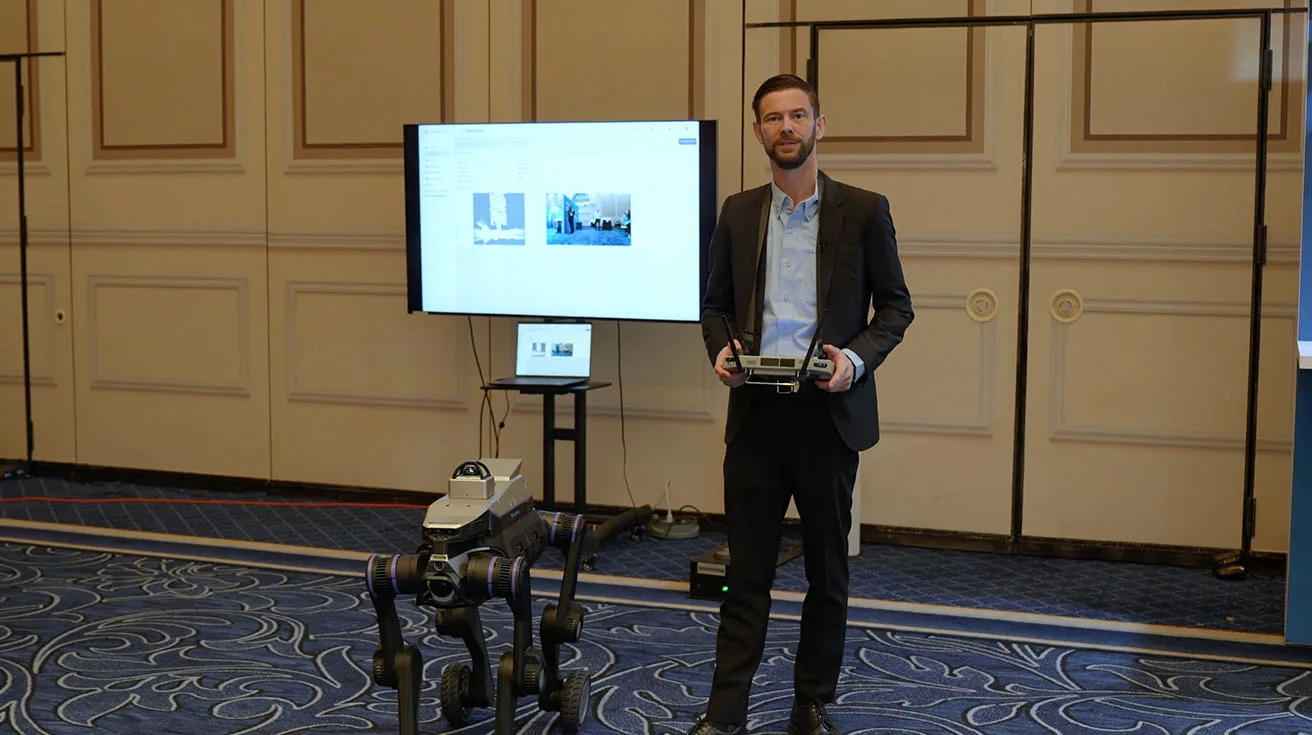
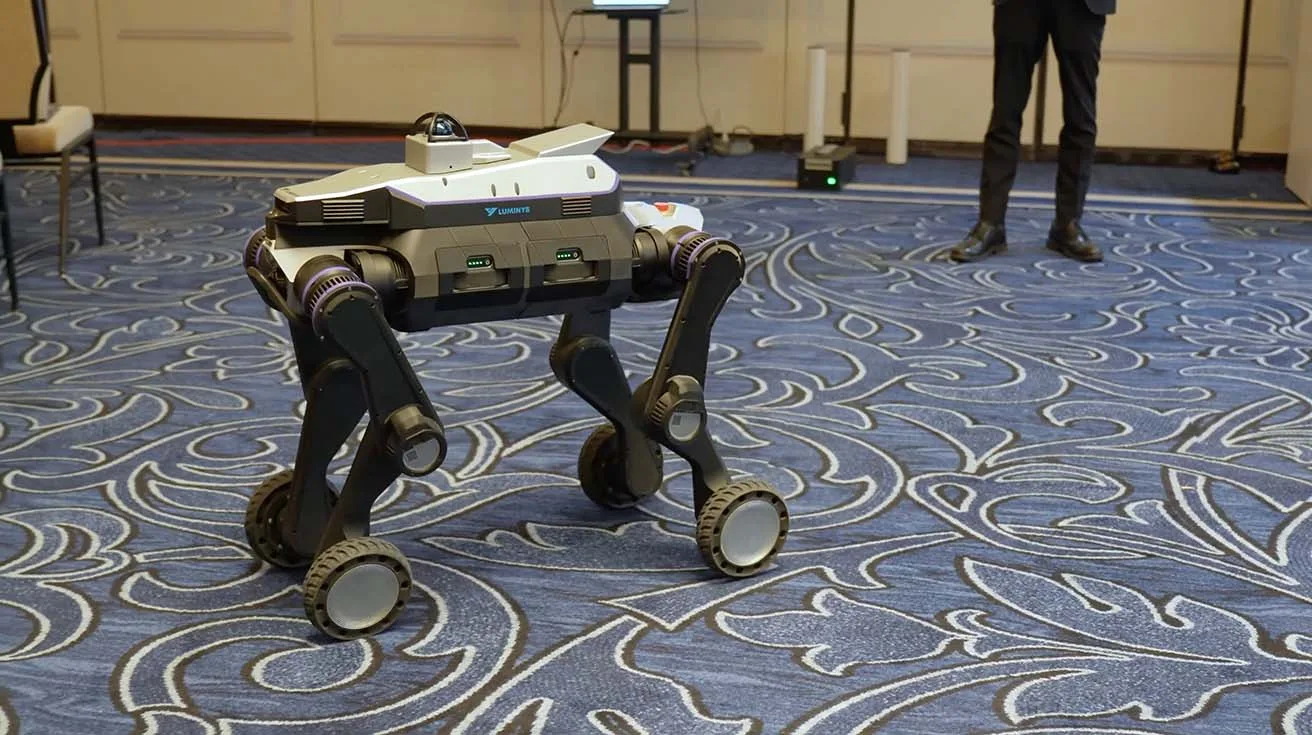
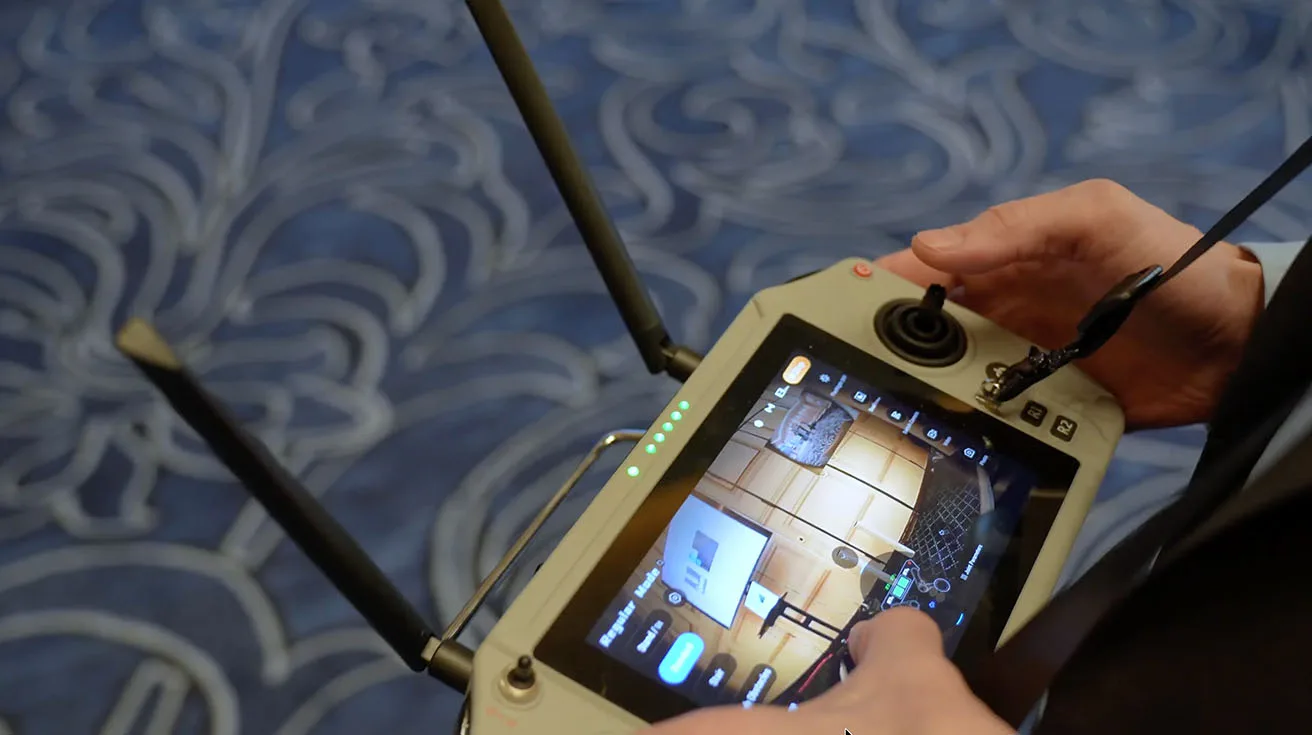
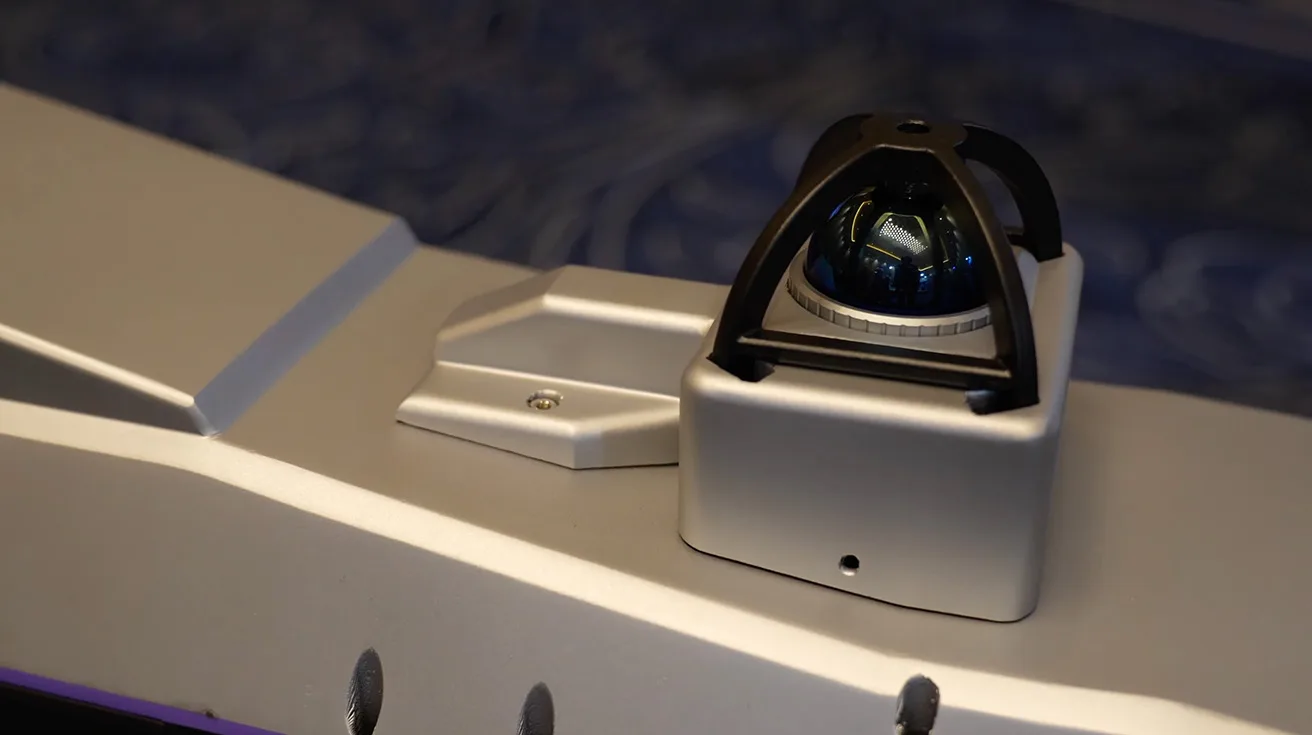
To close out the tour, JP Wenger introduces our adventure robot dog. This platform is designed for automated patrols and face recognition in environments where a mobile sensor platform adds more coverage than fixed cameras alone.
1 / 4
After mapping an area, the robot can run scheduled patrol routes, greet people, recognize authorized individuals, and send alarms back to a central station if it detects someone who should not be there. It is another example of how Luminys for security integrators extends beyond fixed devices into mobile, AI‑driven patrol solutions.
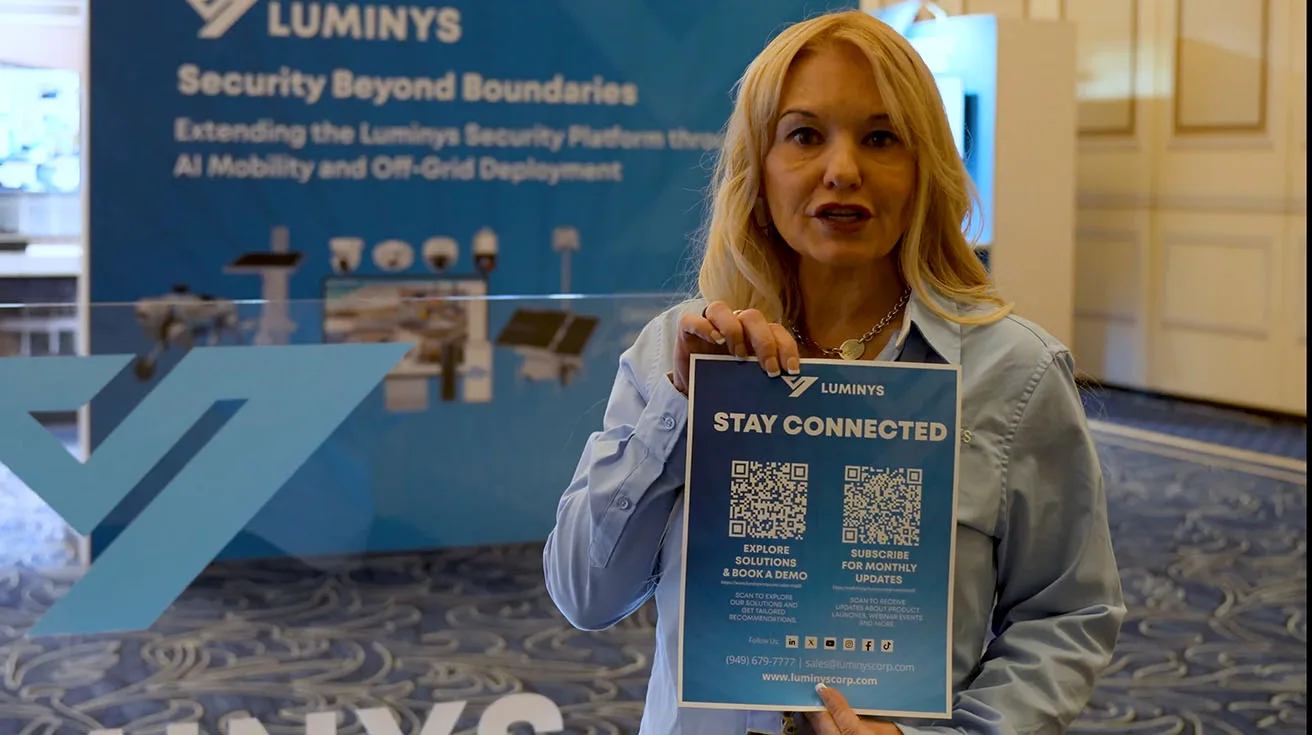
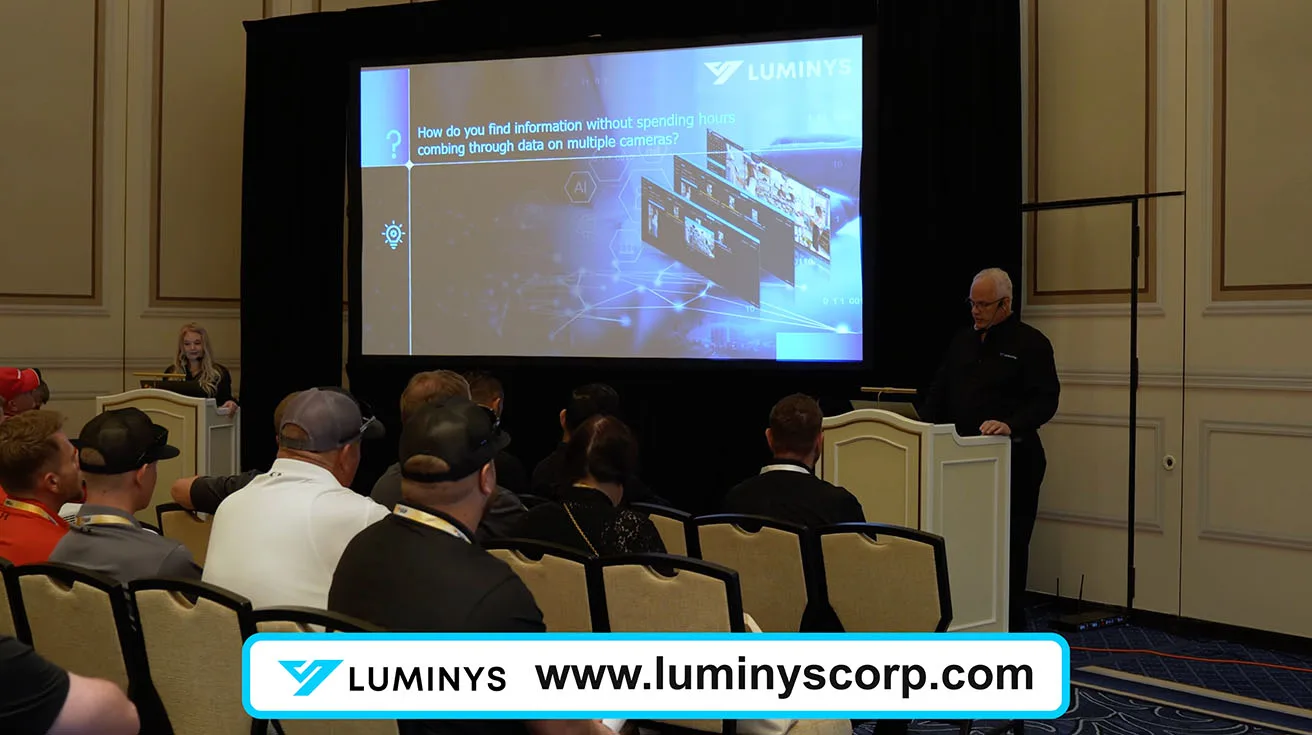
We invite you to scan a QR code that links to our full library of product materials, catalogs, and brochures, and to book live demos either on site or online. We also offer monthly webinars for new product introductions and deeper training, which you can subscribe to via our official channels or by reaching out directly to the Luminys team.


1 / 4
If you want to talk through a specific project or partner opportunity, you can contact our sales team at sales@luminyscorp.com.
FAQ: Luminys Security Solutions for Integrators
Q1. Is Luminys better suited for cloud, on‑prem, or hybrid projects?
Luminys supports all three: R5 NVRs and LumiCenter VMS cover on‑prem, LumiCloud covers VSaaS, and many deployments mix them for hybrid architectures, depending on the site and compliance needs.
Q2. How do Luminys solutions help security integrators build recurring revenue?
LumiCloud subscription plans, health monitoring, AI analytics, and cloud‑managed PoE switches all give integrators ongoing services to bundle into RMR models instead of one‑time hardware sales.
Q3. Can I migrate existing analog sites to Luminys without replacing all cameras?
Yes, the Penta-brid DVR and Ethernet over coax extender bundle are designed specifically to bring analog infrastructures into mixed or IP environments without full rip‑and‑replace.
Q4. How does Luminys handle low‑light and night surveillance?
LumiLuxSmart technology offers IR, constant white‑light, and motion‑triggered dual‑illumination modes, giving integrators control over deterrence, light pollution, and image quality at night.
Q5. What is the difference between LumiSearch and LumiAgent?
LumiSearch lets you find people or vehicles using a reference image across multiple cameras, while LumiAgent adds natural language search and automatic event summaries in both LumiCloud and LumiCenter.
Q6. Are Luminys products NDAA‑compliant?
Luminys positions its portfolio as NDAA‑compliant security hardware and software, which makes it suitable for many government and critical infrastructure projects where NDAA rules apply.
Q7. What kinds of projects are LumiGuardian and LumiWatch best for?
LumiGuardian solar trailers fit construction sites, temporary events, and retail parking lots, while LumiWatch is better for pole‑mounted off‑grid coverage on perimeters or smaller lots.
Q8. How can I get started with Luminys as a security integrator?
You can explore the official product catalog on the Luminys Systems site, contact sales at sales@luminyscorp.com, and use the security integrators to see how peers in your region position similar solutions.