
Most people think of security cameras as something you check after a problem. You review the footage, figure out what happened, and move on.
That's not how I think about them.
A well-designed surveillance system gives a business owner real-time awareness — not just a recording. It answers questions before they become problems: Who's in the building? When did they arrive? Is everything running the way it should be after hours?
We recently completed a UniFi Protect installation for a pet boutique and grooming facility in the Greater Toronto Area. It's a compact deployment — not our biggest — but a clean example of what a properly built small business security system looks like.
The project covered IP security cameras, UPS battery backup, remote access, and UniFi Alarm Manager — a feature most people don't know about until we show them, and then can't imagine living without.
Here's how the whole thing came together.
Understanding the Business Before Touching a Single Camera
1 / 3
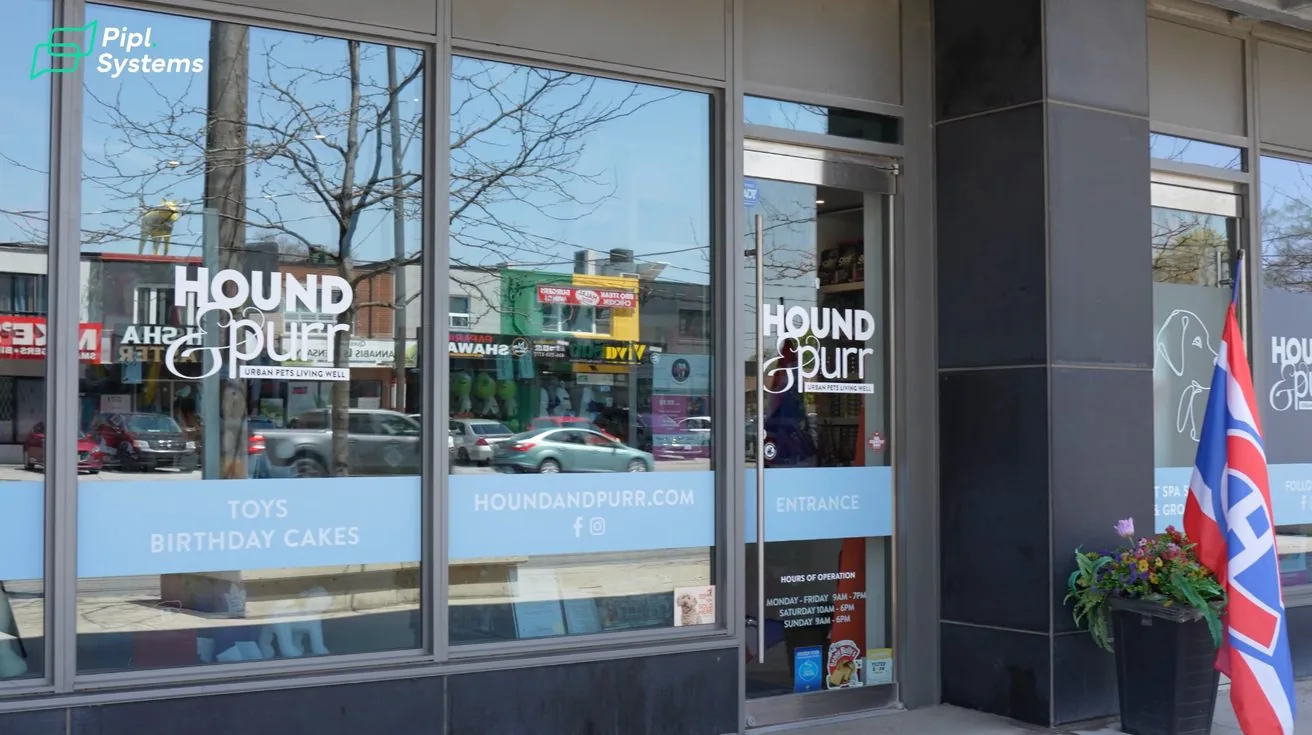
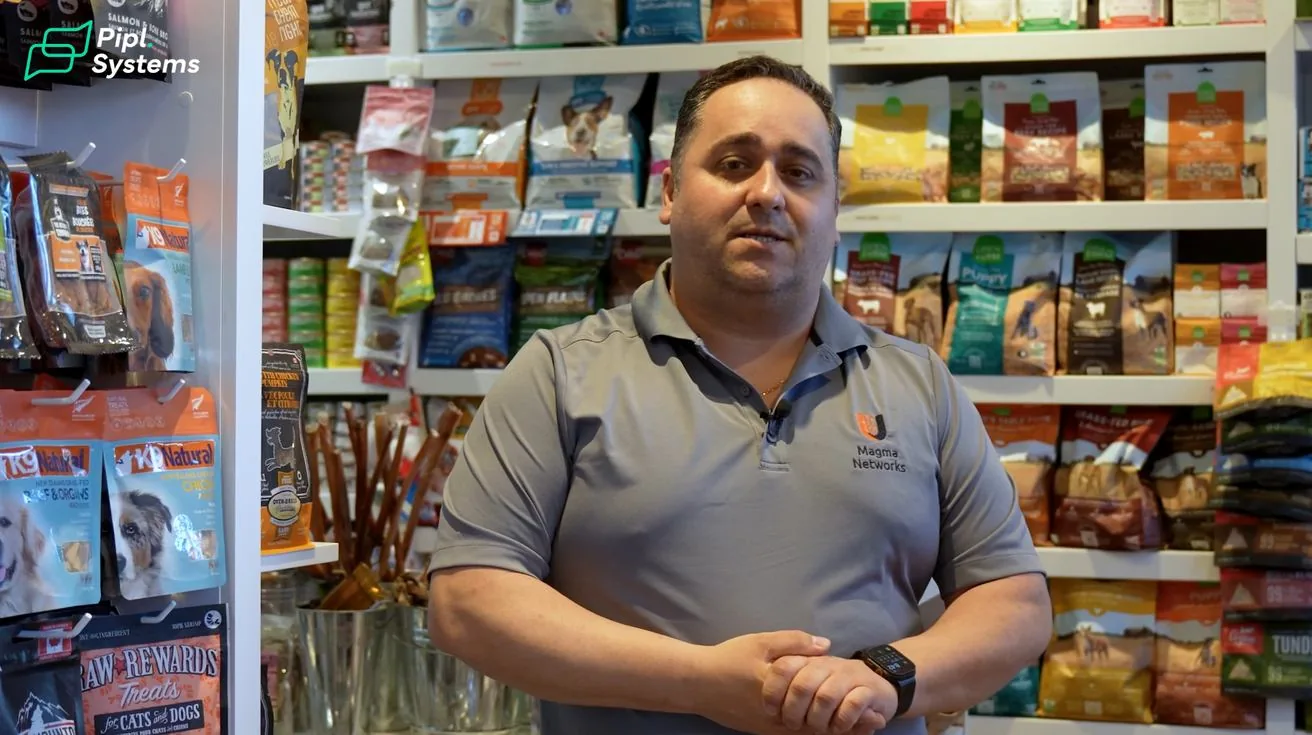
This client runs two businesses under one roof: a retail pet boutique and a professional grooming salon in the Greater Toronto Area.
The front sells food, treats, accessories, and supplies. The back is where the grooming happens — washing stations, grooming tables, and service areas where staff work with animals throughout the day.
From a security standpoint, these are completely different environments with different needs. The retail area needs coverage of customer traffic, entrances, exits, and the point of sale. The grooming area needs visibility into staff workflows and service delivery.
The owner's requirements were straightforward:
- Reliable video coverage across both areas
- Remote access from a phone or computer
- Long-term recording
- Simple day-to-day management
- Awareness of after-hours activity
These are the same requests we hear from most small business owners. What changed by the end of the project was how much the system ended up doing beyond those basics.
Infrastructure First — Cameras Second
1 / 4
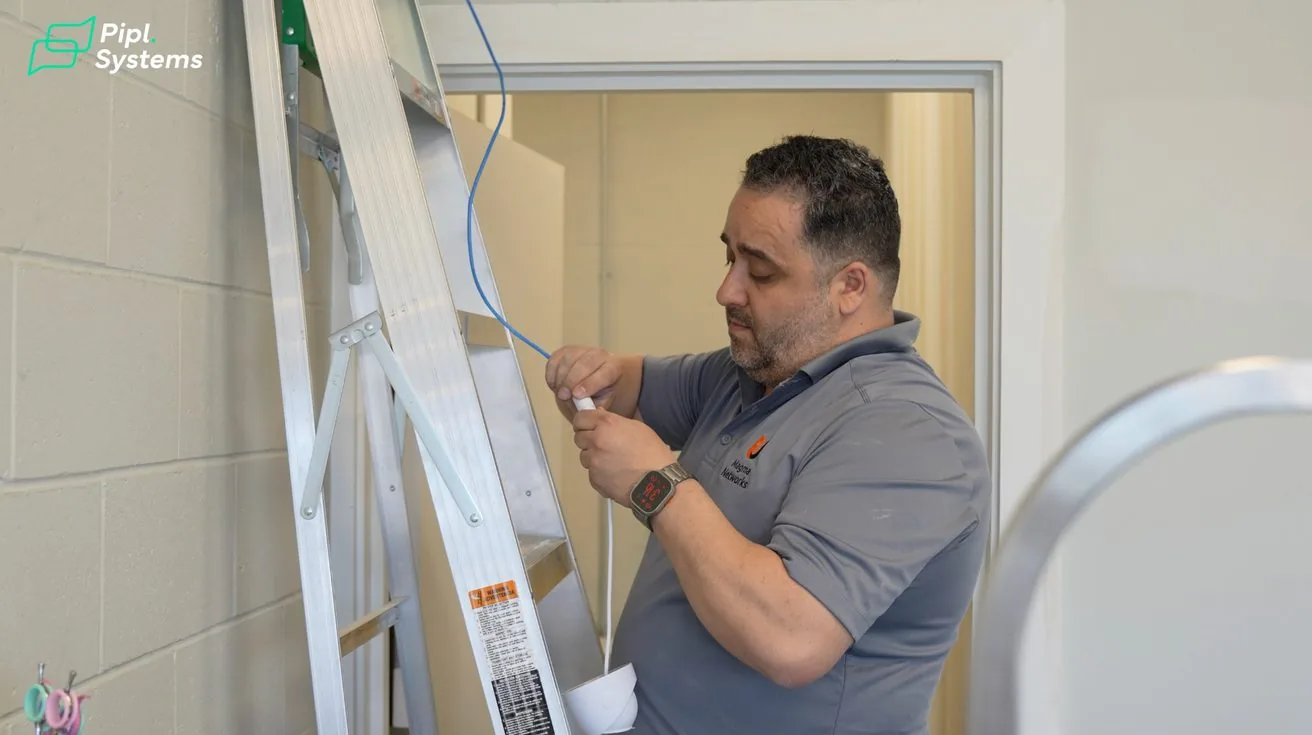
The quality of the installation determines how long a system holds up. That sounds obvious, but it's easy to skip steps when you're trying to move fast.
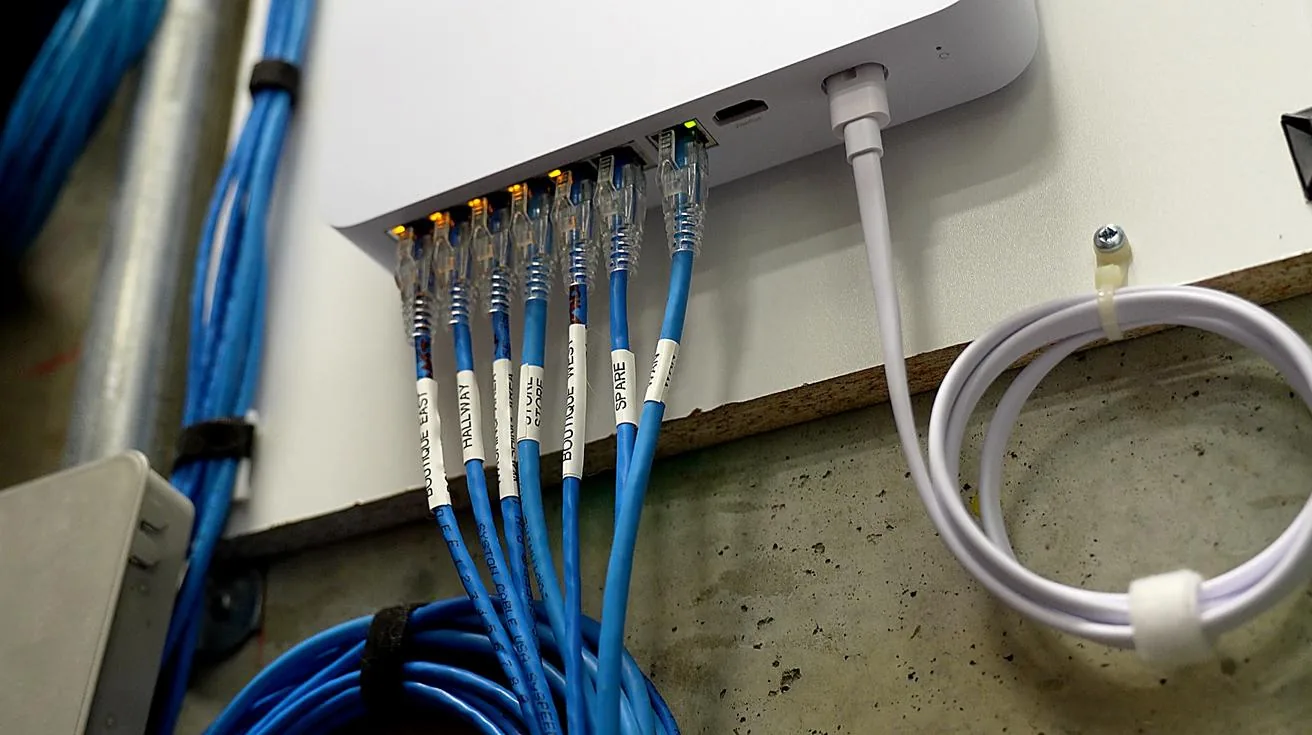
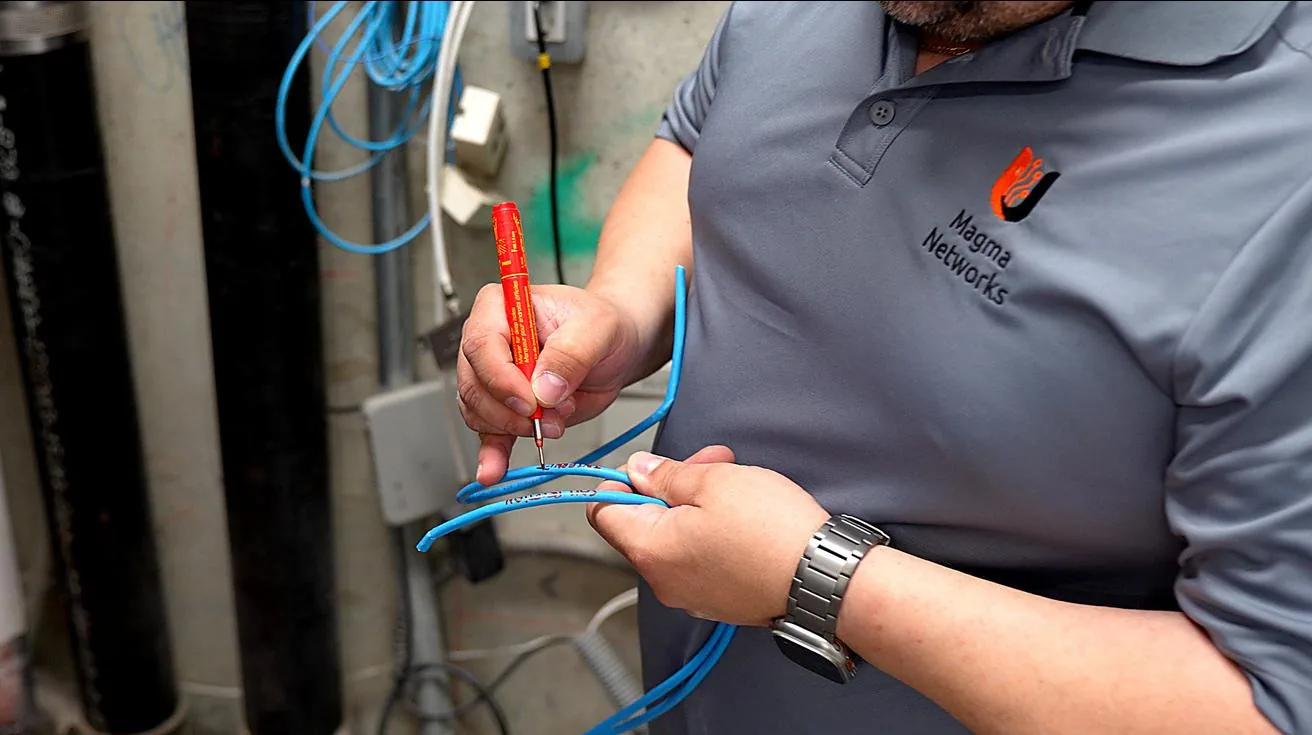
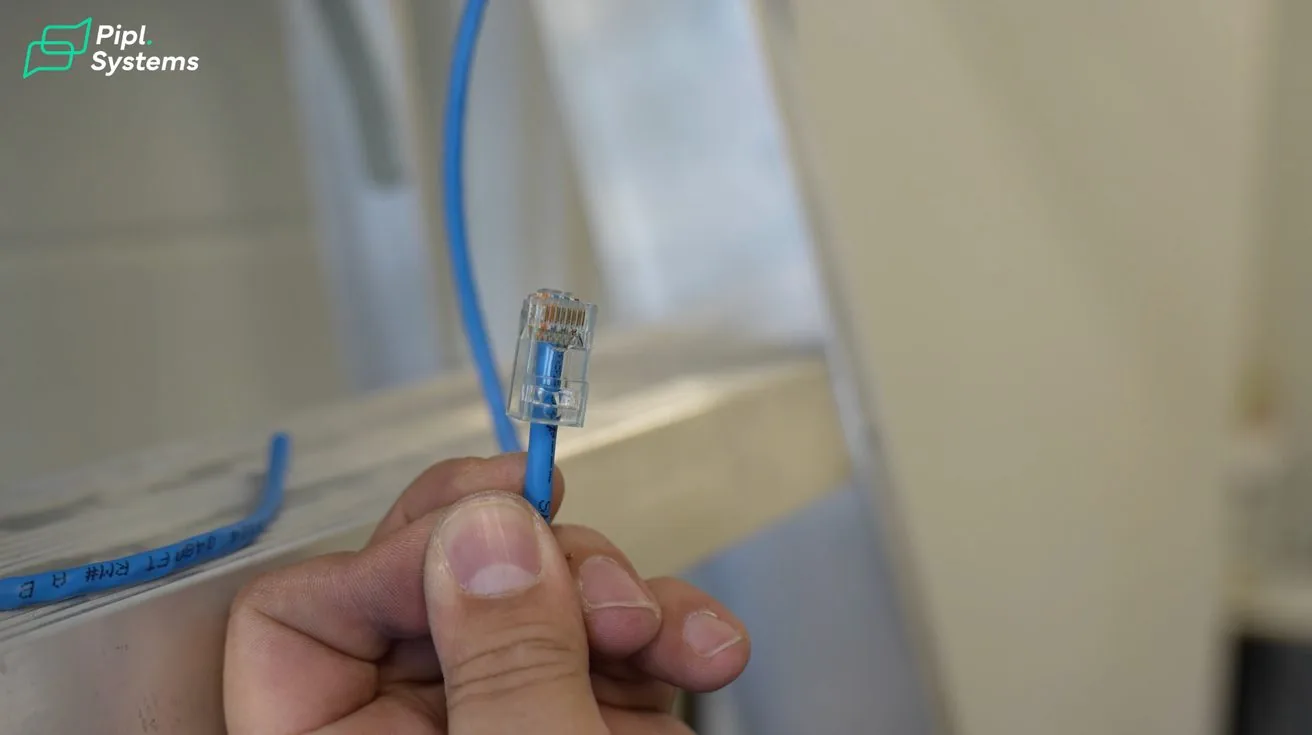
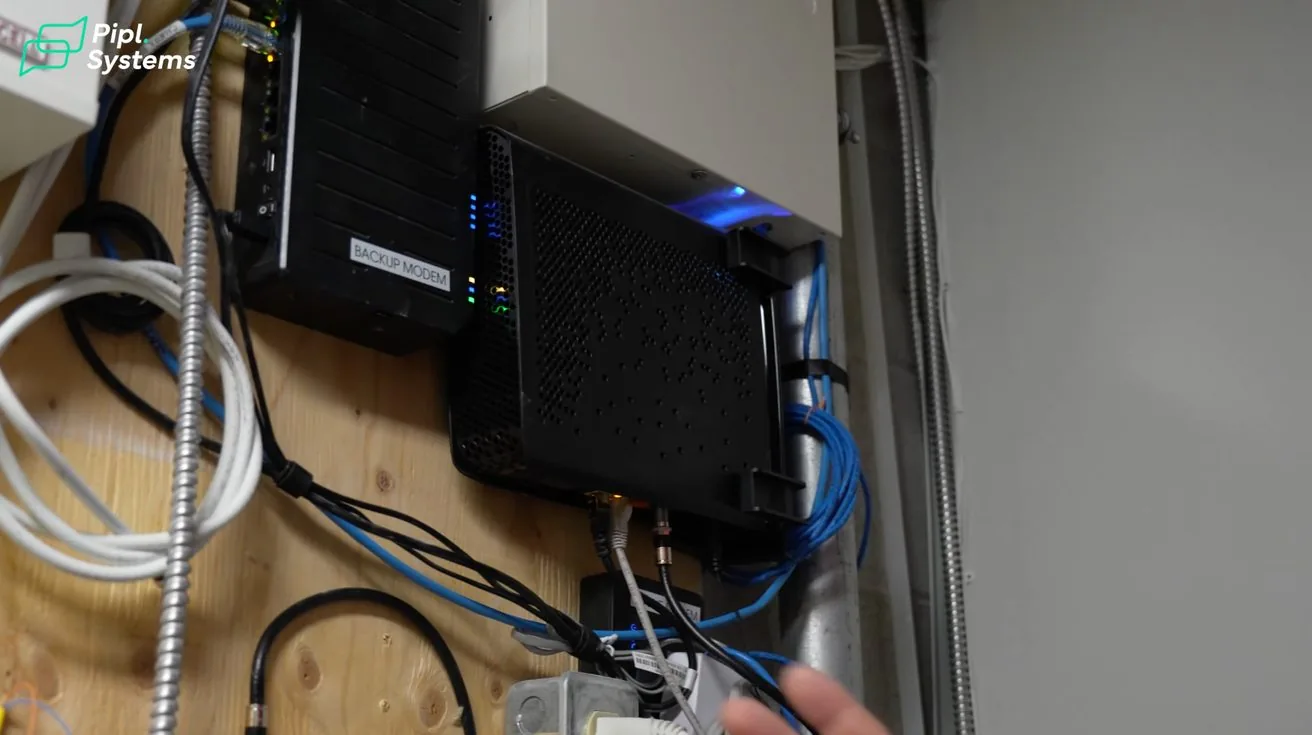
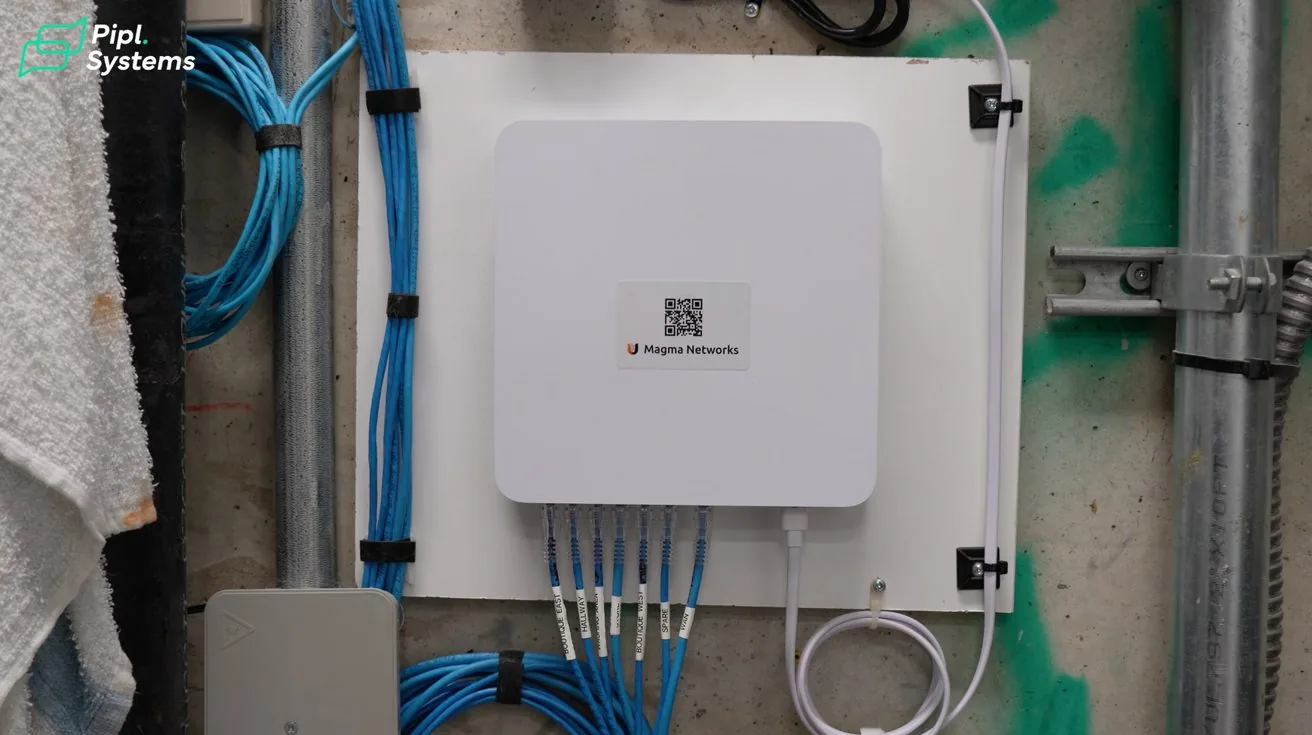
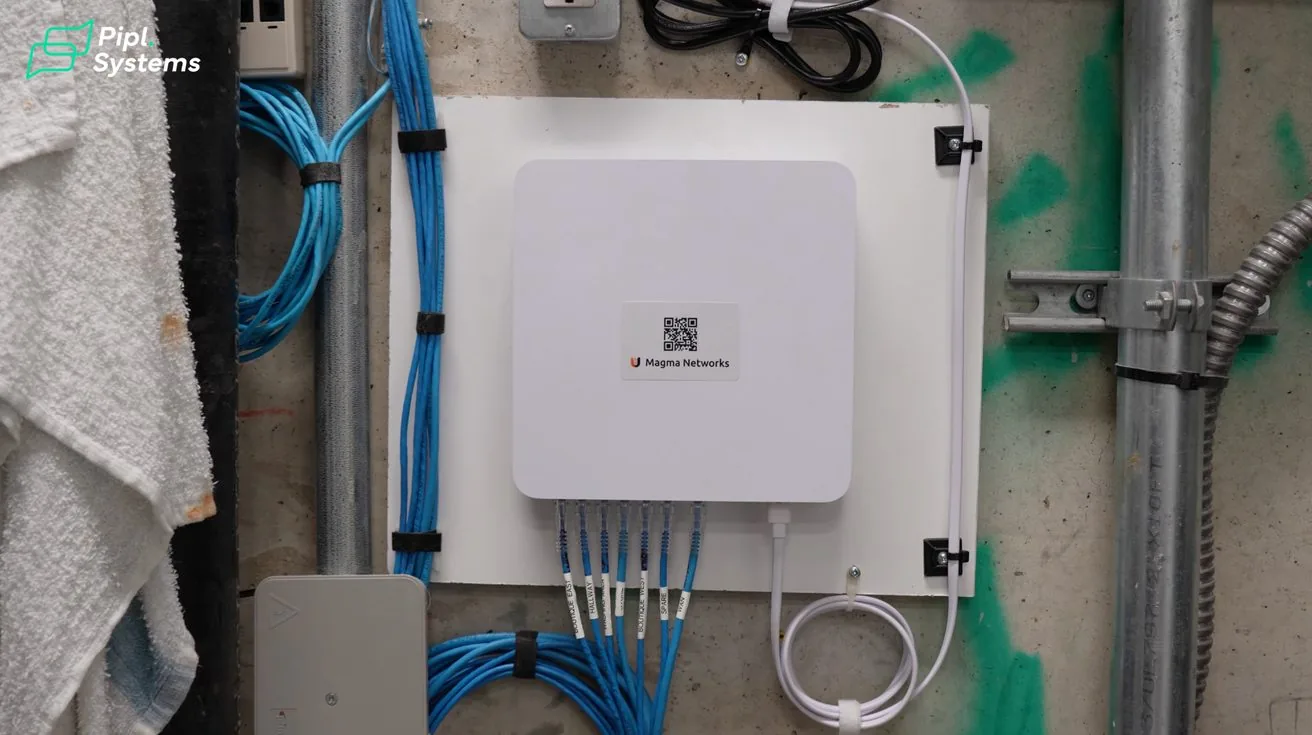
Everything in this rack is labeled. Every cable has a purpose. Every connection is documented. We work this way on every job, whether it's a single-camera setup or a 50-camera enterprise deployment.
Velcro Over Zip Ties
We use Velcro to bundle cables instead of zip ties wherever possible. Systems change. Clients add cameras, swap equipment, upgrade hardware. With zip ties, a future technician has to cut everything apart and rebuild. With Velcro, it's a two-second job.
Service Loops
We always leave extra cable length near equipment connections. If a device needs to be relocated or a port fails, that extra slack can save hours of rework.
QR Support Labels
We attach QR codes directly to the infrastructure. The client can scan them to reach support information immediately, without digging through old emails or paperwork.
Good infrastructure is invisible to the end user. But it's often the difference between a system that works for ten years and one that starts causing problems in ten months.
Why We Always Install a UPS
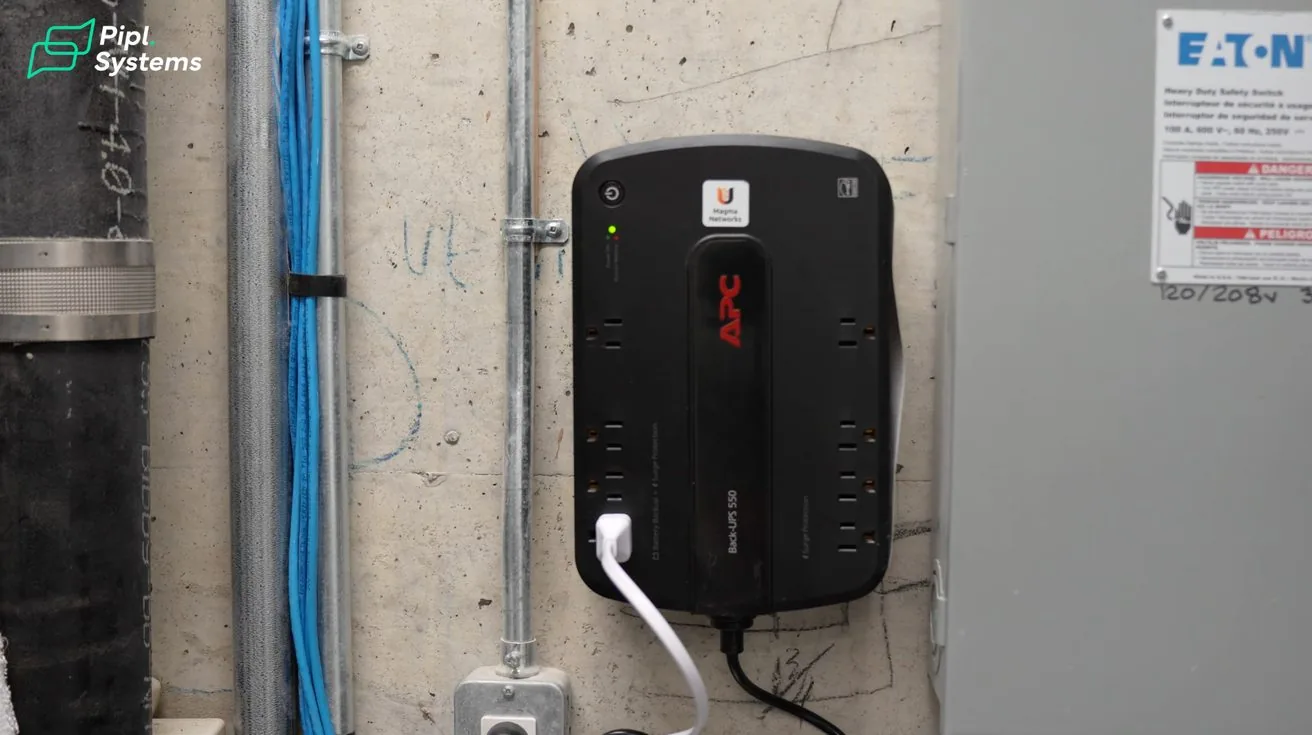
Hard drives don't handle sudden power loss well. Every unexpected shutdown adds stress to the storage device. Over time, that shortens the drive's lifespan and increases the risk of recording gaps at the worst possible moment.
A UPS battery backup keeps the recorder running during short outages and allows for a clean shutdown during longer ones. Cheap insurance relative to the cost of a failed drive or corrupted footage.
For this project, we used a third-party UPS rather than a UniFi-branded unit. The client wasn't running a full UniFi network, so the third-party option made more sense on price and runtime. The result was over 30 minutes of backup power — more than enough for the typical commercial power interruption.
Choosing the UniFi UNVR — and Why It's Mounted Upside Down
1 / 7
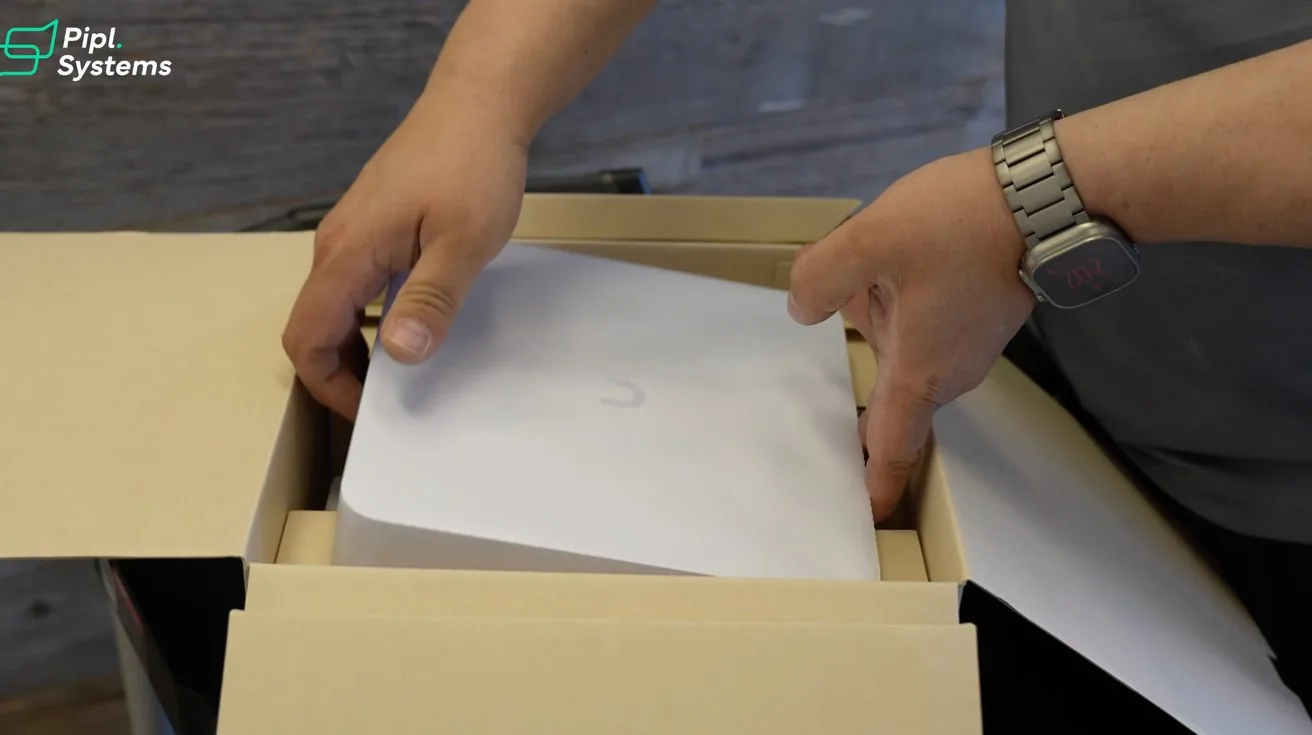
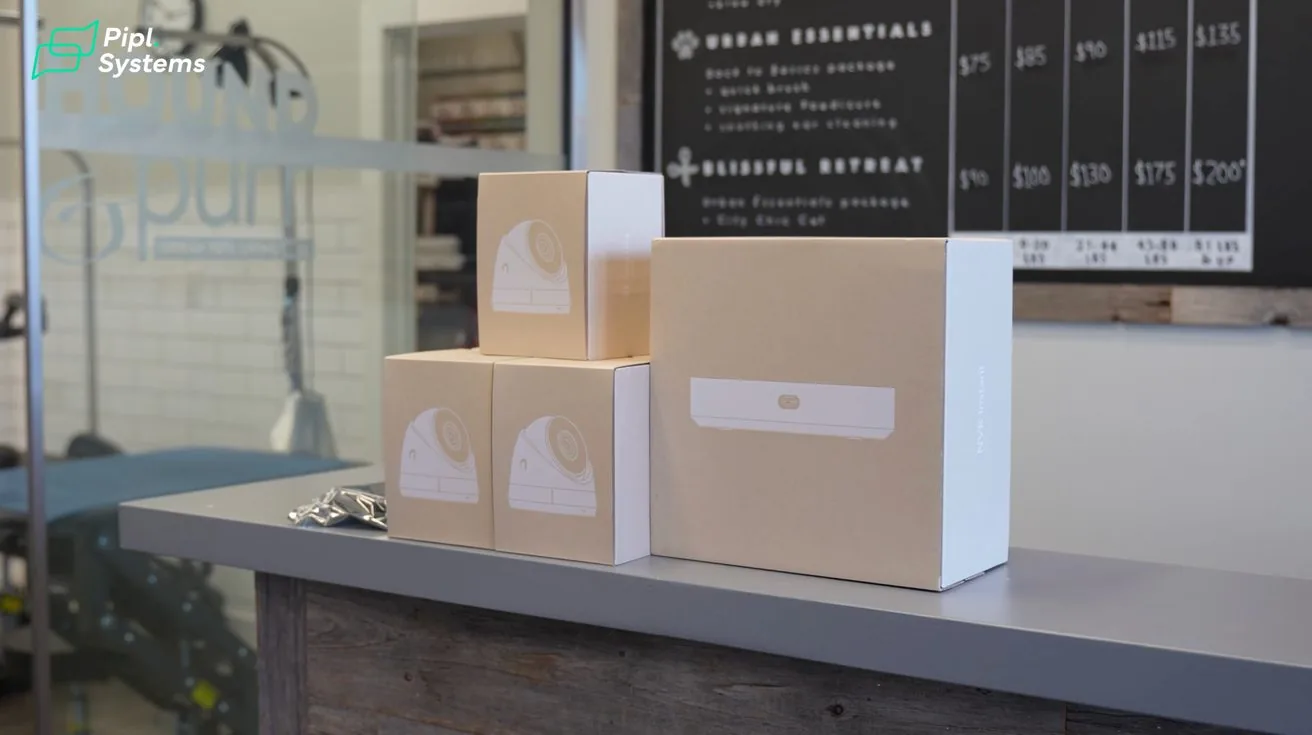
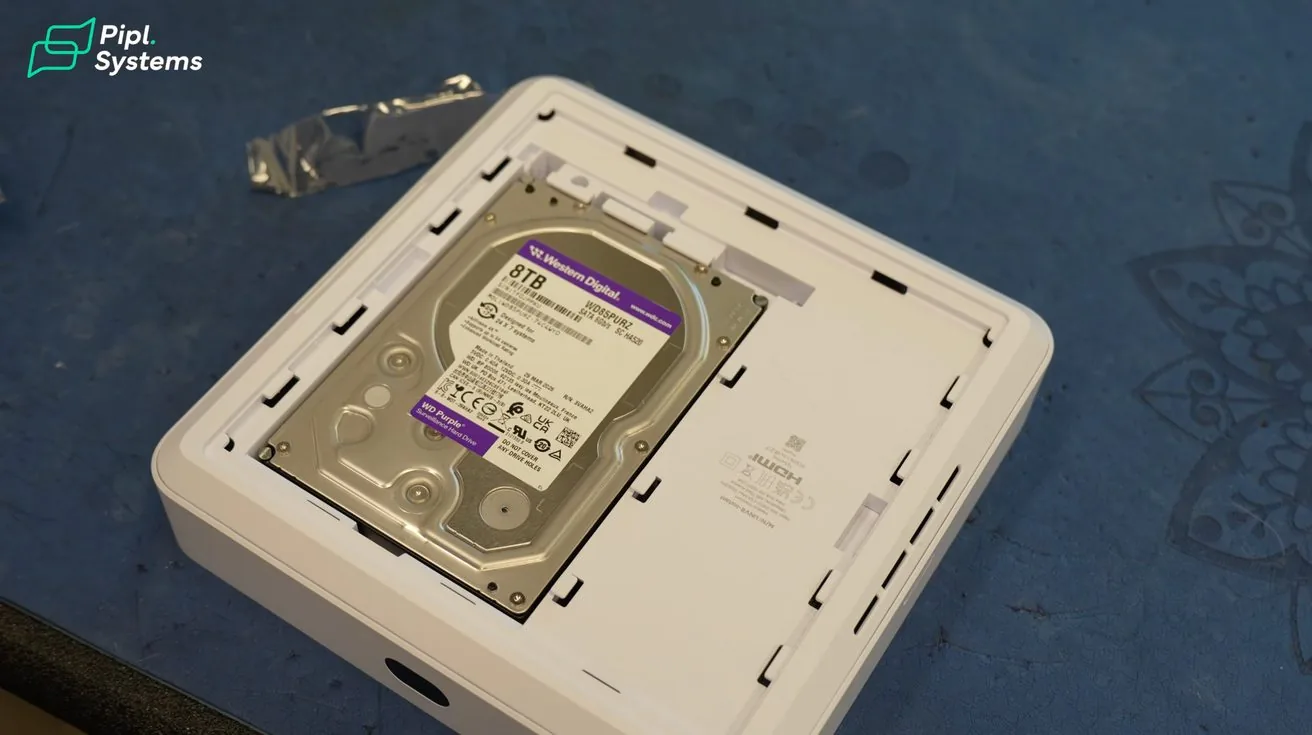
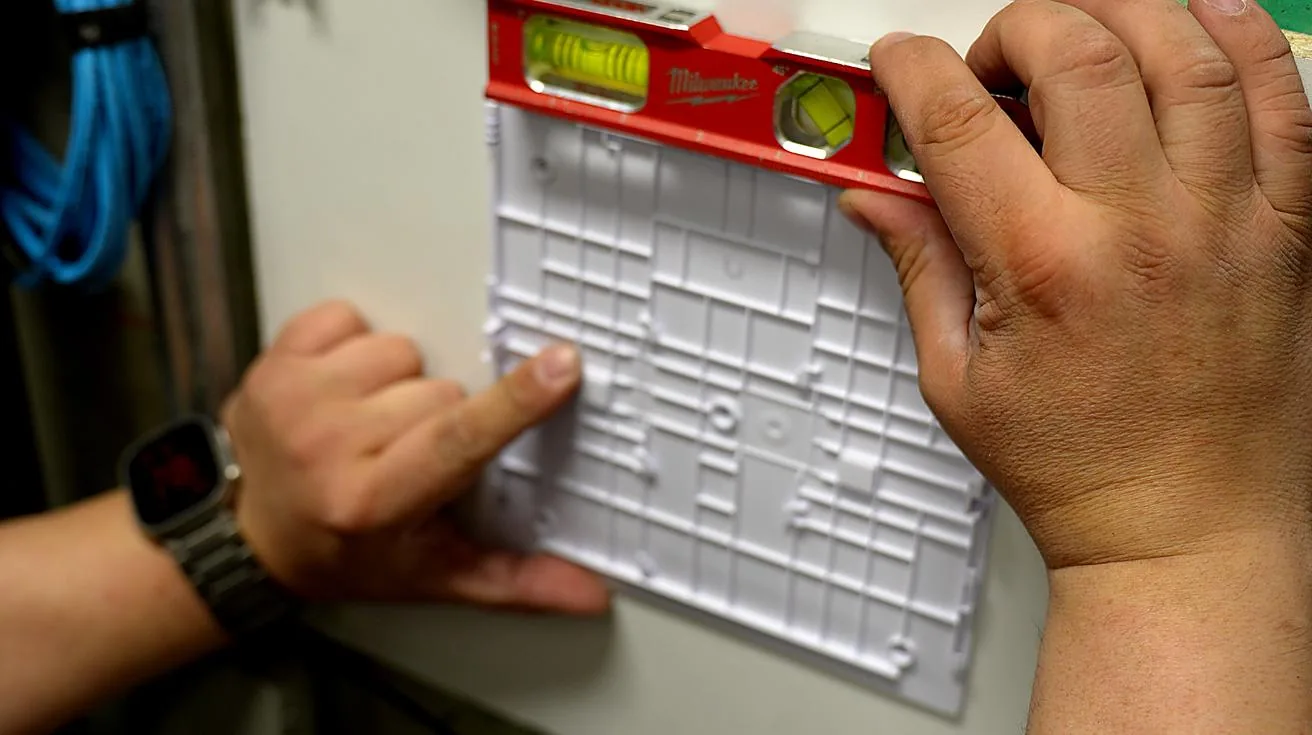
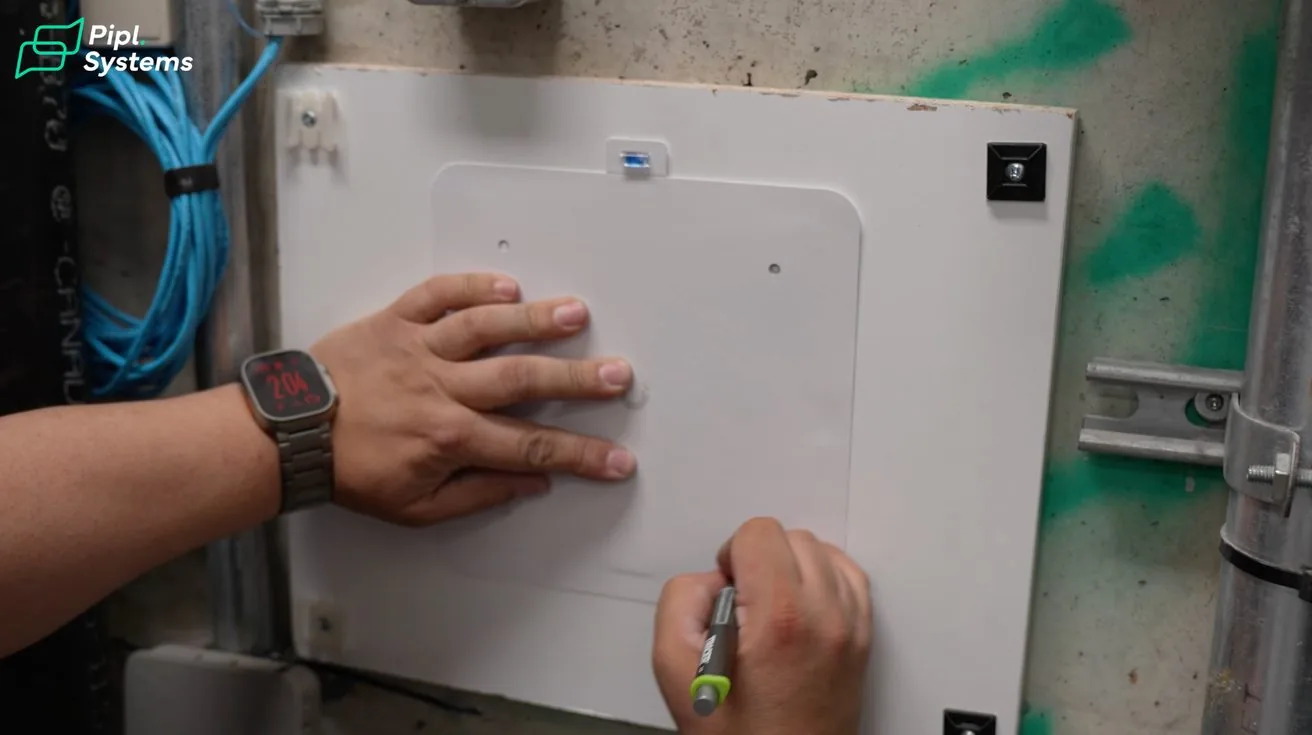
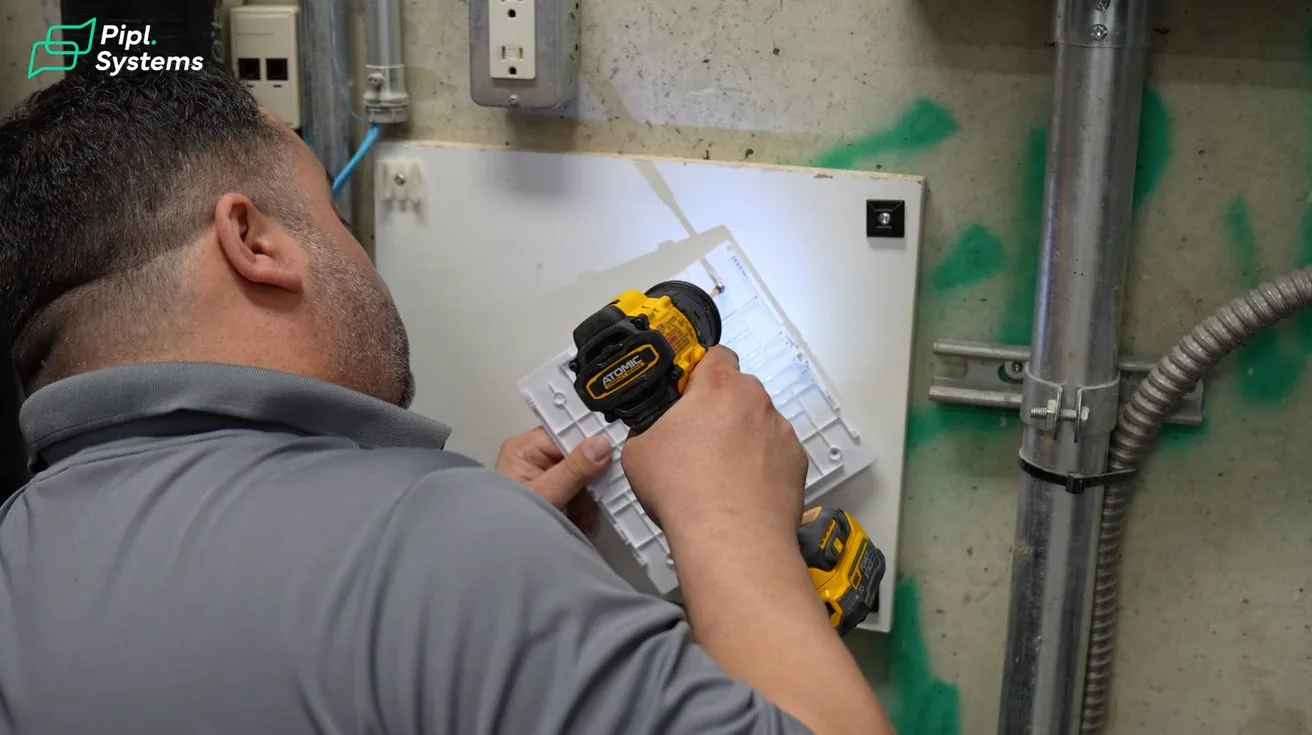
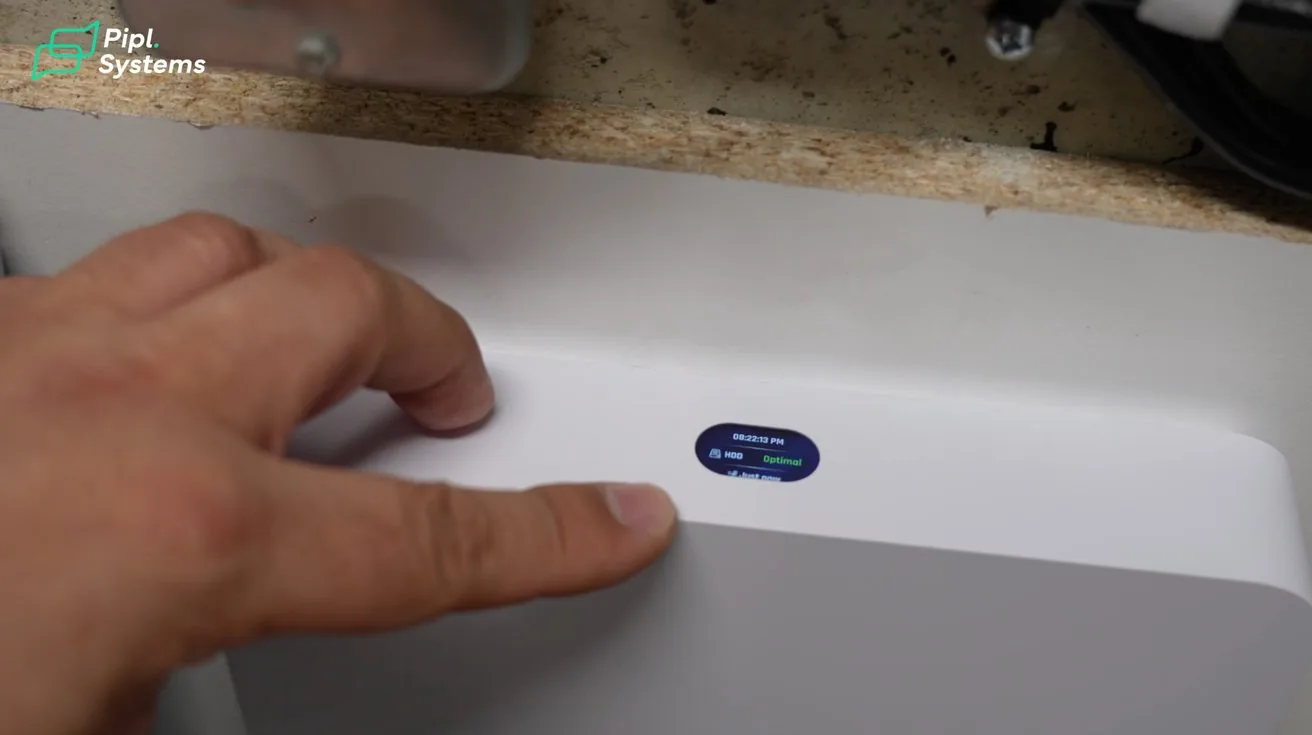
We used the UniFi UNVR as the recording device. Clients always notice it's mounted with the ports facing down and ask why.
It's a pet grooming facility. Hair and dust are constant. Airborne debris settles into exposed ports over time and causes connectivity issues. Flipping the unit reduces accumulation significantly. Small thing — but small things stack up over a 5-year service life.
We configured the UNVR with an 8TB surveillance drive, giving approximately 27 days of continuous recording at the resolutions we selected. Well within what this client needs for incident review.
One thing worth noting about UniFi Protect: entry-level hardware still runs the same software platform as their enterprise gear. The camera count and drive size change, but the management experience stays consistent.
Camera Placement: Coverage Based on Purpose
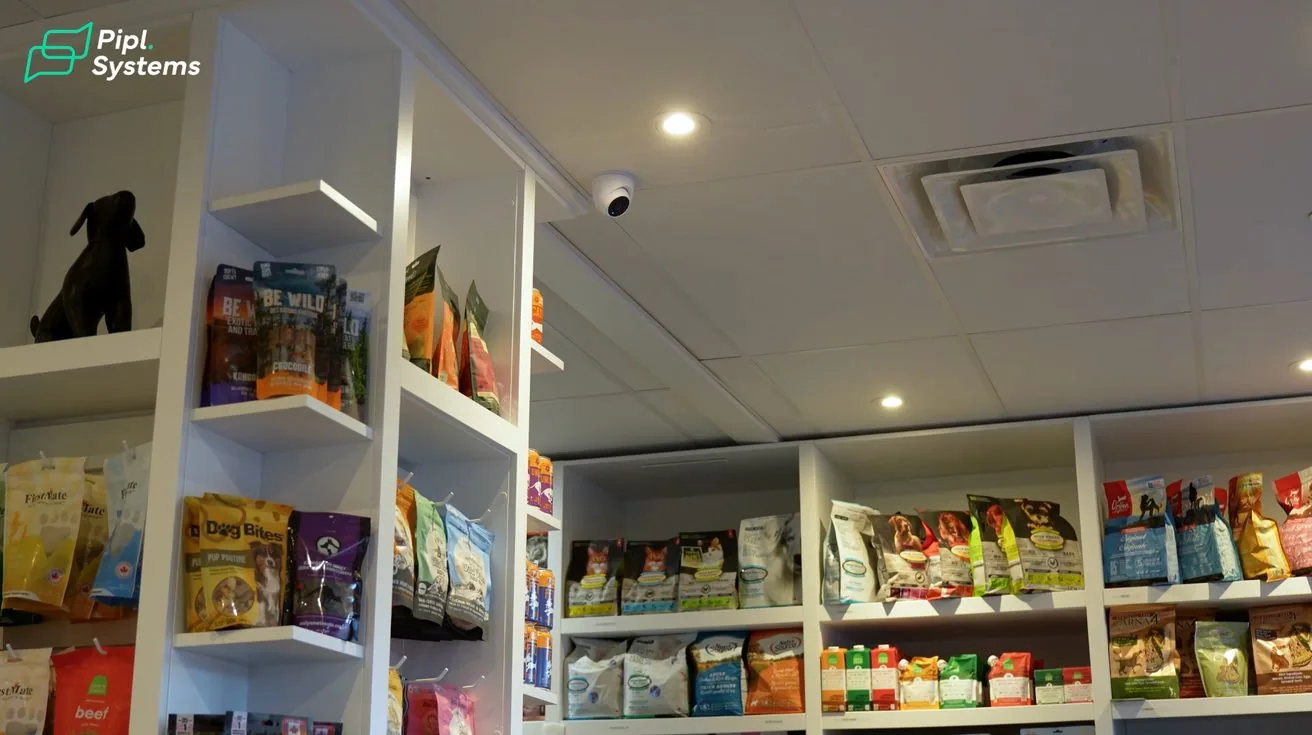
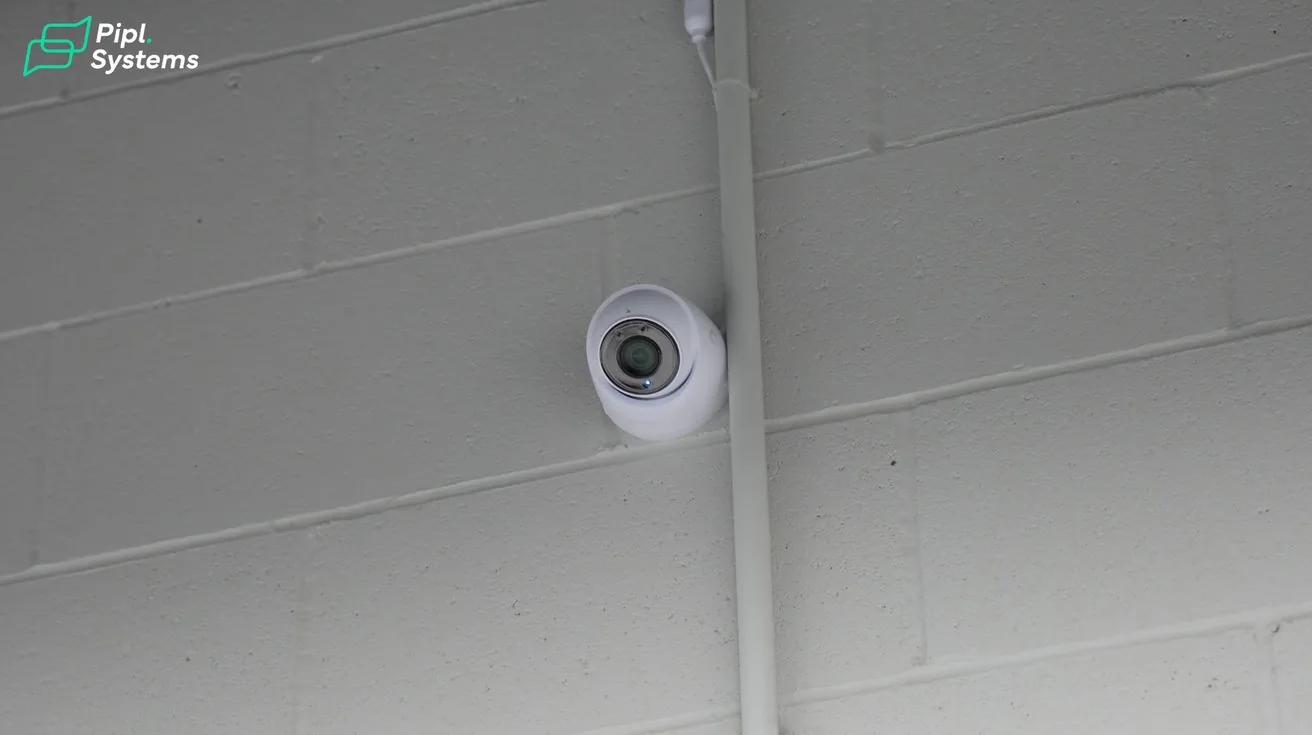
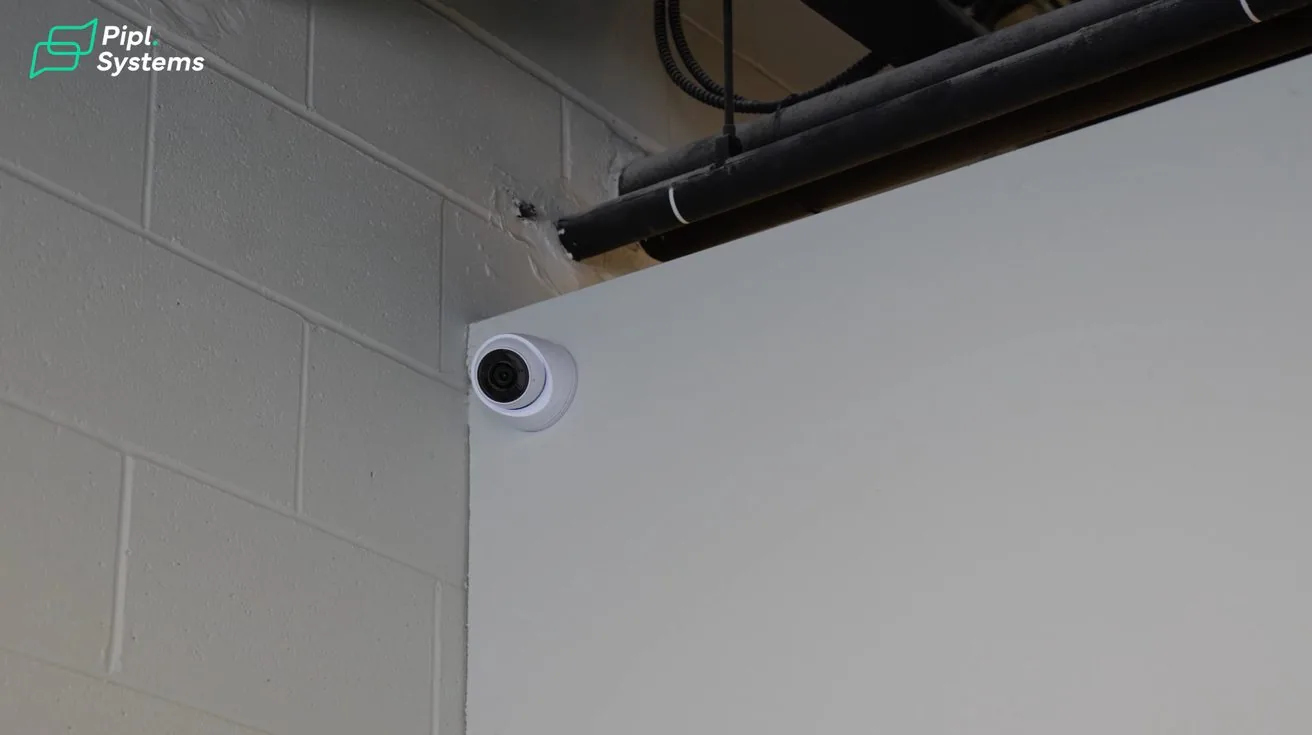
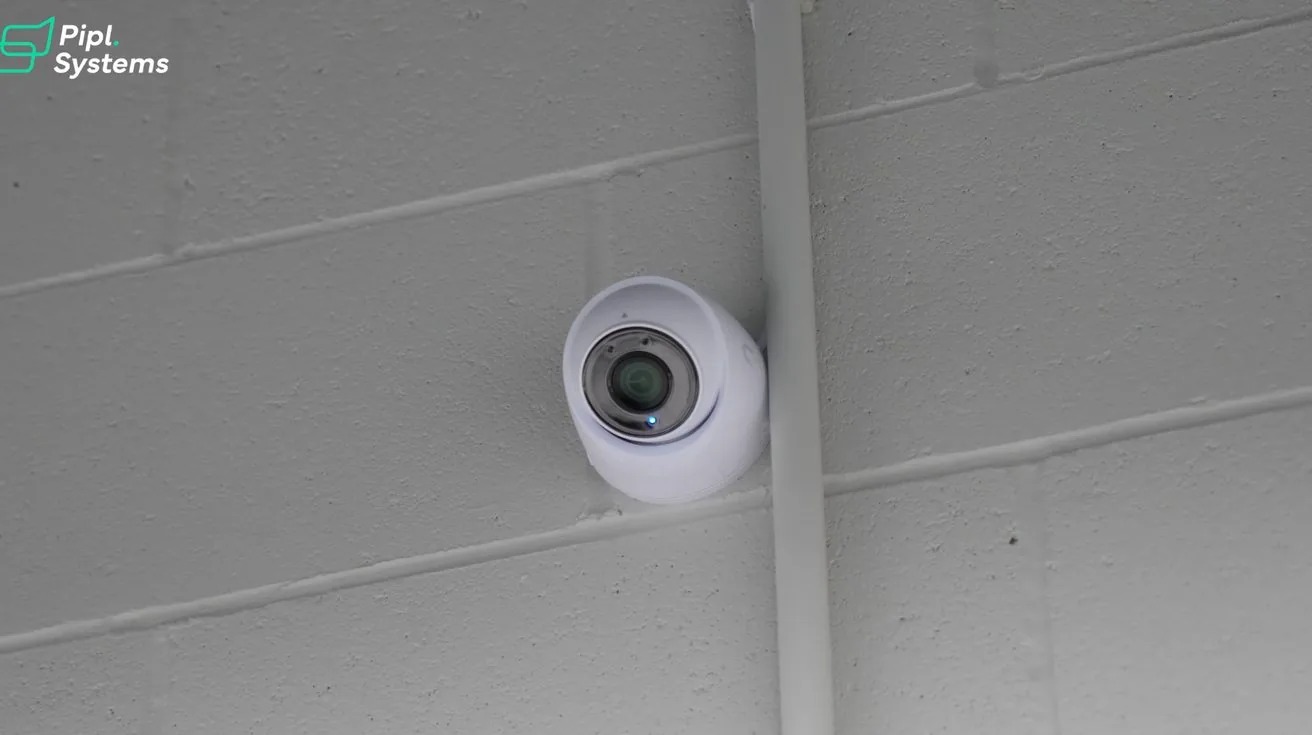
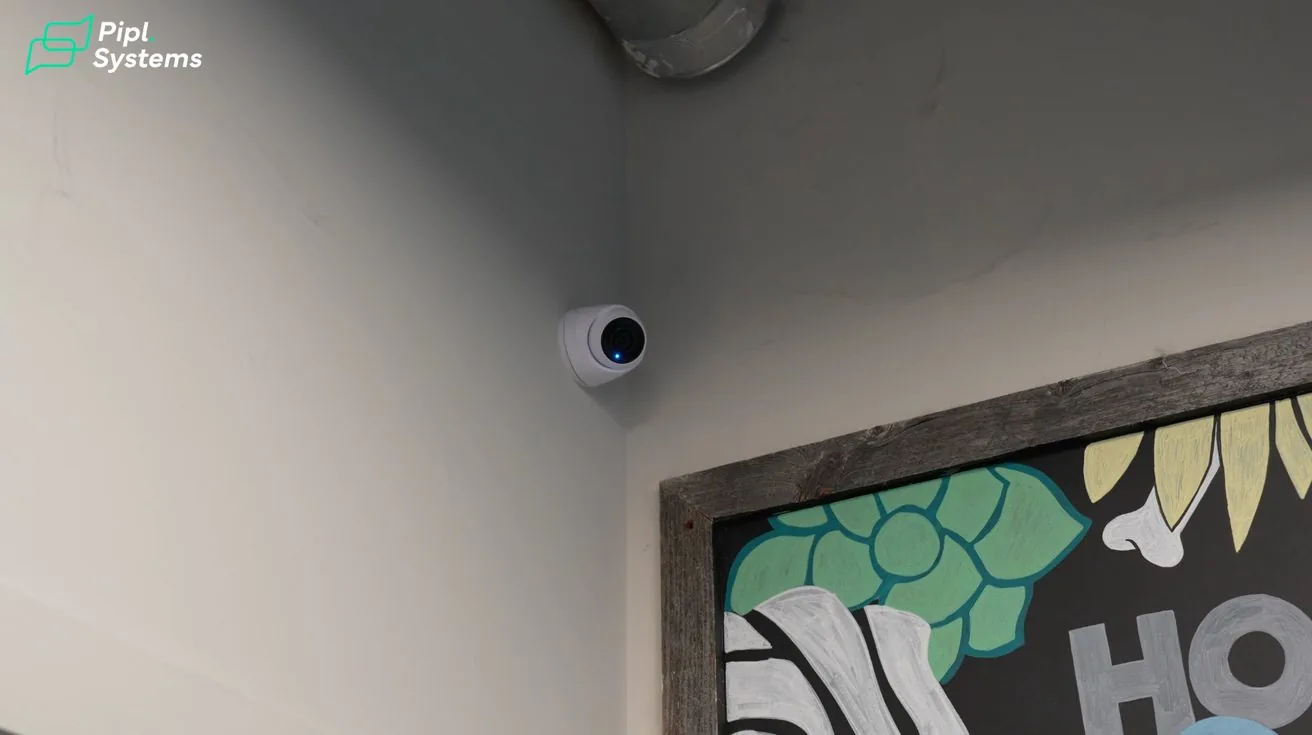
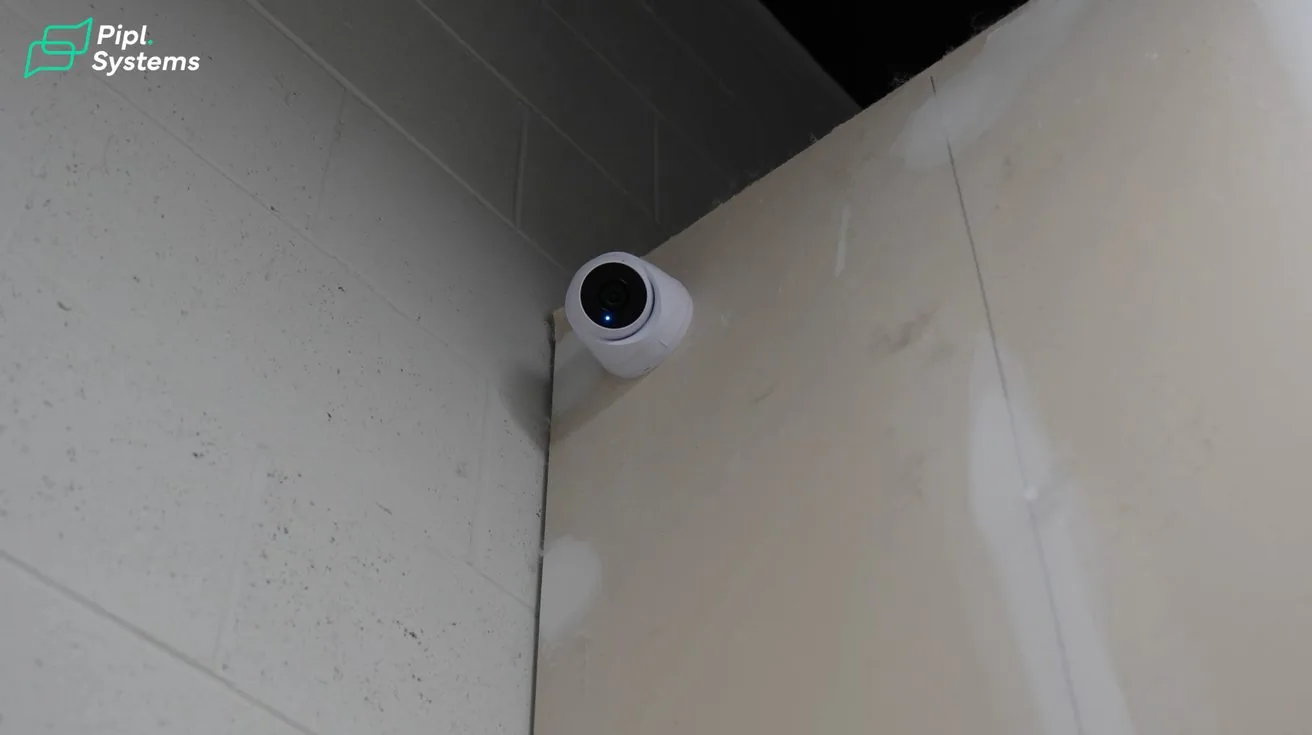
We selected the UniFi G5 Turret Ultra for this deployment — a 2K camera, not the highest resolution available, but the right fit for the spaces involved.
A lot of clients assume they need 4K everywhere. In practice, the best camera is the one that captures what you actually need to see, at a price that makes the overall system budget work. For rooms this size, 2K is plenty.
The design process starts with questions, not cameras. What does the client need to see? Where are the blind spots? What events matter? Every camera placement comes out of that conversation.
Grooming Area
1 / 6
This is where staff spend most of their day. A single G5 Turret Ultra covering both the washing bays and service tables gives the owner a clear view of operations without needing multiple units in a tight space.
Reception and Customer Areas
1 / 2
The reception camera covers both sides of the counter. For a grooming facility specifically, this matters. Customers drop off pets and return hours later. The owner can quickly verify arrival times, service completion, and pickup without relying on memory or paper logs.
It also gives management visibility into how customer interactions are being handled — useful for staff coaching and complaint resolution.
Retail Floor
1 / 2
The retail camera covers the main traffic flow through the sales floor. We also sized the recorder with room to expand. If the client adds cameras later — a back storage area, an exterior entrance — the infrastructure is already there. No need to replace core hardware.
What Actually Happened On Site
1 / 7
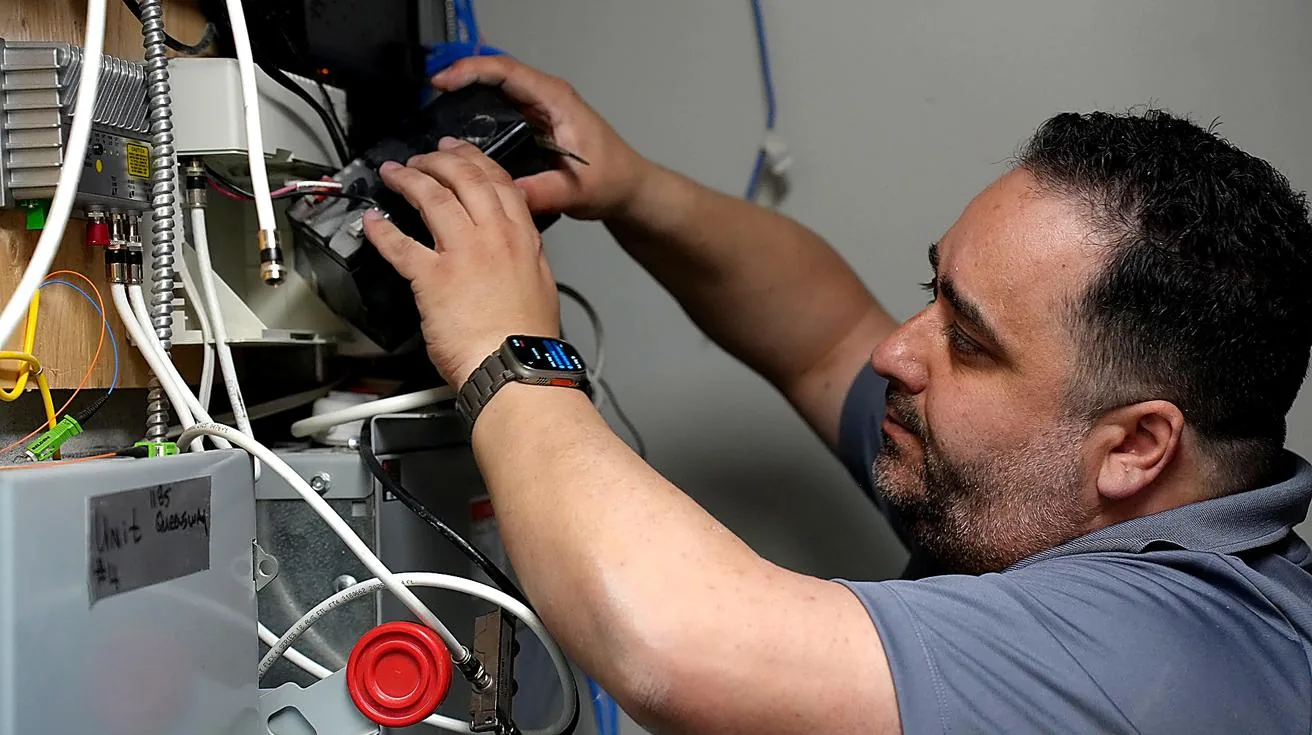
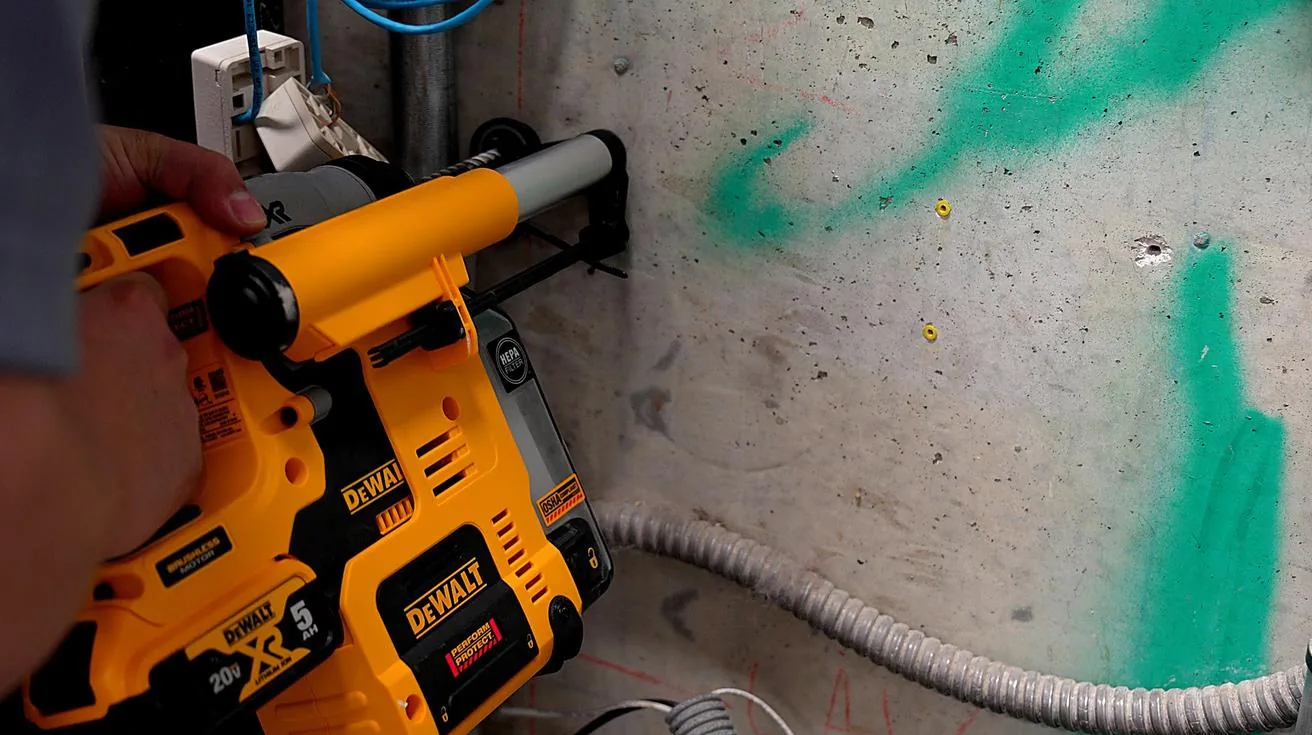
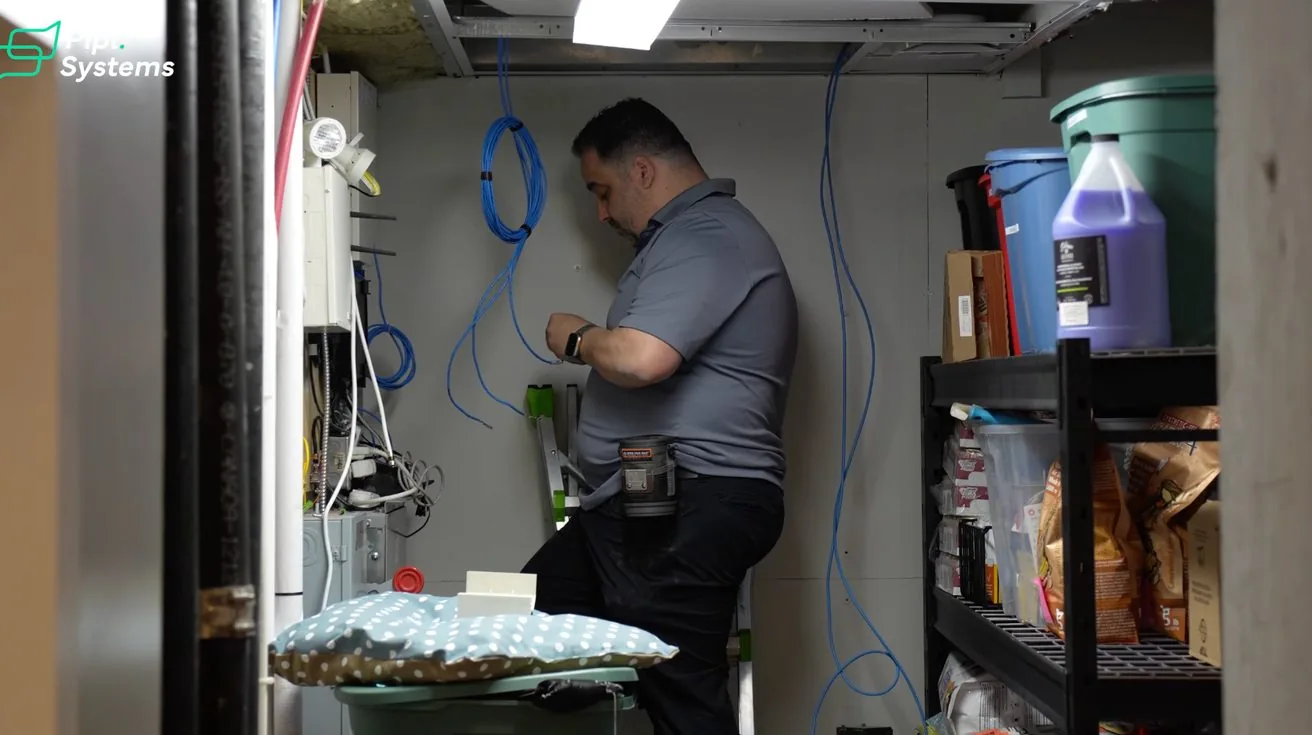
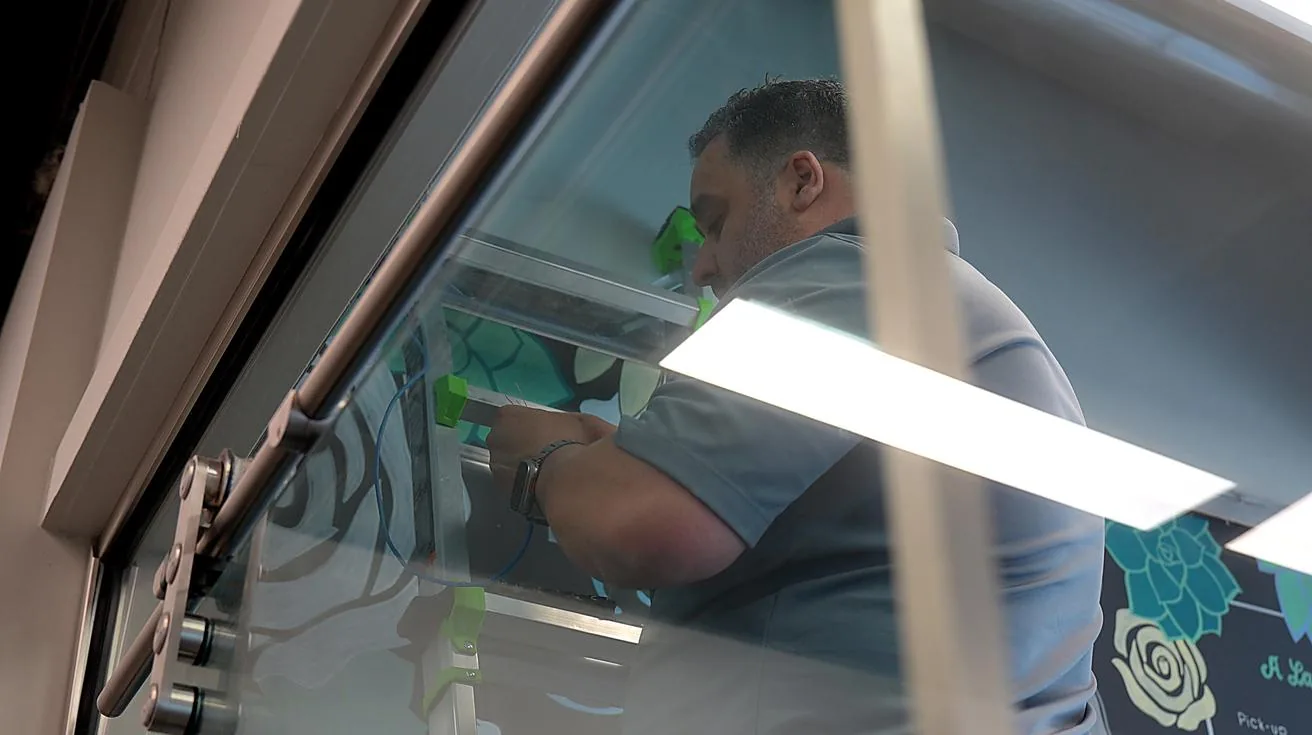
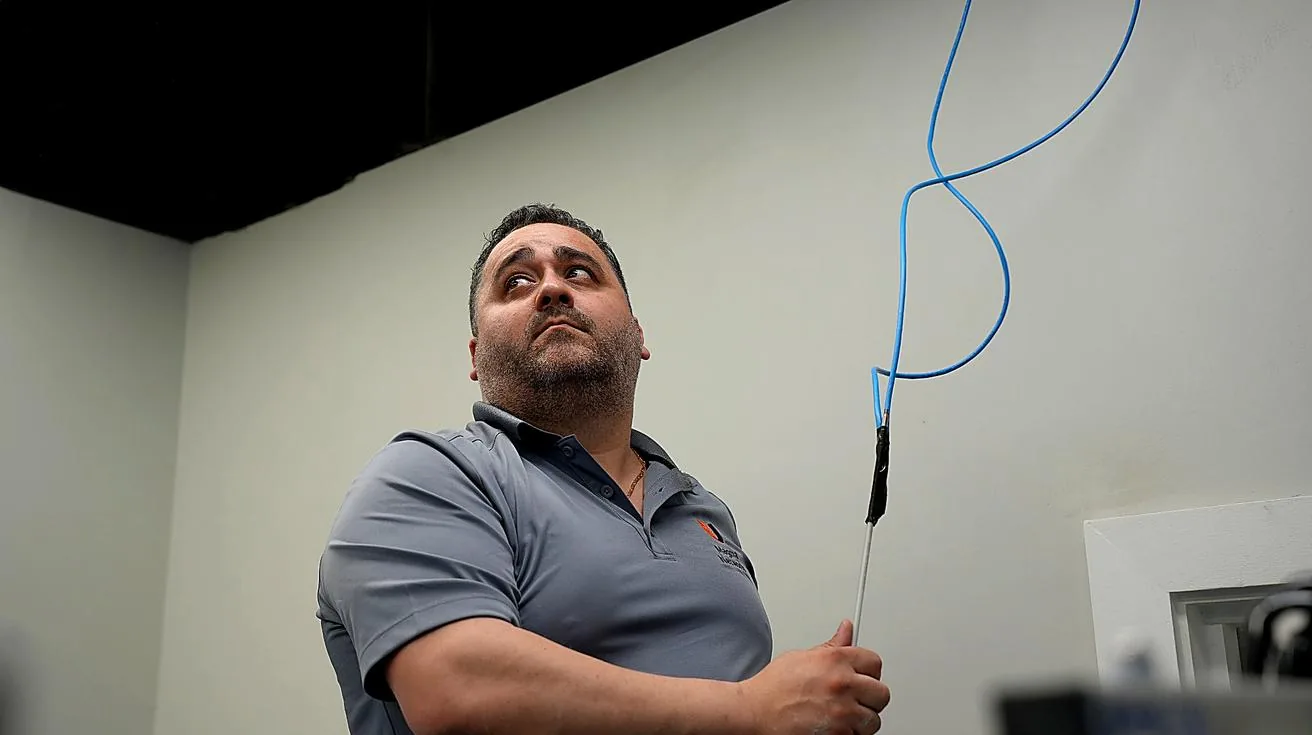
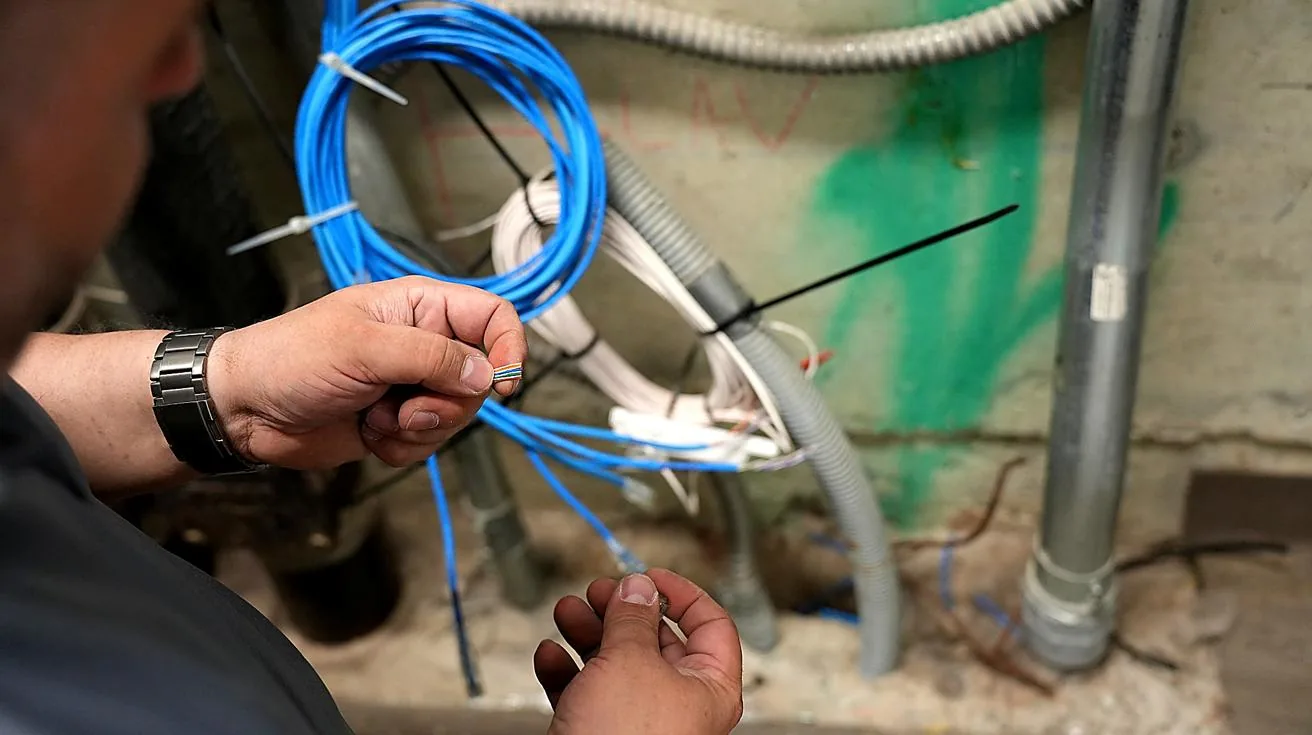
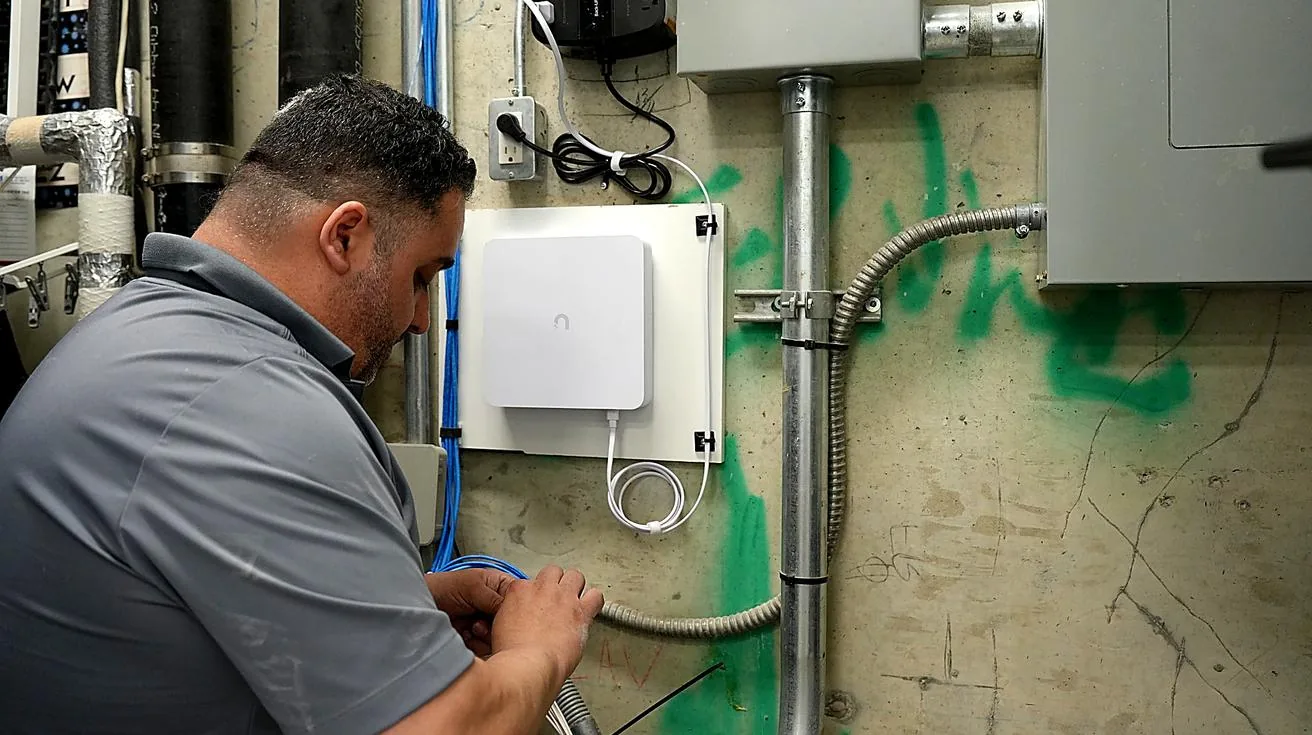
We were told before arriving that all existing cabling terminated in one location. That turned out to be wrong.
The building was split into separate sections, with cabling distributed across multiple points. We ran additional cables, reorganized the infrastructure, and adjusted the plan to match the actual building layout. This is normal — most installations have at least one thing that doesn't match the pre-job information.
While we were at it, we cleaned up the existing equipment — removed old networking gear no longer in use, cleared out legacy devices still drawing power without serving a purpose. The client ended up with cleaner infrastructure than we started with, even with the added scope.
Remote Access: Managing the System From Anywhere
1 / 3
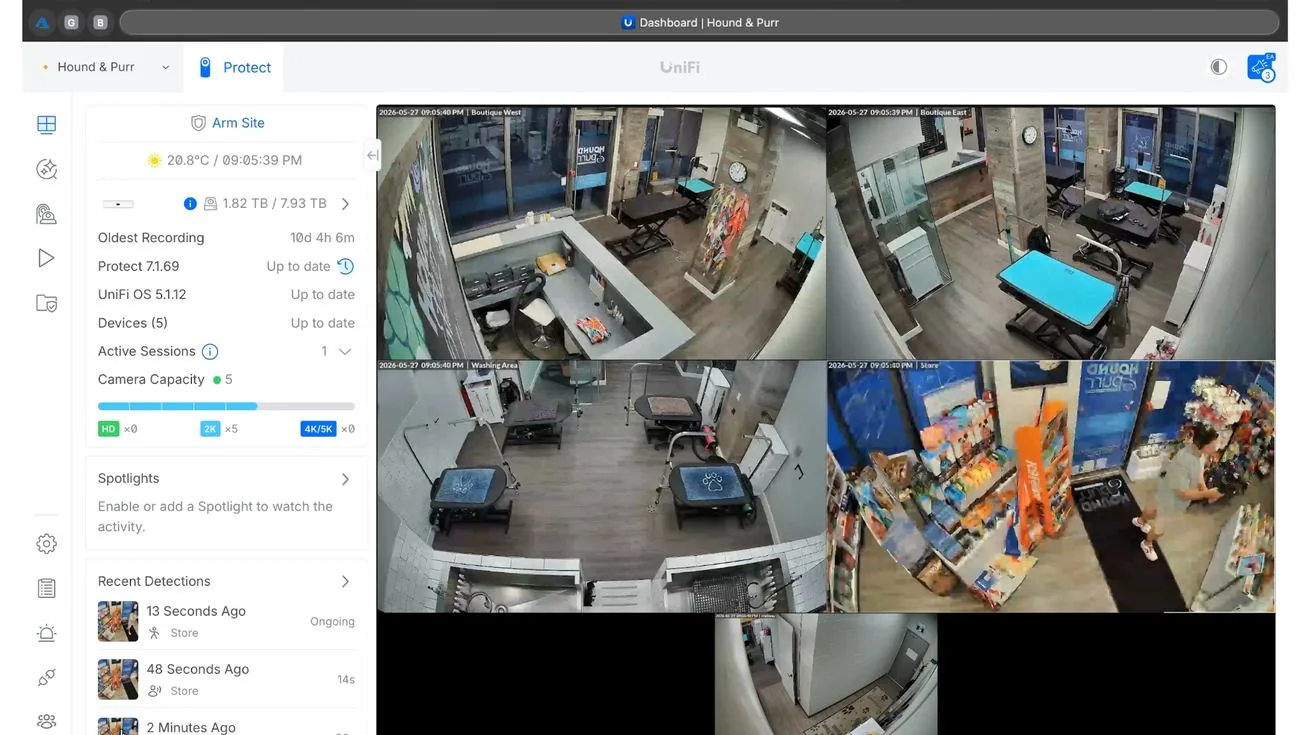
The UniFi Protect app gives the owner live camera access from a phone, tablet, or computer. They can review recordings, check feeds, and manage settings without being on site.
For small business owners, this matters more than it sounds. Most aren't sitting in a back office watching monitors. They're running errands, handling deliveries, or managing staff elsewhere. Remote visibility means they can check in when something feels off without driving back to the store.
We also flagged an opportunity to add UPS backup to the networking equipment in a secondary area of the building — something that would extend remote access availability during longer outages. On the list for the next visit.
UniFi Alarm Manager: The Part Most Installers Don't Talk About
Standard surveillance is reactive. Something happens, you pull the footage afterward. That's fine as far as it goes.
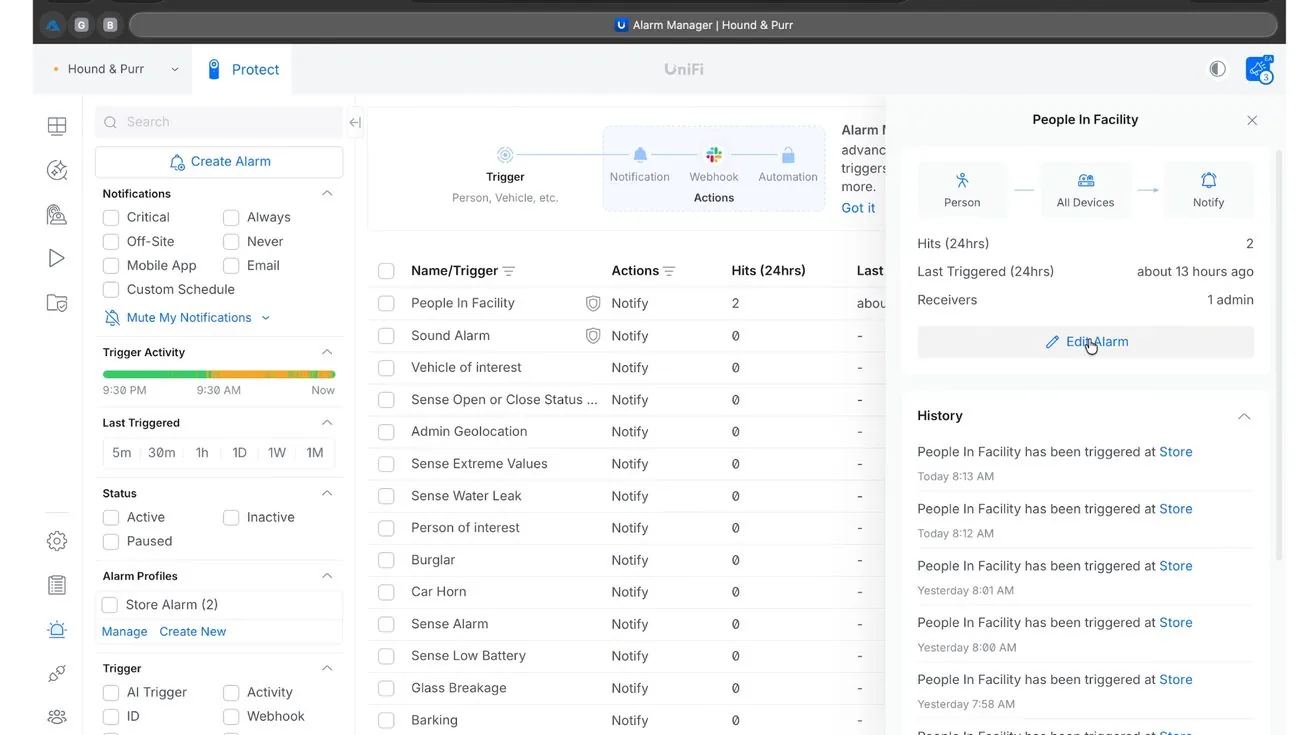
Alarm Manager makes the system proactive. Instead of recording everything and hoping someone reviews it, the system watches for specific conditions and notifies the owner when something needs attention.
Setting Up an Armed Profile
1 / 2
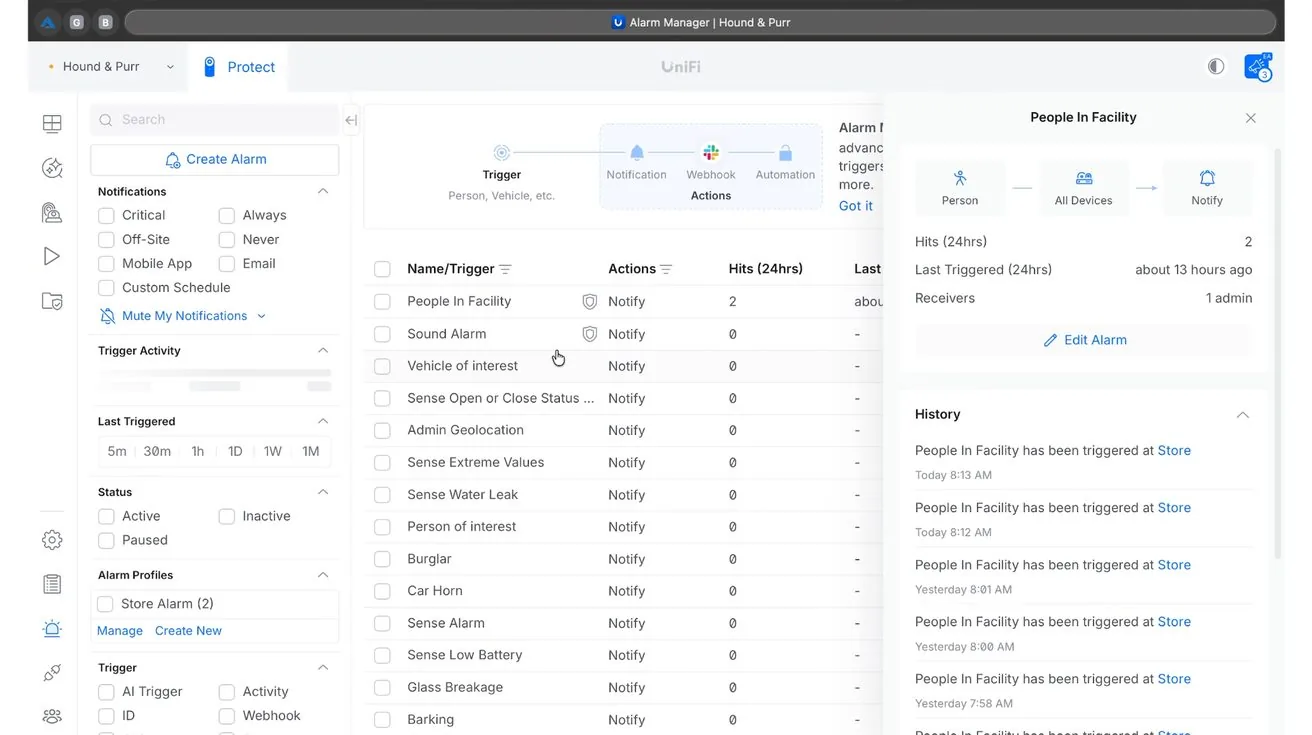
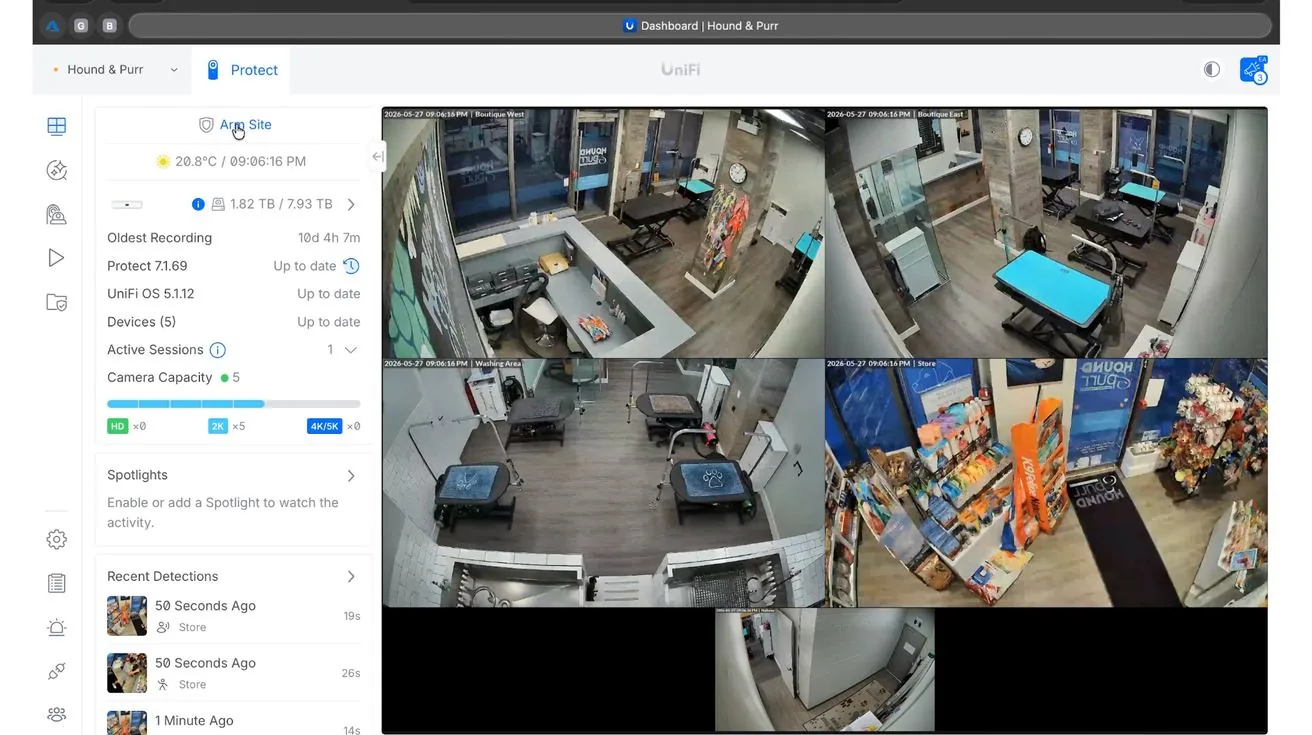
At the end of each day, the owner arms the system through the UniFi Protect app. A separate set of rules activates — the system starts monitoring for specific events and sending notifications if they occur.
Close the business. Arm the profile. Leave. The system handles the rest. No complicated setup. No training required.
People Detection With Smart Zones
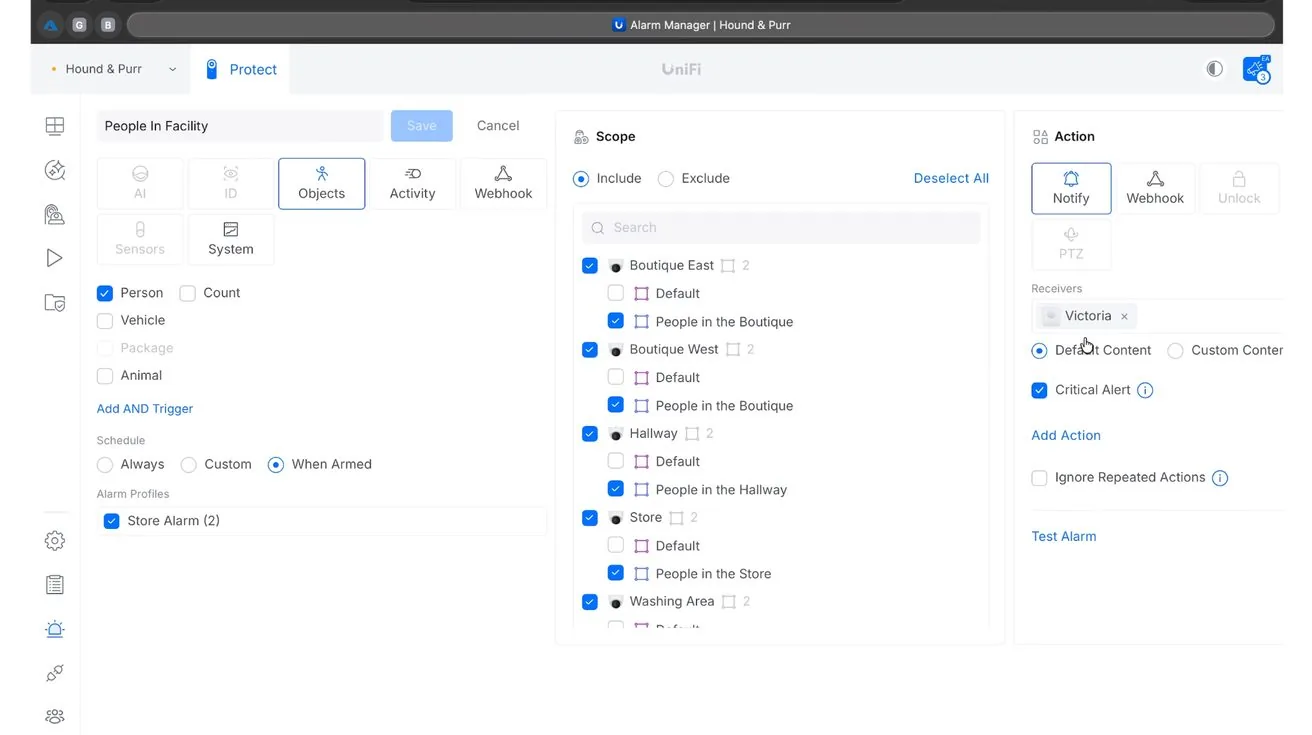
We configured people detection within specific zones only — not the entire camera field of view. Without zones, a camera at a storefront alerts every time someone walks by on the sidewalk. That trains the owner to ignore notifications.
With zones, alerts only fire when someone enters a defined area — the entrance, the back door, the storage room. The signal-to-noise ratio goes way up.
AI Sound Detection: Cameras That Can Hear
1 / 2
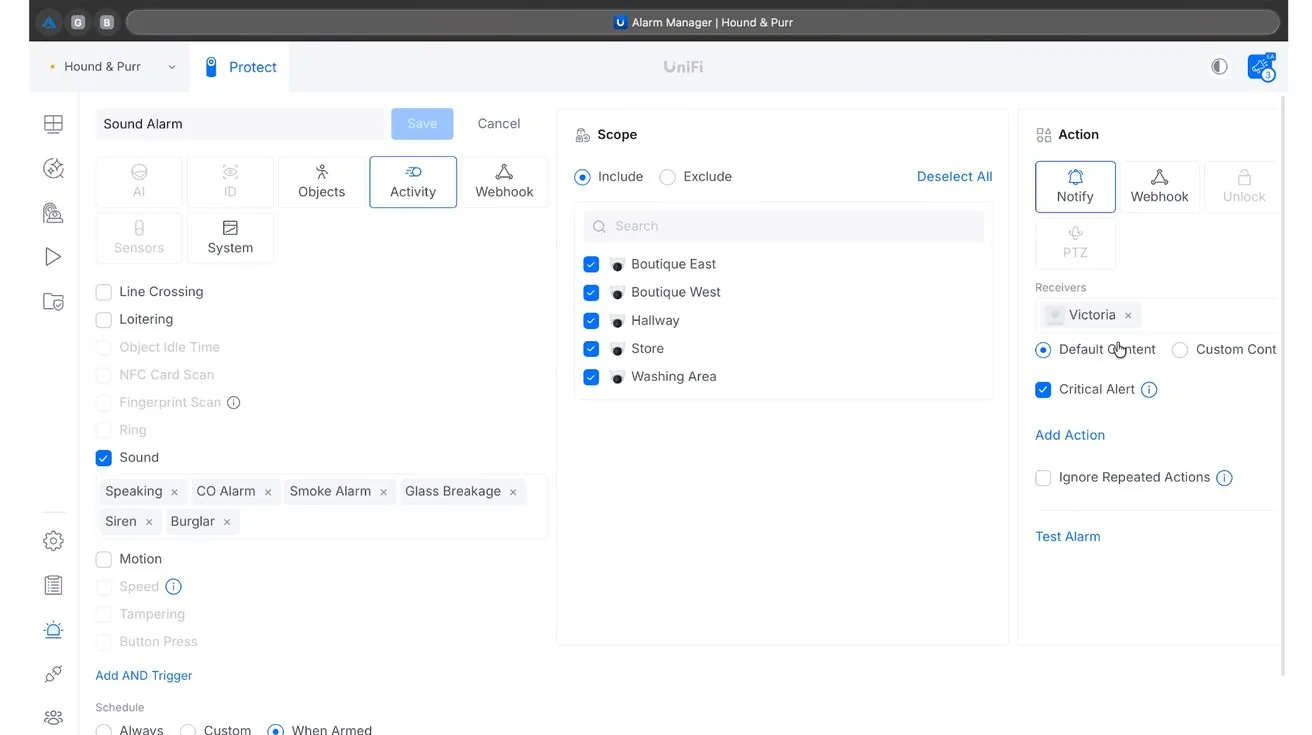
The G5 Turret Ultra cameras include built-in microphones. UniFi Protect can use those microphones as part of Alarm Manager — not just recording audio, but analyzing it and generating alerts based on what it hears.
The system can detect:
- Human voices
- Smoke alarms
- Carbon monoxide alarms
- Glass breaking
- Sirens
- Burglar alarm sounds
This turns the cameras into a second layer of awareness. They're already covering what's visible. Now they're also monitoring for audio events that would otherwise require separate detection hardware.
Smoke Alarm Detection Without a Complex Integration
This facility already has fire protection infrastructure — managed by the building, serviced by a separate company. The business owner doesn't necessarily receive direct notifications when it activates.
With Alarm Manager: if the smoke alarm goes off, the camera microphones hear it, the system recognizes the sound pattern, and the owner gets a push notification. No integration project. No additional hardware. No extra licensing.
Carbon Monoxide and Glass Break Detection
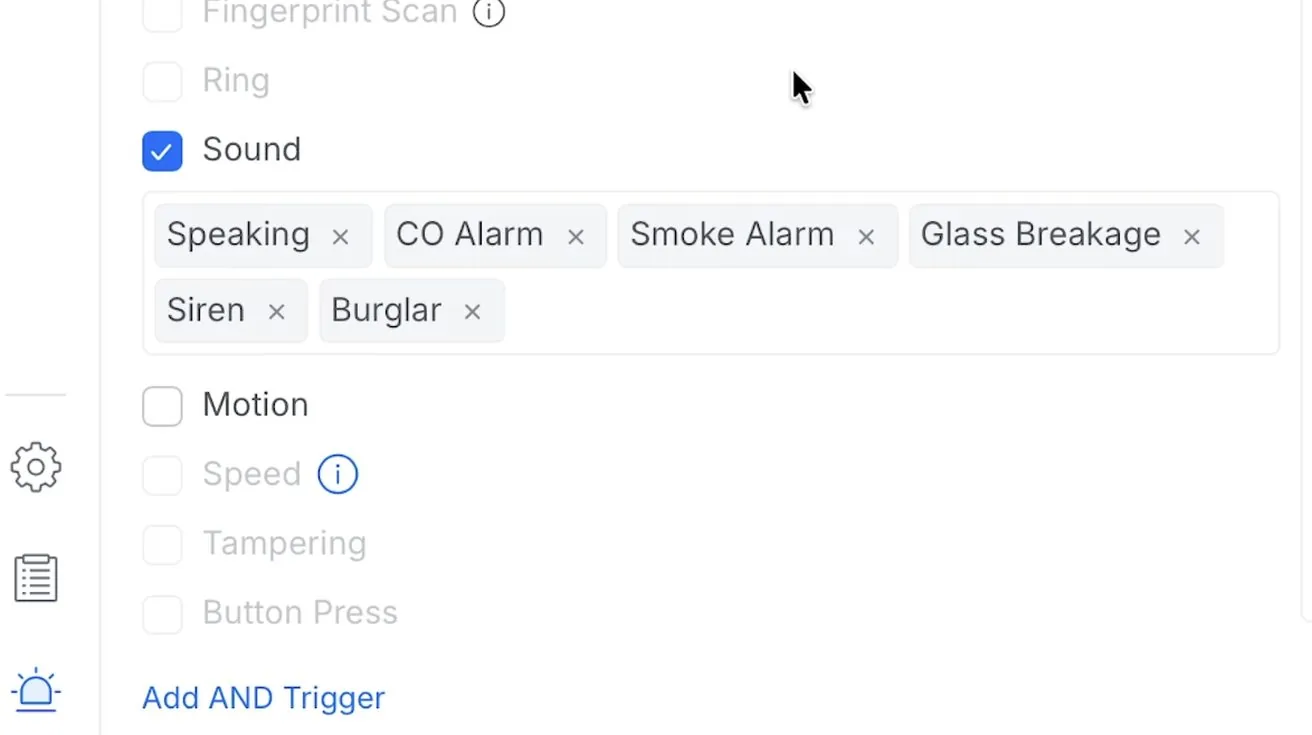
CO alarms and glass break events, if they happen after hours, need to reach the business owner immediately — not the next morning. Alarm Manager listens for them and fires an alert. The cameras aren't replacing safety equipment; they're adding a notification layer the existing equipment doesn't provide.
Sirens, Burglar Alarms, and Unusual Activity
If a siren activates inside the building, the cameras hear it. If a burglar alarm triggers, the cameras hear it. If someone enters after hours and starts talking, the cameras hear that too. Each of these can generate notifications based on rules we configure for the client.
Critical Notifications
Critical Notifications bypass the phone's silent mode. A smoke alarm, a glass break, an unauthorized entry — these are events that shouldn't wait until morning. This setting makes sure they don't.
Why This Matters More for Small Businesses
Large companies have dedicated security staff and monitoring centers. Small business owners don't. They're running the whole operation themselves and can't monitor cameras all day. Alarm Manager filters the noise and surfaces the events that actually need a response.
Ongoing Support and Managed Services
1 / 2
Installation is the beginning, not the end. Firmware updates get released. Cameras go offline. Drives fill up. If nobody is watching the system, these things become problems the client discovers at the worst time.
As a UniFi Certified Integrator, [Magma Networks](https://pipl.systems/company/magma-networks-inc/toronto-on/) offers managed services to handle ongoing maintenance. We monitor system health, push firmware updates, verify devices are online, and investigate issues proactively. If a camera drops offline and can be resolved remotely, we handle it before the client notices. If it requires a site visit, we're already preparing.
Watch the Full Project Walkthrough
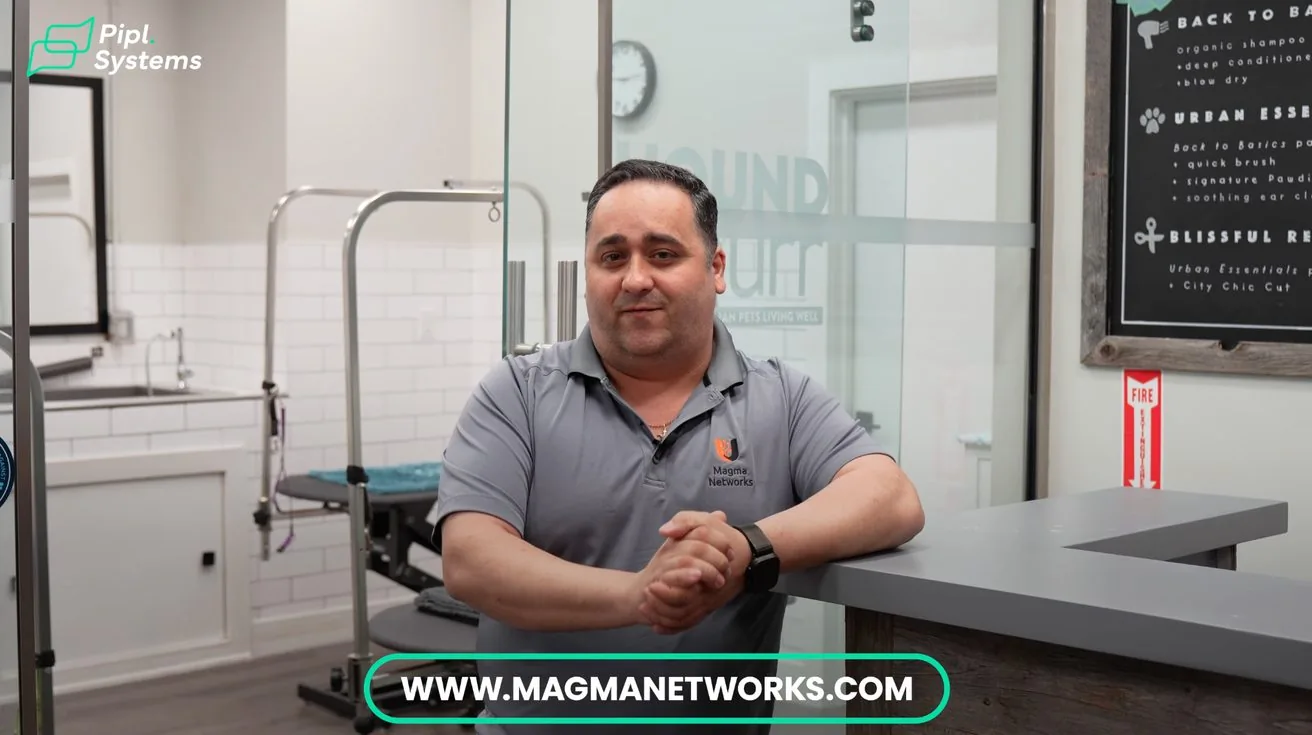
We documented the entire installation on video. If you want to see how the system was built, how Alarm Manager was configured, and what the finished setup looks like:
UniFi Protect Installation – Toronto Pet Boutique (Magma Networks)
Final Thoughts
1 / 4
This wasn't a complicated deployment by enterprise standards. But it's a solid example of what a properly built small business security system looks like: clean infrastructure, right-sized cameras, backup power, remote access, and intelligent alerting that fits how the owner actually runs the business.
A pet boutique in Toronto doesn't need a system designed for a corporate campus. It needs one designed for a pet boutique in Toronto — covering the grooming area, the retail floor, and the back room, sending a notification if something happens at 2am, and not requiring a dedicated IT person to keep it running.
That's what we built here.
Looking for a UniFi Security Installer Near You?
Magma Networks is part of the Pipl Systems partner network — a directory of vetted security integrators across North America specializing in IP cameras, UniFi deployments, access control, and network infrastructure.
If you're a business owner in Toronto or elsewhere in Canada or the US looking for a qualified UniFi Certified Integrator, Pipl Systems connects you with verified local installers who specialize in exactly this type of work.
→ Find a UniFi Protect Installer Near You at Pipl Systems
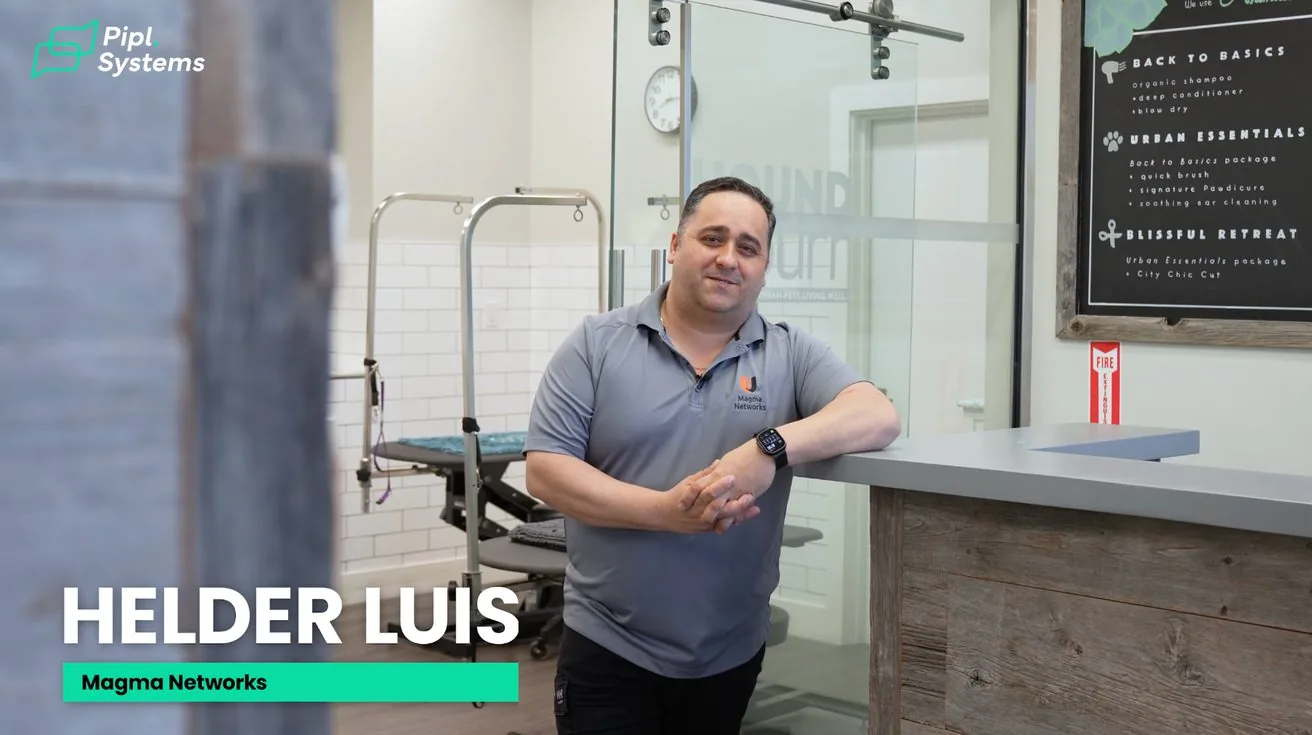
About Helder Luis
Helder Luis is the founder of Magma Networks, a UniFi Certified Integrator based in Toronto specializing in UniFi Protect deployments, structured cabling, and managed surveillance services for small and mid-size businesses across the Greater Toronto Area.