


Welcome to the Pipl Systems media portal! As a trusted third-party expert, the team of Pipl Systems is here to guide you through the nuances of security camera system installations. This article, tailored for professional installers and integrators, delves into common mistakes and provides expert insights to enhance your installation practices.
In the realm of security equipment installation, precision is paramount. Mistakes not only cost time and money but can also tarnish your reputation - an invaluable asset in the professional world. This article focuses on the most prevalent errors encountered during the installation of security camera systems. Jérémie Lusignan, our seasoned expert, will unravel these common pitfalls and offer practical advice to ensure flawless installations.
Mistake №1: Incompatibility Security Camera System components
One of the most critical mistakes is the incompatibility between different components of the security system. It's essential to thoroughly read and understand the specifications of each device before making a purchase. For instance, if you buy an NVR (Network Video Recorder) and a camera, ensure that the NVR supports the AI tools and resolution of the camera. A 4K camera requires a 4K NVR to function optimally. Ignoring these details can severely compromise the system's efficiency.
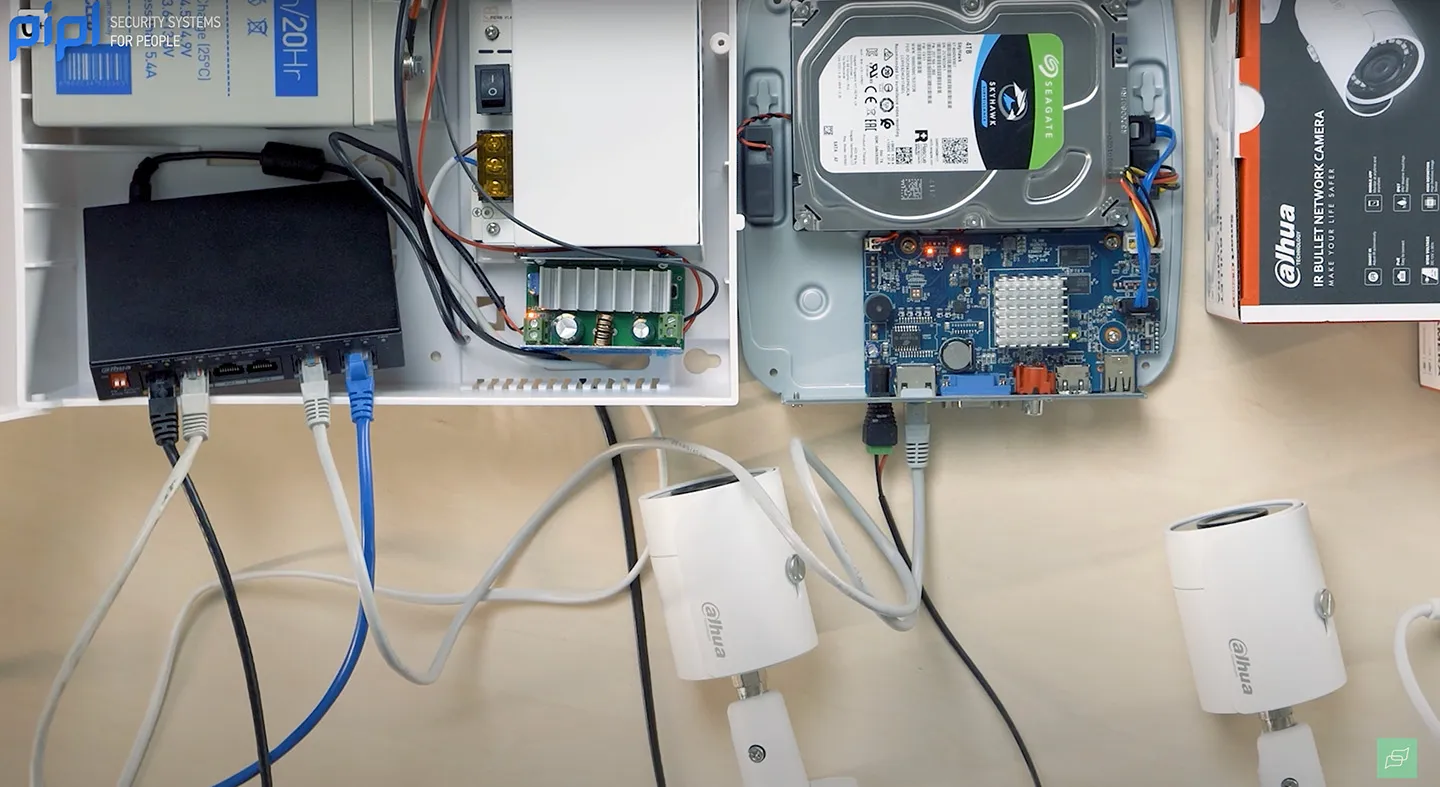
Expert Tip: Always refer to the datasheets provided by manufacturers. They contain vital information about compatibility and performance that can save you from costly errors.
Mistake №2: Poor Camera Placement
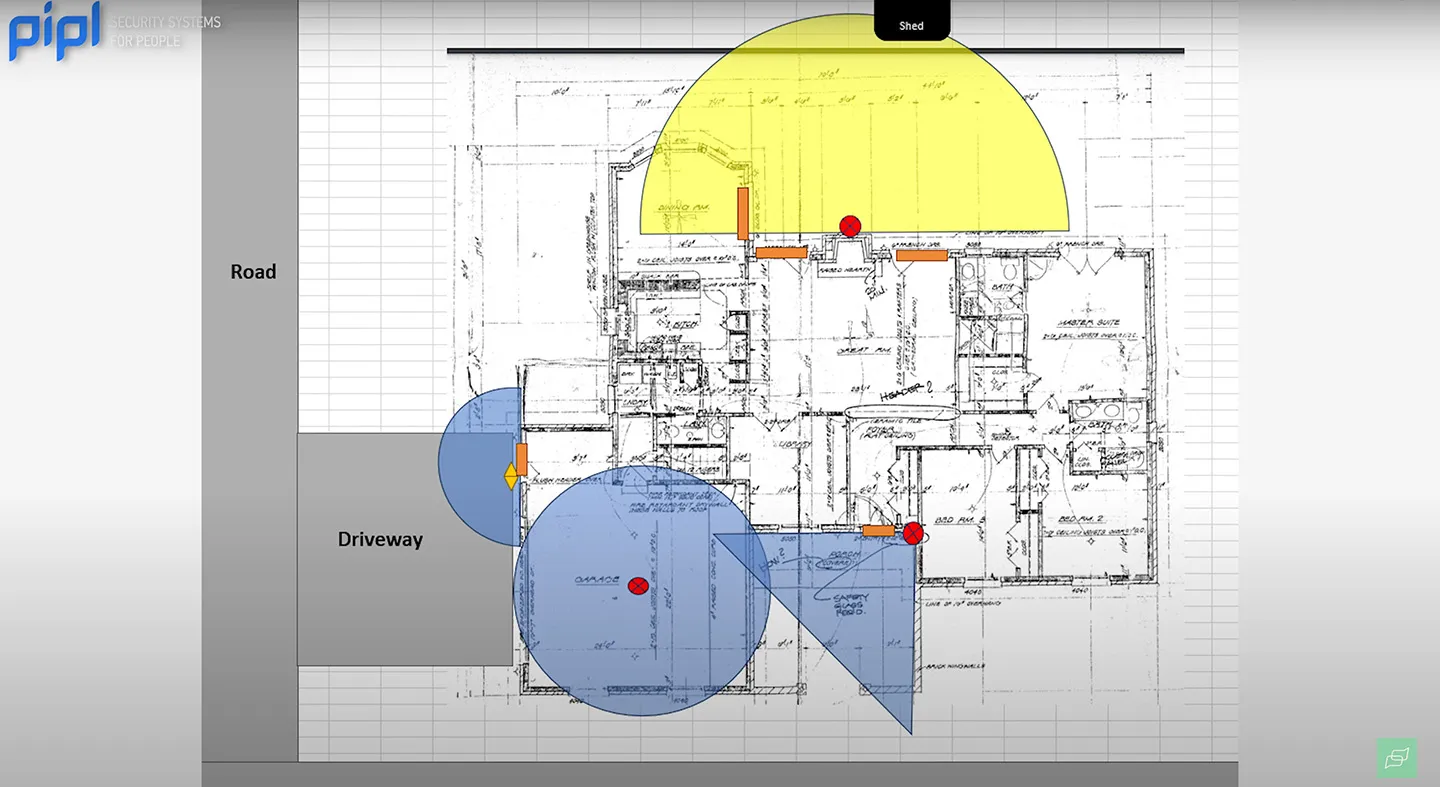
Camera placement is crucial for effective surveillance. Misjudging the height, angle, or proximity to walls can create significant blind spots. Each camera lens has a specific field of view, and improper placement can render parts of the area unmonitored.
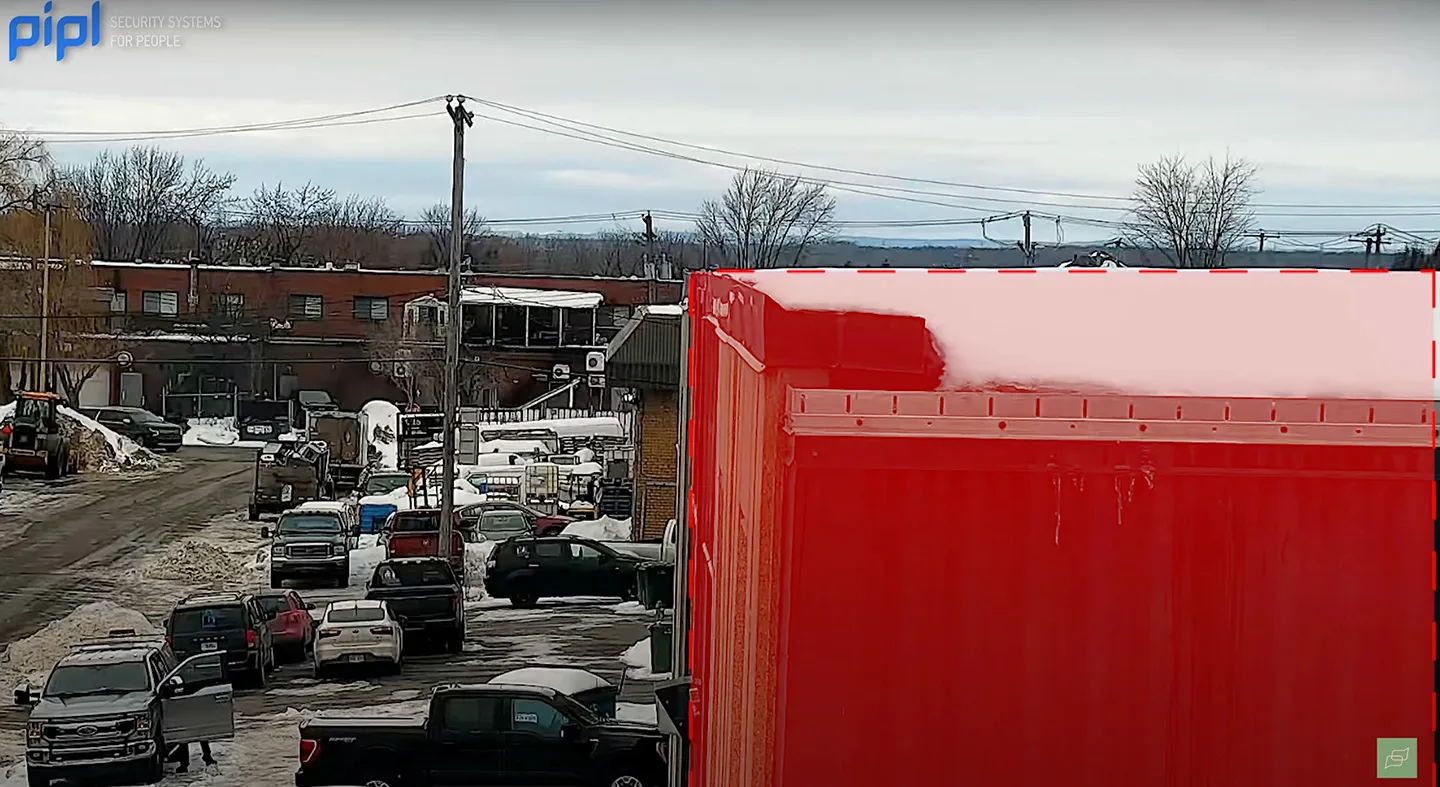
Key Considerations for Placement:
- Height: Install cameras at an appropriate height to capture clear images of faces and important details.
- Field of View: Ensure cameras cover all necessary angles without obstructions.
- Proximity to Walls: Avoid placing cameras too close to walls to prevent blind spots.
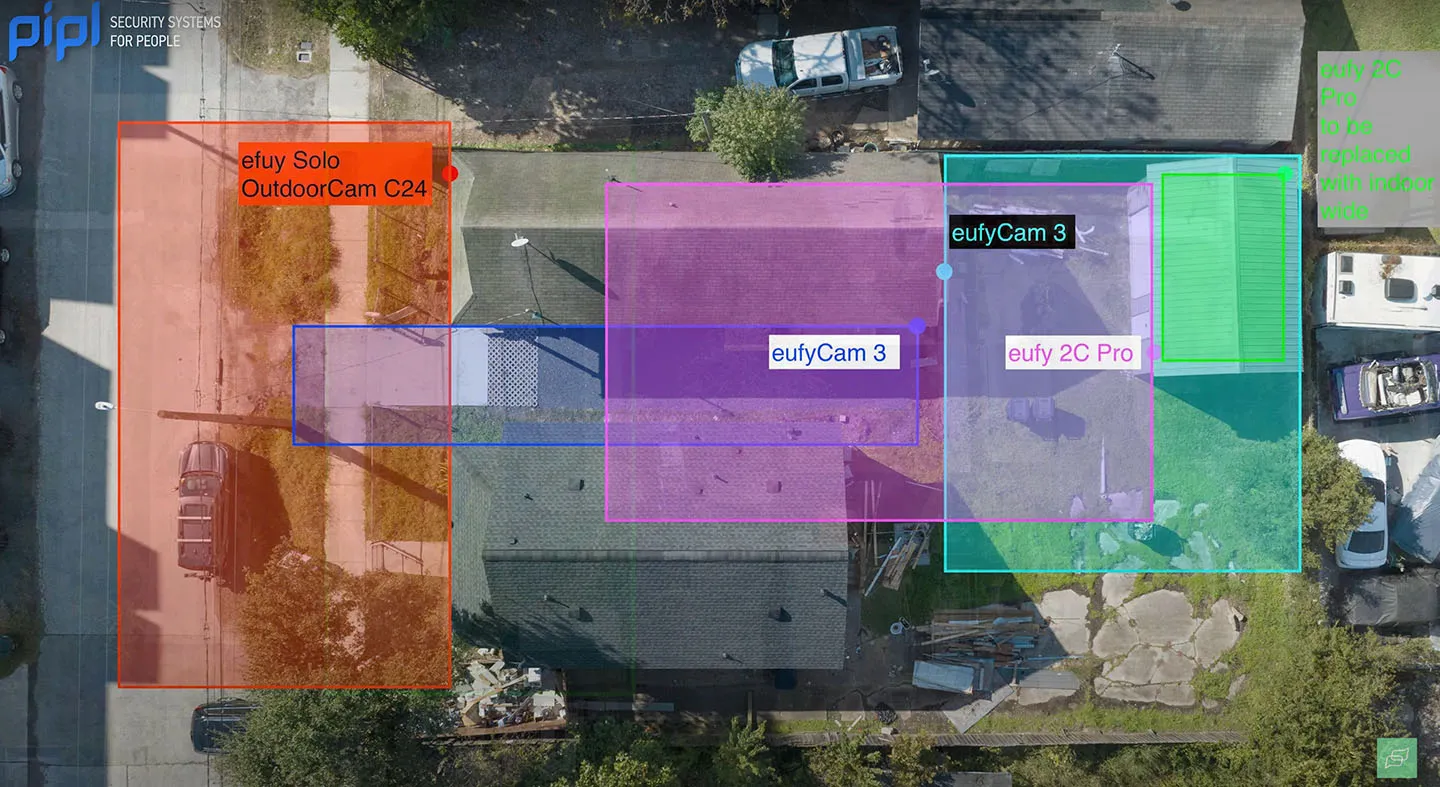
Expert Tip: Before installation, review the camera's datasheet to understand its field of view and optimal placement settings.
Mistake №3: Overlooking Network Bandwidth Requirements
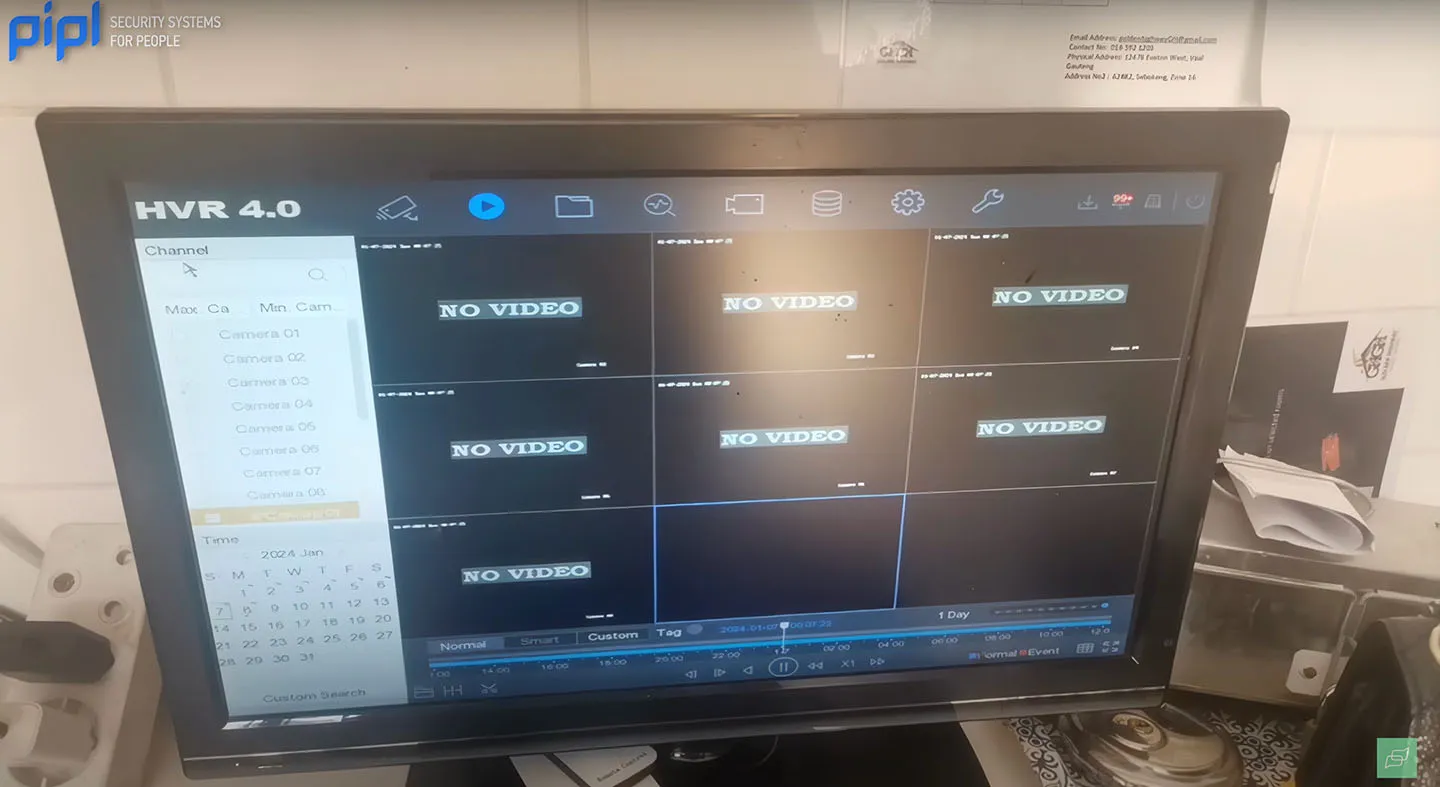
Network bandwidth is a critical factor in the performance of IP cameras and NVRs. Inadequate bandwidth can lead to degraded image quality, lower frame rates, and lag. For instance, a 4K camera requires substantial bandwidth to deliver high-quality video streams. Without sufficient bandwidth, the camera may default to a lower-resolution substream, undermining the investment in high-quality equipment.
Expert Tip: Ensure that your network infrastructure can support the bandwidth requirements of all connected devices. Check the datasheets for bandwidth specifications and plan your network accordingly.
Avoiding these common mistakes can significantly enhance the performance and reliability of your security camera installations. For continuous updates and expert tips, subscribe to the Pipl Systems email newsletter. Stay informed about the latest trends and innovations in the security industry.
Mistake №4: Incorrect Cable Distancing
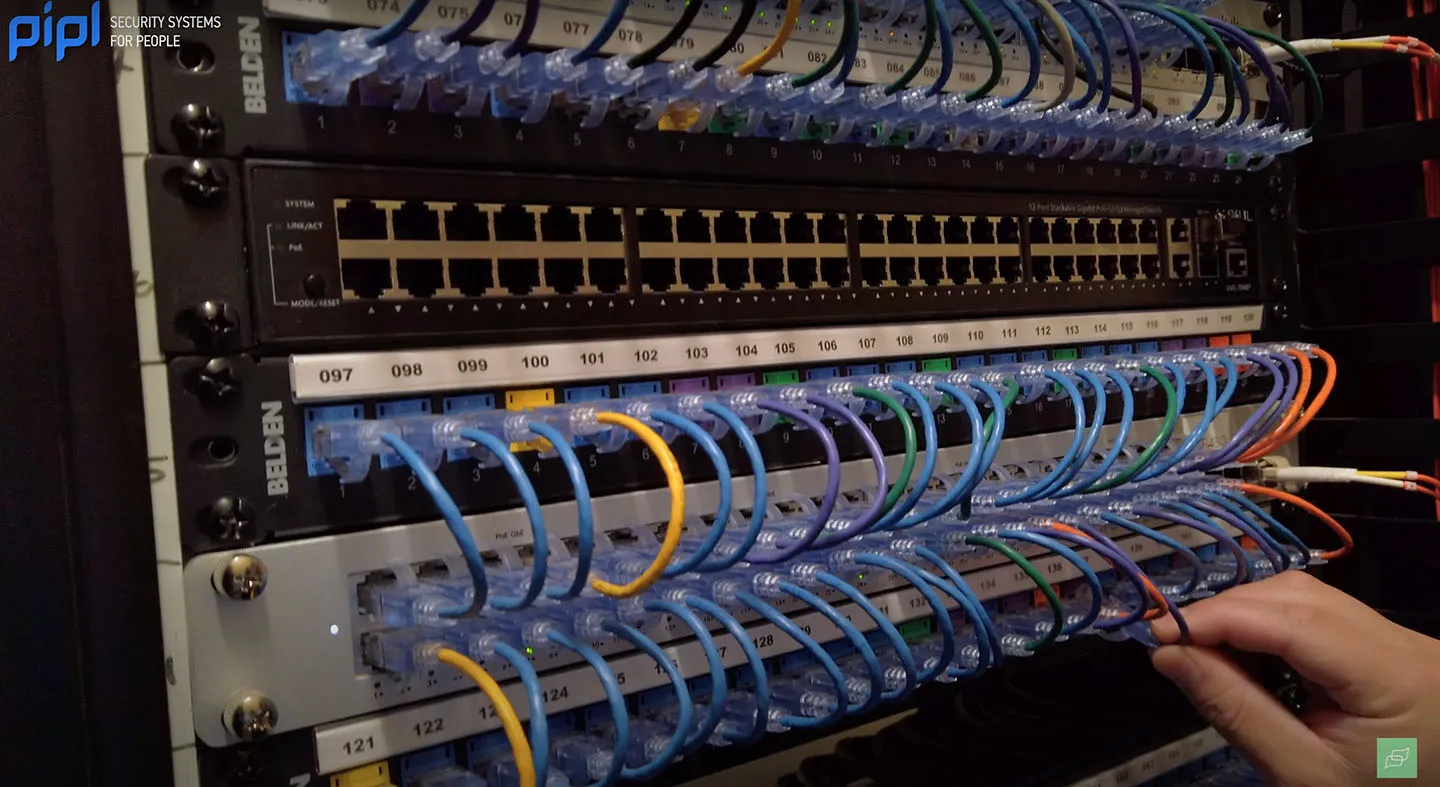
One significant issue that often arises in large installations is incorrect cable distancing. While it might seem straightforward to use long cables, there are technical limitations to consider. For IP cameras connected to an NVR, Cat 5 and Cat 6 cables can only extend up to 100 meters (approximately 328 feet). Exceeding this distance can result in reduced efficiency and performance issues.
Solutions for Long-Distance Cabling:
- Network Repeaters: These devices can extend the range of your network, ensuring stable connections over longer distances.
- Fiber Optic Cables: By using fiber optic cables with appropriate adapters, you can achieve much greater distances without sacrificing performance.
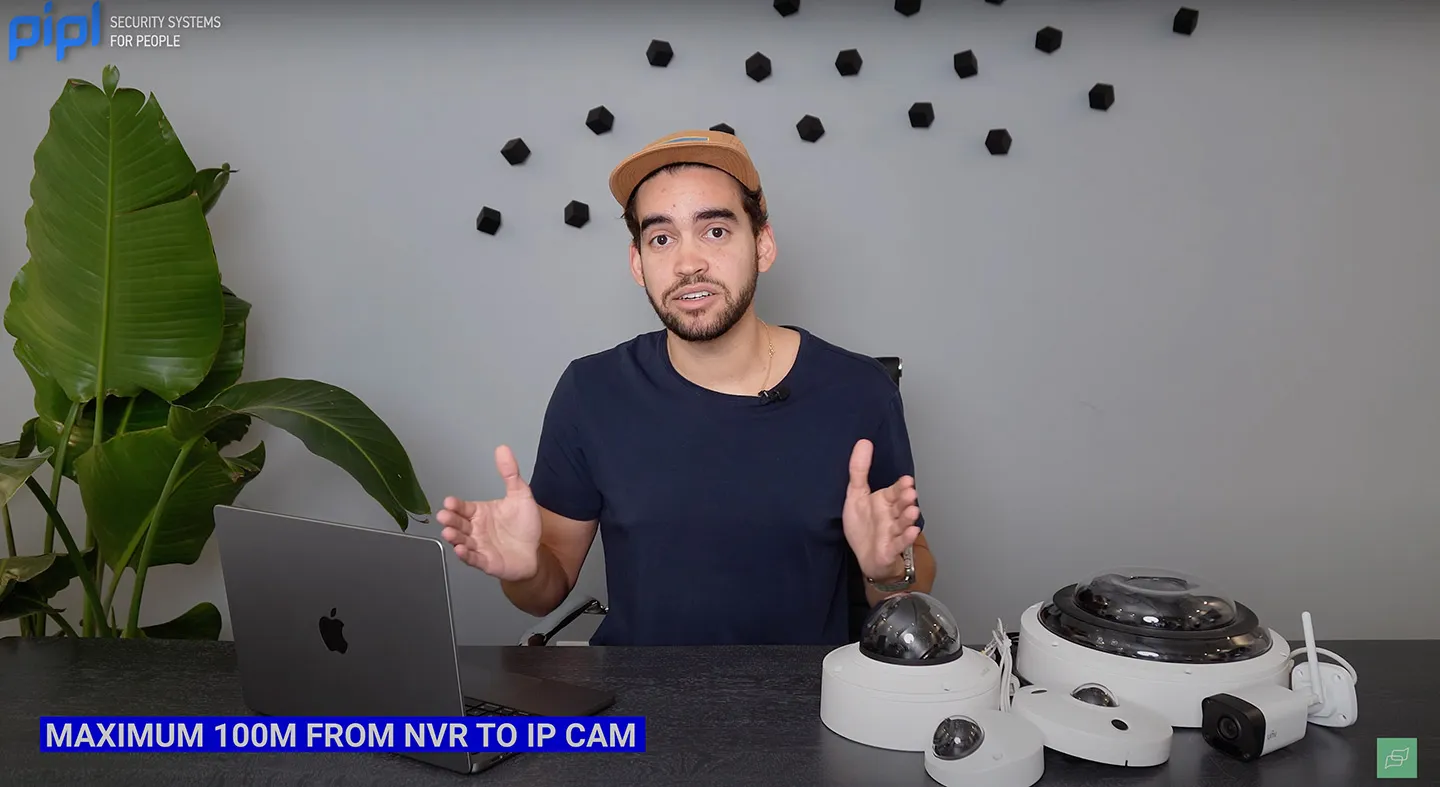
Expert Tip: Plan your cable runs carefully and consider using advanced solutions like repeaters or fiber optics for installations that require extended distances.
Mistake №5: Inadequate Data Storage Planning
Another common pitfall is inadequate data storage planning. It's easy to underestimate the storage needs for a surveillance system. For instance, buying a 1TB storage device might seem sufficient initially, but different cameras with varying resolutions and AI capabilities can quickly consume that space.
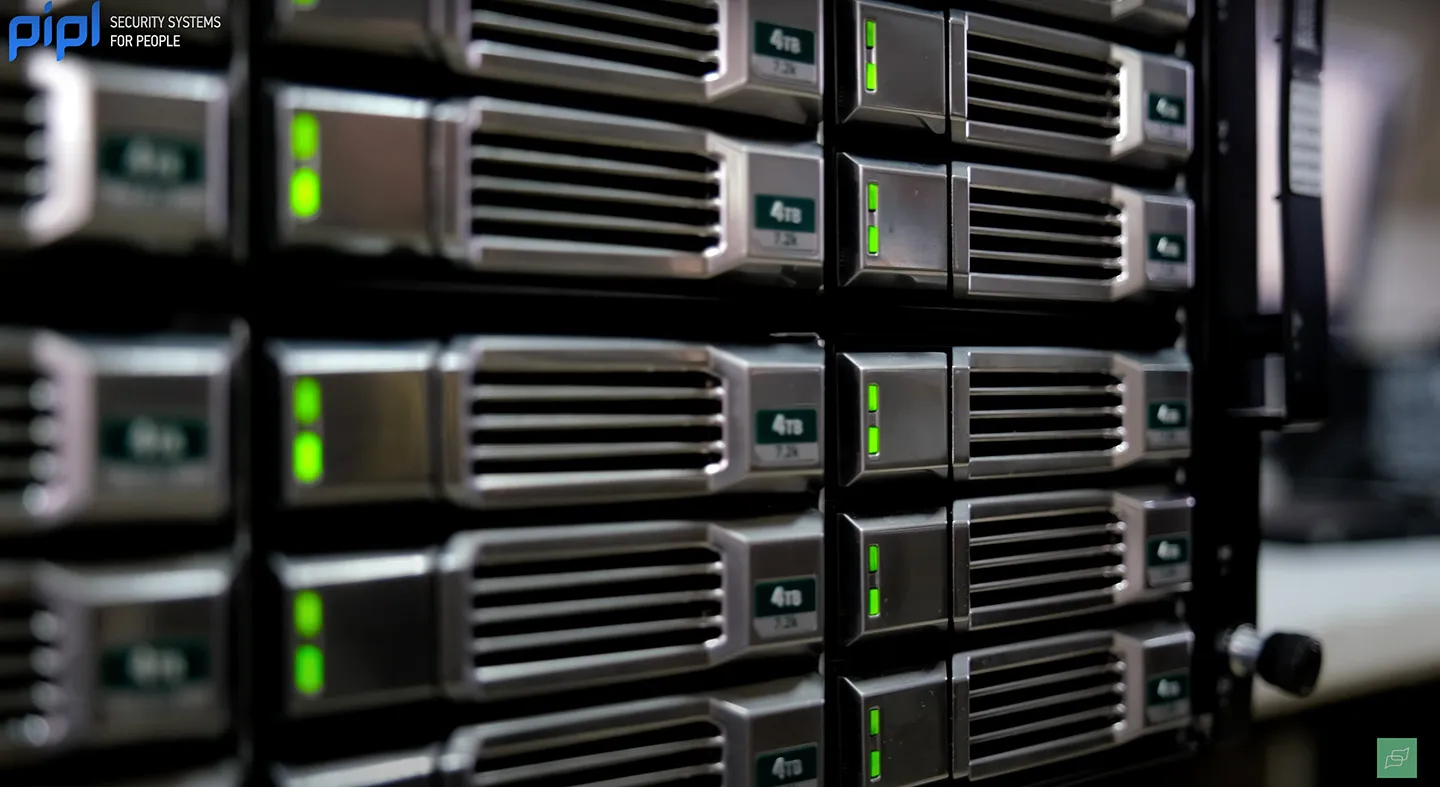
Steps to Proper Storage Planning:
- Calculate Storage Requirements: Use tools or calculators to estimate the required storage based on camera resolution, frame rate, and recording duration.
- Plan for Extra Storage: Always allocate more storage than the estimated requirement to accommodate unexpected increases in data usage or future expansions.
Expert Tip: Review our previous video on calculating the right storage space for a comprehensive guide.
Conclusion
In summary, avoiding these common mistakes can greatly enhance the efficiency and reliability of your security camera installations:
- Incompatibility: Ensure all components are compatible by thoroughly reviewing datasheets.
- Poor Camera Placement: Carefully plan camera positions to eliminate blind spots.
- Network Bandwidth: Verify that your network can handle the data load from your cameras.
- Cable Distancing: Use repeaters or fiber optics for long-distance connections.
- Data Storage: Calculate and allocate adequate storage space for your system.
Bonus Tip: Maintain detailed project documentation. While it may seem tedious, it provides valuable information for future projects and demonstrates your professionalism.

By adhering to these guidelines, you can avoid common pitfalls and deliver top-notch security camera systems installations. To stay informed about the latest developments in the security industry, subscribe to the Pipl Systems email newsletter. Your feedback and participation help us continue to provide valuable content for professionals like you.
Ultimate Residential Security Guide: A Real-World Ajax Case Study by Roger’s Security Systems
I’m Jack from Roger’s Security Systems. Together with the Pipl Systems team, we spent two days on a real residential project or Ajax Systems residential case study in Southern Ontario, Canada, filming and documenting a full Ajax Systems installation. This is not a lab demo or show-room build: Our goal with this project - and […]
Read More Ultimate Residential Security Guide: A Real-World Ajax Case Study by Roger’s Security SystemsContinue
How to Choose the Right Smart Lock for Your Business in 2026
In a home, one or two people hold the keys. In a business, dozens do. You have staff, cleaners, vendors, temps - and because of that, a business smart lock may open hundreds of times a day, which raises the stakes for reliability, accountability, and speed of management. So, frame the decision correctly. You are […]
Read More How to Choose the Right Smart Lock for Your Business in 2026Continue
6 Commercial Smart Locks Every Business Manager Should Know About
Keys have a talent for vanishing at the worst moment. And in a business where many people carry keys, that's a recipe for lost time, unexpected cost, and real security gaps. Keys get copied, misplaced, or ride home in someone's pocket after their last shift. Now you're rekeying doors, chasing spare sets, and wondering who […]
Read More 6 Commercial Smart Locks Every Business Manager Should Know AboutContinue
Ajax DoorBell Full Review & Installation: AI Video Doorbell for Installers & Integrators
I'm Jack Dugas, a systems integrator with Roger's Security Systems based in Toronto. Over the years, I've deployed hundreds of security solutions across residential and commercial properties, and I've worked extensively with Ajax Systems products – a platform I genuinely respect for its reliability, ease of installation, and intelligent design. In this article, I'll walk […]
Read More Ajax DoorBell Full Review & Installation: AI Video Doorbell for Installers & IntegratorsContinue
How to Choose a Commercial Intercom System in 2026
There are technologies we use every day without really thinking about how well they're made. They blend into our routine so seamlessly that we forget they're even there. A reliable commercial intercom system works exactly like this: effortless and invisible until something goes wrong. Think about what happens when the system works: a courier arrives, […]
Read More How to Choose a Commercial Intercom System in 2026Continue
From Immigrant to Security Integrator in 3 Years: 100+ Installations, Commercial Clients from Google
Immigrating to Canada and starting from scratch is never easy, especially when you’re building a business in the demanding world of security camera installation. In this episode of Pipl Systems Podcast, our guest Vitalii Sukhyna, Owner of Sense Group Security Systems, shares his candid, boots-on-the-ground story of how persistence, adaptability, and genuine client relationships helped […]
Read More From Immigrant to Security Integrator in 3 Years: 100+ Installations, Commercial Clients from GoogleContinue