
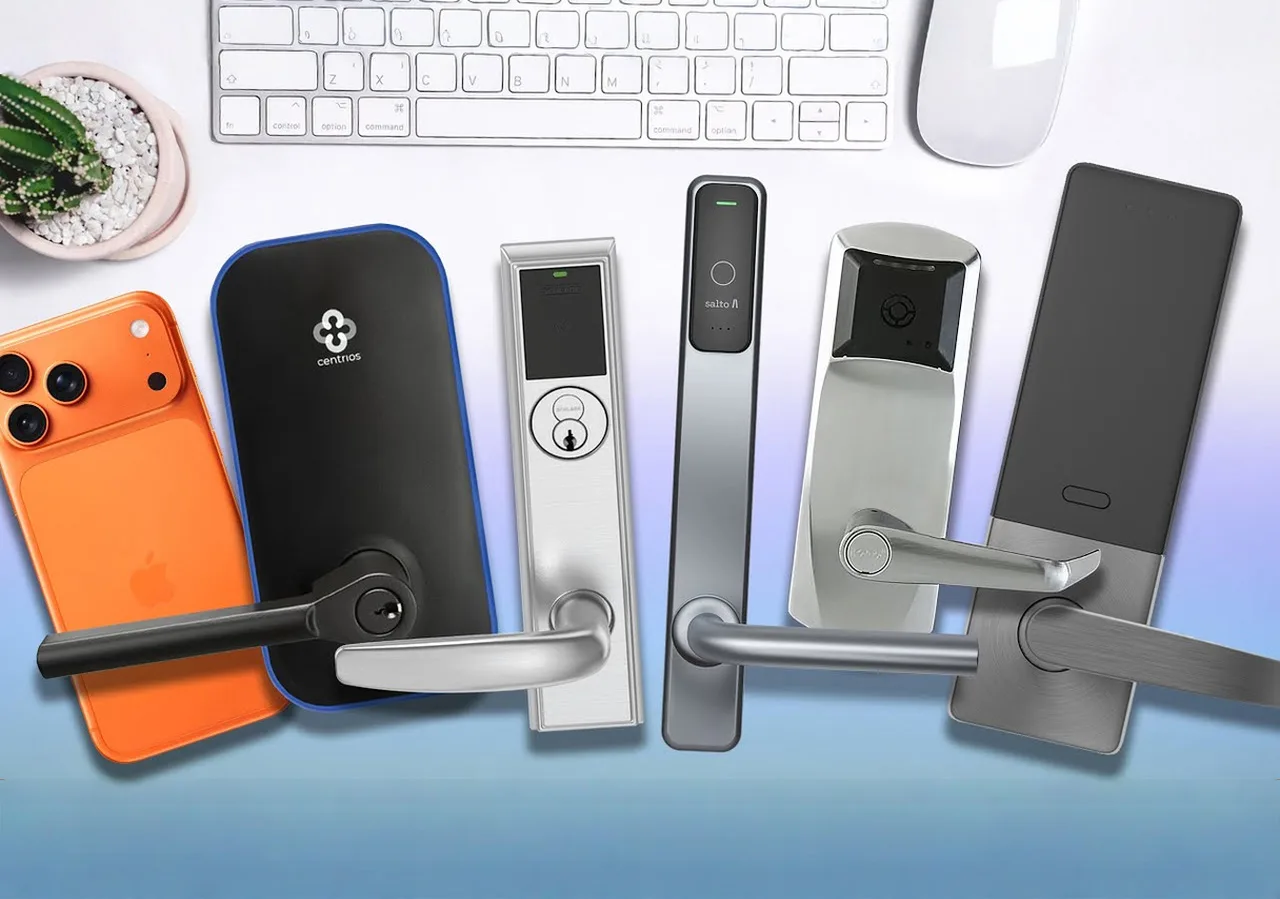
Keys have a talent for vanishing at the worst moment. And in a business where many people carry keys, that's a recipe for lost time, unexpected cost, and real security gaps. Keys get copied, misplaced, or ride home in someone's pocket after their last shift. Now you're rekeying doors, chasing spare sets, and wondering who still has access.
A smart lock fixes that. It gives you one place to decide who gets in, when they can come, and for how long. Think of it as two things fused together: commercial-grade hardware built for busy doors, and simple software that lets you use phones, cards, fobs, or PINs - and shows a clear history of who came and when.
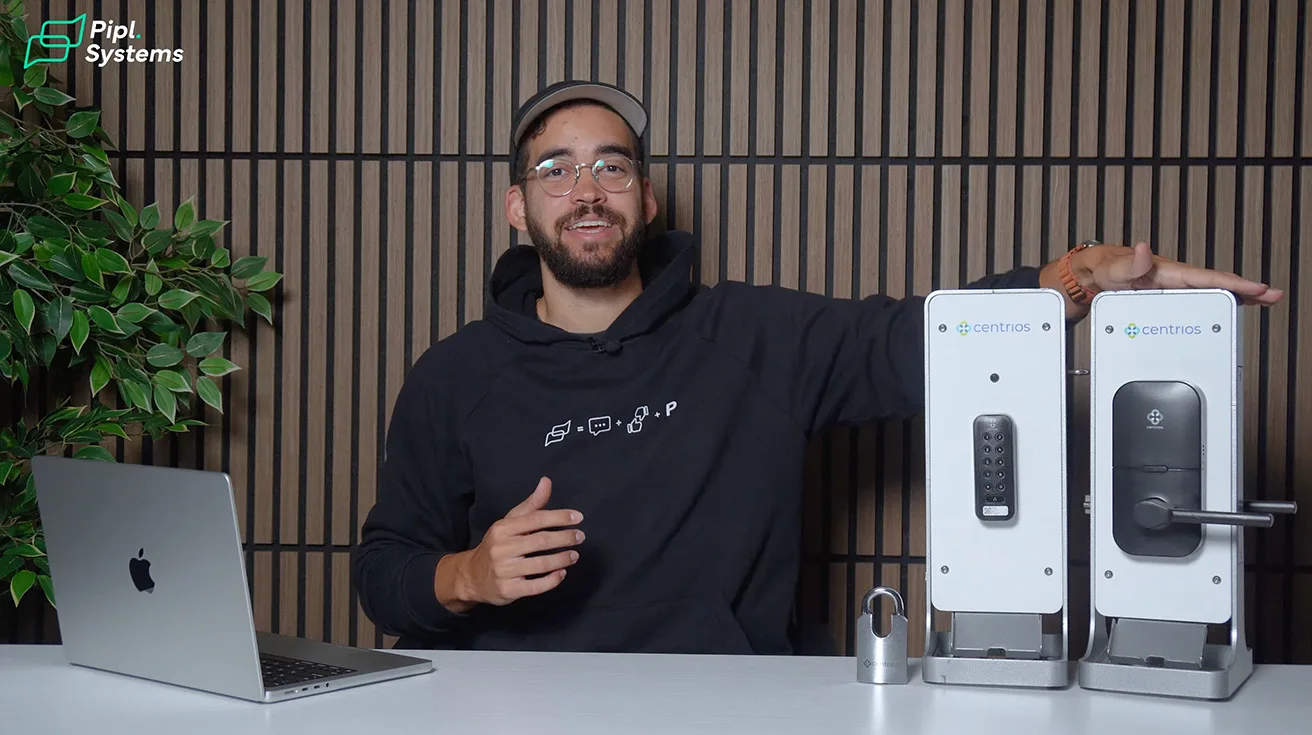
For a business, the right smart lock checks a few boxes. You should be able to manage everything from your phone or browser, add people in seconds, and set schedules that match weekday staff, weekend cleaners, and even a vendor who only needs Tuesday mornings. You'll also want credential flexibility - phones for everyday convenience, fobs or cards for people who don't want to use their phone, and PINs where a keypad makes sense.
Finally, match the connectivity model to your building. Some locks live happily offline and sync with the manager's phone over Bluetooth, which is great when you don't want Wi-Fi at the door. Others sit on your network for real-time updates.
With that in mind, here are six business-grade smart locks worth your shortlist, each strong for a different reason. All right, let's get to it.
1. Centrios Cylindrical Lock
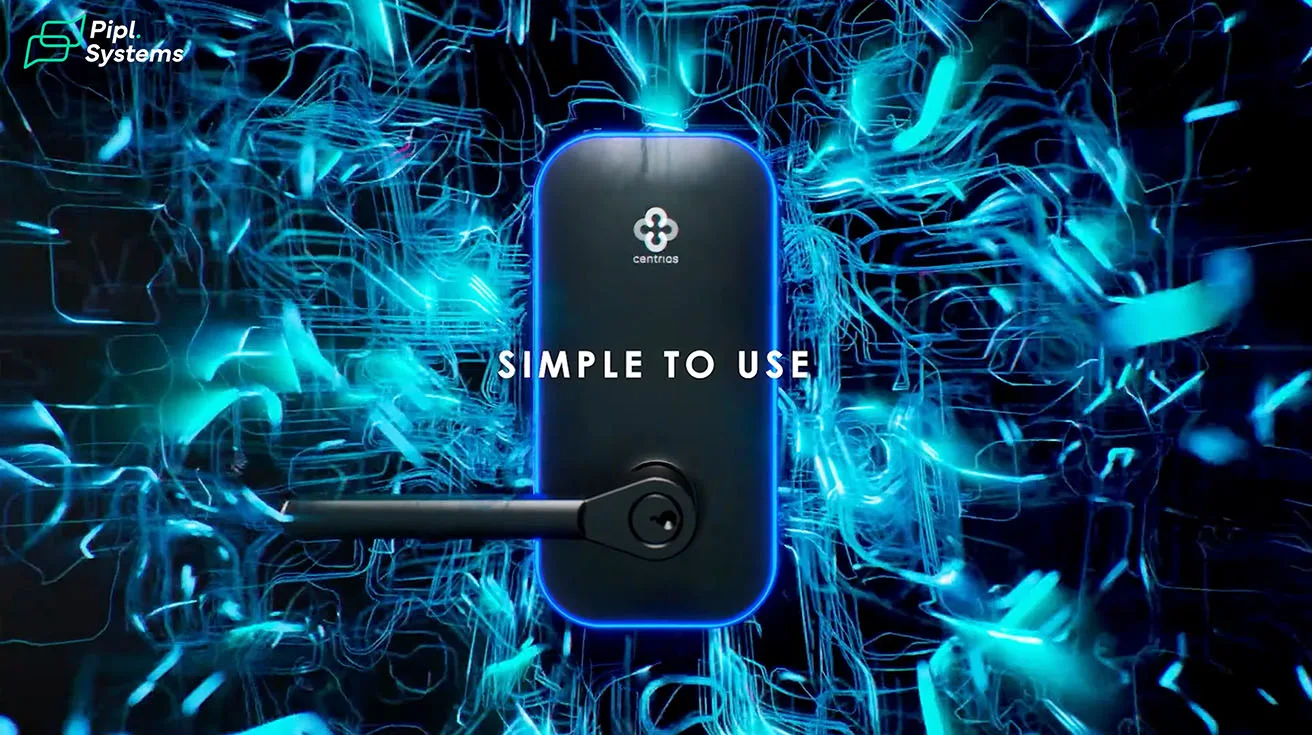
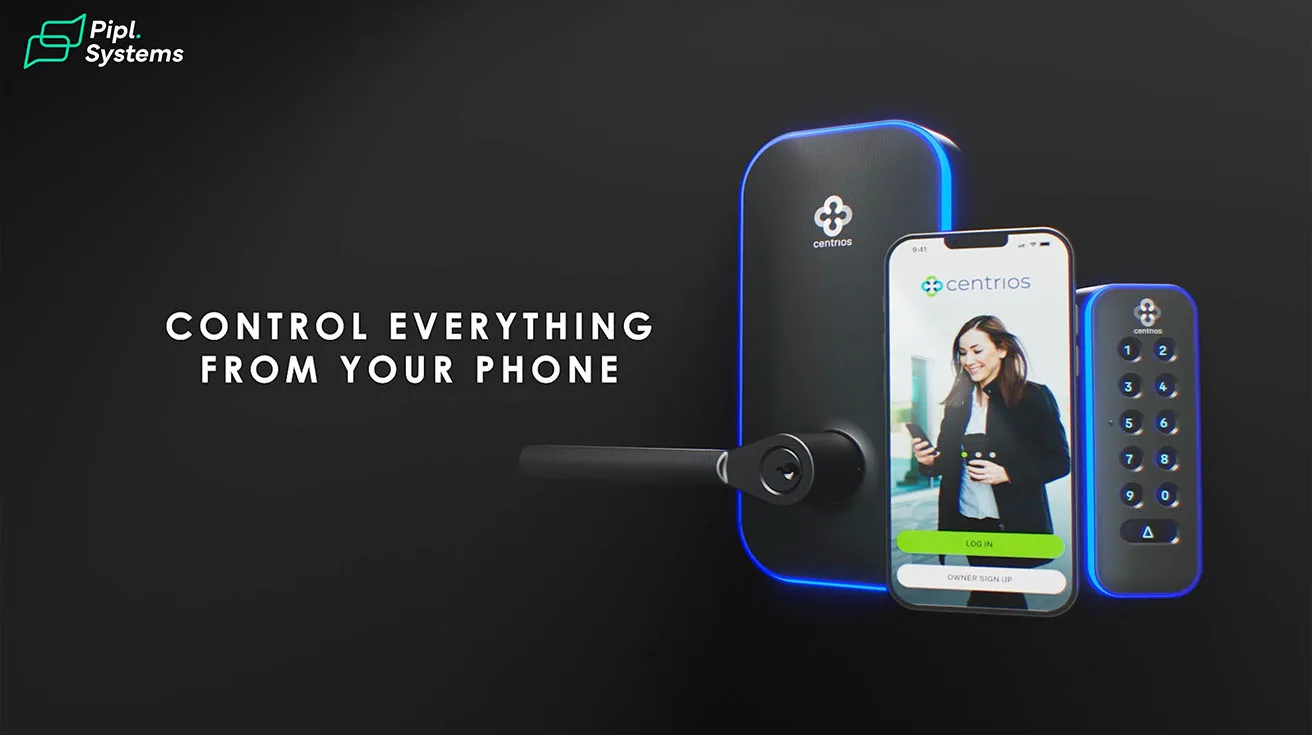
First, we're starting with the Centrios cylindrical lock that we have right here. This is a crowd-pleaser for small and mid-size businesses that want cloud control without touching building Wi-Fi.
The pitch is simple: the lock lives offline doing its job locally, and your phone is the secured bridge when needed. If you're using mobile credentials, any change you make - access rules, schedules, door permissions - everything rides with the user's phone and takes effect on their next unlock. No door-side sync required.



1 / 8
The only time you do need a quick Bluetooth sync at the door is when you add an offline credential such as a card, fob, or PIN. An authorized user's phone can push those updates. That keeps install fast and avoids network edicts while still giving you a clean web and application experience for users, schedules, and reports.
It's a blend of professional build with residential-simple user experience in mind, and it all runs in the same Centrios app across the cylindrical lock, your smart door reader, and even your padlock.
Centrios is a brand-new access control platform from ASSA ABLOY, designed to radically simplify access for small and growing businesses. The platform has received two awards recognizing its innovation: the 2024 Security Industry Association's New Product Showcase Award in the Access Control, Software, Hardware, Devices, and Peripherals category and the Security Info Watch 2024 Reader's Choice Award for Access Control Software.
We've met with the Centrios team multiple times in New York and in Vegas, and the product direction has been consistently practical: make it easy to deploy, easy to manage, and flexible on price. Their subscription is genuinely flexible and it even starts at free, which is rare for a cloud platform. That matters for property managers who want to pilot a few doors now, scale later, without a big upfront commitment.

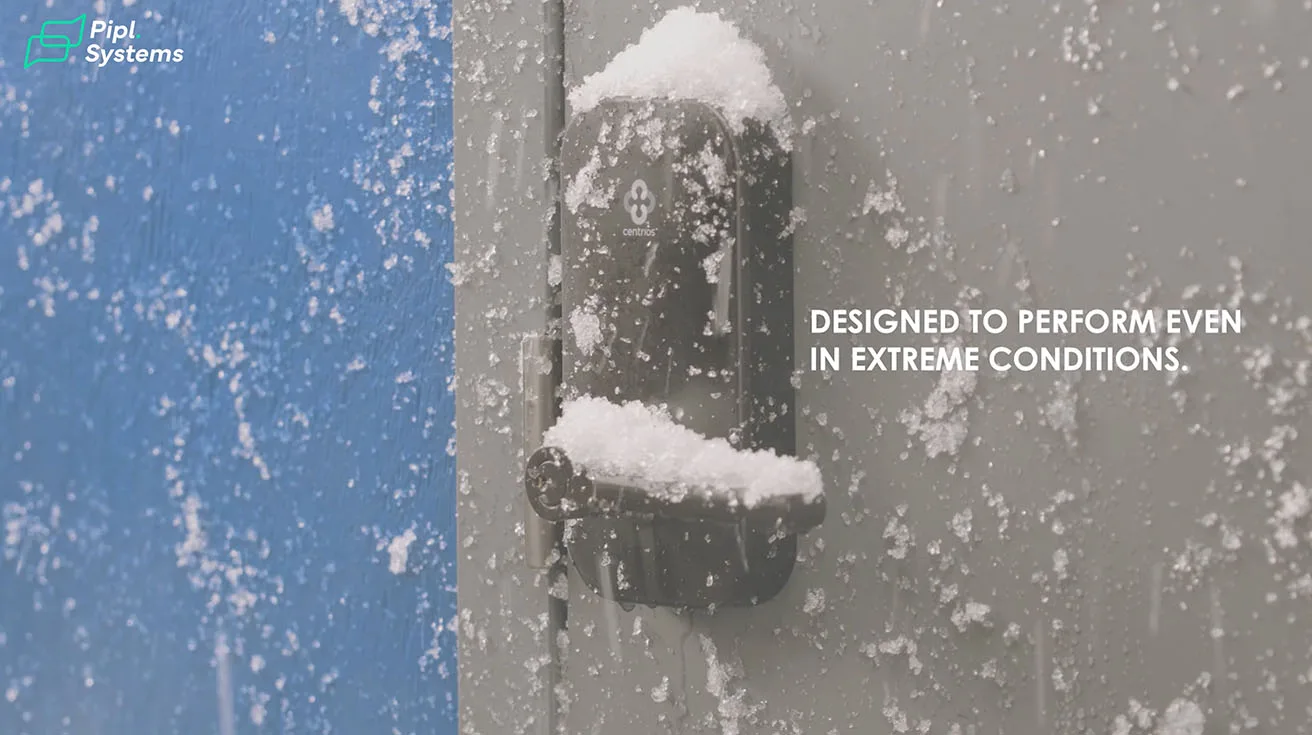
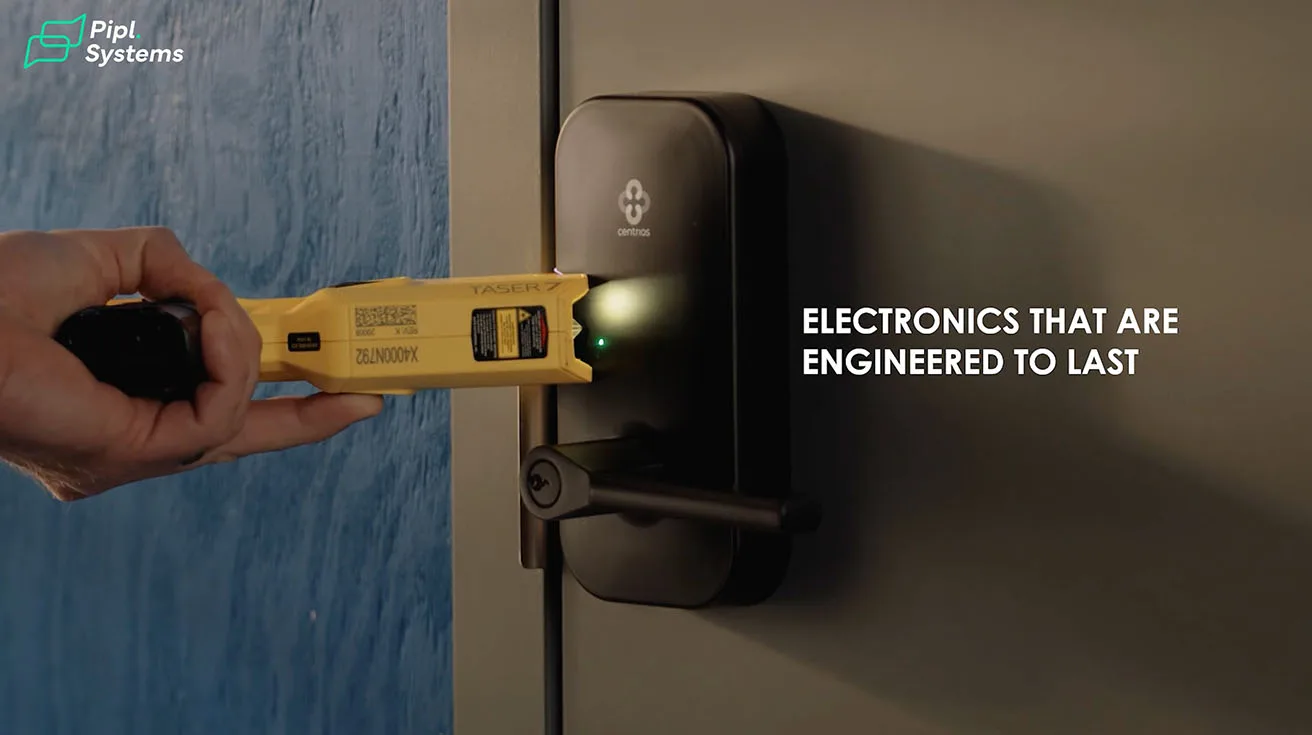
The locks are rated ANSI/BHMA Grade 1 for strength and security. Tested to withstand hundreds of thousands of locking and unlocking cycles and forced entry attempts, Grade 1 locks provide better protection against lock bumping, lock picking, and other forms of malicious intrusion. They're also rated to prevent the spread of fire for 3 or more hours.
If you want to dive deeper into how Centrios is building out their ecosystem, check out our full breakdown of Centrios smart locks at ISC West 2025. We've also covered their partner program and recurring revenue model - worth a read if you're on the integration side.
2. SALTO XS4 One
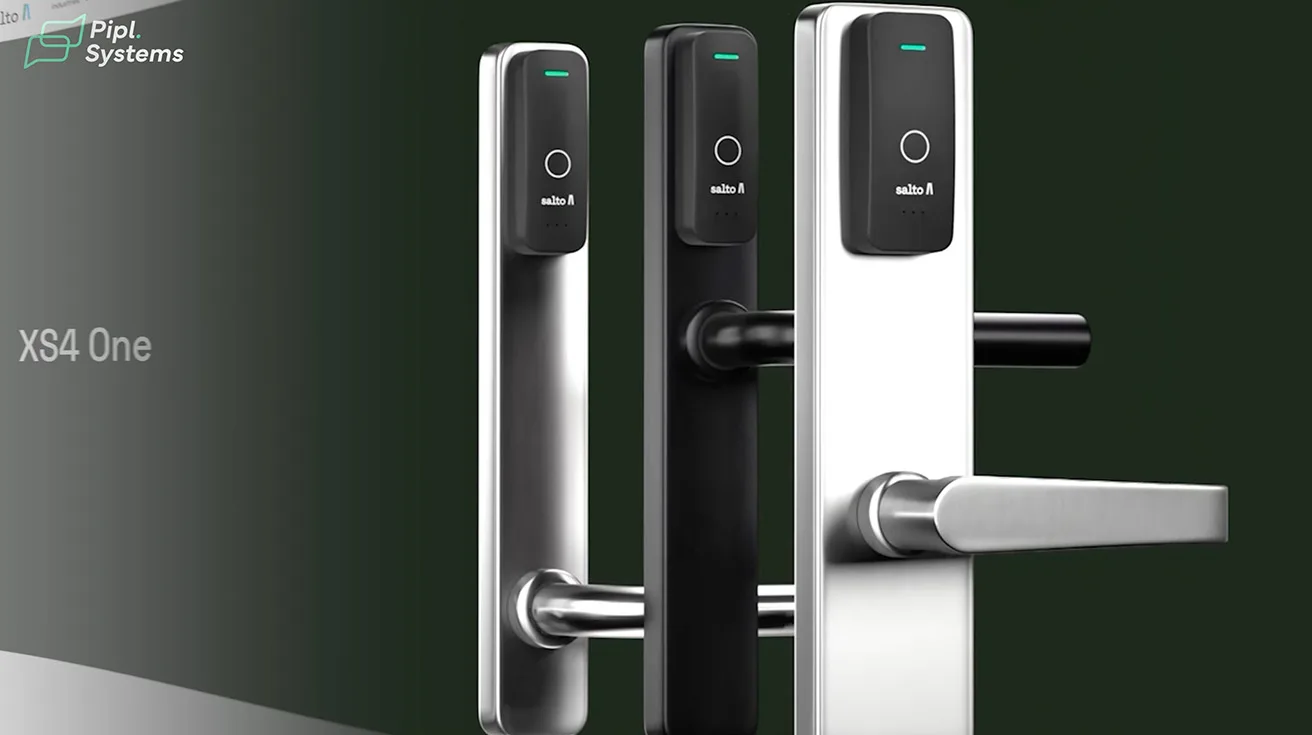
Next in line is SALTO XS4 One. This is a wire-free ecosystem with lots of trim options and door types.
If you want to manage a portfolio with a mix of interiors, specialty doors, or future expansion in mind, SALTO gives you room to grow. You can start with standalone wireless locks for a mess-free retrofit and layer in SALTO's networking later if you want more live control or tighter integration.
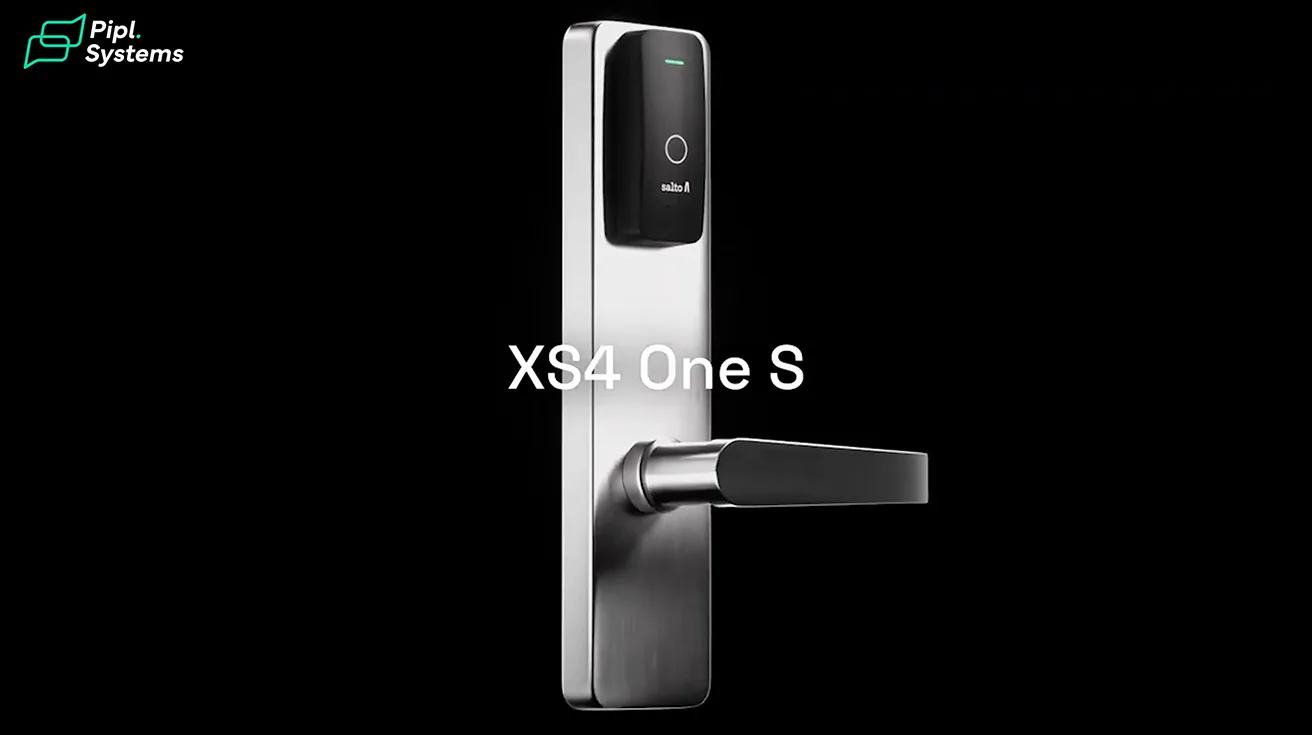
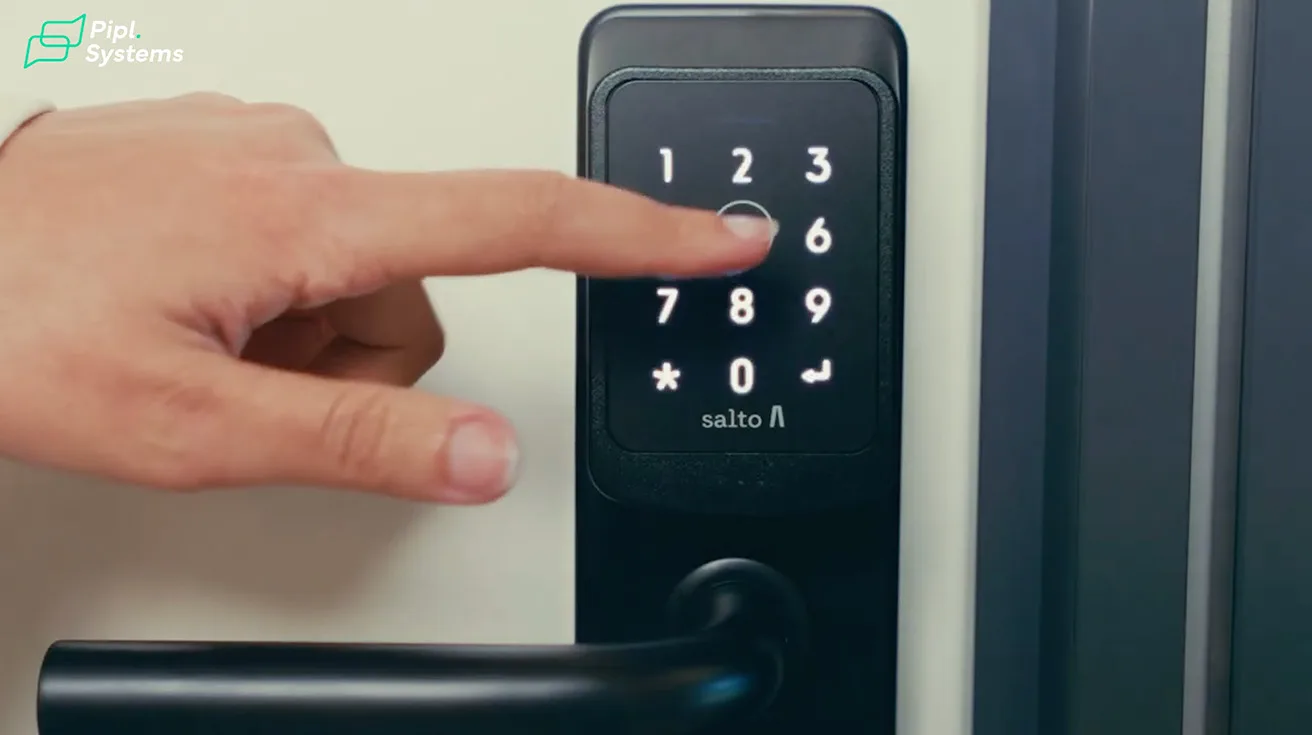
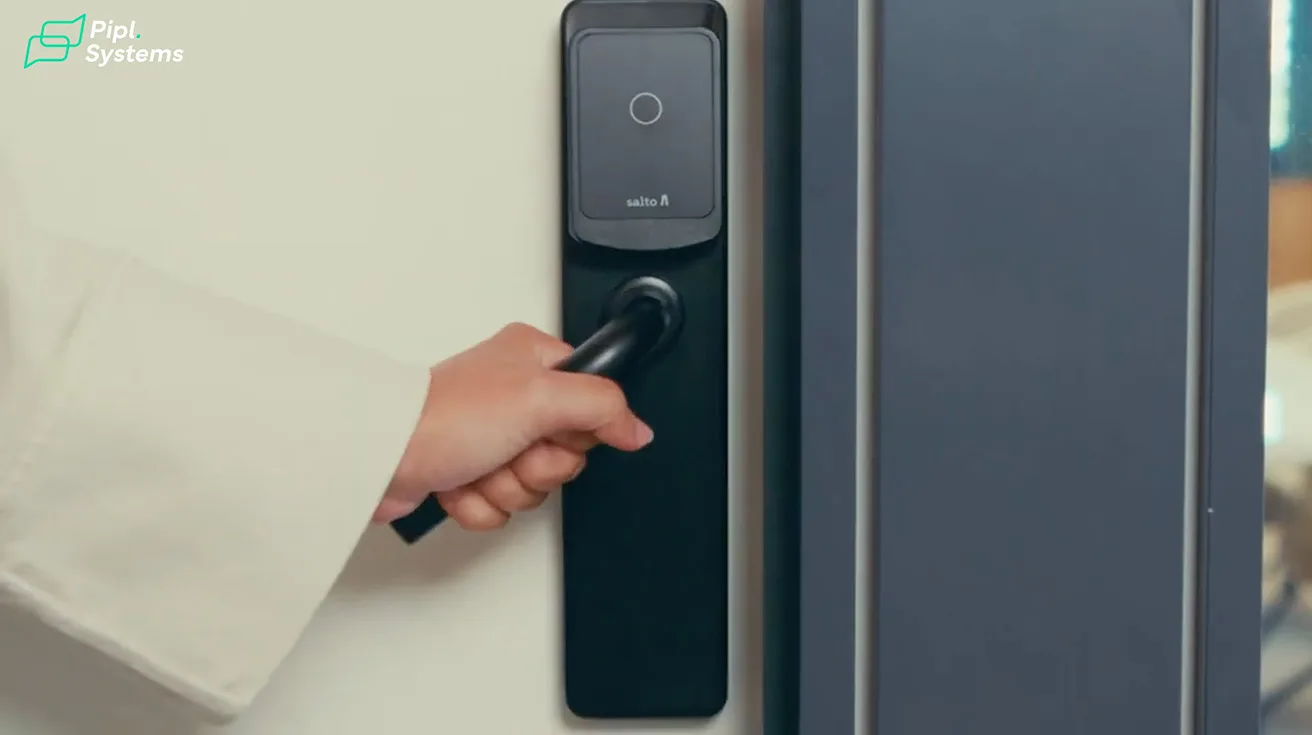
XS4 One smart locking solutions need no hard wiring and provide a totally wireless access control solution with a great range of features and unique design without compromising on aesthetics.

1 / 5
The XS4 One electronic lock combines proven robustness, the latest technologies, and elegant design, making it suitable for a wide range of applications. The Salto XS4 One is part of the proven Salto access control platform adding a new design with a totally new built-in reader. It includes the latest electronic components – RFID (Mifare® DESFire and HID iClass® Seos™), Bluetooth and NFC – Near Field Communication – which ensures current and future compatibility.
Because the SALTO XS4 One is compatible with SALTO SVN, SALTO BLUEnet Wireless, and the SALTO KS – Keys as a Service – cloud-based technology, it can be switched to any of SALTO's technology platforms at any time without changing the hardware. This allows businesses to decide which technology fits better with their security, operations, and IT needs.
It's a good choice when you need breadth - more finishes, more formats, just more ways to fit unusual openings without sacrificing day-to-day simplicity for the on-site team.
3. Schlage NDEB
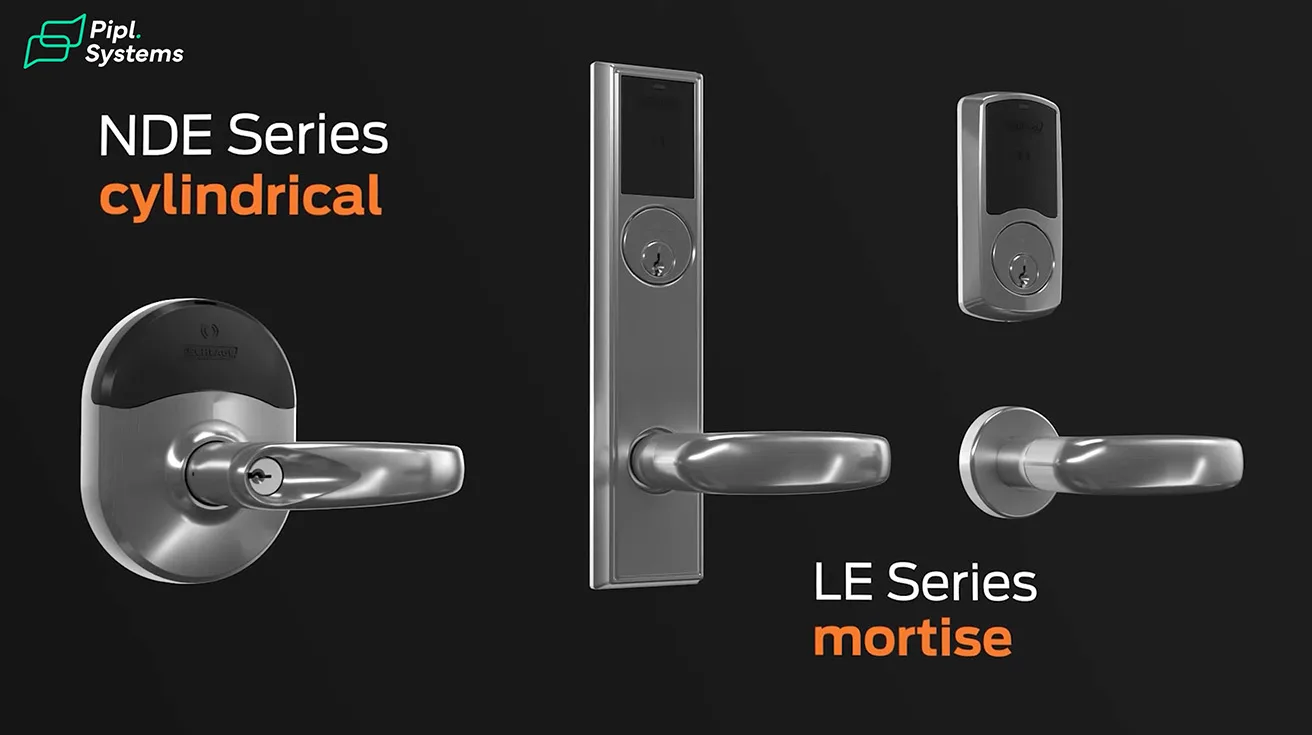
Now, this one - Schlage's NDEB - is the workhorse many property managers already know by name. It's a wireless cylindrical lock built exactly for the doors most offices have. It can handle lots of traffic without any issues.
The Schlage NDE mobile enabled wireless cylindrical lock is designed to affordably extend electronic access control deeper into the building beyond traditional perimeter and high security openings.
Everything lives in the trim, so the reader, request-to-exit, door position - commissioning is straightforward. Mobile credentials are supported, and it plays nicely with a range of access platforms if you choose to tie it into broader systems.


1 / 3
The NDE design packages the cylindrical lock, credential reader, and access control sensors together into a small footprint that is both easy to install and affordable. The NDE enables the use of both proximity (125 kHz) and/or smart (13.56 MHz) credentials which feature a much higher level of security and versatility.
NDE locks can be updated immediately at the door using a smart phone or tablet. For even greater efficiency, NDE locks can be connected to a Wi-Fi network for overnight updates.
If your world is interior office doors and you want dependable hardware from a brand your locksmith recognizes, the NDEB is a safe bet.
4. Dormakaba E-Plex 7900
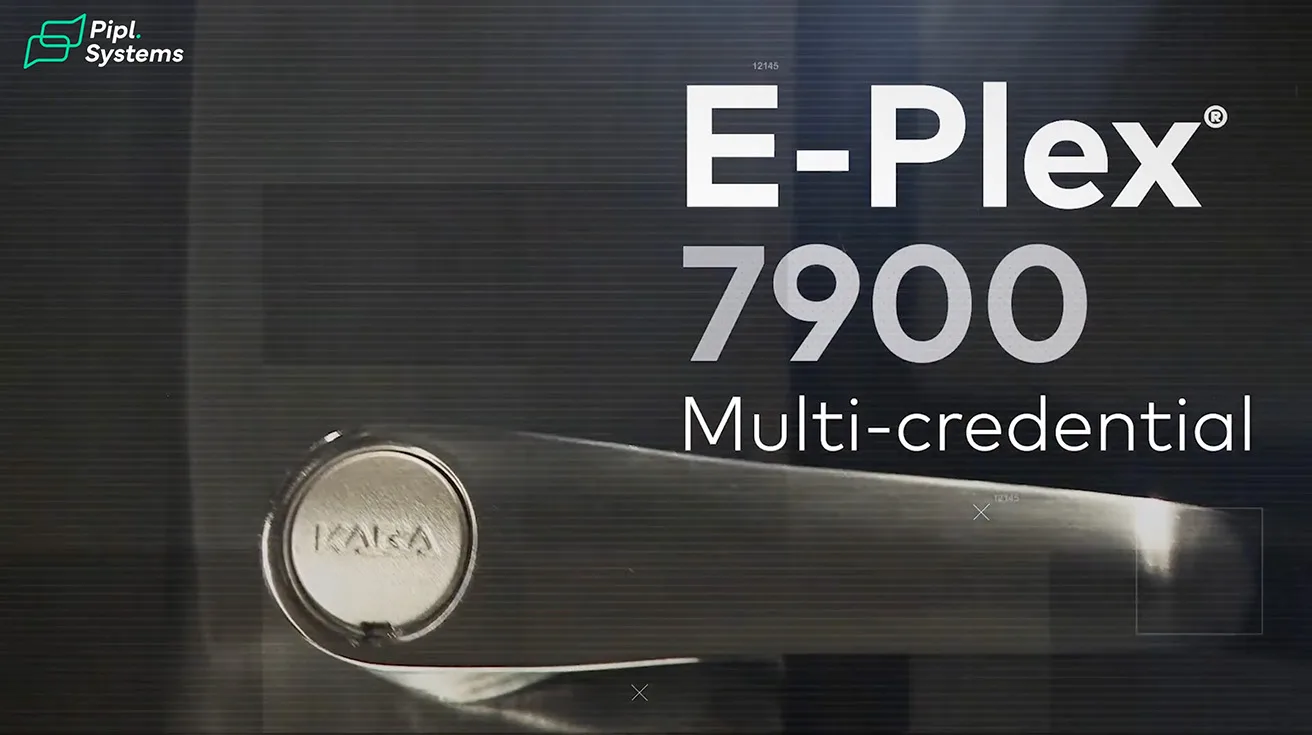
Okay, looking at Dormakaba's E-Plex 7900. This one wins in flexibility. It's a heavy-duty platform that can be mortise, cylindrical, or even exit trim. And it's just as happy running in simple standalone mode as it is participating in wireless systems with software oversight.
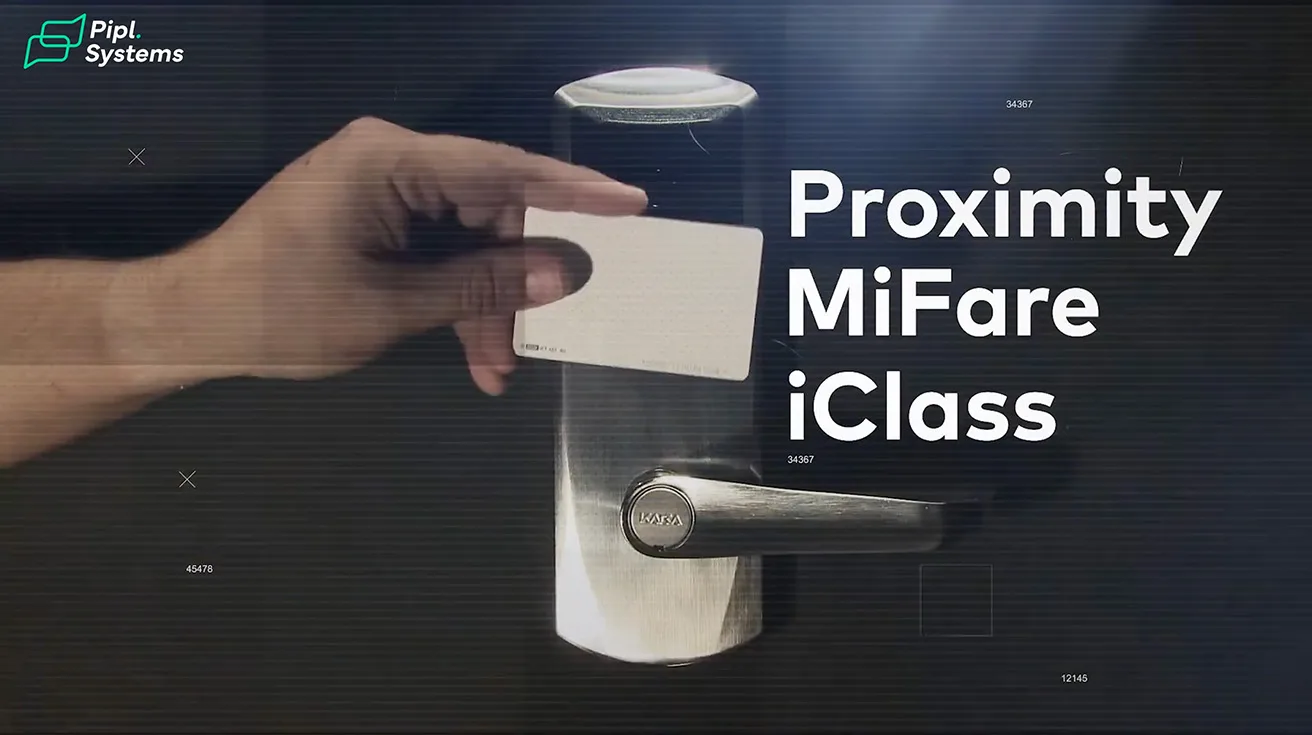
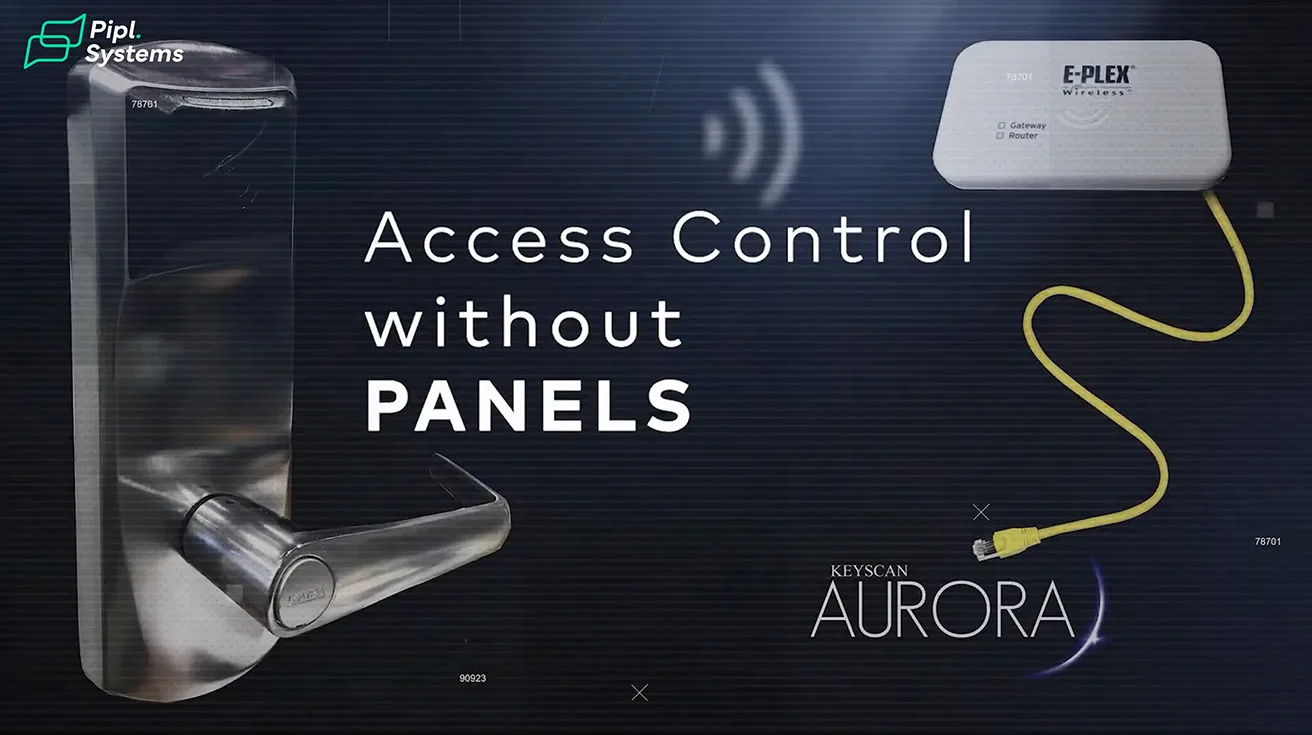
With a streamlined design, this cost-effective, heavy duty electronic lockset is built for security and connectivity. The most versatile E-Plex model to date, it's compatible with a suite of access control software and performs in both standalone offline mode and real-time wireless mode. With models designed to function with industry standard credential types, including BLE mobile credentials, E-Plex 7900 can be trusted to perform in cylindrical, mortise, and exit trim application environments.
1 / 3
That makes it perfect for phased rollouts or mixed buildings. You start with a keypad or RFID at the door - no networking required. Then move the most important doors into wireless when you're ready.
The E7900 offers wireless door sensing capabilities and allows for real-time commands such as emergency lockdown. E7900 integrates with a suite of dormakaba products to provide complete facility access control.
The day-to-day experience is calm and predictable: robust hardware, lots of credential options, and a clear path from "keep it simple" to "give me more control."
5. Sargent IN120
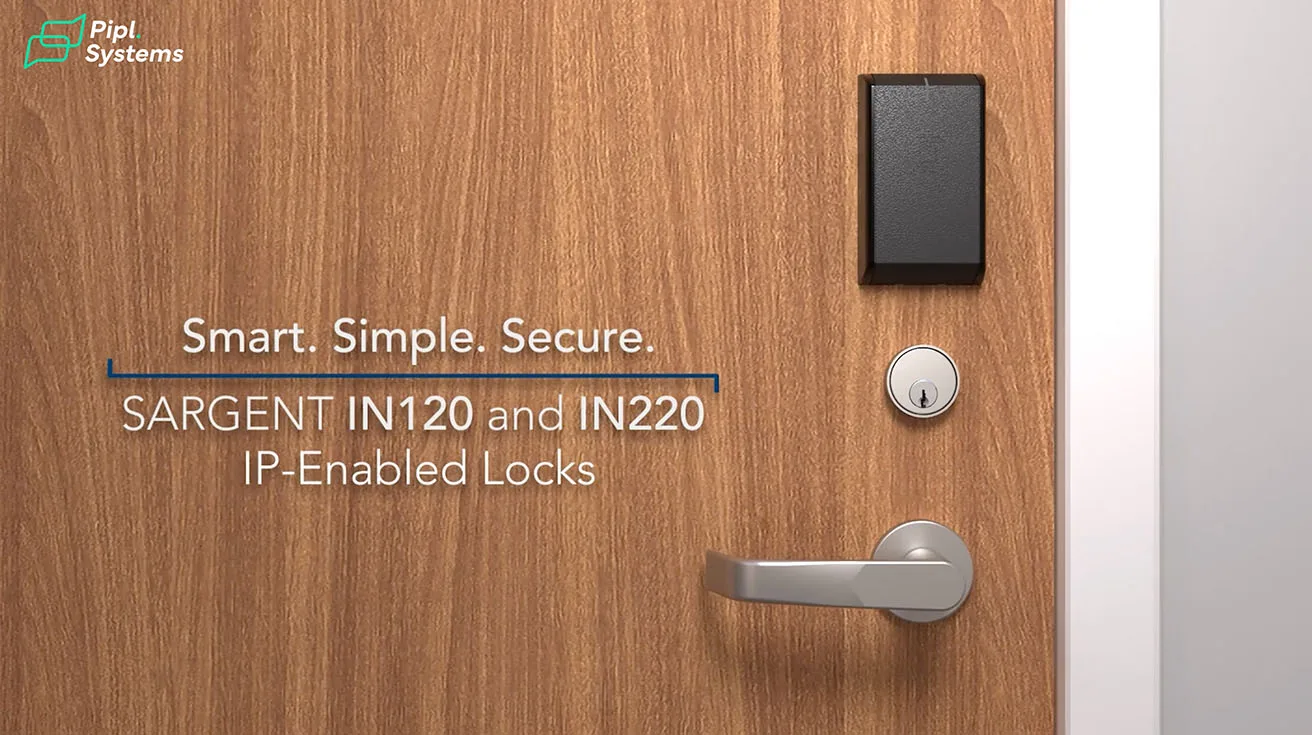
Next in line, Sargent IN120. This one is for teams that actually want their locks on the network. It's a true Wi-Fi smart lock with a commercial-grade pedigree, built to sit on your LAN and behave like any managed device.
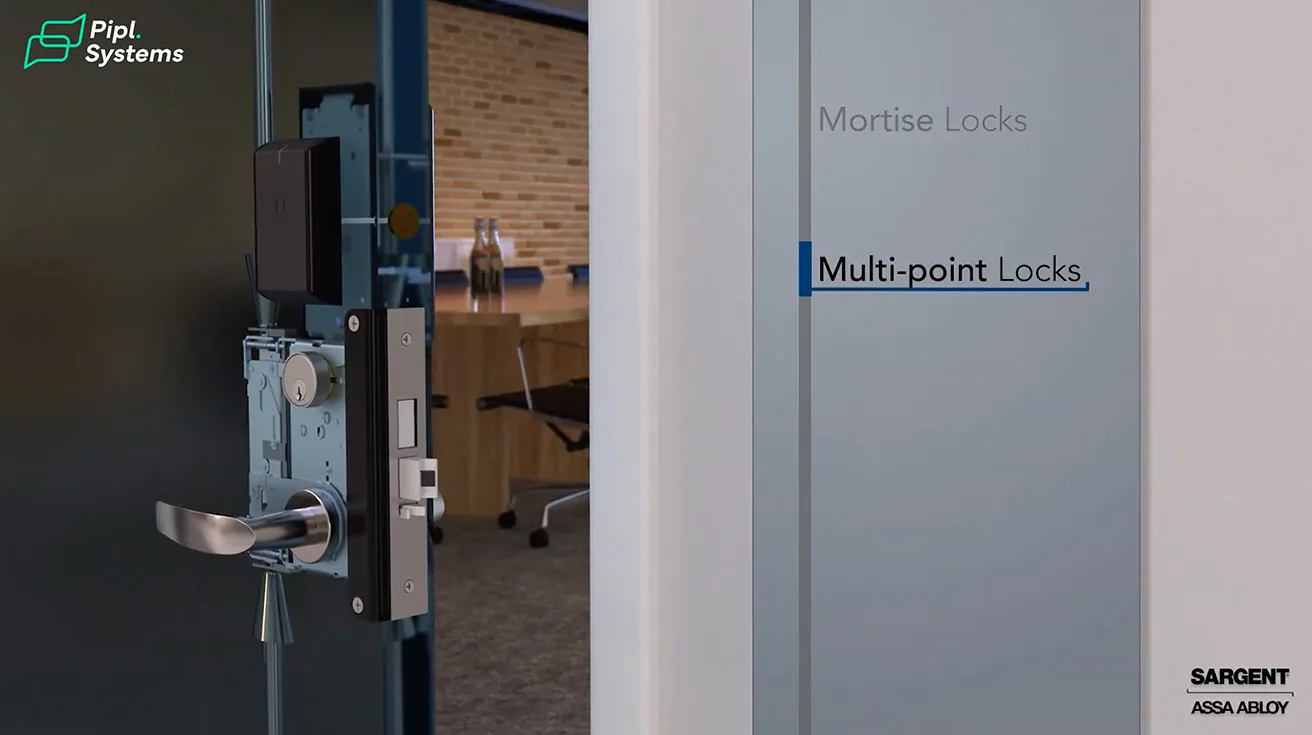
The IN120 WiFi lock, available from ASSA ABLOY Group brands Corbin Russwin and SARGENT, offers the ease and flexibility of WiFi in a sleek, streamlined design. The IN120 allows facilities to expand access control coverage to more doors by leveraging existing IT infrastructure to enable more cost-effective installations.

1 / 3
Ideal for use in hard-to-wire locations, it uses 1×1 Wi-Fi 4 (2.4/5 GHz dual-band) connectivity to connect to the access control system, significantly reducing installation costs and eliminating the need for proprietary equipment. The IN120 utilizes HID® OMNIKEY® SE technology to support a wide range of credential types, including mobile access, and is available with keypad for multi-factor authentication.
The upside is immediacy: instant updates, real-time monitoring, and tight alignment with how your IT team already works. If you're operating a school, a medical office, or a corporate floor where live status matters and the network is well managed, the IN120 brings the access point to the door without running separate controller wiring.
With a wide range of lock functions, lever trims and finish options, the IN120 has a sleek look that can easily fit into any design. They also feature the best tech and security options, like local lockdown, 10,000 event audit trails and the ability to use smartphones as access credentials.
6. Verkada AL54 Wireless Lock
Finally, keep an eye on Verkada's AL54 cylindrical lock. It's designed to plug straight into Verkada Command cloud - the same platform many organizations already use for their cameras and intercoms.
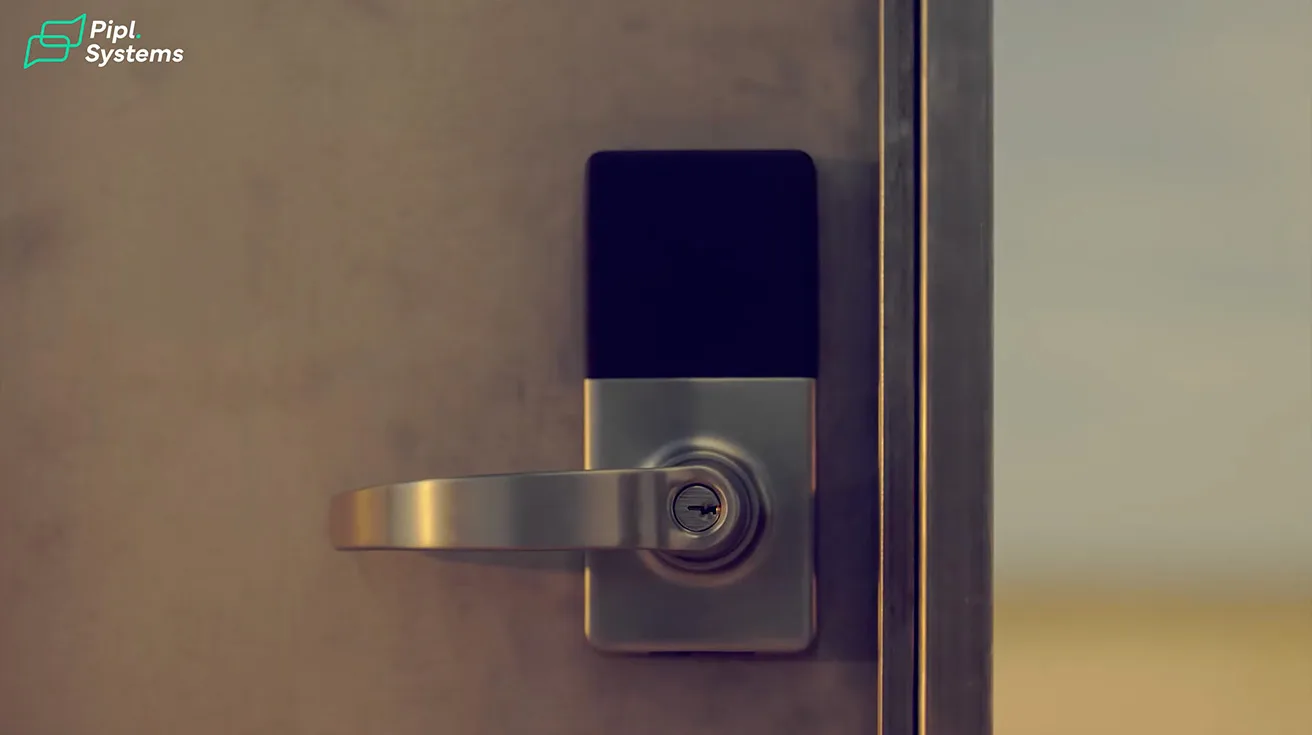
We're excited to introduce the Verkada Wireless Lock Series, starting with the AL54, Verkada's first natively integrated wireless lock and a true game-changer for physical security. With the AL54, organizations can bring proactive, enterprise-grade security to more doors than ever, without the cost and complexity of traditional wired installations. Fully integrated into the Verkada platform, the AL54 empowers teams to intuitively manage every door through a single pane of glass.



1 / 4
The idea is appealing: a wireless lock that speaks the same language as your other Verkada devices, managed from the same dashboard, with a small hub nearby that links traffic for multiple doors. If you're standardizing on that ecosystem, the AL54 could simplify your stack.
Once deployed, the AL54 offers continuous, reliable performance. It receives over-the-air firmware updates, helping to keep devices secure without manual intervention. Teams can also receive proactive alerts for low battery status, or disconnected hubs or locks.
Available in two lock types, including the AL54-CY cylindrical lock and the AL54-MS mortise lock, it suits a wide array of door installations. The AL54 has undergone extensive testing, including one million mechanical cycles designed to meet the ANSI Grade 1 requirement, and it will ship with the UL10C maximum three-hour fire rating. While wireless locks are typically used on interior doors, the AL54's IP65 rating makes it suitable for optional exterior use.
Conclusion: How to Choose the Right Commercial Smart Lock
Choosing among these is less about the logo and more about your building and rhythm.
If you'd rather not involve Wi-Fi at the door and you want a swift retrofit, Centrios is hard to beat. The offline-first Bluetooth model keeps IT involvement minimal while still giving you full cloud management.
If you expect lots of door types and want a broad, proven wireless family, SALTO makes your life easy. Their ecosystem covers everything from standard office doors to specialty openings.
If your security stack already lives in Verkada's cloud, their lock is the natural extension - one dashboard for cameras, intercoms, and access control.
Match the lock to the door, then match the workflow to your people. Confirm fire ratings, unrated openings, and keep egress hardware free and simple. And decide upfront whether you want offline-first resilience or always-online visibility.
Get those choices right and any of the models above will turn key chaos into calm control.
All right, guys. I'm Jeremie from Pipl Systems. See you on the next one.
Source: This article is based on the Pipl Systems video "6 Best Commercial Smart Door Locks" - watch for live demos and detailed product walkthroughs:
Frequently Asked Questions (FAQ)
Can you install a smart lock on a commercial door?
Yes, you can absolutely install smart locks on commercial doors. In the past, commercial smart door locks were mainly exclusive to high-security businesses. But today, they're installed at commercial properties of all kinds. The locks featured in this guide - Centrios, SALTO XS4 One, Schlage NDEB, Dormakaba E-Plex 7900, Sargent IN120, and Verkada AL54 - are all designed specifically for commercial environments. They can retrofit existing doors and add to your access system without significant modifications. Commercial smart locks are a quick and easy-to-implement security solution for doors with no pulled wires.
What happens to commercial smart locks during a power outage or if the battery dies?
Commercial smart locks have backup battery supplies that automatically activate during a power outage or if the primary battery runs out of charge. This ensures that the system continues functioning without interruption until power is restored. Most commercial-grade smart locks run on long-life batteries with 1–3 years of service. For safety and compliance, many include mechanical key overrides or fail-safe/fail-secure settings in case of a power or network outage.
What's the difference between WiFi and Bluetooth commercial smart locks?
Commercial WiFi door locks operate by connecting to a building-wide wireless internet connection. Tenants can unlock the door by entering a code or using their smartphones. Because the lock is always connected to the internet, tenants can open doors for trusted guests from anywhere in the world. Similarly, commercial Bluetooth door locks also work by connecting to a wireless connection. However, unlike WiFi-enabled locks, Bluetooth door locks only work when a tenant's mobile device is close to the lock. So, Bluetooth smart locks only work when the tenant is holding their mobile device within a few feet of the door. An offline-first Bluetooth model - like Centrios - keeps IT involvement minimal while still giving you full cloud management.
Are commercial smart locks secure? Can they be hacked?
Commercial smart locks are highly secure as they come equipped with multiple security features, such as encryption protocols that protect them from hacking attempts. Also, since they don't require physical keys that can be easily copied - thus eliminating any theft risks - the chances of unauthorized access reduce significantly. Smart locks allow for more robust authentication methods like PINs or biometric recognition, which prevent anyone else from gaining access to your building. While no device is entirely hack-proof, smart locks offer security features like encryption and two-factor authentication that make them hard to crack. In fact, physically breaching a traditional lock is often easier than hacking a smart lock's encryption.
How do I choose the right commercial smart lock for my business?
In contrast to residential properties, there are more things to consider when choosing smart locks for commercial properties. There is a higher volume of 'traffic' of both people working in the premises and visitors. Security requirements are more complex - there are many different areas and facilities in the property and not everyone has the same access needs at the same times.
Key factors to evaluate include:
- Connectivity type: Choose between Wi-Fi, Z-Wave, Zigbee, or hardwired network options depending on your infrastructure.
- Lock format: Cylindrical and mortise options fit most commercial doors; deadbolt formats are common for exterior entries.
- Certification: Look for ANSI/BHMA Grade 1 for heavy-duty performance.
- Integration: It's important to find a smart-locking solution that can be easily integrated into the commercial property's building management system.
Can I give temporary access to contractors or after-hours staff with a commercial smart lock?
Absolutely - this is one of the biggest advantages of commercial smart locks. Smart locks offer the flexibility to grant temporary access to guests or service workers. This temporary access can be easily managed and controlled, specifying the duration for which the access is valid. Once the designated time expires, the access code or digital key automatically becomes inactive. You can also create temporary or time-scheduled access credentials for contractors and after-hours cleaners, like a one-time password (OTP) that expires automatically - no need to hand out spare keys. With the right smart lock, you can set schedules that match weekday staff, weekend cleaners, and even a vendor who only needs Tuesday mornings.