

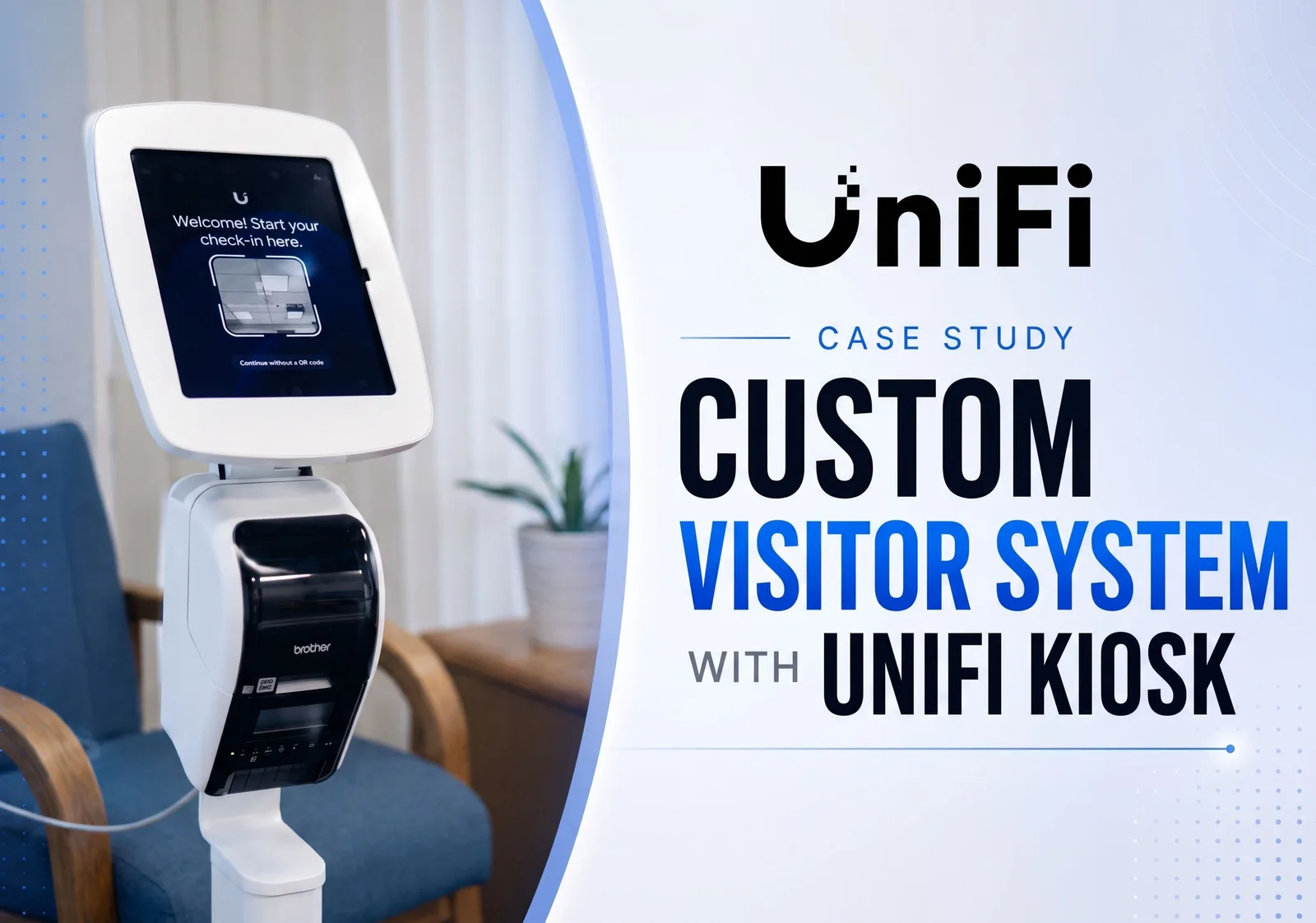
Key Takeaways:
- 💎 Beyond Standard Security: Modern access control platforms do more than monitor doors and cameras; they can automate daily operational workflows, such as replacing traditional paper visitor logs.
- 💎 License-Free Scalability: Deploying the UniFi ecosystem allows businesses to leverage advanced features like Kiosk Mode, AI video analytics, and face recognition without recurring monthly software subscription costs.
- 💎 True Integrator Value: Professional system integrators do not just install out-of-the-box hardware. They analyze specific business processes and engineer custom software dashboards to solve exact operational requirements.
Recently, the Pipl Systems team visited an interesting project filmed at a large manufacturing facility in California, USA. The security system at this site underwent a complete modernization. The project included deploying a new network, video surveillance, access control, entrance gate management, and a unified platform to manage everything together. However, one completely different part of this project caught our attention the most.

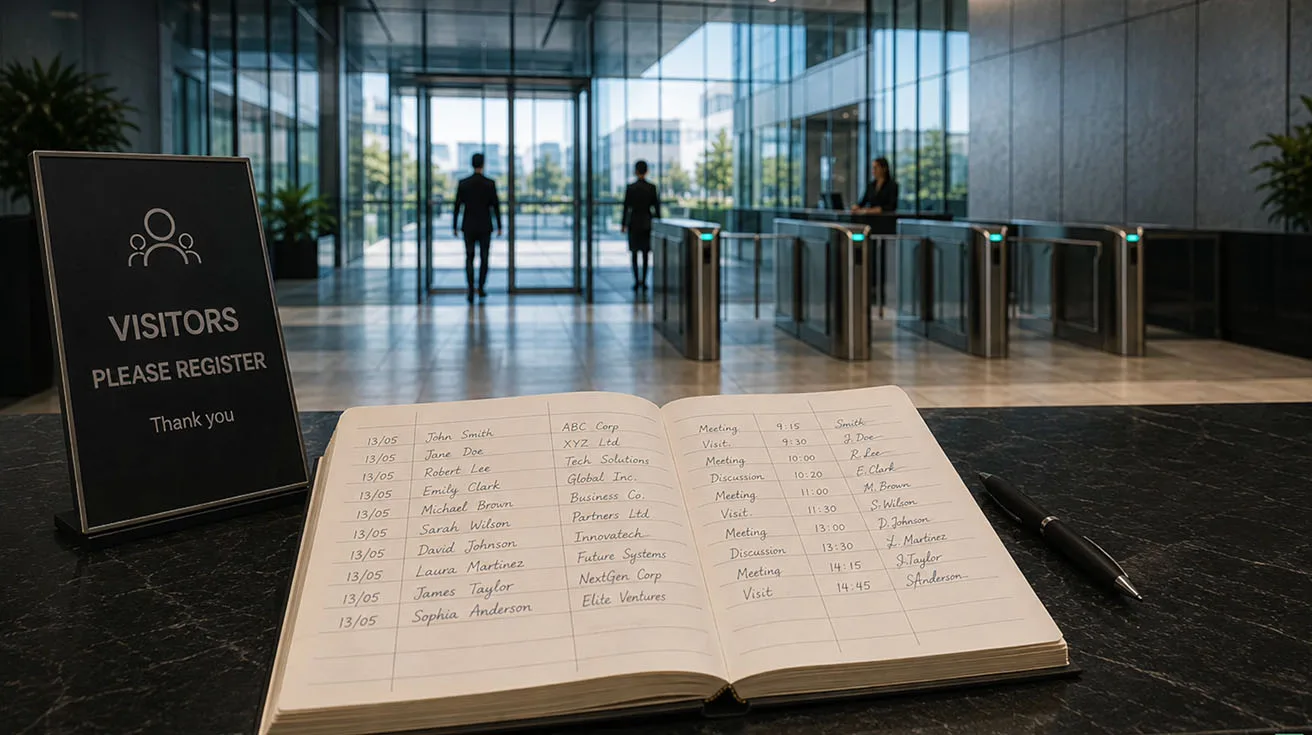
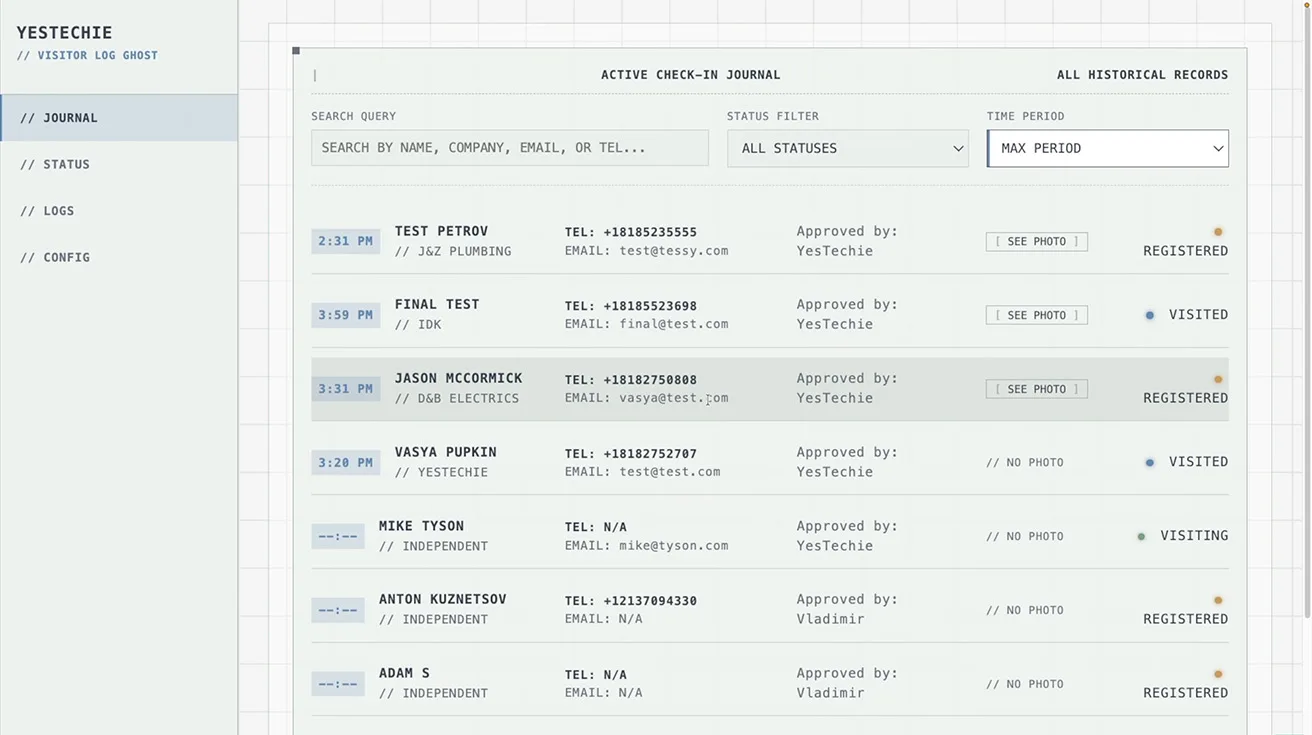
Even with all this modern infrastructure in place, visitors were still being registered using a traditional paper logbook. You can still see these exact same paper logs at factories, warehouses, and office buildings everywhere. Instead of simply moving this process into a basic digital format, the integrator adapted the system to the customer’s specific requirements. They created a custom dashboard that stores visitor information and a complete history of their visits.

1 / 4
Project Background & Visiting the YesTechie Team
A few weeks ago, our team flew to Los Angeles after being invited by the YesTechie team. They wanted to show us a few of their latest deployments, and together we filmed videos documenting them. This is the most effective way to create content.
You learn the most not from polished product presentations at trade shows or exhibition booths, but at real customer sites. These visits allow you to:
- Talk directly to the system integrator.
- See the technology in everyday use.
- Understand the actual problems it solves for the business.
- Learn from the people who design, install, and support these systems every day.
Integrating Network, Surveillance, and Access Control
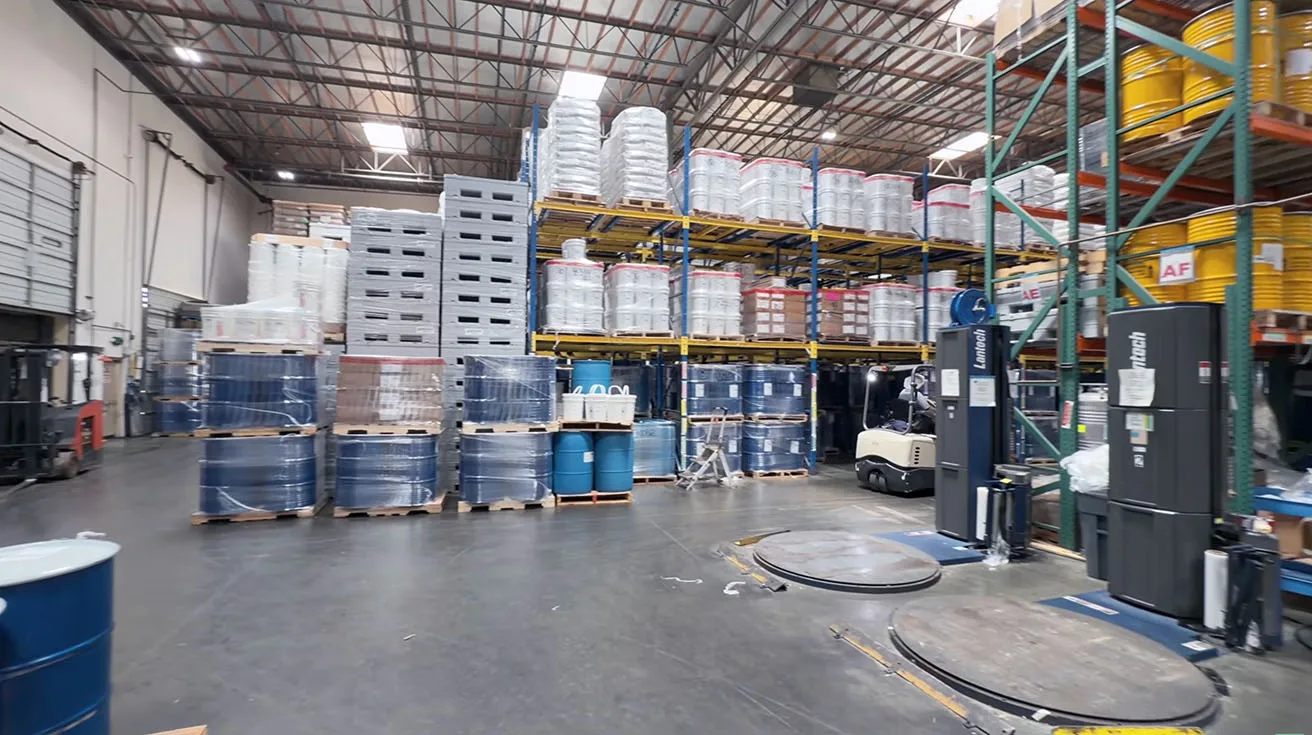
This specific project was completed at a sprawling manufacturing facility. The site includes multiple production areas, office space, warehouses, a parking lot, entrance gates, and several access points for both employees and visitors. For a complex industrial facility like this, installing cameras alone or basic door readers is not enough. Everything has to work together seamlessly.
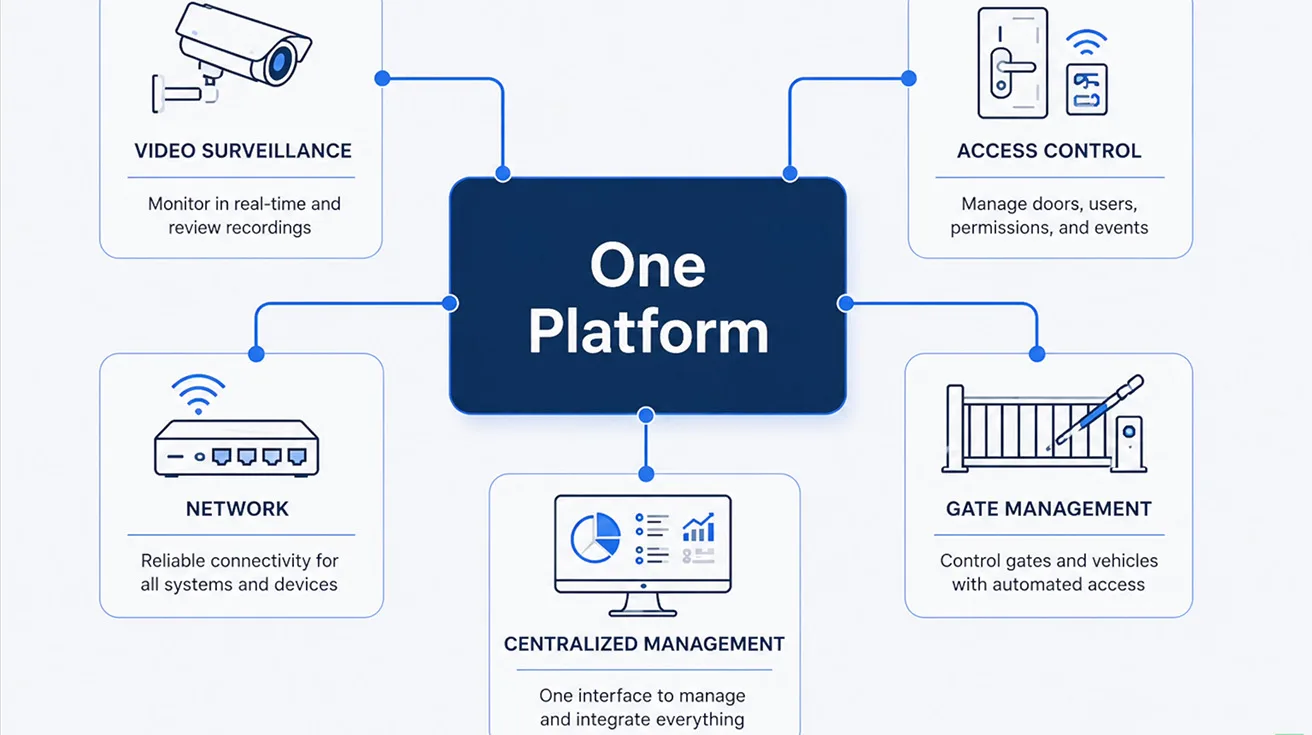
The security modernization integrated the following components into one centralized platform:
- Local IT network infrastructure
- Video surveillance cameras
- Physical access control readers
- Vehicular gate management
Managing vehicular and pedestrian entry points requires a cohesive ecosystem, similar to the setups detailed in this guide on Ubiquiti UniFi Protect intercom and gate access. But as we learned during the site visit, the most interesting part of this project was something that was never part of the original scope of work.
Building a License-Free Security Infrastructure
For the YesTechie team, this was not an unusual deployment. Over the past few years, they have completed many similar projects where customers demanded a single platform for networking, video surveillance, access control, and alarm systems.
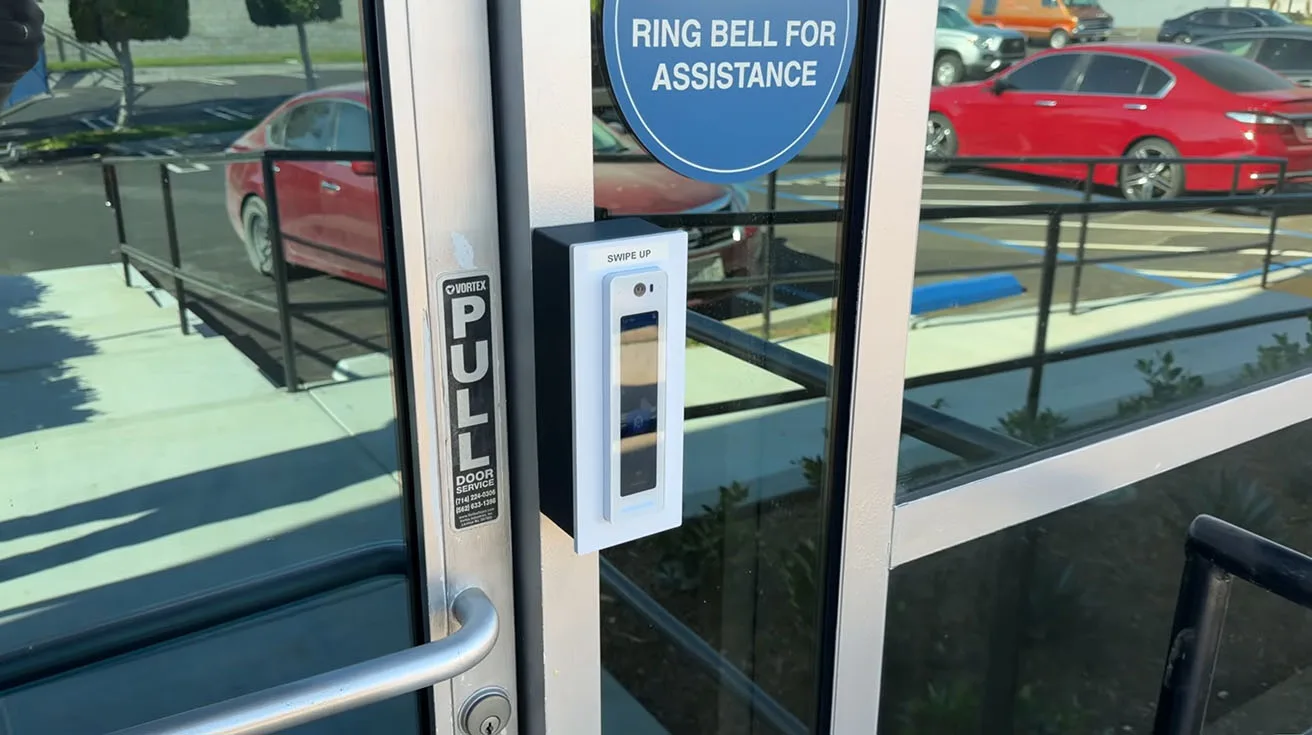
For this project, they chose to deploy the UniFi ecosystem. The primary reasons behind this decision included:
- Zero License Fees: Once the customer purchases the hardware, there are no monthly software subscriptions to pay.
- AI Video Analytics: Advanced camera capabilities built directly into the system.
- Face Recognition: Seamless identification for access control.
- Mobile Management: Remote gate control and infrastructure monitoring from one interface.


1 / 3
The scale of this deployment clearly answers the common industry question of is Ubiquiti ready for enterprise applications. At this point, the project could have been considered complete. But while talking with the customer, the YesTechie team noticed another critical business process that had nothing to do with the original security installation.
The Problem with Traditional Paper Visitor Logs
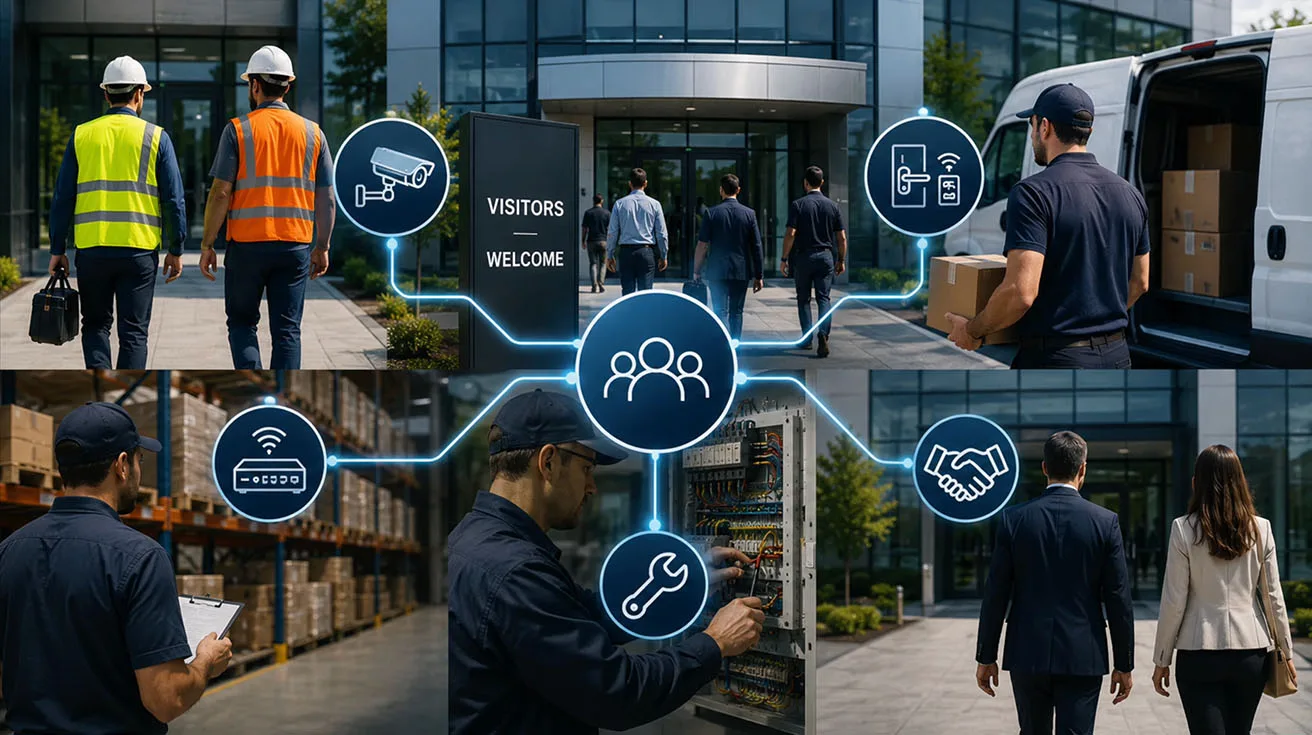
During discussions, YesTechie learned that the facility receives a massive volume of visitors every day. These include:
- Contractors
- Suppliers
- Delivery drivers
- Service technicians
- Business partners
For a business operating at this scale, keeping a complete and accurate visitor history is highly important for both physical security and day-to-day operations. Management needs to know exactly who visited the facility and when they were there, and they must be able to retrieve that information quickly.
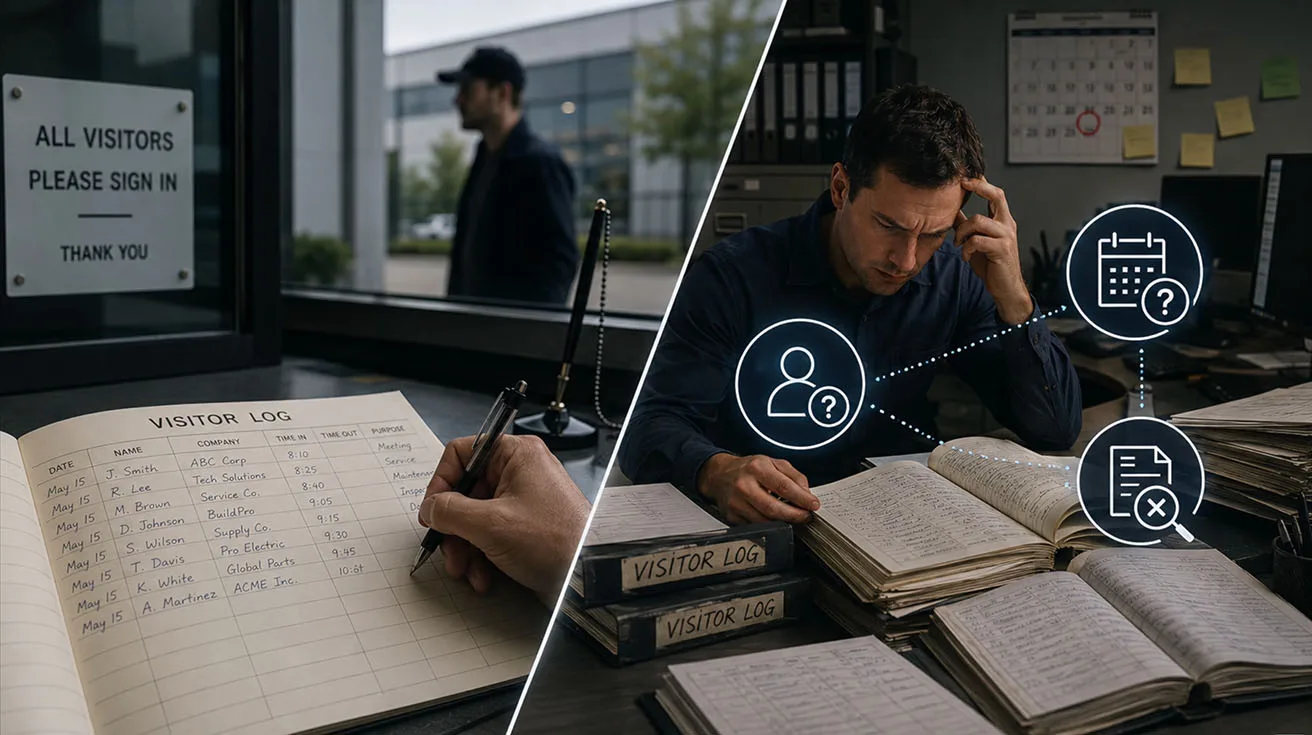
Before this system upgrade, everything was recorded manually. The core problem arises later when administration needs to find a specific visitor from a past date, check an individual's visit history, or search through hundreds of handwritten records. The YesTechie team saw a clear opportunity to improve the process by integrating visitor registration directly into the platform that was already managing the entire security system.
Why YesTechie Chose the UniFi Kiosk
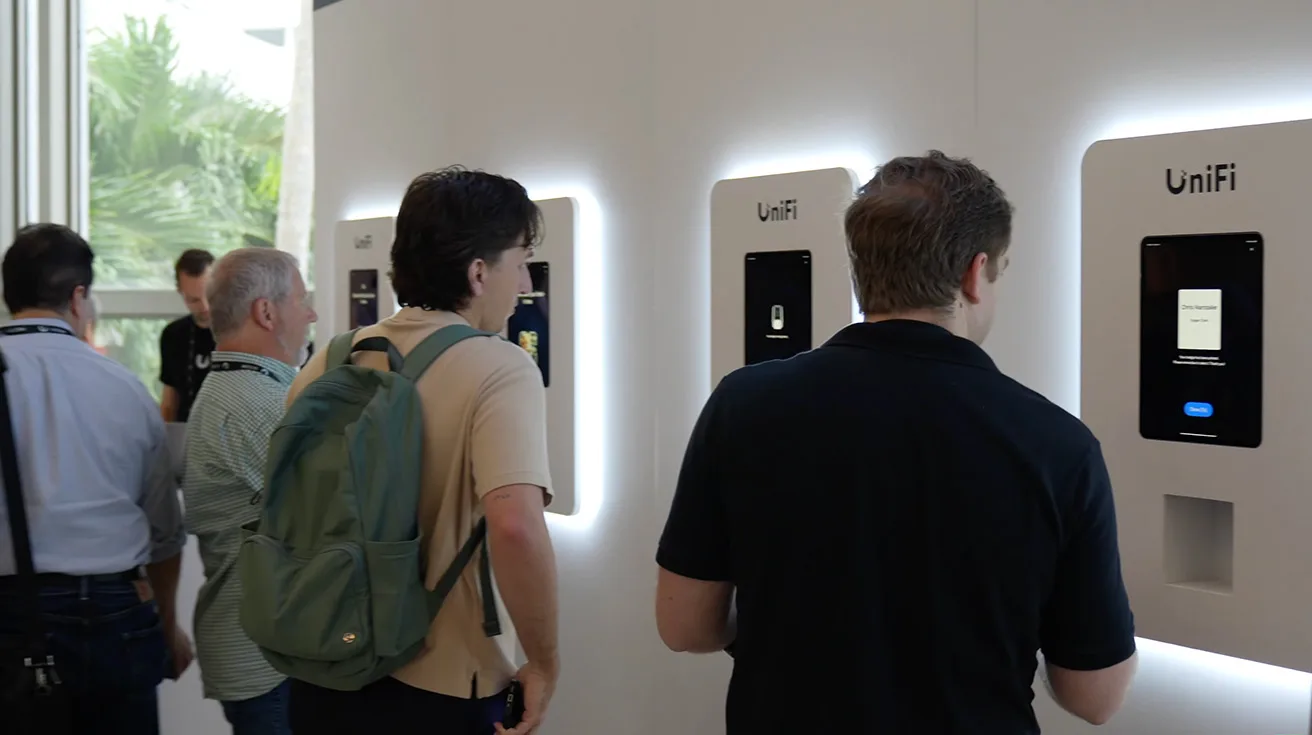
We first met the YesTechie team back in 2025 at the UniFi Conference in Miami. That event was where Ubiquiti officially introduced the UniFi Kiosk for the first time. Every guest at that conference registered through the kiosk. We did not just watch a product demo; we actually used the interface ourselves.
The YesTechie team realized immediately that this could be a highly effective solution for many of their enterprise customers. When this specific manufacturing client presented a similar need, the integrator already knew exactly how to implement the technology. While it is possible to build a visitor management architecture on other platforms like Verkada, one of the biggest financial advantages of UniFi is the lack of ongoing license costs. The customer invested in the UniFi Kiosk hardware once and received a fully functional digital visitor registration system.
Registration Workflows: Scheduled & Walk-in Visitors
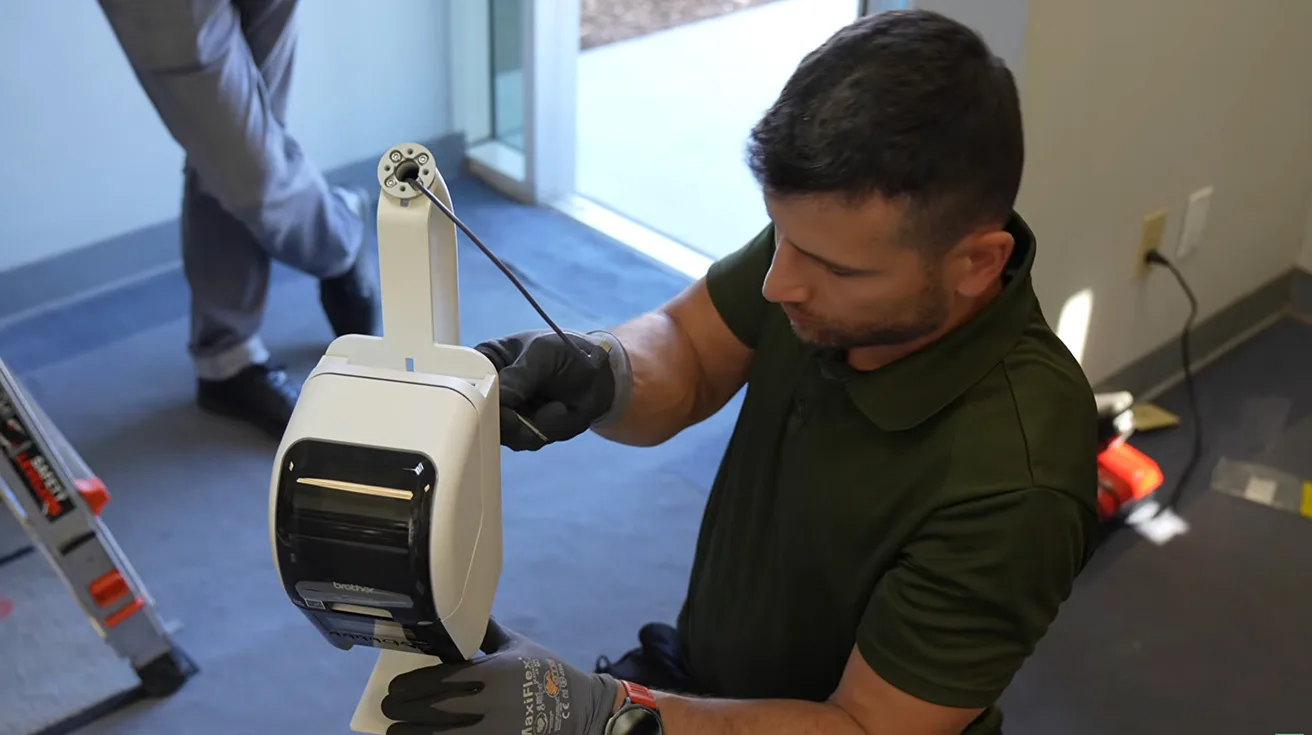
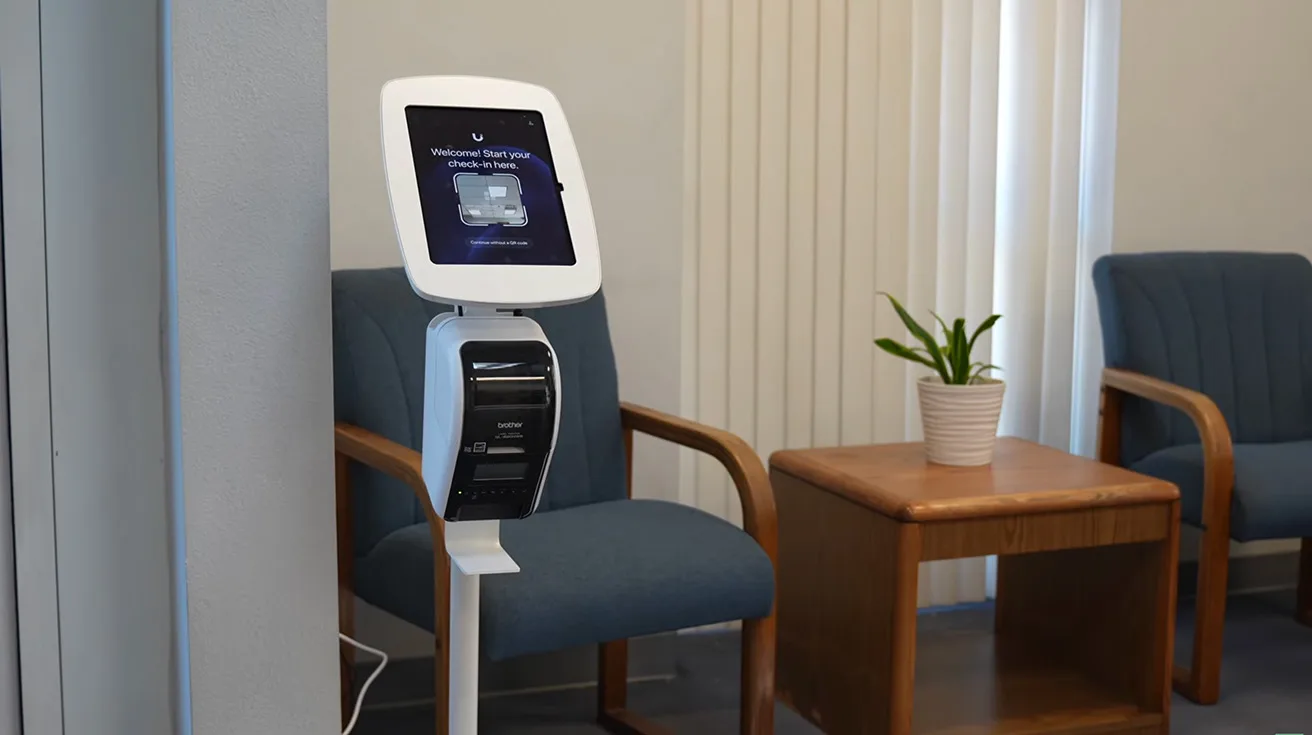
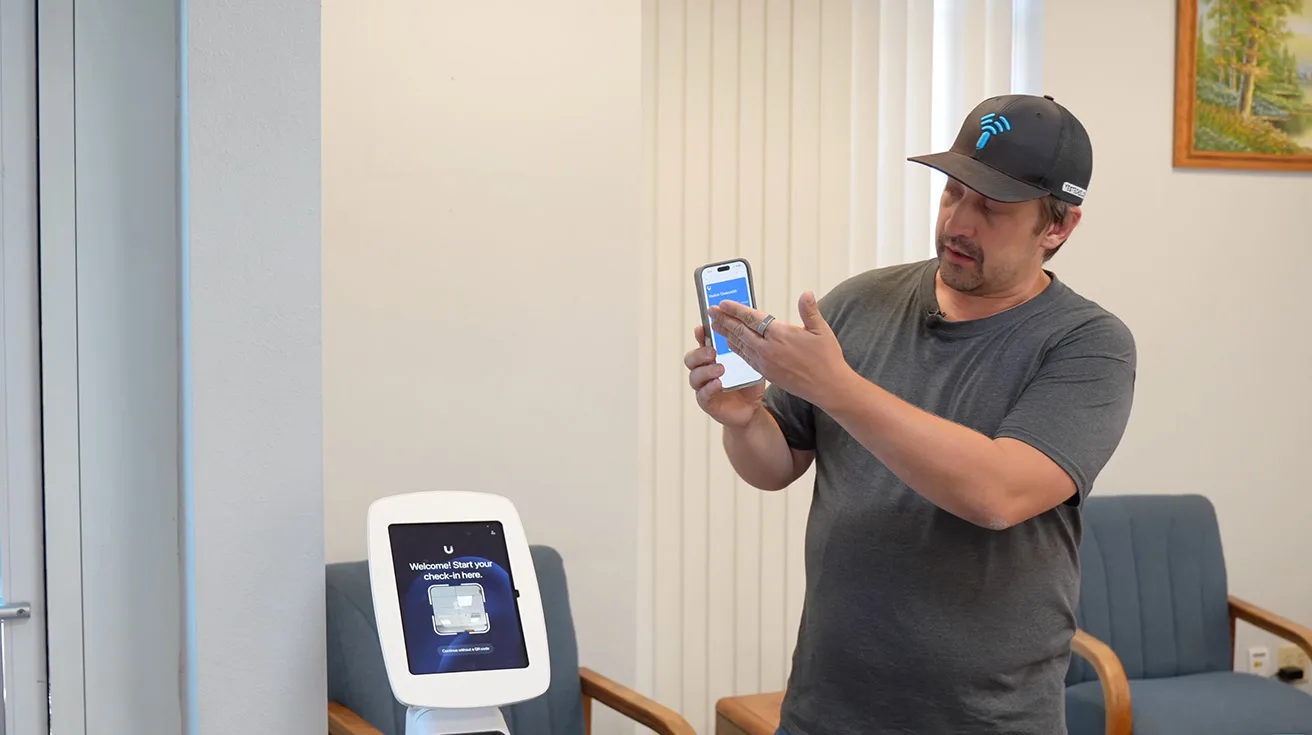
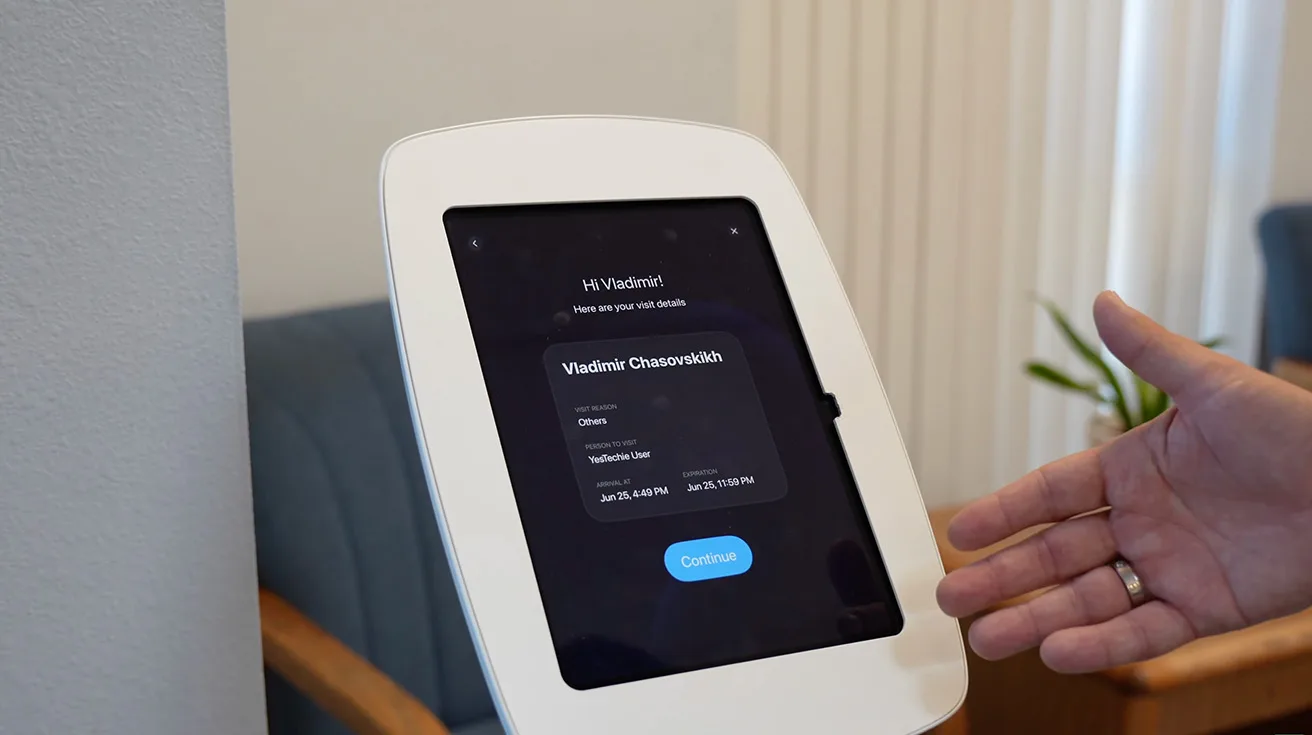
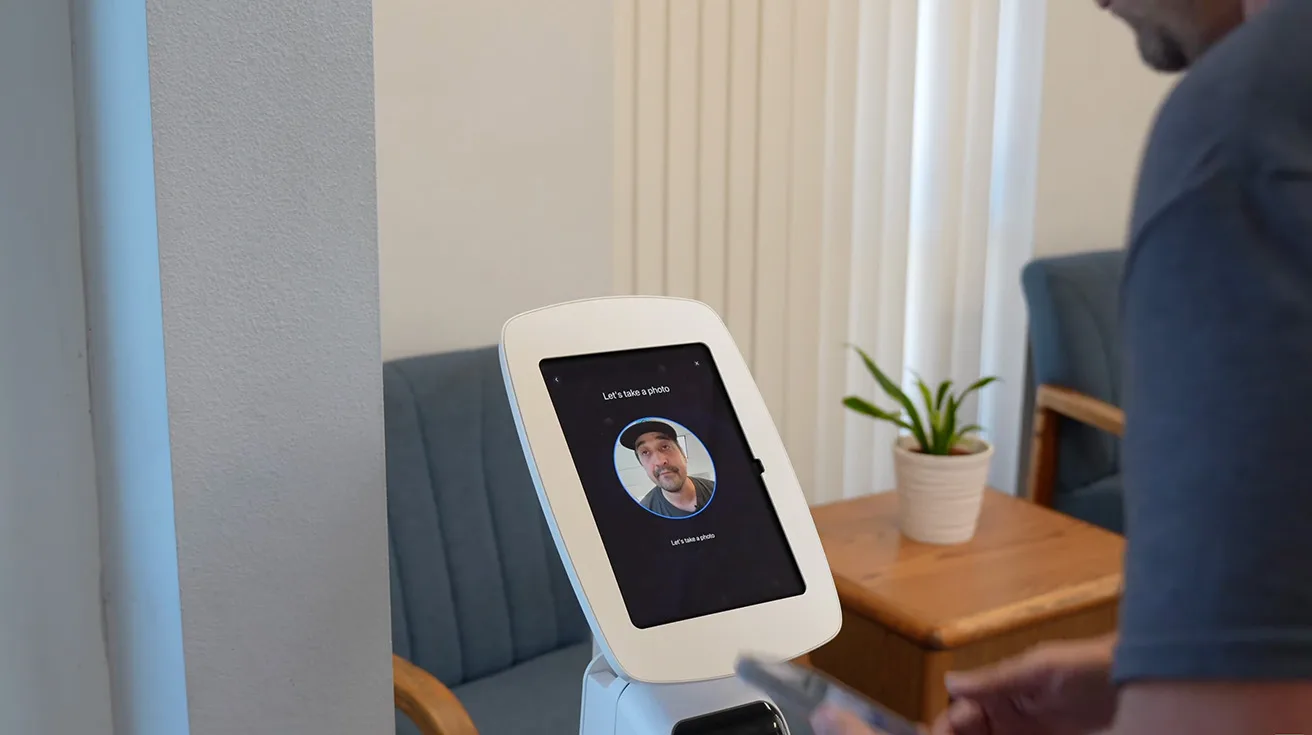
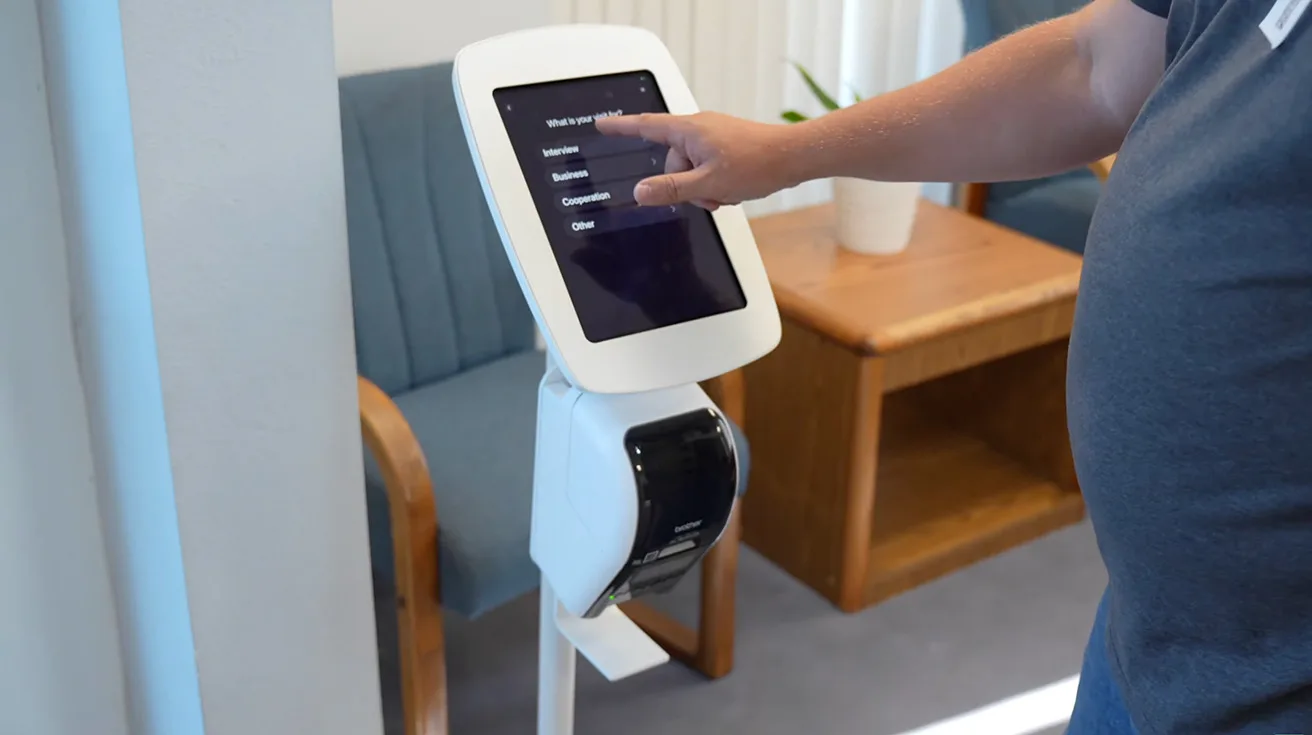
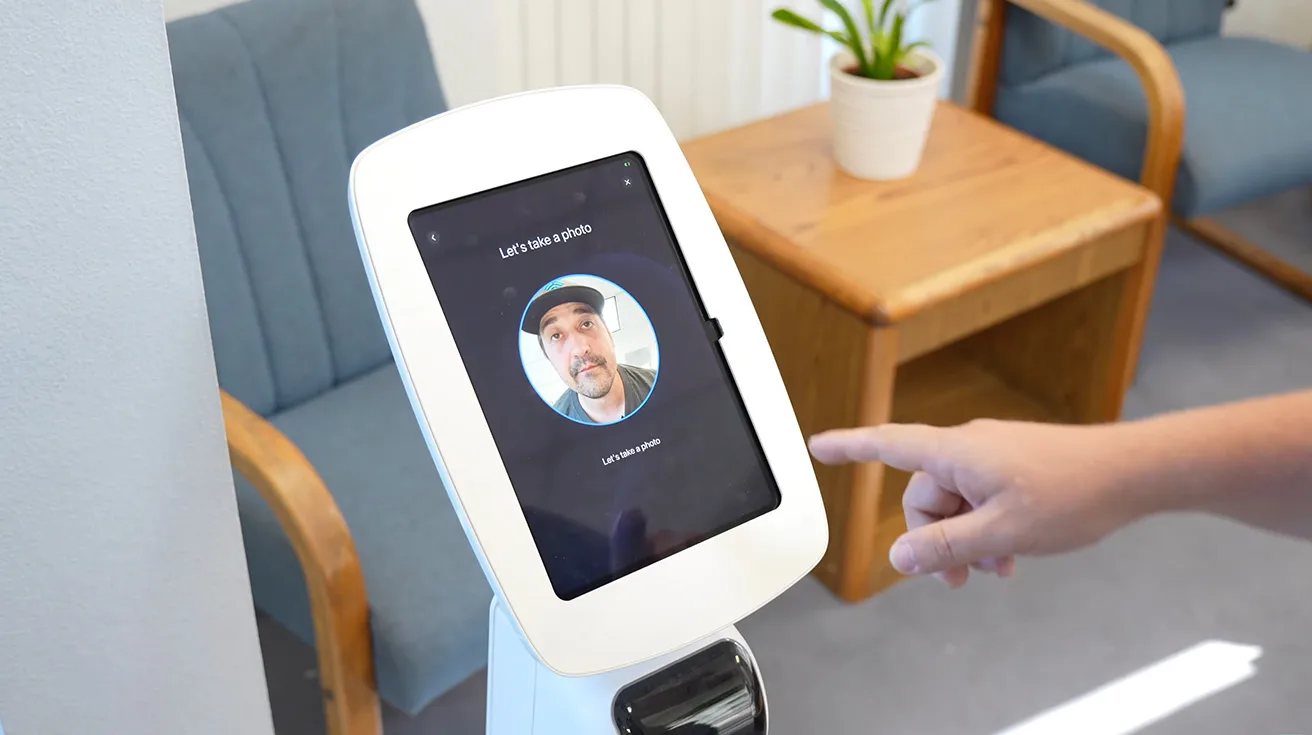
UniFi Kiosk Mode is a self-service visitor check-in feature within the UniFi Access application that runs on an iPad. It allows guests to autonomously:
- Scan invitation QR codes.
- Capture face photos.
- Request admin approval.
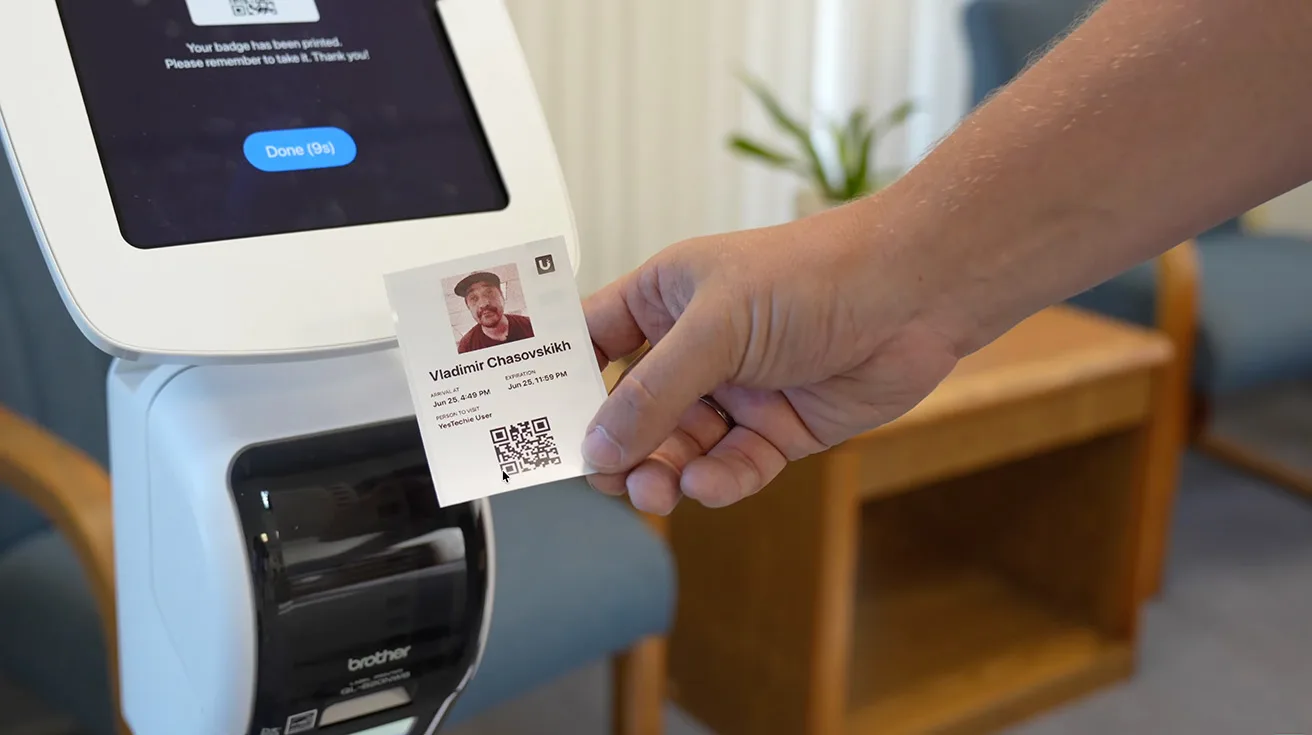
- Print temporary access badges.
There are two main visitor registration scenarios for this facility:
1. Scheduled Visits
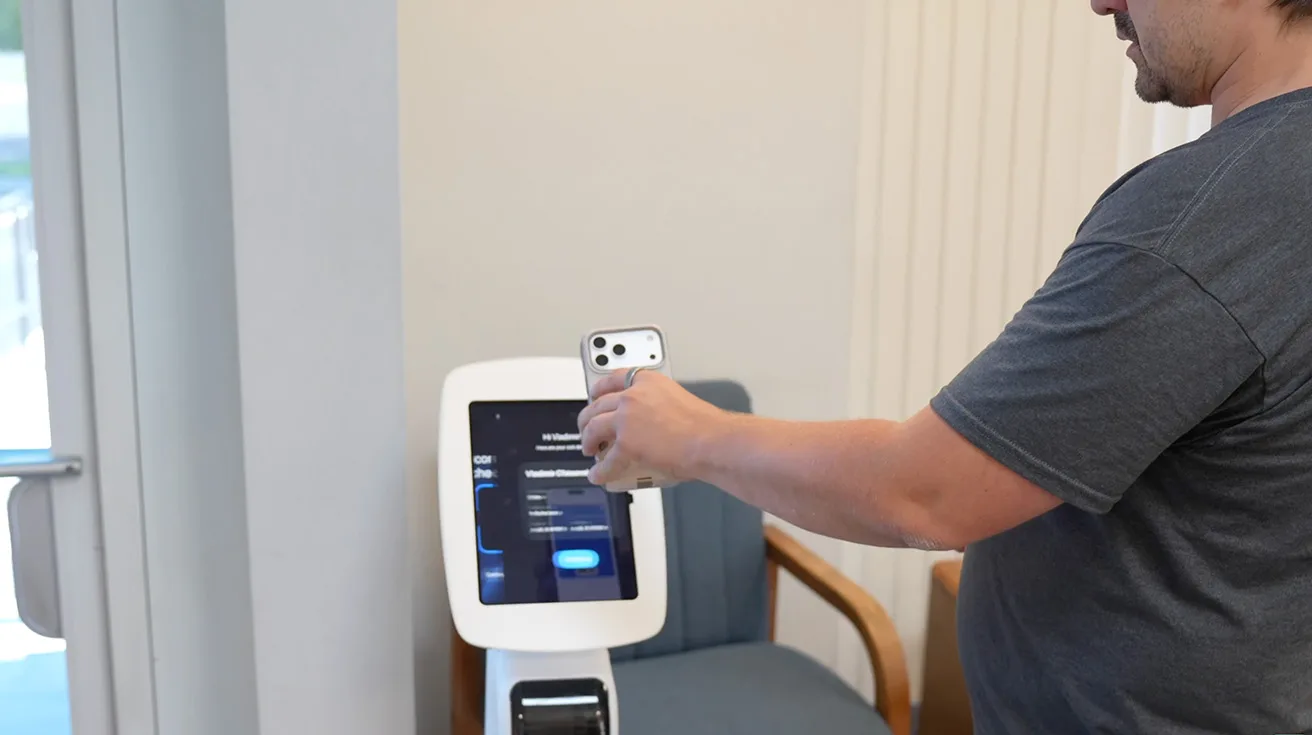
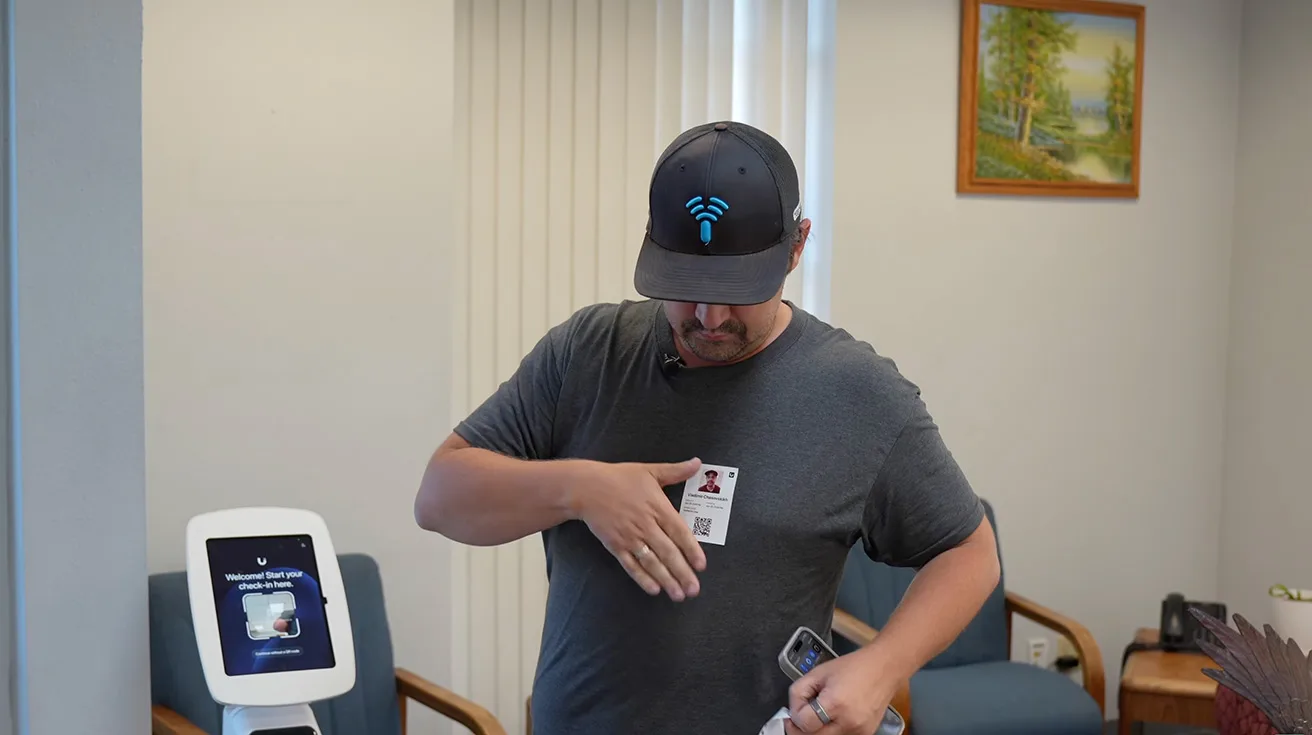
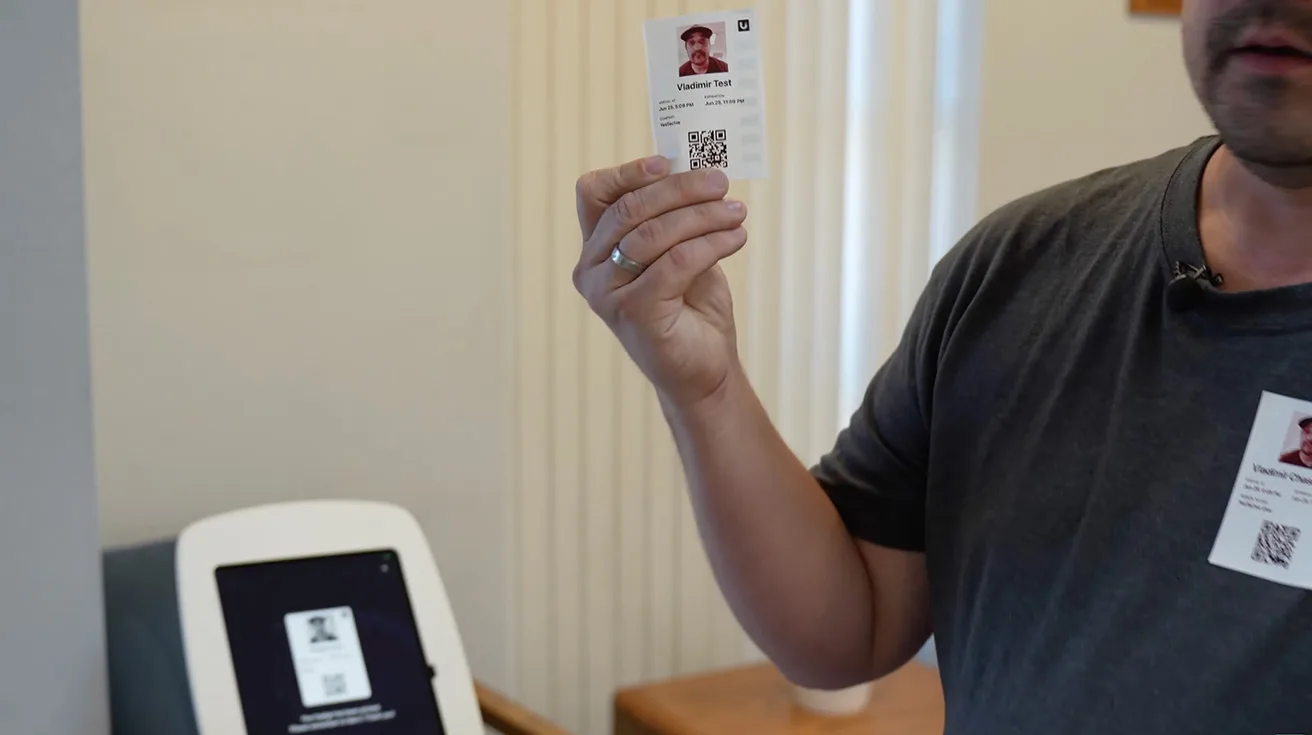
A company employee registers the visitor in advance and sends them a QR code via email or another convenient method. When the visitor arrives, they simply scan the QR code at the UniFi Kiosk. The system automatically prints a personalized visitor badge containing a new QR code used to access authorized areas inside the building. The visitor avoids filling out any paperwork, and the whole process takes just a few seconds.
1 / 6
2. Walk-in Visitors
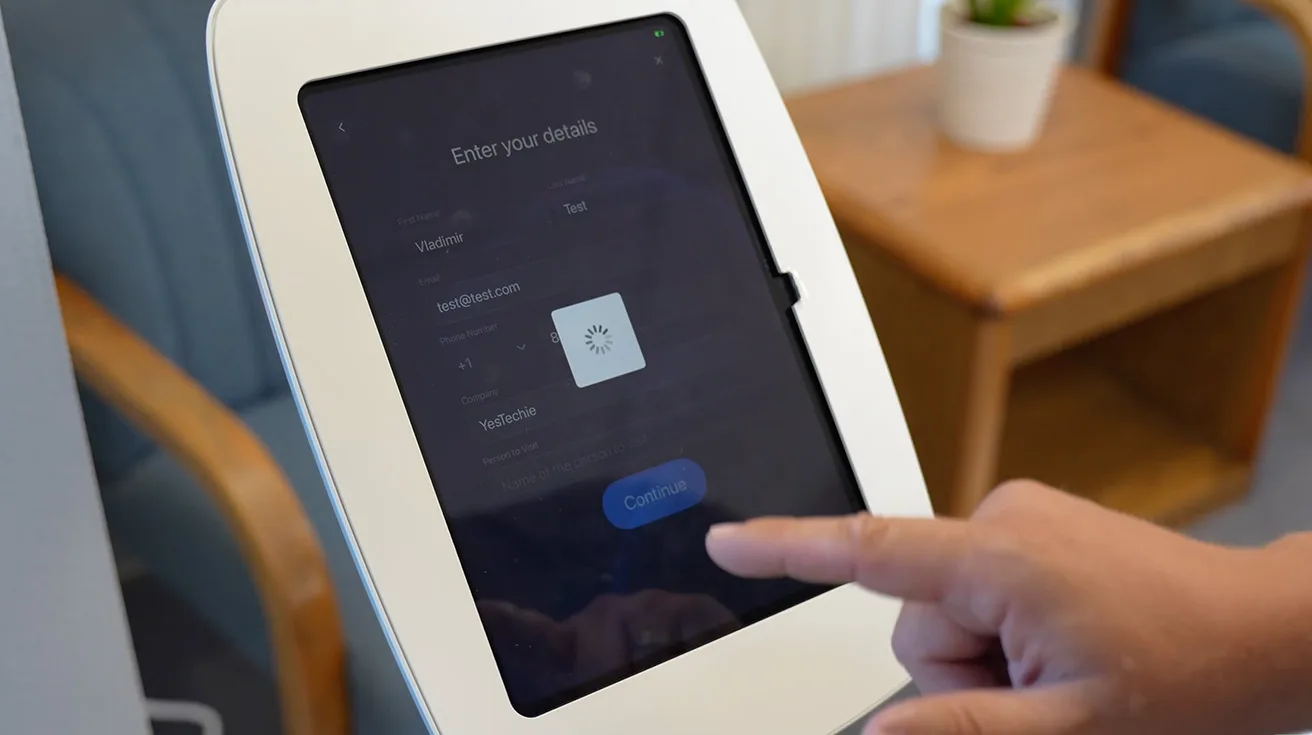
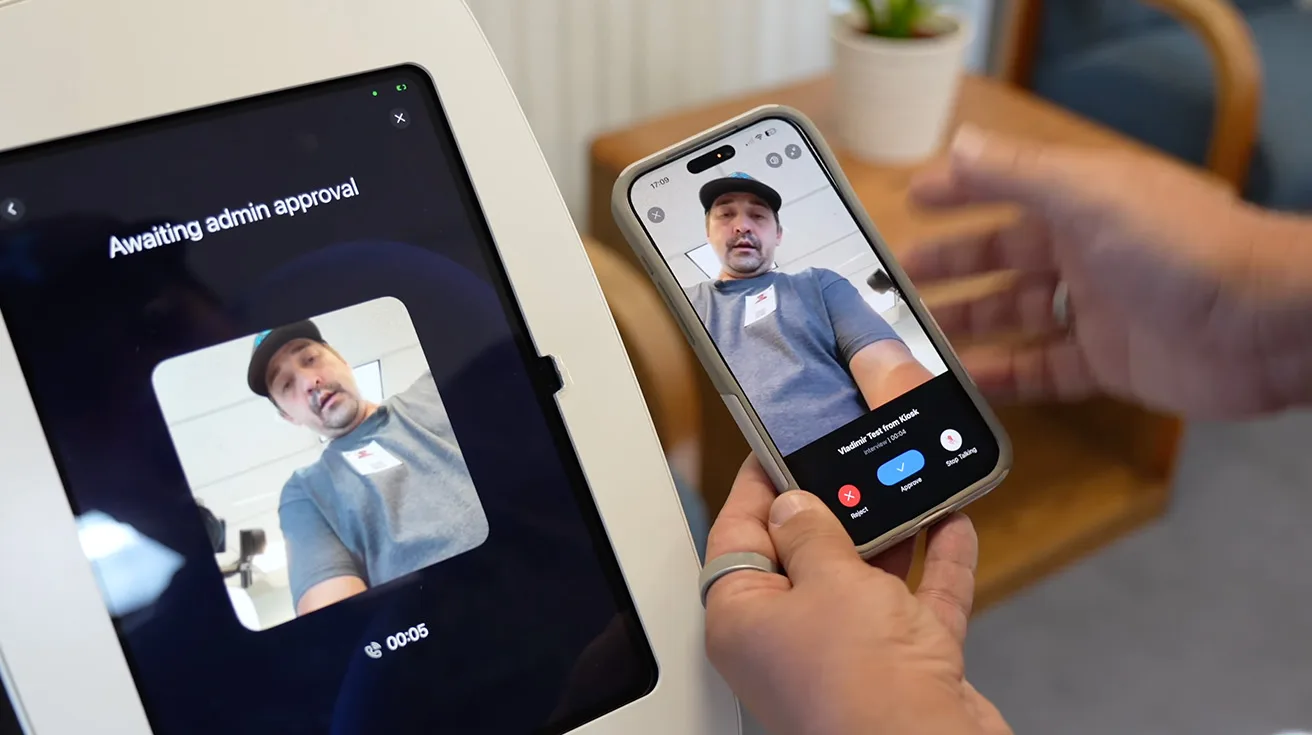
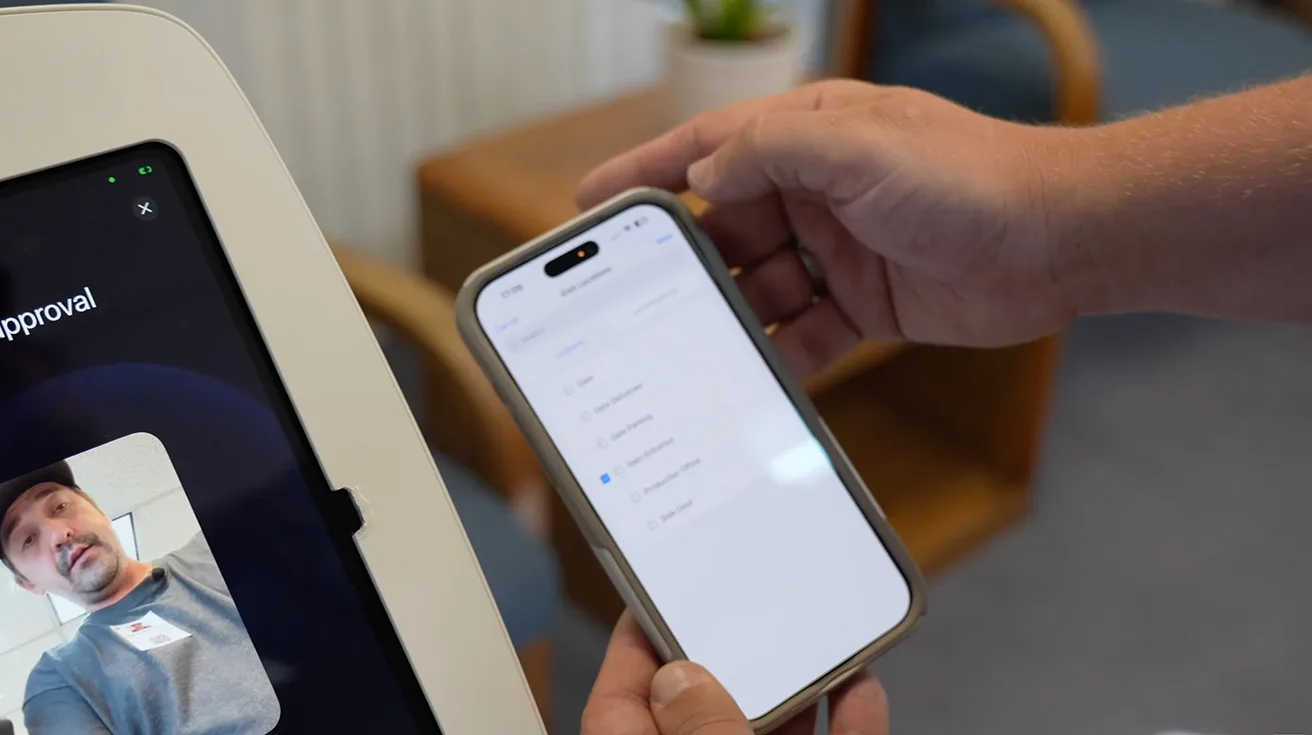
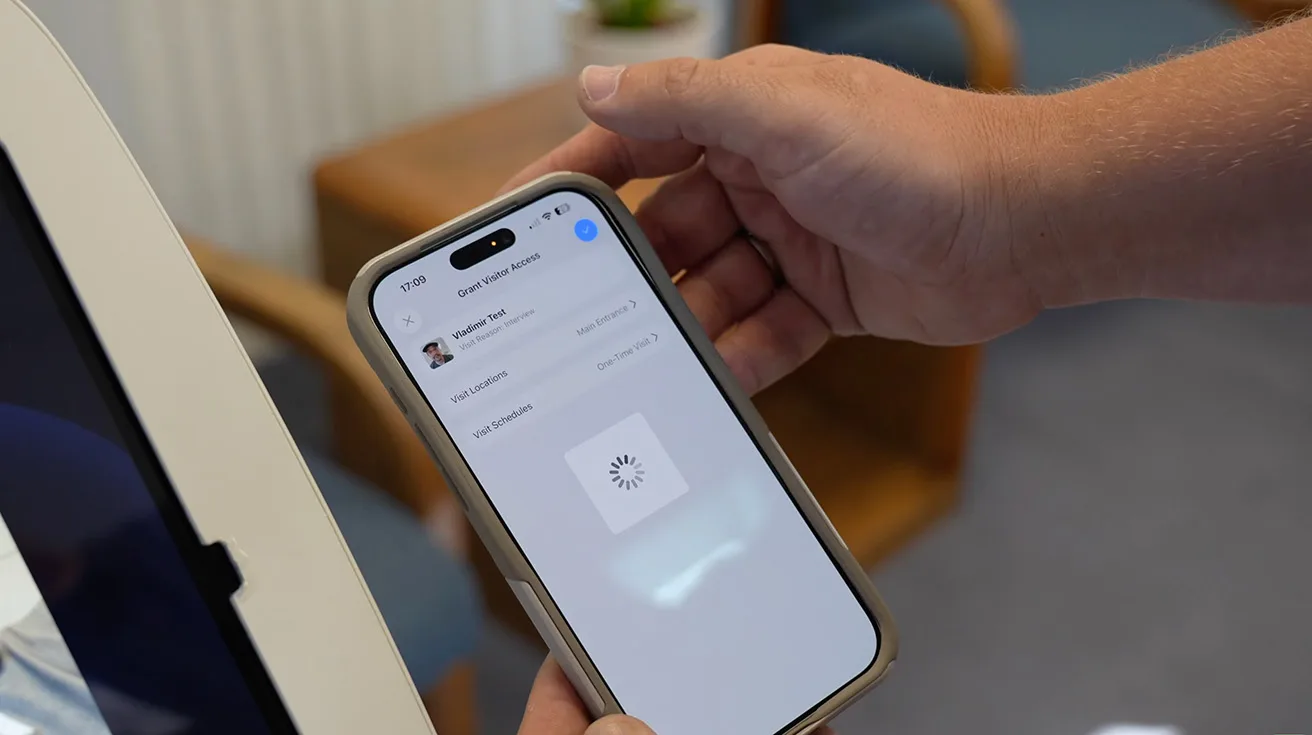
If a guest arrives without a pre-scheduled appointment, they enter their information directly into the iPad interface and take a photo. The request is immediately sent to the responsible company employee for approval. The employee can review the submitted data and either approve or deny the request. If approved, the system prints the visitor badge automatically, granting access only to authorized zones.
1 / 7
From that moment on, the badge works just like a standard employee card. The visitor scans it at the UniFi Access Reader Pro, logging the entire visit history into the system. You can explore more about these reader capabilities in the UniFi Access 3.0 guide.
Developing a Custom Visitor Management Dashboard
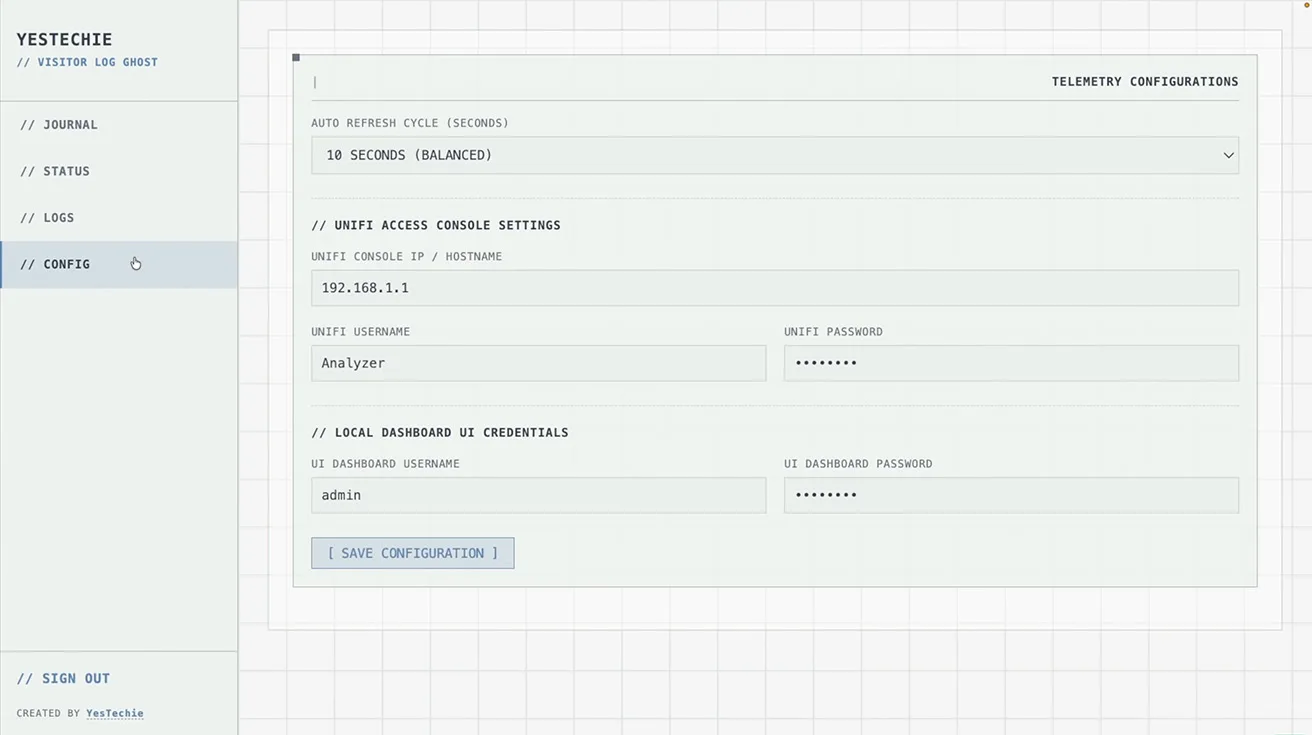
This is where the deployment becomes truly interesting. The UniFi platform provides extensive software features and future updates without subscription fees. However, sometimes a business has niche operational requirements that are not yet natively available in the standard software release.
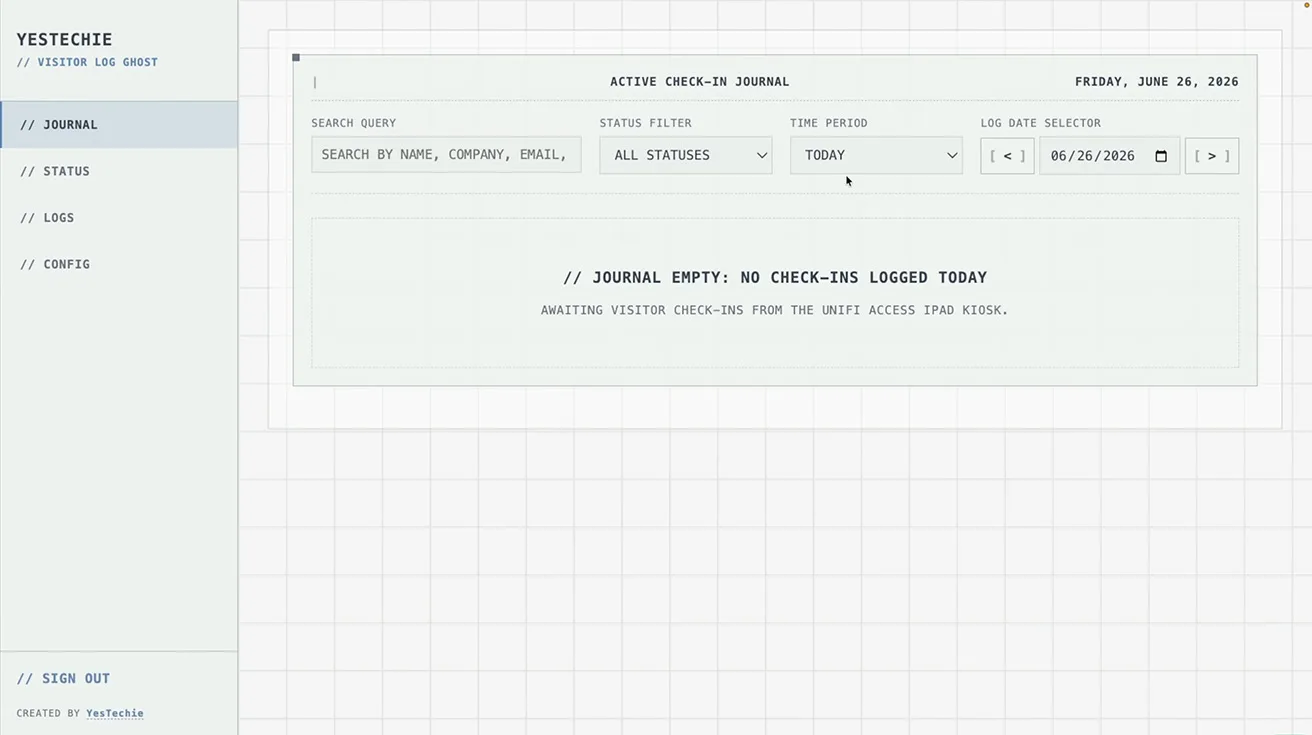
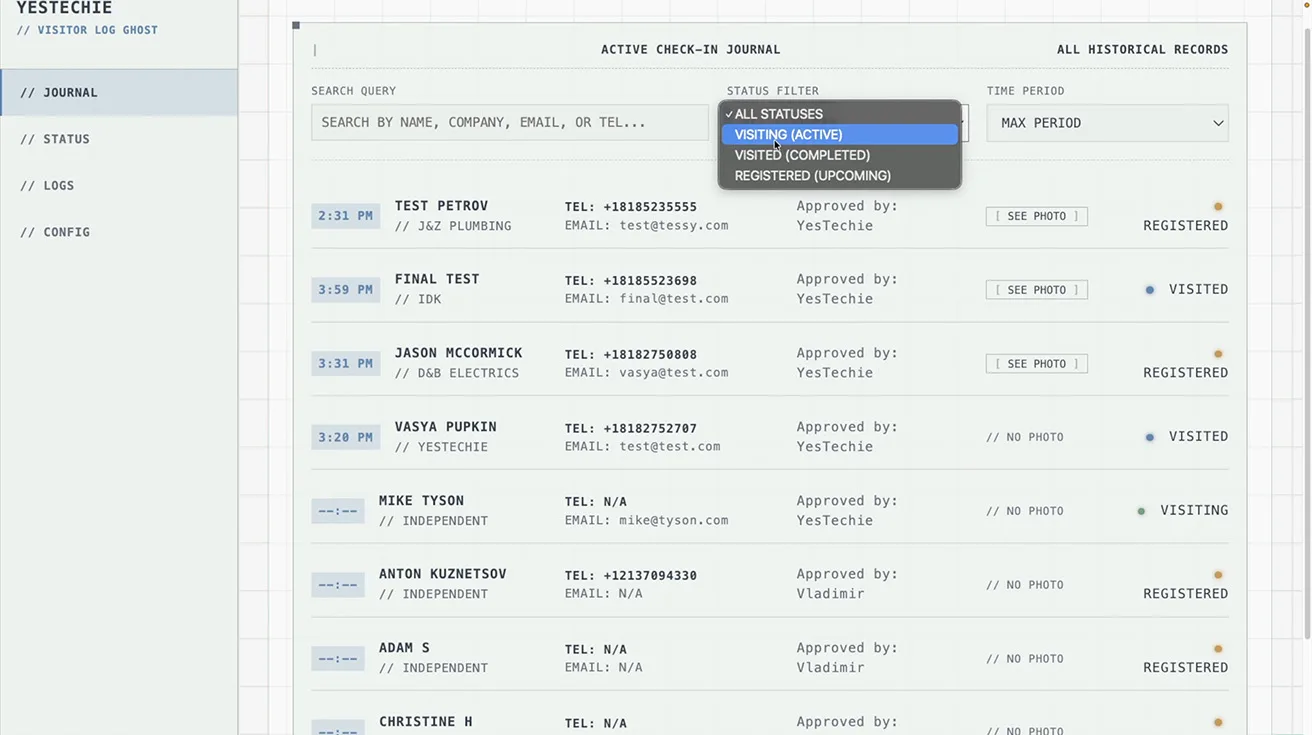
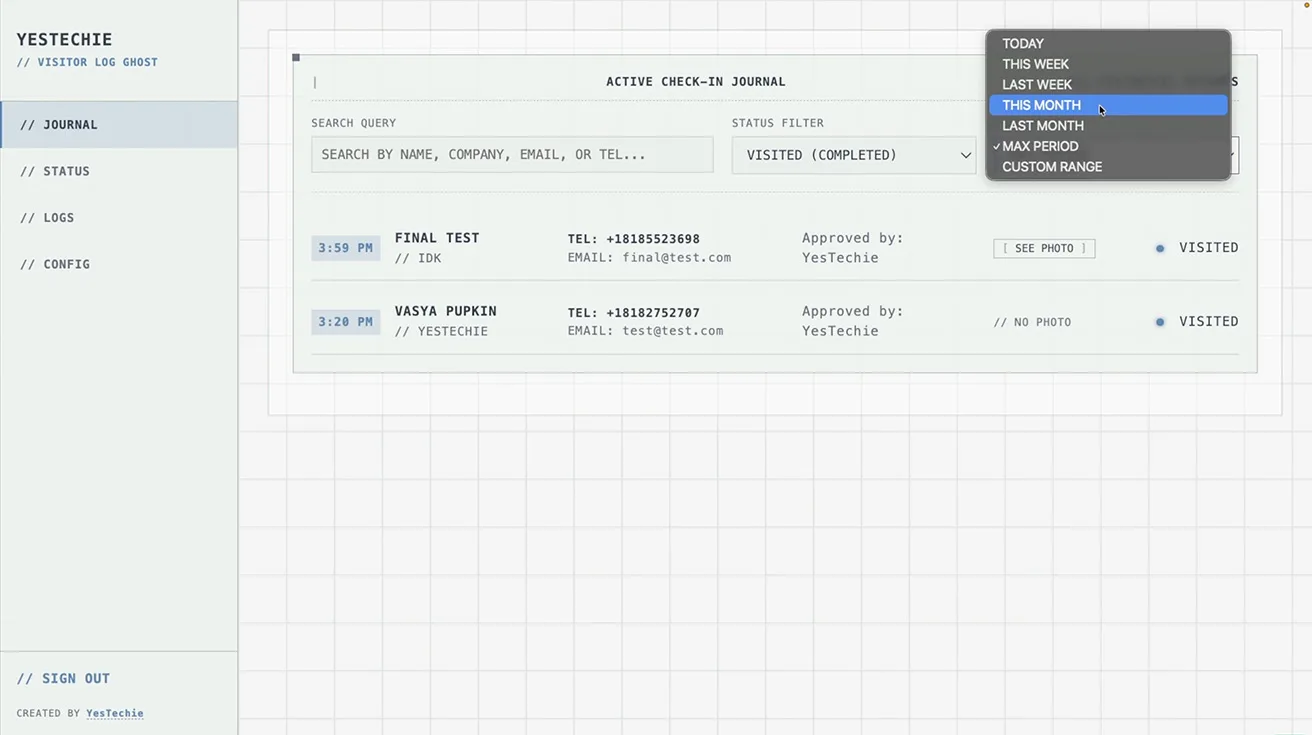
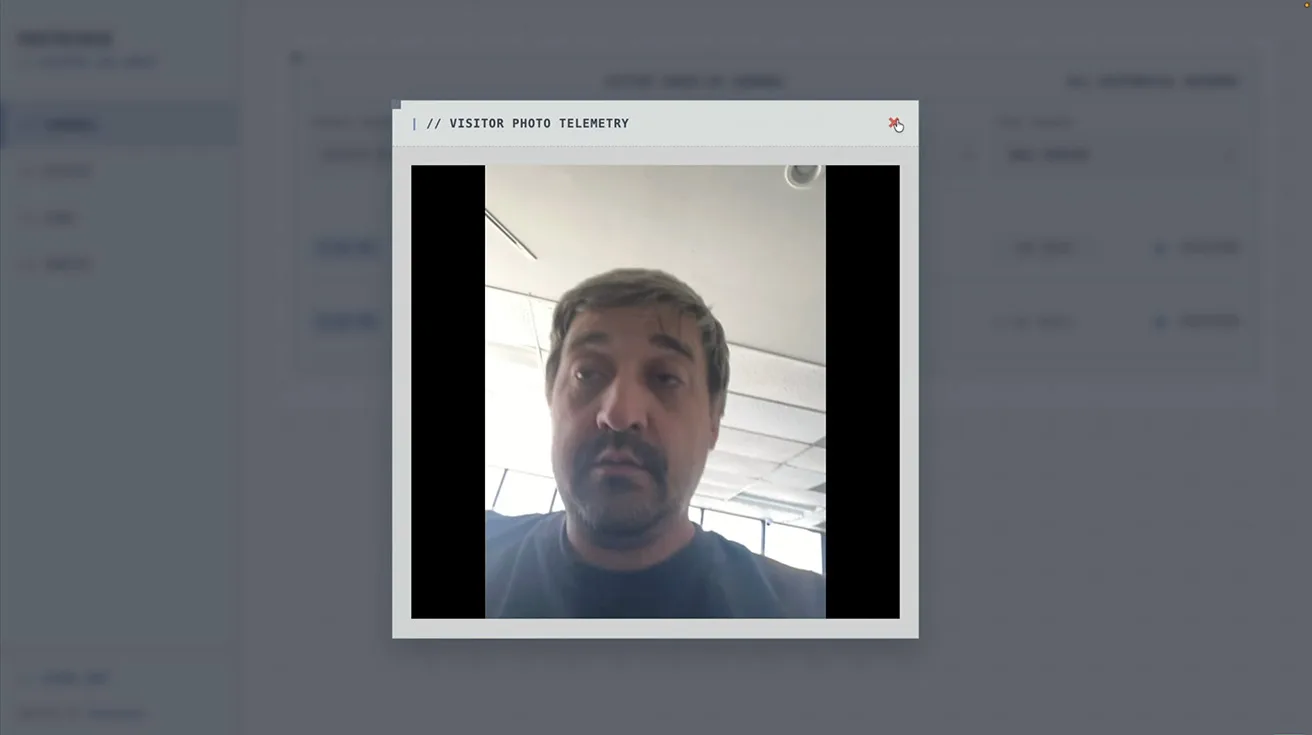
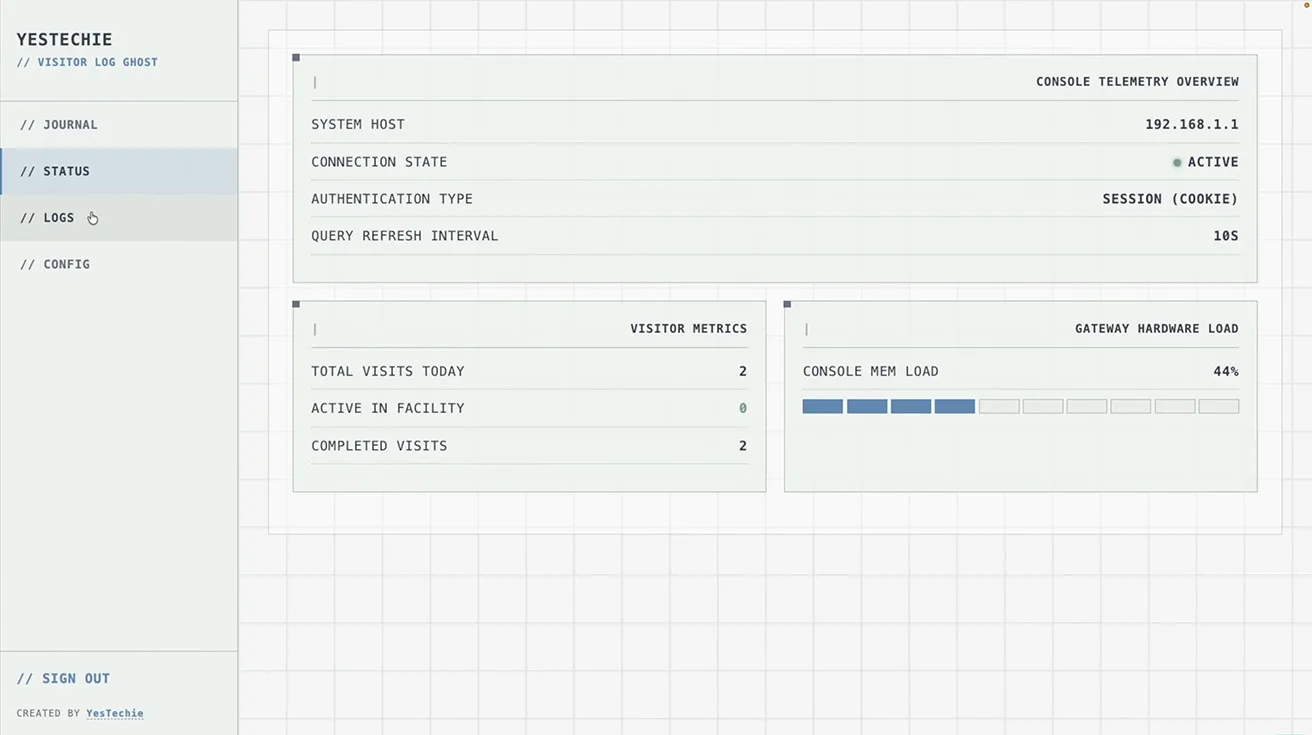
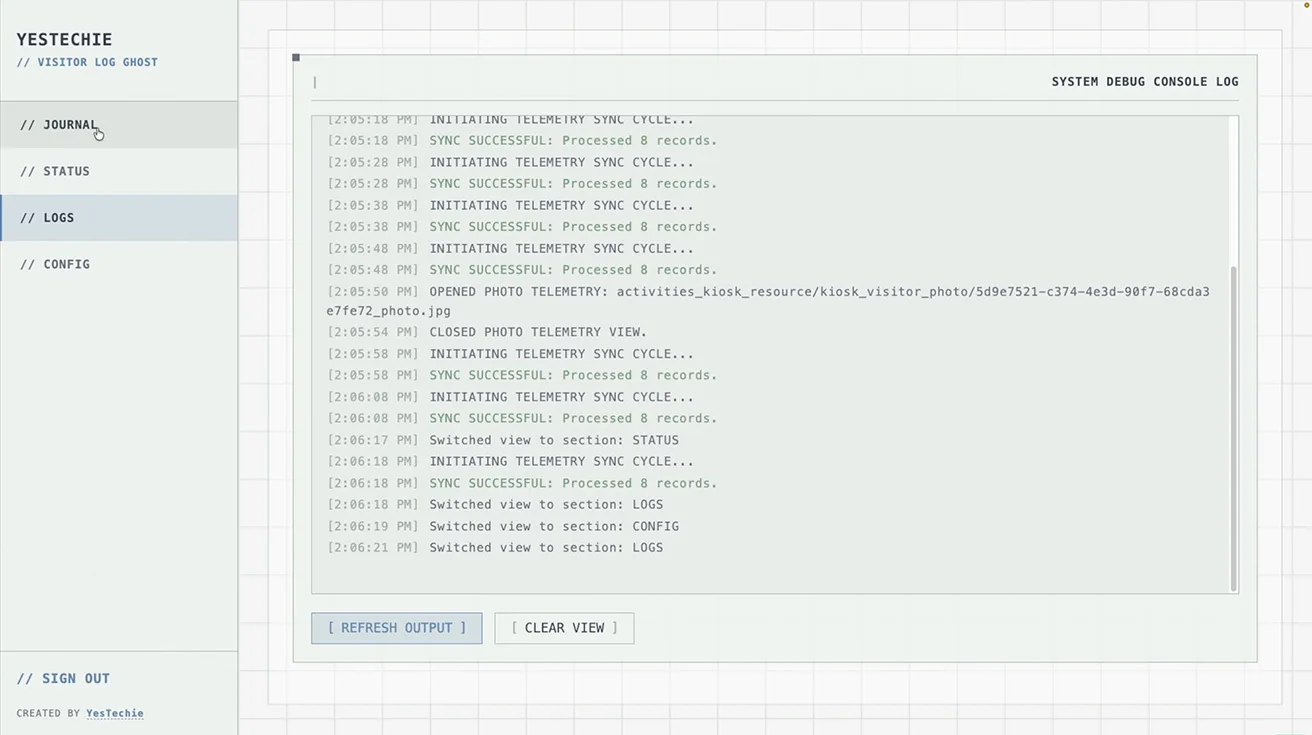
In this specific case, the customer needed a simplified dashboard with advanced archive management. They required the ability to:
- Quickly search for any visitor.
- Filter records by name, company, phone number, or email.
- View captured visitor photos.
- Check exact visit dates and times.
- Access the complete historical visitor archive.
1 / 8
At the time of deployment, the standard UniFi Access interface did not provide this specific level of customized management. This illustrates the massive difference between a basic equipment installer and a true system integrator. Instead of waiting months for a potential software update, the YesTechie team engineered their own custom dashboard. This software works natively alongside UniFi Access to give the customer the exact functionality required. Building custom integrations requires deep technical knowledge, similar to the expertise needed when combining complex hardware modules like the UniFi Superlink Siren PoE Environmental systems.
The True Value of a Professional System Integrator
Ultimately, the customer received exactly the solution they were looking for: a modernized security infrastructure, automated digital visitor registration via UniFi Kiosk Mode, a custom management dashboard, and absolute control over their own data. Everything operates together as one cohesive system that helps employees streamline their tasks every day.
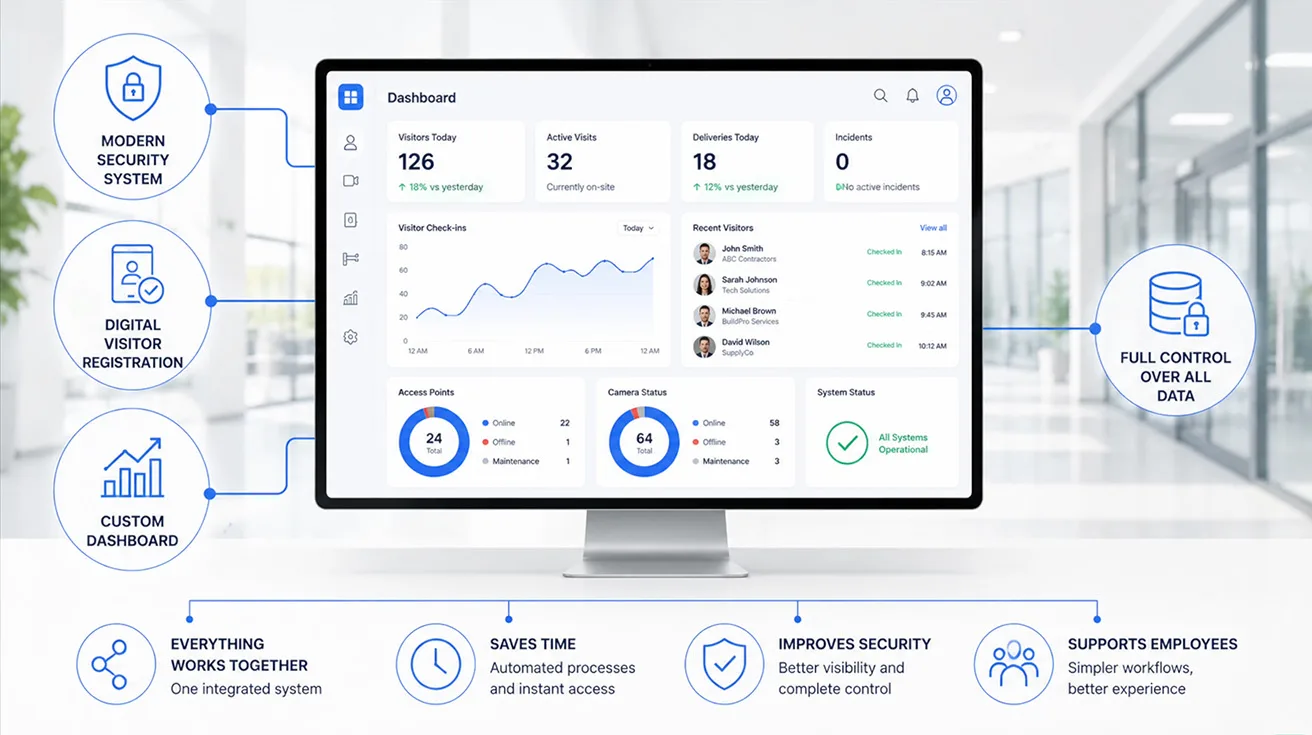
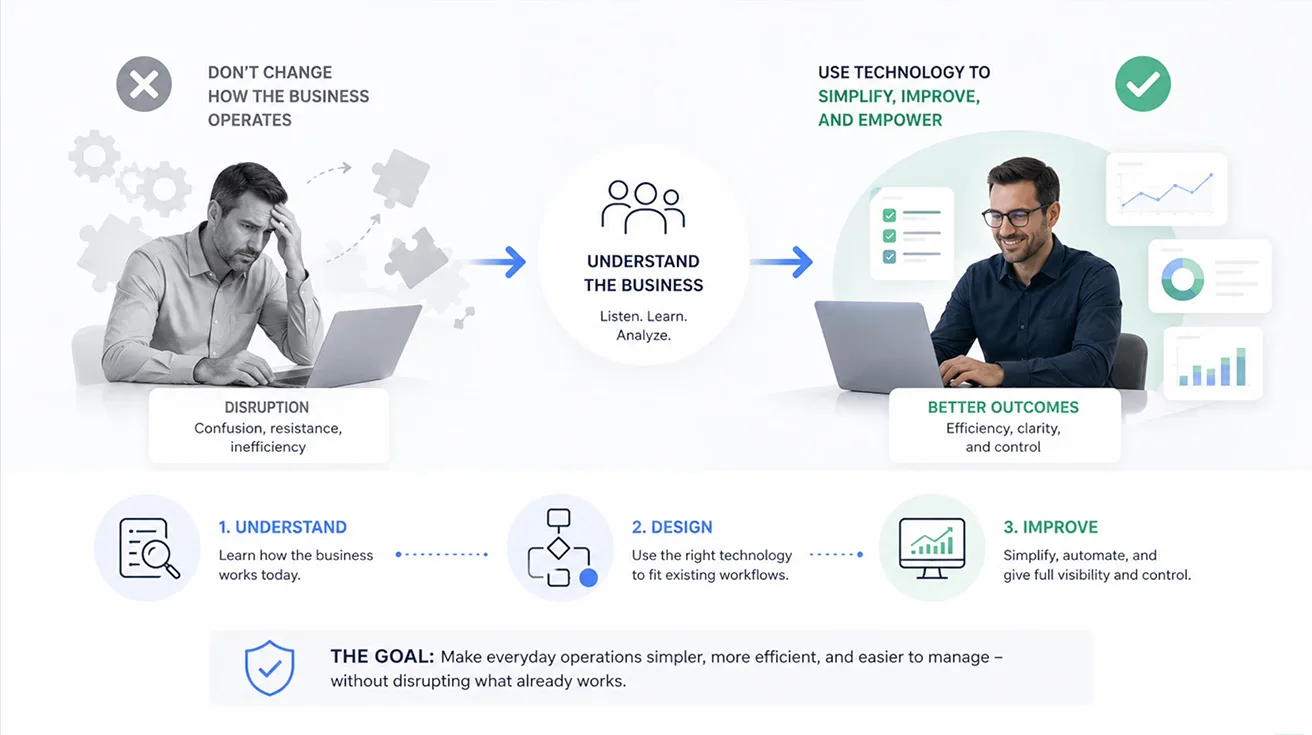
A highly skilled system integrator does not try to force a business to change how it operates. Instead, they first analyze the customer's existing workflows and then deploy technology to make those processes simpler, more efficient, and easier to manage. We visit real customer sites to see how these technologies perform in everyday operations and the tangible value they bring to the corporate bottom line.
If you are a system integrator with an interesting case study that made a real difference for your client, we want to hear from you. We would be happy to visit your site, film the deployment, and share your technical story with our audience. Furthermore, if you manage a business and are planning to modernize your infrastructure, we strongly recommend talking with several different system integrators. They frequently suggest optimization solutions you may not even know exist. For a deeper dive into the technical network configuration and hardware setup of this project, check out the full video on the YesTechie YouTube channel linked below.
Find a Trusted Security Integrator with Pipl Systems
If you need assistance finding the right technical partner to deploy a UniFi Kiosk or upgrade your commercial security infrastructure, feel free to contact us directly or visit the Pipl Systems directory. We actively work with top-tier system integrators, showcase their verified projects, and help commercial businesses connect with the right technology partners to secure their facilities.
To see exactly how the YesTechie team implemented this custom dashboard and transformed the visitor experience, watch our full on-site video breakdown below.
FAQ
What is UniFi Kiosk Mode?
UniFi Kiosk Mode is a self-service visitor check-in feature within the UniFi Access ecosystem. It runs on an iPad and allows guests to scan QR codes, take identification photos, and print temporary access badges without manual assistance.
Does UniFi Access require a monthly software subscription?
No. One of the primary advantages of the UniFi ecosystem is that it is a license-free platform. Once you purchase the hardware, such as the UniFi Kiosk or Access Readers, all software features and updates are included at no recurring cost.
How do pre-scheduled guests use the UniFi Kiosk?
When an employee schedules a visit, the guest receives a unique QR code via email. Upon arrival, the guest simply scans this QR code at the iPad kiosk, and the system instantly prints a personalized temporary access badge.
Can the UniFi Kiosk handle unexpected walk-in visitors?
Yes. Walk-in visitors can enter their details directly into the kiosk interface and take a photo. This sends an immediate notification to the designated administrator, who can approve or deny the access request remotely.
Is it possible to customize the visitor management dashboard in UniFi?
While the native UniFi Access application offers robust features, a professional system integrator can build custom dashboards to expand functionality. In this case study, the integrator developed a specialized archive to filter, search, and manage historical visitor data perfectly tailored to the client's needs.
Why should a business upgrade from paper visitor logs to a digital system?
Digital visitor management provides a permanent, easily searchable database of exactly who entered the facility and when. It enhances physical security, speeds up the check-in process, and ensures compliance with modern operational standards.