Devices won't communicate
Understand VLANs, interfaces and access rules that affect connected systems.
A full-day practical networking course for security installers, system integrators and IT professionals who work with real networks.
Seats confirmed after payment. Registration requests are not binding.
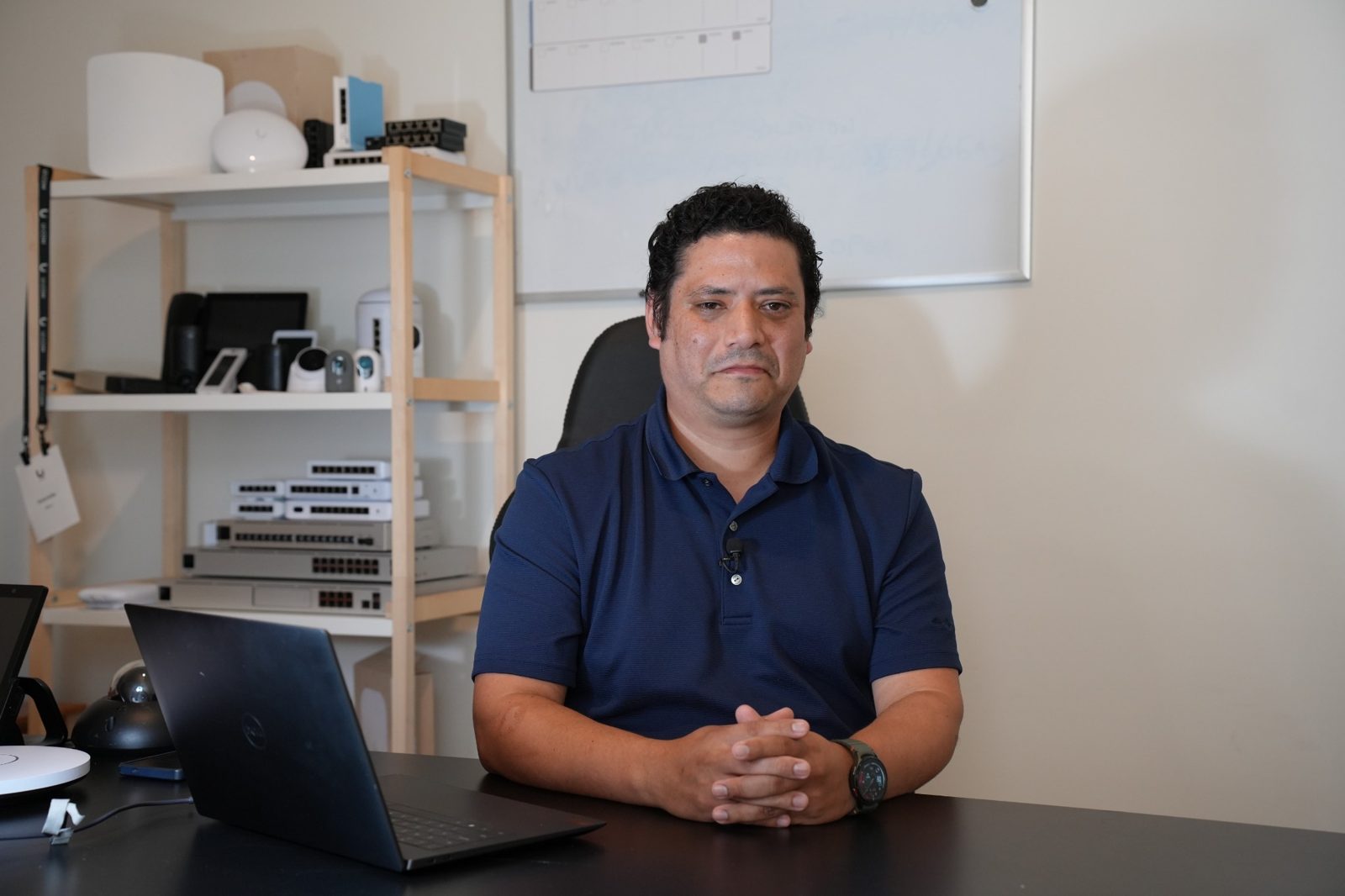
Installing a device is only one part of the job. When network segments cannot communicate, routing breaks, or security rules block traffic, you need to know how to diagnose the cause.
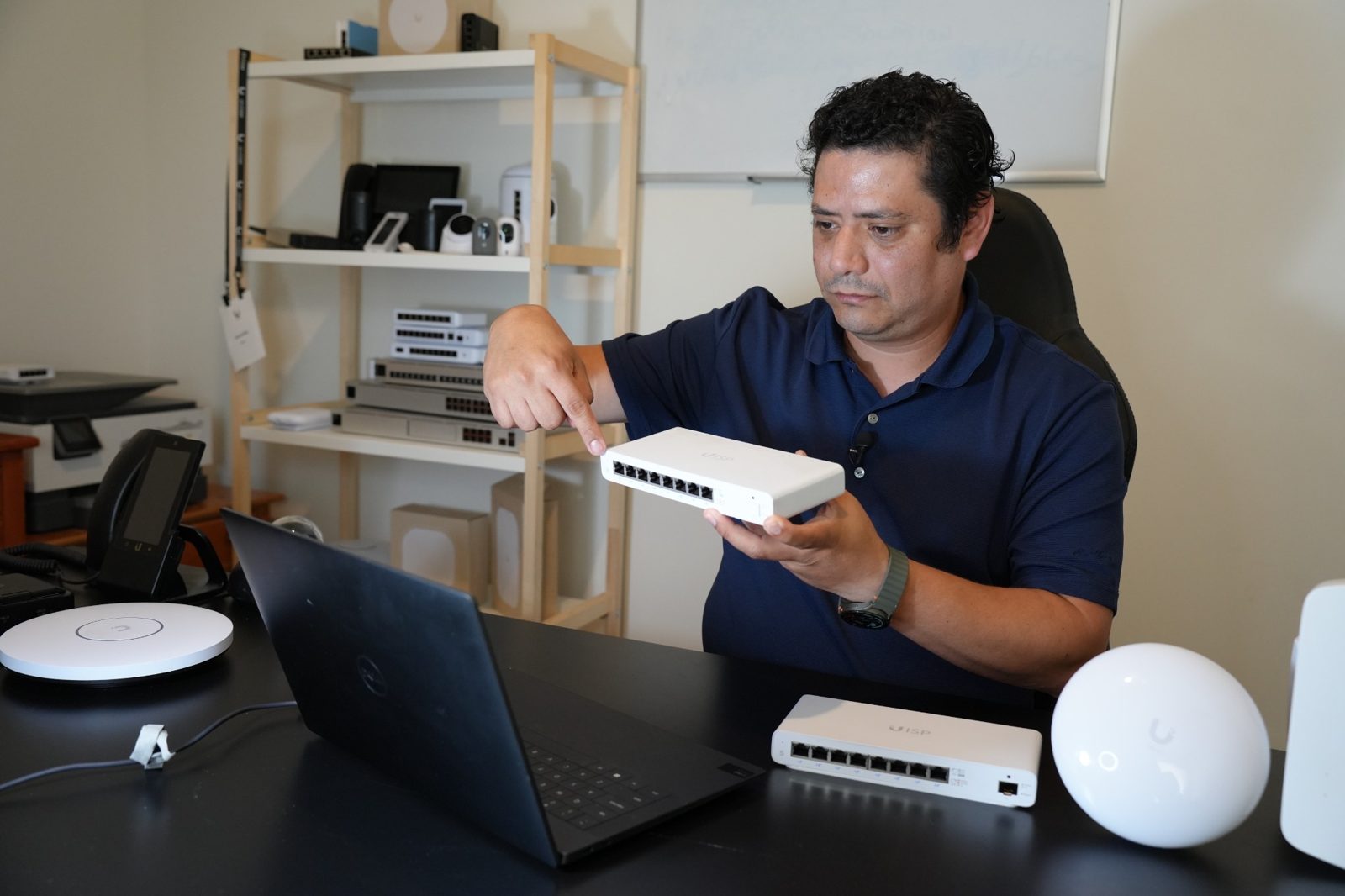
This one-day course combines focused instruction with guided configuration exercises, using equipment you can work with directly.
Understand VLANs, interfaces and access rules that affect connected systems.
Read routing behavior and work with NAT, routes and load balancing.
Apply and validate firewall rules, QoS and network segmentation.
Designed for working professionals looking to strengthen practical networking knowledge—not for someone starting entirely from zero.
IP cameras, access control, intercoms and other connected systems.
VLANs, routing and network security for customer environments.
Configuration, troubleshooting and understanding network behavior.
Managed switches, gateways, firewalls and traffic segmentation.
By the end of the course, you should be better prepared to diagnose and troubleshoot issues on local LAN networks.
Approximately seven hours of live instruction, demonstrations and guided hands-on labs. Each module connects theory to a practical exercise.
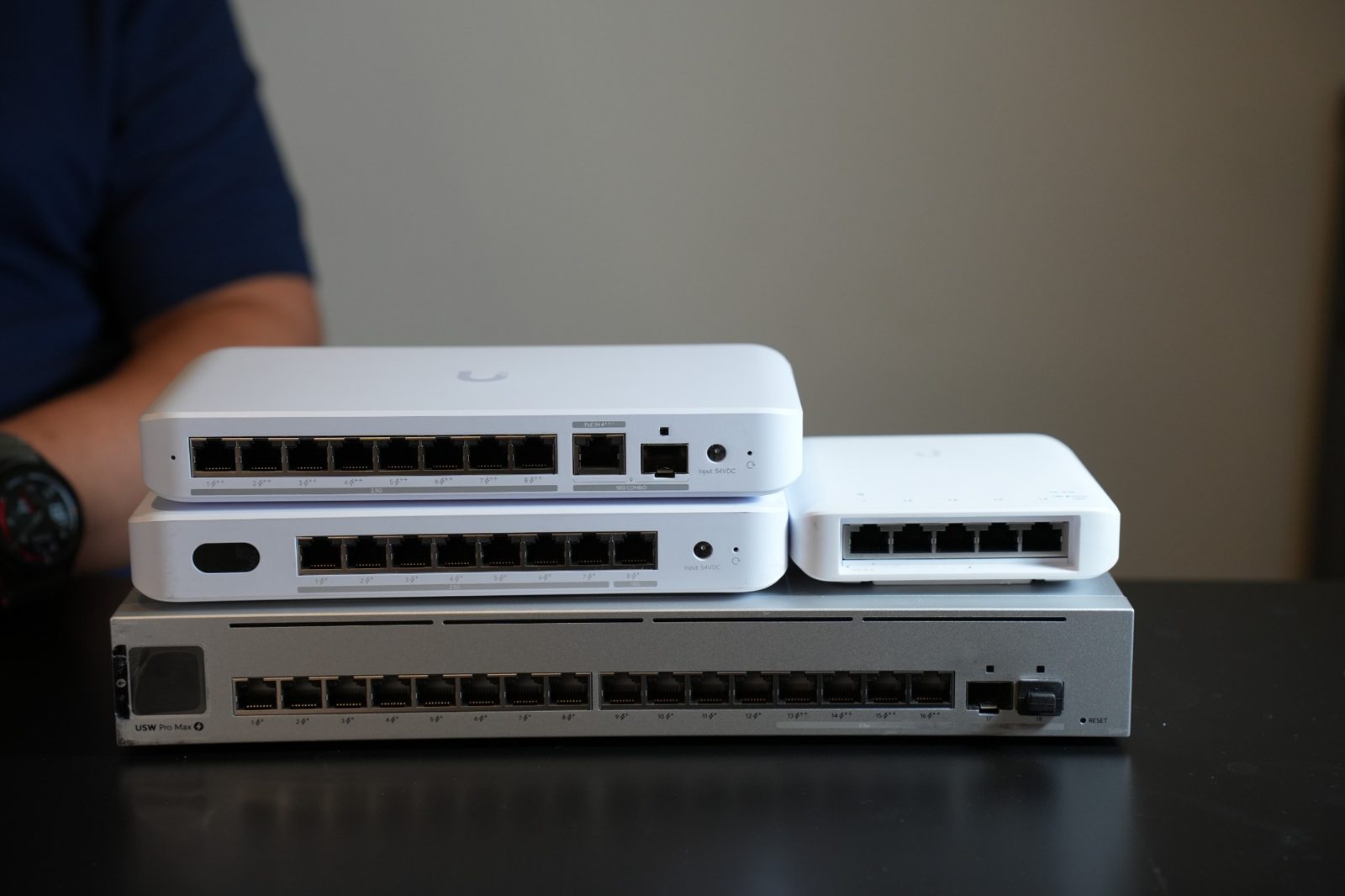
Understand the physical links and power requirements that make a network reliable.
Compare link speeds and cabling requirements to recognize when a physical connection limits a deployment.
Understand how powered devices and switches negotiate power, and why available power budget matters.
Recognize when fiber is appropriate for distance, bandwidth and network uplinks.
Identify common connector and transceiver compatibility considerations.
Get an introduction to passive optical network architectures and where they differ from switched Ethernet.
Recognize physical interfaces and assess whether a switch can support the connected devices within its available PoE power budget.
Interpret link and power requirements before selecting or troubleshooting connected equipment.
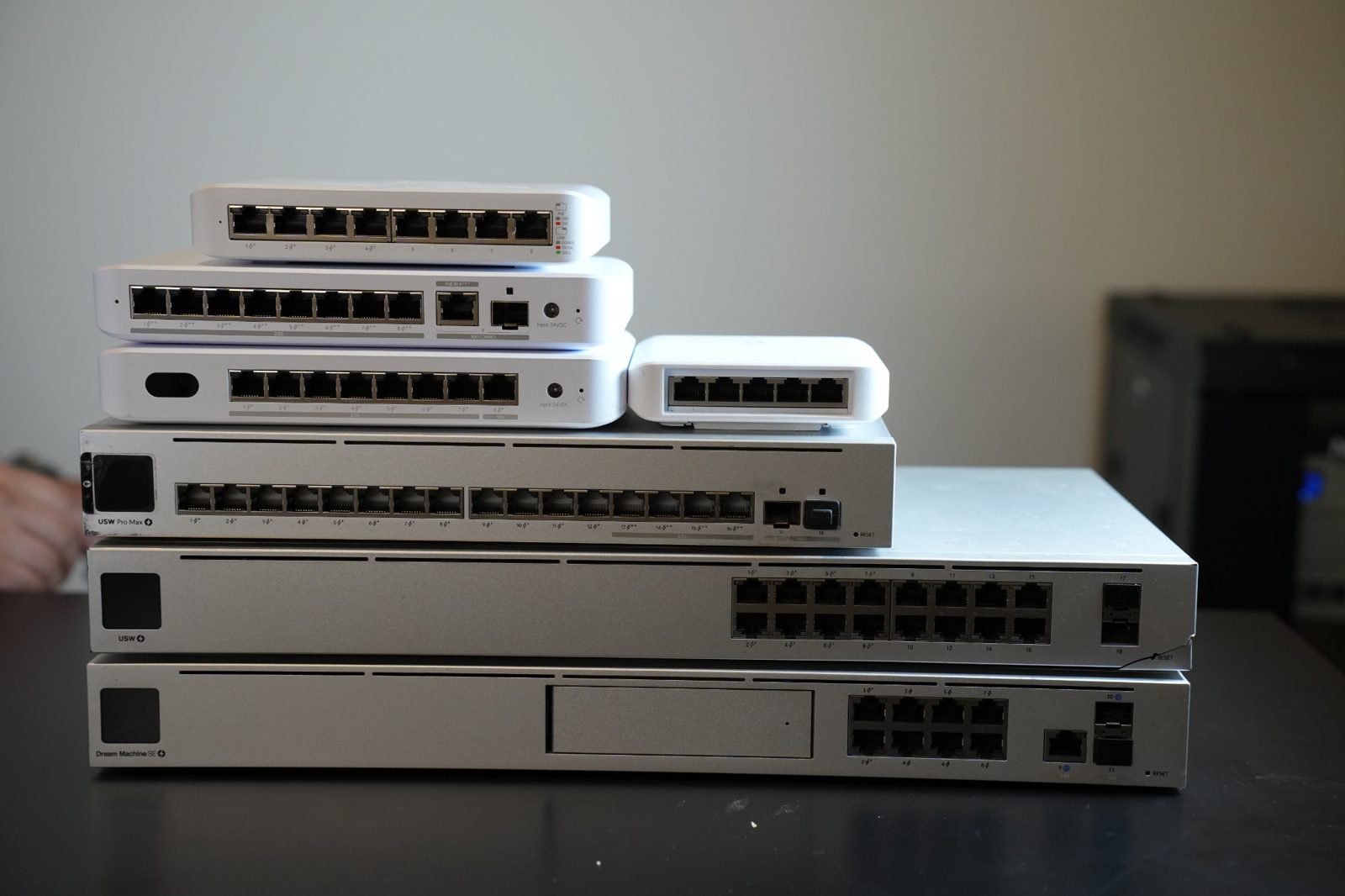
Build logical network segments and understand how devices communicate across them.
Use the layered model to distinguish physical, switching and routing problems.
Understand tagged and untagged traffic and how VLANs divide a physical network into logical segments.
Explore how access-control rules restrict communication between devices and network segments.
Understand when traffic must be routed between VLANs rather than switched within one segment.
Create multiple VLAN segments, apply switch-port configurations, test VLAN Override settings and explore Access List functionality.
Configure and verify segmented networks while recognizing why devices can or cannot communicate.
Understand how addressing, route selection and NAT influence traffic flow.
Distinguish internal addressing from externally routable addresses and identify their roles.
Understand how addresses are translated at network boundaries and how translation affects connectivity.
Compare manually defined routes with routes learned through routing mechanisms.
Read the information a gateway uses to select the next hop for a packet.
Work with multiple-path traffic decisions, policy-based route selection and local DNS configuration.
Trace the intended traffic path and recognize addressing or routing misconfigurations.
Apply network policy deliberately without breaking legitimate communication.
Understand where translation rules are applied and how they affect packet handling.
Explore rules that permit or deny traffic between networks and security zones.
Understand traffic prioritization and how bandwidth policies affect time-sensitive applications.
Recognize the roles of intrusion prevention/detection, traffic inspection and filtering.
Configure zone-based firewall policies and QoS settings, then test whether the intended traffic is allowed and prioritized.
Apply and validate basic network security and traffic-prioritization policies.
Follow David's demonstrations, configure your own compatible hardware and ask questions as you work.
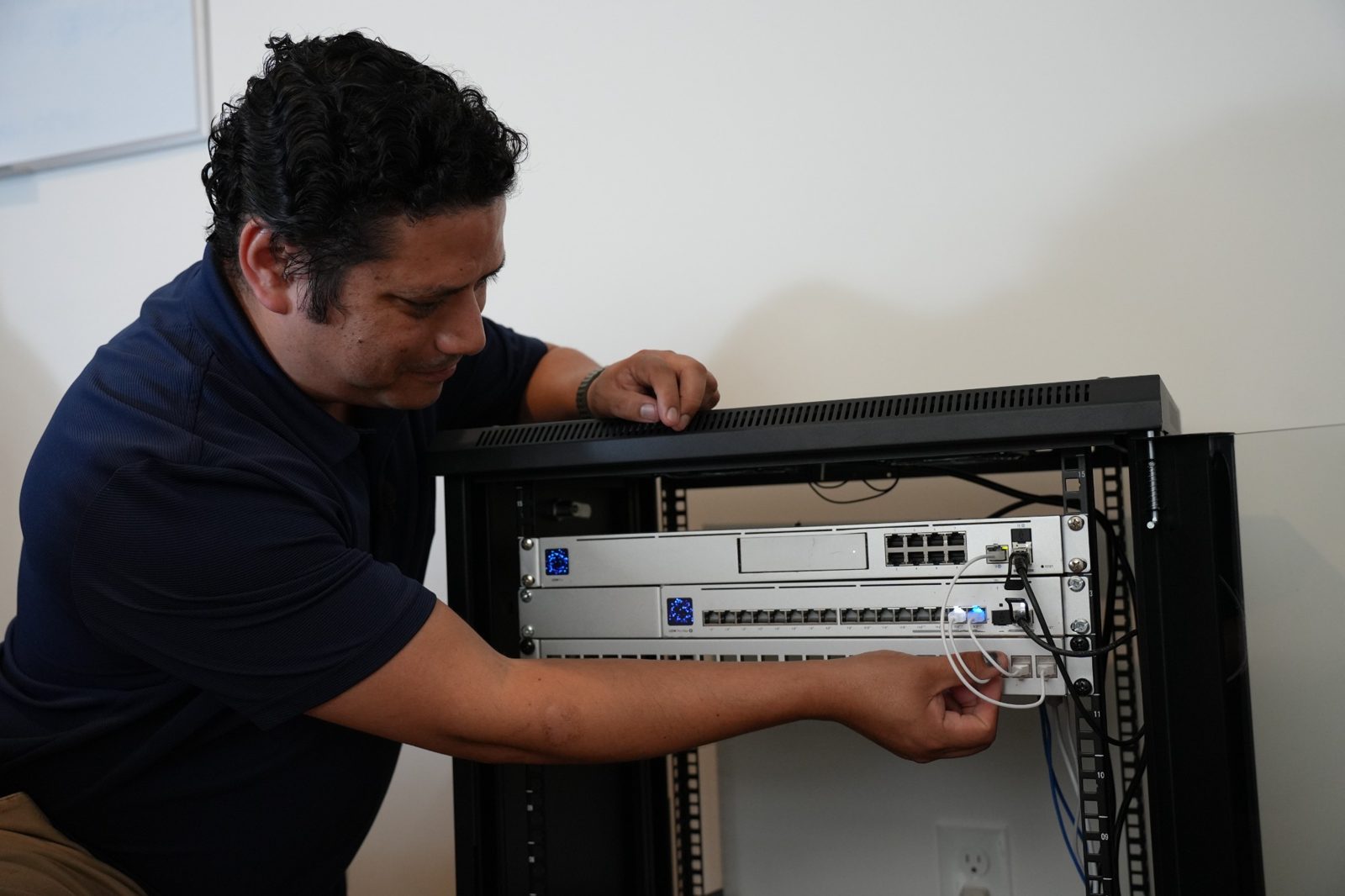
You'll need access to compatible hardware during the live session. Check your setup before requesting registration.
Ask before registering. Some lab exercises use UniFi-specific functionality, so compatibility of alternative hardware should be confirmed with the instructor.
Ask about your equipment ↗This is practical training for people with some networking knowledge. It is not designed as a first introduction to networking.
Alternatively, complete an Introduction to Networking course before attending.
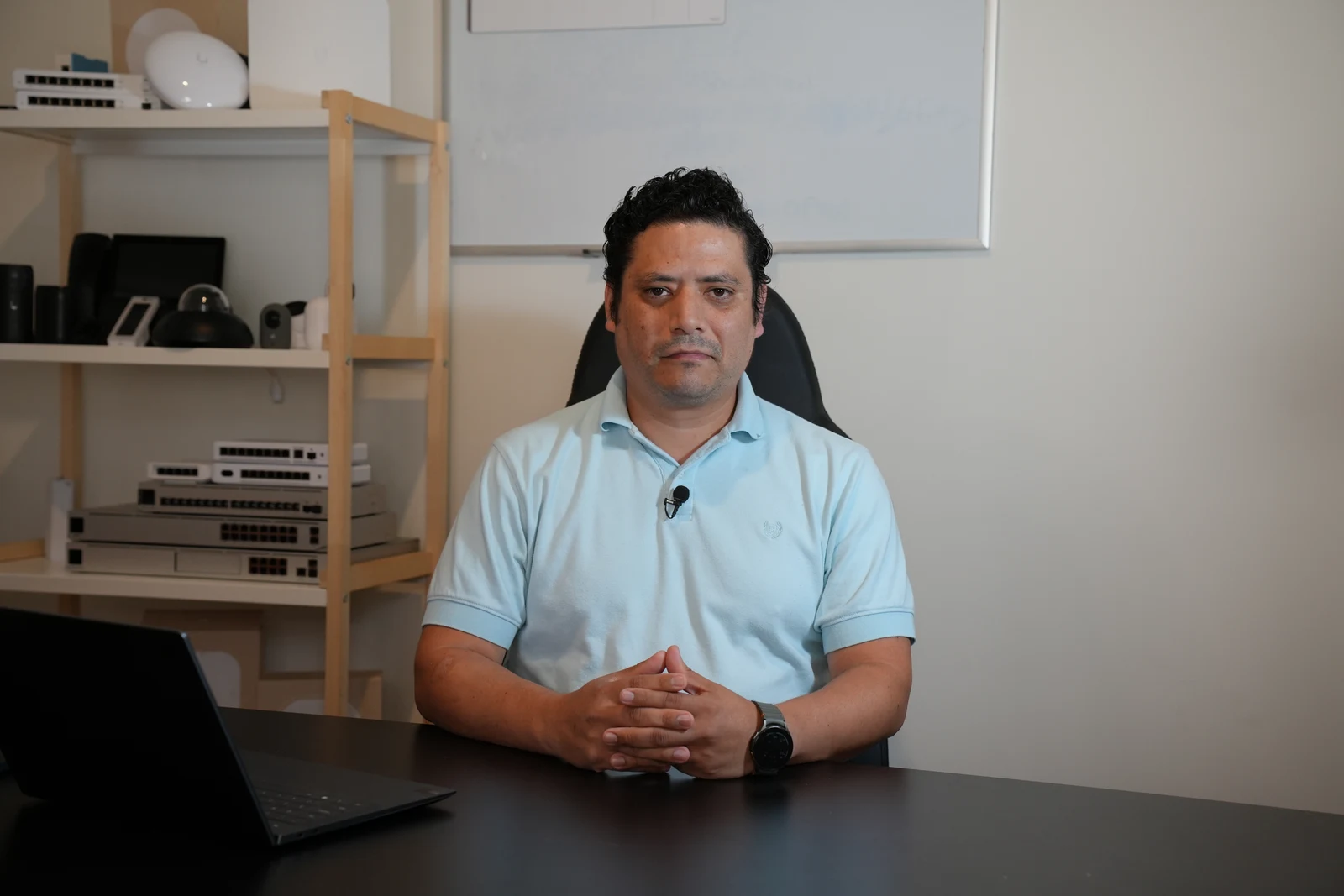
Network engineer and technical instructor with experience teaching networking professionals and integrators.
David has worked with networking technologies including Ubiquiti, MikroTik and Cisco. His approach emphasizes practical demonstrations, configuration and troubleshooting.
The training is designed to support practical work after the live session—not just knowledge on the day.
Apply concepts through instructor-guided configuration, troubleshooting, and validation exercises on compatible equipment.
Complete an end-of-course knowledge check. David Grillo issues his course Certificate of Completion after the applicable completion requirements are met.
Join a student group with David and other participants to discuss networking questions and share practical experience after the course.
Build confidence for more complex installations, support responsibilities, client projects, or expanding the networking services your business offers.
A certificate issued by David Grillo for completing his course and its assessment. It is not a vendor certification or a guarantee of employment, licensing, or professional qualification.
One day of practical networking training with David Grillo.
Send your interest or questions to the Pipl Systems team. We’ll contact you personally about the next steps.
Clear answers about preparation, equipment and registration.
No. Participants should have completed an Introduction to Networking course or already understand OSI model protocols, IPv4 subnetting, routing and NAT.
The course lists general SMB/enterprise equipment as required and specific UniFi models as preferred. Some labs use UniFi-specific features; confirm alternative-equipment lab compatibility with the instructor before registering.
An SMB/enterprise-level gateway (not a home ISP router), a managed switch with VLAN support, a laptop with an Ethernet adapter, and an internet connection.
The November 19 session is a live, instructor-led online course with demonstrations, guided labs and opportunities to ask questions.
Submit a registration request. The organizing team will follow up with payment instructions from David Grillo’s US company. Your seat is confirmed only after payment.
Yes. An end-of-course knowledge check is included, and David Grillo issues his course Certificate of Completion after the applicable completion requirements are met.
Students join a group chat with David and fellow participants for ongoing questions and discussion. Response times and support scope will be shared before enrollment.
Materials and replay availability have not yet been confirmed. Please ask the organizing team before registering.
Cancellation, rescheduling and refund terms will be provided before payment.
Systems Academy — a collaboration between Pipl Systems and David Grillo. Course developed and taught by David Grillo.