

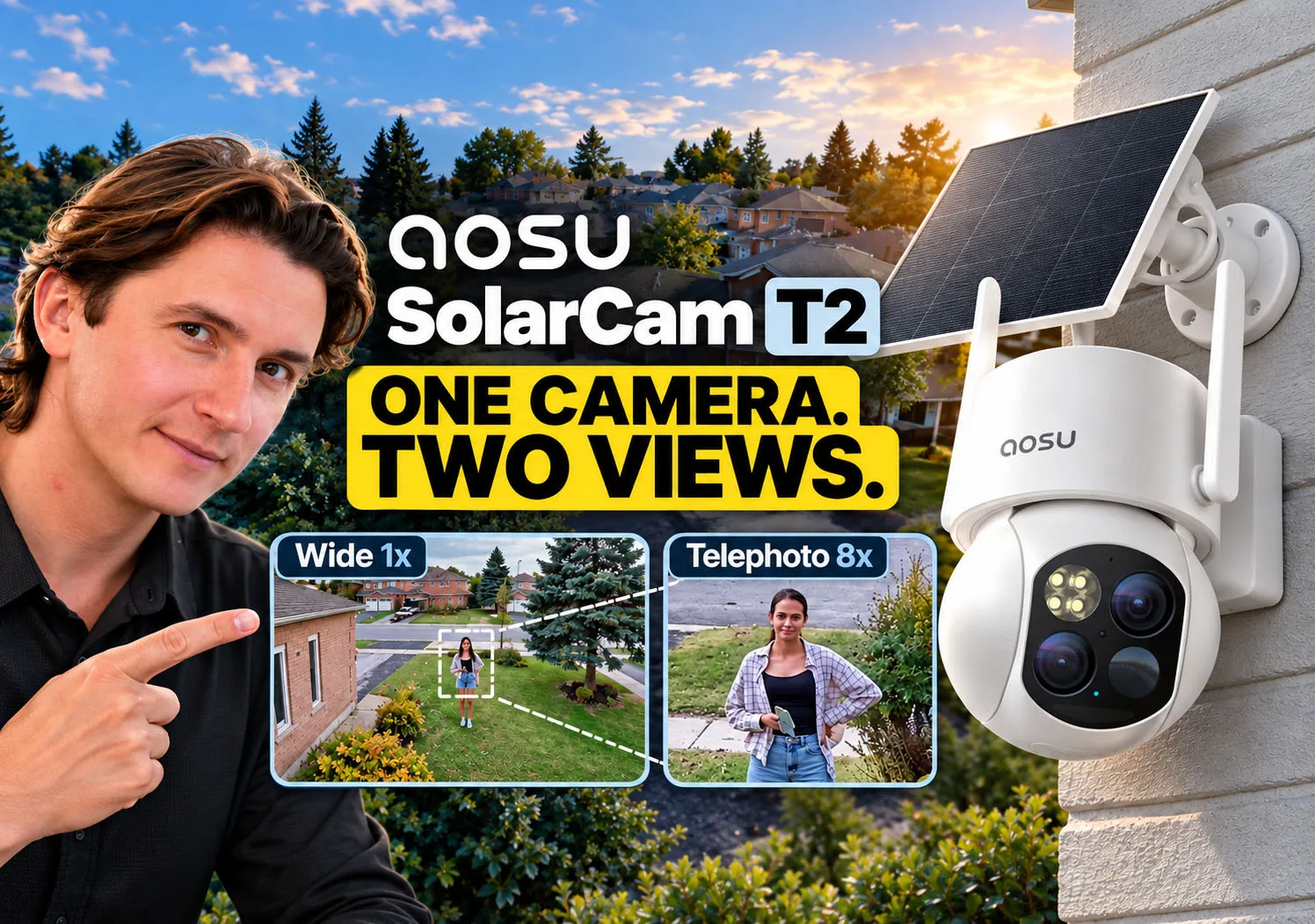
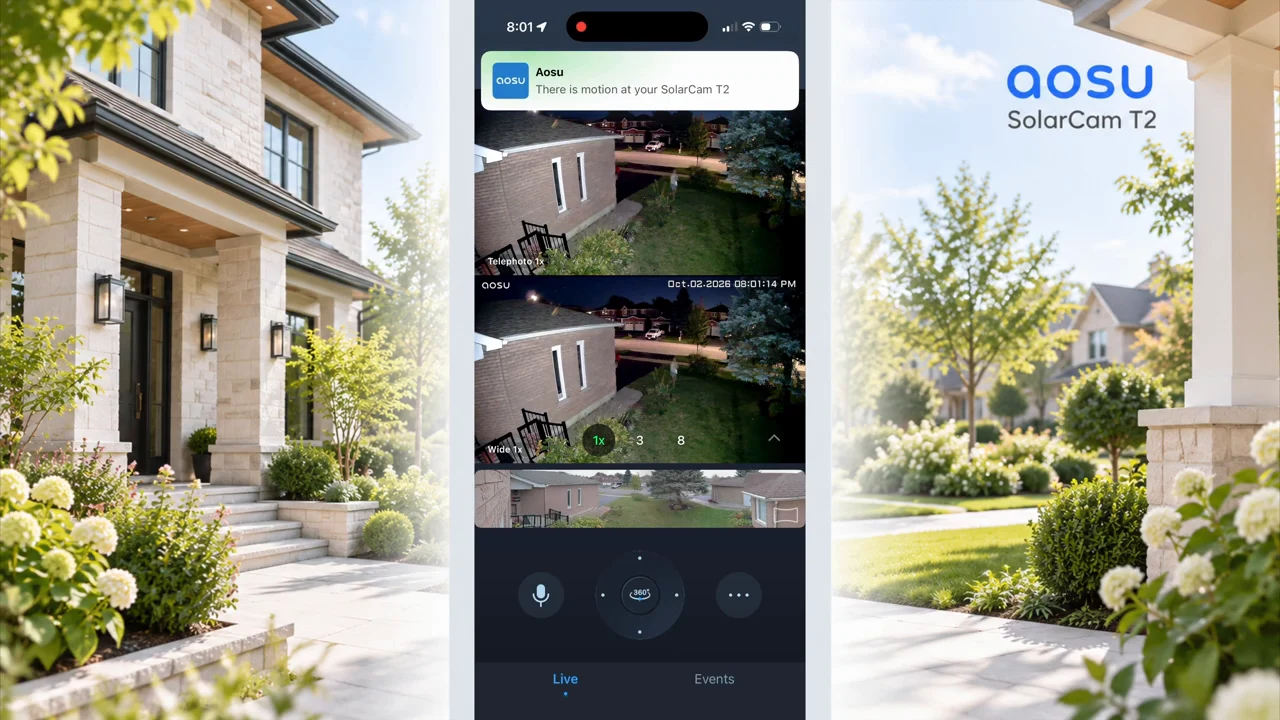
A wide camera view tells you where someone came from. A closer view can help you understand what they are doing. The aosu SolarCam T2 puts both perspectives into one solar-powered PTZ camera, showing two 3K views of the same scene together in the app.
For this review, we visited a residential property outside Toronto. The homeowner installed the T2 at the front of the house, facing an open yard, driveway, and street. The video documents installation, app operation, daytime movement, zoom, event recordings, and night tests. This is a short residential field test, not a laboratory benchmark or a winter endurance study.
aosu SolarCam T2 Review & Install: Dual 3K, 8x Hybrid Zoom, AI Tracking & Active Deterrence. Runtime: 14:55.
Video chapters
| Capability | What it means for your home |
|---|---|
| Dual 3K views | A wide view and an 8 mm telephoto view of the same scene. Both lenses move together. |
| Up to 8x Hybrid Zoom | A closer look at a selected subject; this is not a claim of 8x optical zoom. |
| PTZ and auto tracking | The camera can turn to follow detected activity rather than remaining fixed on one view. |
| On-device AI detection | Person, vehicle, and pet categories. The current official feature page labels pet detection Beta. |
| Recording | Event videos plus All Day Snapshots at five-minute intervals; not continuous full-motion recording. |
| Power and connectivity | Battery and a separate solar panel; a 2.4 GHz Wi-Fi connection for normal connected use. |
| Storage | microSD local recording, with optional cloud storage. |
| Night and deterrence | Infrared or spotlight-assisted color imaging, a red warning light, siren, and Two-Way Talk. |
The specifications above refer to the SolarCam T2 shown in this video. T2 Pro and T2 Ultra are different models. aosu’s dedicated T2 feature page is the reference for current features; the observations below come from the supplied field-test video.
Two lenses: keep the context while looking closer
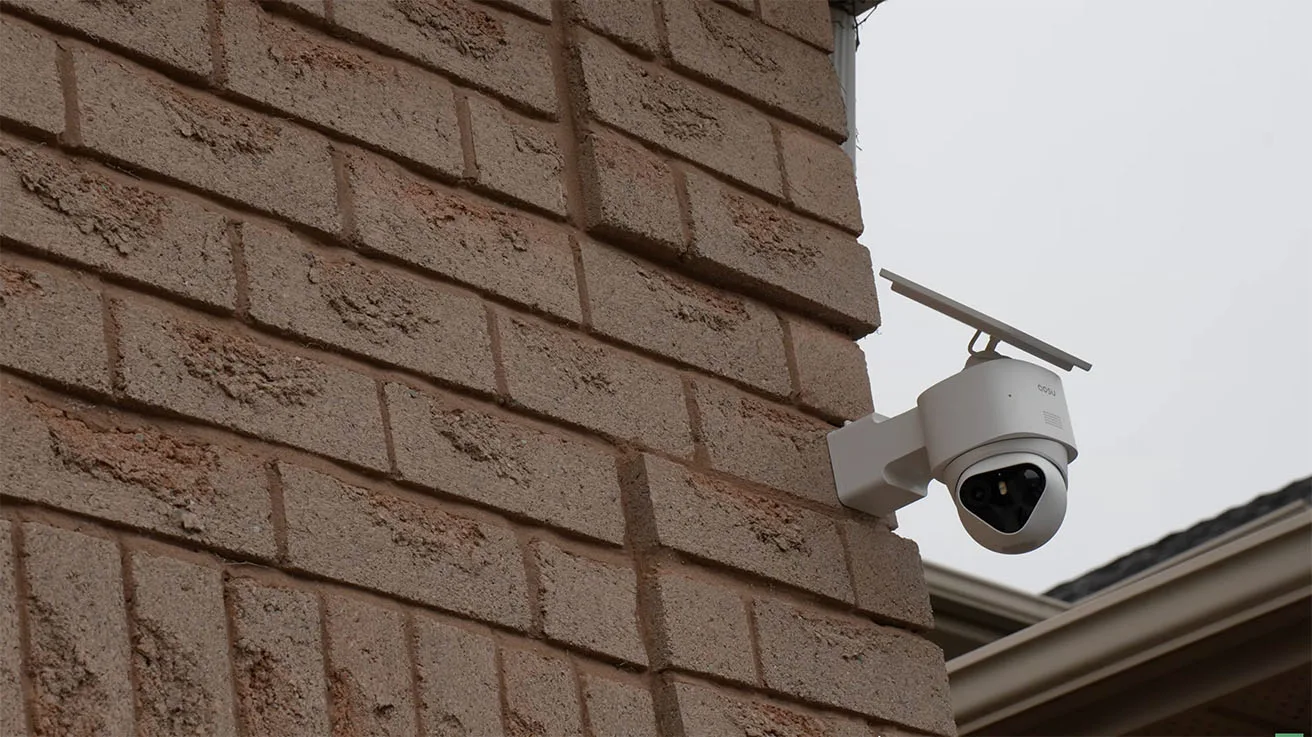
The T2 combines a wide-angle lens and an 8 mm telephoto lens on the same pan-and-tilt module. PTZ stands for pan, tilt, and zoom: turning horizontally, adjusting vertically, and changing how closely you view the subject. Both T2 lenses turn together, so they do not monitor two independently chosen directions.
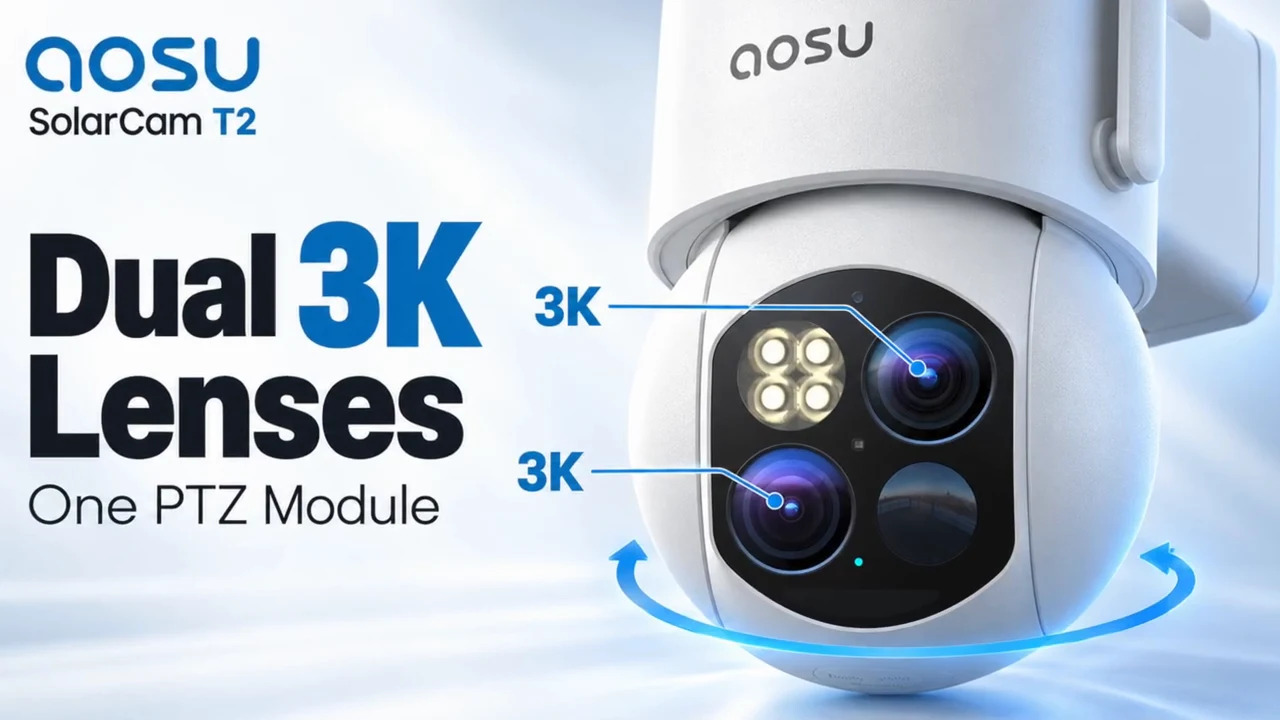
That arrangement is useful at this property because a person can enter from the street and cross a relatively large open front yard. The wider view shows the approach and surrounding activity. The telephoto view makes the person larger in the image. In the demonstration, the app displays the two views together rather than requiring you to abandon the overview to inspect the subject.
This is also the distinction between optical reach and simply enlarging an image. The telephoto lens captures a narrower perspective; additional digital enlargement cannot manufacture detail the original image did not record. aosu describes the combined capability as up to 8x Hybrid Zoom. It should not be described as an 8x optical zoom lens.
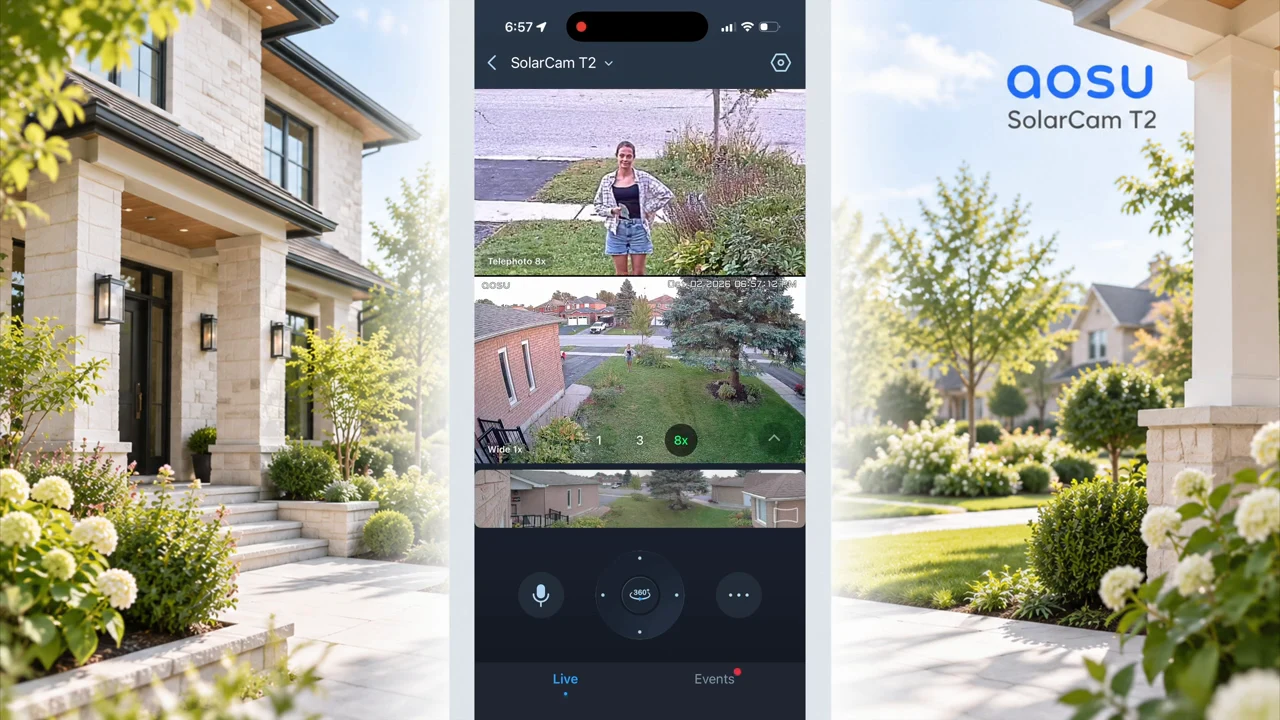
aosu advertises useful detail at up to 50 feet, roughly 15 meters. The video demonstrates distant views and additional zoom, but it does not document a measured 50-foot identification test under controlled conditions. Use that figure as a manufacturer claim. Whether a face or plate is readable depends on distance, viewing angle, light, movement, and the actual recording quality.
The important purchasing question is concrete: will the closer view show the person, vehicle, or entrance you need to examine at your mounting position? Test that point instead of choosing a camera from resolution or zoom numbers alone.
Installation: choose coverage and sunlight separately
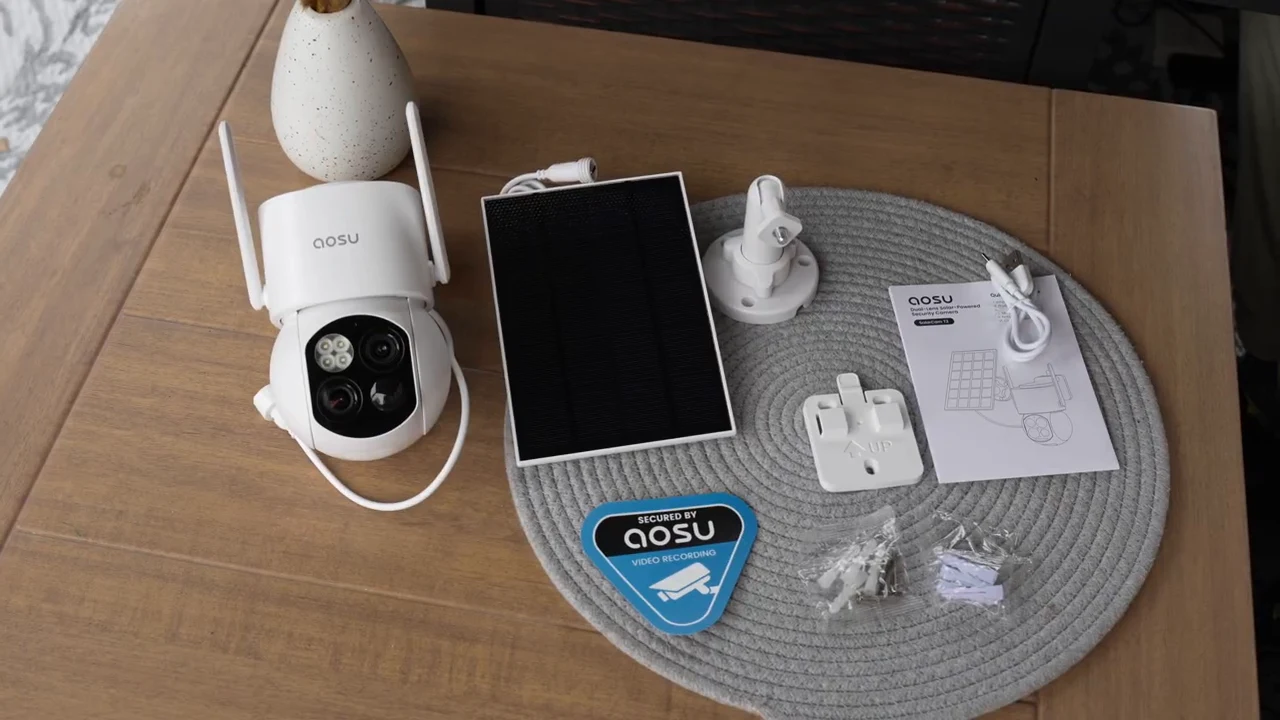
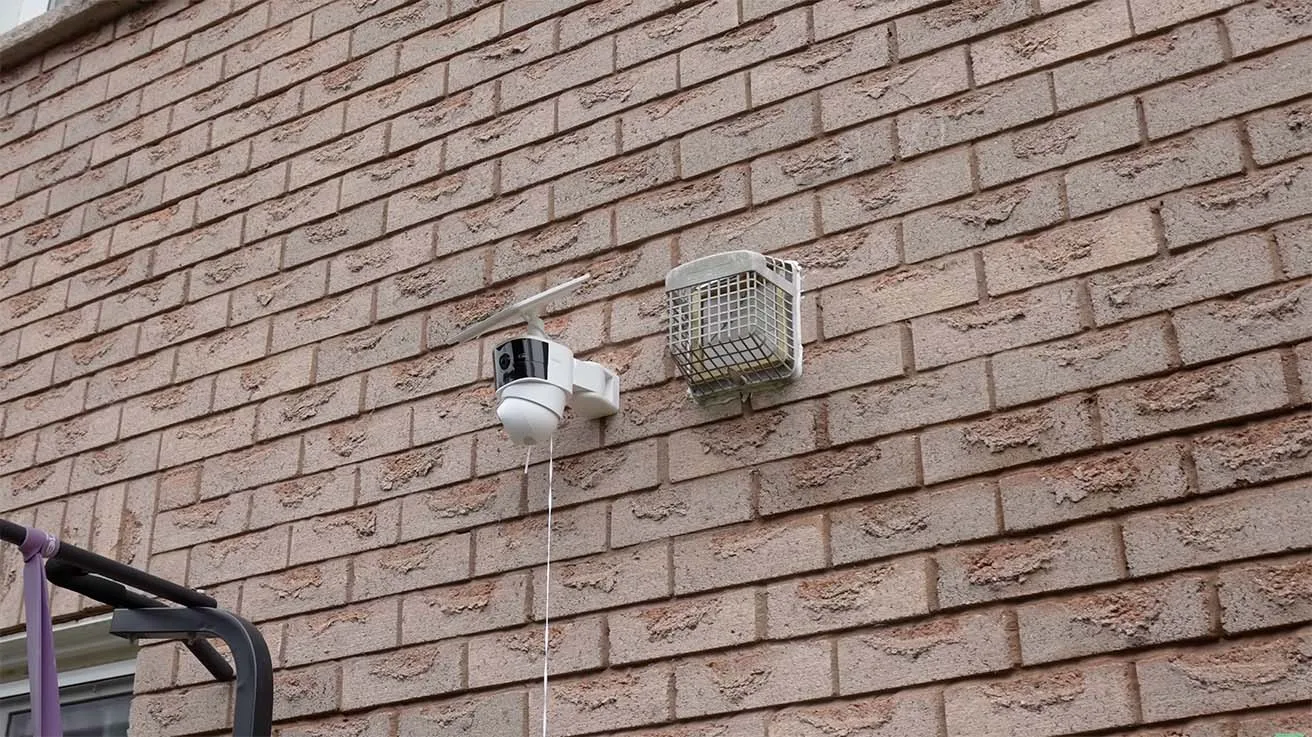
The supplied kit includes the camera, a separate solar panel, mounting brackets, a USB-C charging cable, mounting hardware, a positioning sticker, and a quick-start guide. The separate panel is a practical advantage: a wall with the best view may be shaded, while a nearby panel position receives better sunlight.
The homeowner already had experience installing aosu cameras. For the T2, the priorities were a clear view of the front yard and driveway, enough room for the camera to pan and tilt, and a reachable panel position with direct sunlight. The battery and panel avoid the need for a separate mains-power cable at that camera position. A cable still connects the solar panel to the camera.
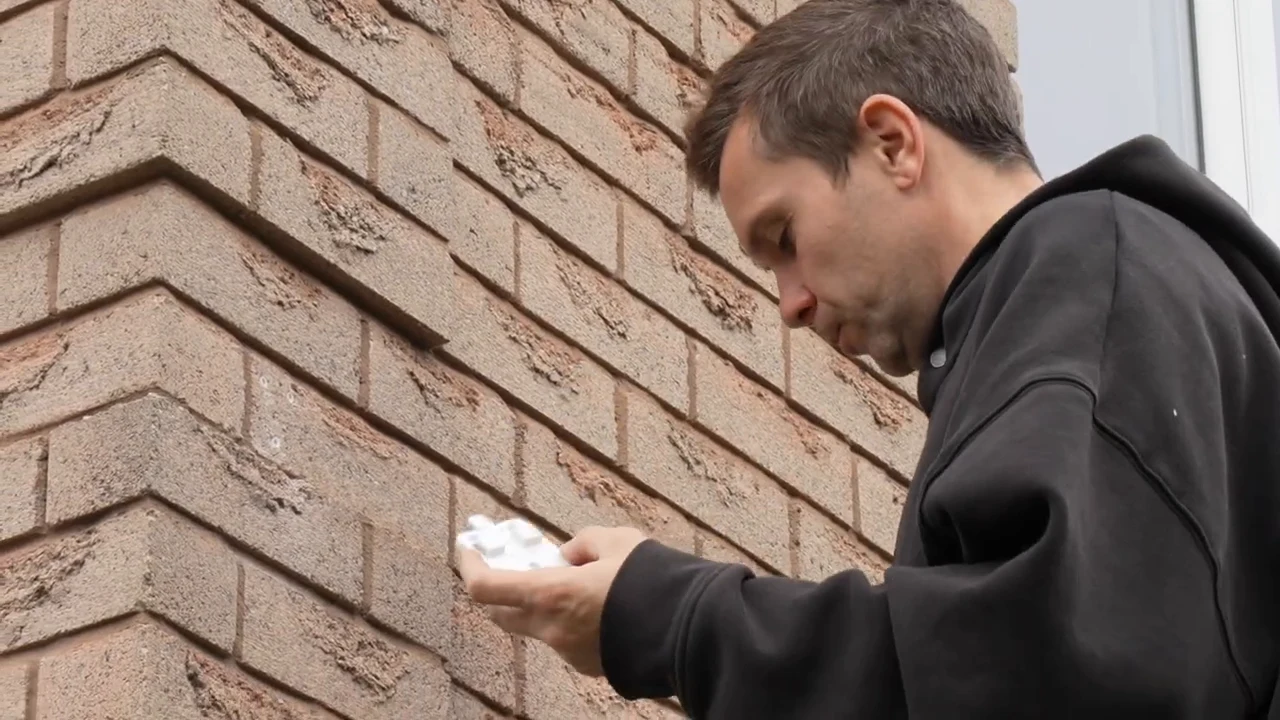
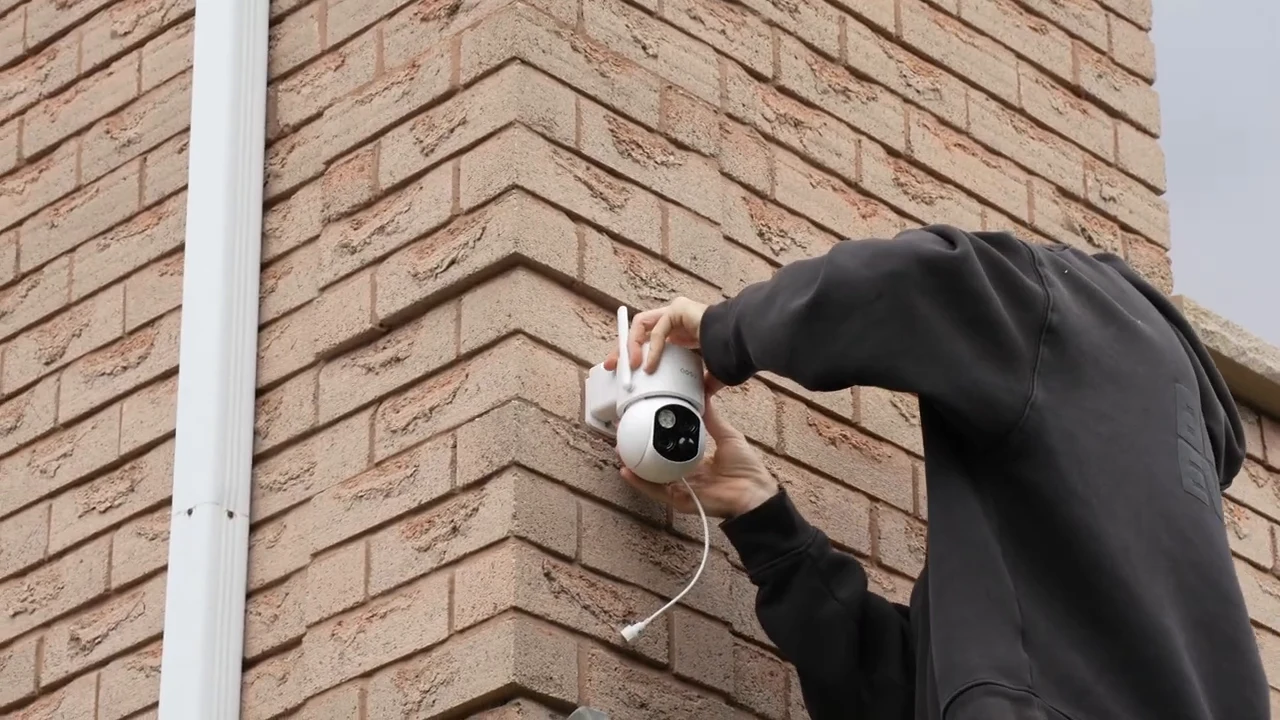
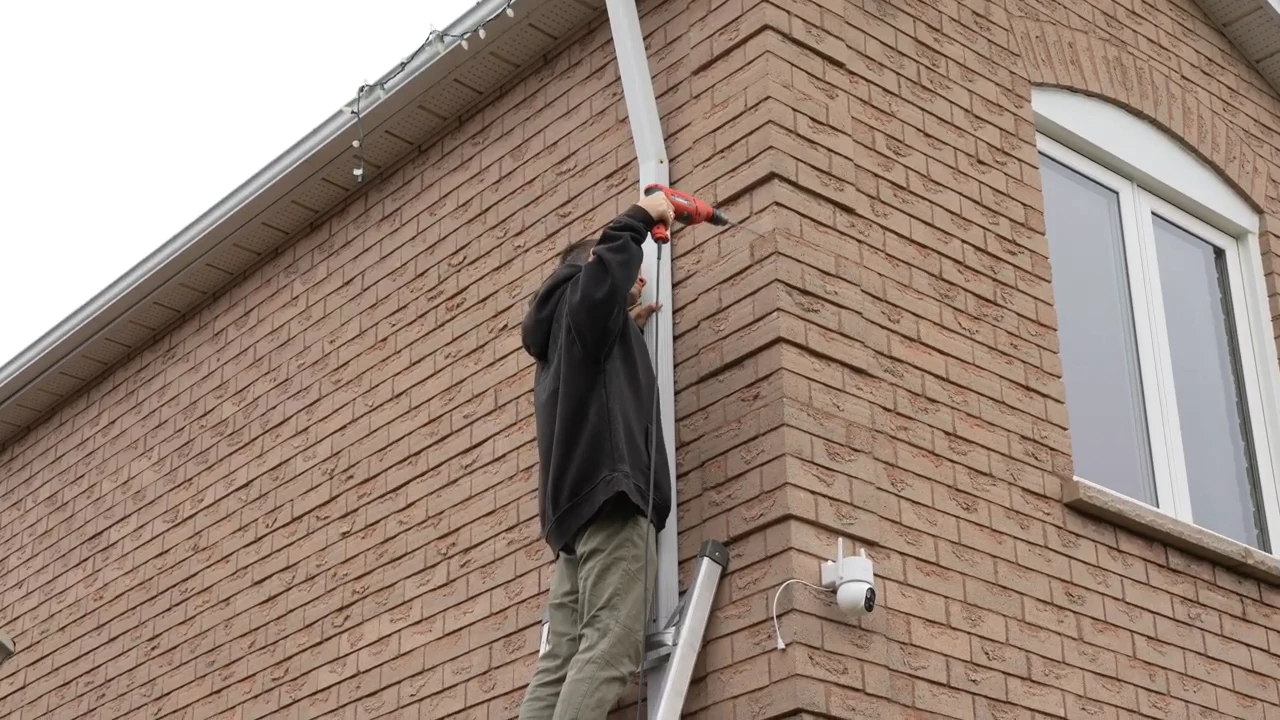
Preparing the camera mounting bracket in the installation sequence.
1 / 3
Before drilling, check the view and the Wi-Fi signal at the proposed location. The current T2 specifications list 2.4 GHz Wi-Fi. Confirm that the camera connects there, that the closer view frames your target, and that the panel cable reaches without strain. These are installation checks, not a substitute for the exact-model manual. aosu’s T2 placement guide gives further guidance on testing the wide and telephoto views.
Solar charging is a condition, not a guarantee
In the video, I cite aosu’s estimate that around one hour of direct sunlight can support a day of typical use. For this article, I checked the current dedicated T2 page, which specifies approximately two hours with a 3 W panel. Both figures are manufacturer estimates, not charging measurements from our installation.
Activity, live viewing, PTZ movement, lighting, weather, shade, and season all affect the balance between power consumed and power replenished. Position the panel for direct sunlight and inspect the battery trend after installation. For the Canadian property in the video, winter charging remains a follow-up question, not an established result.
For a broader look at power and connectivity options, see our solar security camera guide. If mounting access or the wider security project is complicated, use a suitable security integrator rather than treating every installation as a quick DIY job.
The app, AI detection, and tracking in daily use
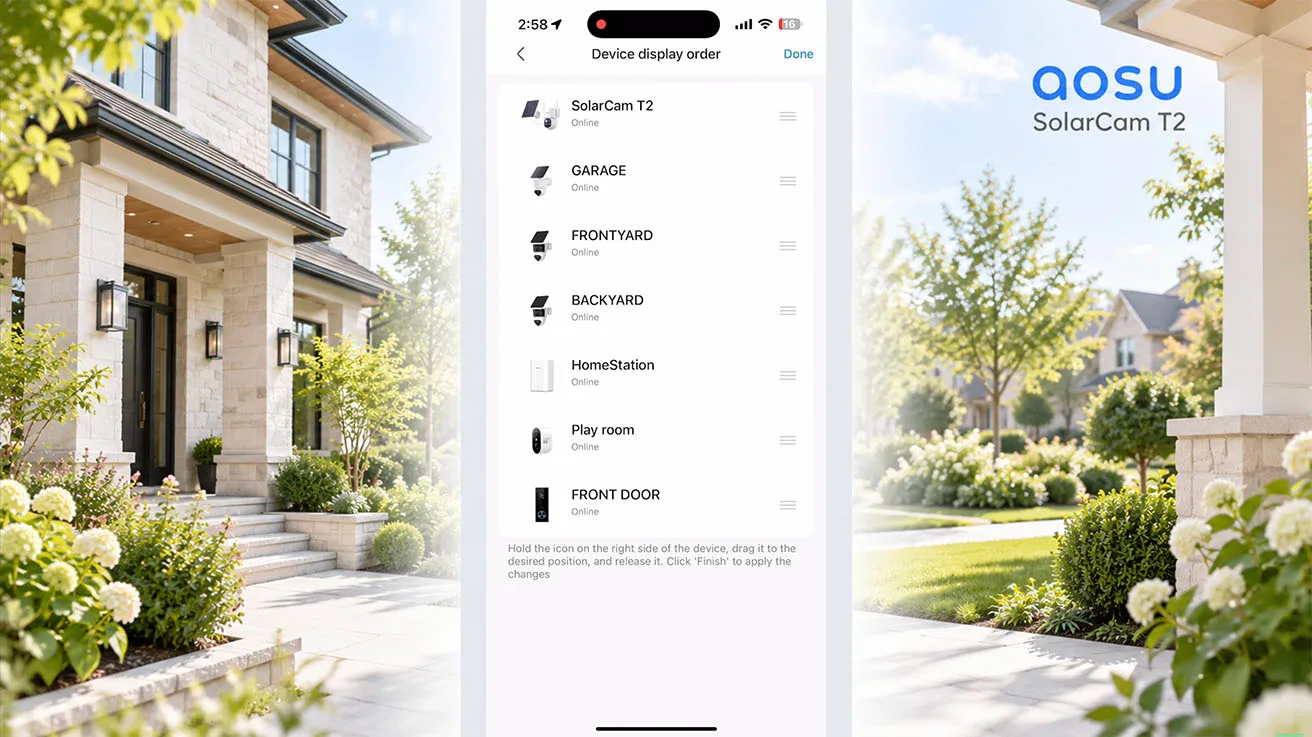
The homeowner adds the T2 in the aosu app and connects it to the network. It then appears alongside the property’s other aosu devices. The video shows dual live views, manual pan-and-tilt control, events, and the camera’s interaction controls. Detection zones and notifications let you focus monitoring on the areas that matter.
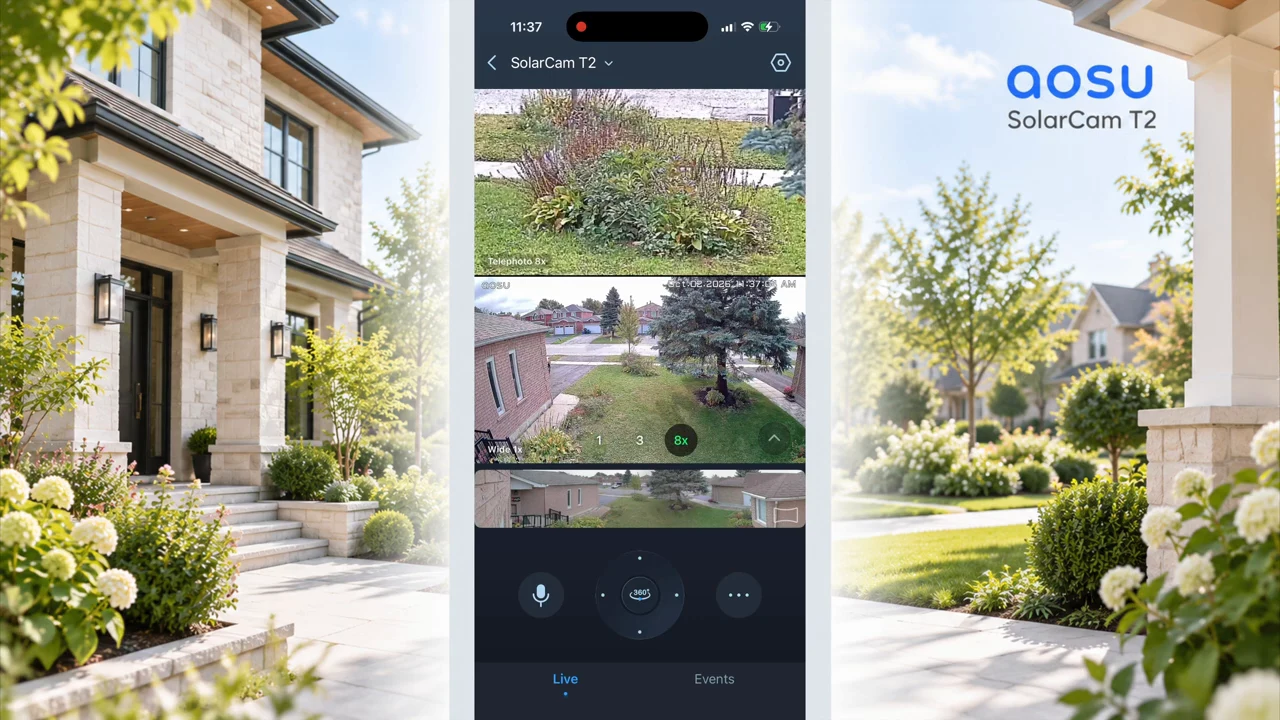
On-device AI distinguishes person, vehicle, and pet categories. Classification tells you what kind of activity was detected; it does not establish the identity of a particular person. The current official T2 page labels pet detection Beta, although the video and presentation list all three categories together.
In the filmed walking sequence, the camera view changes as the subject moves across the yard and closer to the house. The closer image makes the person more prominent, while the wide image continues to show their position within the scene. The selected frames illustrate this sequence; the video is the better format for assessing the movement itself.
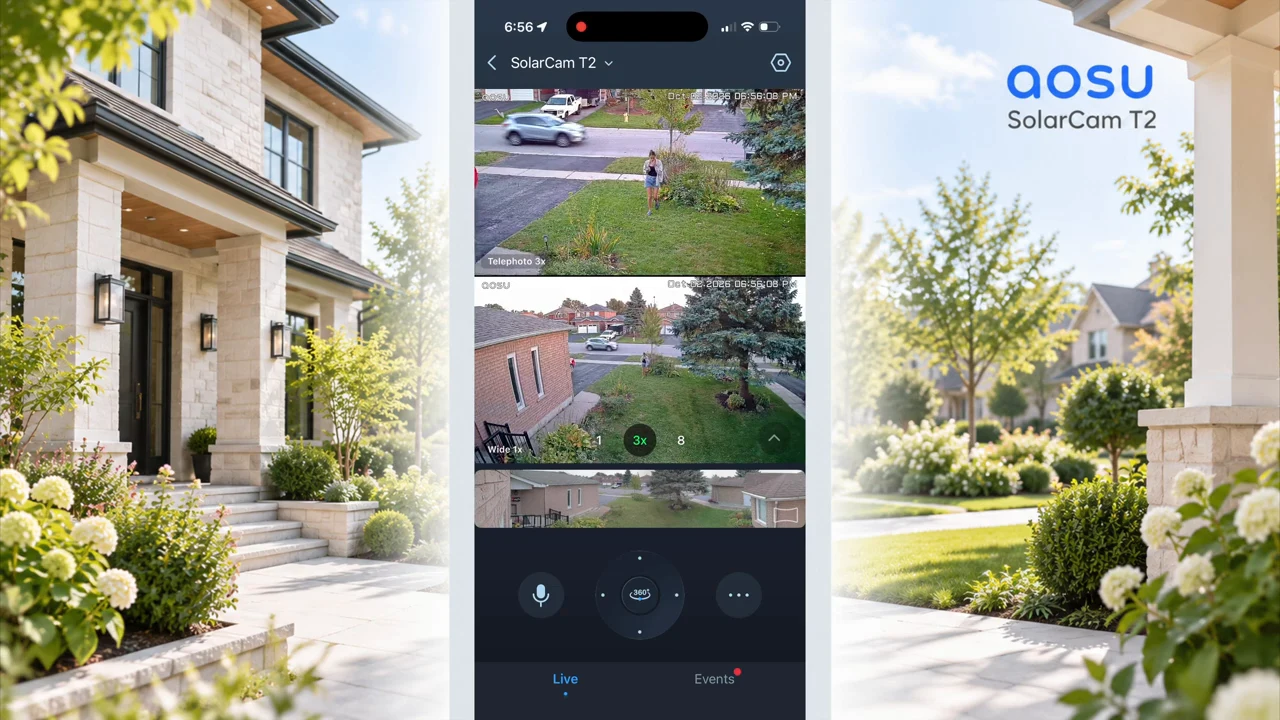
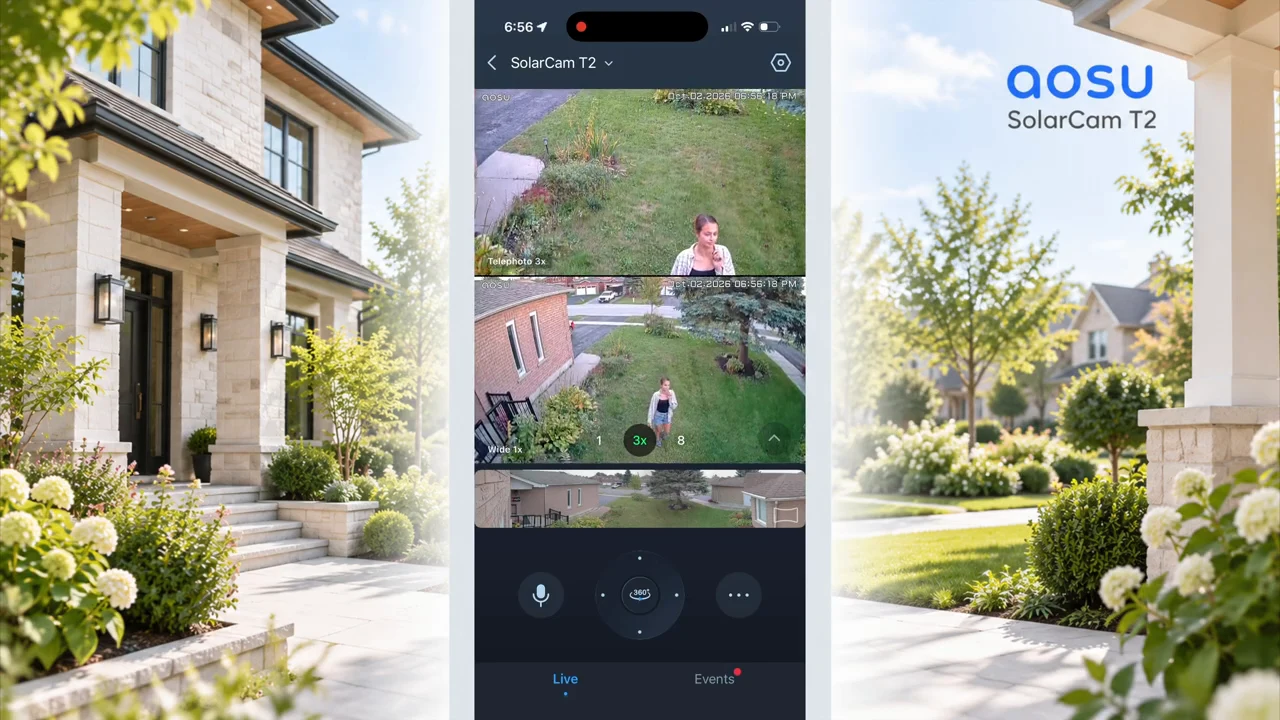
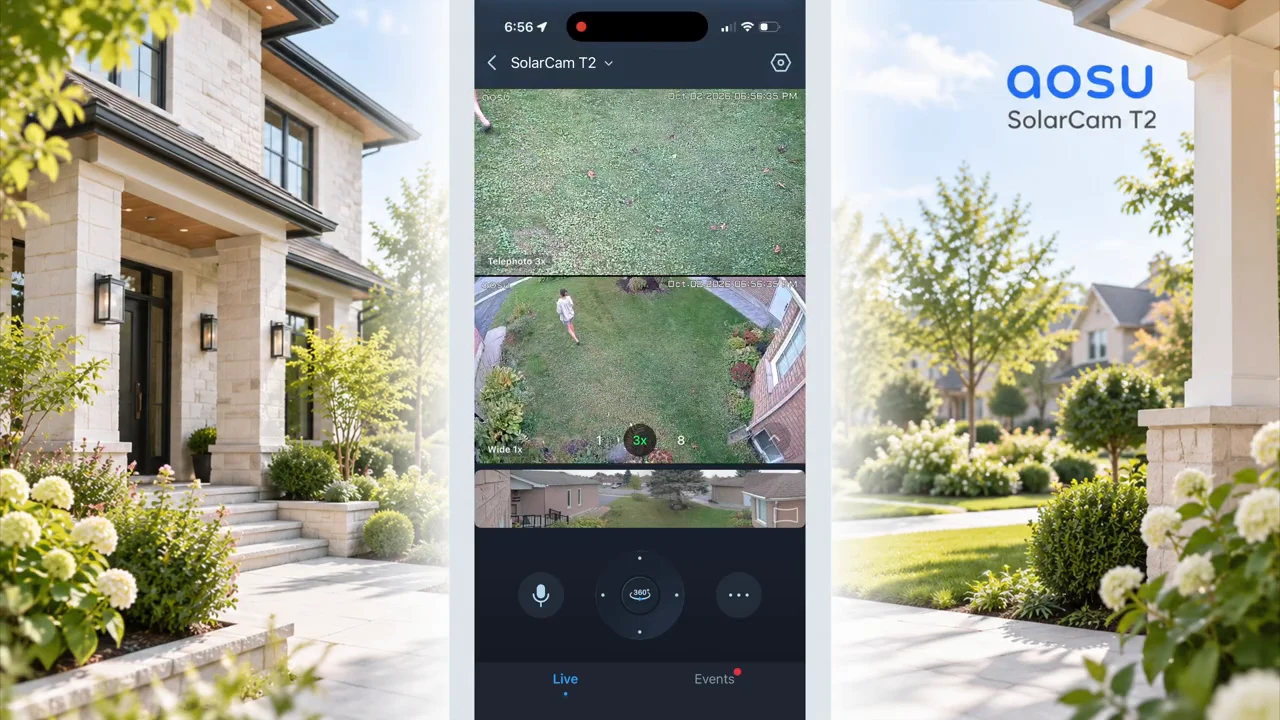
The subject approaches through the yard while both views remain visible.
1 / 3
A moving camera still has to point somewhere. As it turns, both lenses turn away from their previous direction. A doorbell or a separate fixed camera can continue watching an entrance while the T2 follows activity elsewhere. At this house, the T2 supplements an existing system rather than replacing every other camera.
Always-Ready Vision and All Day Snapshots: two different jobs
Battery cameras must manage energy. A wired camera configured for continuous recording can preserve the whole timeline; an event-based battery camera has to decide when to make a full video recording. That makes the start of an event especially important.
Always-Ready Vision focuses on event beginnings
aosu calls its approach Always-Ready Vision. In the video, I explain aosu’s approach as an energy-saving visual stream operating in the background so normal event recording can start sooner. The current official description emphasizes faster wake-up and more context. Neither wording establishes continuous full-quality recording or a guaranteed number of pre-event seconds.
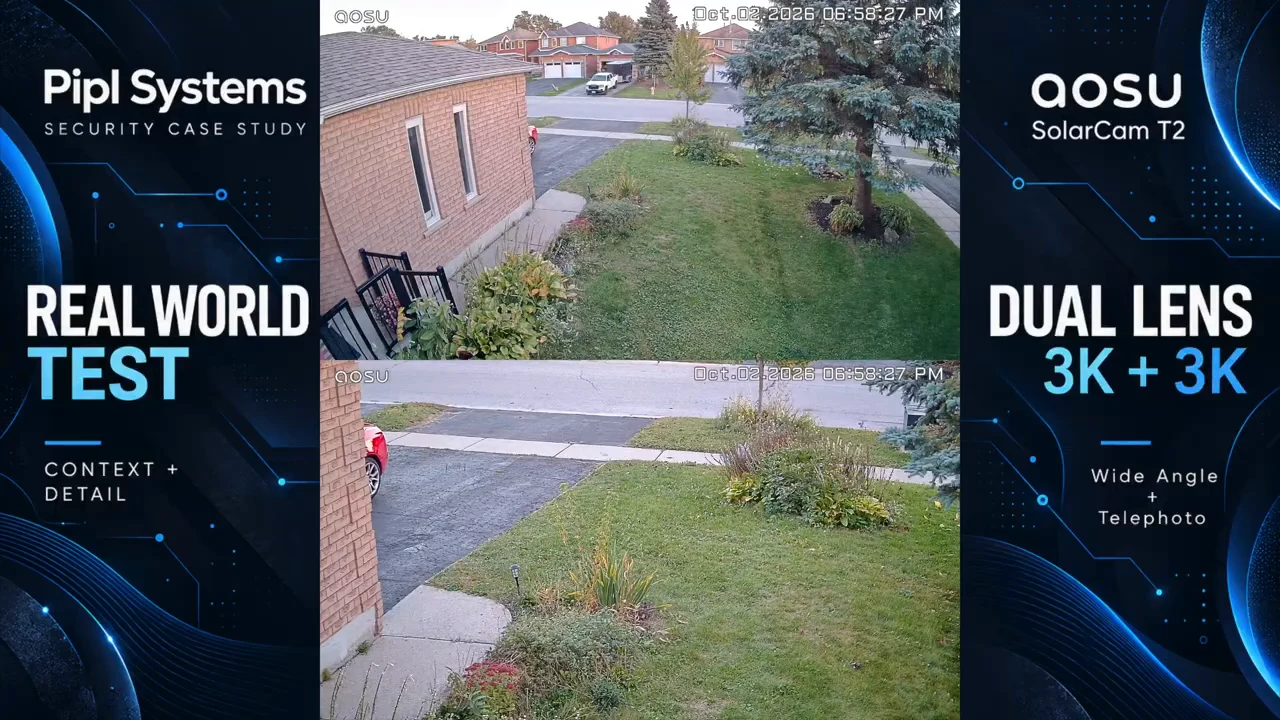
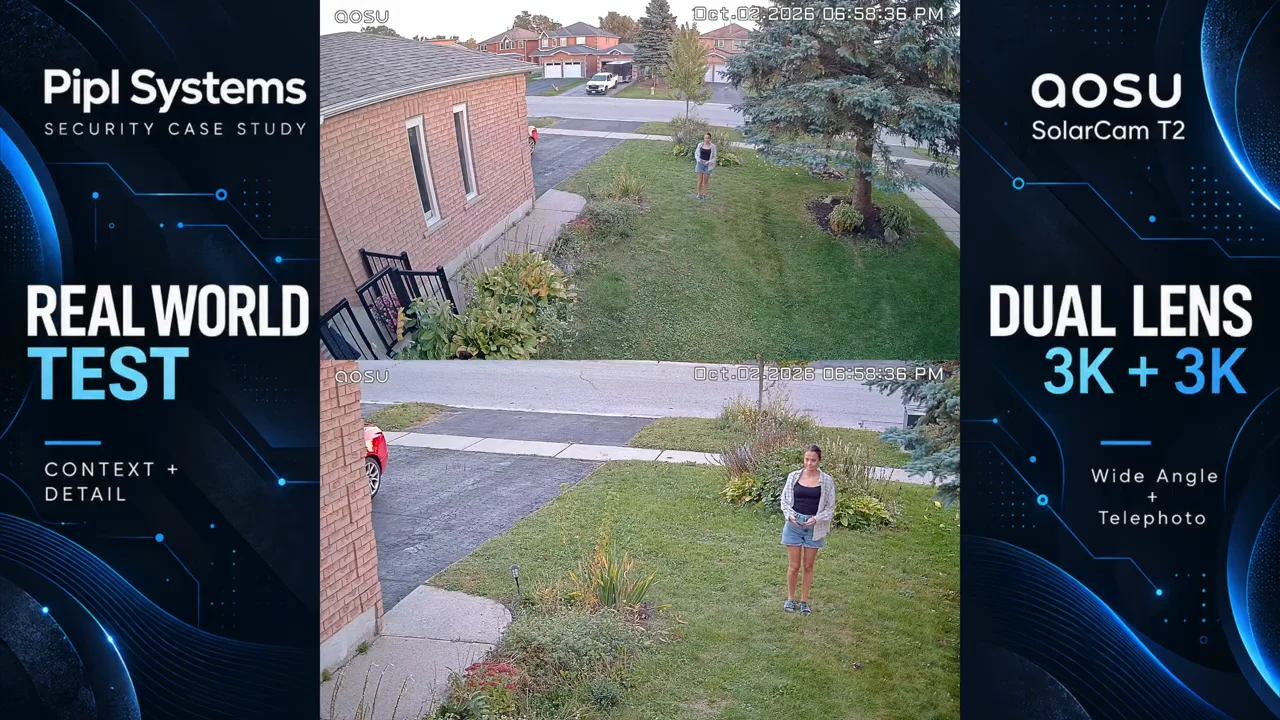
The opening frame of the event-recording example shows the scene before the subject becomes visible.
1 / 2
For your own installation, review the saved clip, not only live view. Does the recording begin while the person is approaching, or after they reach the doorway? The video supplies example events, but no numerical trigger-delay benchmark or comparison against a second camera under matching conditions.
All Day Snapshots fills in the timeline with still images
All Day Snapshots saves a still image every five minutes between recorded events. That can help you review changes in the scene throughout the day, even when there is no selected motion event. It remains a sequence of snapshots, not 24/7 full-motion video.
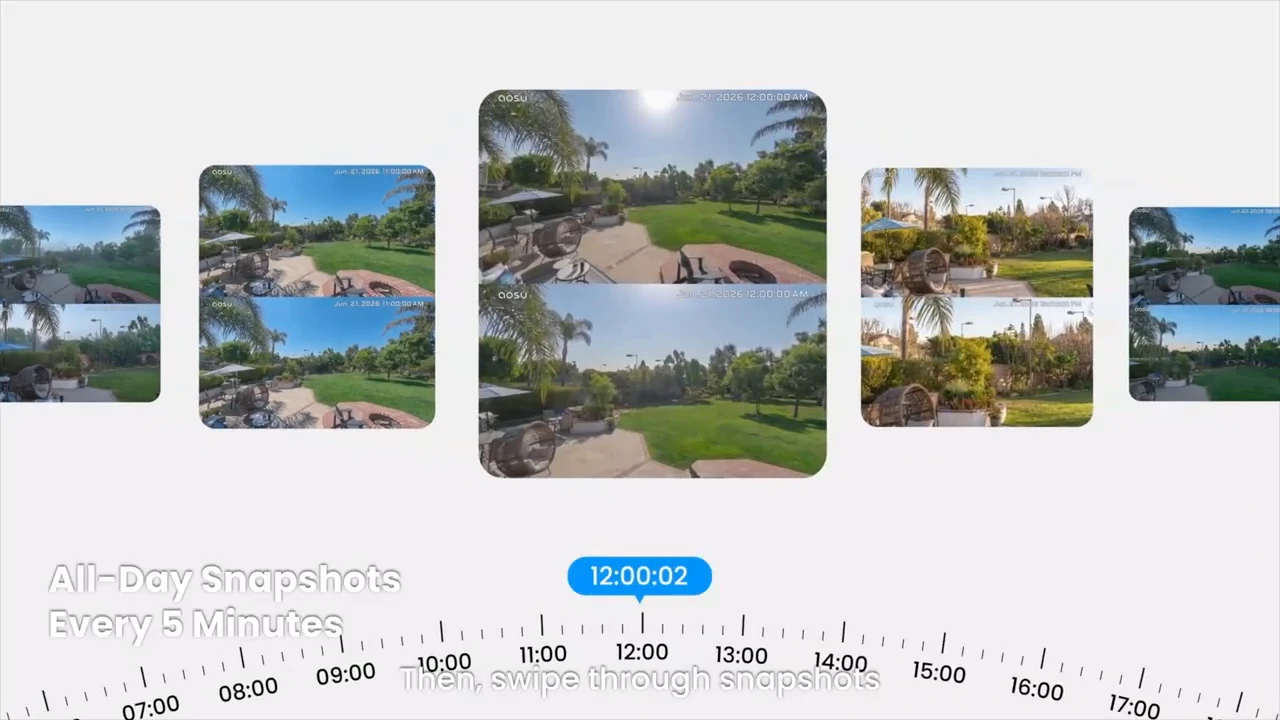
A short action can happen between two snapshots and leave no image of that action unless event recording captures it. aosu’s All Day Snapshots explanation, published September 28, 2026, describes the day review as a combination of periodic stills and normal-speed event video. That distinction is more useful than calling the camera “always recording.”
| Recording approach | Useful for | What to remember |
|---|---|---|
| Event video | Reviewing detected activity as a moving sequence. | Coverage depends on detection settings and when the recorded event begins. |
| Five-minute snapshots | Scanning changes between events. | Brief activity can fall between images; these are not continuous video. |
| Continuous video on a suitable wired system | Reviewing a complete recorded timeline. | Requires hardware, power, storage, and configuration that support continuous recording. |
Night vision and active deterrence after dark
The night sequence shows the same property in infrared and color modes, followed by a person moving through the area. Infrared produces a black-and-white image. The T2 can use its white spotlight to provide color during activity. Color can help distinguish visible clothing or vehicle colors, but useful moving-subject detail still depends on illumination, distance, and the scene.
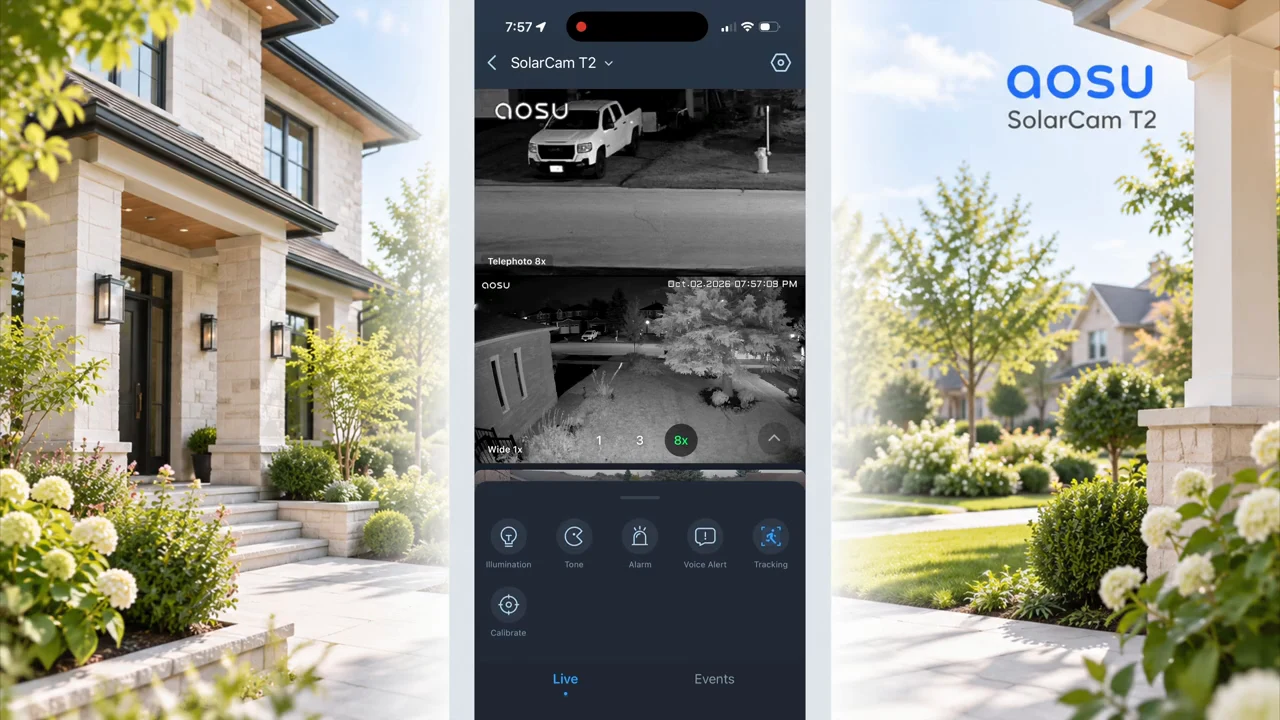
In the next example, white illumination changes the scene to color. The frames below were captured seconds apart in the supplied video, not as a simultaneous laboratory comparison. Look at the area you care about, especially the moving person, rather than judging night performance only from a bright static background.
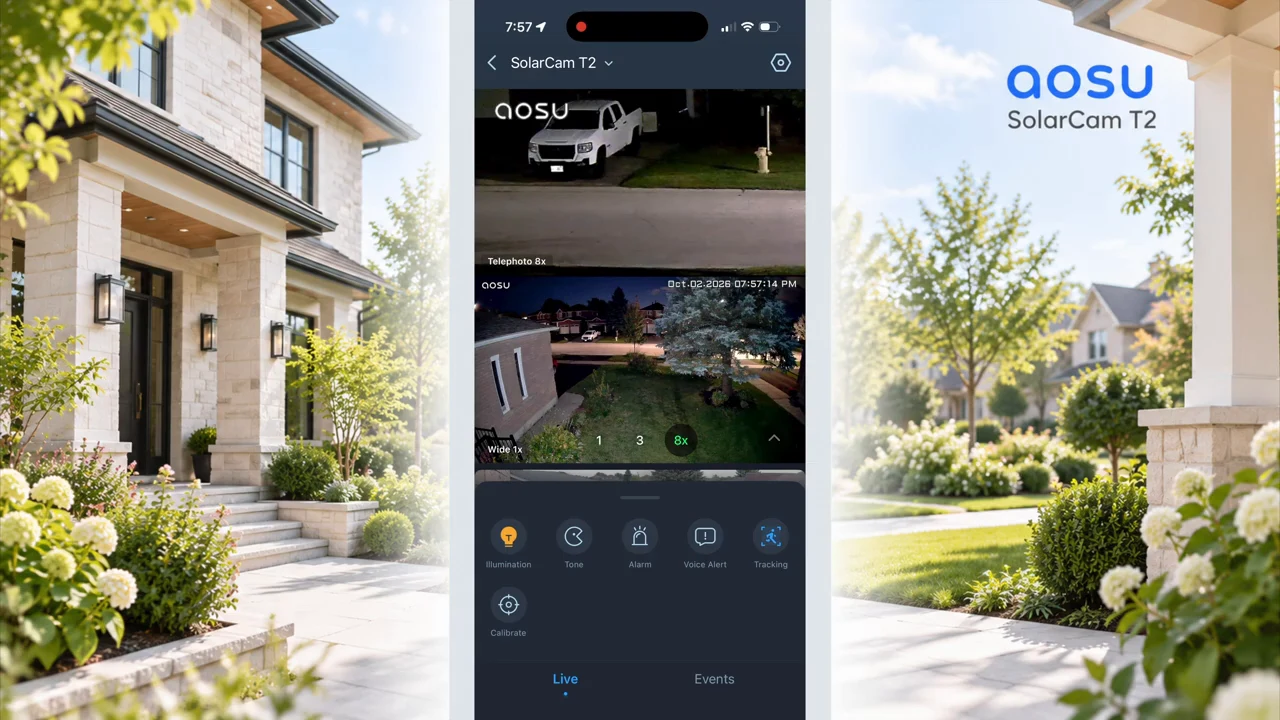
aosu’s T2 night-vision guide clarifies that Color Night Vision turns on white light when activity is detected and returns to black and white without activity. It also describes a Natural Lights option that relies on existing illumination. The video tests infrared and spotlight-assisted color; it does not test every mode or establish equal nighttime detail at all distances.
Active deterrence is a separate function. The T2 includes a spotlight, a red warning light, and a siren. The video includes an audible demonstration and spoken warning or greeting messages; Two-Way Talk lets the homeowner address someone near the camera. A recorded demonstration lets you hear the sound character, but it is not a calibrated loudness measurement.
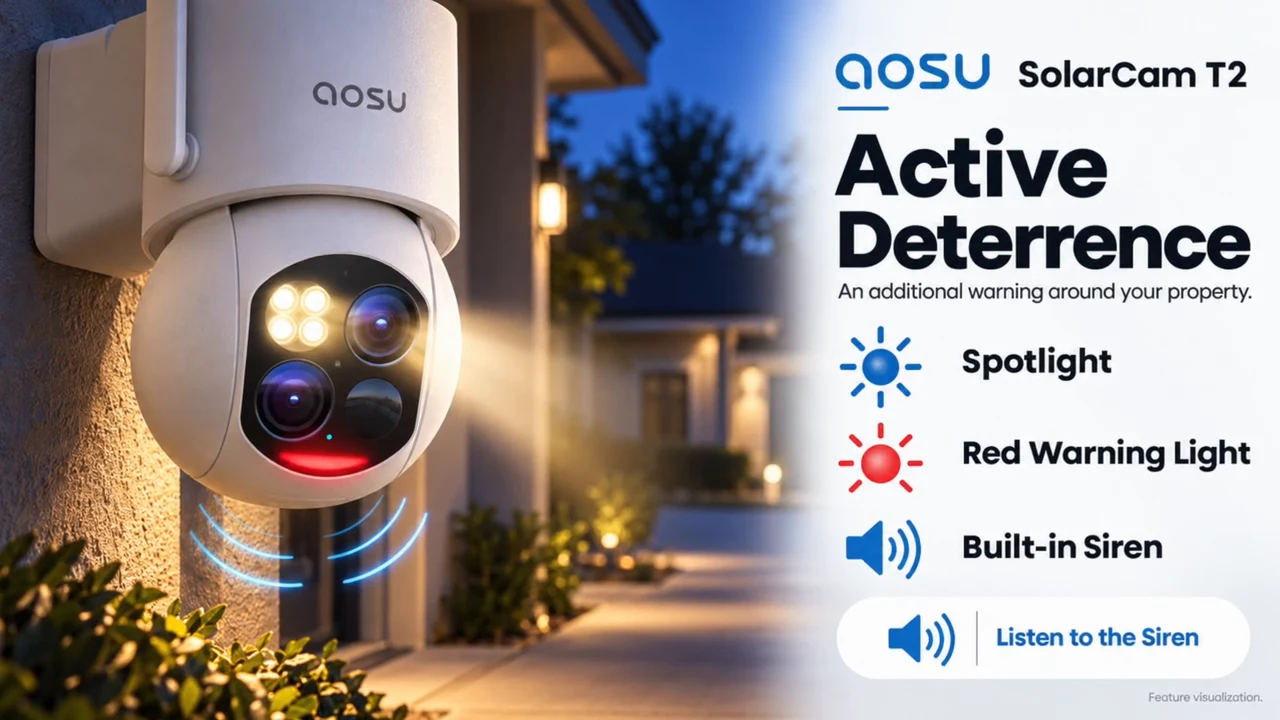
Use these controls deliberately: verify which actions are enabled, how alerts behave during a real approach, and whether lighting is appropriate for the location. The red warning light should not be confused with the white spotlight used for color imaging.
Local storage, subscriptions, and account security
The T2 records locally to a microSD card, so you do not need a cloud subscription for local recording. Optional cloud storage gives you another storage route. Before buying, check the card requirements and cloud terms for the exact T2 sold in your region; a card pictured in a video does not establish maximum supported capacity or included storage.
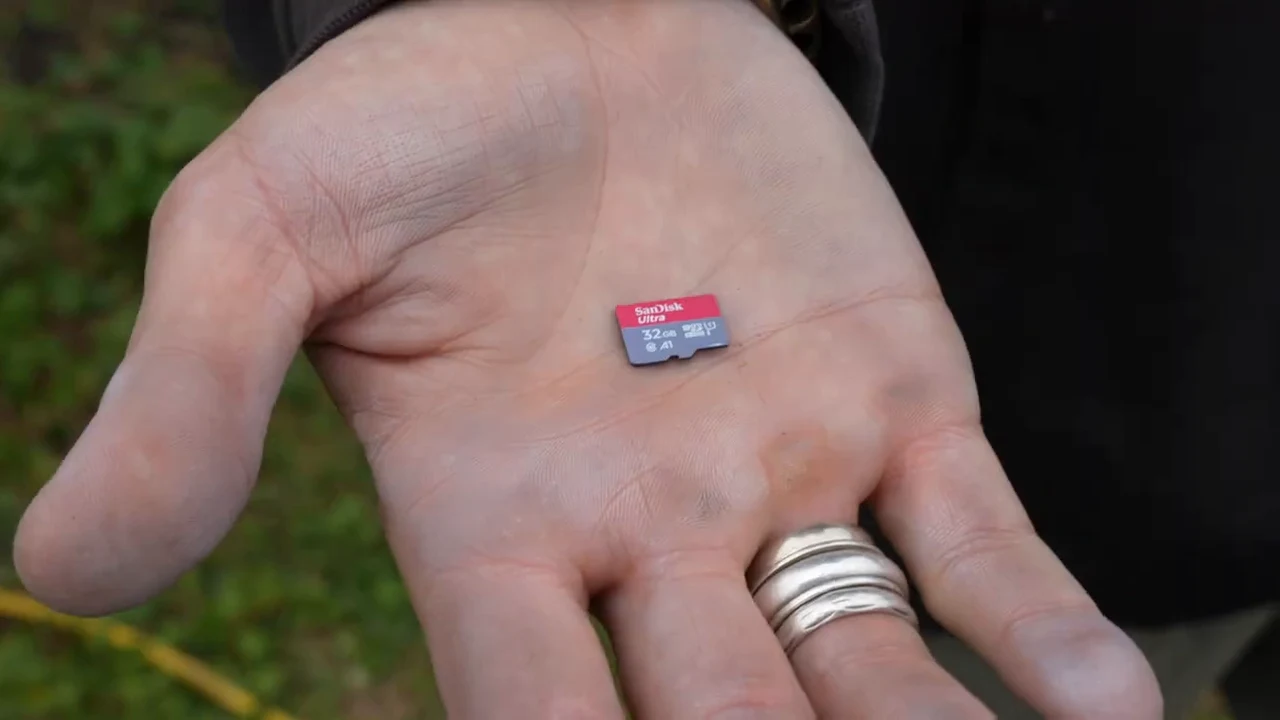
A card inside the camera and a copy stored elsewhere have different risks. If the camera and card are removed or damaged, footage kept only there may be unavailable. Local recording also does not, by itself, establish that every app function works without internet. The supplied test does not demonstrate outage behavior, cloud backup recovery, or independent encryption testing.
“software update capabilities can help ensure secure delivery of security patches.”
That is a useful ownership principle for any connected camera: keep the camera and app updated, use a unique account password, and review who can access the feed. The FTC’s home-camera security guidance also recommends two-factor authentication where available. This is general security advice, not a claim that every account feature has been verified on the T2.
Who the SolarCam T2 fits - and how to plan the rest of the house
The T2 makes the most sense when one direction contains both a broad area to monitor and a farther point where closer detail matters. This installation’s open front yard and driveway are a good example. The dual view, moving camera, separate panel, and local recording address that specific job without requiring a power outlet beside the mount.
It is less suitable as the only camera when you need several directions watched at once, a complete continuous video timeline, or proven year-round charging at a difficult shaded location. A specification such as IP65 does not establish winter battery endurance. The video ends with the camera staying on the property for a longer-term follow-up, including Canadian winter conditions.
The homeowner’s doorbell watches the main entrance, other outdoor cameras cover separate areas, and indoor cameras have their own roles. Our aosu cameras and doorbells guide covers the wider lineup. For a different multi-camera approach, the aosu SolarCam D1 Classic Kit field test provides additional context; it is a separate product, not evidence of T2 hub compatibility.
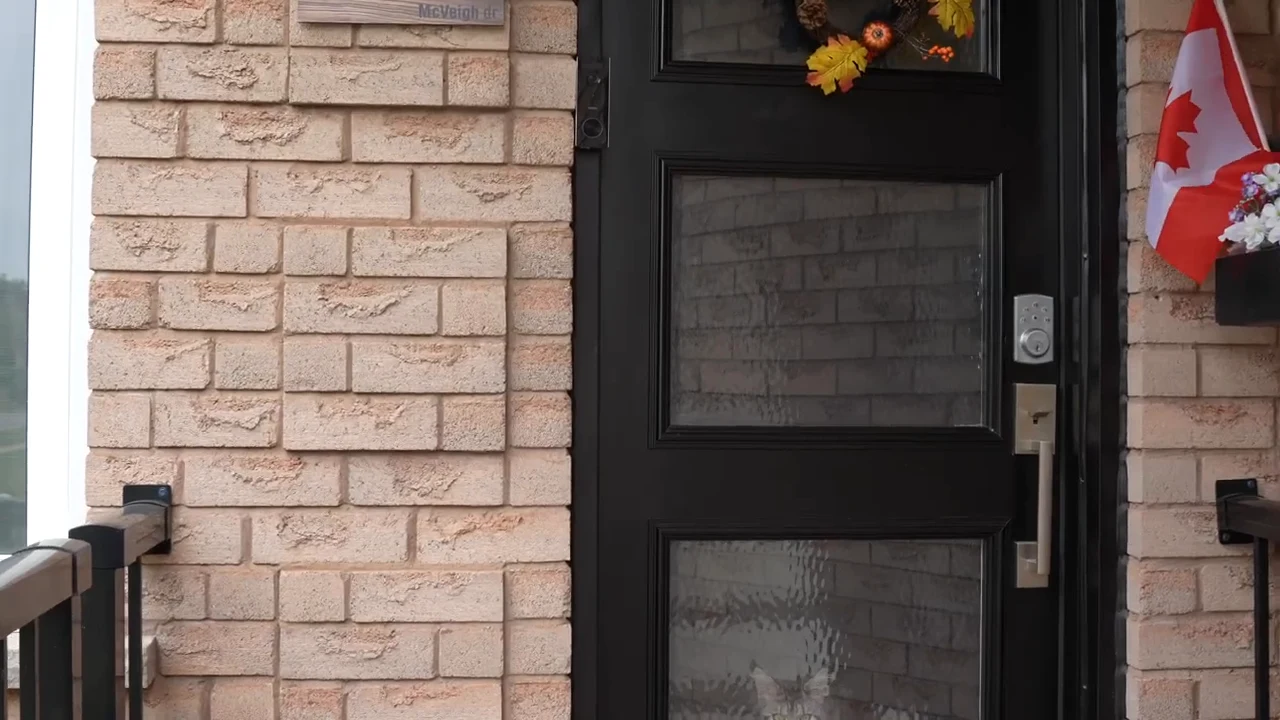
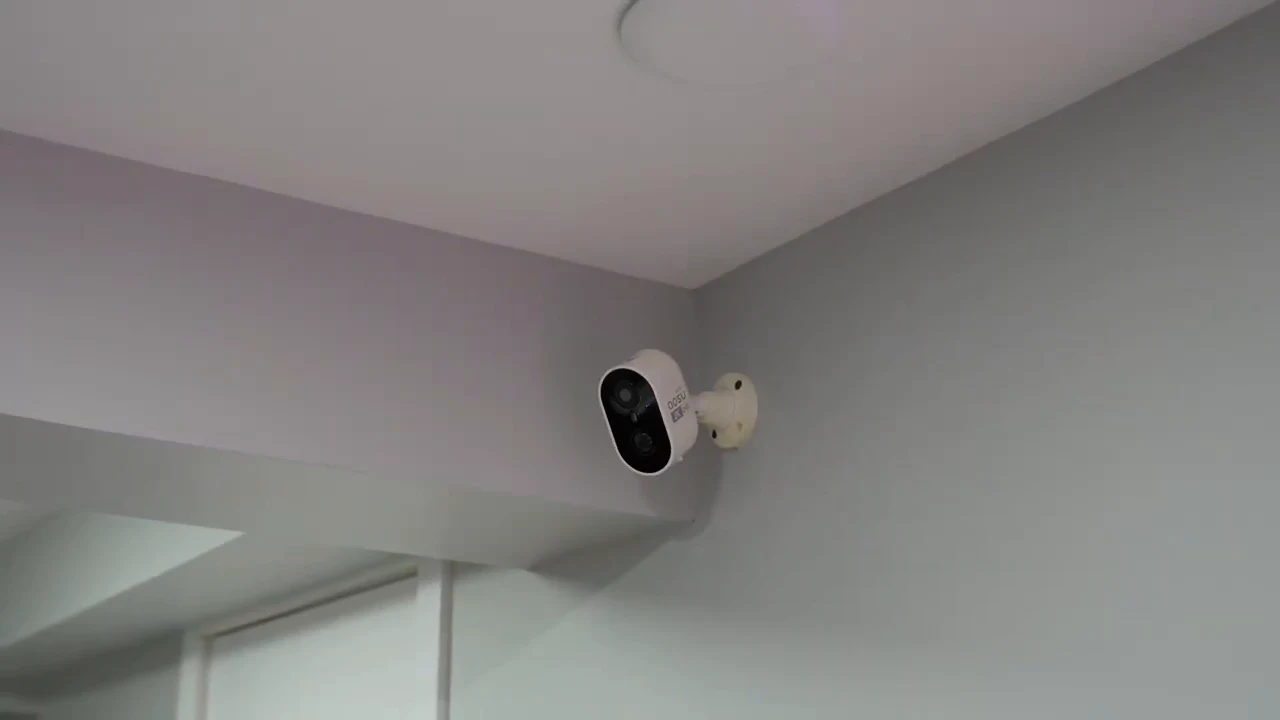
The property’s existing doorbell has a separate entrance-monitoring role.
1 / 5
At the time of writing, aosu’s official store listed the SolarCam T2 at US$199.99 with an Add to cart option. Check the current price and delivery options for your address before ordering.
For this property, the central value is straightforward: seeing the scene and a closer view together. The next step is to check whether your intended mounting point offers the same useful combination of coverage, detail, Wi-Fi, and sunlight. Check aosu SolarCam T2 price and availability through our affiliate link.
Frequently asked questions
Do both SolarCam T2 lenses move independently?
No. The wide-angle and telephoto lenses share one PTZ module and move together. They show the same direction with different perspectives, rather than monitoring two independently selected areas.
Does the aosu SolarCam T2 record continuously?
The reviewed T2 uses event-based video and All Day Snapshots at five-minute intervals. The snapshots add context between events but do not create a continuous full-motion recording.
Is the T2’s 8x zoom optical zoom?
aosu calls it up to 8x Hybrid Zoom. The camera has a separate 8 mm telephoto lens, but the advertised 8x figure should not be described as 8x optical zoom. Additional enlargement cannot recover detail missing from the captured image.
Does SolarCam T2 require a subscription or a separate storage hub?
A cloud subscription is not required for microSD local recording. The reviewed setup stores footage on a card in the camera; optional cloud storage is available. Do not assume compatibility with aosuBase or aosuCortex from specifications of T2 Pro or T2 Ultra.
What Wi-Fi network does SolarCam T2 use?
The current dedicated T2 specifications list 2.4 GHz Wi-Fi. Test connectivity at the intended mounting position before drilling. Solar power supplies energy; Wi-Fi supplies the network connection.
How much sunlight does SolarCam T2 need?
The video cites around one hour of direct sun for typical daily use; the current dedicated T2 page lists approximately two hours with a 3 W panel. Both are manufacturer estimates. Activity, settings, weather, shade, and season affect actual charging.
Has the T2 been tested through a Canadian winter?
Not in this review. The video covers a few days and says the camera will remain installed for a longer-term follow-up. It does not establish winter charging performance or a year-round battery-maintenance schedule.