
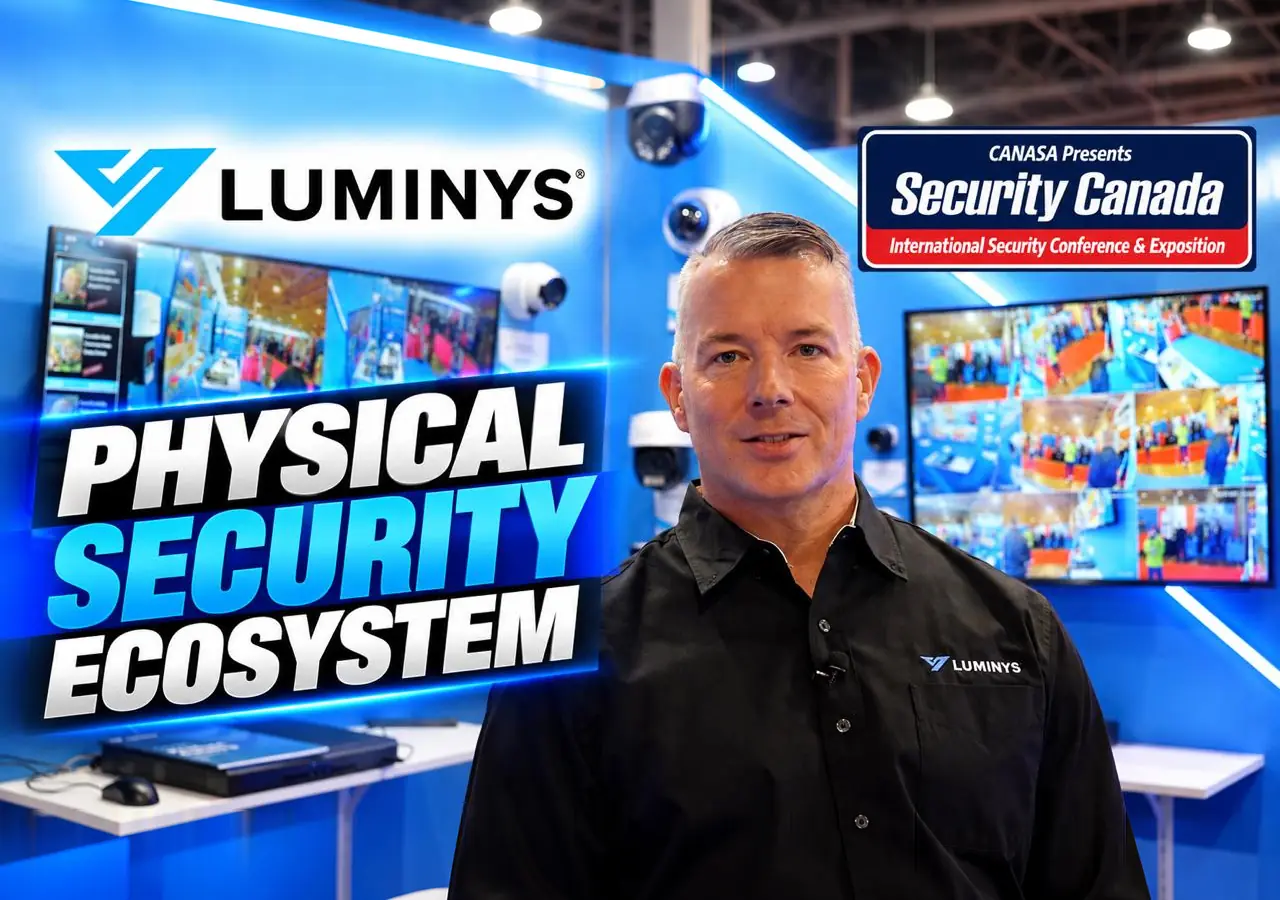
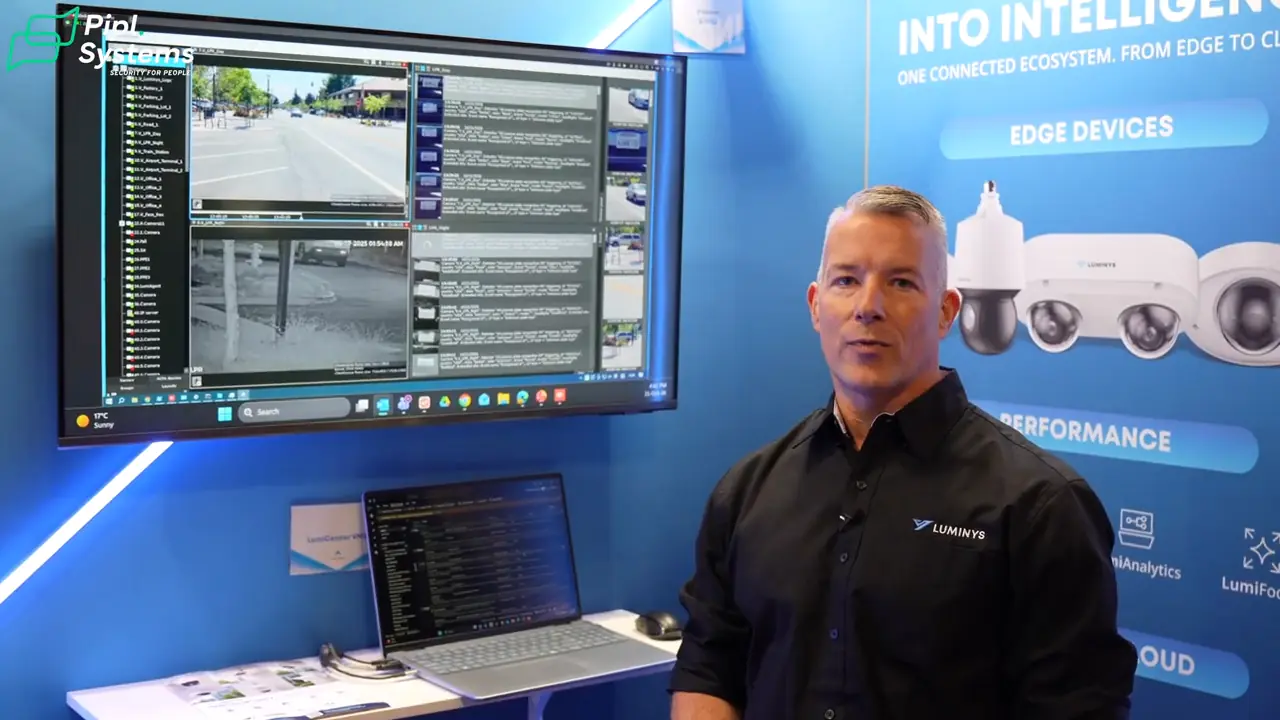
At Security Canada Central 2026 in Toronto, we visited the Luminys booth to look at how its cameras, recording, access control and software connect. Chris Robertson walked us through the hardware and management options, from a person-of-interest search on an NVR to a cloud interface covering several device categories.
Luminys security systems bring together IP cameras, network video recorders (NVRs), switches, access control, IP speakers and management platforms. For a business or integrator, the useful question is which combination fits the site: camera coverage, local recording, remote administration or a more extensive video management system (VMS).
This is a report from the October 21–22 exhibition, with product details checked against Luminys documentation. The booth demonstrations illustrate workflows; they are not independent measurements of search accuracy, nighttime performance or deployment reliability.
Luminys at Security Canada Central 2026 — Pipl Systems
Video chapters · 3:07
Luminys cameras: match the view to the task
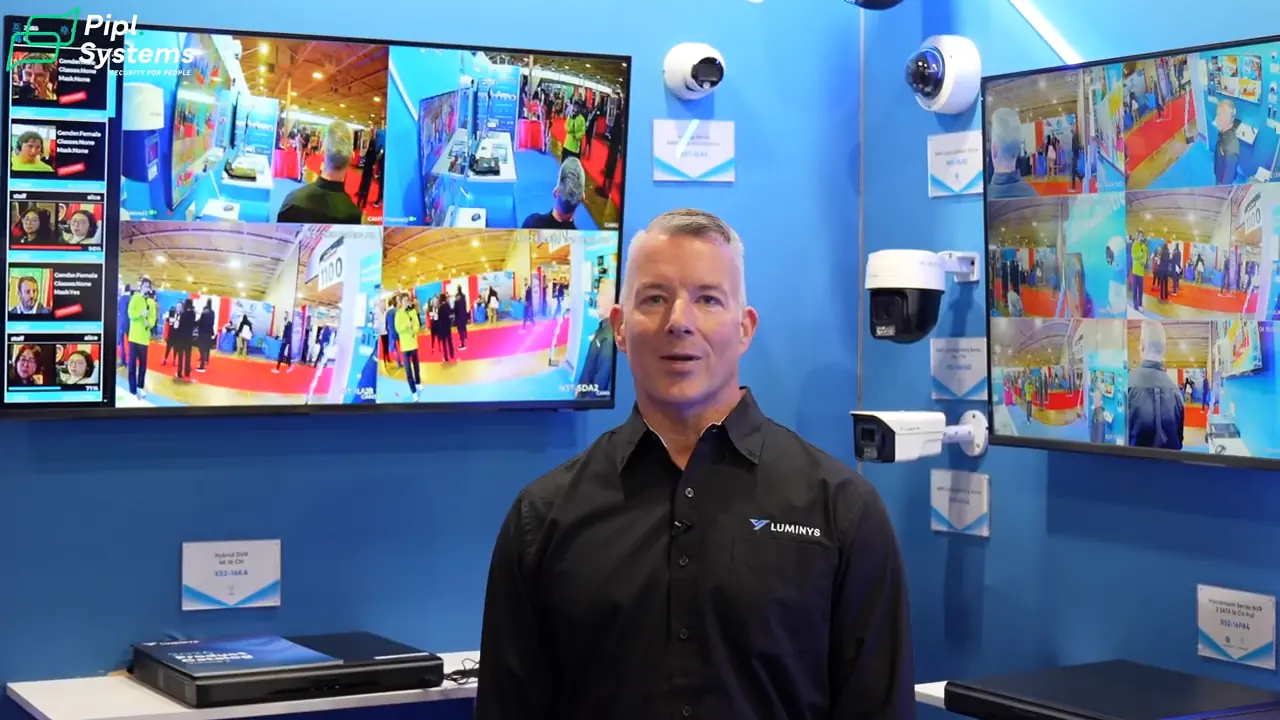
Robertson starts with an active deterrence pan-tilt-zoom (PTZ) camera, then moves through fixed LumiLuxSmart cameras, a smaller pan-tilt model and a fixed bullet. The tour also includes a dual-sensor dome, a stitched 180-degree panoramic camera, a flashing white-light deterrent camera and a black-housing option.
Two of those designs answer different coverage questions. The dual-sensor dome provides two channels over one cable run. The stitched panoramic design combines two sensors into one wide view. If you are planning an entrance, loading area or long building frontage, decide whether operators need separate views or one continuous overview before choosing the housing.
The close-up display identifies the N5D-8LA2 LumiLuxSmart dome. Luminys specifies both infrared and white-light LEDs for this 8MP model. Treat illumination, lens choice and mounting position as parts of the design; the booth lighting does not demonstrate how the camera will handle a moving subject at your site after dark.
For a separate discussion of the brand’s nighttime imaging approach, see our LumiNightKing camera article. LumiNightKing and LumiLuxSmart are distinct technologies; results or features should not be transferred between them.
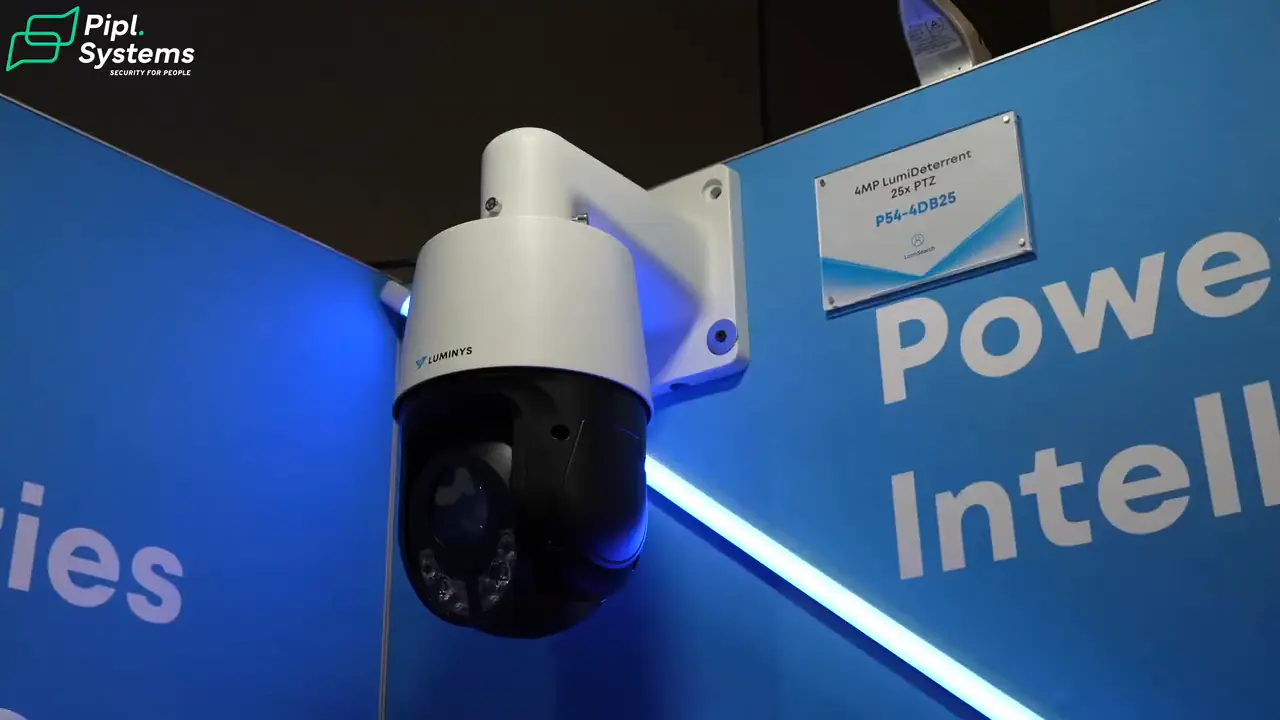
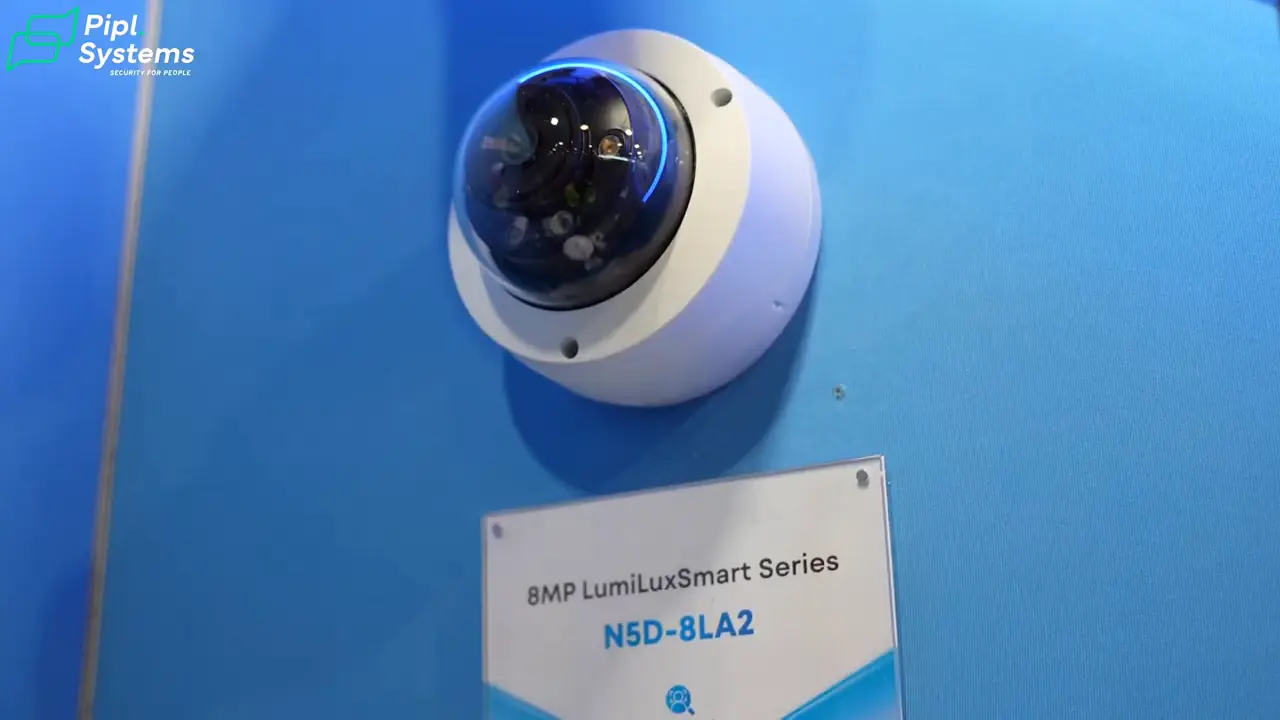
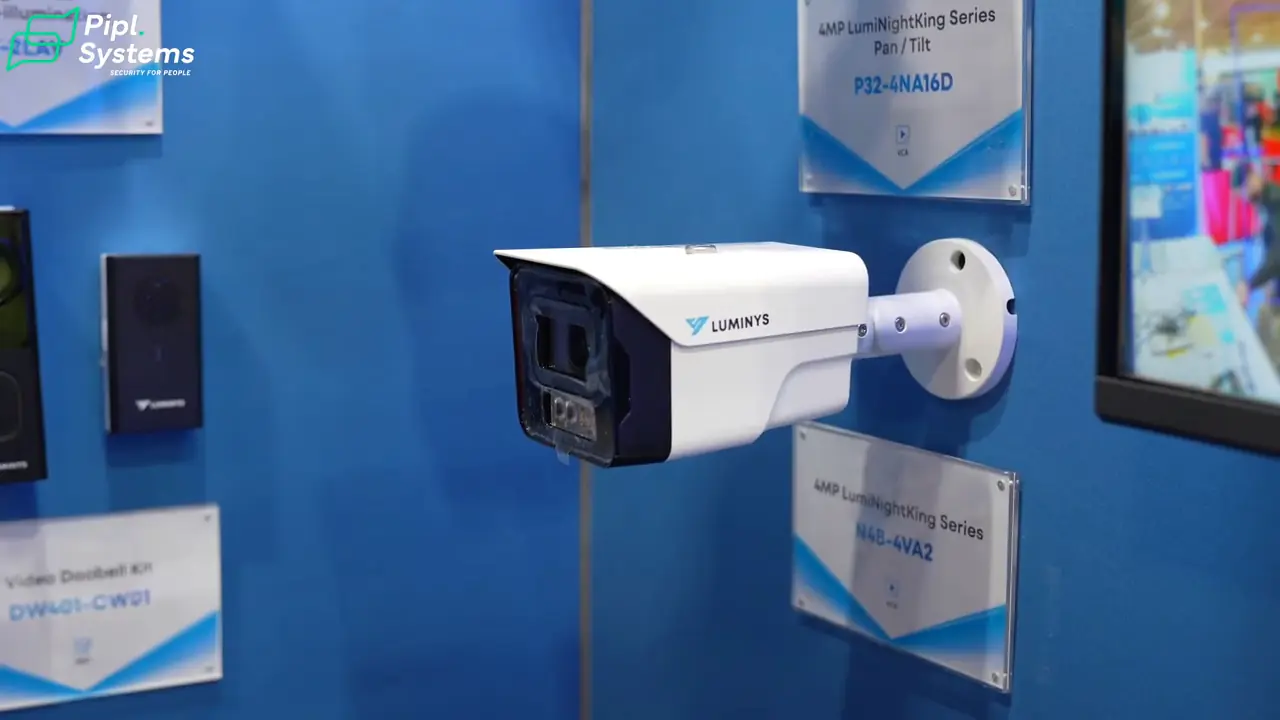
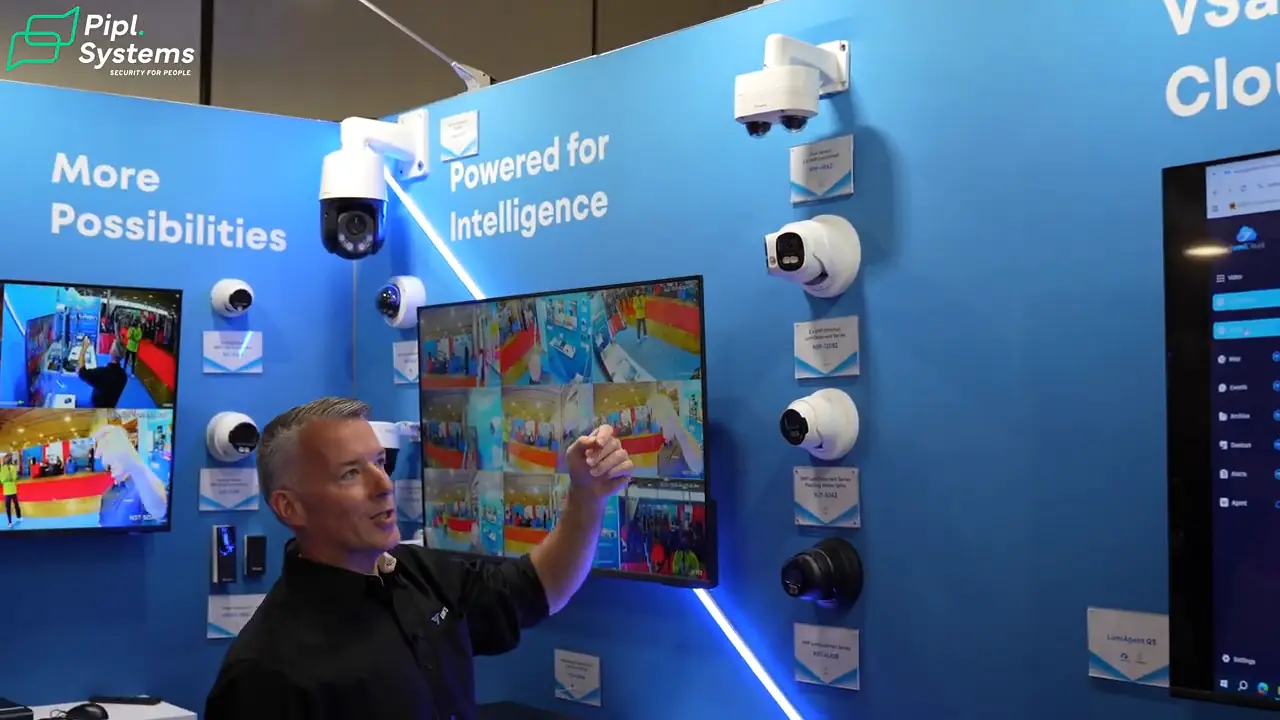
Robertson begins the camera tour with this active deterrence PTZ model.
1 / 4
LumiSearch: begin with an image, then review the matches
In the video, Robertson explains a simple investigation workflow: freeze a frame in live view or playback, select a person of interest and search the supported system for that person’s appearances. The inserted demonstration shows a reference image followed by candidate thumbnails and similarity scores, with filters for date, time, channel and similarity.
LumiSearch searches by appearance rather than establishing a person’s identity. Operators still need to review the returned footage. A similarity percentage on the screen is not a measured probability that two images show the same person.
Luminys uses an on-screen graphic to illustrate a claim of about 90% less investigation time. That is a manufacturer demonstration claim, not a result I measured at the event.
There are important platform distinctions. LumiSearch and LumiSearch+ on supported camera/NVR combinations are separate from LumiSearch VMS in LumiCenter. Luminys publishes different hardware, feature and licensing requirements for these options. If search is central to your project, ask the integrator to demonstrate it using the proposed cameras, recorder or VMS license and representative lighting.
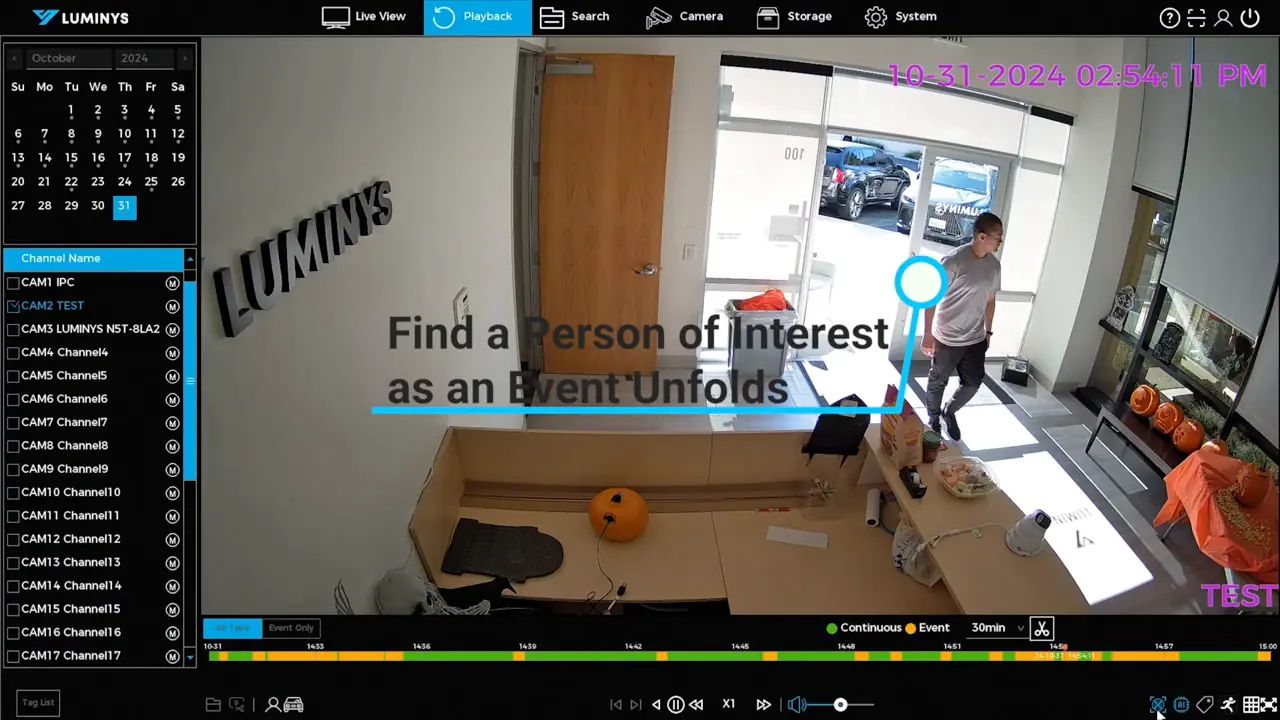
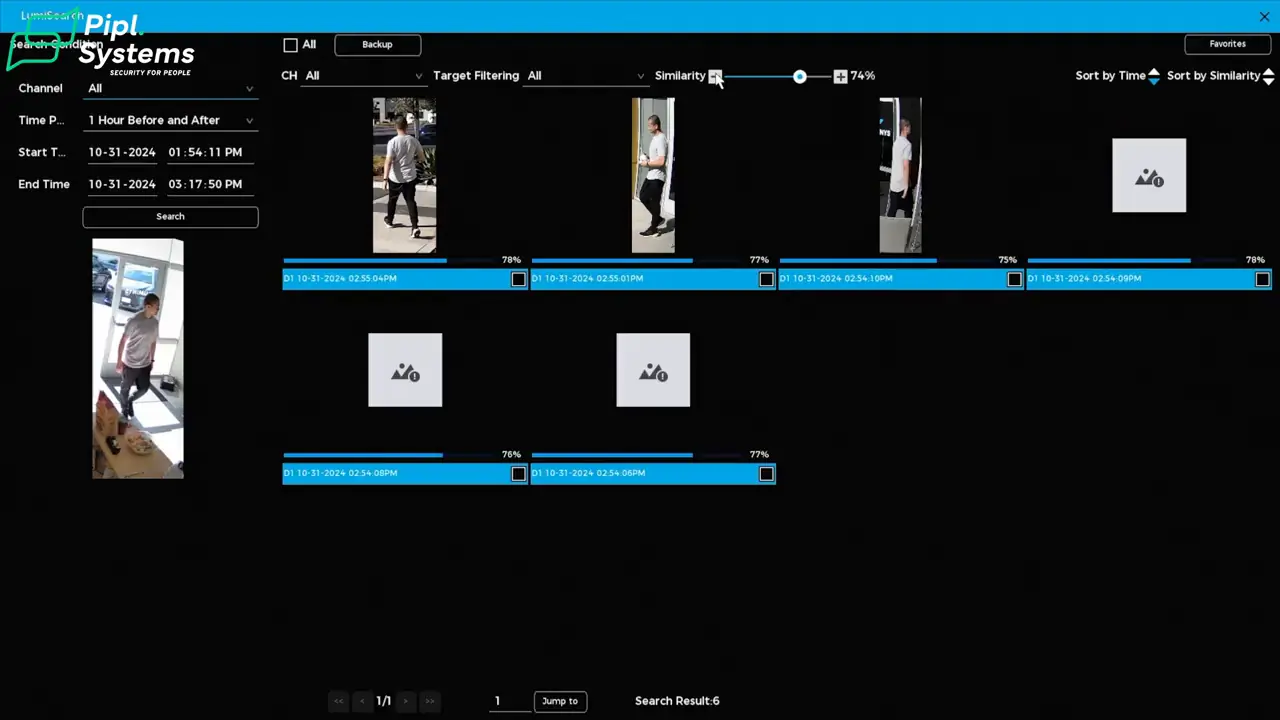
The inserted LumiSearch demonstration starts with a person in recorded footage; its on-screen date is from the demonstration archive.
1 / 2
Access control: choose the controller and the management path together
The access-control display includes Bluetooth-enabled hardware, a vandal-resistant keypad, the C-F4A facial recognition terminal and a four-door controller. Robertson discusses management through a device’s built-in web interface, LumiViewer or LumiCloud. Those options need to be matched to the actual hardware.
The official C-F4A product information lists face, card and password authentication. Those choices let a project use different credentials for different access requirements; enrollment, permissions and door configuration still need to be designed.
One compatibility detail matters when specifying the system: Luminys’ access-control documentation says the C-4MA four-door controller is not supported by LumiCloud. Its C-4MA product page lists web-based configuration and LumiViewer compatibility. Do not assume that every controller shown in the ecosystem connects to every management platform.
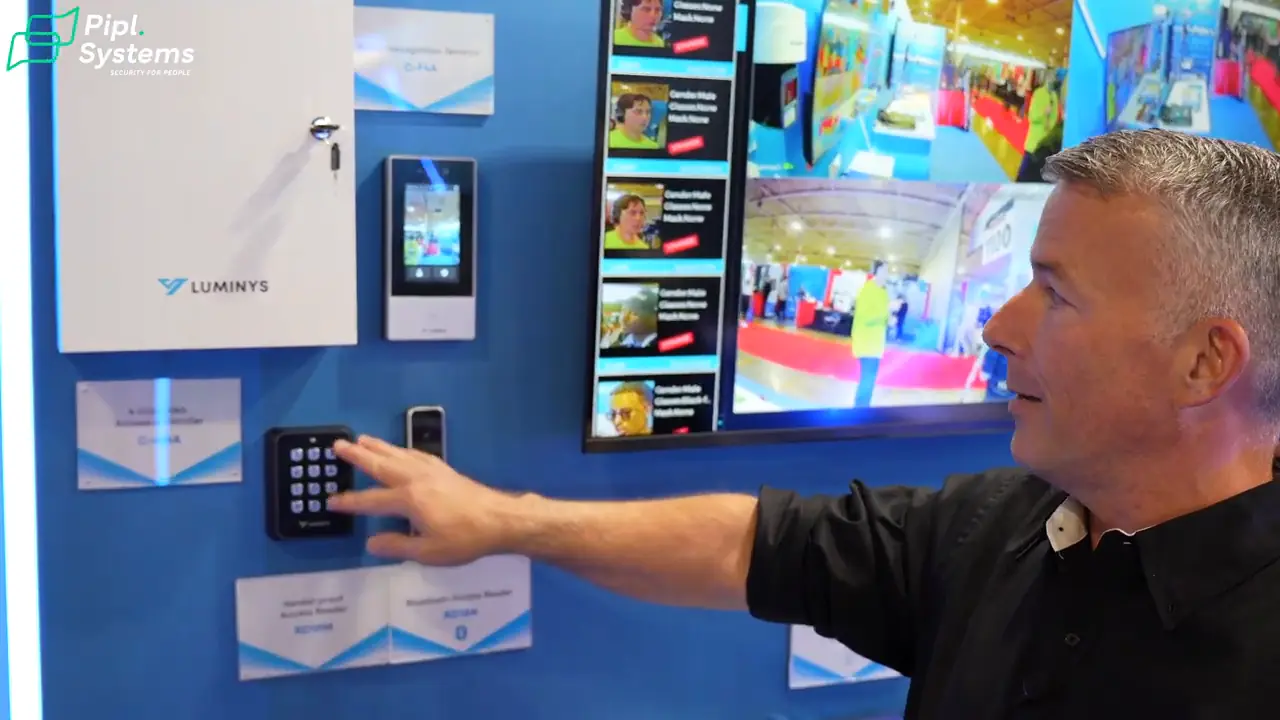
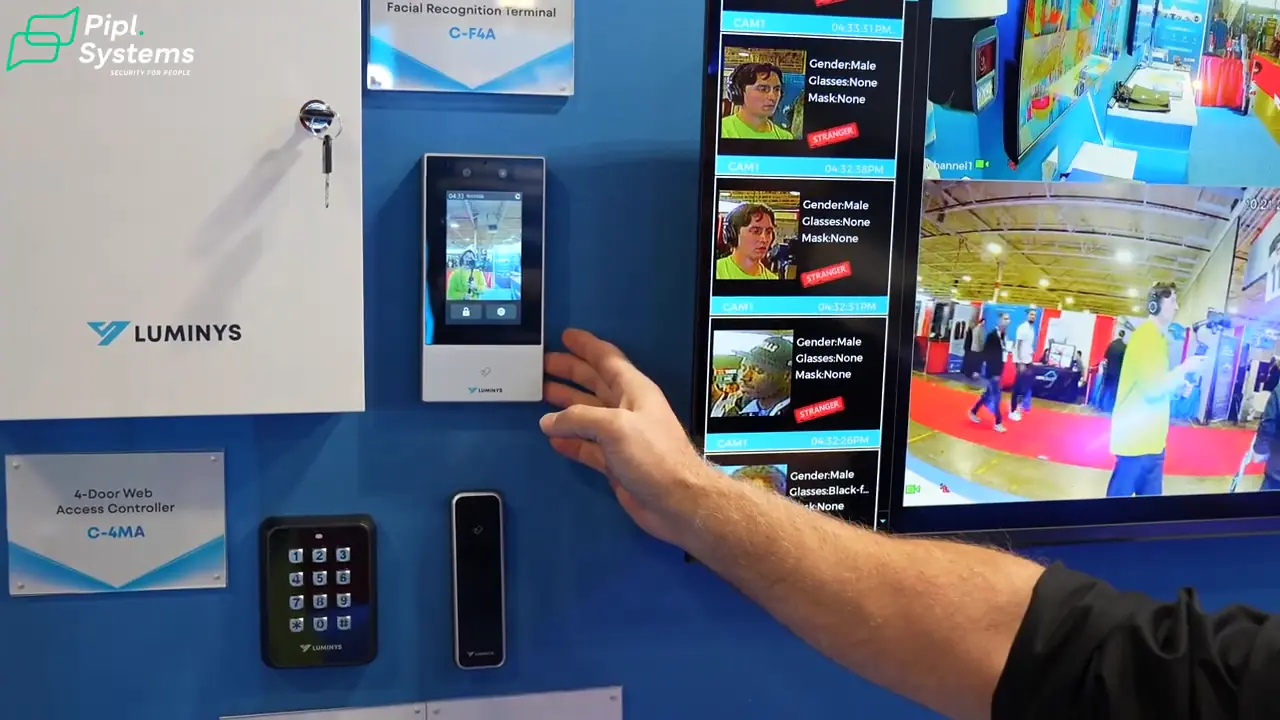
The access-control display brings readers, a facial recognition terminal and controller hardware into the same booth demonstration.
1 / 2
LumiViewer vs LumiCloud vs LumiCenter
The management choice determines how operators use the equipment and how integrators support it. LumiViewer, LumiCloud and LumiCenter have related roles, but they are not interchangeable names for one application.
| Platform | Main role | What to establish before ordering |
|---|---|---|
| LumiViewer | Desktop and mobile management of supported video and access-control devices. | Supported device models, channel and door capacity, and any expansion licenses. |
| LumiCloud | Cloud-based access and management for supported video, access, networking and off-grid devices. | Device eligibility, subscription scope, recording location and internet requirements. |
| LumiCenter | A locally hosted VMS for more extensive management, compatible third-party cameras and optional analytics. | Camera integration, server sizing, VMS edition and analytics licenses. |
LumiViewer: software-based operation
LumiViewer covers live viewing, playback, video export and supported access-control functions. Luminys lists desktop and mobile clients, with capacity upgrades available through licenses. It is a useful starting point when the project calls for client software to operate supported equipment without selecting an enterprise VMS.
LumiCloud: remote management across supported devices
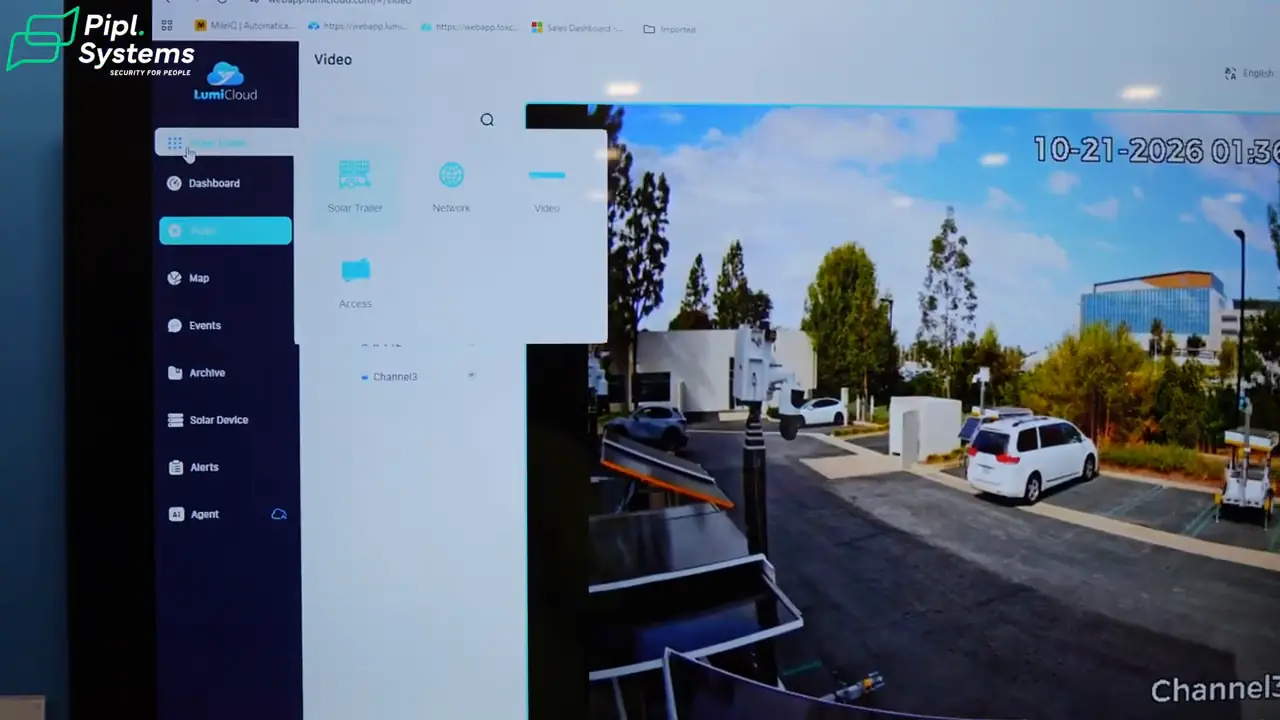
The LumiCloud interface shown in the video groups Solar Trailer, Network, Video and Access devices. It connects the camera discussion to a broader management workflow, including compatible NVRs, cloud-managed switches and off-grid solutions.
Cloud access and cloud recording are different decisions. Determine where video is retained, which events or streams reach cloud storage, and what each subscription includes. A device appearing in a cloud dashboard does not by itself establish continuous cloud recording or a particular retention period.
Our earlier Luminys ISC West walkthrough explores the off-grid and cloud side in more detail. This Toronto visit focuses on how that management layer relates to cameras, search and door access.
LumiCenter: VMS integration and analytics
For enterprise applications, Robertson introduces LumiCenter and its ability to work with compatible third-party cameras. He names face recognition, license plate recognition (LPR), personal protective equipment (PPE) detection and fall detection among the analytics.
Those are capabilities to specify, not a promise that every feature is included with every license. Confirm the VMS edition, analytics modules, camera support and server resources for the project. Luminys lists separate analytics add-ons, and its documentation describes fall detection as a behavior-analytics function.
For an existing camera estate, start with exact models, firmware and required functions. ONVIF ties conformance to a specific product and firmware/software version. A compatible video connection does not automatically preserve every camera-specific feature. Our NVR vs VMS guide explains the broader architecture decision.
What I would put in a Luminys project brief
My takeaway from the booth is that the equipment list and the operating workflow should be planned together. A camera needs the right view and illumination. A search workflow needs compatible footage and processing. Door hardware needs the right management platform. The NVR, switches and IP speakers belong in that same project plan, even though this short tour does not demonstrate all of their configuration options.
For a warehouse or commercial property, I would ask for a short design brief covering:
- Coverage: the areas to observe, the detail needed and the reason for choosing fixed, PTZ, dual-sensor or panoramic views.
- Recording and connectivity: retention, recorder capacity, PoE power budget, network bandwidth and what remains available during an internet outage.
- Management and licenses: who operates the system, who maintains it and which software, cloud and analytics licenses the quote includes.
- Acceptance testing: search results, door events and alerts demonstrated at the actual site, including an operator’s review and response.
That last point matters when analytics influence an operational decision. In her January 26, 2023 NIST remarks, AI researcher Elham Tabassi said, “We no longer only focus on whether technology works, but also on how it works.” For this project, that means evaluating useful results under your conditions and deciding who checks and acts on them.
If you are planning a deployment, use the Pipl Systems security integrator directory to find a provider for your area. Ask for a design that connects camera coverage, recording, access control and ongoing support to the way your site actually operates.
Frequently asked questions
What does a Luminys security system include?
The ecosystem shown in the video includes IP cameras, NVRs, network switches, access control, IP speakers, software and cloud services. The project determines which devices and management platform you need.
Does LumiSearch identify a person by name?
The demonstrated workflow uses a reference image to find similar appearances in compatible footage. It does not establish a person’s name or replace operator review. Facial recognition is a separate capability discussed for other parts of the ecosystem.
Can LumiCloud manage the C-4MA four-door controller?
Luminys’ current access-control documentation says the C-4MA is not supported by LumiCloud. Its product information lists web-based configuration and LumiViewer. Confirm the required controller and software together before ordering.
Can LumiCenter use existing third-party cameras?
LumiCenter supports compatible third-party cameras. Check exact models, firmware, integration support and the functions you need; a supported video stream does not guarantee every native feature or analytic.
Do all Luminys systems require cloud recording?
No. An NVR-based design and a cloud-storage plan are different choices. The management platform, compatible equipment and subscription determine remote access and storage options. Specify retention and outage behavior for the actual design.